
Learn it. Master it. Scale it.
Everything you can make Protaigé do
Get more from Protaigé with practical, step-by-step guides. Learn how to set up Brand DNA, brief Maia, create campaign assets, publish your work and improve performance.
New in Protaigé
Quiet, Balanced or Prominent on the Logos page, and every design sizes the logo to match rather than guessing.
One shared library, with originsThe brand library is now the Shared tab in every library, and each asset carries an origin chip saying whether it came from a campaign, a sketch, Flicks or an upload. Every editor lists the same panels in the same order.
Landing pages and emails you can editA landing page or email frame opens in its own HTML editor with device tabs, Style and Layers, and Maia editing the element you have selected. Emails download as HTML rather than as an image.
Overview
4 walkthroughs
 Overview
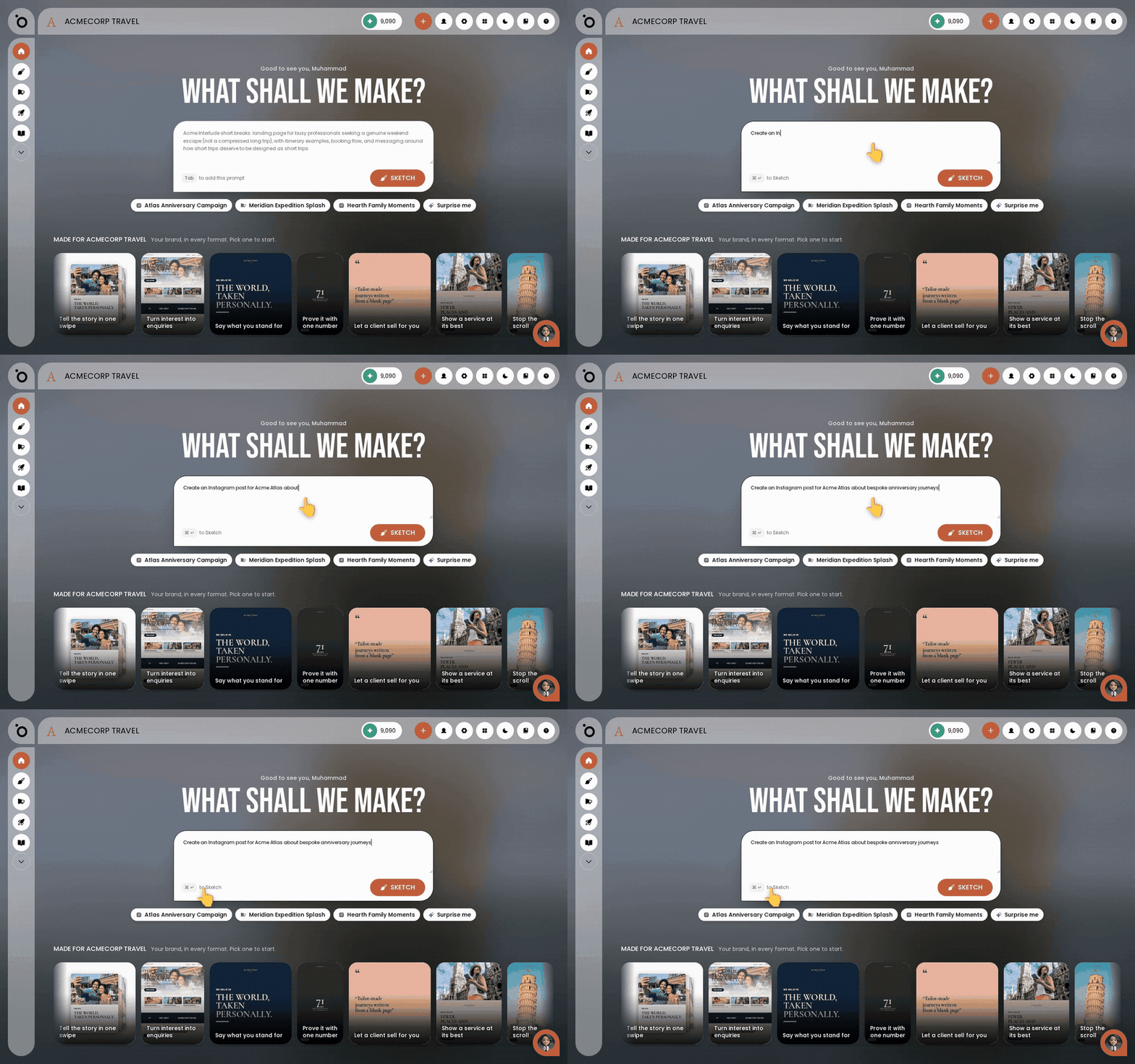
Start work from the Lobby
Describe what you want in plain English and Maia starts making it, with your brand already applied.
 Overview
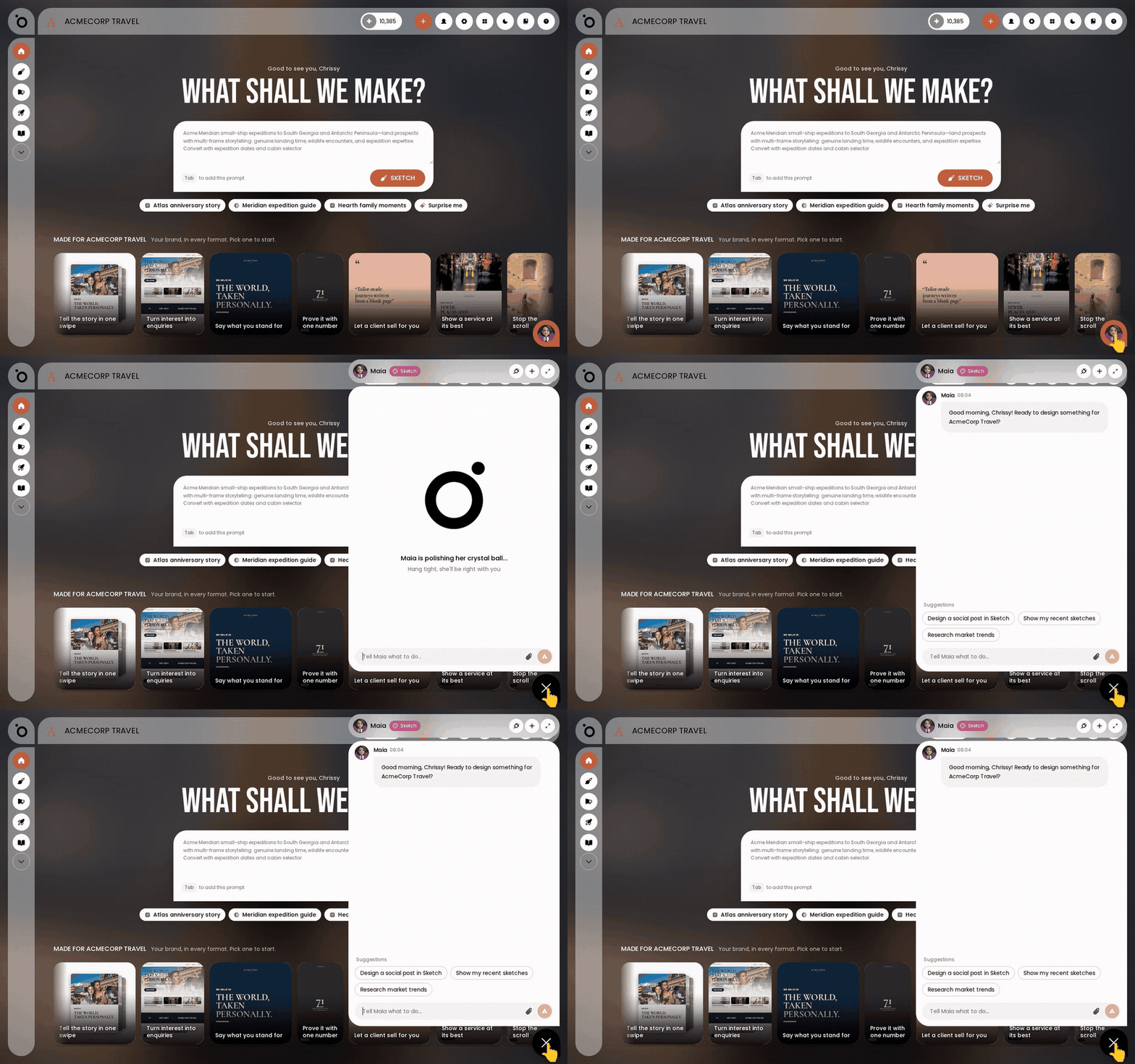
Meet Maia, your AI account director
Hand your marketing work to Maia like you would to an account director, and find her wherever you work.
 Overview
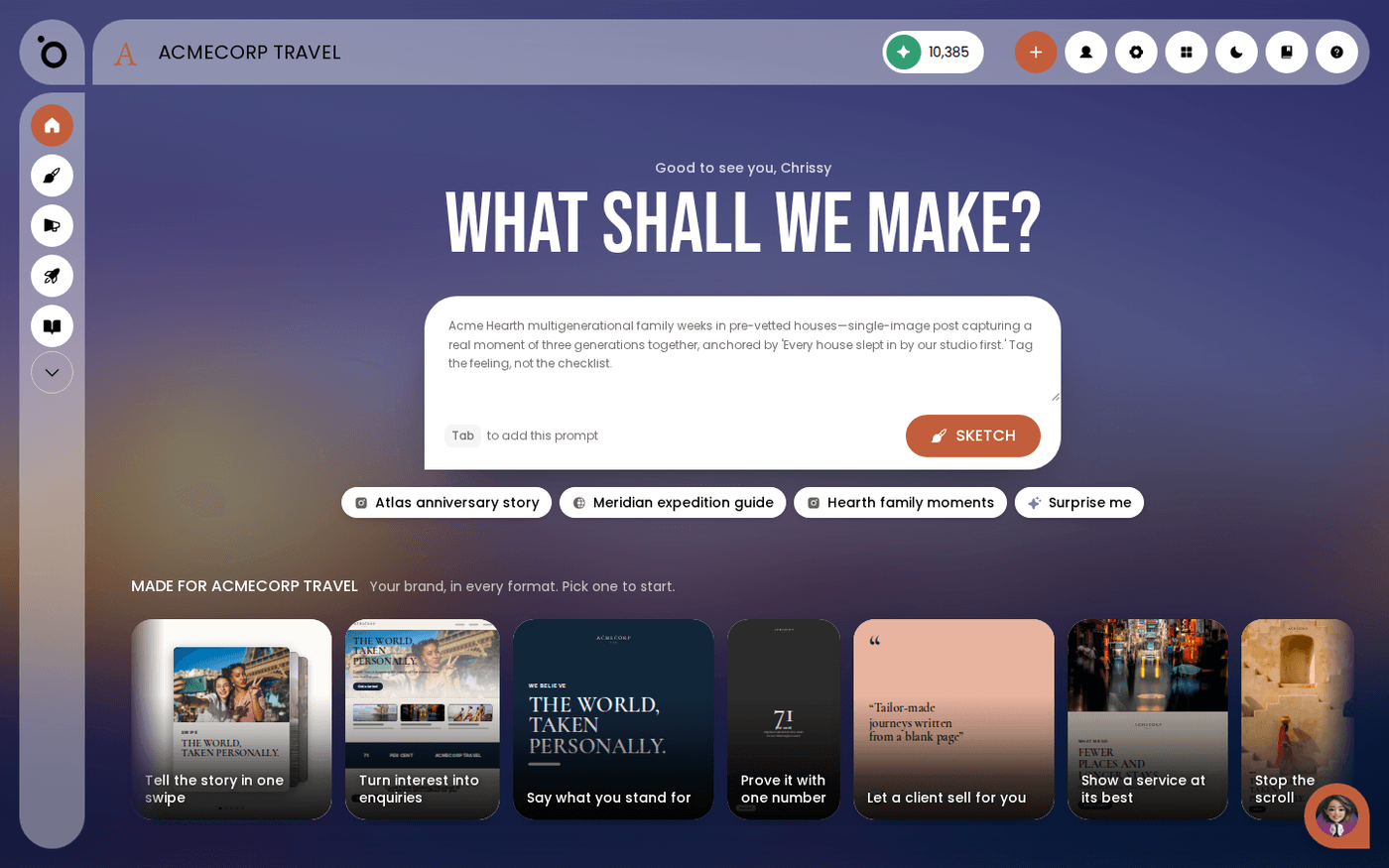
Find your way around Protaigé
Learn the five places you will use most, so you never have to hunt for anything.
Get help from Maia, and reach a human when you need one
Ask Maia anything about Protaigé, and get put through to a person when you want one.
Onboarding
1 walkthrough
Brand DNA
28 walkthroughs
 Brand DNA
Set up your logos
Upload every version of your logo so layouts always use the right one.
 Brand DNA
Brand DNA: your brand’s home base
Fill in Brand DNA once, and every campaign, sketch and image Protaigé makes for you starts from your brand.
 Brand DNA
Brand story and tone of voice
Give Protaigé a clear brand story, and everything it writes for you sounds like you instead of like everyone.
 Brand DNA
Import your brand story from a PDF
Upload the brand guidelines you already have, and Protaigé fills in your story, voice and values for you.
 Brand DNA
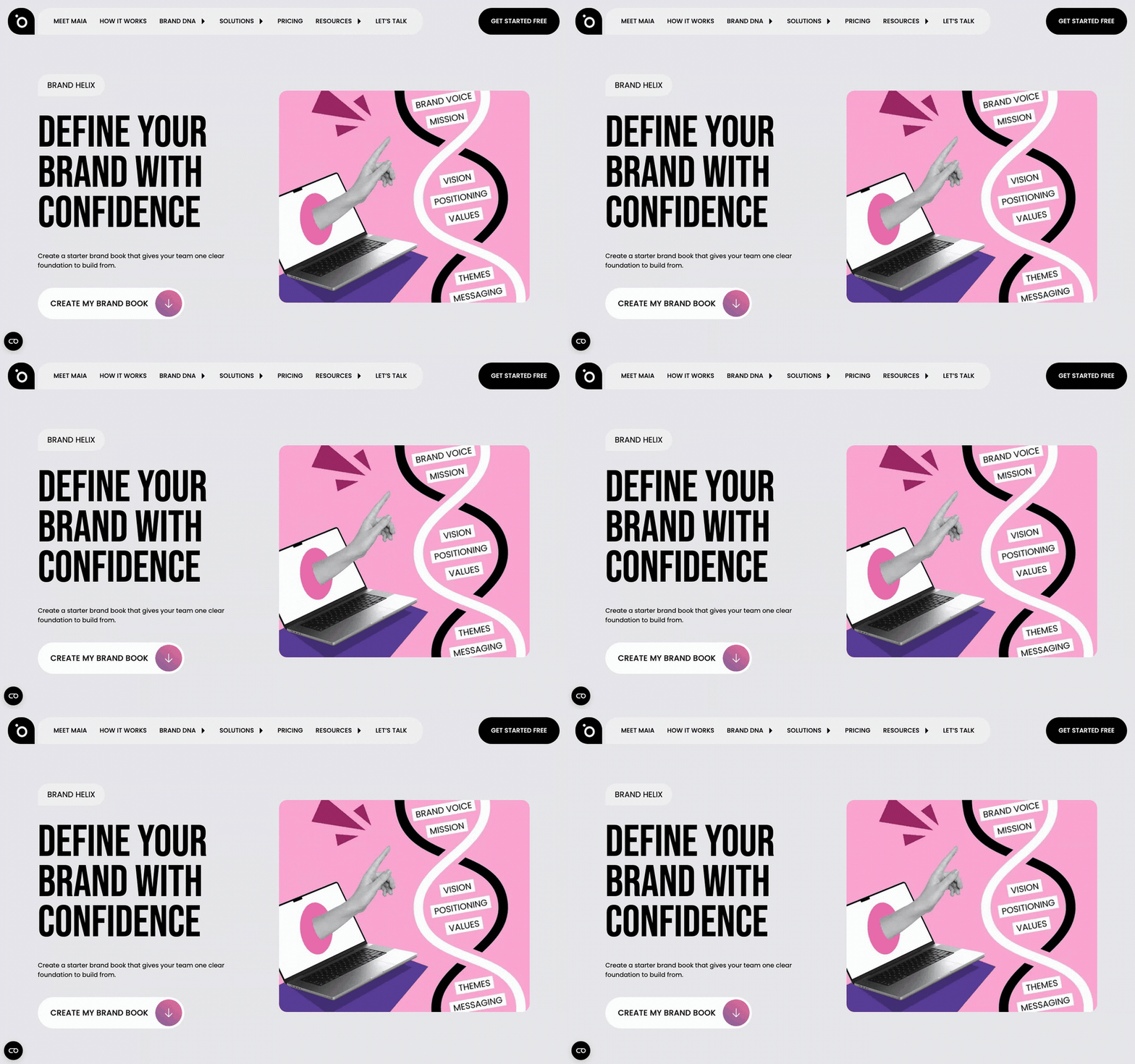
Create a brand guide from your website with Brand Helix
Give Brand Helix your website address and get a brand book back, free, with no account needed.
 Brand DNA
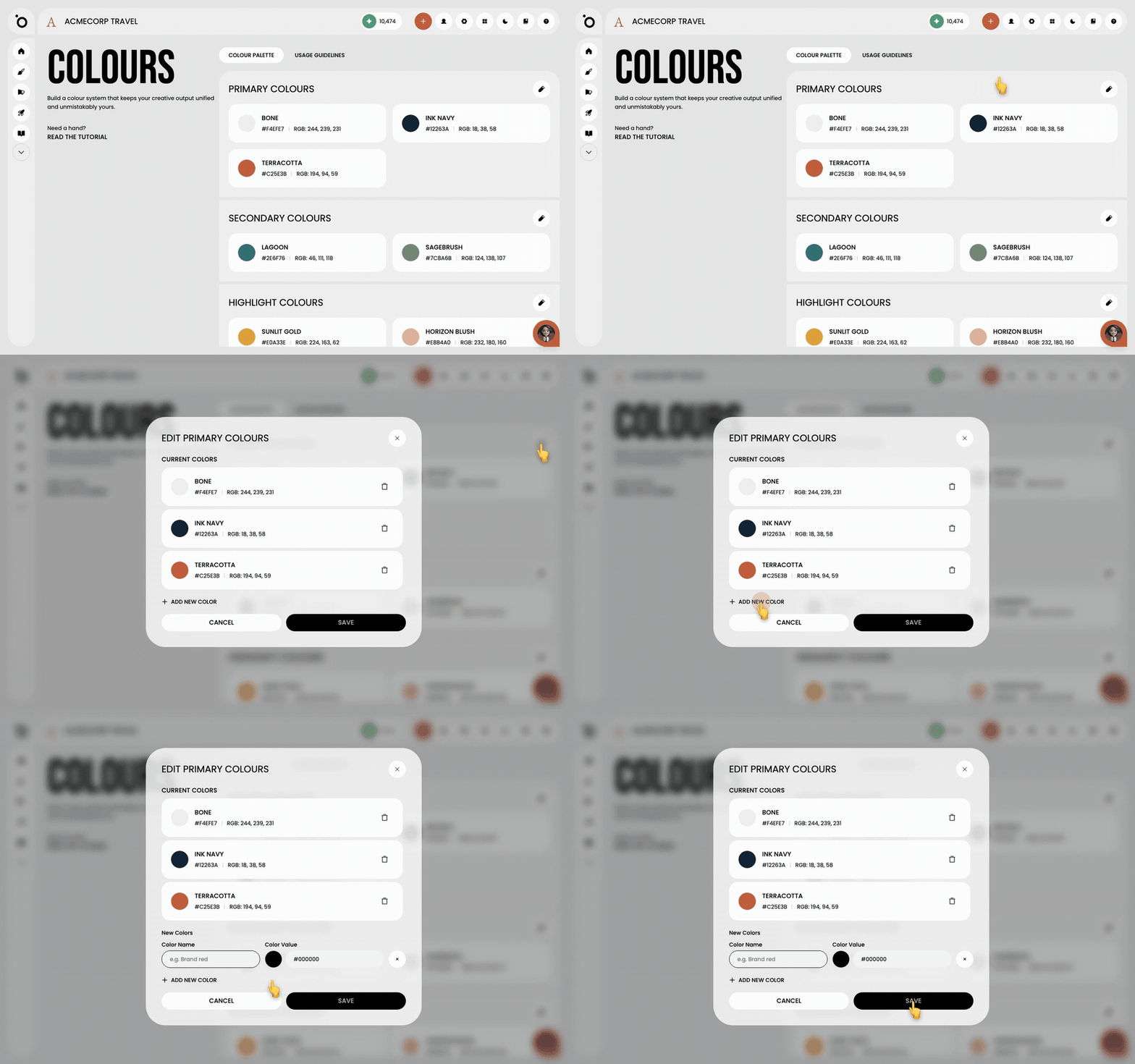
Set your brand colours
Set your primary, secondary and highlight colours once, and every campaign, sketch and design kit uses them.
 Brand DNA
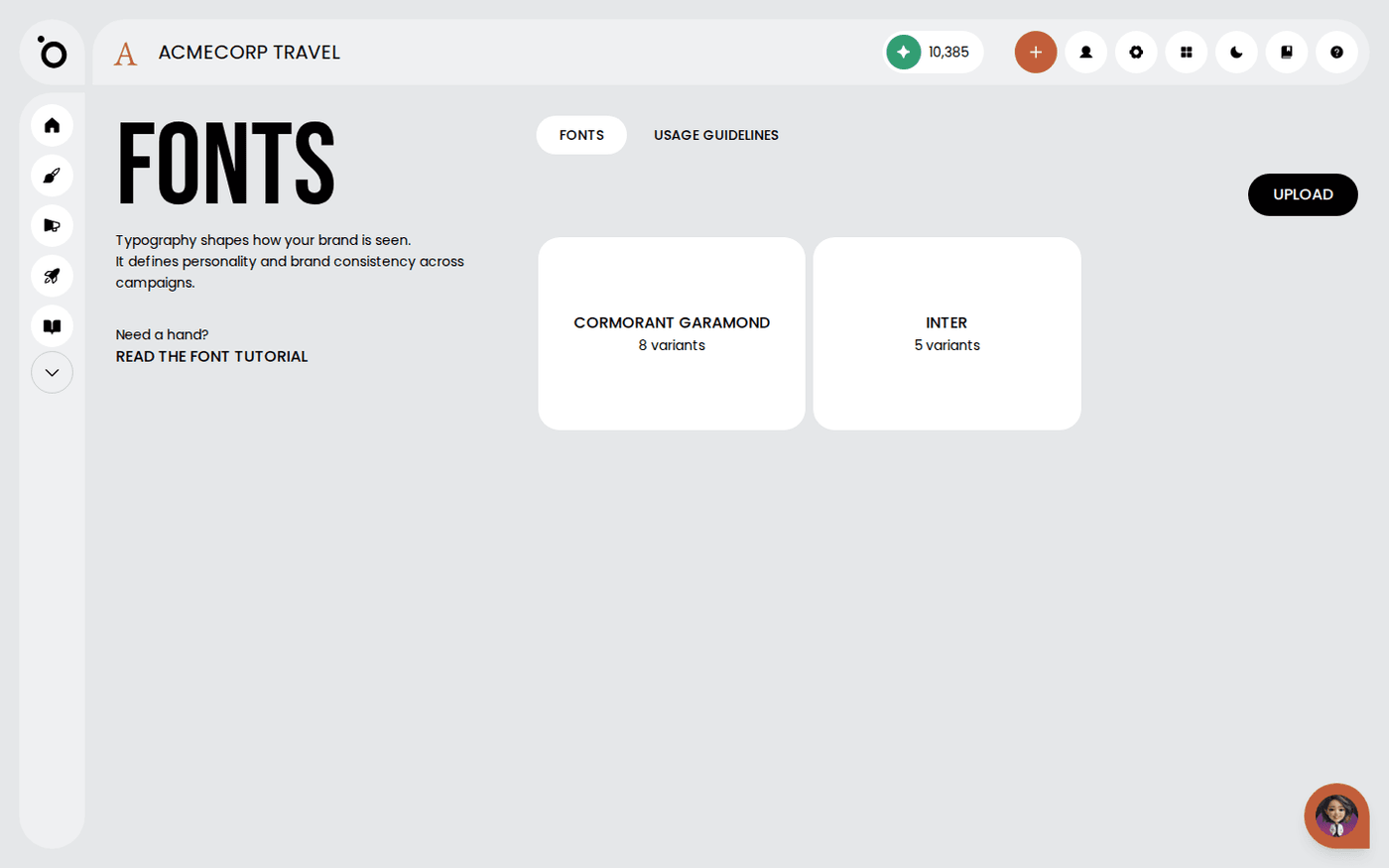
Set your brand fonts
Upload your fonts and say what each one is for, so every campaign uses the right type.
 Brand DNA
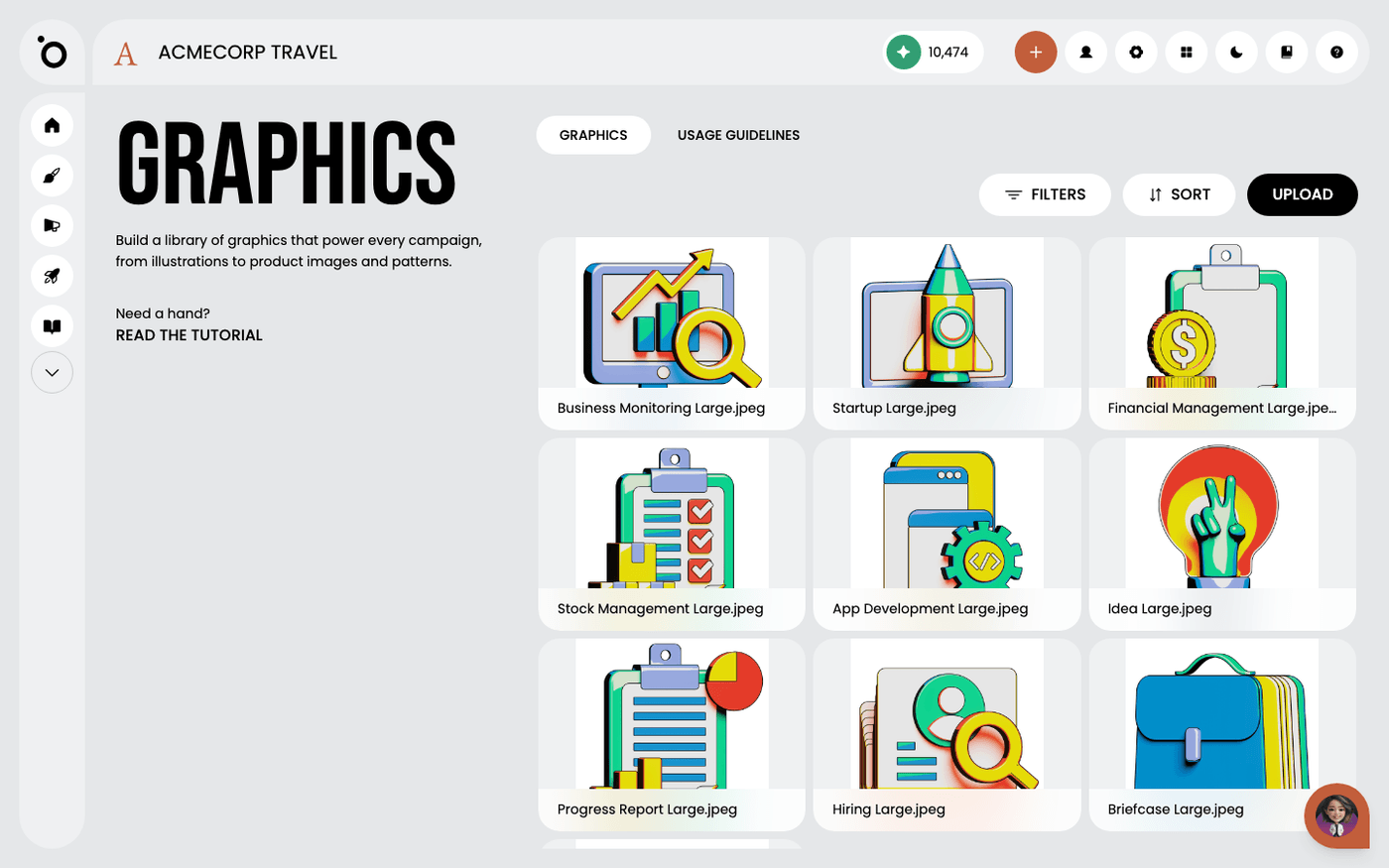
Manage your brand graphics
Put your illustrations, patterns and product images into Protaigé so campaigns use your own visuals, not stock.
 Brand DNA
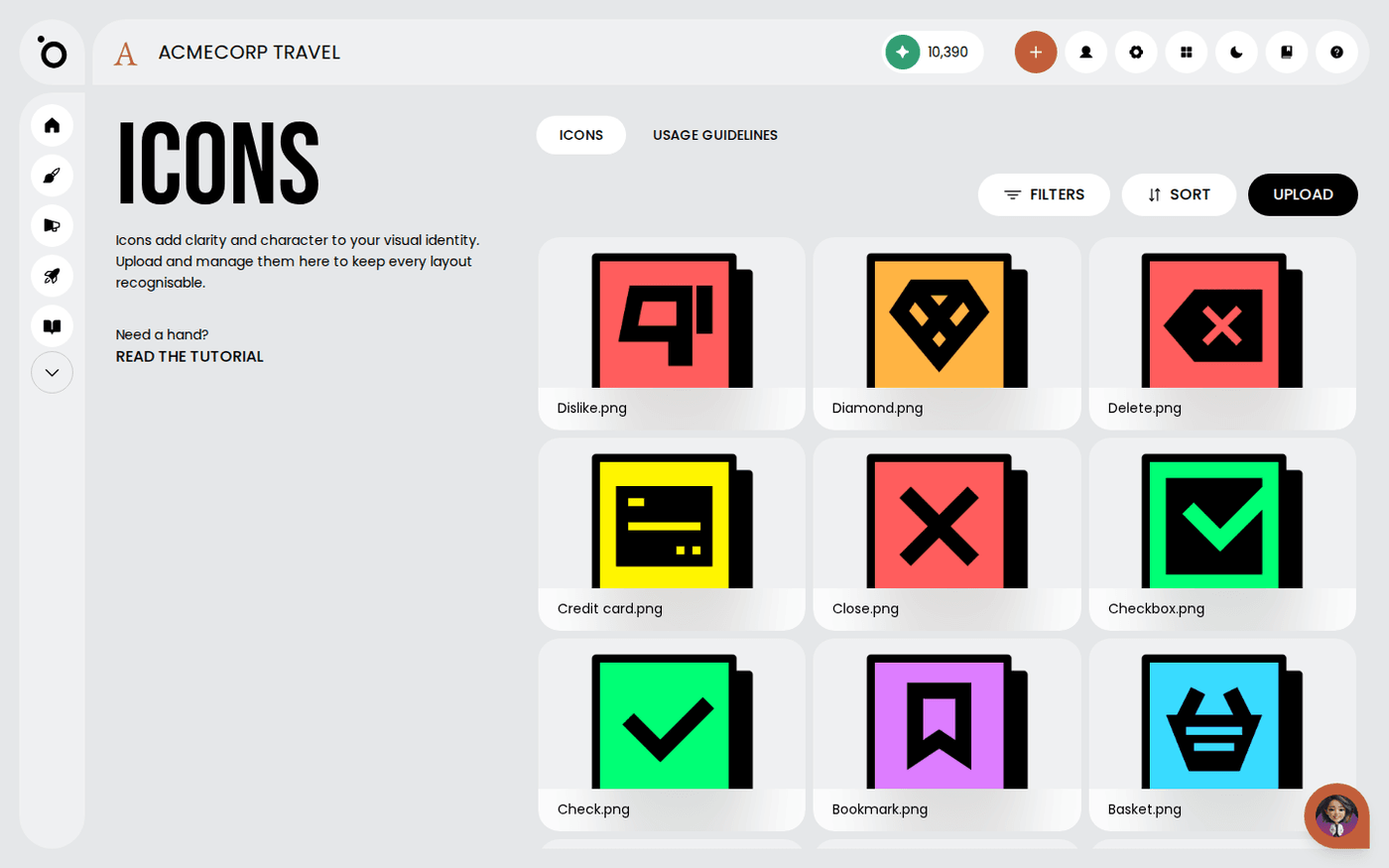
Manage your icon library
Upload your icons so every layout uses yours instead of generic ones.
 Brand DNA
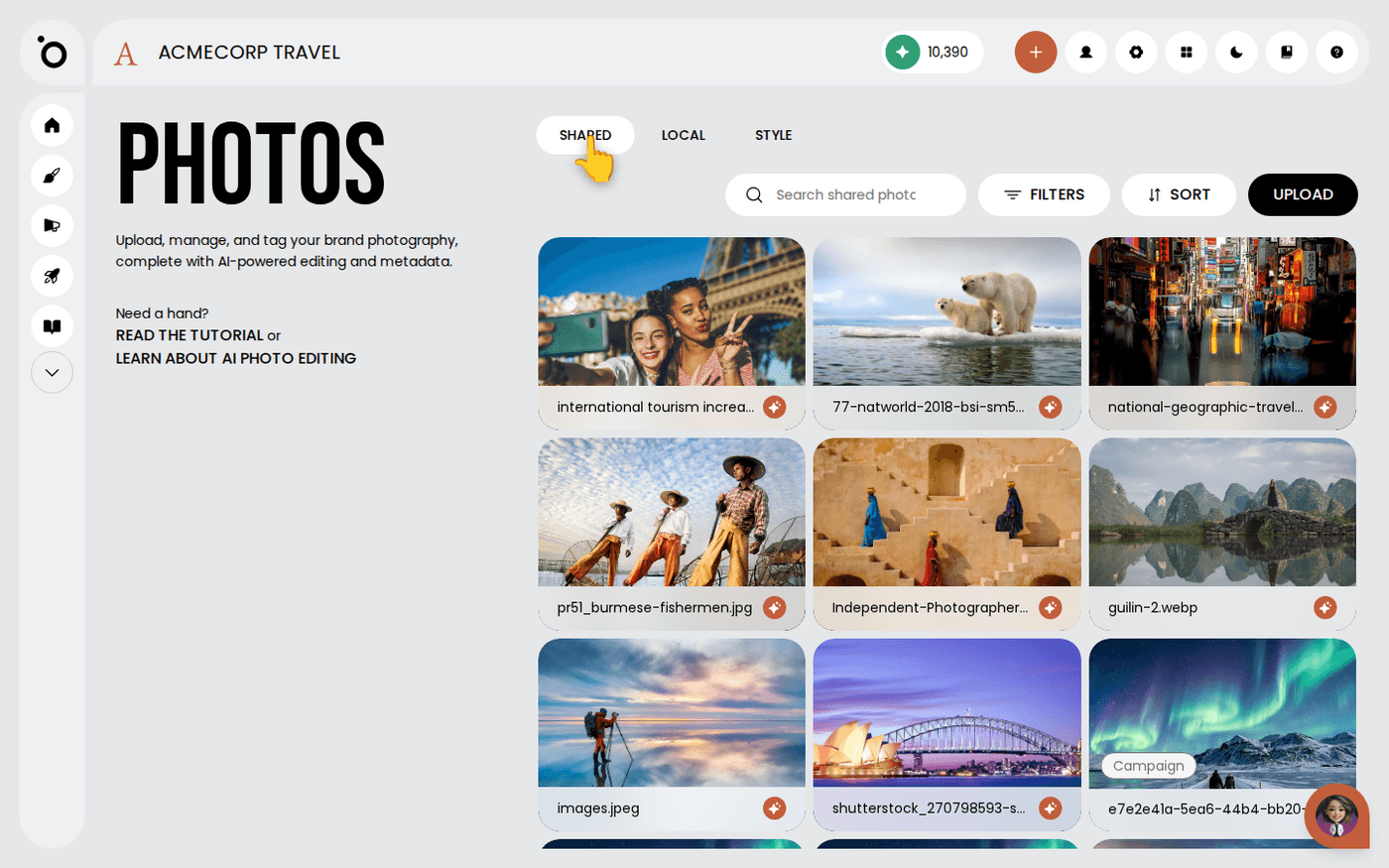
Decide who sees the files you upload
Keep your one-off uploads to yourself, and share the files the whole brand should use, with one menu choice.
 Brand DNA
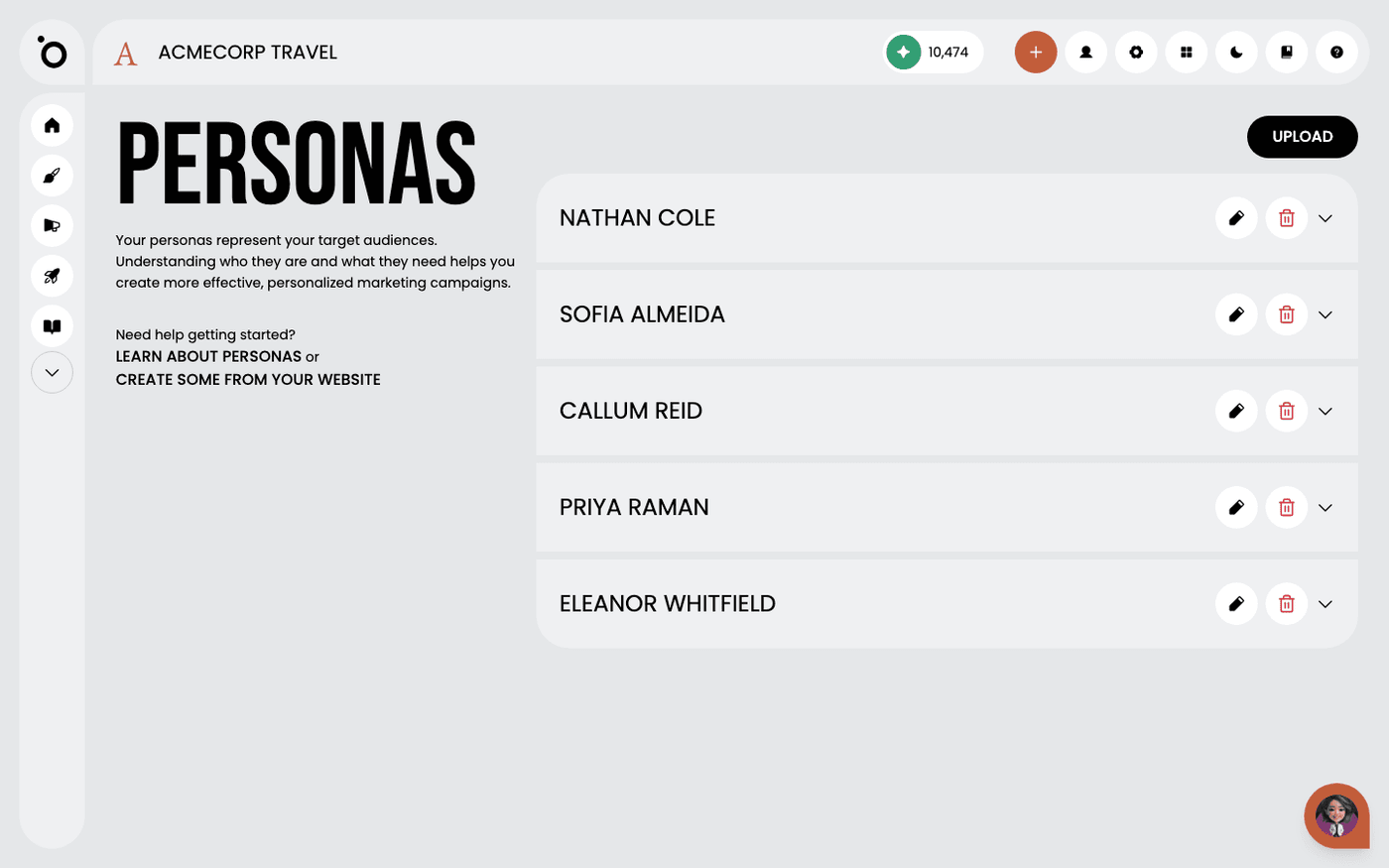
What are audience personas?
Tell Protaigé who you are talking to, so every campaign speaks to a real person.
 Brand DNA
Add persona profiles
Tell Protaigé who you sell to, so every campaign speaks to a real audience instead of everyone.
 Brand DNA
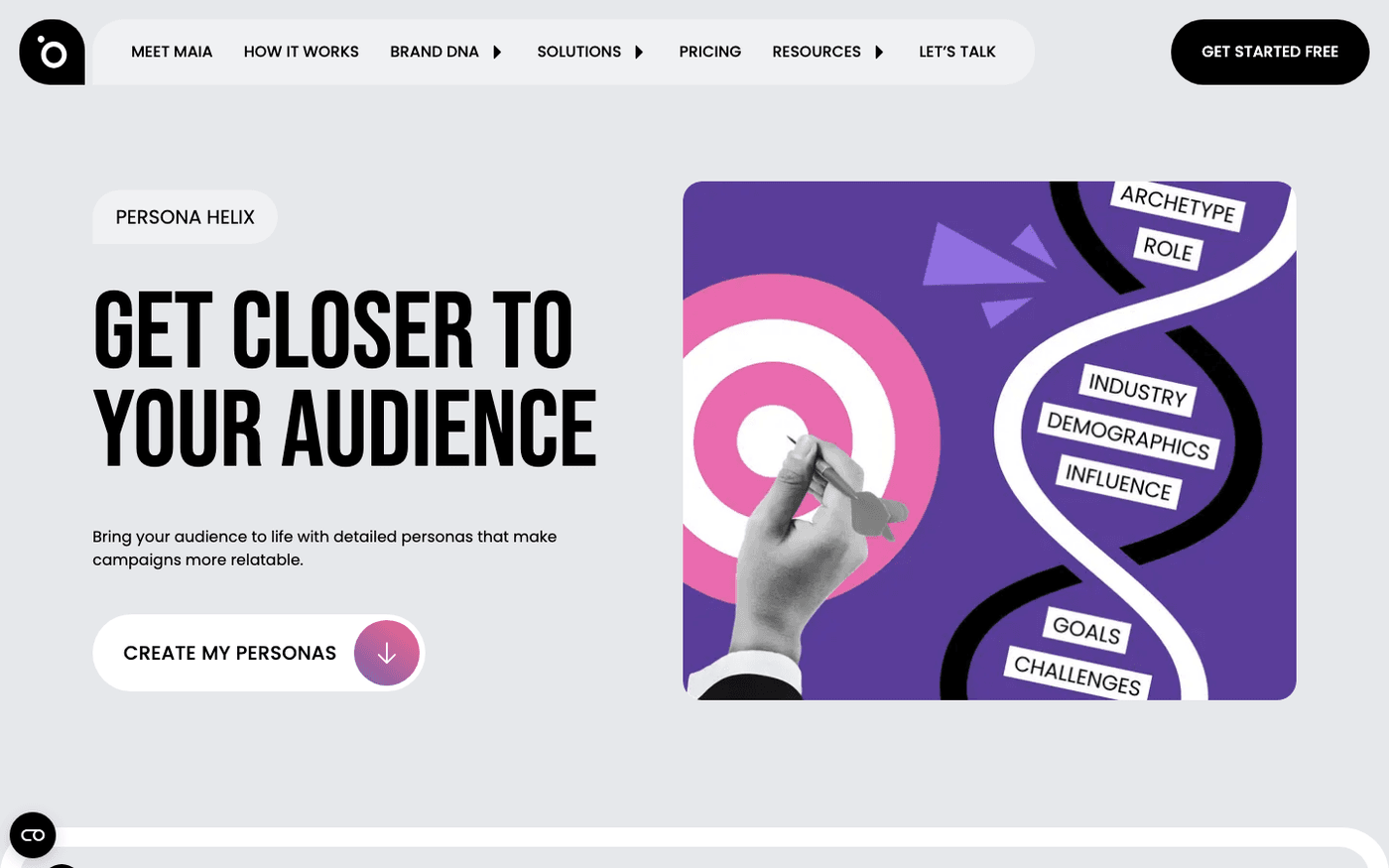
Create audience personas from your website with Persona Helix
Paste your website address and get a first set of audience personas, free, in a few minutes.
 Brand DNA
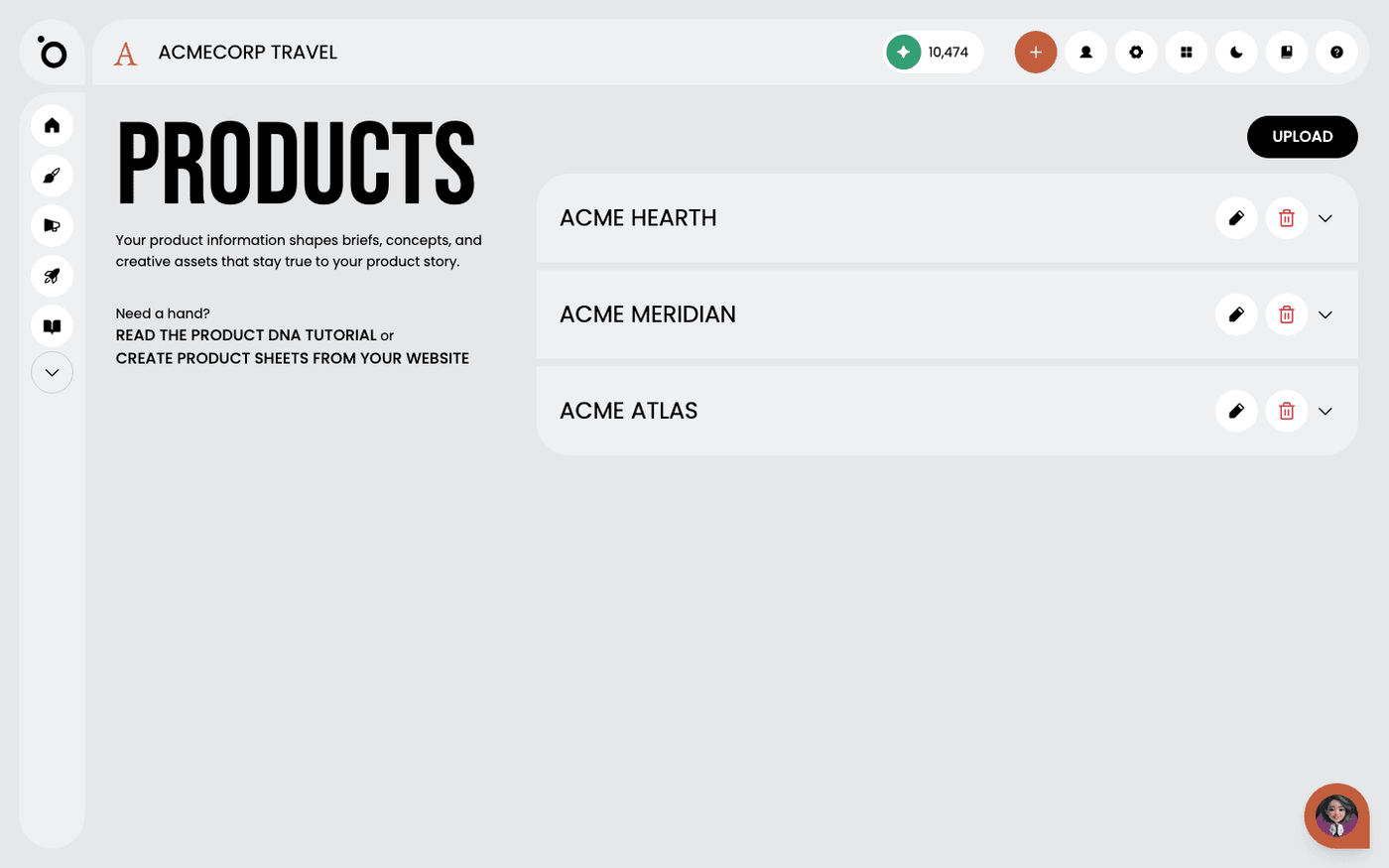
Add your products and services
Tell Protaigé what you sell, so your campaigns talk about your products and not your company in general.
 Brand DNA
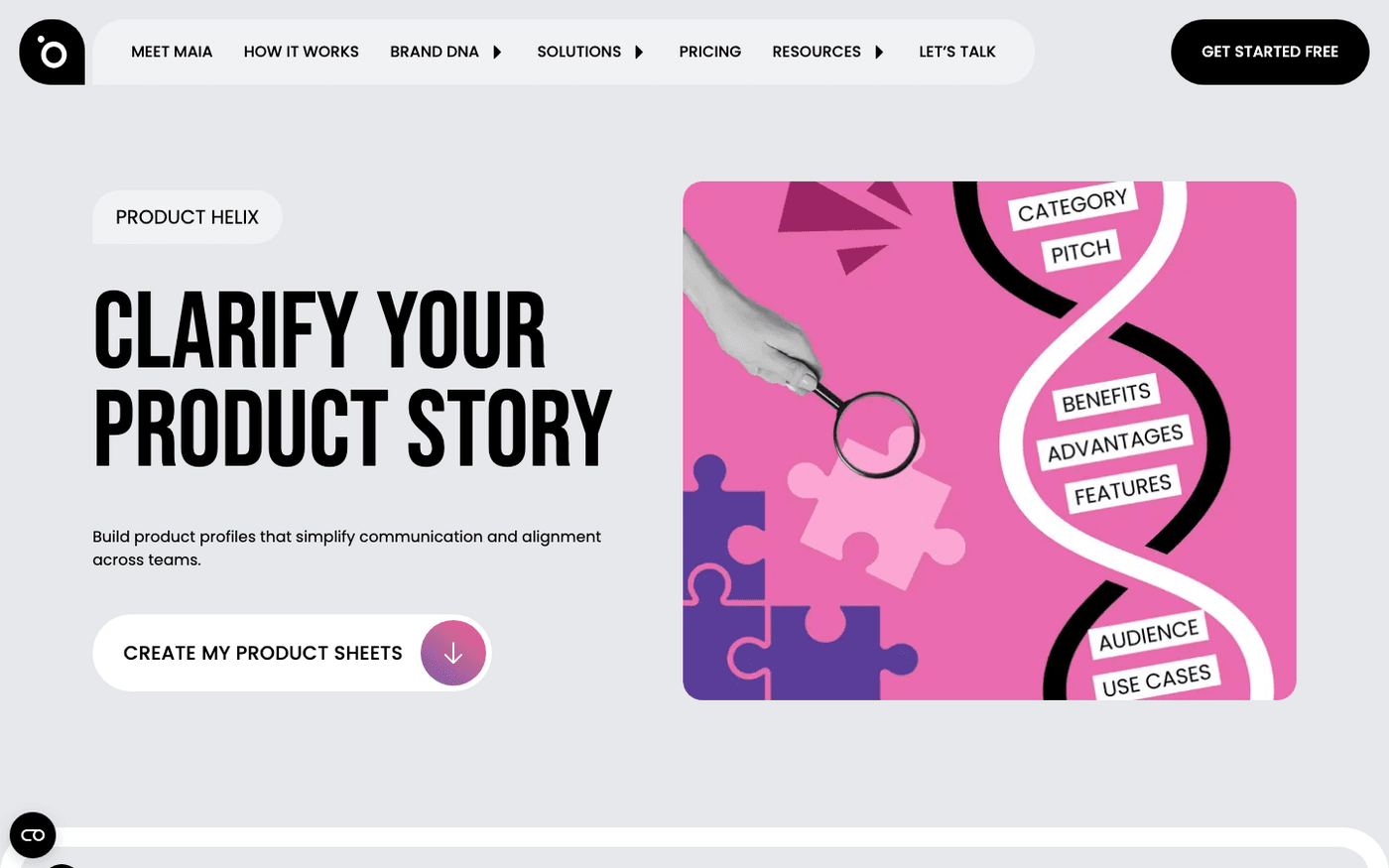
Create product sheets from your website with Product Helix
Paste your website address and get a product sheet for everything you sell, free.
 Brand DNA
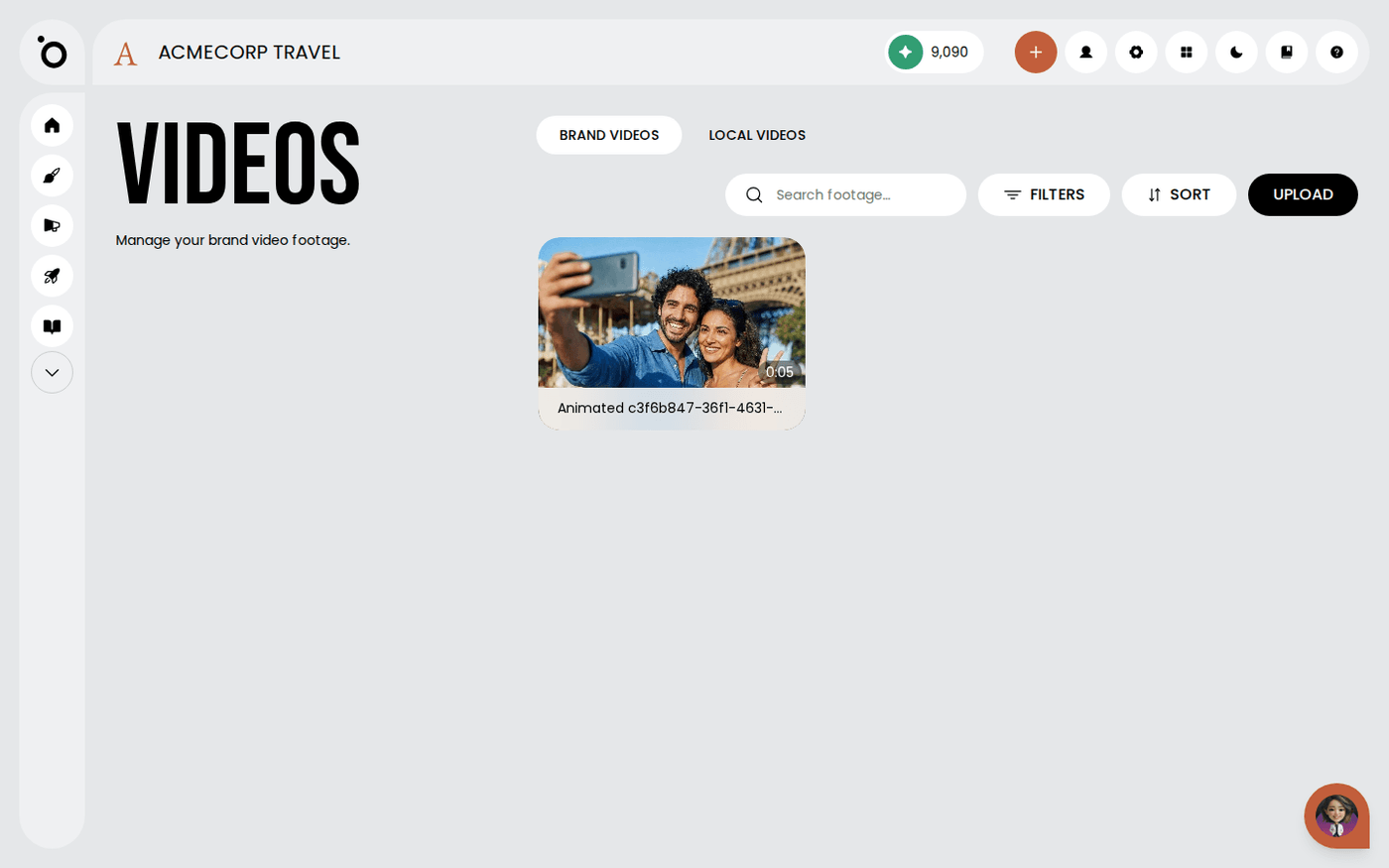
Manage your video library
Put your footage into Protaigé, and keep the brand's clips separate from your own work in progress.
 Brand DNA
What is a Design Kit?
Give Protaigé your layouts once, and it fills them with new copy and images for every campaign, in every size, on brand.
 Brand DNA
Prepare a Photoshop file for import
Name and structure your Photoshop layers before you upload, so the file arrives as a kit Protaigé can fill, not a flat picture.
 Brand DNA
Import PSD and IDML design kits
Bring a Photoshop or InDesign file into Protaigé as a kit it can fill for every campaign.
 Brand DNA
Finish an imported design kit in the visual editor
An import gets your kit most of the way. A few minutes in the visual editor gets it filling in correctly every time.
 Brand DNA
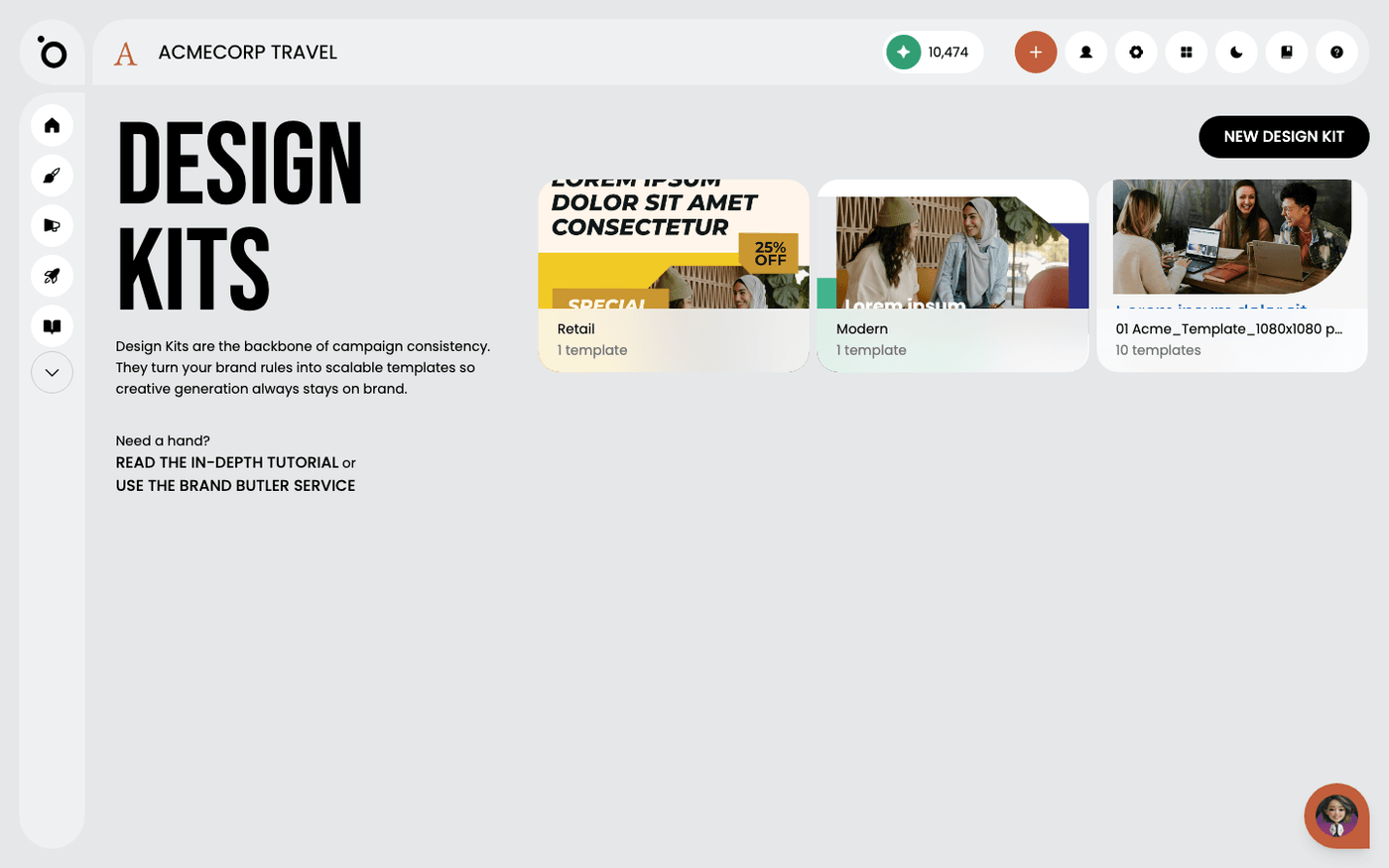
Start from a Template Store kit
Skip the build. Take a ready-made kit from the Template Store and make it look like your brand.
 Brand DNA
Import a Canva design as a design kit
Keep the design you already made in Canva, and let Protaigé fill it with new copy and images for every campaign.
 Brand DNA
Design kit layer names
Name your layers with the words Protaigé recognises, and it knows which text is a headline, which is body copy and which is your logo.
 Brand DNA
Get your design kit built for you
Send us your design files and Protaigé builds your design kit for you, ready to use.
 Brand DNA
Build a complete design kit from the Template Store
Start from a ready-made kit, make it yours, then copy it into every format your campaigns need.
 Brand DNA
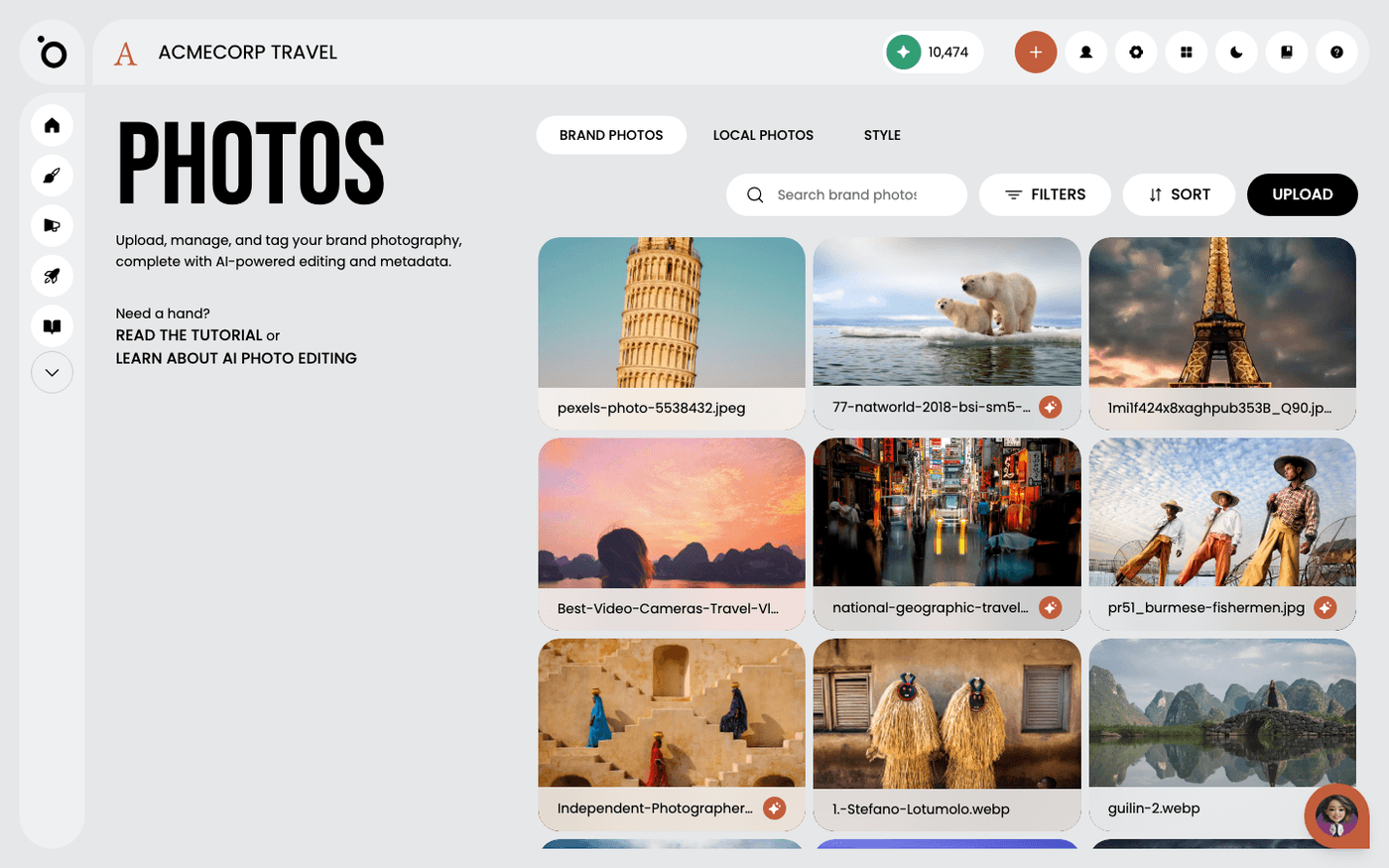
Teach Protaigé your visual style
Show Protaigé eight of your photos, and every image it creates for you will look like your brand.
Find assets by where they were made
See where each asset in your Shared library came from, and hide whole groups you do not need.
File size limits and why an upload was rejected
Know the size limit for each library, and what to do when a file is refused.
Photo DNA
6 walkthroughs
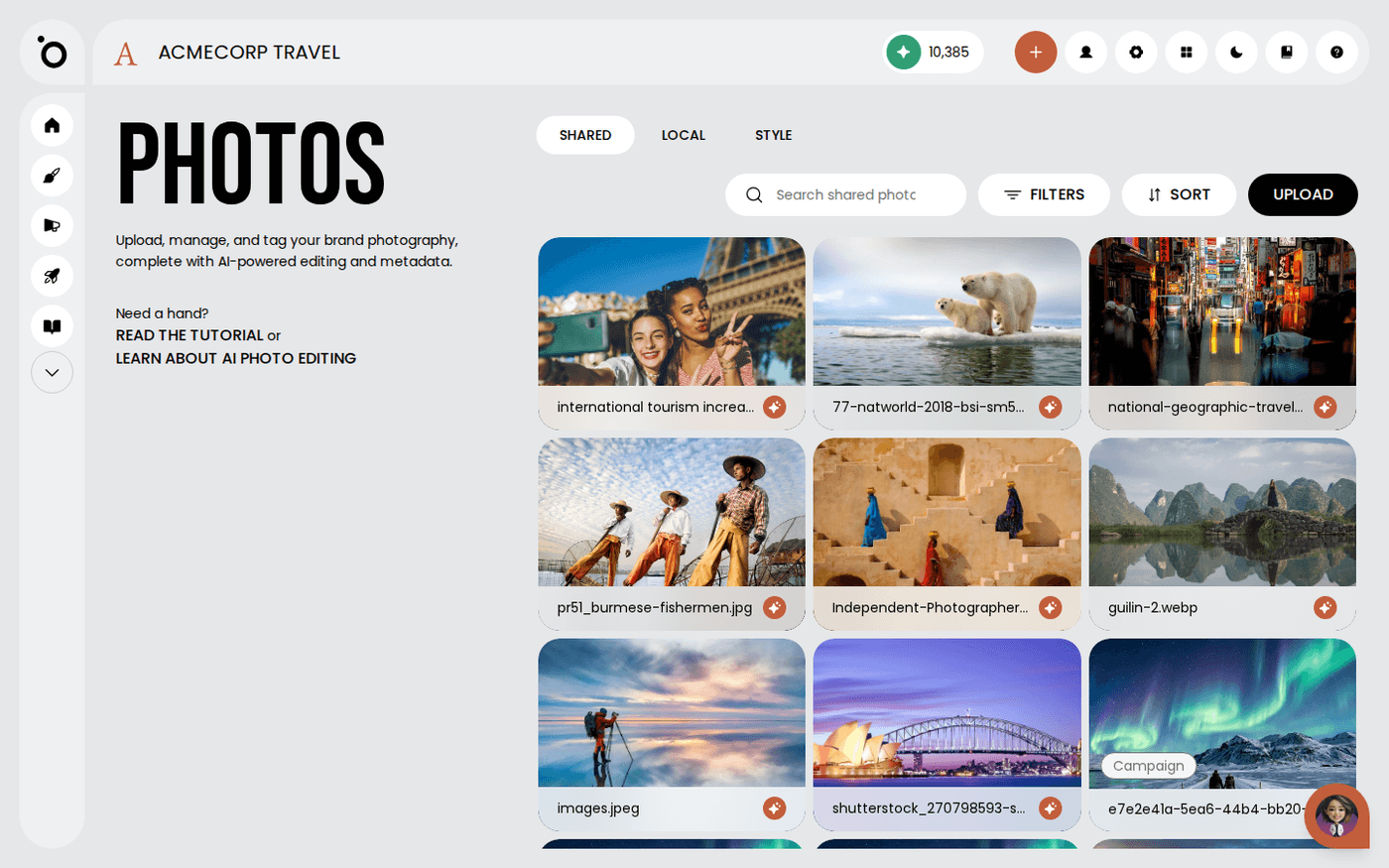 Photo DNA
Manage your photo library
Put your own photos into Protaigé so everything it makes for you uses your photography, not stock.
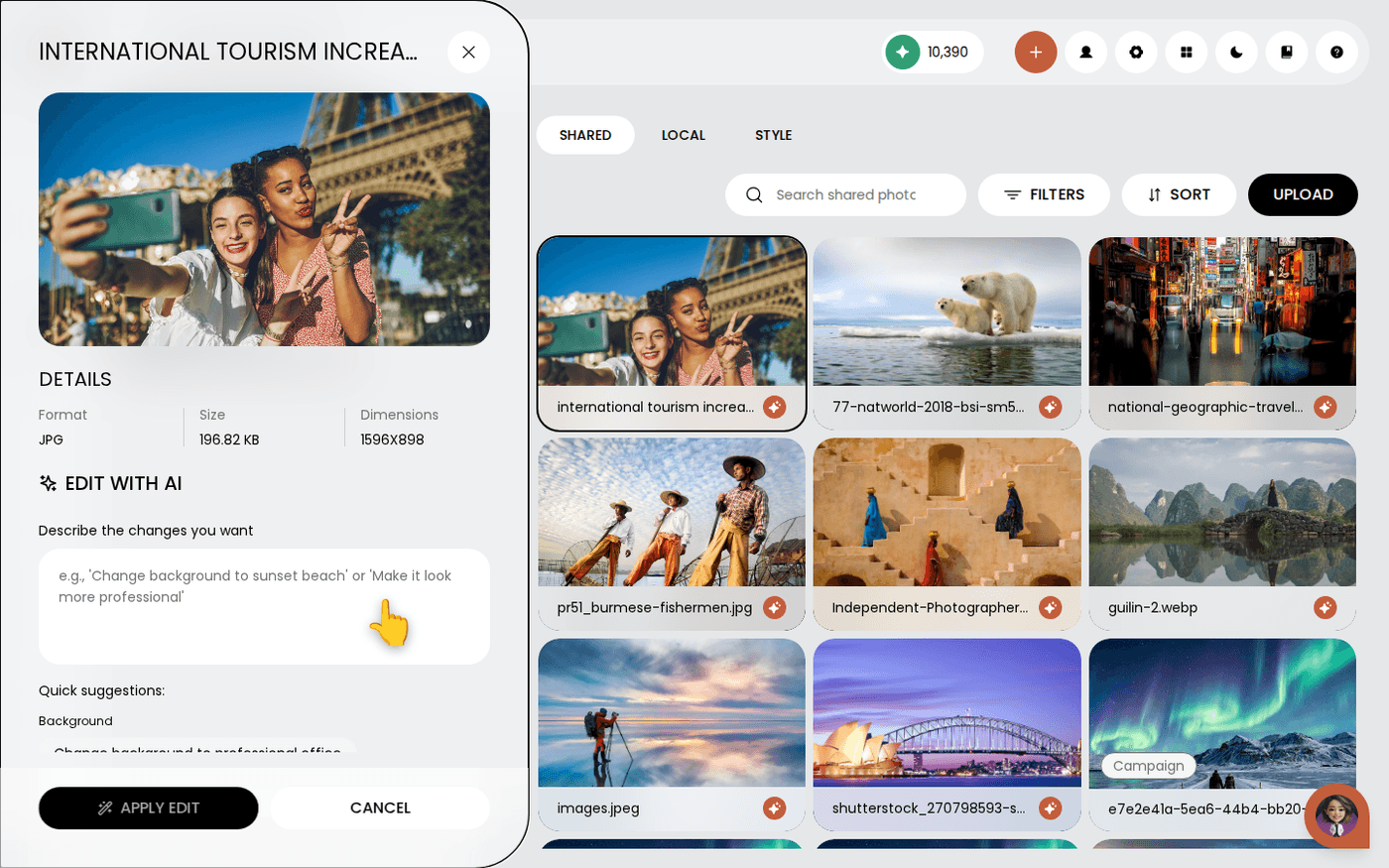 Photo DNA
Edit your photos with AI
Change a photo with one written instruction, and keep the original in your library.
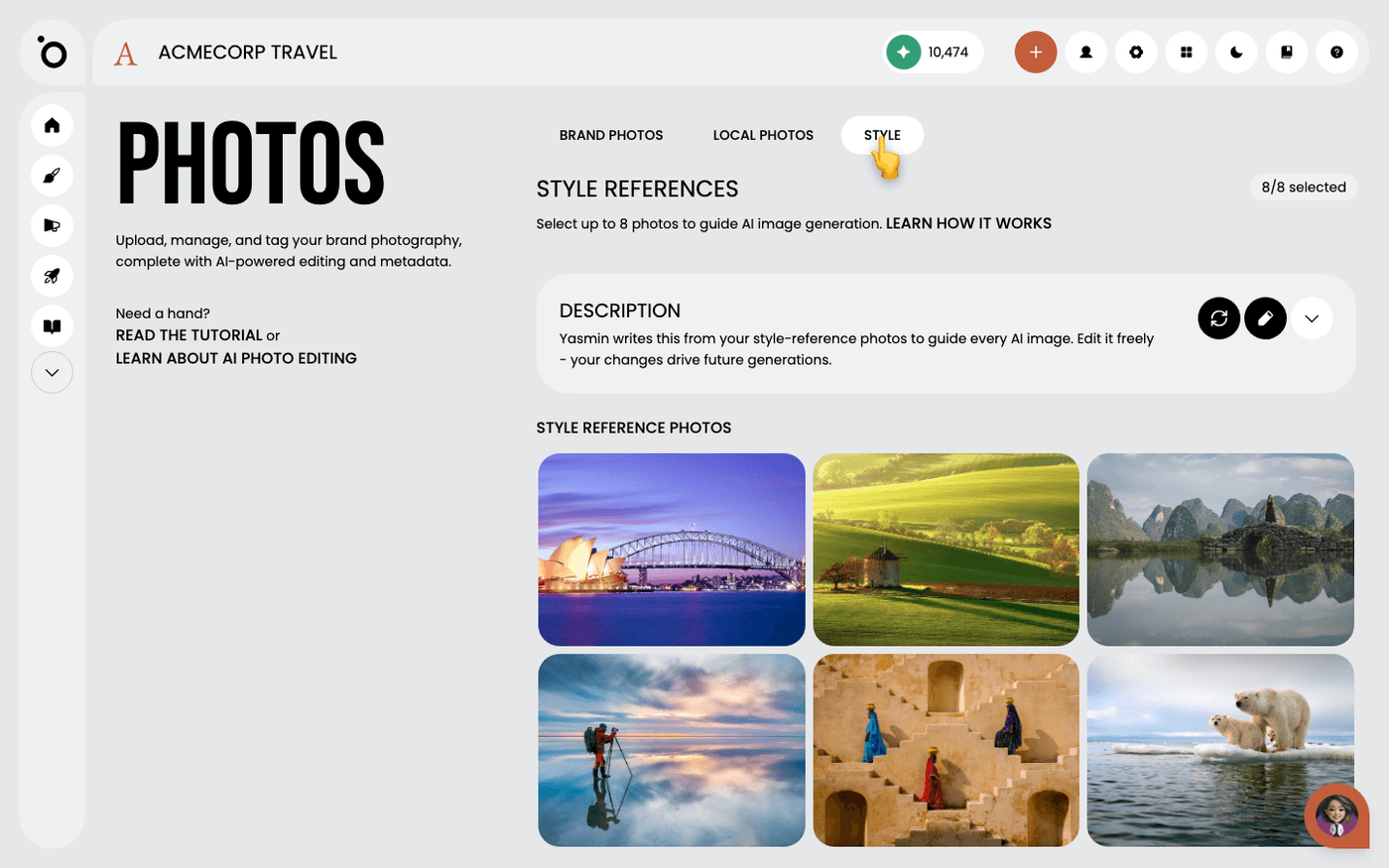 Photo DNA
Edit your photography style description
Tell Protaigé in words how your images should look, and change what it wrote when it gets your brand wrong.
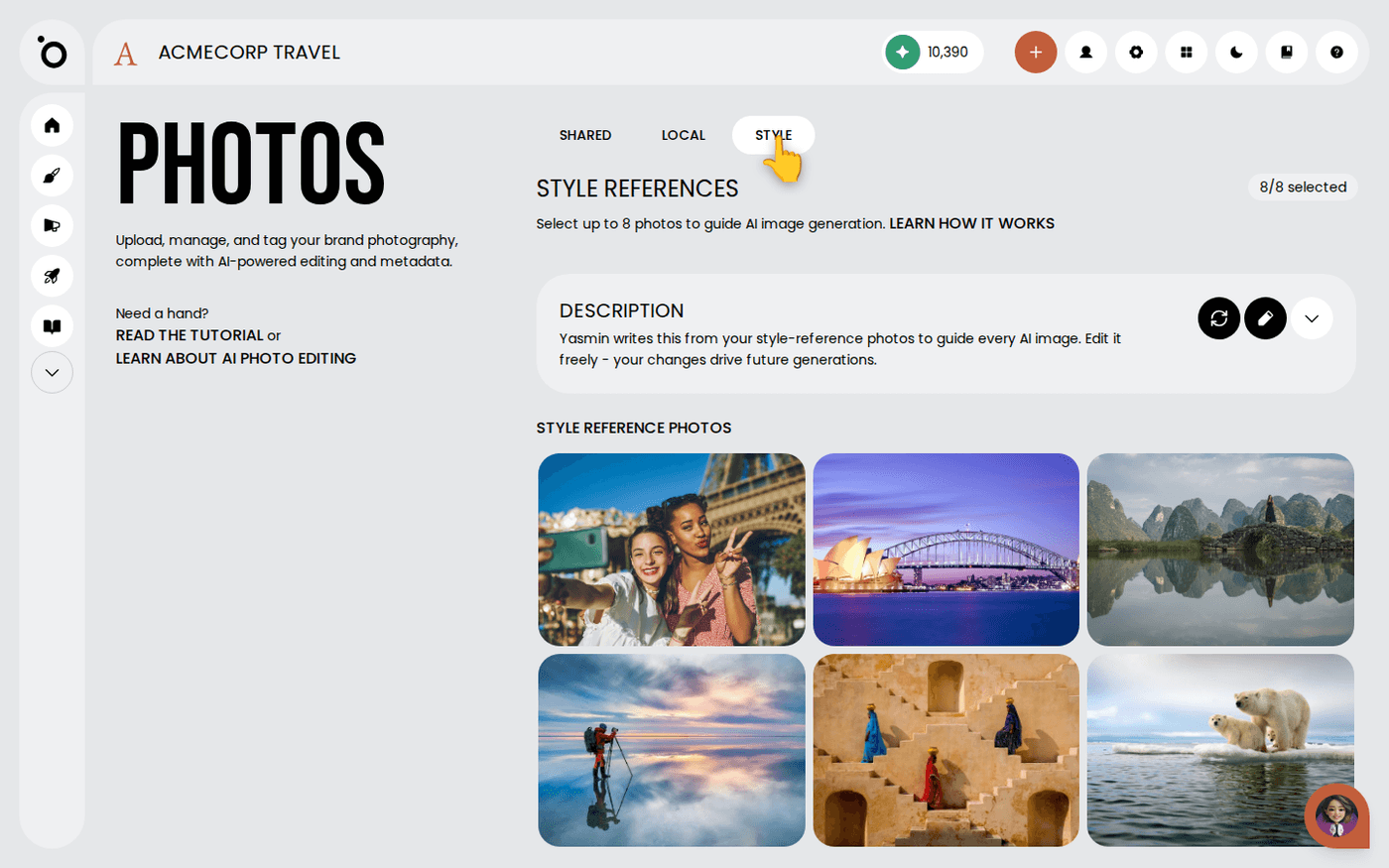 Photo DNA
Change how your generated images look
When the images Protaigé creates keep missing your brand, fix the cause in three moves instead of regenerating and hoping.
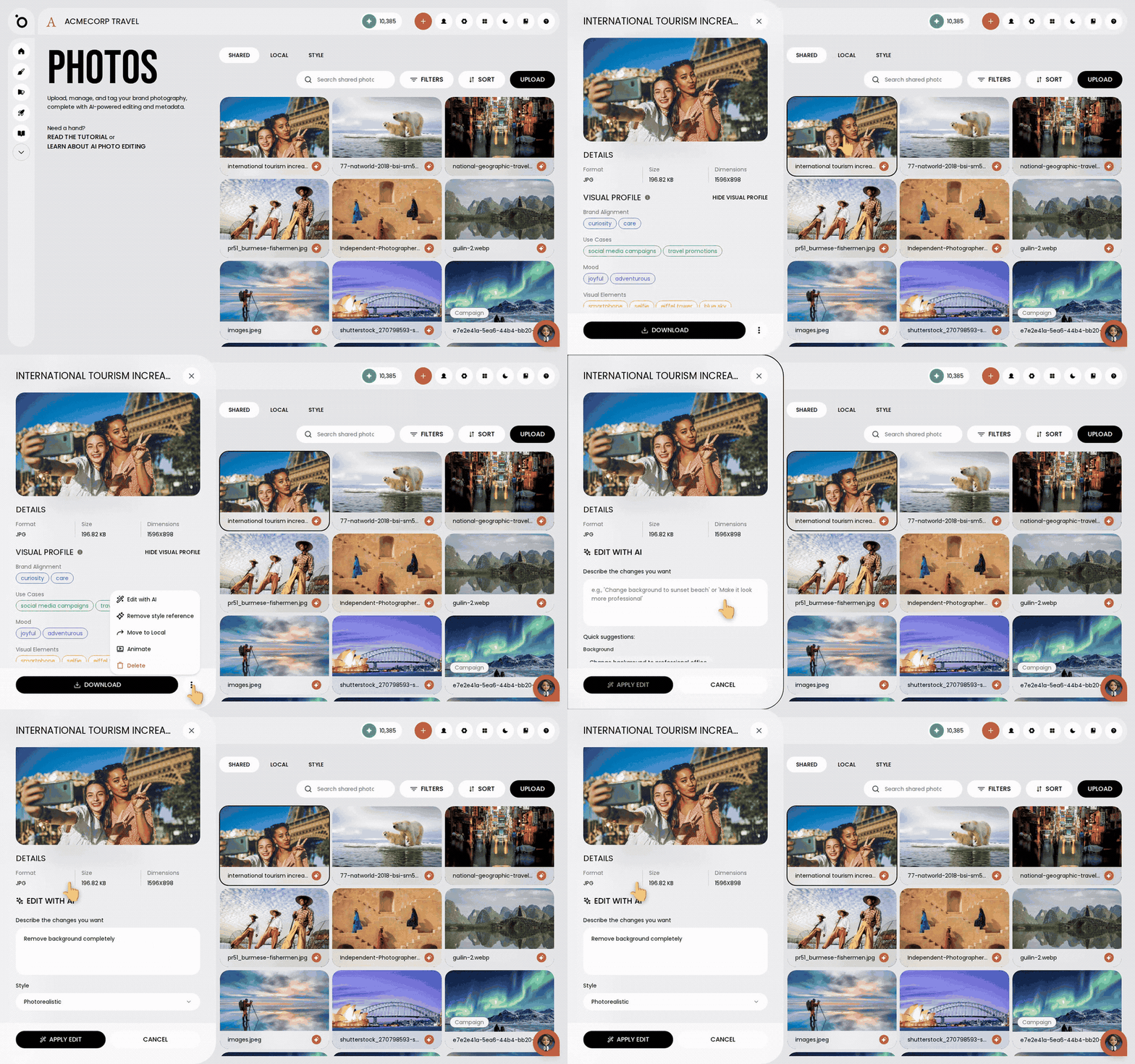 Photo DNA
Remove or change a photo background
Take the background out of a photo, or swap it for a new one, with one written instruction. No other app needed.
Search your photo library by tag, prompt or filename
Find the right photo by typing a word from its name, its subject or the prompt it was made from.
Campaigns
19 walkthroughs
 Campaigns
Choose your campaign concept
Pick the big idea that every headline, image and layout in your campaign will follow.
 Campaigns
Export your campaign assets
Get your finished banners and copy out of Protaigé, ready to publish or hand to someone else.
 Campaigns
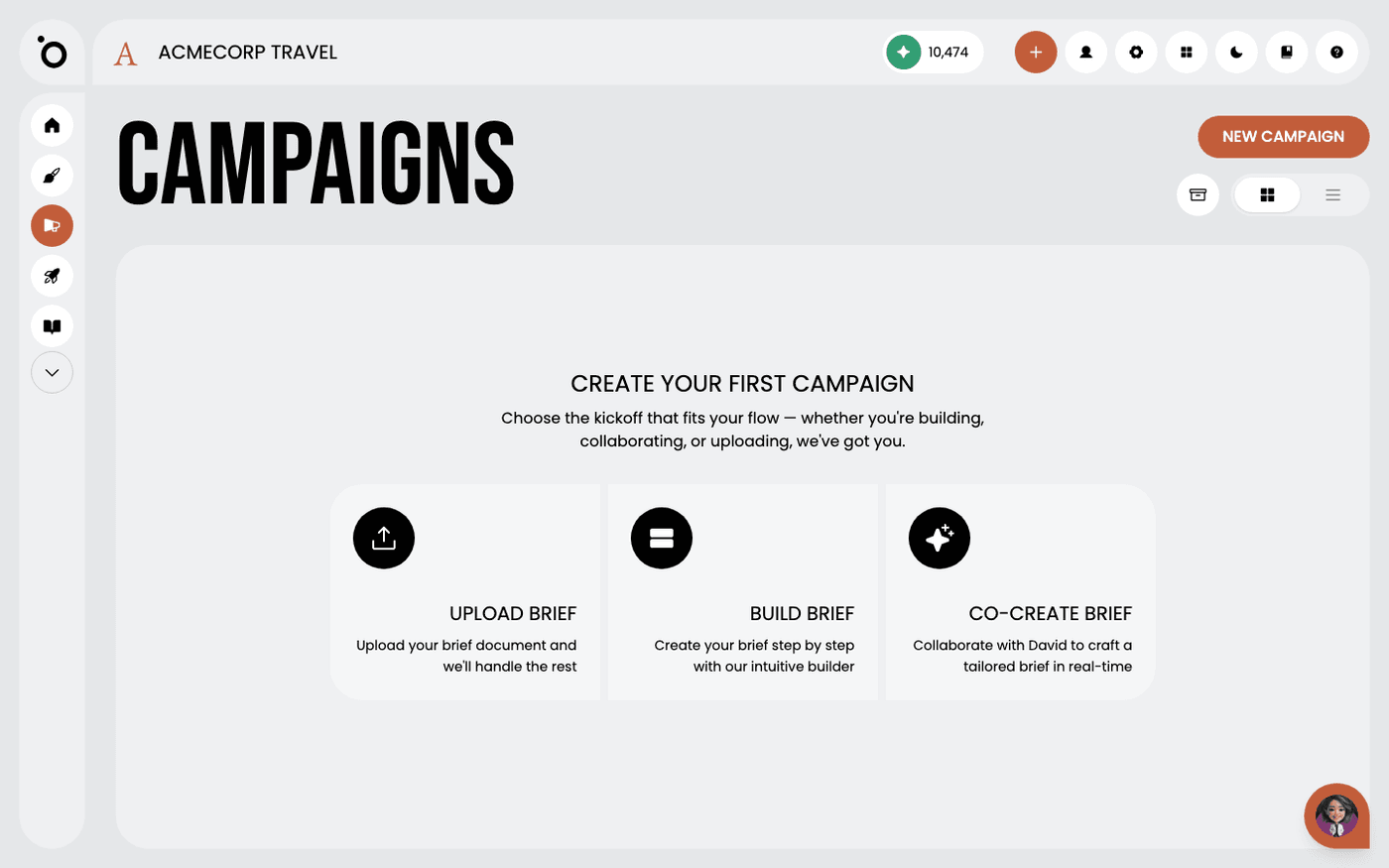
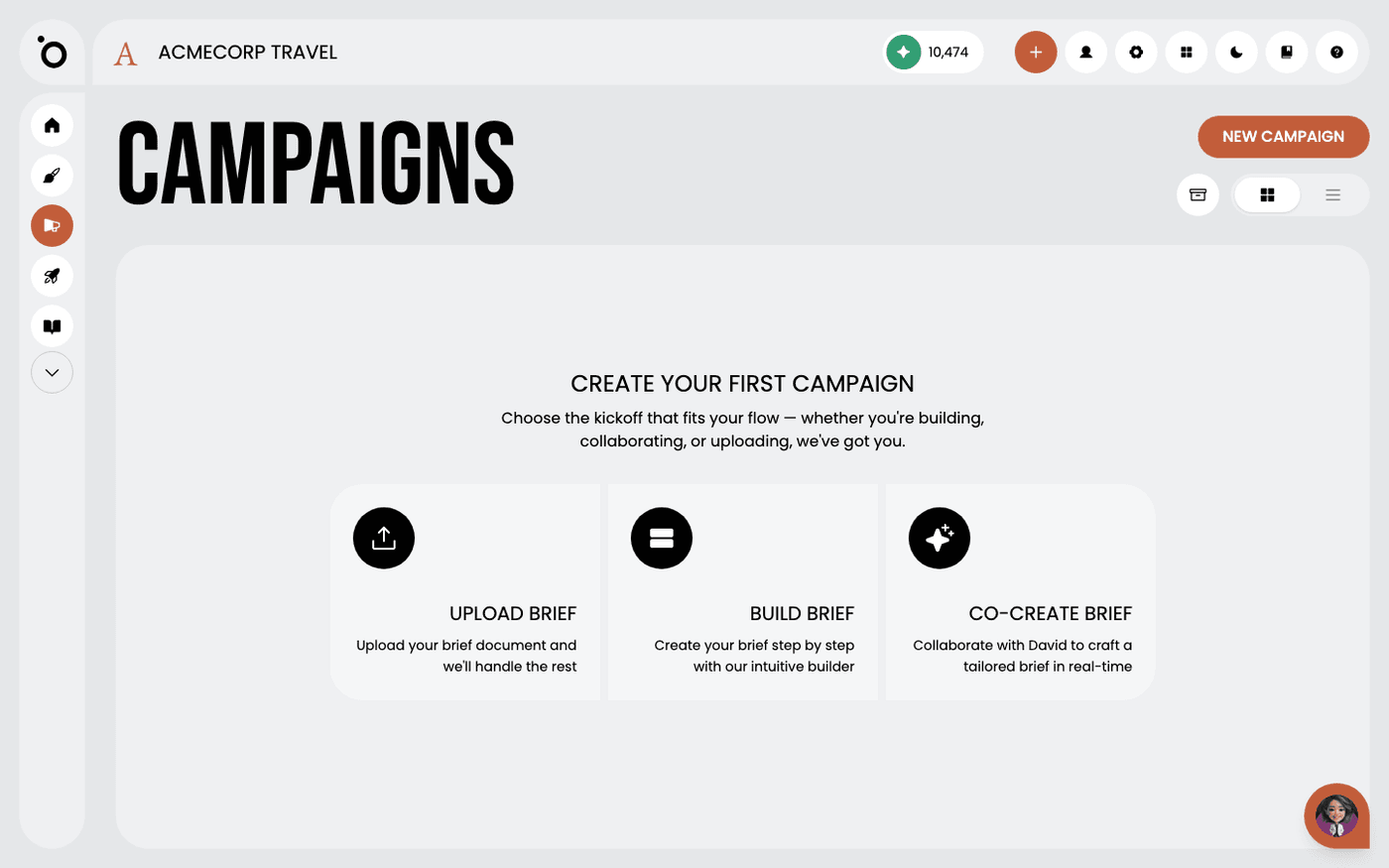
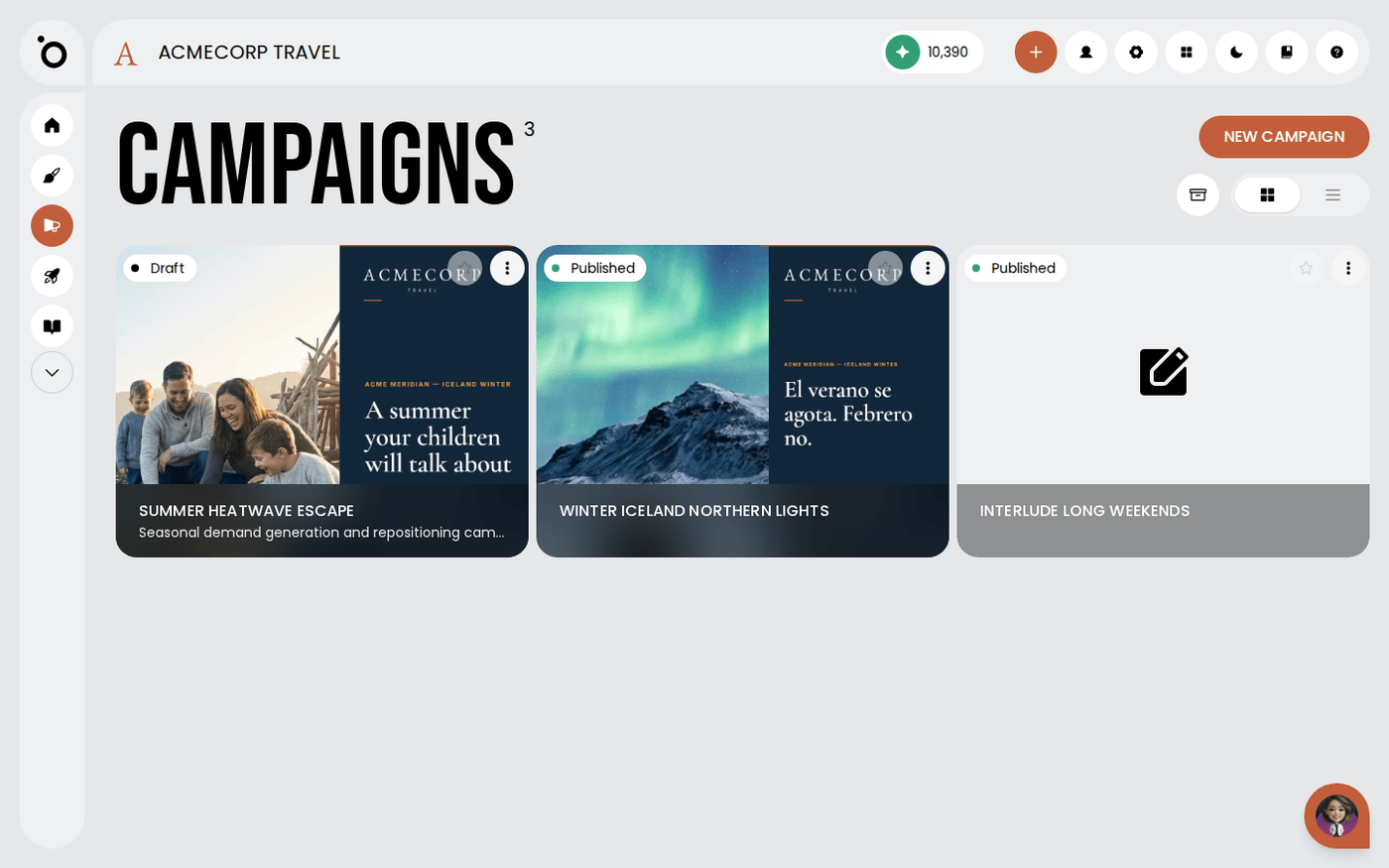
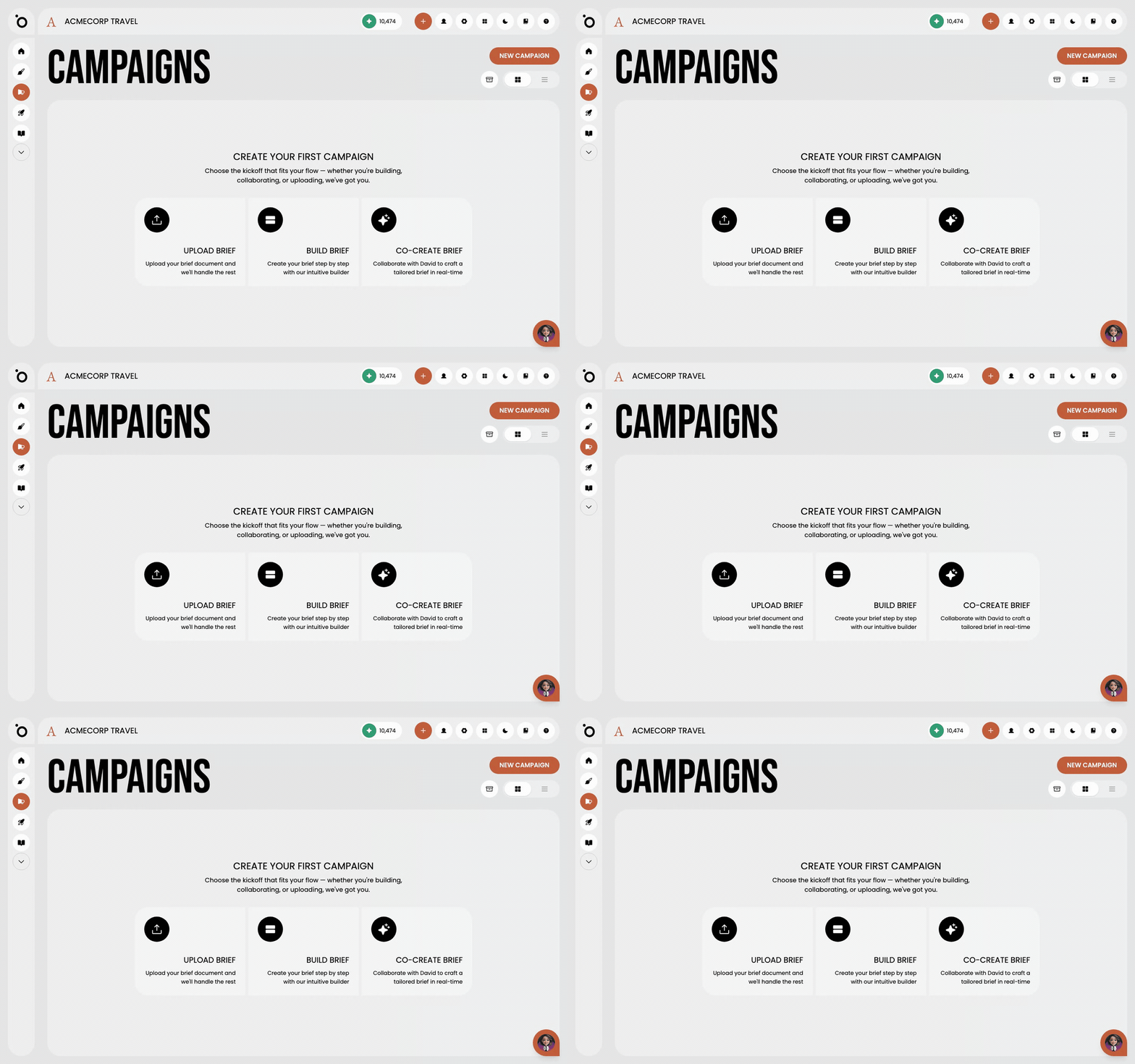
Manage your campaigns
Find every campaign you have made, start a new one three ways, and put finished ones away.
 Campaigns
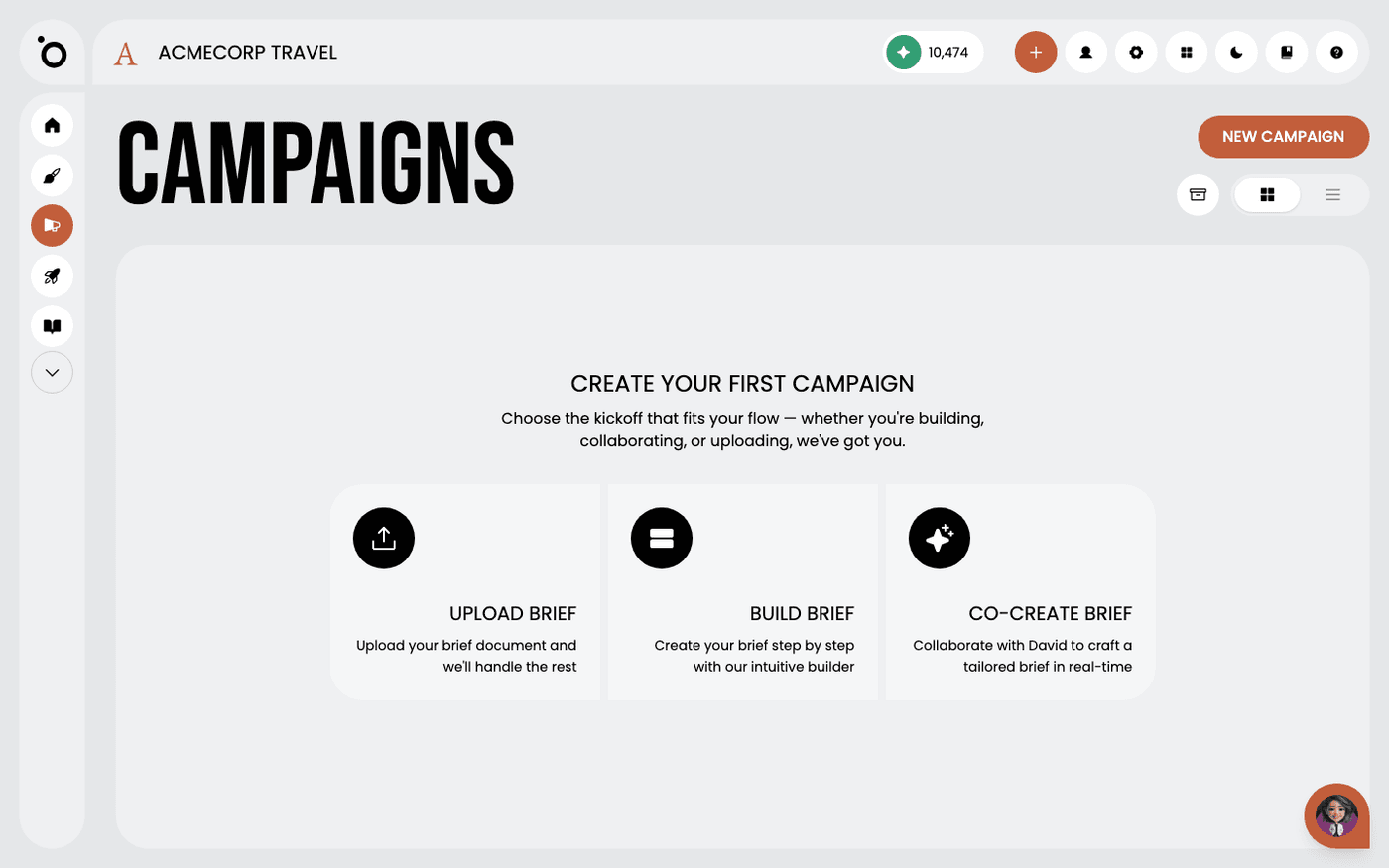
Write a campaign brief
Give Protaigé a clear brief, and every concept, headline and image in the campaign follows it.
 Campaigns
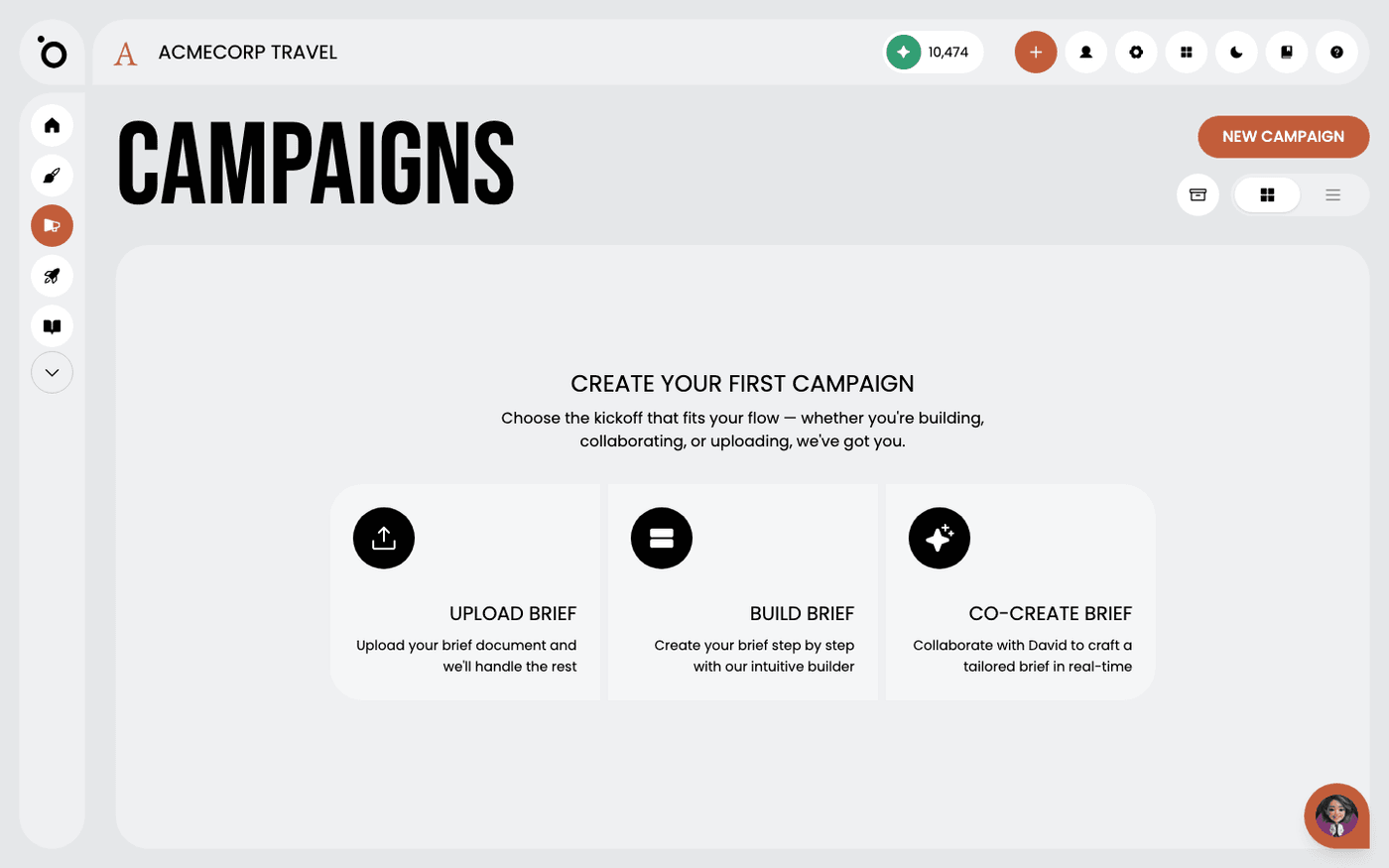
Upload a brief you have already written
Already have a brief in a document? Upload it and Protaigé turns it into a campaign brief for you.
 Campaigns
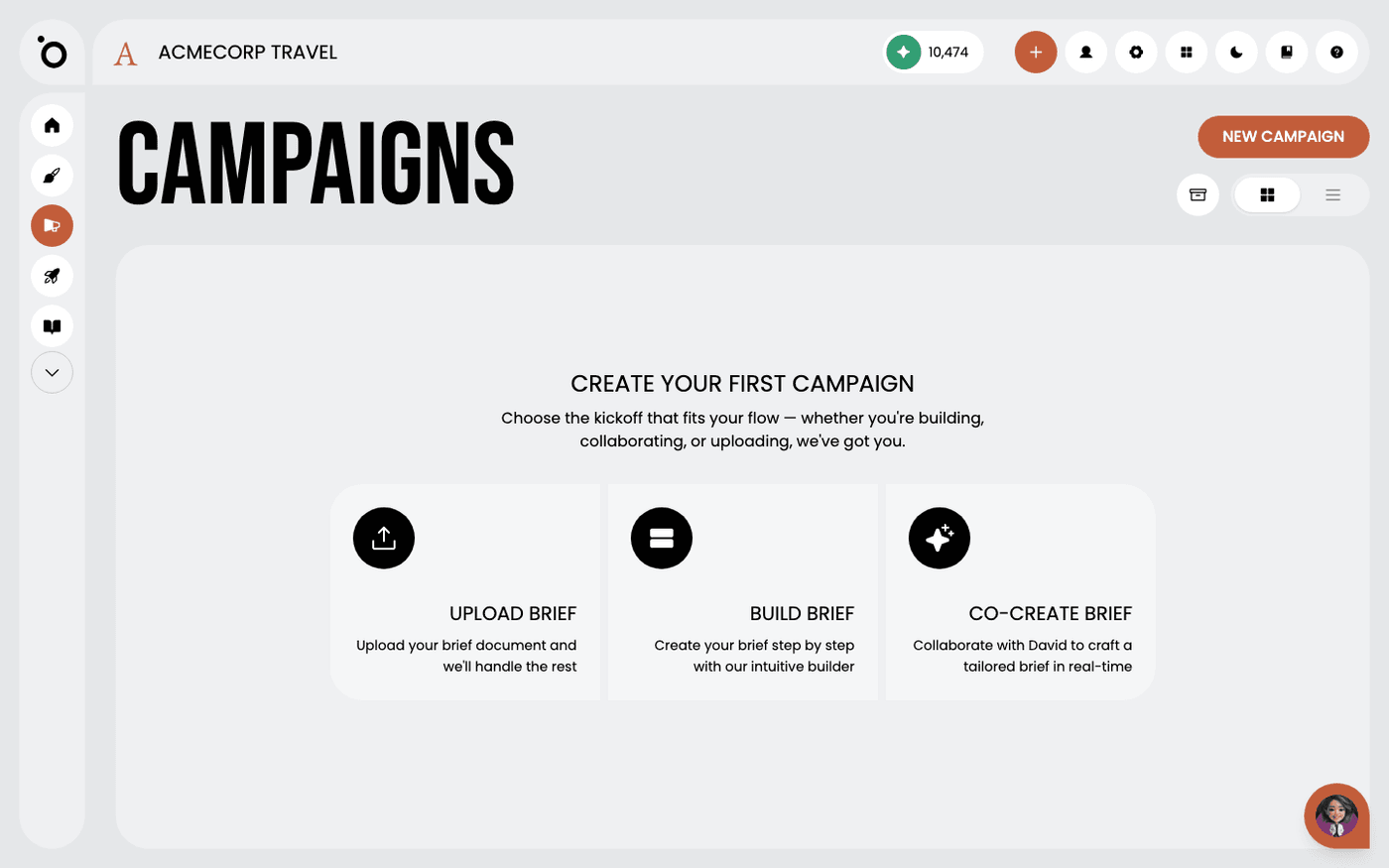
Build a brief with the Brief Builder
Answer a short form, one question at a time, and Protaigé builds the campaign brief from your Brand DNA.
 Campaigns
Build a campaign step by step
See the six stages a campaign moves through, and what you decide at each one.
 Campaigns
Write your campaign hero copy
Get the headline and message that every asset in your campaign will use, written in your brand voice.
 Campaigns
Choose your hero image
Pick the one picture that carries your campaign, from your own photos, a generated image or a stock library.
 Campaigns
Create your key visual
Turn your copy and image into the one layout that every format in your campaign is built from.
 Campaigns
Scale a key visual into campaign assets
Turn one approved layout into every format in your design kit, without laying any of them out yourself.
 Campaigns
Clone a campaign kit
Make a second version of a key visual set so you can test a change without touching the original.
 Campaigns
Adapt your campaign kit for every audience
Aim the same campaign at each of your audiences without building it again from scratch.
 Campaigns
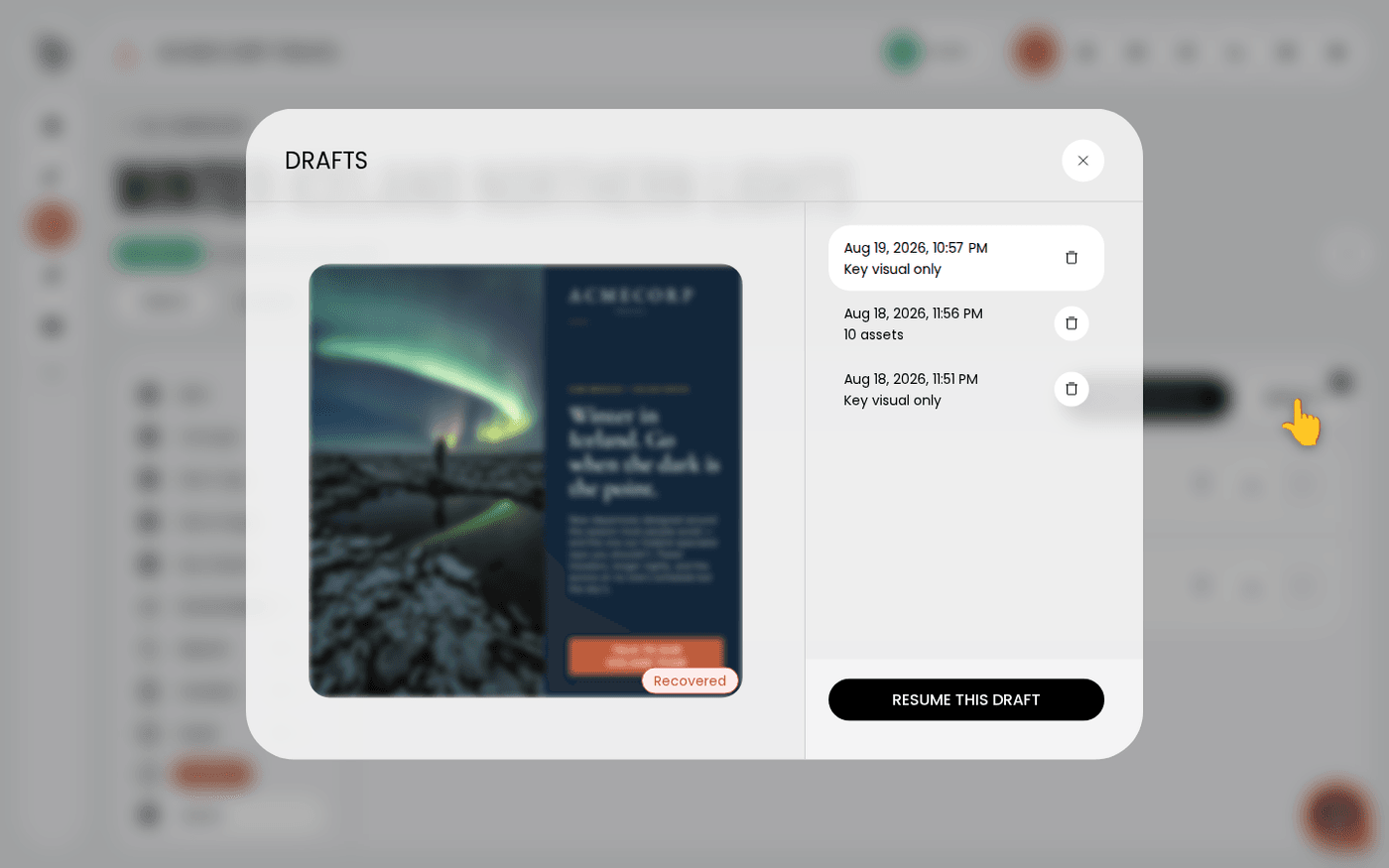
Resume a campaign draft
Pick up a key visual you left half-finished, and know what Protaigé saved for you while you worked.
 Campaigns
Create Google Ads responsive search ads
Get search ads written from your campaign, with the keywords researched for you, and export them ready for Google Ads.
 Campaigns
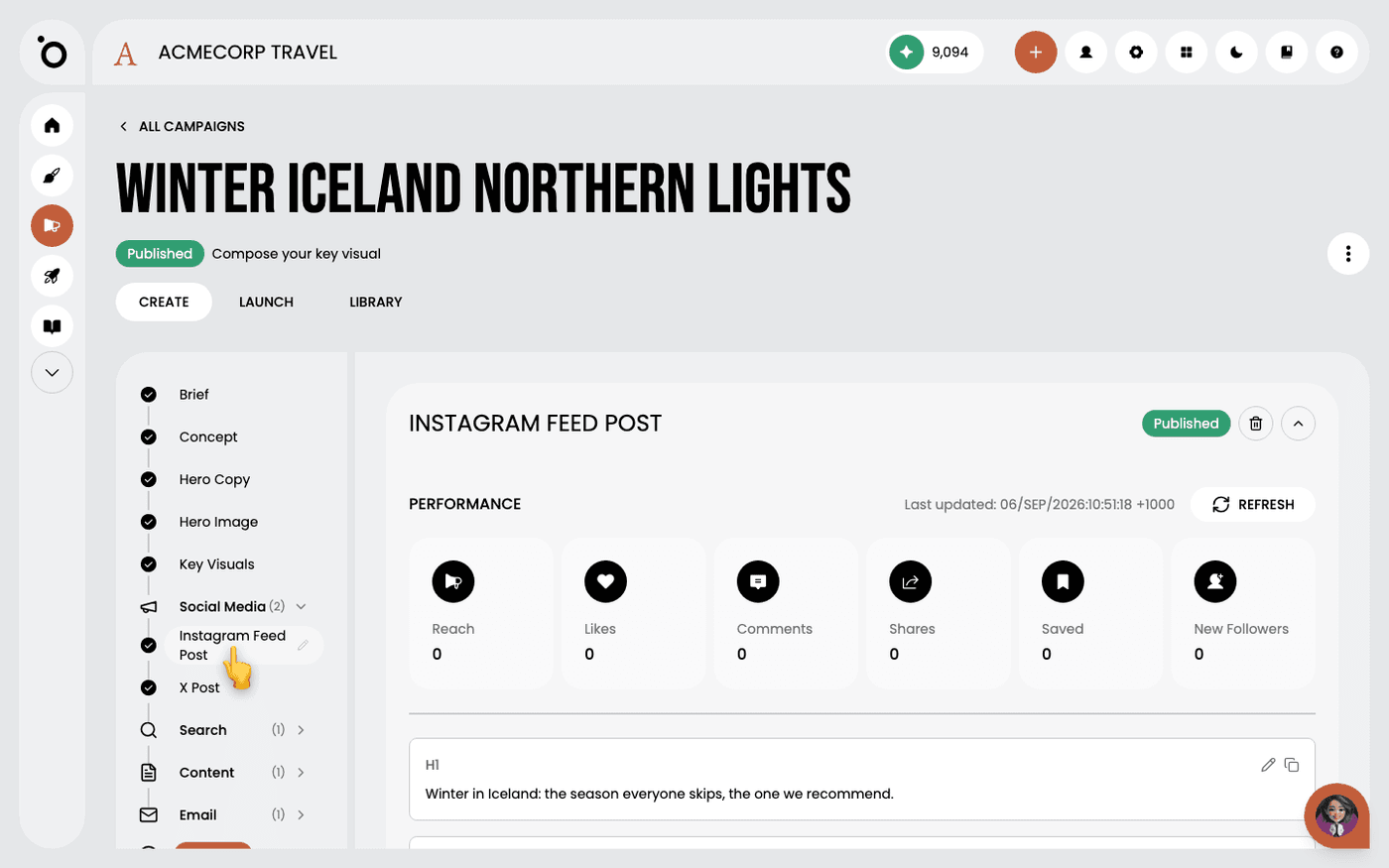
Create social posts in a campaign
Get a post written for each social channel from your campaign brief, with the reasoning behind it.
 Campaigns
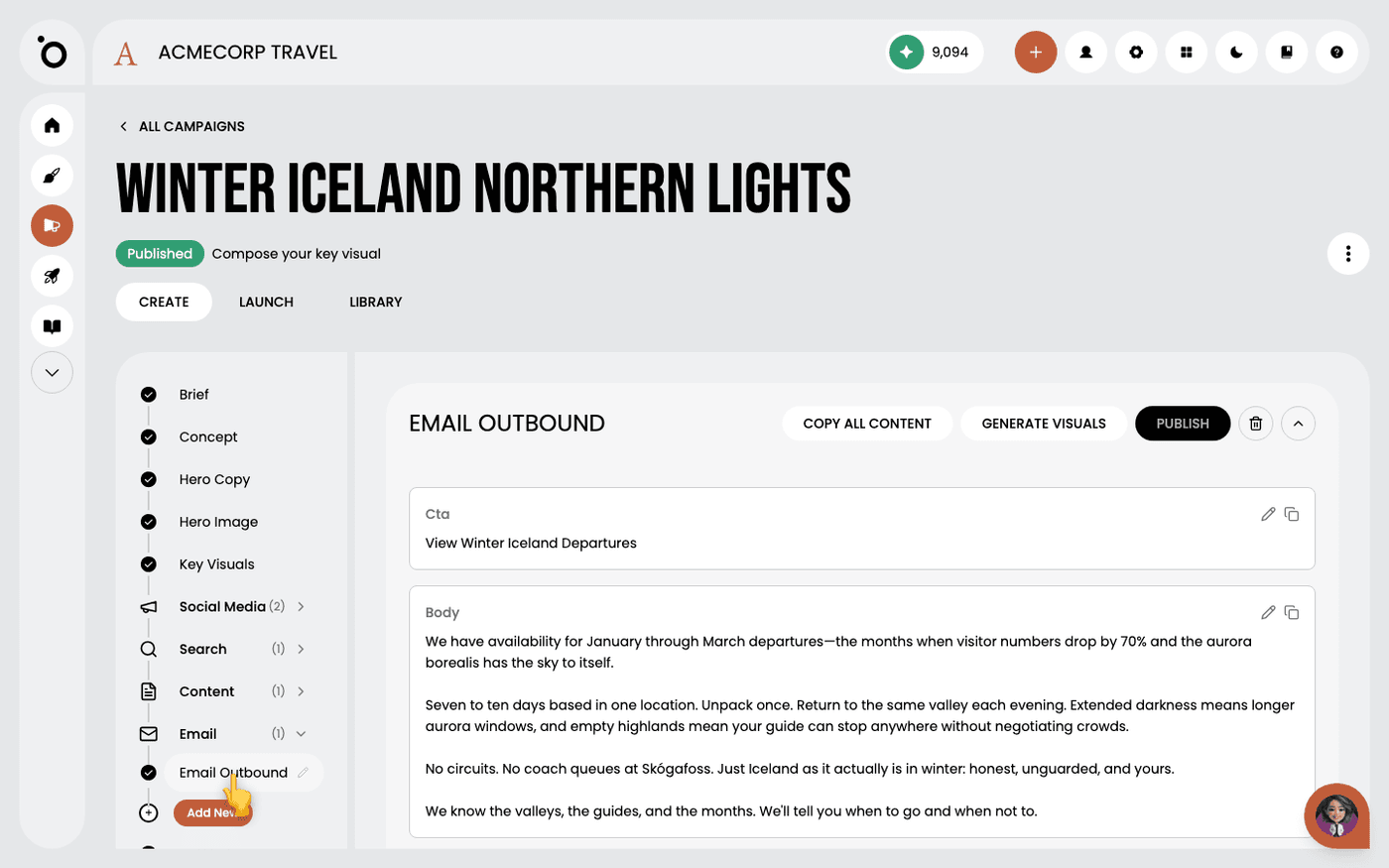
Write campaign emails
Get a whole campaign email written from your brief, ready to edit and paste into your sending tool.
 Campaigns
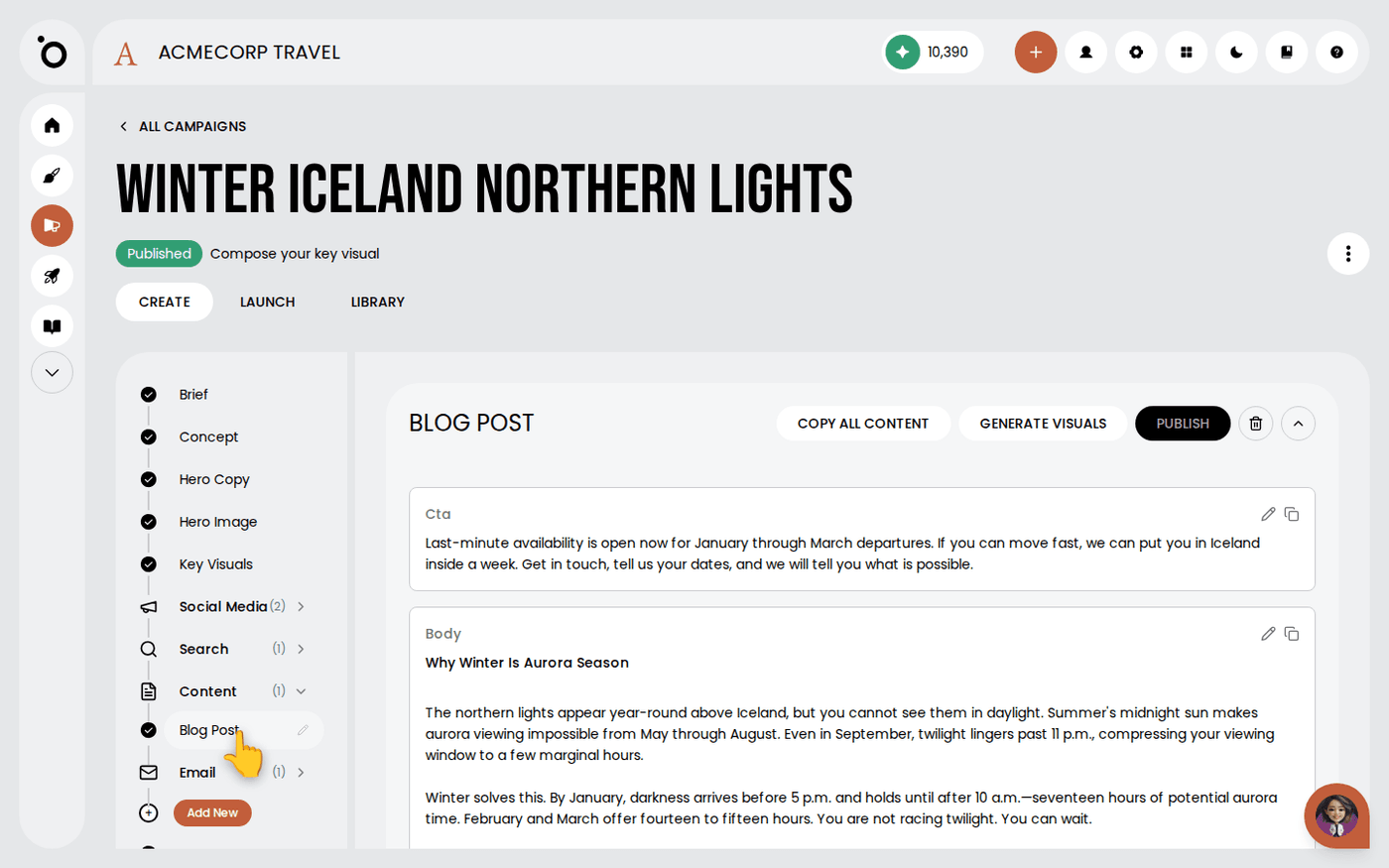
Write long-form content in a campaign
Get a full blog post written from your campaign brief, in the same argument as the rest of the campaign.
 Campaigns
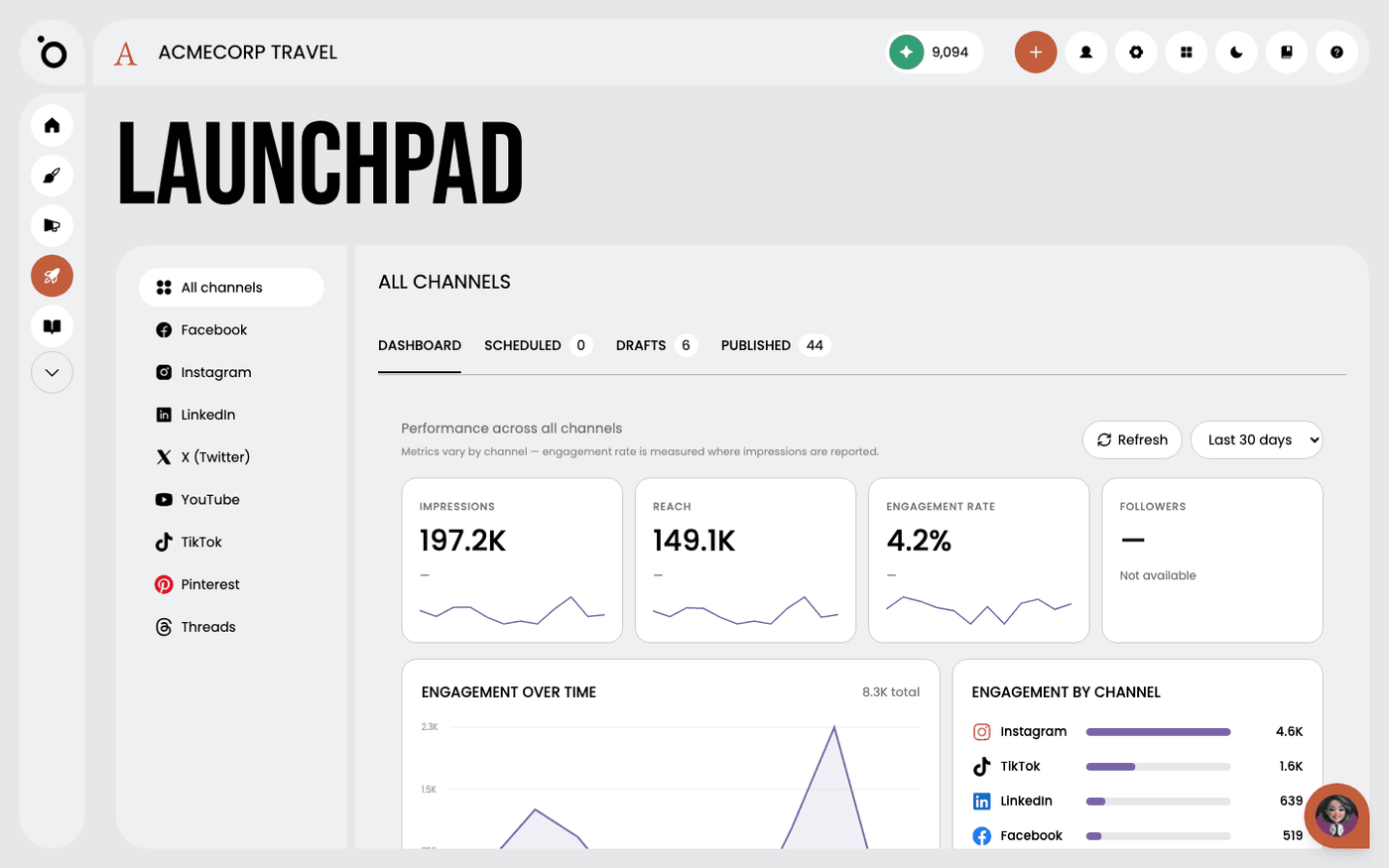
Read your performance in Launchpad
See everything you have published, scheduled or drafted across every channel, and how each post did, in one place.
Creative AI
20 walkthroughs
 Creative AI
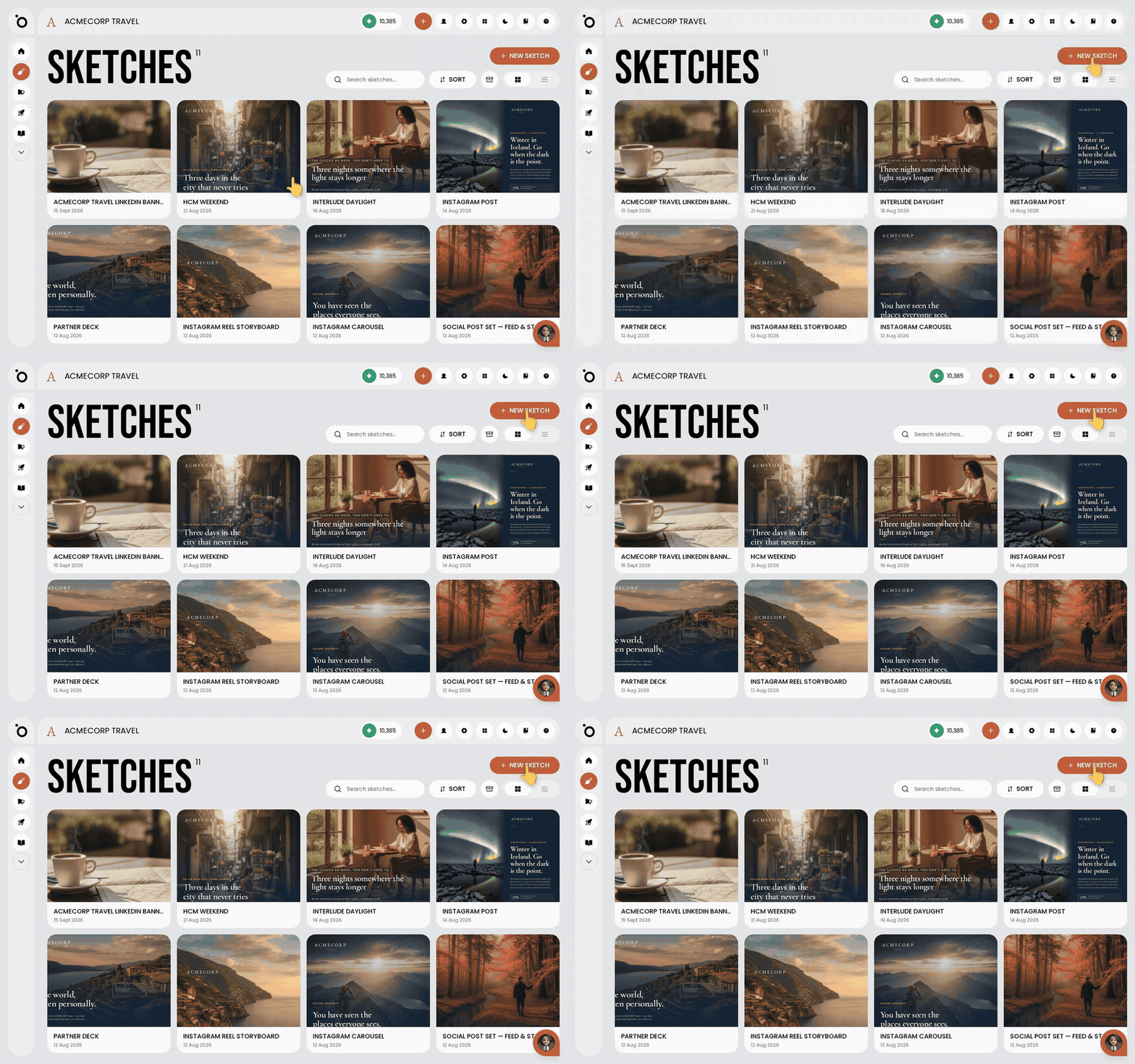
Create branded content with Sketch
Describe what you want in plain words, and Protaigé makes it in your brand, in the sizes you need.
 Creative AI
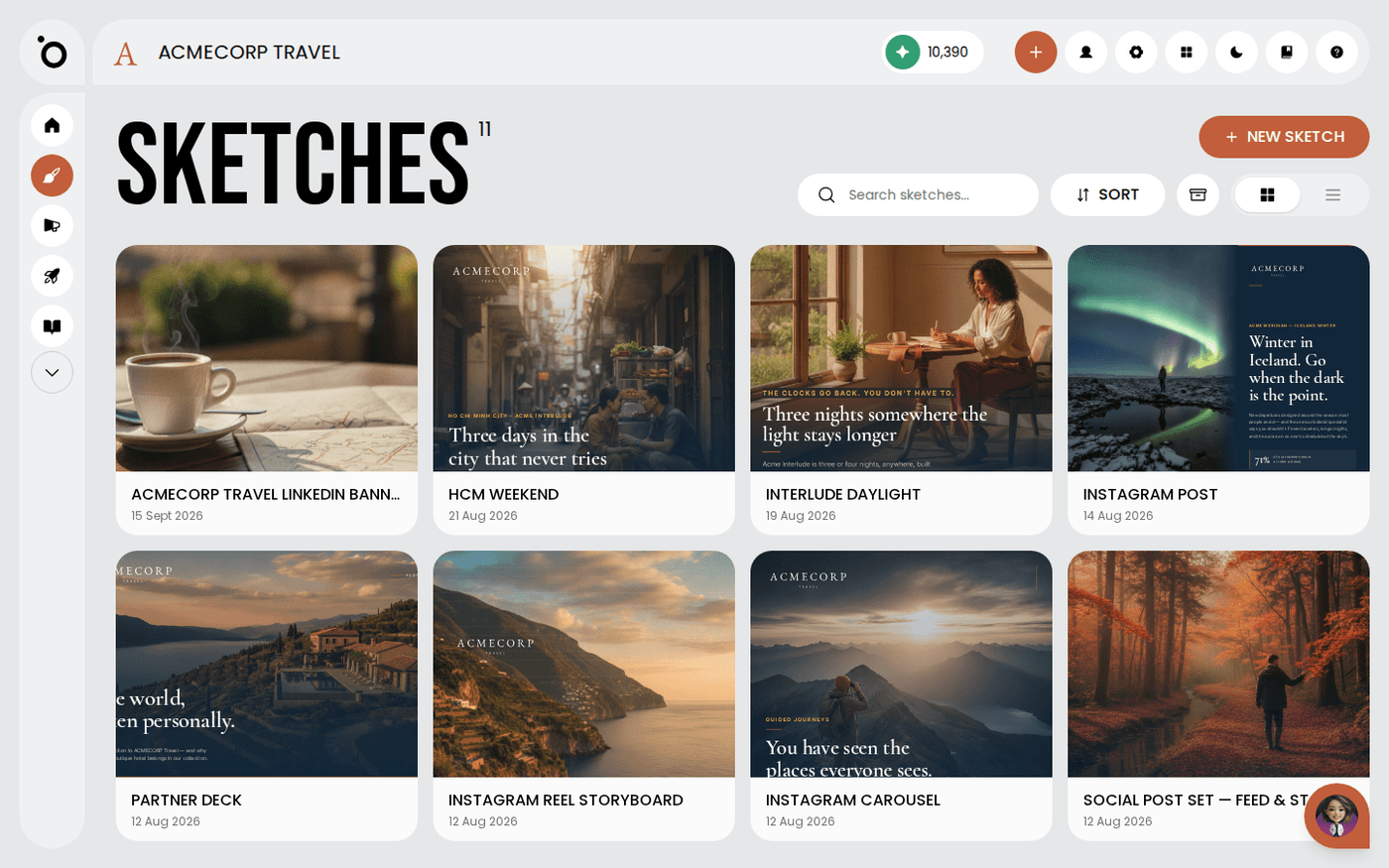
What Sketch can make for you
One brief can become a post, a carousel, a storyboard, a deck, a poster, a landing page or an email, in your brand.
 Creative AI
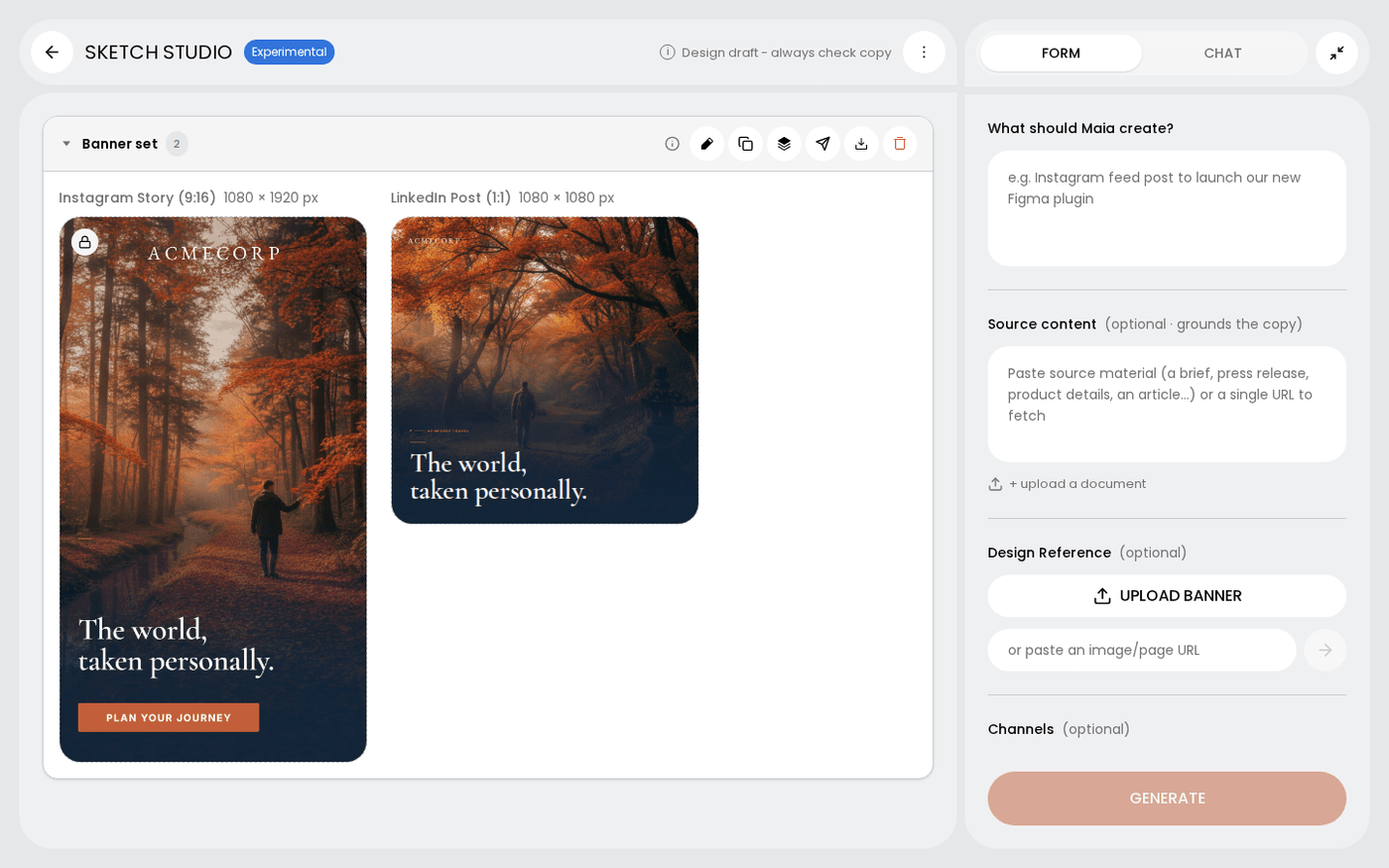
Choose the channels and sizes for a sketch
Pick every size you need, from an Instagram Story to an A4 poster, and get one design for each.
 Creative AI
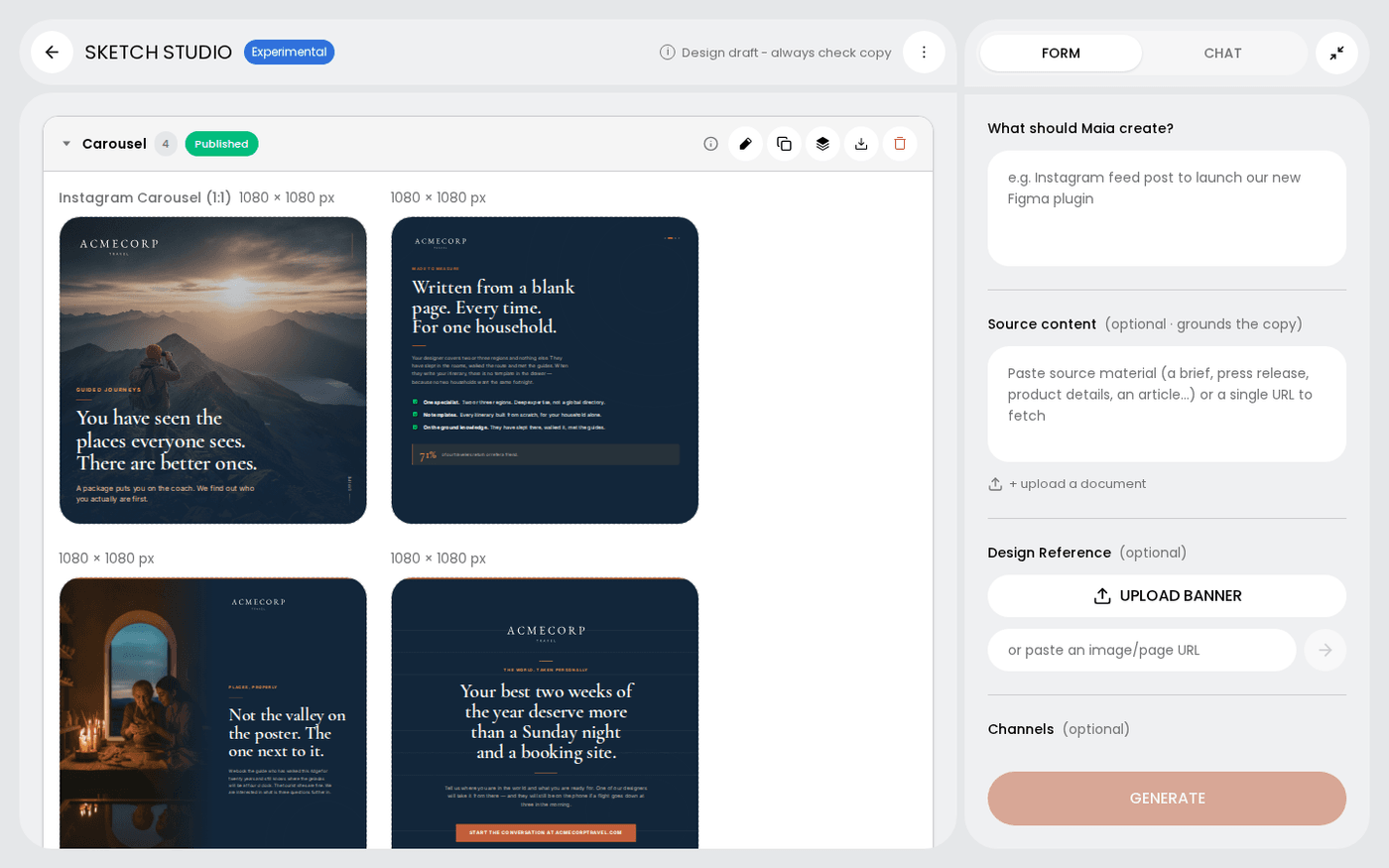
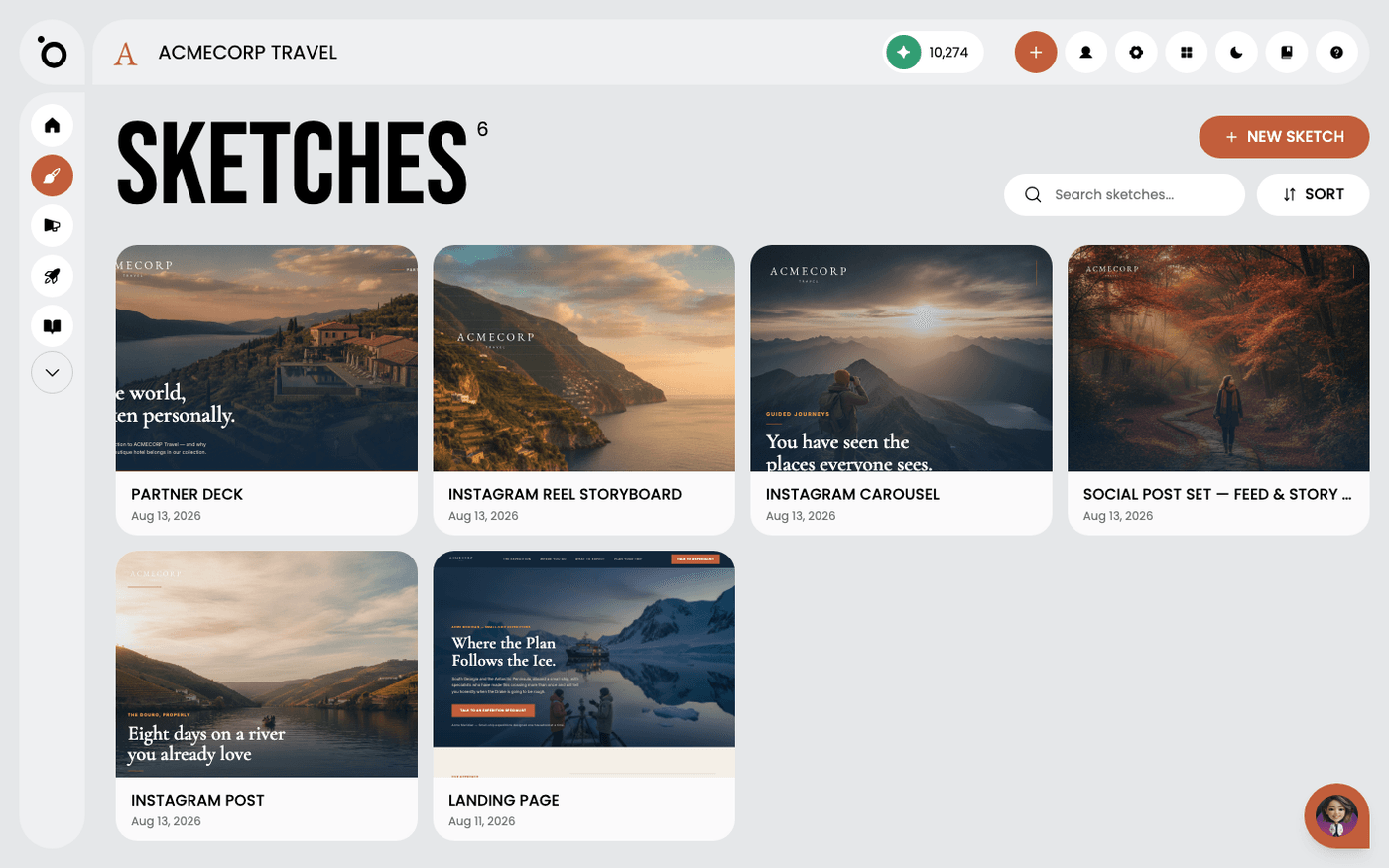
Edit a sketch
Ask Maia for changes in chat, or open any frame and change it yourself.
 Creative AI
Rename a sketch
Give a sketch a name you will recognise in a fortnight, so you can find it again.
 Creative AI
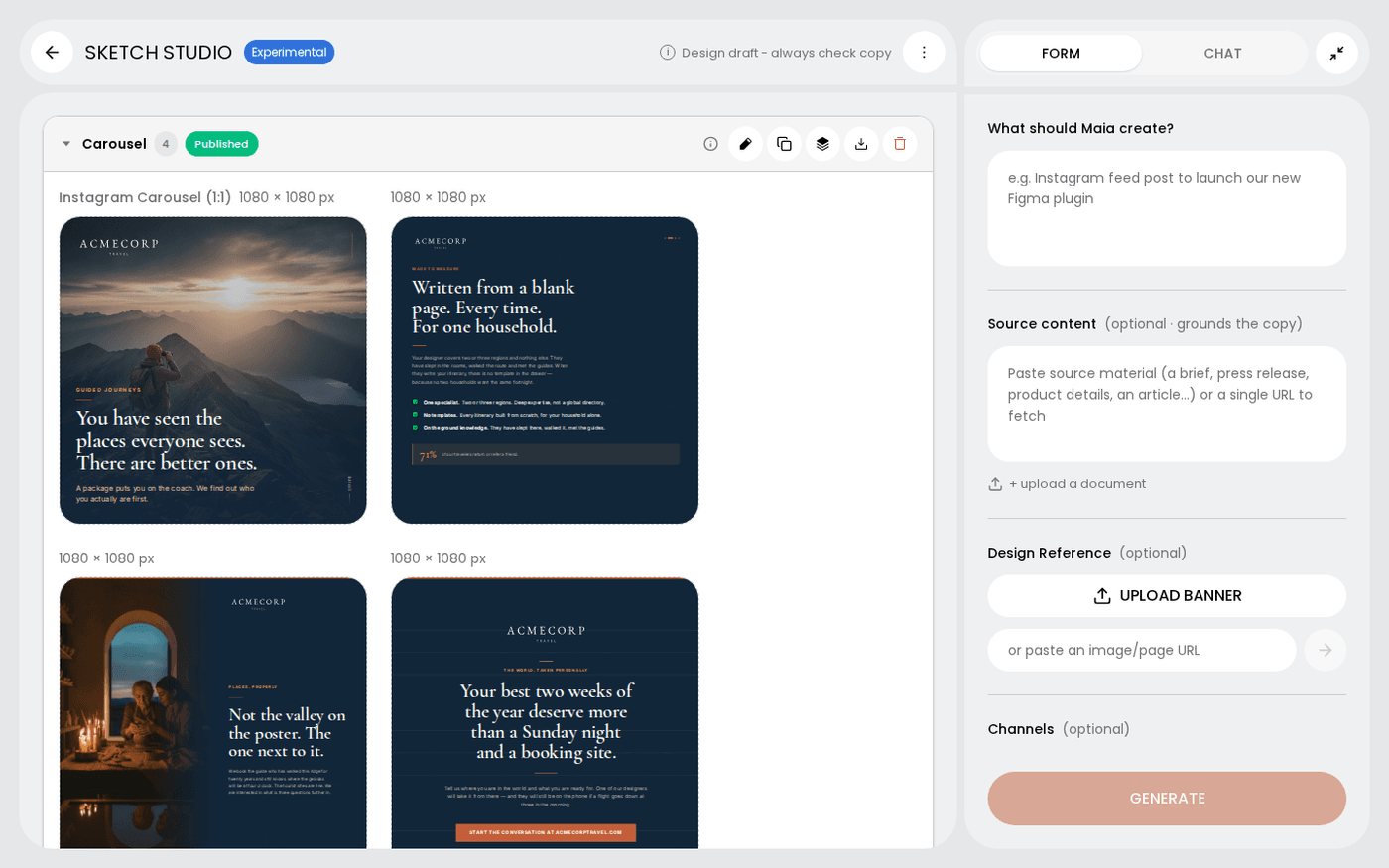
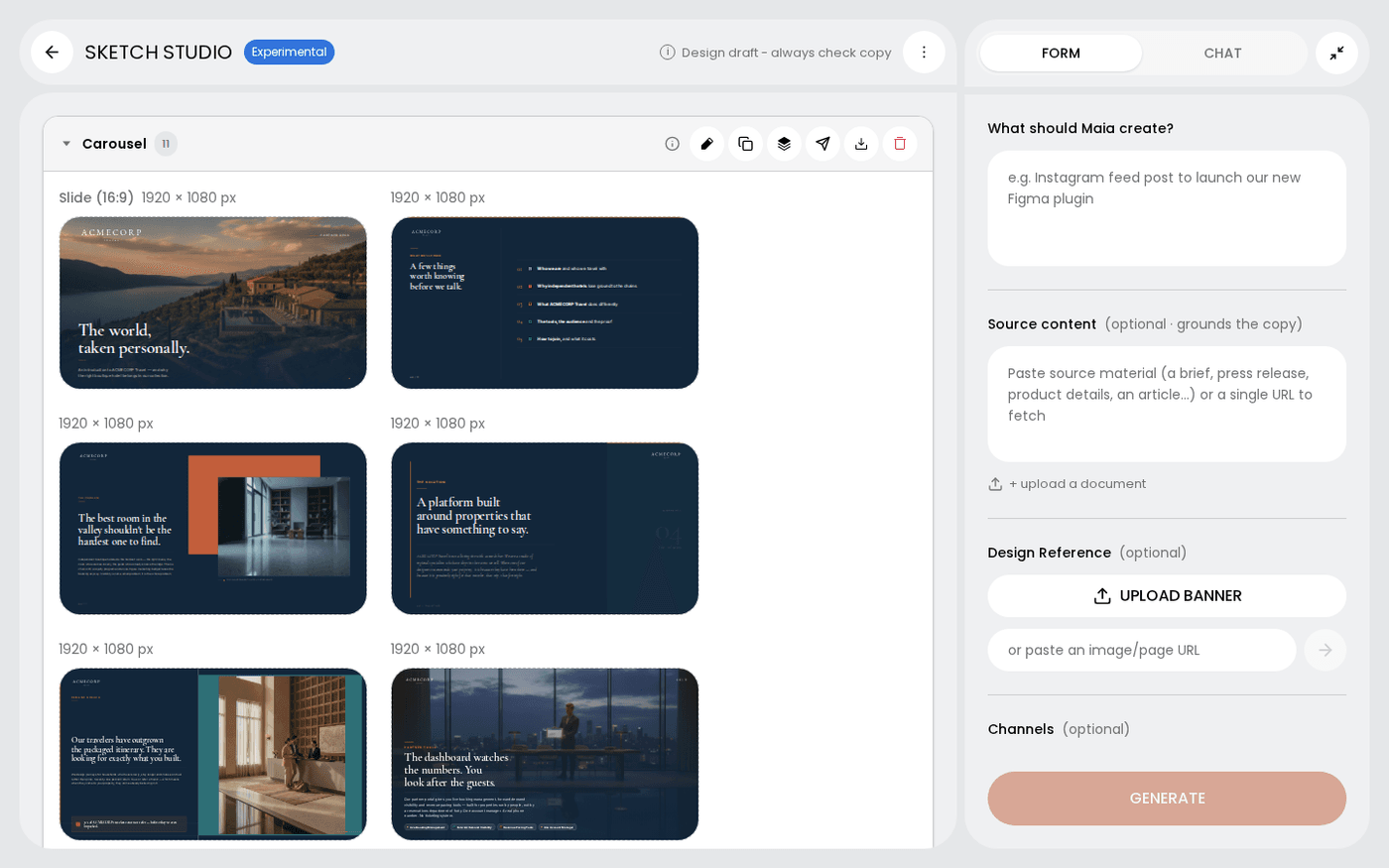
Work with groups of frames in a sketch
Sketch groups your frames into carousels, banner sets and pages, and each group has its own controls.
 Creative AI
Publish a sketch
Post a finished frame straight to your social accounts, or download it for anywhere else.
 Creative AI
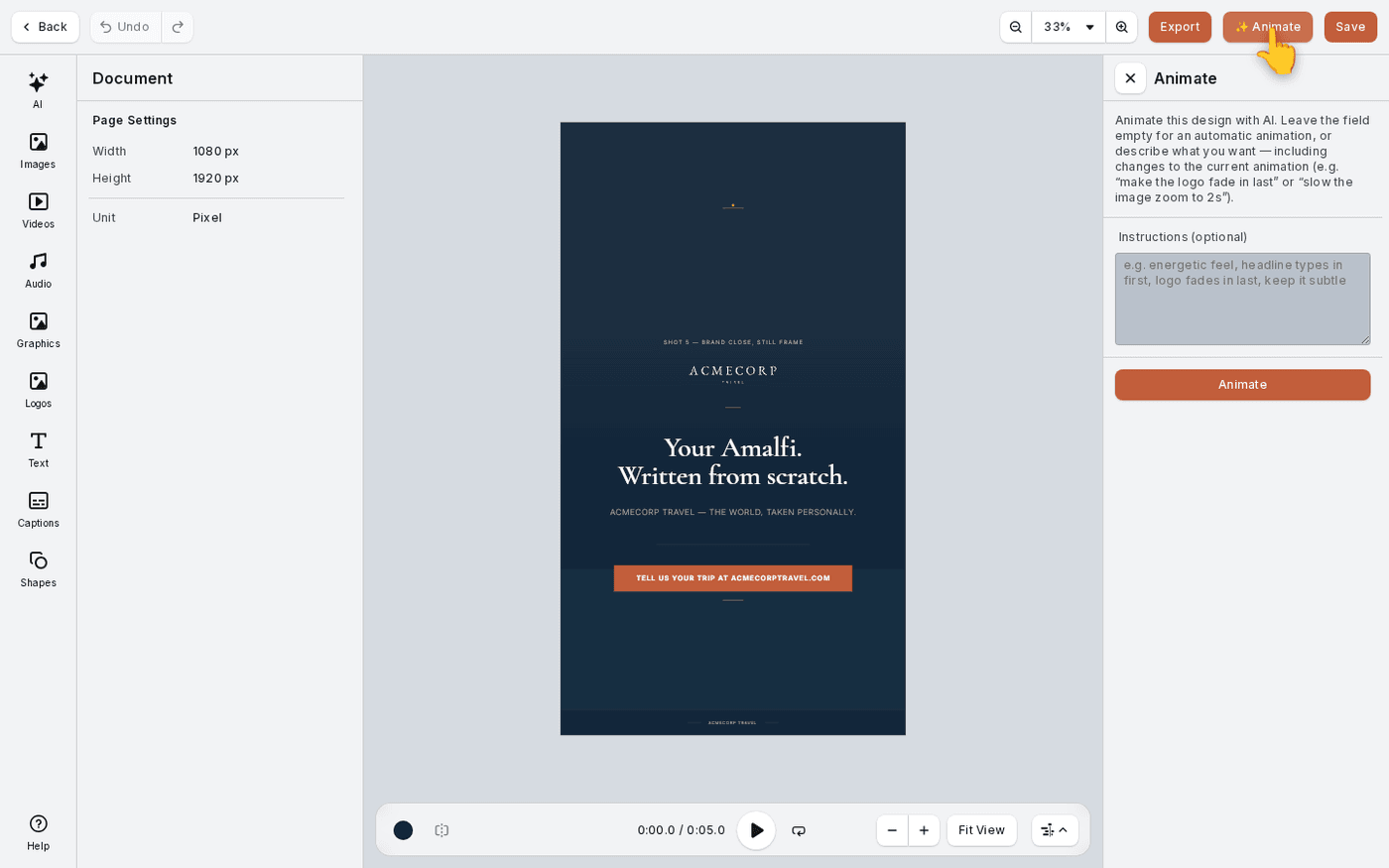
Turn a sketch into a video
Any frame you have already made can become a short video, with your design animated for you.
Get a sketch sent to you by email, WhatsApp or Slack
Ask Maia for a sketch on WhatsApp, Slack or email, and the finished file comes back in the same conversation.
 Creative AI
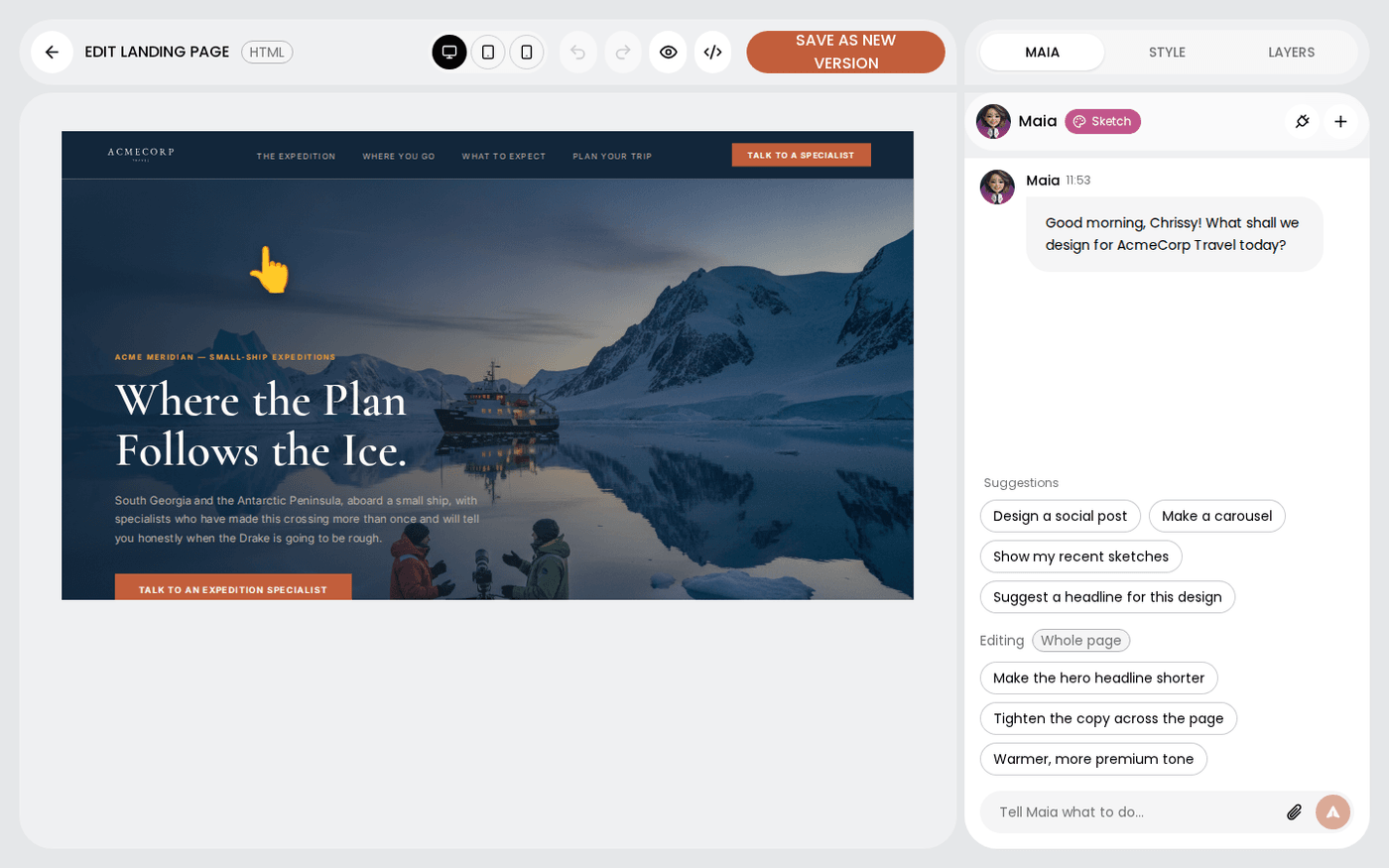
Edit a landing page or email in the HTML editor
Change the words, colours and images on a landing page or email yourself, and keep every earlier version.
Create a film with Flicks
Write a short brief, and Flicks writes, designs and renders a short film for you in the background.
Follow a film's progress and check it before you use it
Read what the stage label on a film card means, and know what to check before you use the film.
End your film with your brand ident
Tell Protaigé which of your videos is your brand ident, then pick it when you brief a film.
Ask for copy blocks in your own words
Ask Maia for a caption, an email body or a blurb in plain words, and the text appears beside your design.
Use Maia and image tools in the HTML editor
Swap, regenerate or edit any image on a landing page or email, and ask Maia to change whatever you have selected.
Make an email in Sketch and download it as HTML
Ask Maia for an email and download it as an HTML file your email platform can send.
Go back to an earlier version of your film
Never lose the film you approved: every render is kept, and you can put an earlier one back.
Choose a look and add your own footage to a film
Tell Flicks how your film should feel, and give it your own clips to cut into the edit.
Brief a sketch from a document you already have
Attach the draft you have already written to a sketch, and get copy built from your own facts instead of invented ones.
Check what a voice-over costs before Maia makes it
Know the price of a voice-over before a single Spark leaves your balance, and approve it with one click.
Settings
15 walkthroughs
 Settings
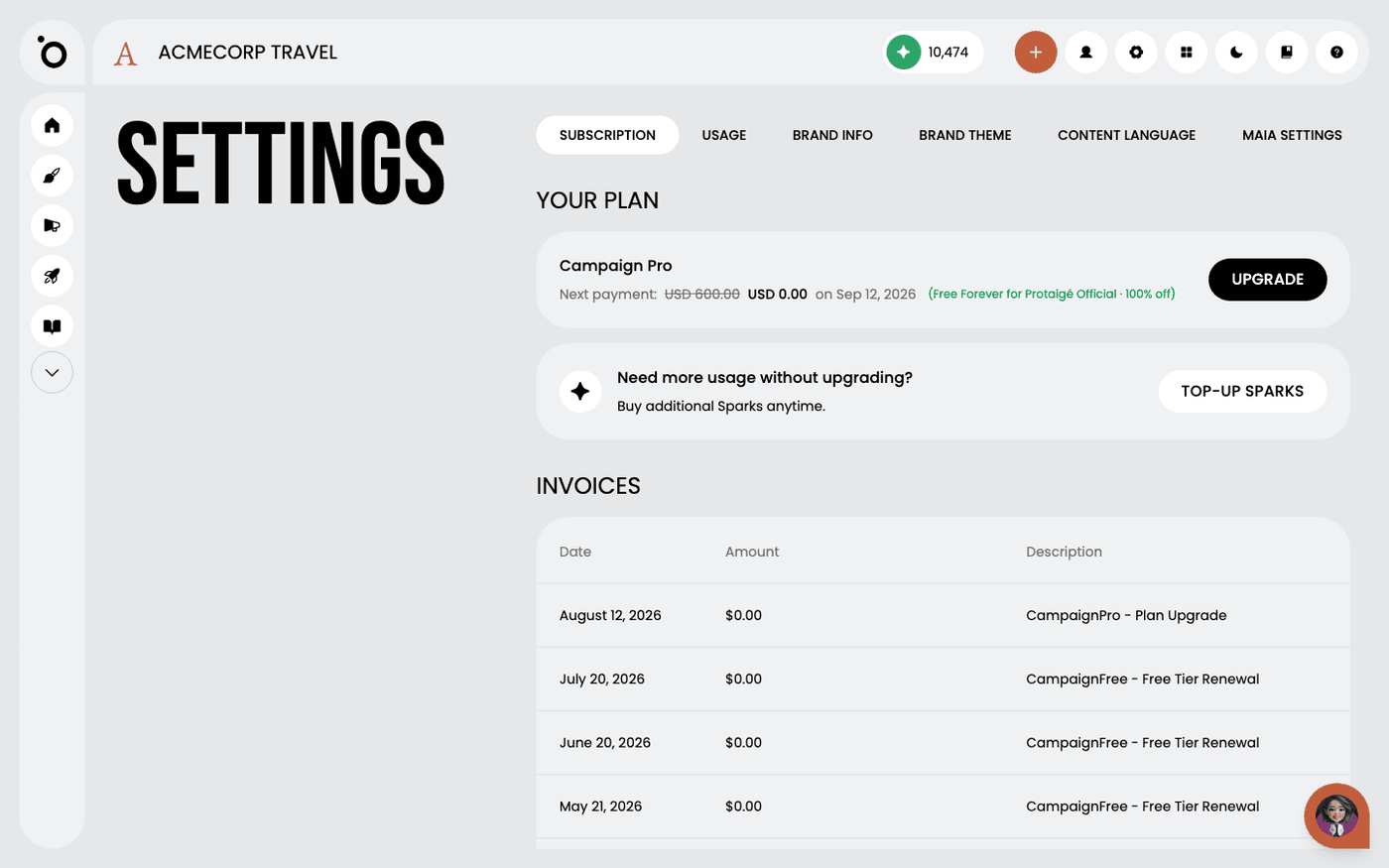
Find your way around Settings
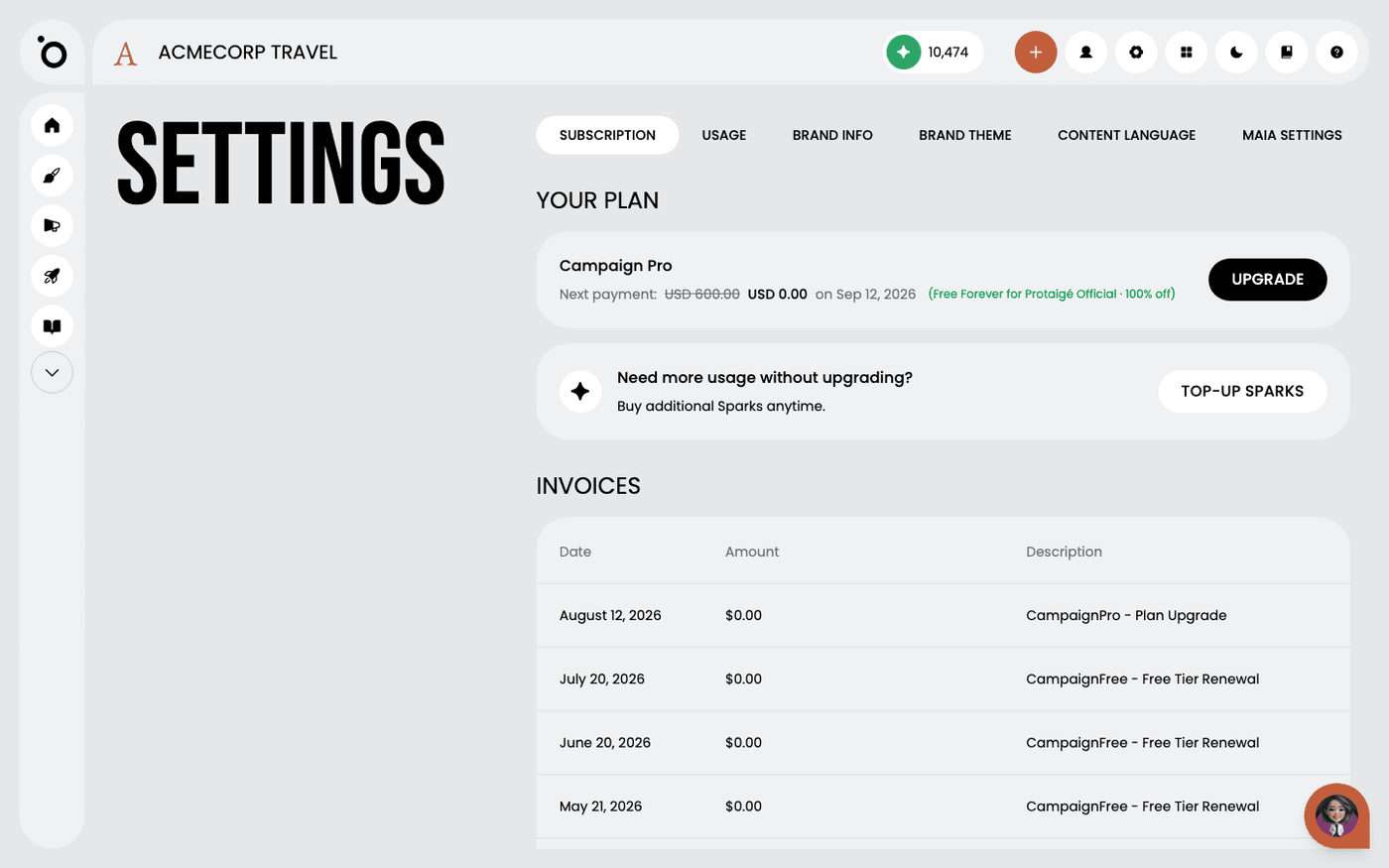
Know which Settings tab holds your plan, your Sparks, your brand details and everything about Maia.
 Settings
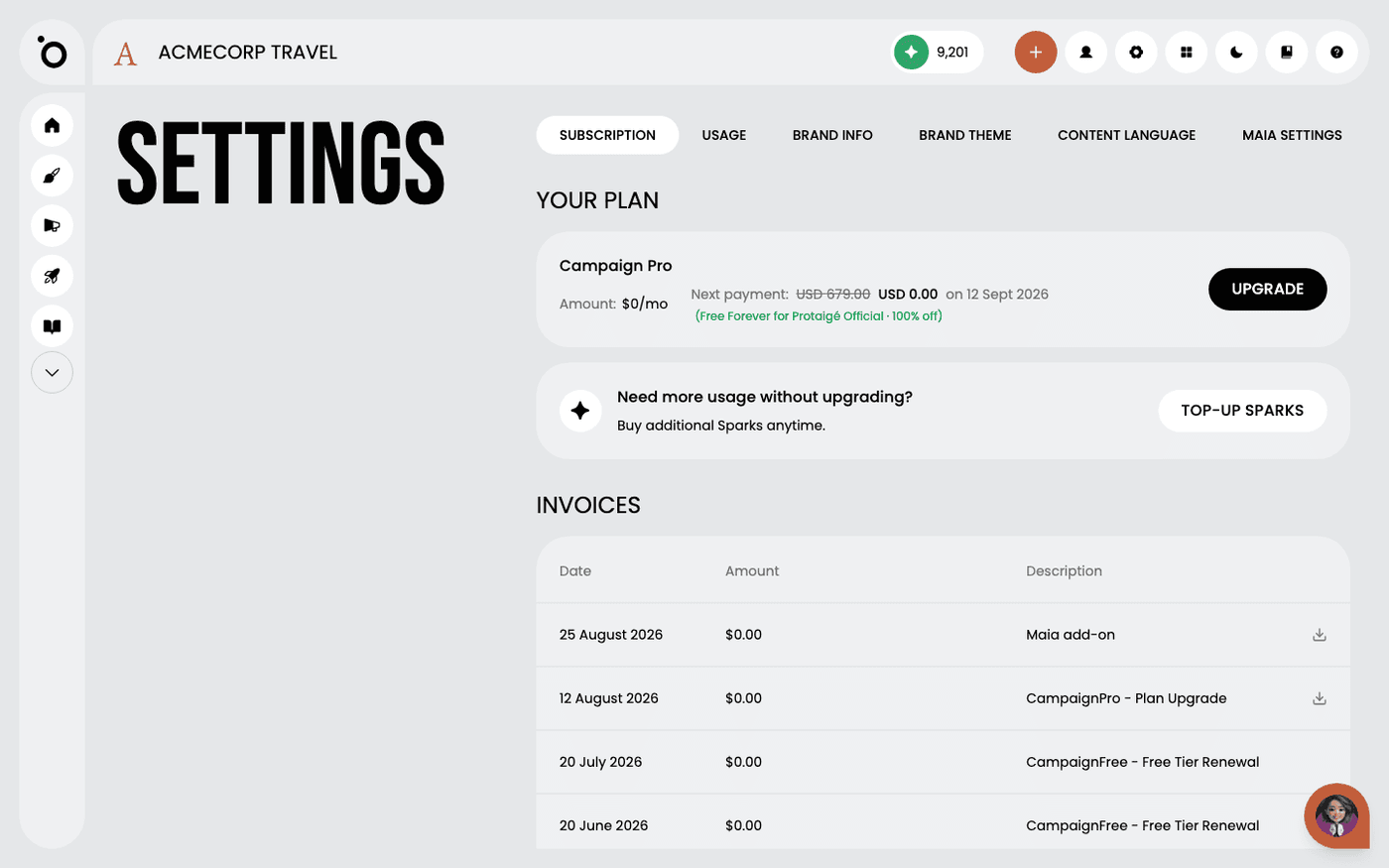
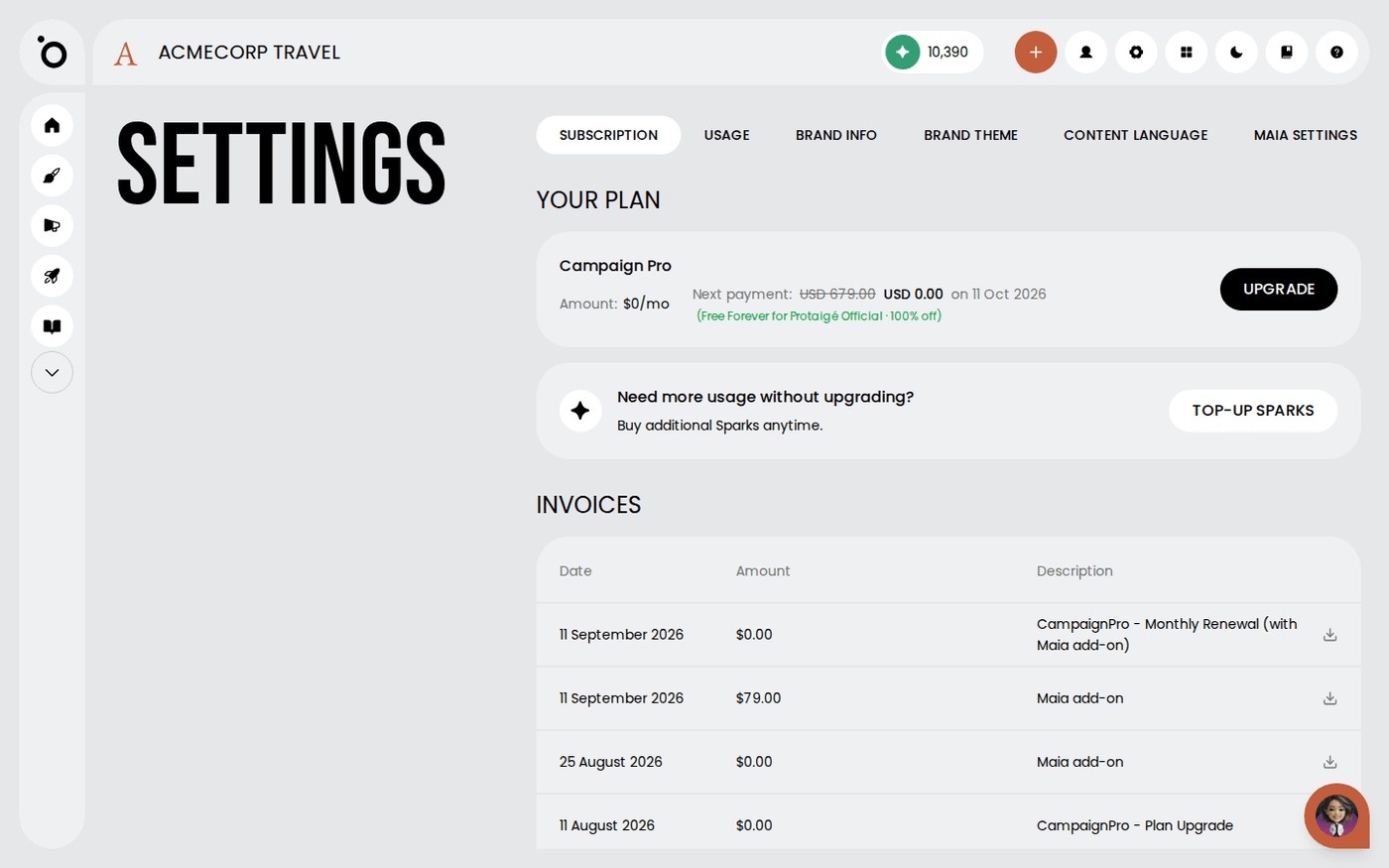
Check your plan and what it includes
See what plan you are on, what it costs, when it renews, and where to change it.
 Settings
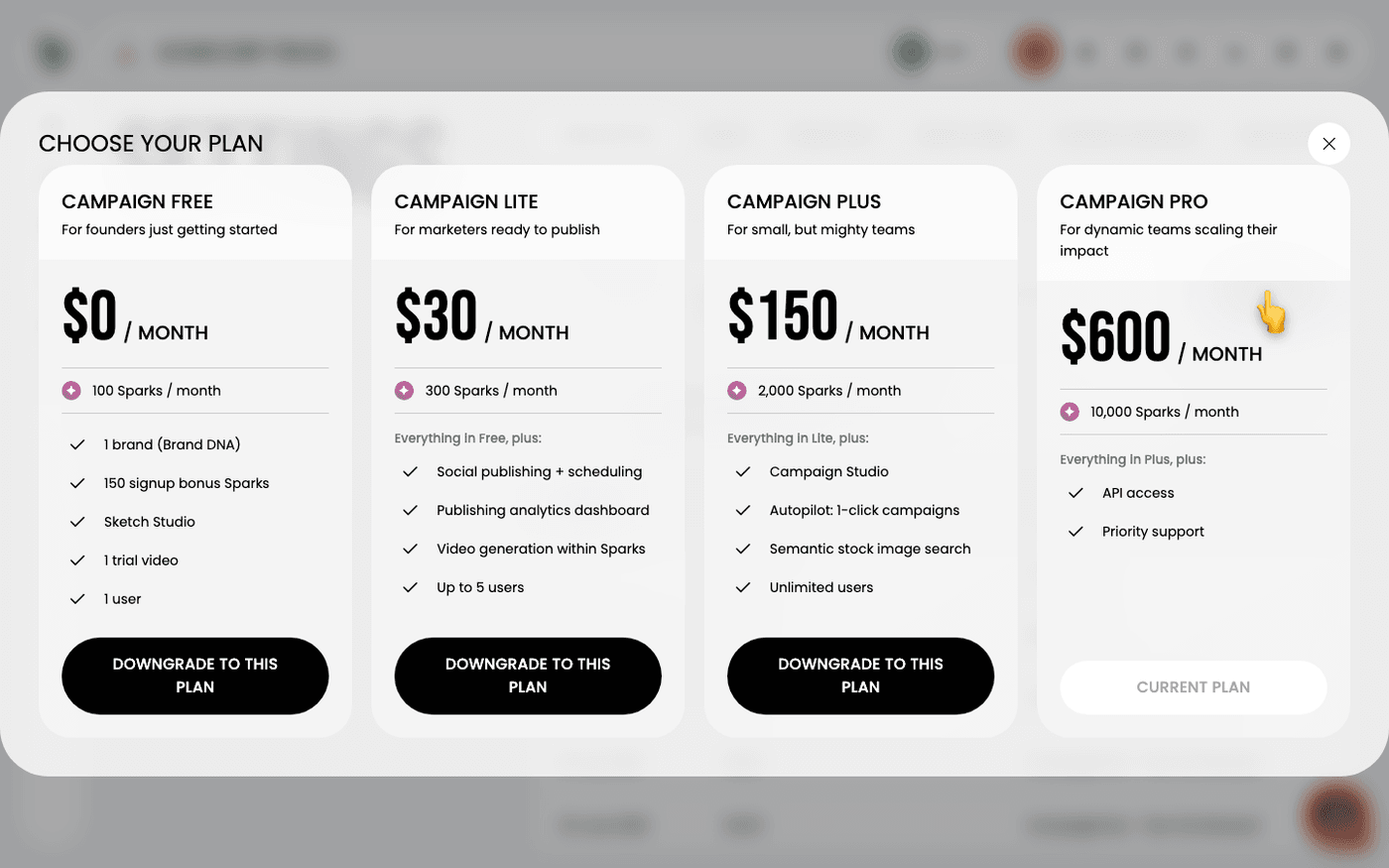
Change or cancel your plan
Move up or down a plan, or stop paying, from one dialog in Protaigé.
 Settings
See where your Sparks go
Check your Sparks balance, see what used them, and get a report sent to your email.
 Settings
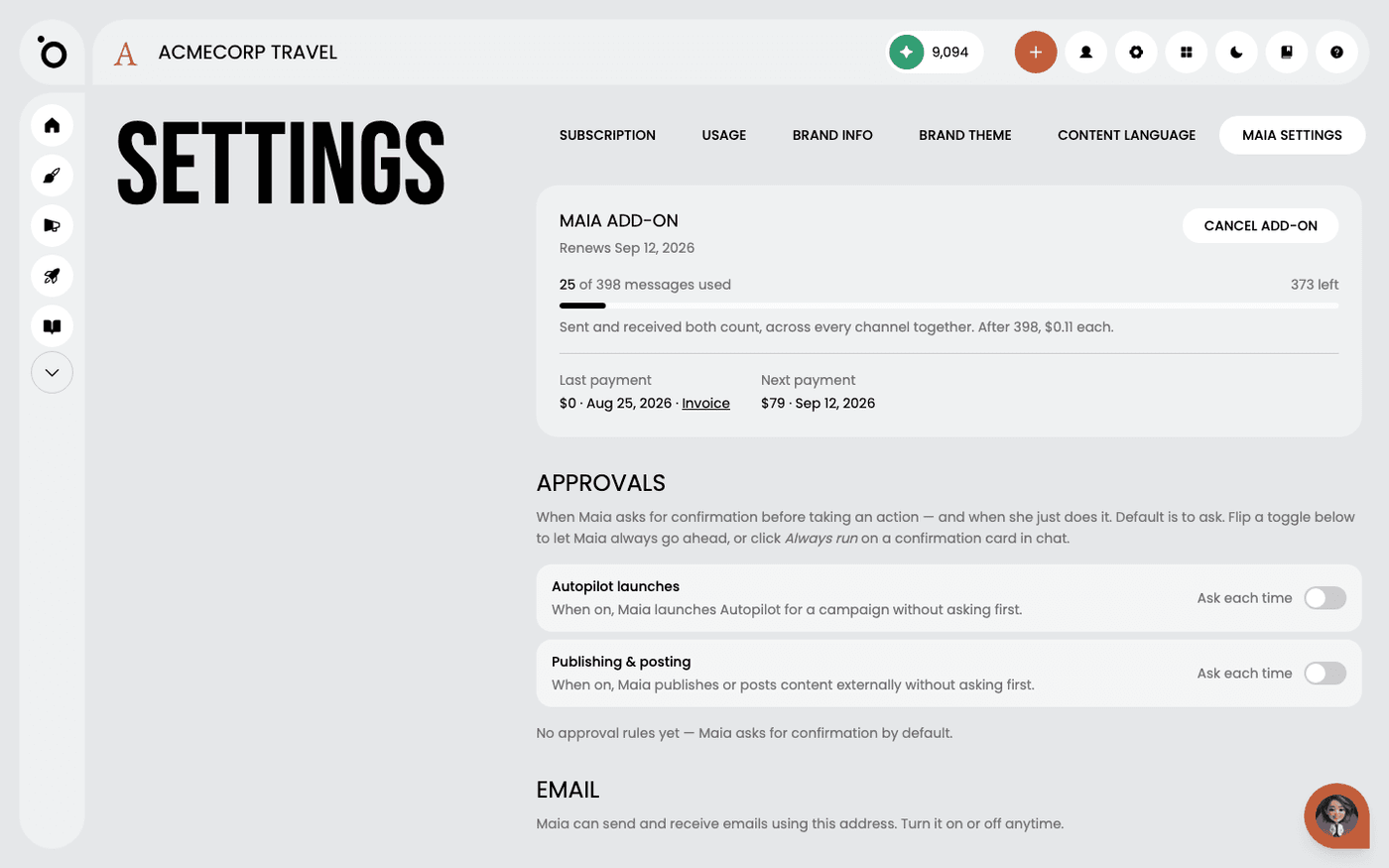
Get Maia on email, Slack and WhatsApp
One add-on takes Maia out of the app and onto the channels your team and clients already use.
 Settings
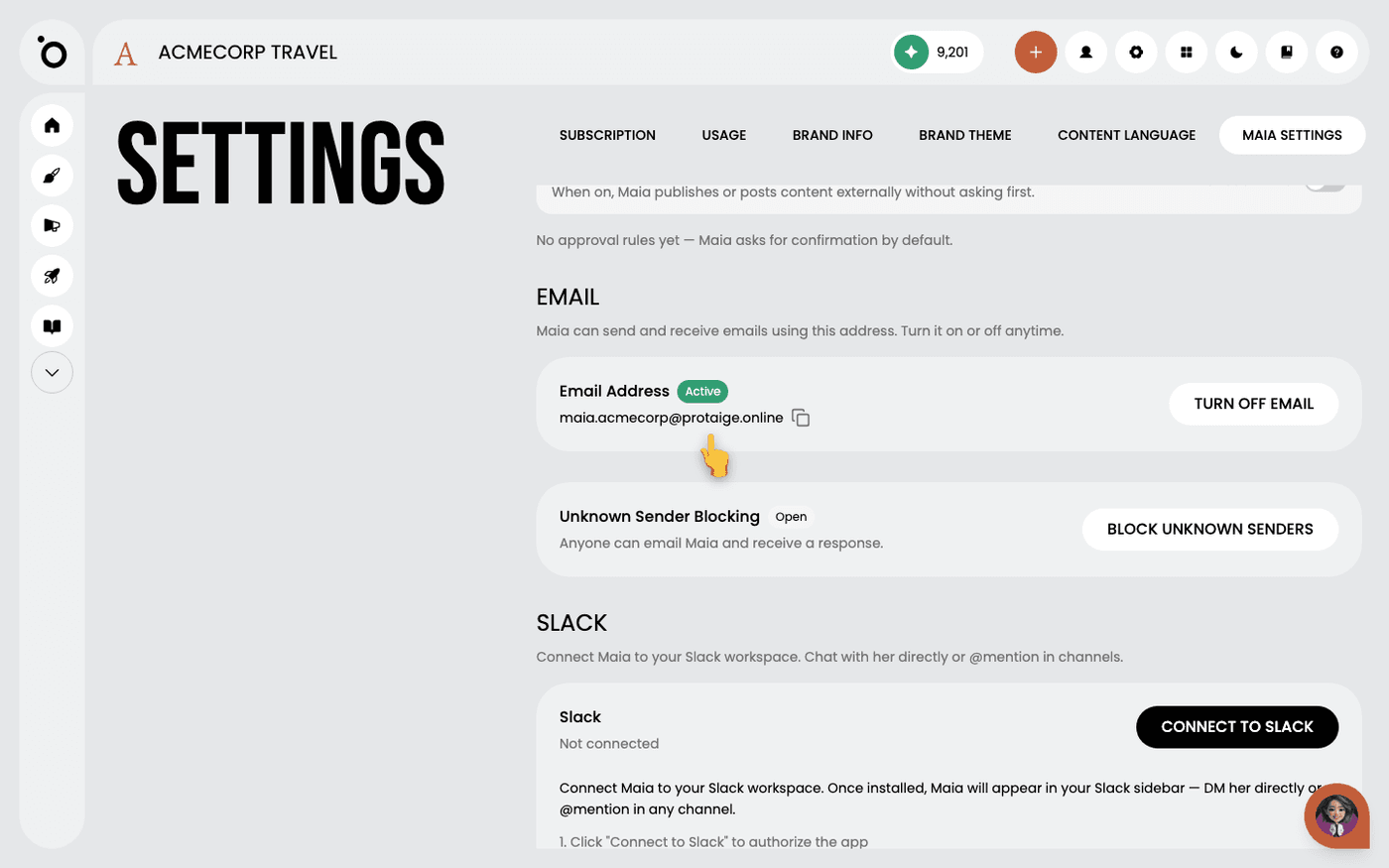
Give Maia her own email address
Let clients and suppliers email Maia directly, and decide who is allowed to reach her.
 Settings
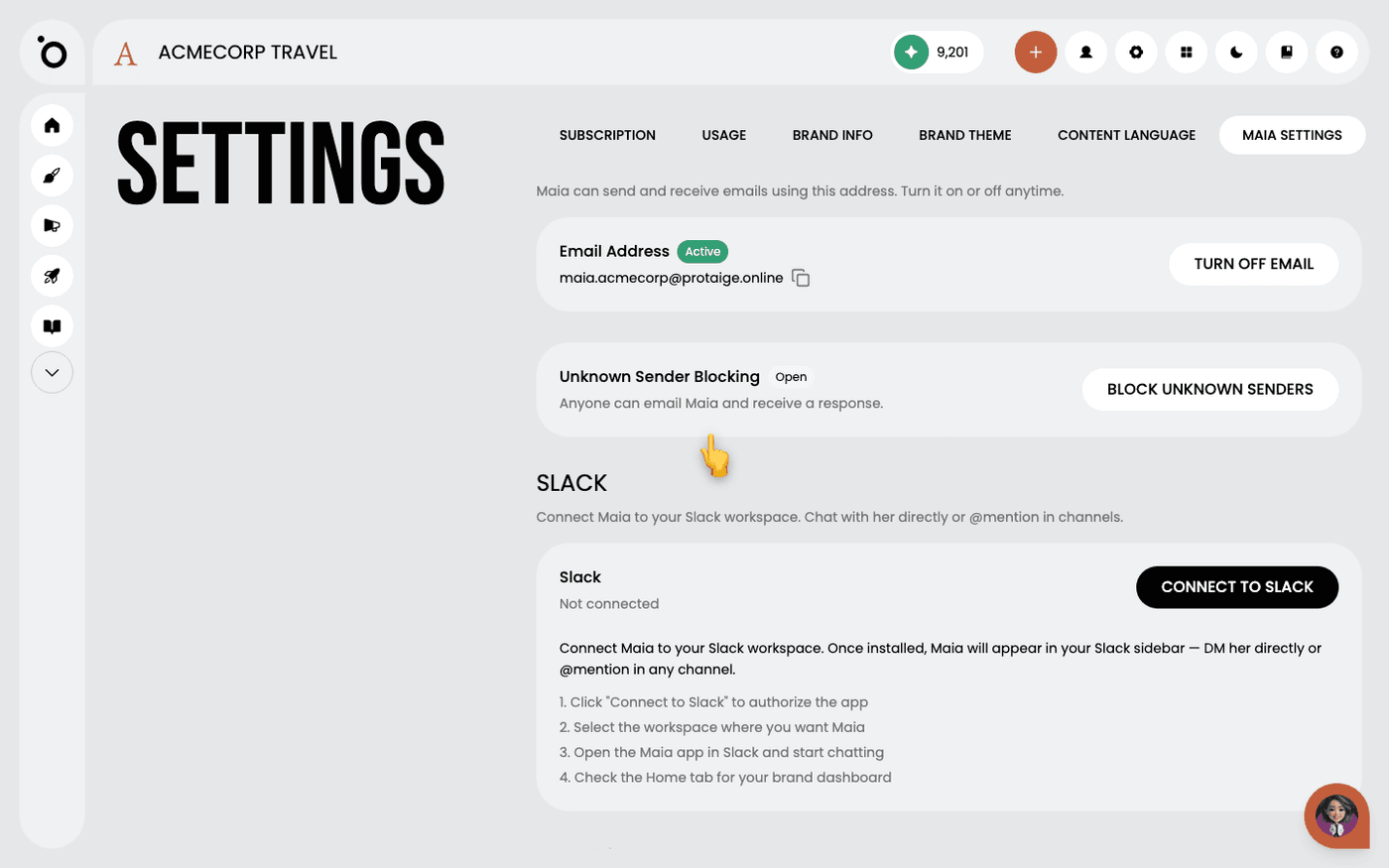
Bring Maia into Slack
Message Maia in Slack, where your team already talks, and start work without opening Protaigé.
 Settings
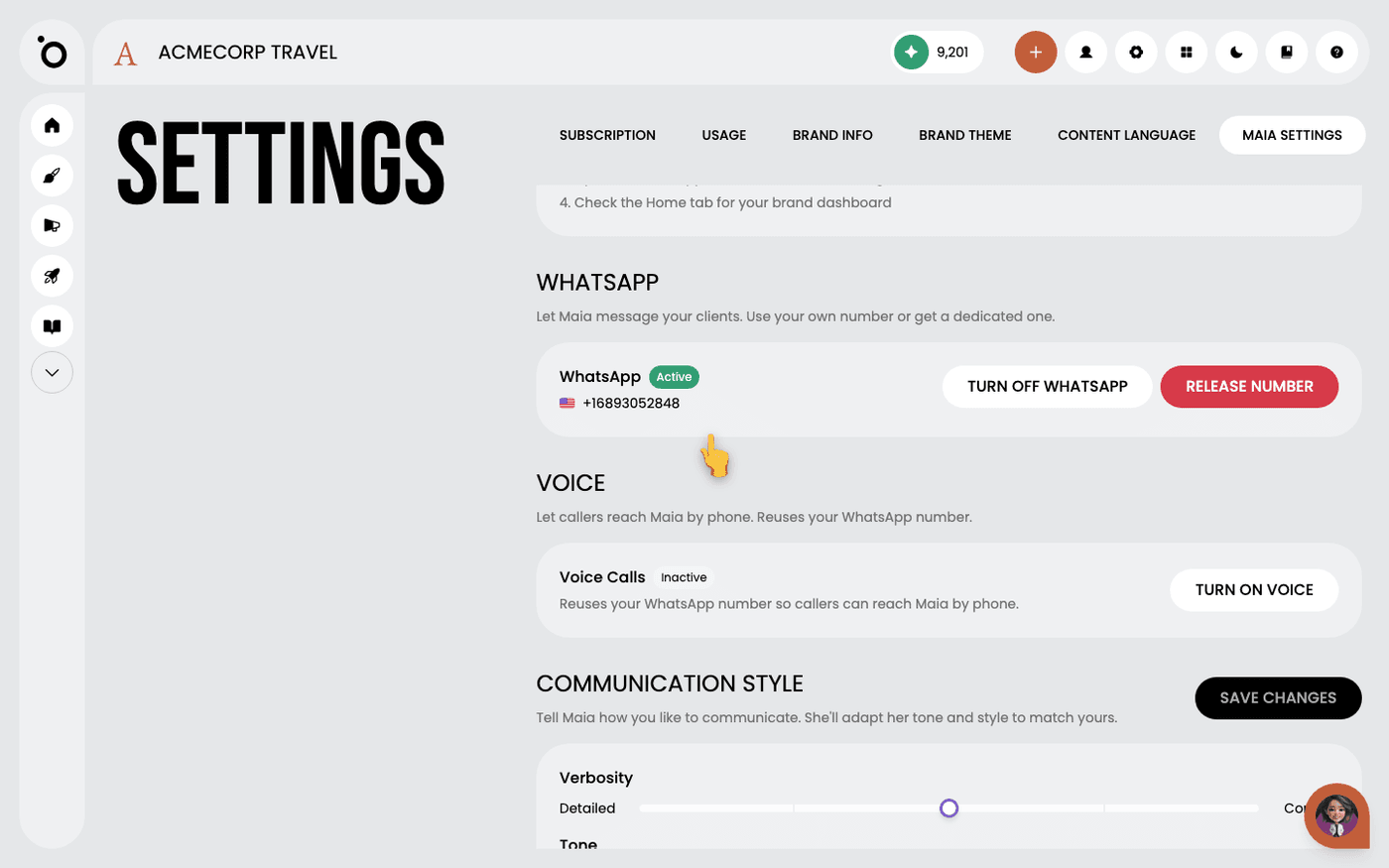
Give Maia a WhatsApp number and let her answer calls
Let clients message Maia on WhatsApp, and let callers reach her by phone on the same number.
Invite Maia to your meetings
Send Maia a meeting link and she joins the call like a colleague. No setup, no plug-in.
 Settings
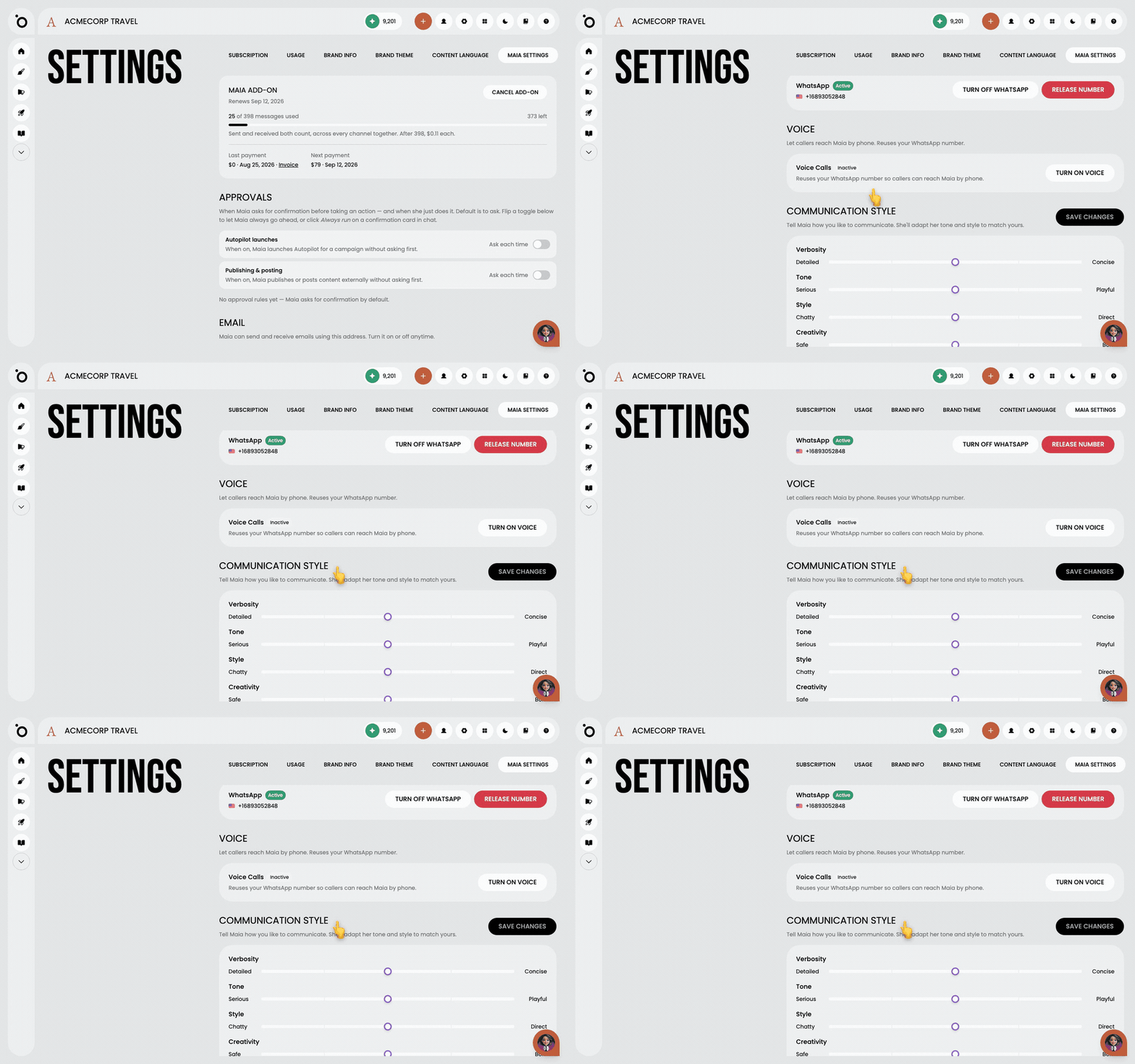
Set how Maia sounds
Make Maia write and talk the way your brand should, everywhere she appears, with five sliders.
 Settings
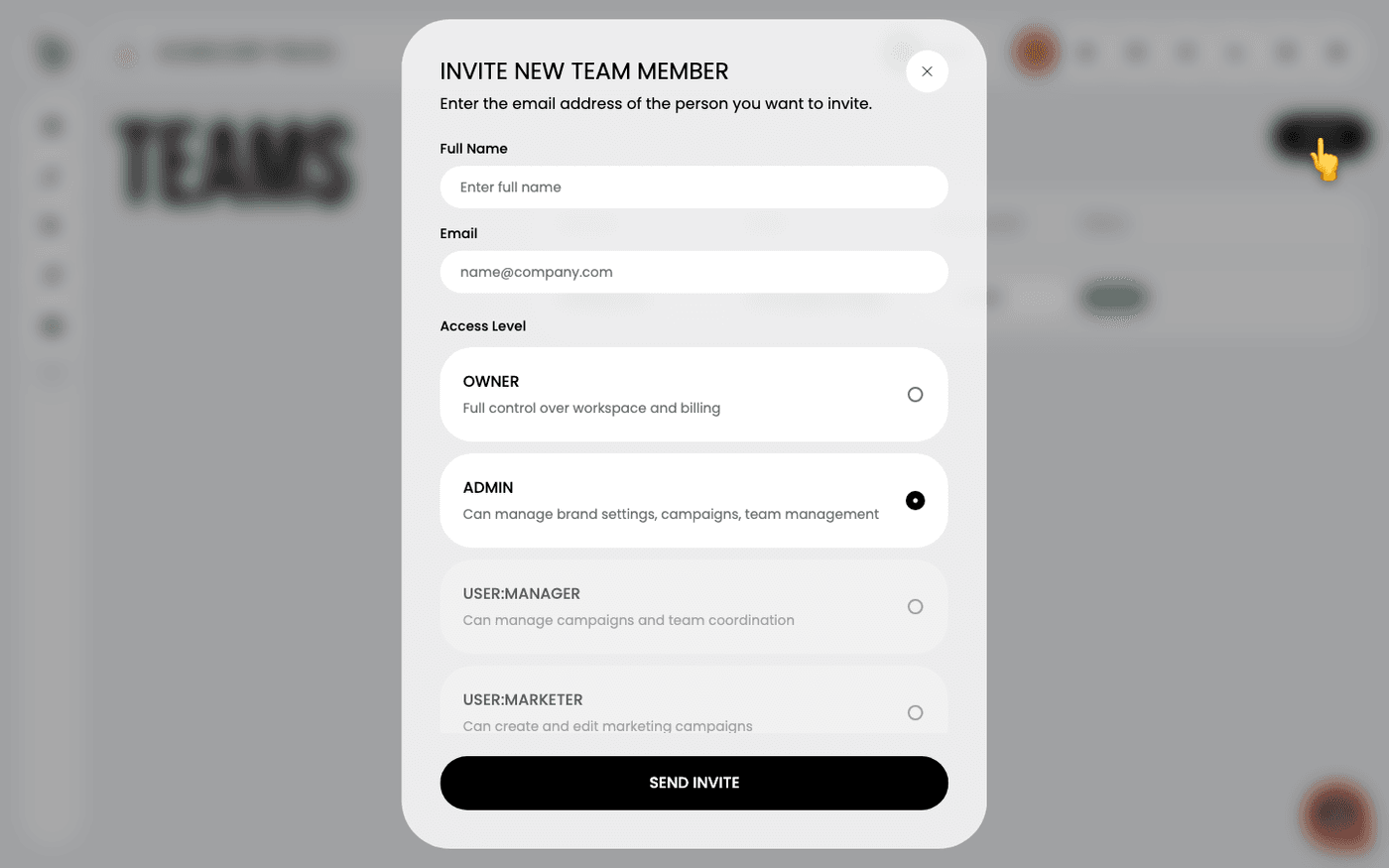
Invite your team
Bring colleagues into your brand so they can brief, make and approve work with you.
 Settings
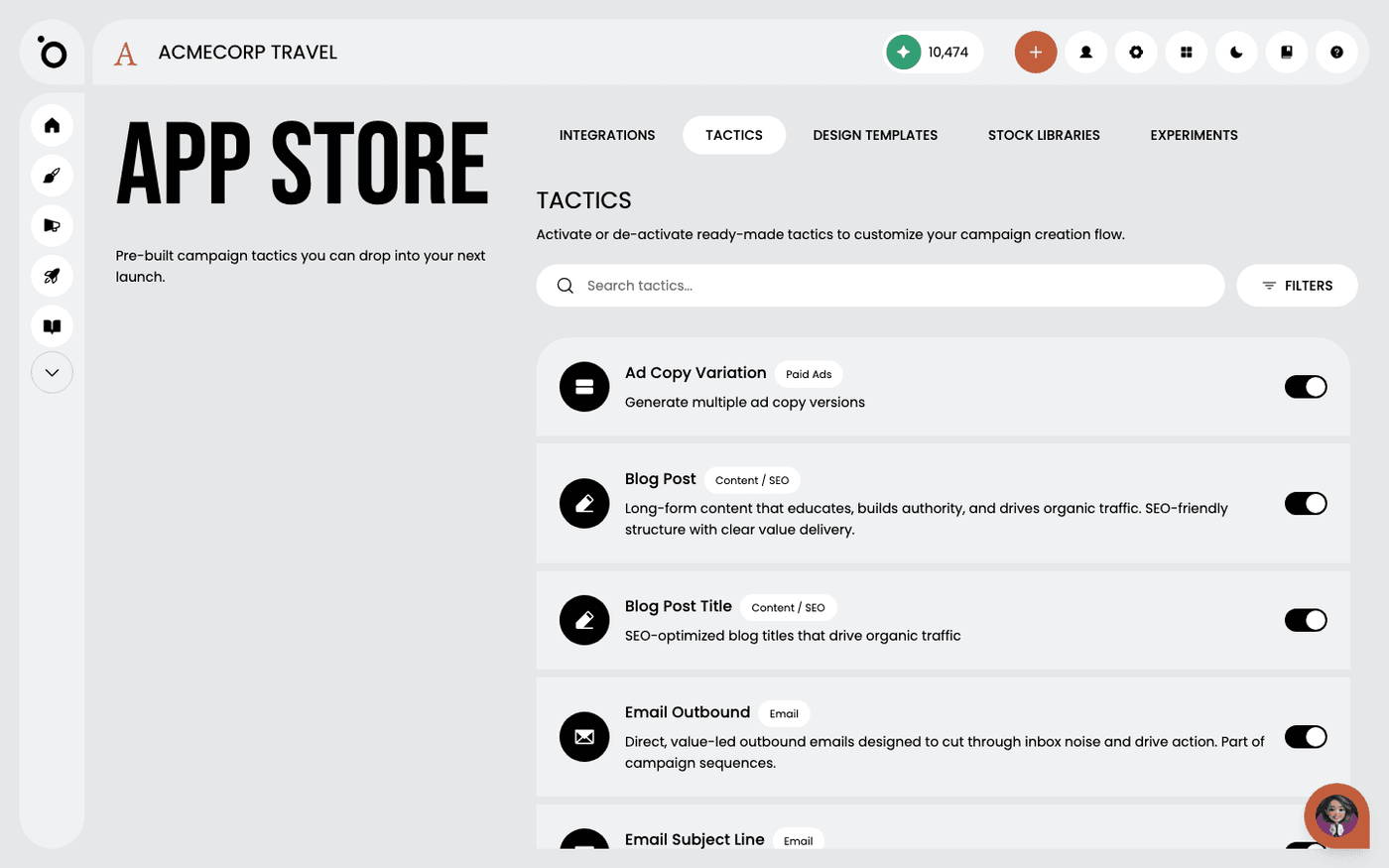
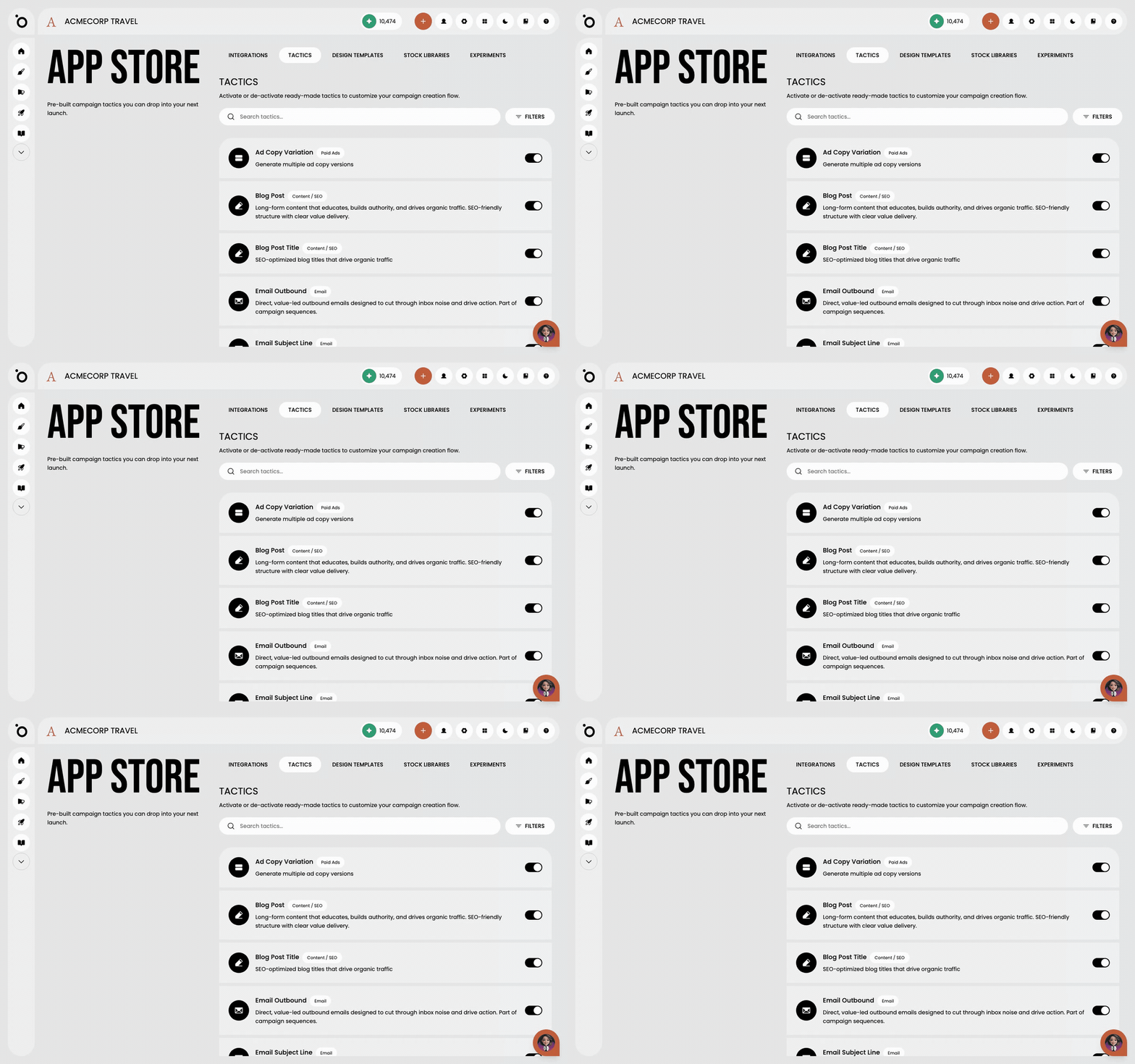
Switch on tactics, stock libraries and integrations
Choose the channels you publish on, connect stock photo libraries and outside platforms, and try new features early.
 Settings
Put your logo and colours on the workspace
Make the Protaigé screens look like your brand, so clients see their own logo and colours when you present.
Know how long deleted work is kept
Know what happens after you delete something, and how long auto-saves and failed generations stay around.
Add another brand
Run every client brand in one Protaigé account, each with its own Brand DNA, campaigns and sketches.
The Creative Editors
21 walkthroughs
 The Creative Editors
Find out which editor you are in
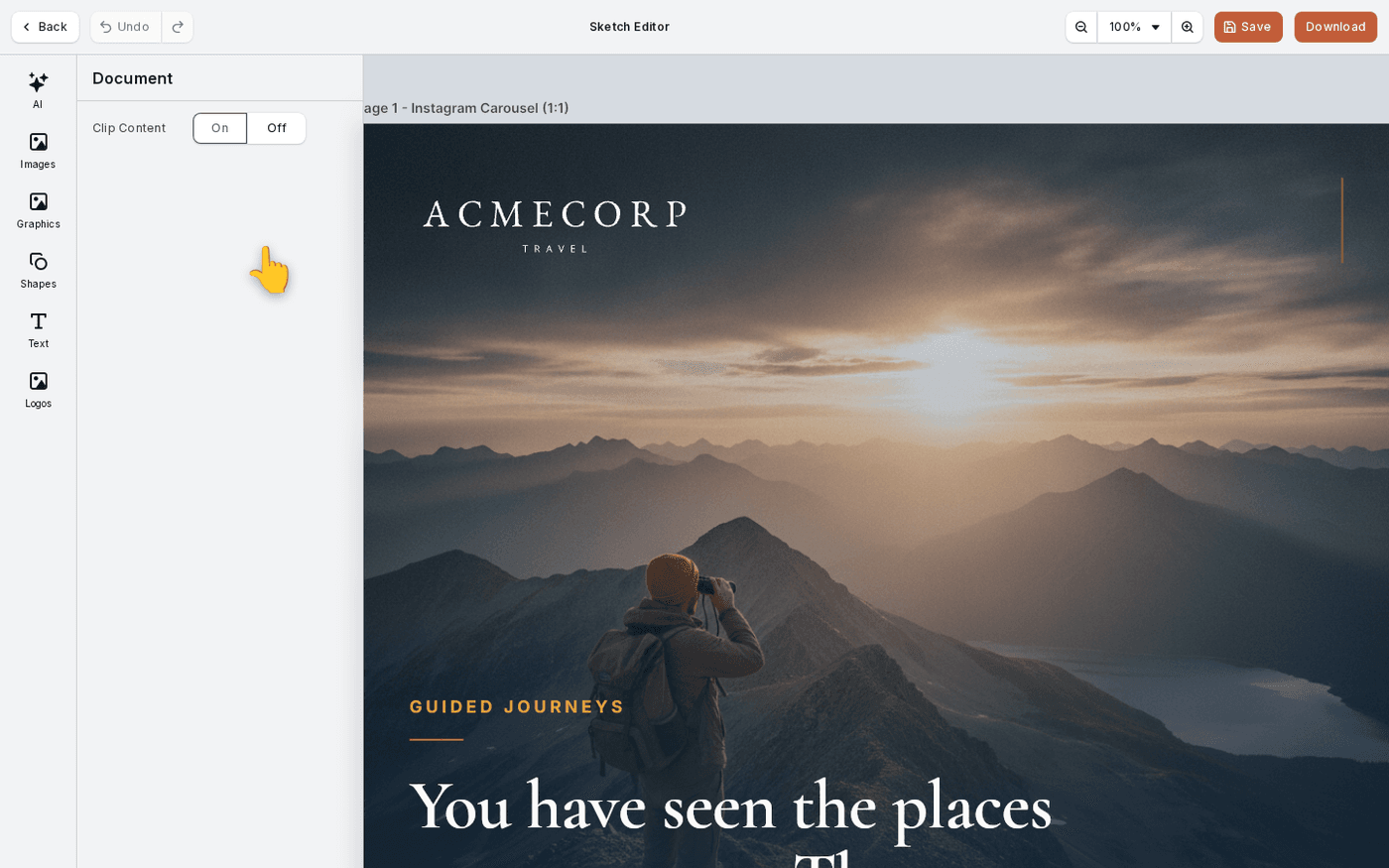
Protaigé has five editing surfaces. The header tells you which one you are in, and that decides which tools you get.
 The Creative Editors
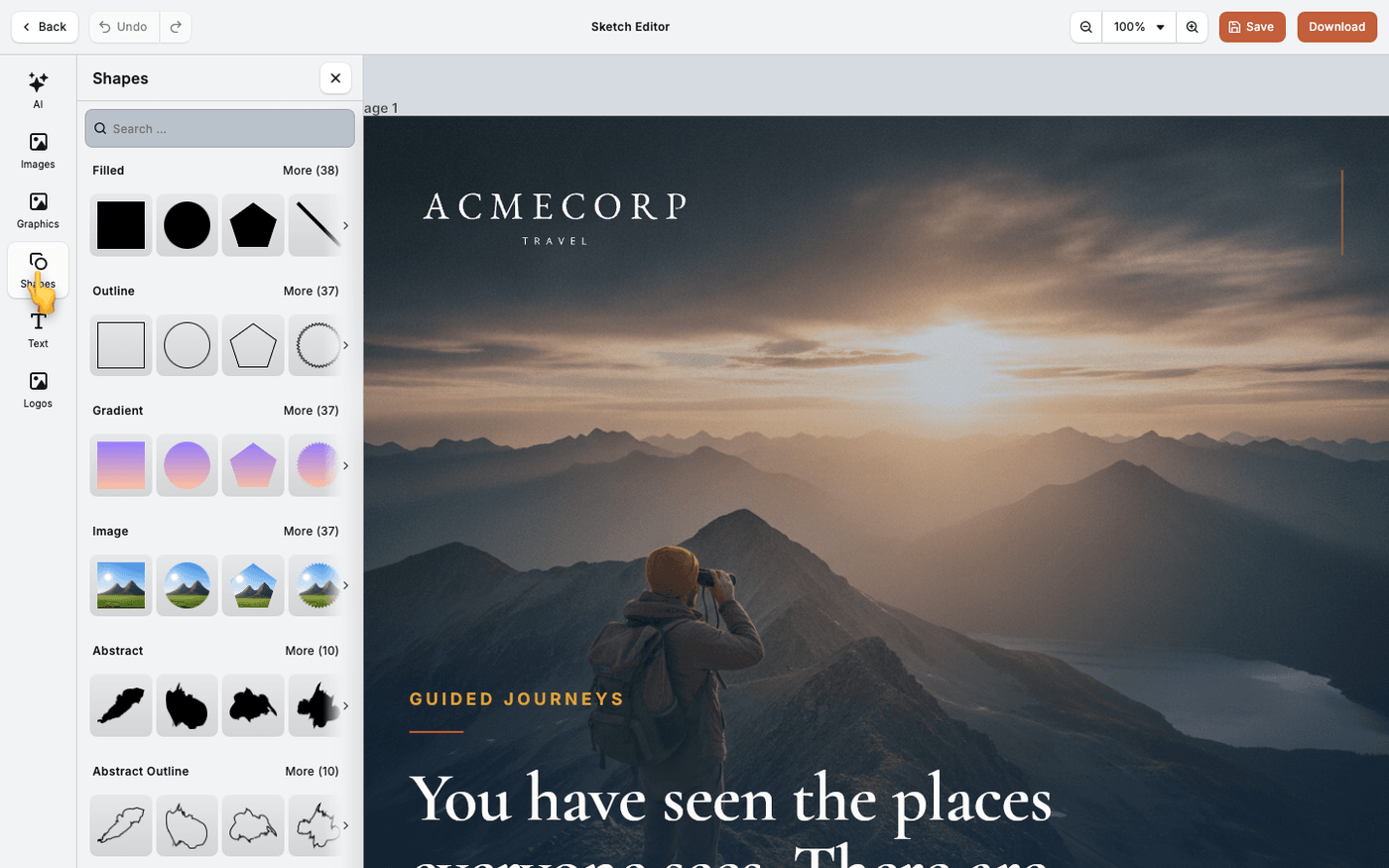
Find and add images in the editor
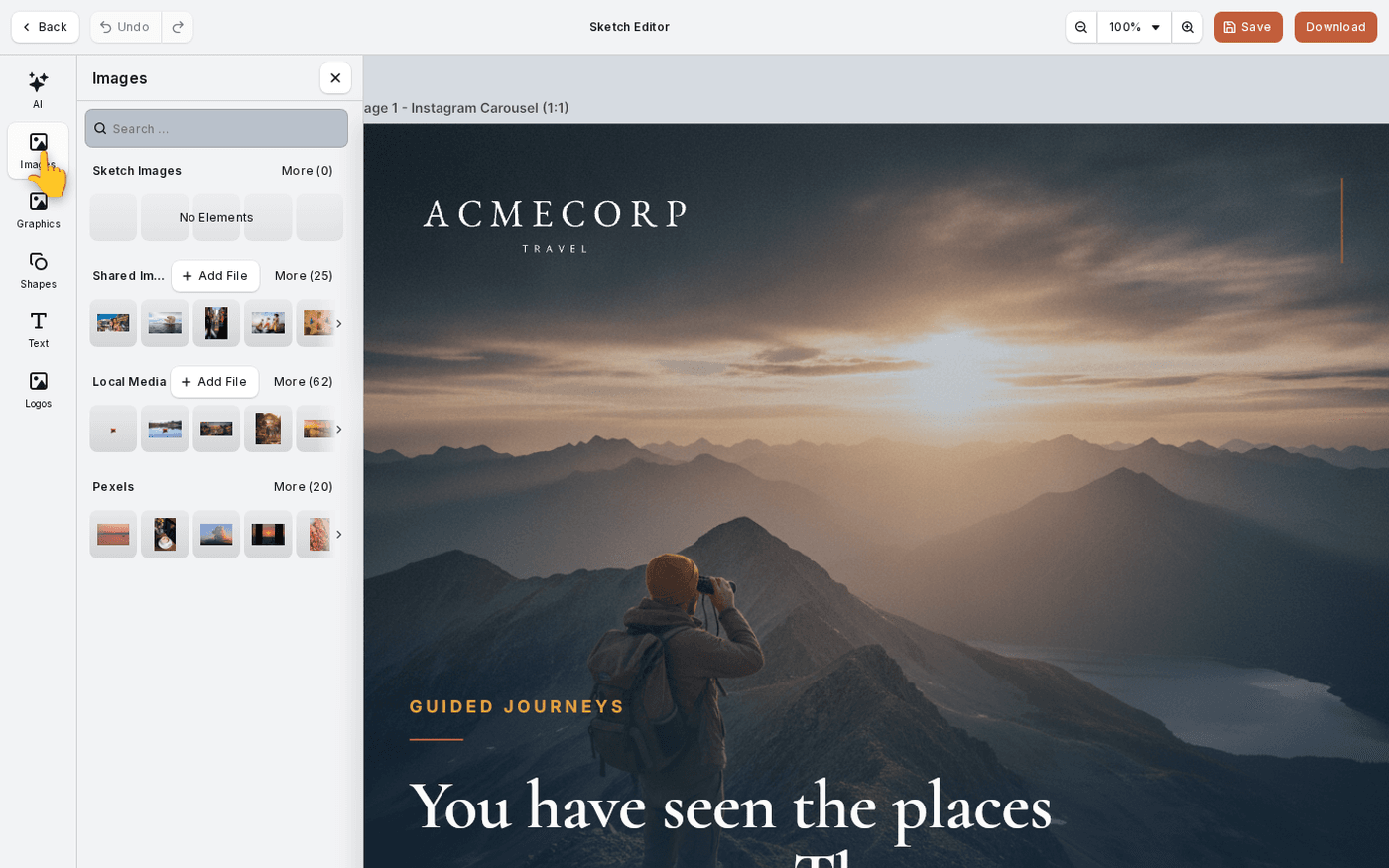
One Images tab holds every picture you can use, from the work you are in to stock, in that order.
 The Creative Editors
Fix an image's exposure and colour
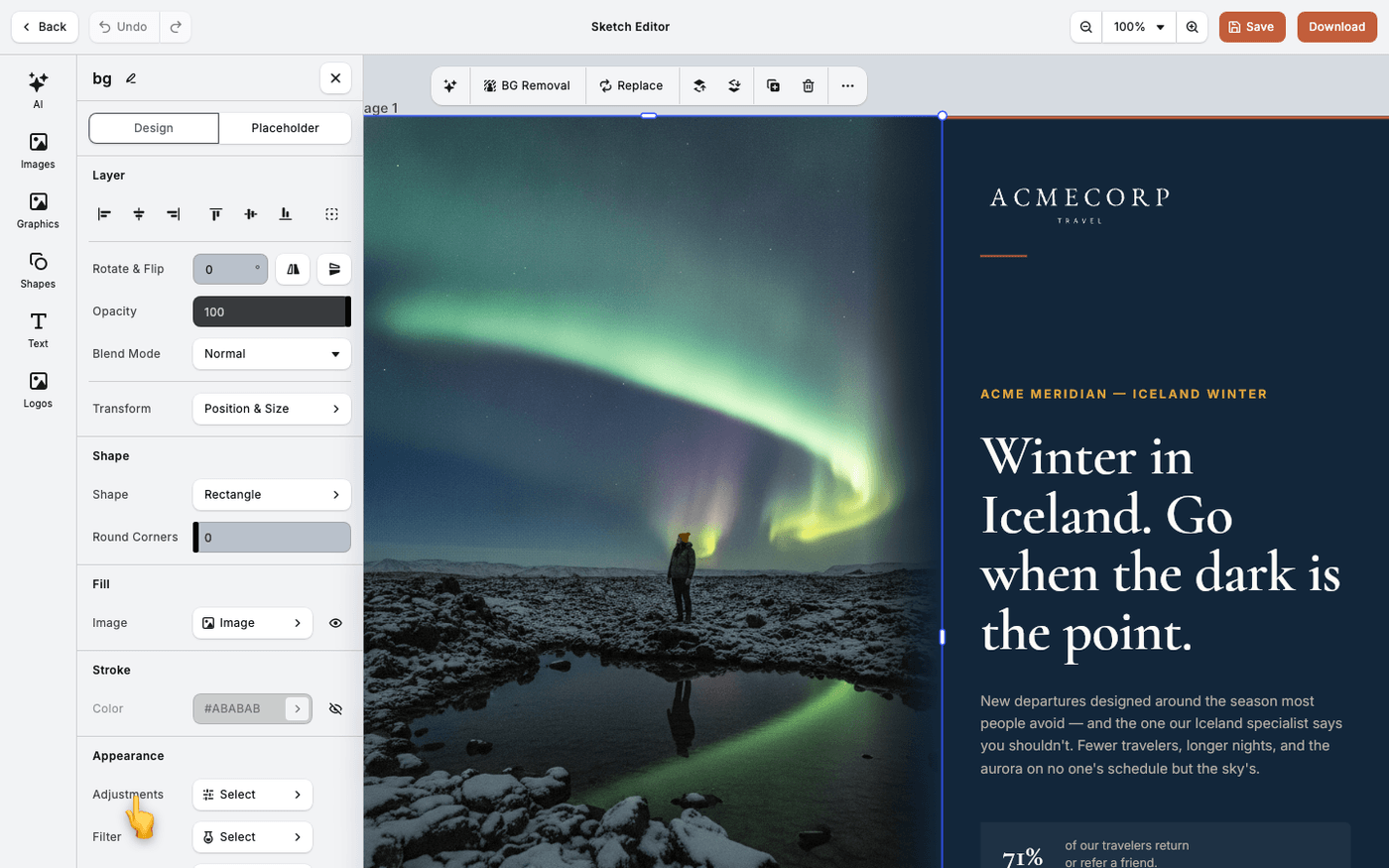
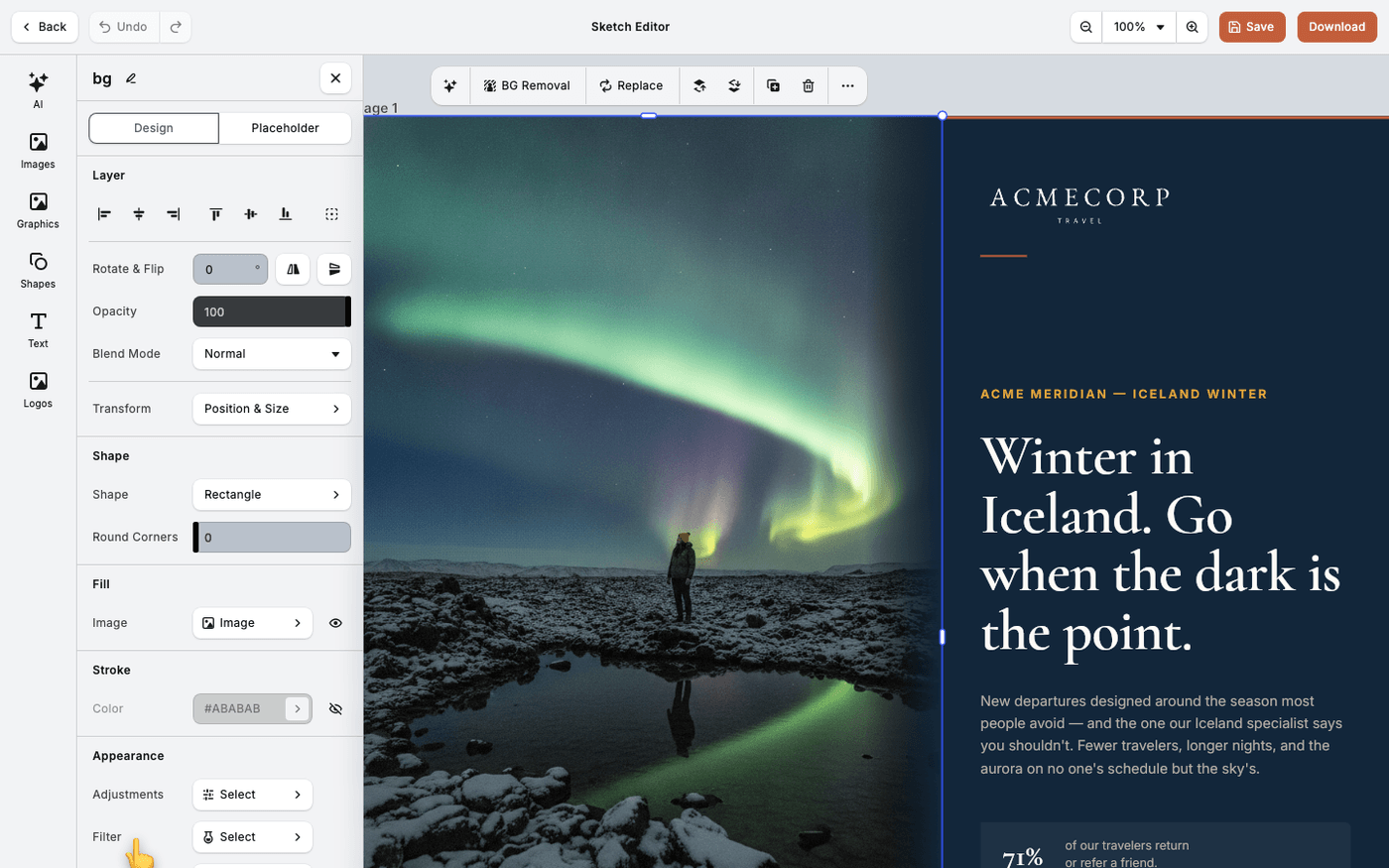
Fix a photo that is too dark, too flat or the wrong colour with twelve sliders, without leaving the editor.
 The Creative Editors
Apply a filter or duotone to an image
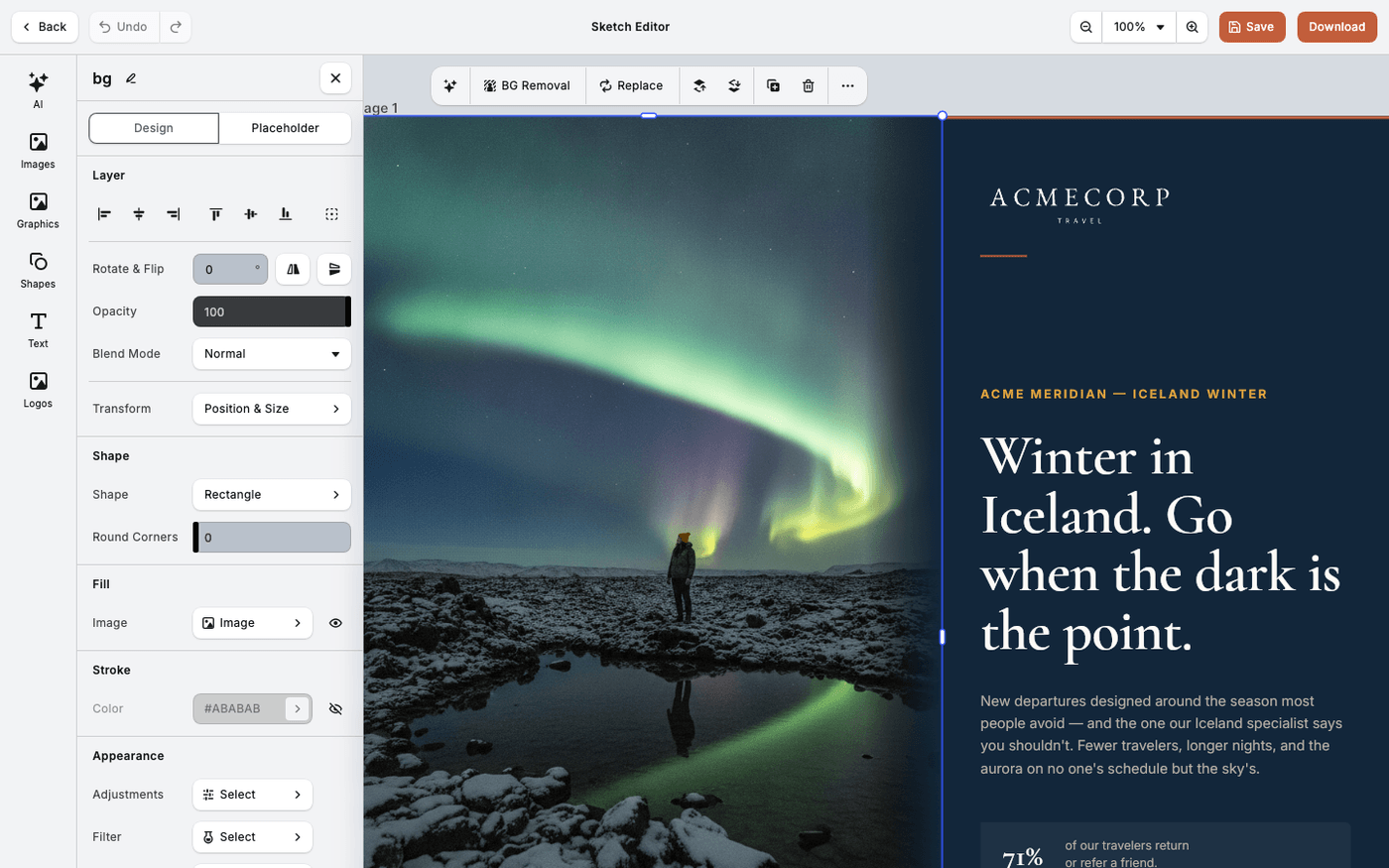
Give your photos one consistent look, or tint them in two brand colours, with a slider to keep it subtle.
 The Creative Editors
Add image effects and blur
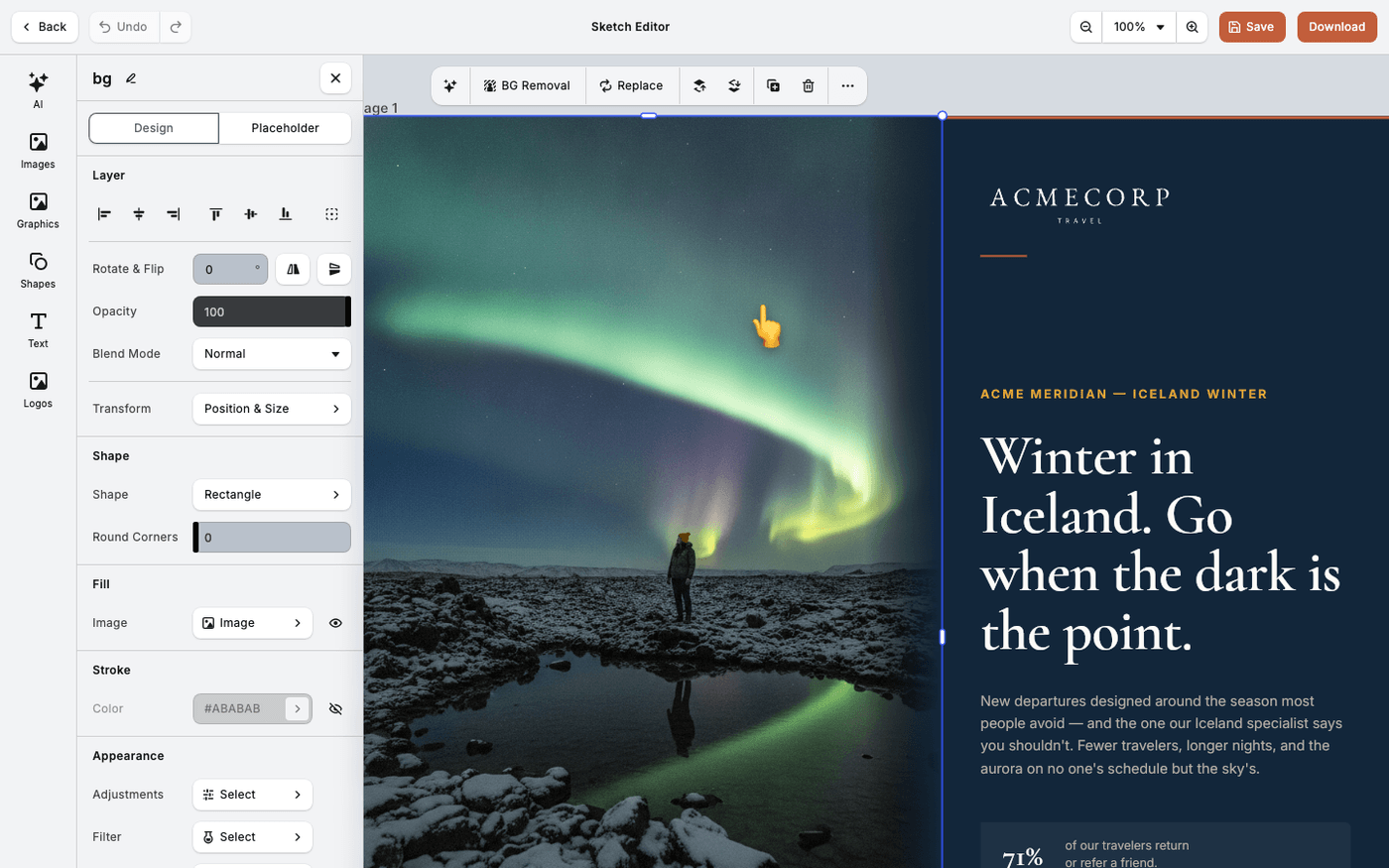
Nineteen effects and five kinds of blur, and which ones earn a place in a real design.
 The Creative Editors
Crop and fit images in frames
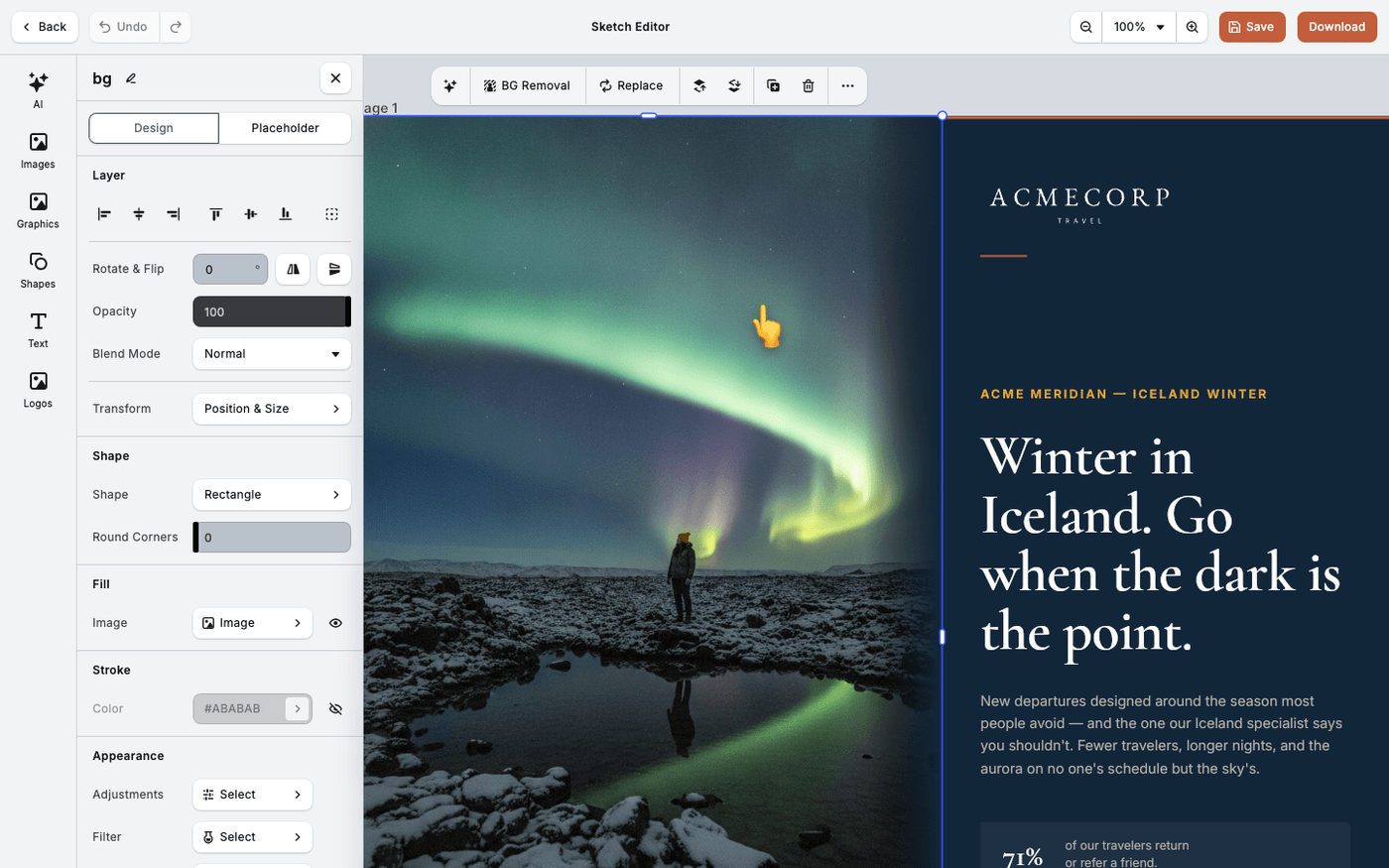
Make an image sit right in its frame. The fill mode is usually the fix, not the crop.
 The Creative Editors
Remove an image background
Cut a subject out of its background in one click, without leaving the canvas.
 The Creative Editors
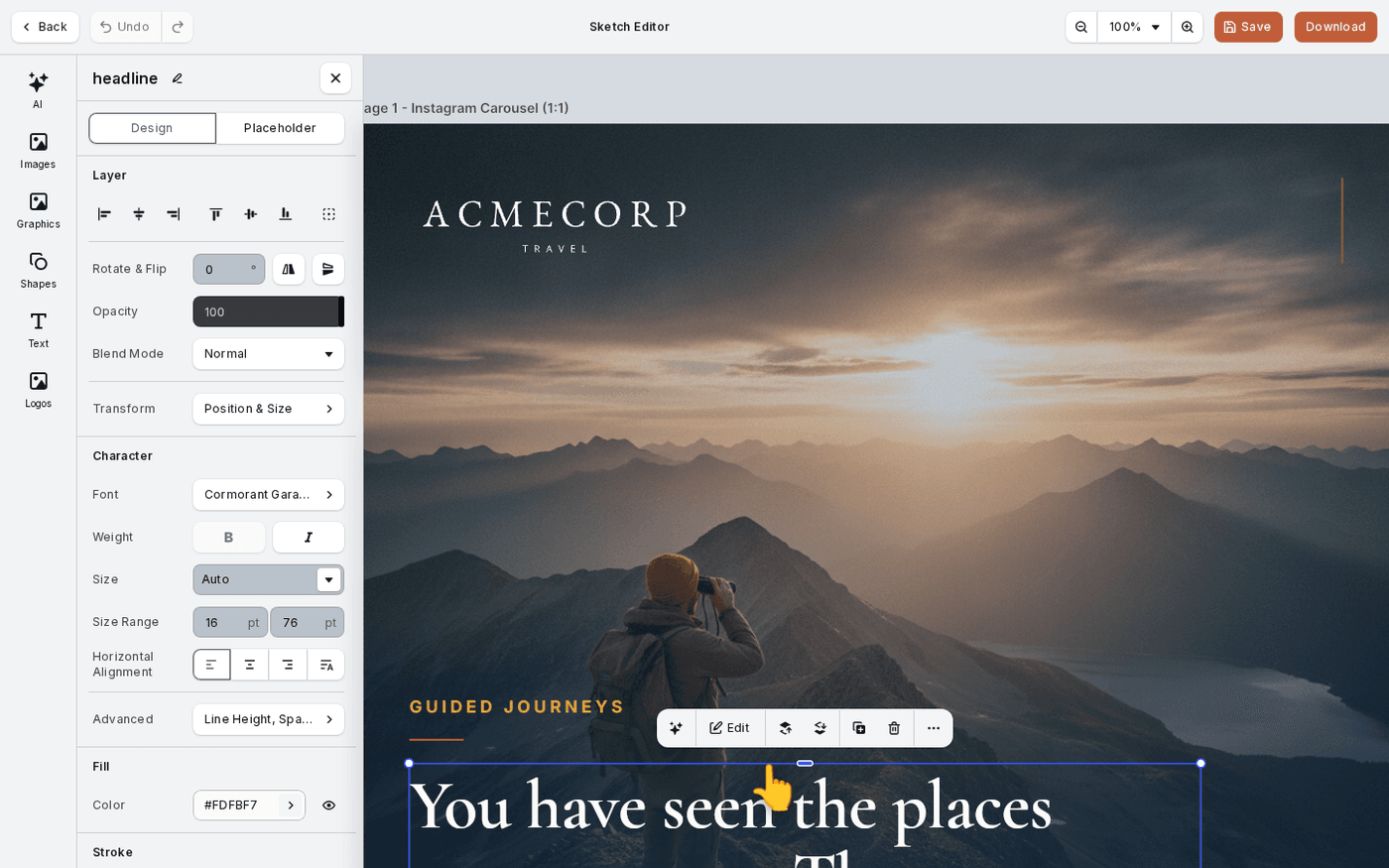
Style text in the editor
Set the font, size, alignment, background, outline and shadow on any text, and put type on a curve.
 The Creative Editors
Arrange, align and group elements
Put elements in front or behind, line them up, and group them so they move together.
 The Creative Editors
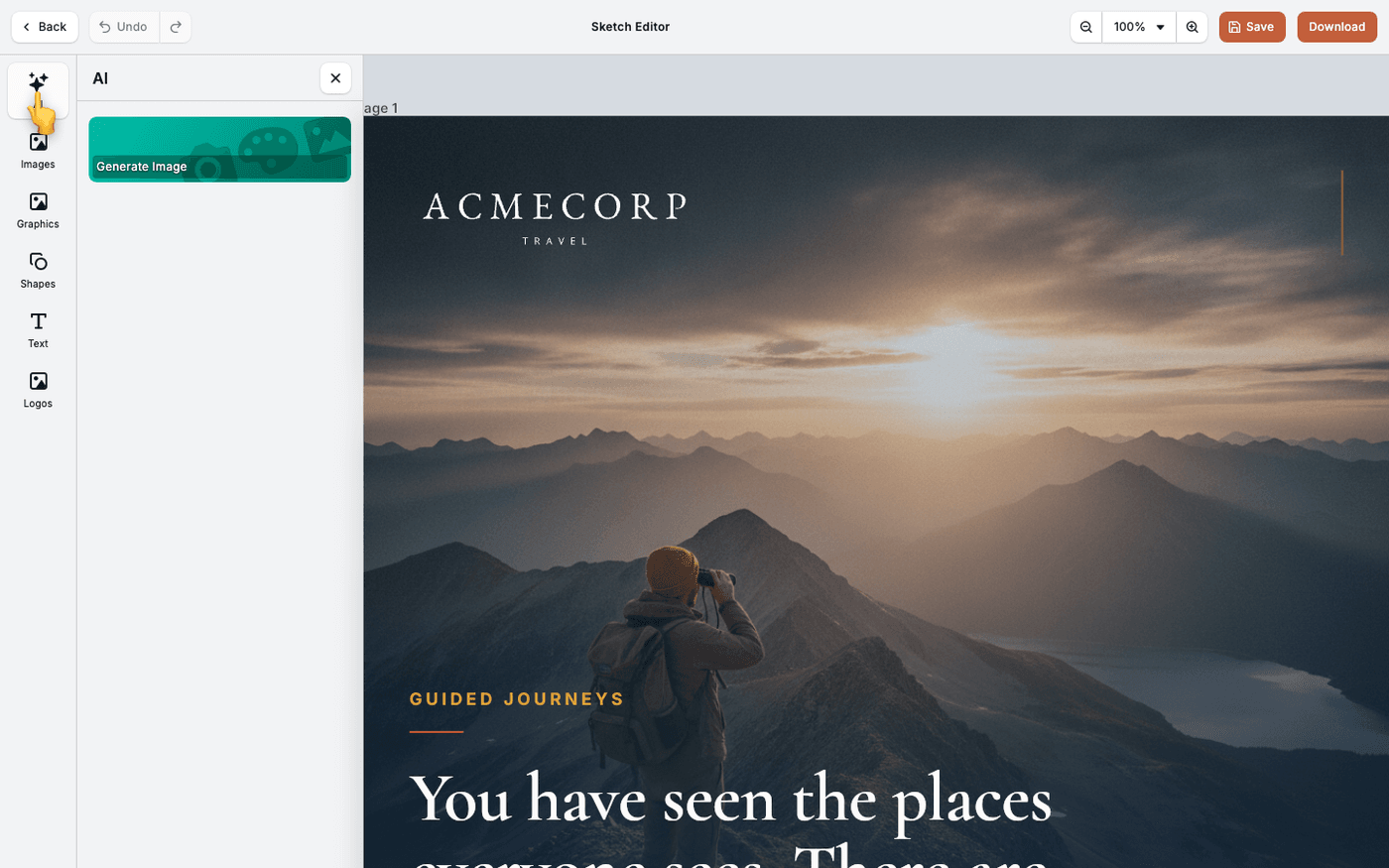
Change text and images with AI in the editor
Select any text or image on your canvas and let Protaigé rewrite it or regenerate it in place.
 The Creative Editors
Check these before you edit video
Know the limits of video in Protaigé before you start, so nothing surprises you halfway through.
 The Creative Editors
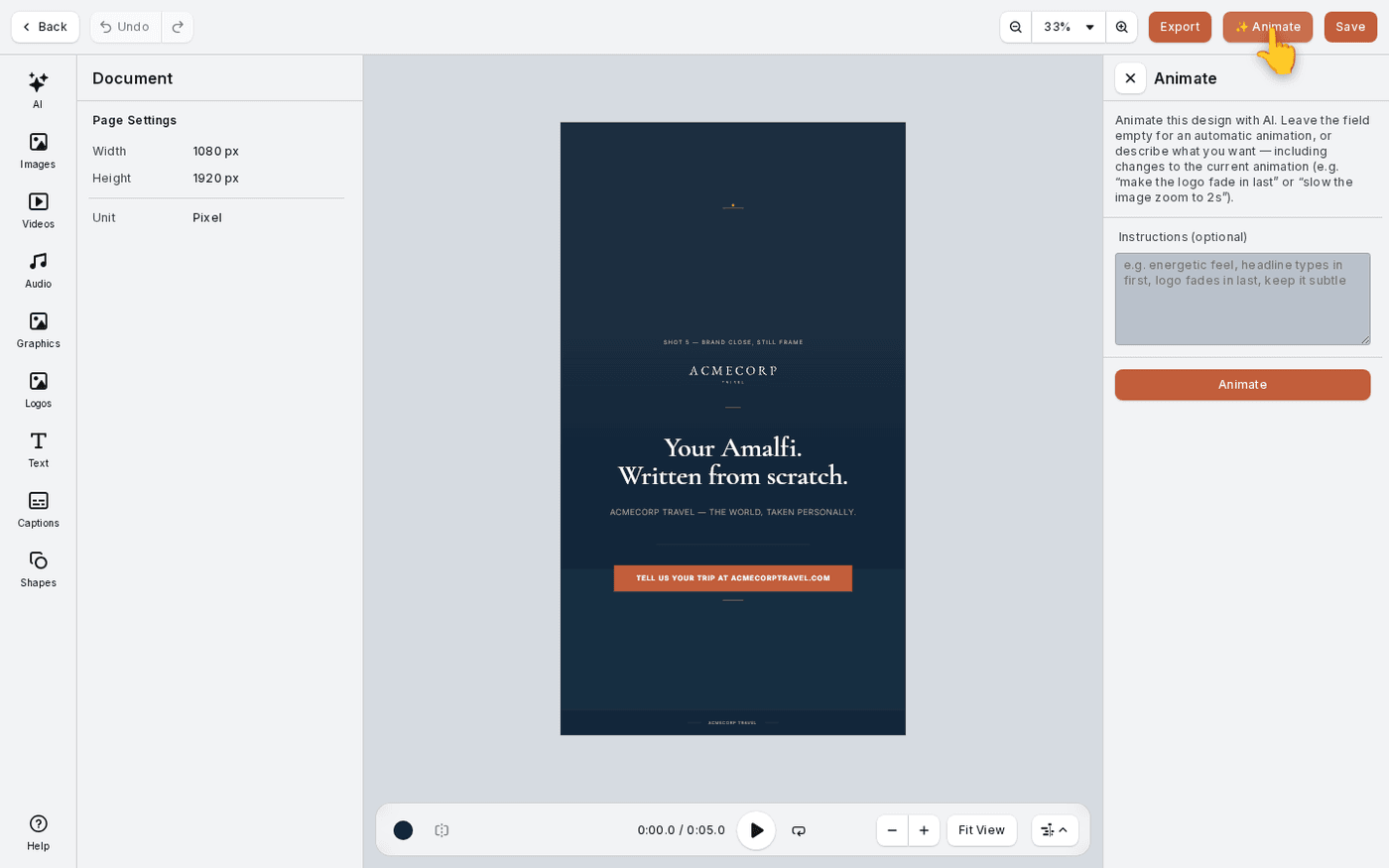
Animate a design into video
Turn a finished still design into a short video with one button. Protaigé decides what moves and when.
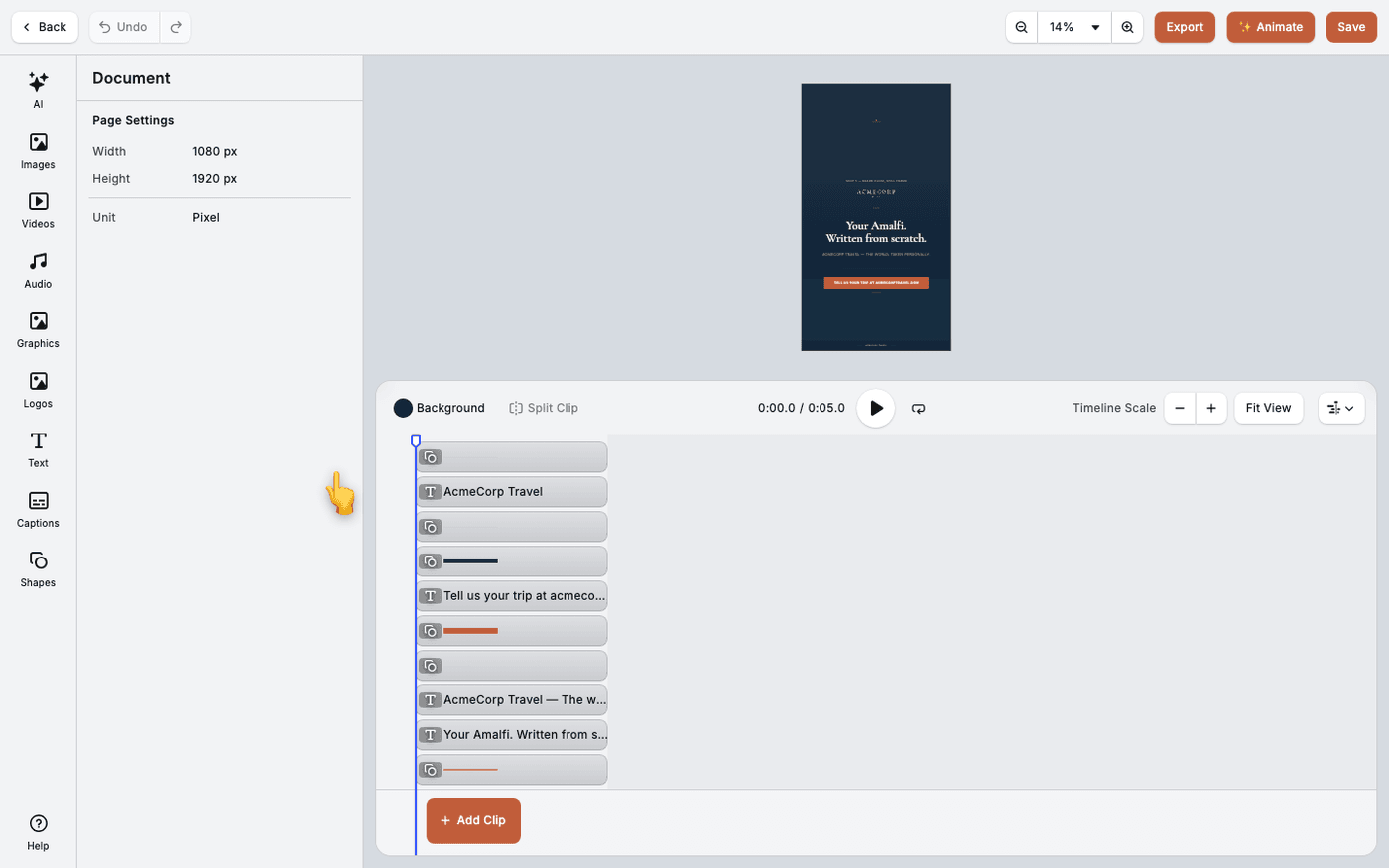 The Creative Editors
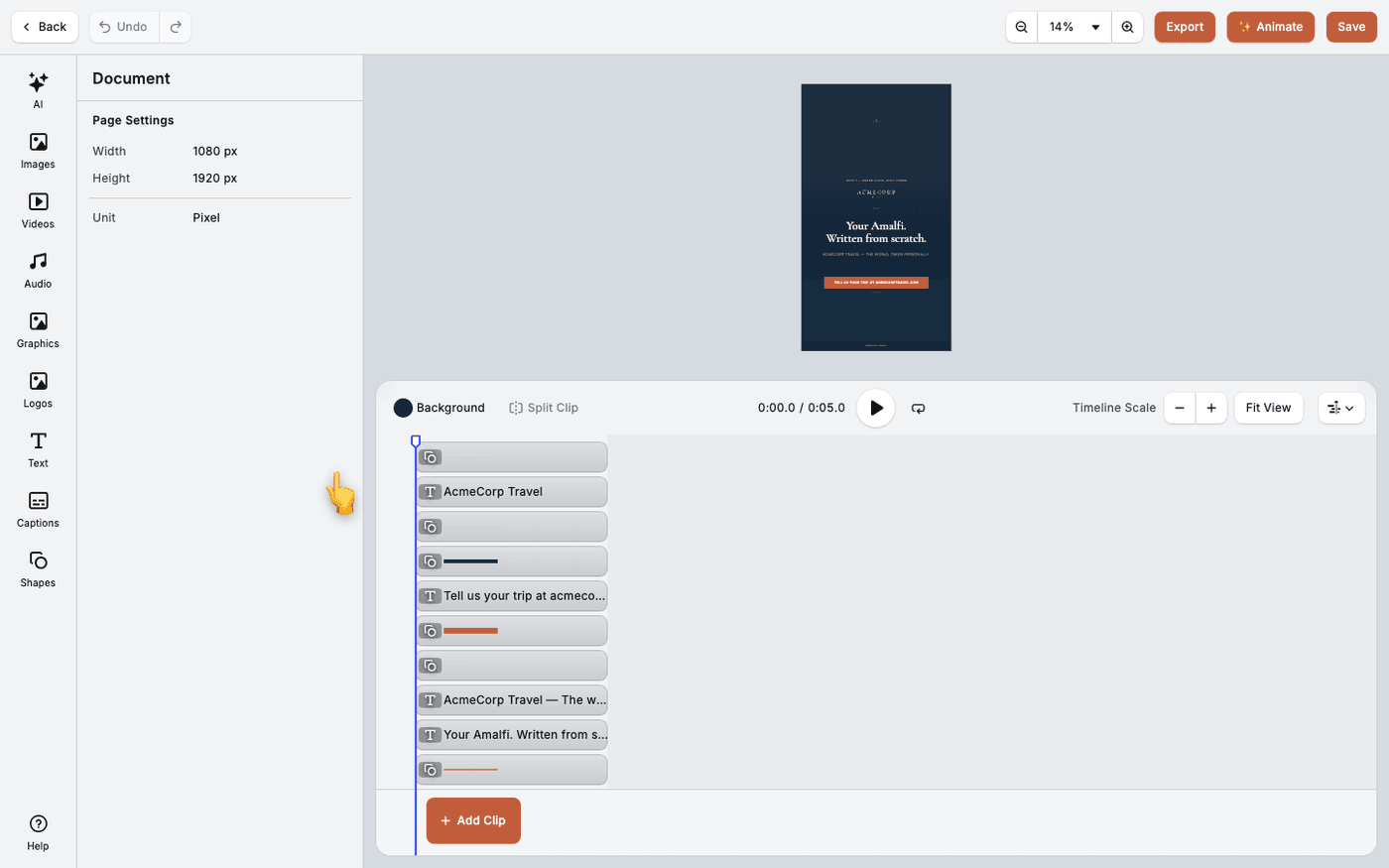
Use the video timeline
Trim clips, change their speed and volume, and add new clips, all on the timeline.
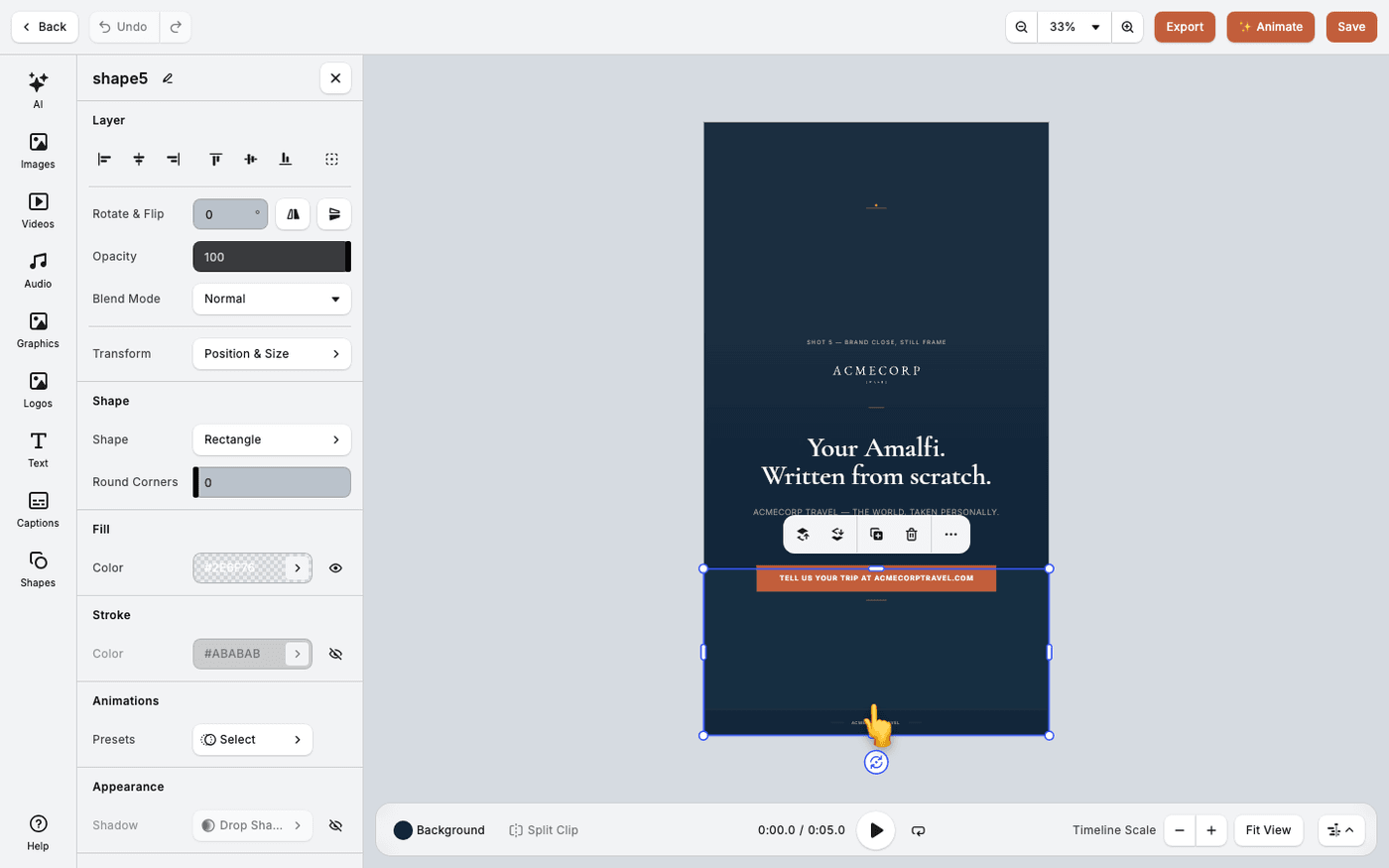 The Creative Editors
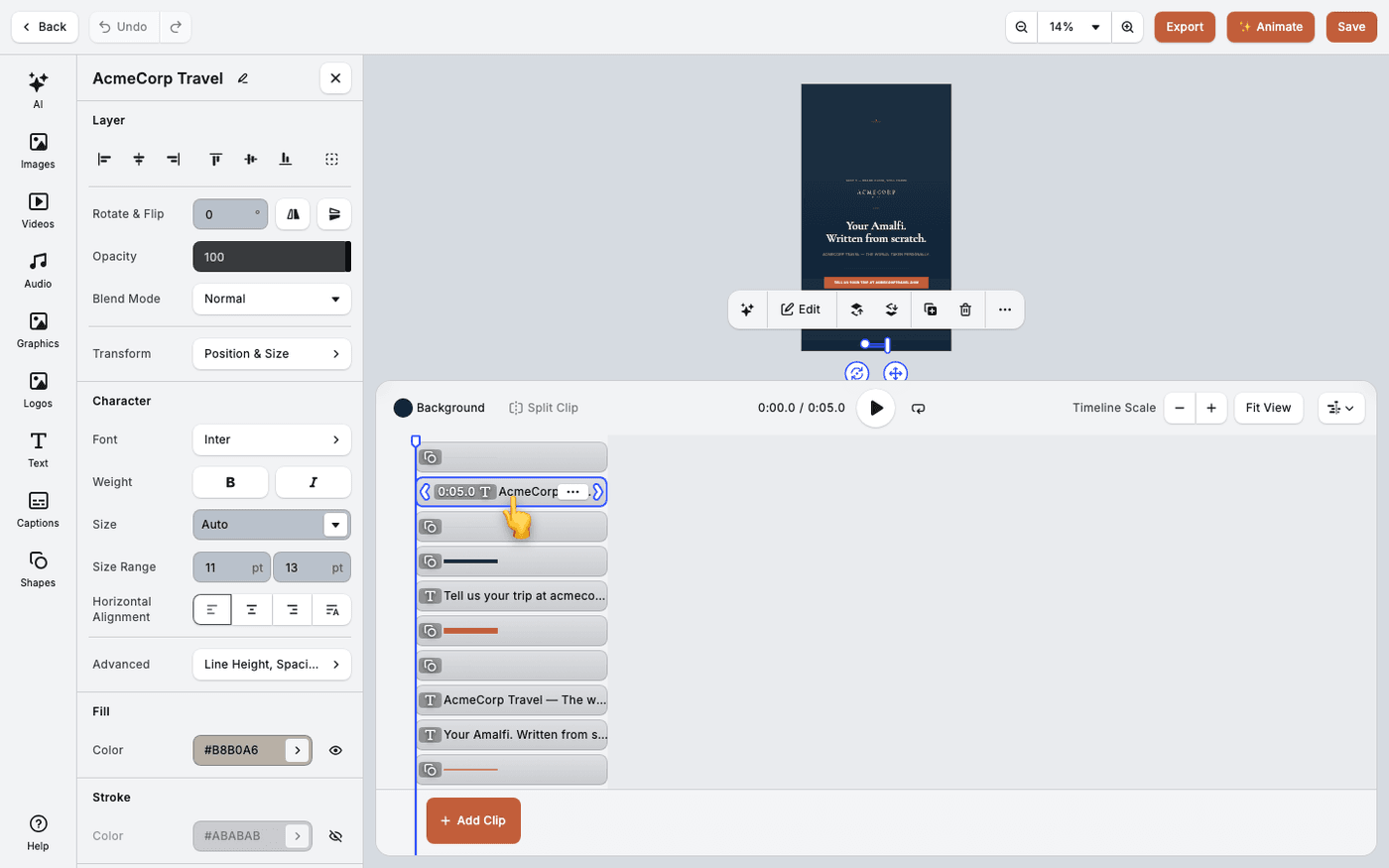
Animate a single element by hand
Give one text box or image its own entrance, exit and loop when ✨ Animate is not enough.
 The Creative Editors
Split and arrange clips on the timeline
Cut a clip in two at the playhead, stack clips on tracks, and decide what shows in front.
 The Creative Editors
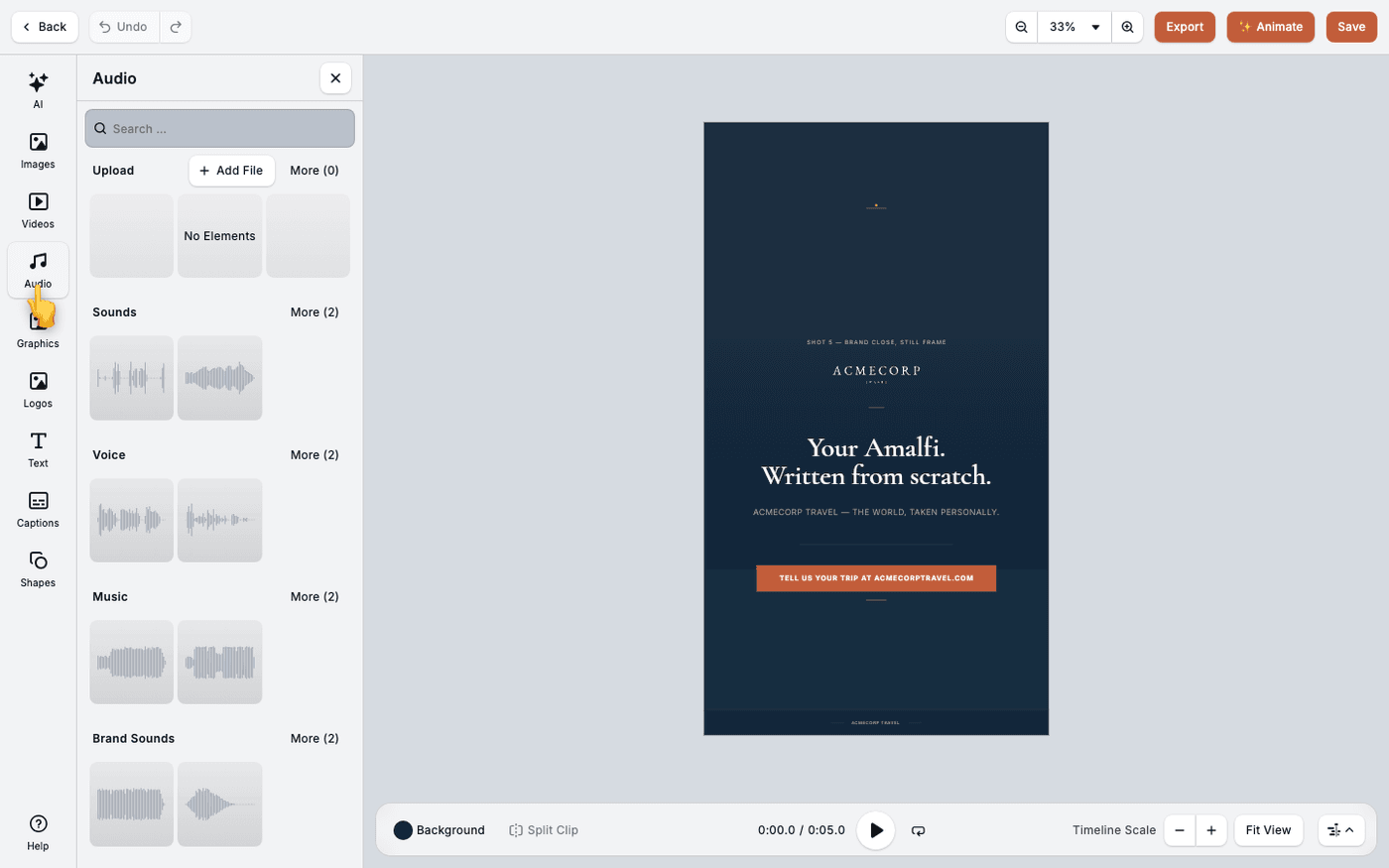
Add sound effects and music to video
Add sound to your video from generated effects, generated music or your own audio files.
 The Creative Editors
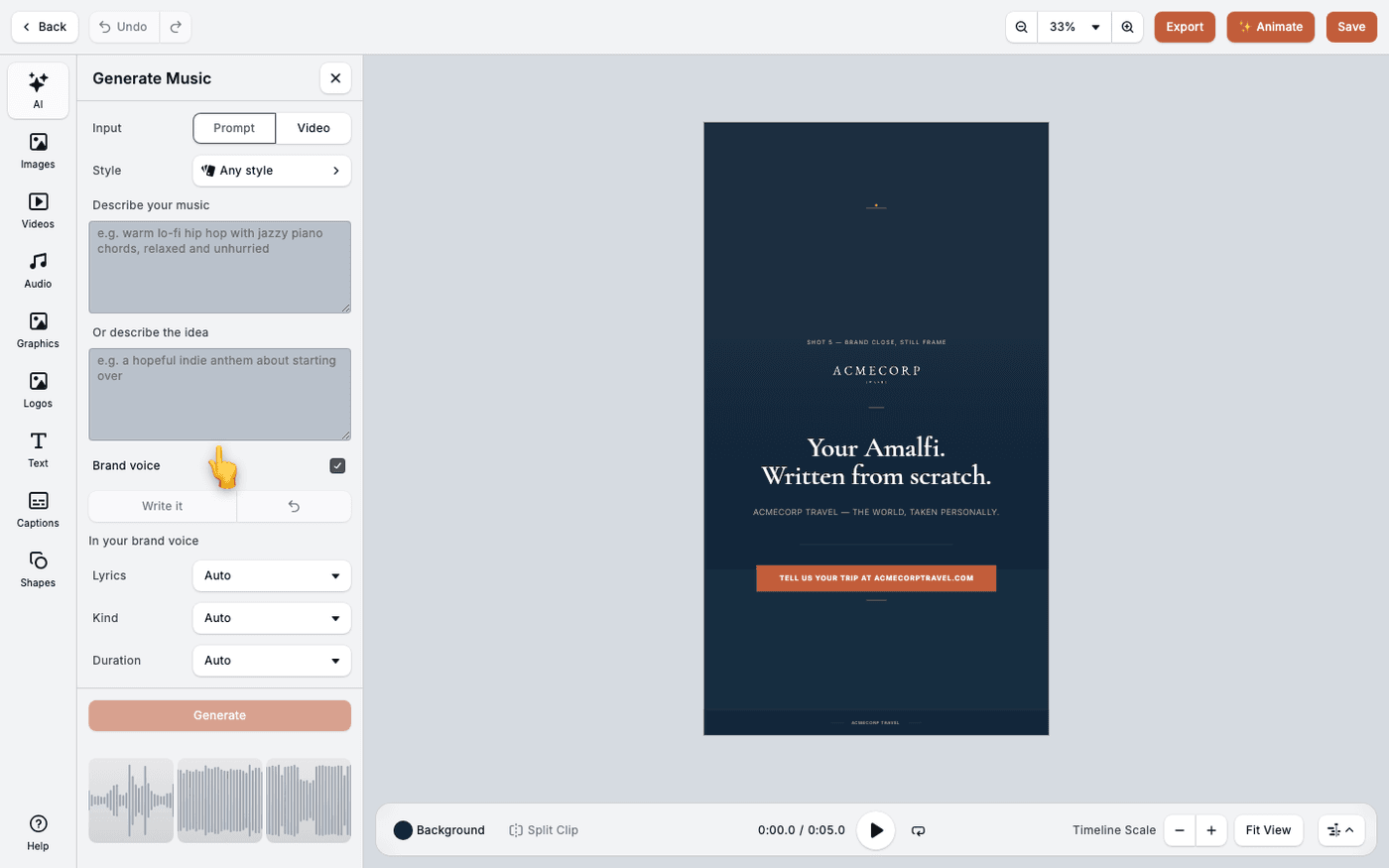
Generate music for video
Describe the track you want, or let Protaigé score your video, without leaving the editor.
 The Creative Editors
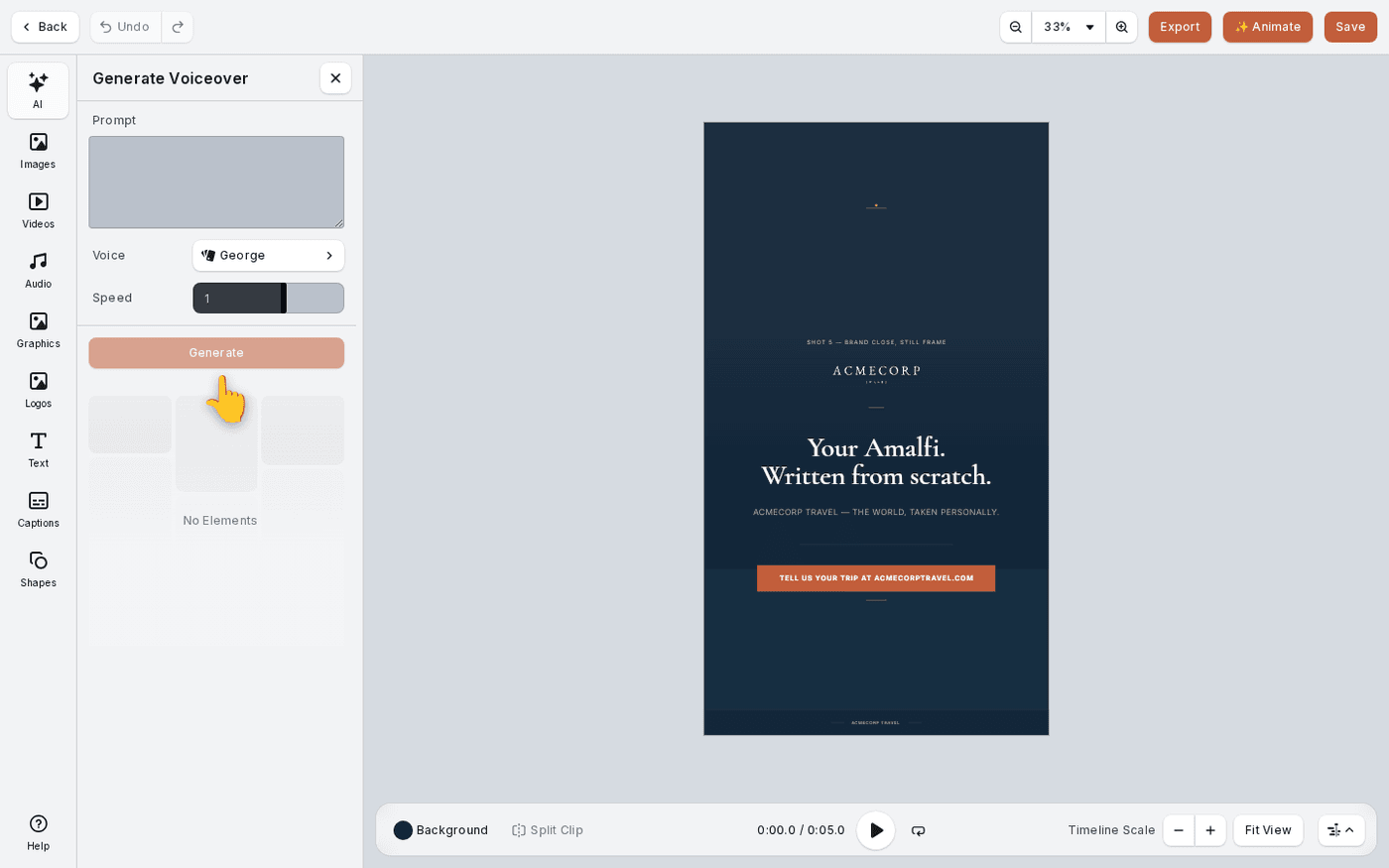
Add a voiceover to video
Give your video a narrator. Type the script, pick a voice, and Protaigé records it for you.
 The Creative Editors
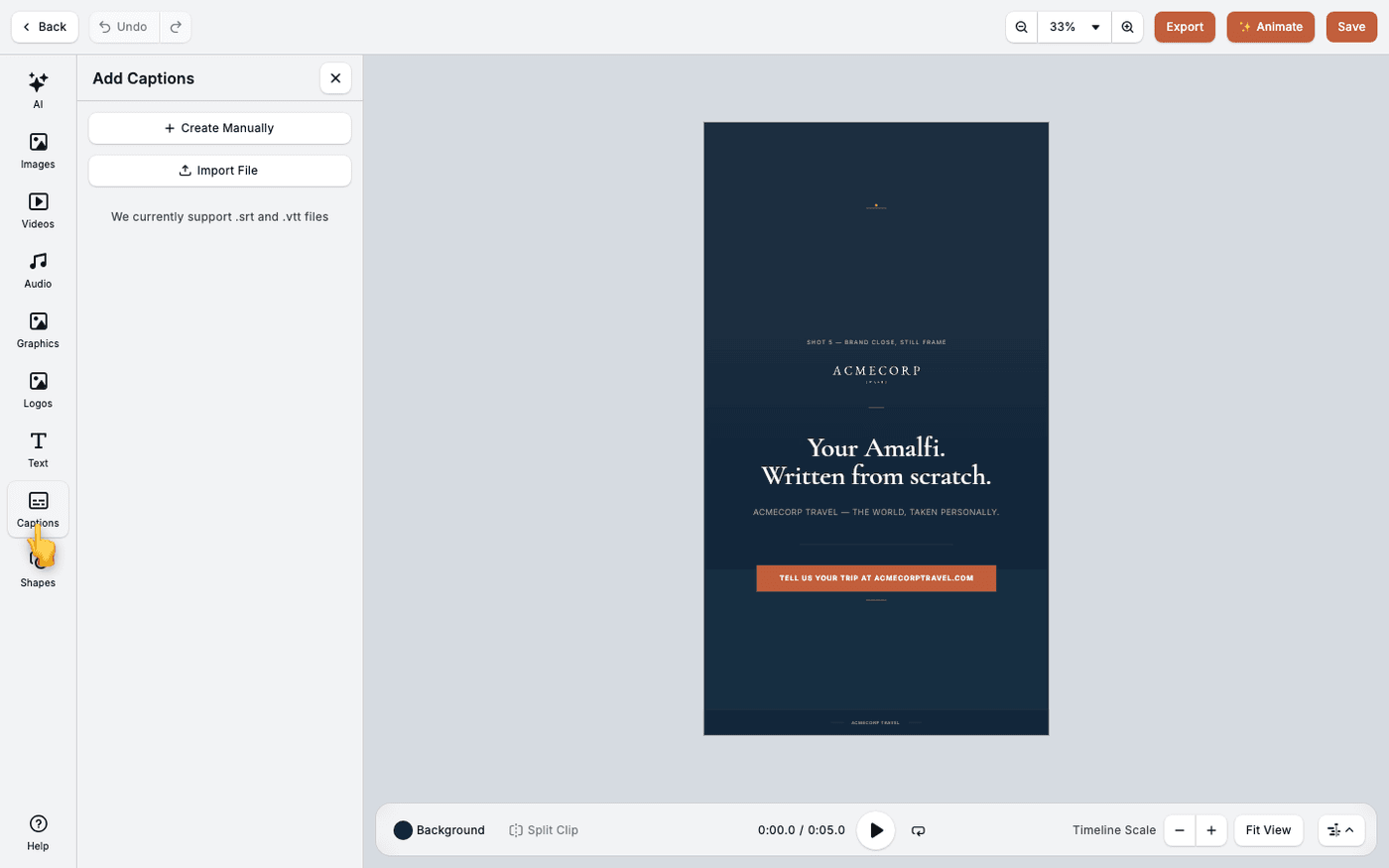
Add captions to video
Most people watch with the sound off. Captions make sure they still get your message.
 The Creative Editors
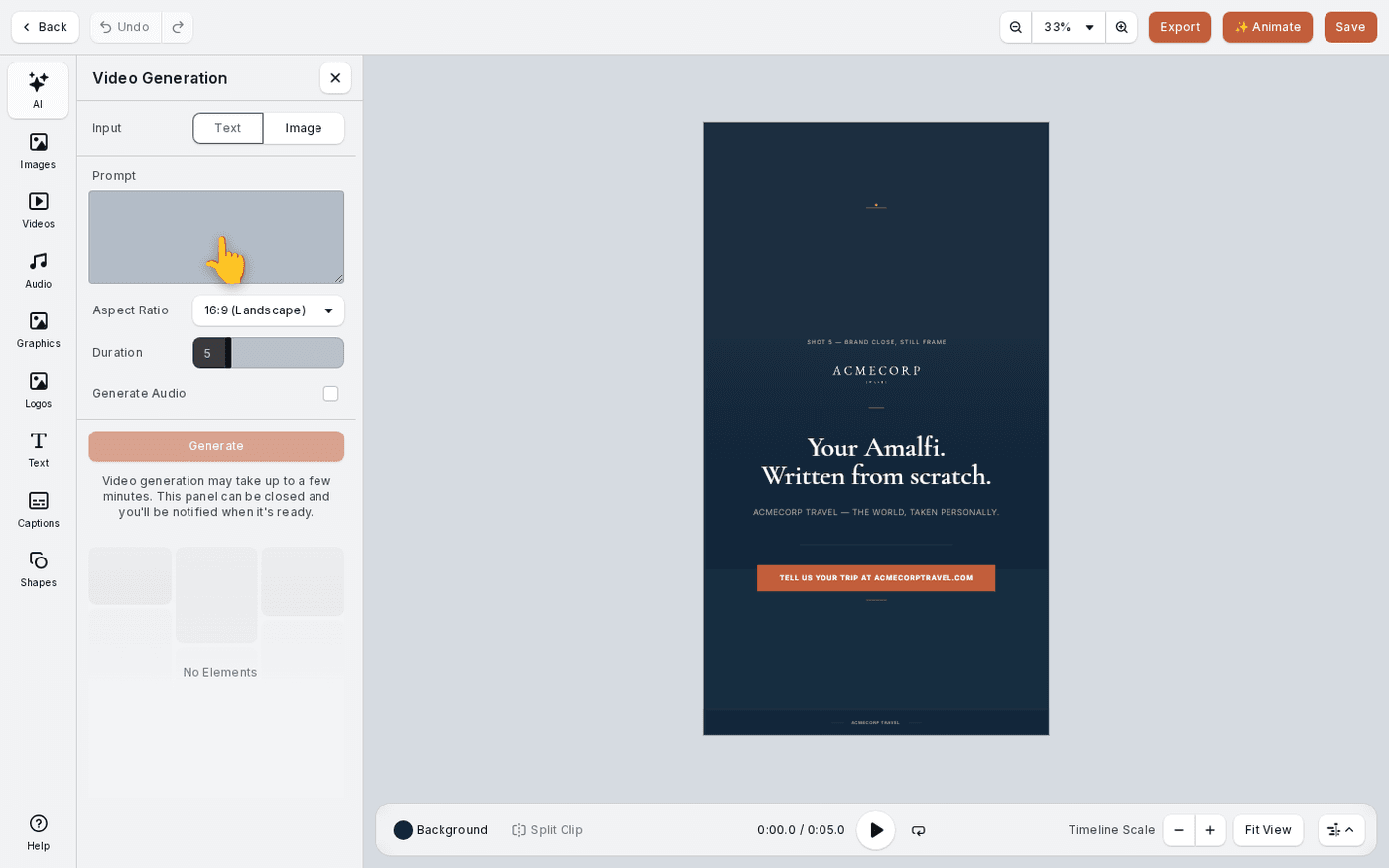
Generate video with AI
Make a short video clip from a description or from one of your own images, inside the editor.
 The Creative Editors
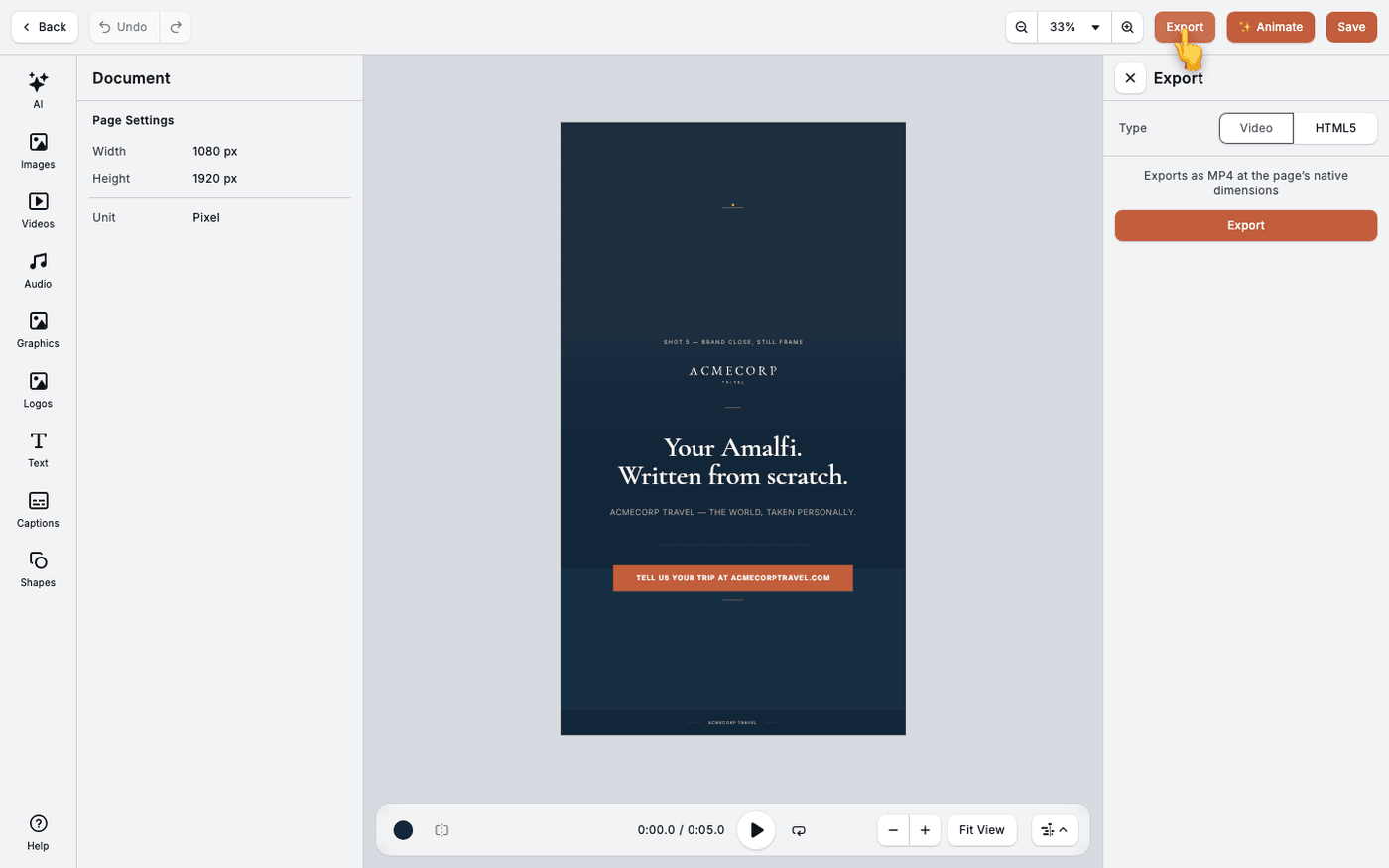
Export a video or an HTML5 banner
Get finished work out of the editor as a video for feeds, or as an HTML5 banner for ad servers.