In short: Brand DNA → Personas → Upload. Add a PDF profile for each audience you want to reach.
A persona describes one person you want to reach. It says what they want, what is in their way, and what would make them act. Protaigé writes differently for each persona. A pitch to a finance director reads differently from a pitch to the person who uses the product every day.
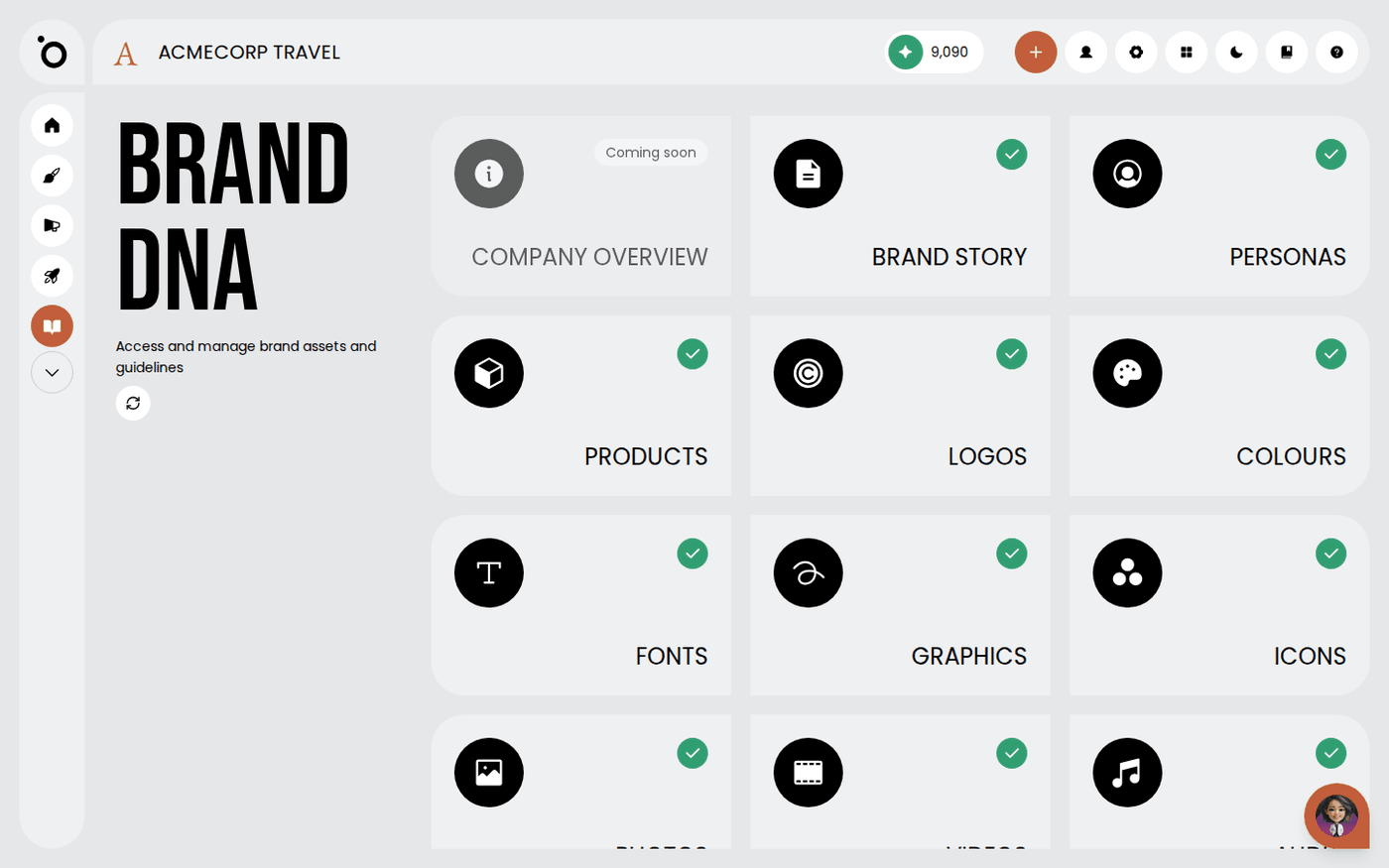
Personas live in Brand DNA. Every campaign brief asks you to choose at least one.
Define the ones that matter
Two or three real audiences are better than ten made-up ones. Each should be someone you could picture in a meeting.
Go beyond age and job title
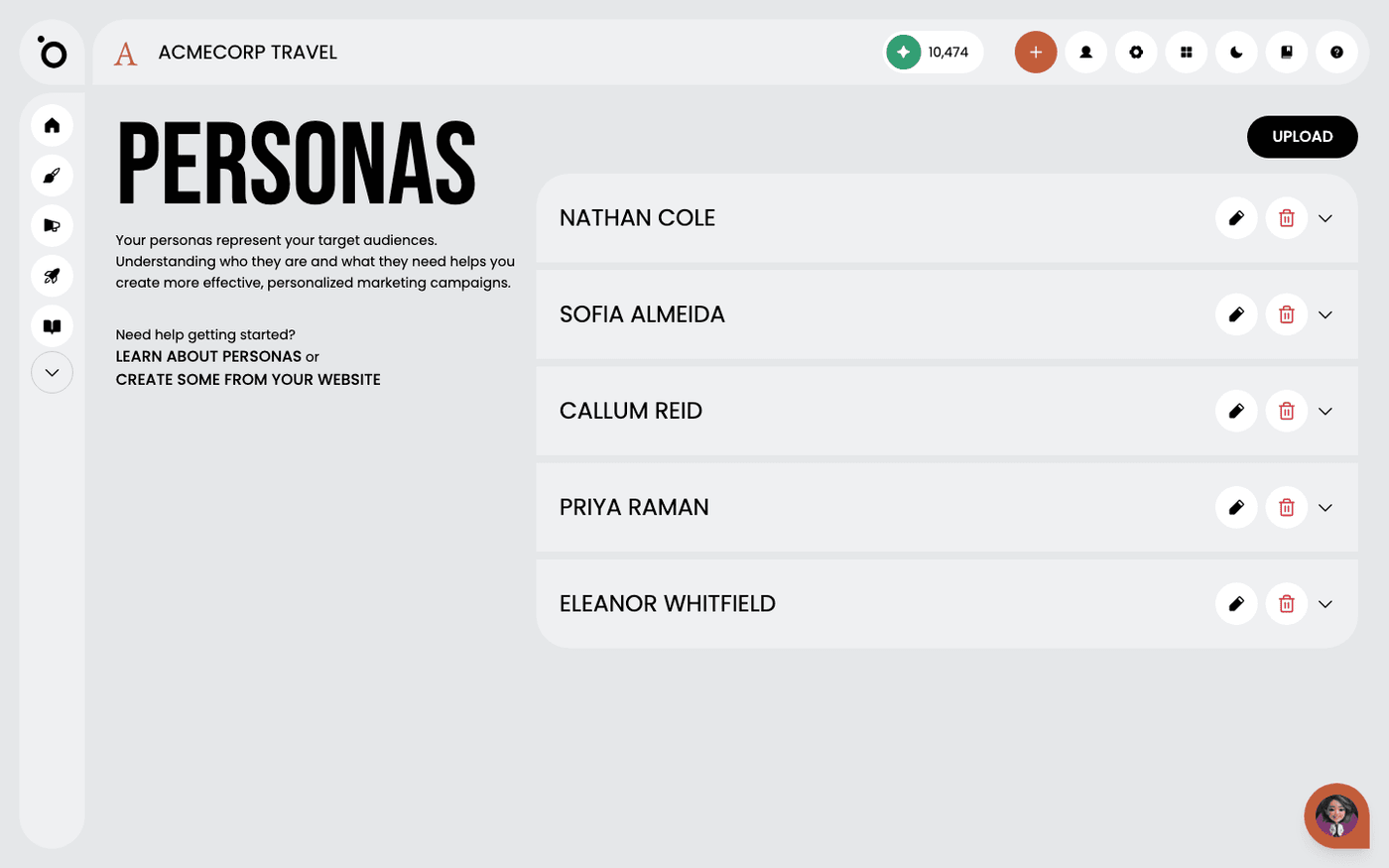
Goals, frustrations and what would make them say yes are what change the copy. Each persona in Protaigé shows demographics, goals and motivations, frustrations, pain points and preferred channels.
Add them to Brand DNA
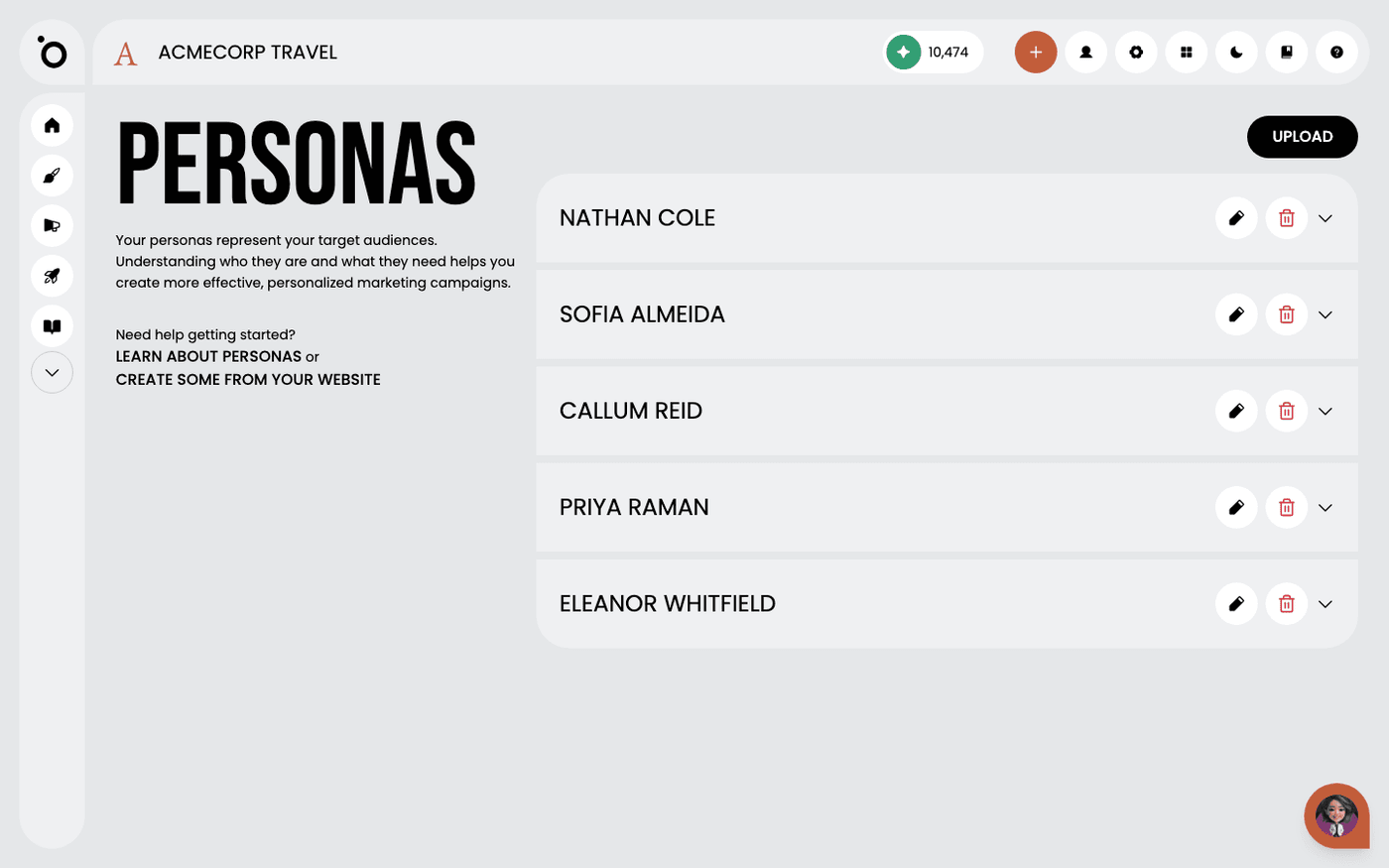
Open Brand DNA, then Personas. Press Upload and add a PDF profile for each persona, up to 50MB each. Protaigé reads the PDF and fills in the profile. Use the edit button on a persona card to change it later.
Get a first draft from your website
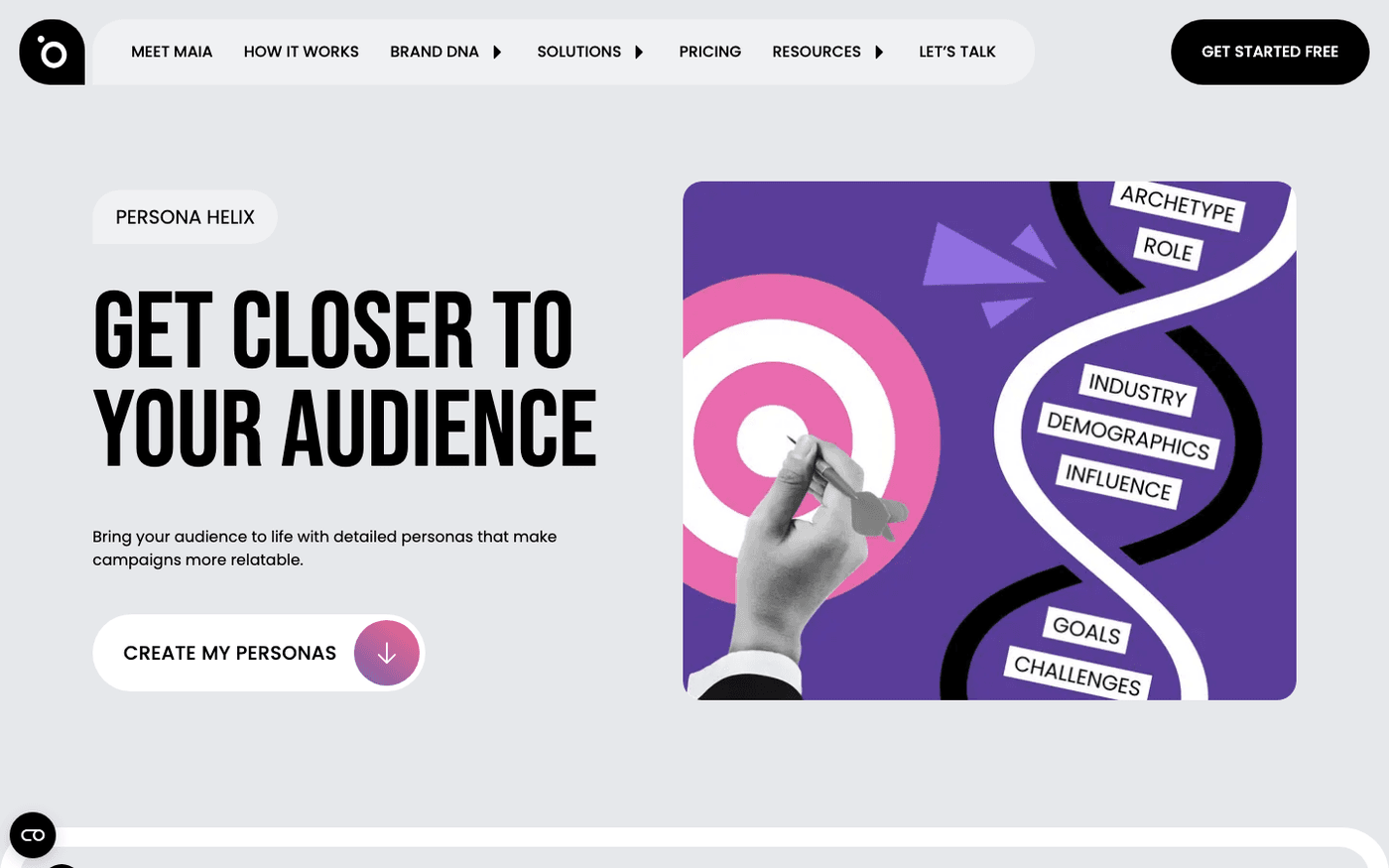
If you are starting from nothing, Persona Helix reads your website and drafts a set for you. On the Personas page, press create some from your website. Download the PDFs it gives you, then upload them here.
When you create a campaign, the brief asks which personas it is for. The work you do here decides how well every brief is aimed.
Last updated 12 August 2026