In short: Brand DNA → Brand Story → Update Guidelines. Upload your PDF, then read what Protaigé pulled out and press the pencil on any section to fix it.
If your brand guidelines are already written down, you do not need to retype them. Upload the PDF and Protaigé reads it for you.
It fills in six sections: Brand Story, Brand Voice, Tagline, Key Messages, Brand Themes and Values. Everything Protaigé writes for you reads from these. It takes about three minutes.
Upload your guidelines
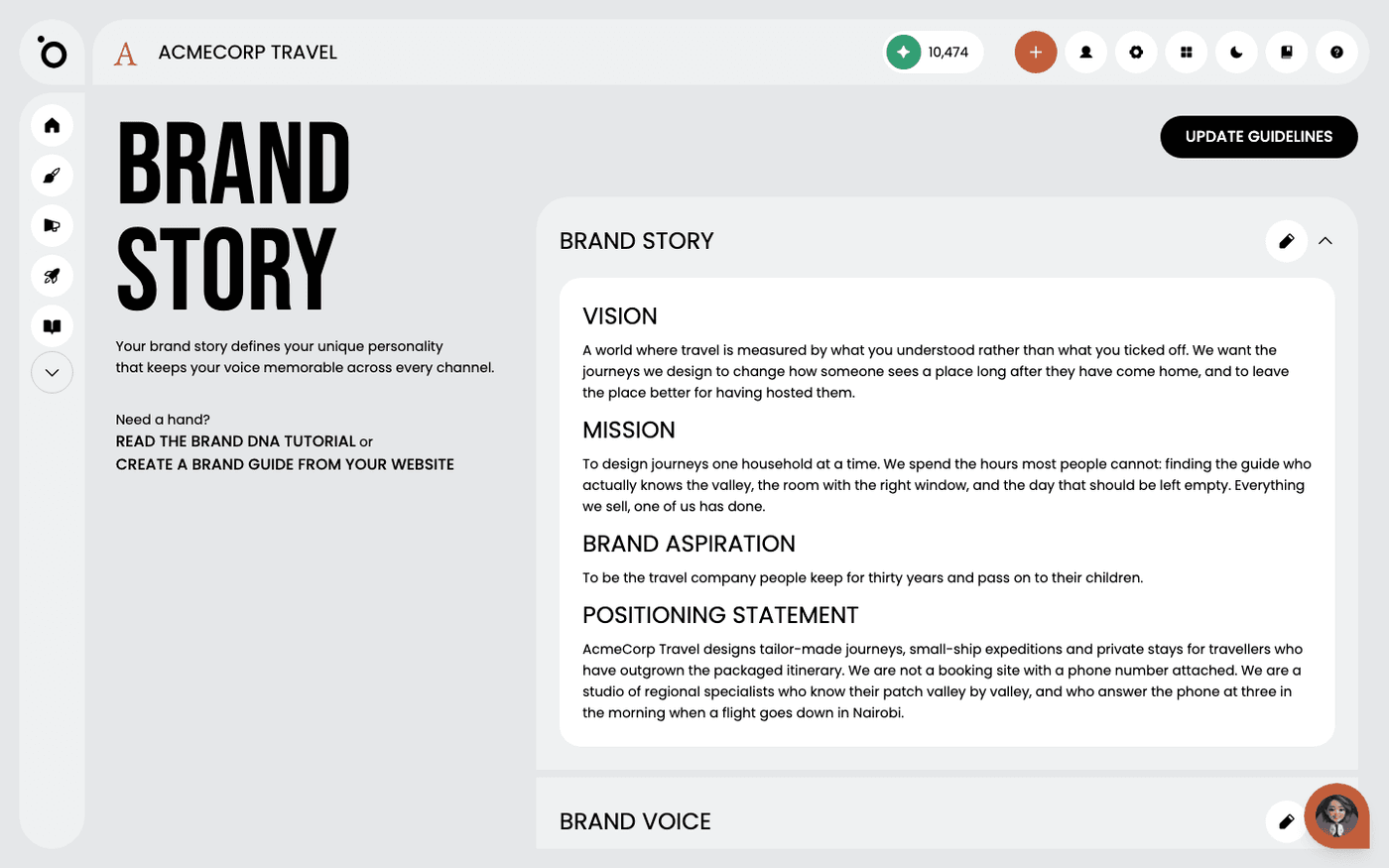
Open Brand DNA, then Brand Story. If the page is empty, drop your PDF into the upload area. If it already has content, press Update Guidelines and choose your PDF. Only PDF files are accepted. Upload the full document, not a summary. Detail Protaigé can read is detail it can use.
Read what it pulled out
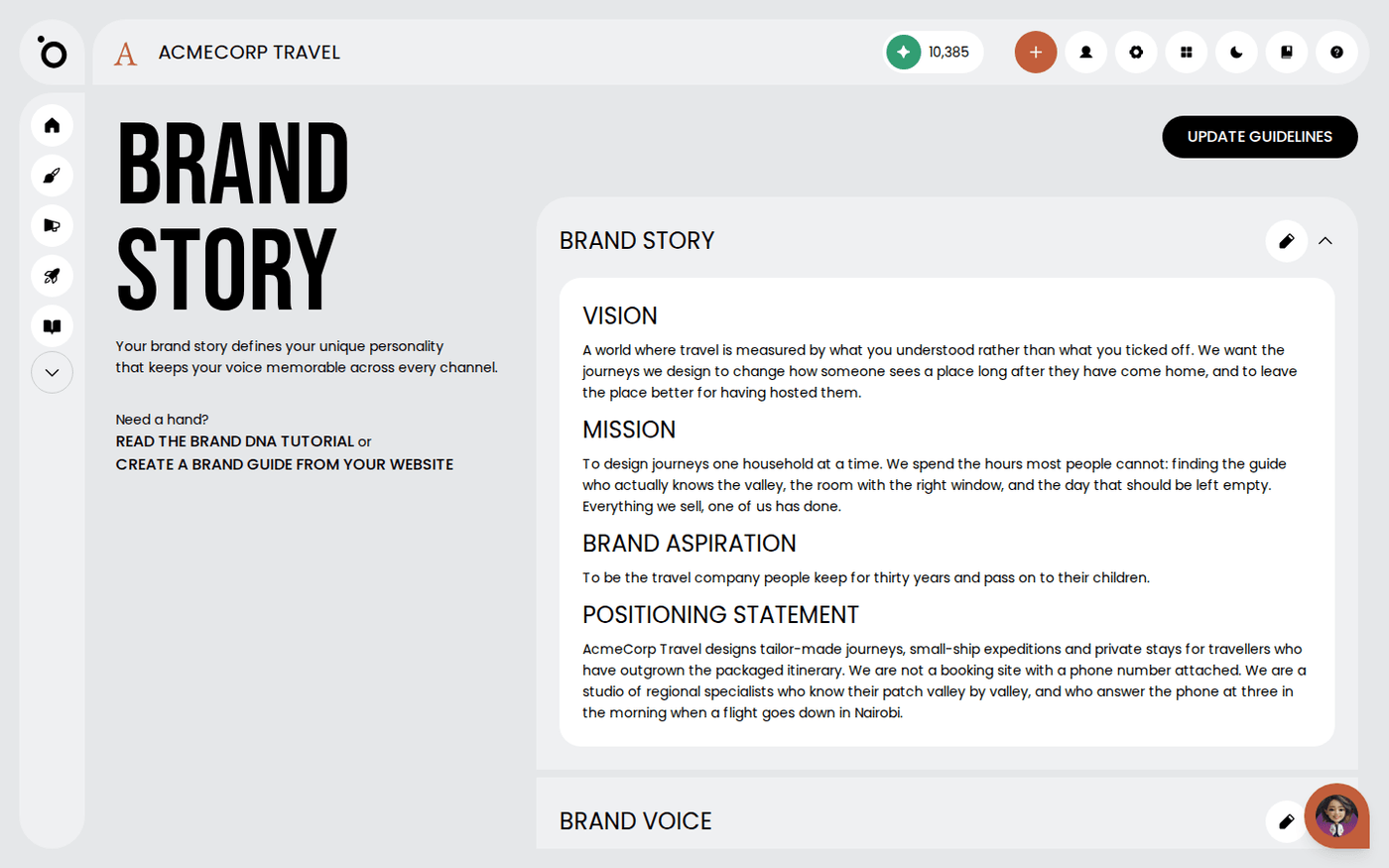
Read each section once. This is the moment to catch anything that came through wrong, because every campaign, sketch and email inherits it.
Correct a section
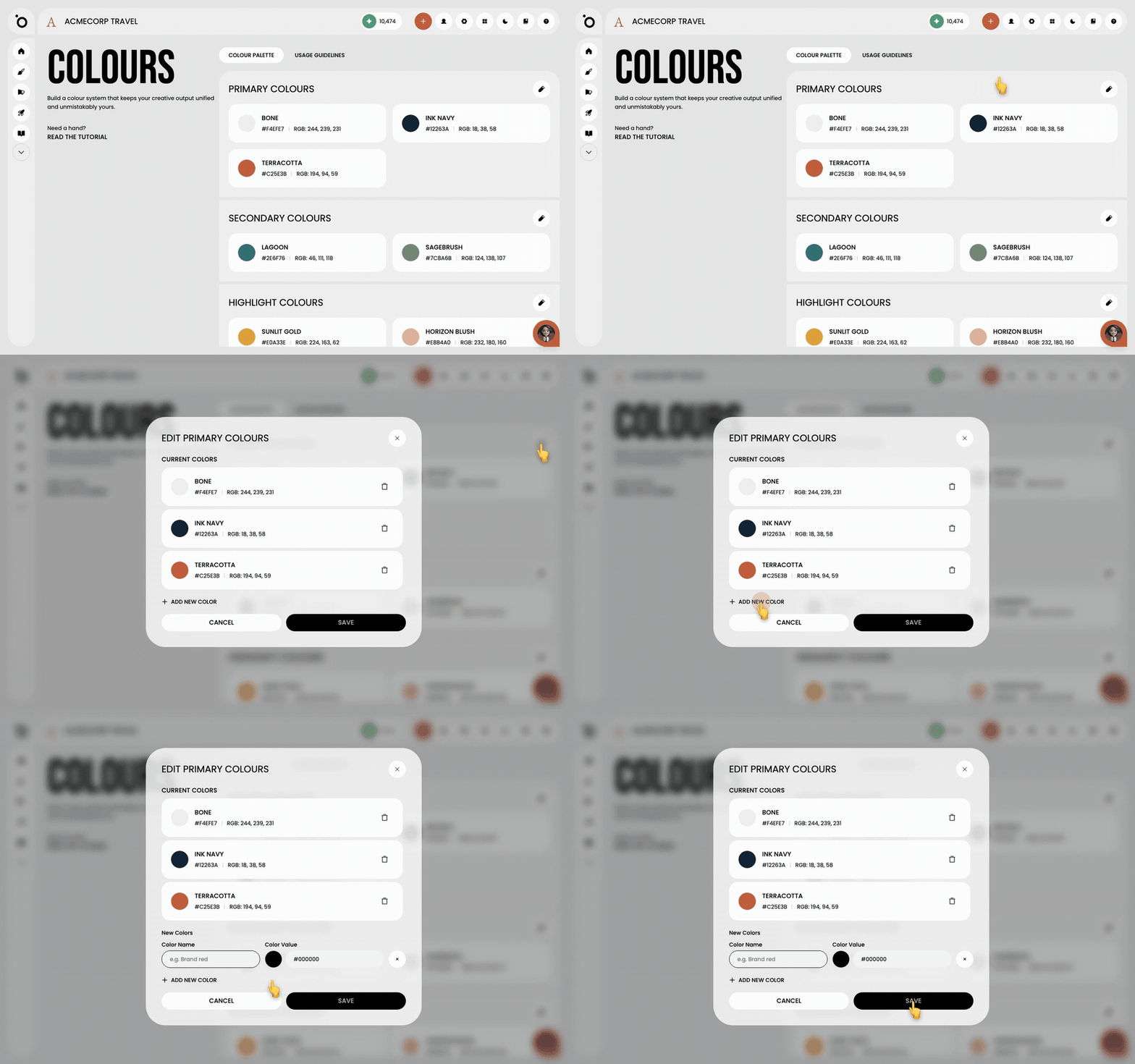
Press the pencil on a section to edit it. Change the words, then press Save. Press Cancel to leave it as it was.
No guidelines yet?
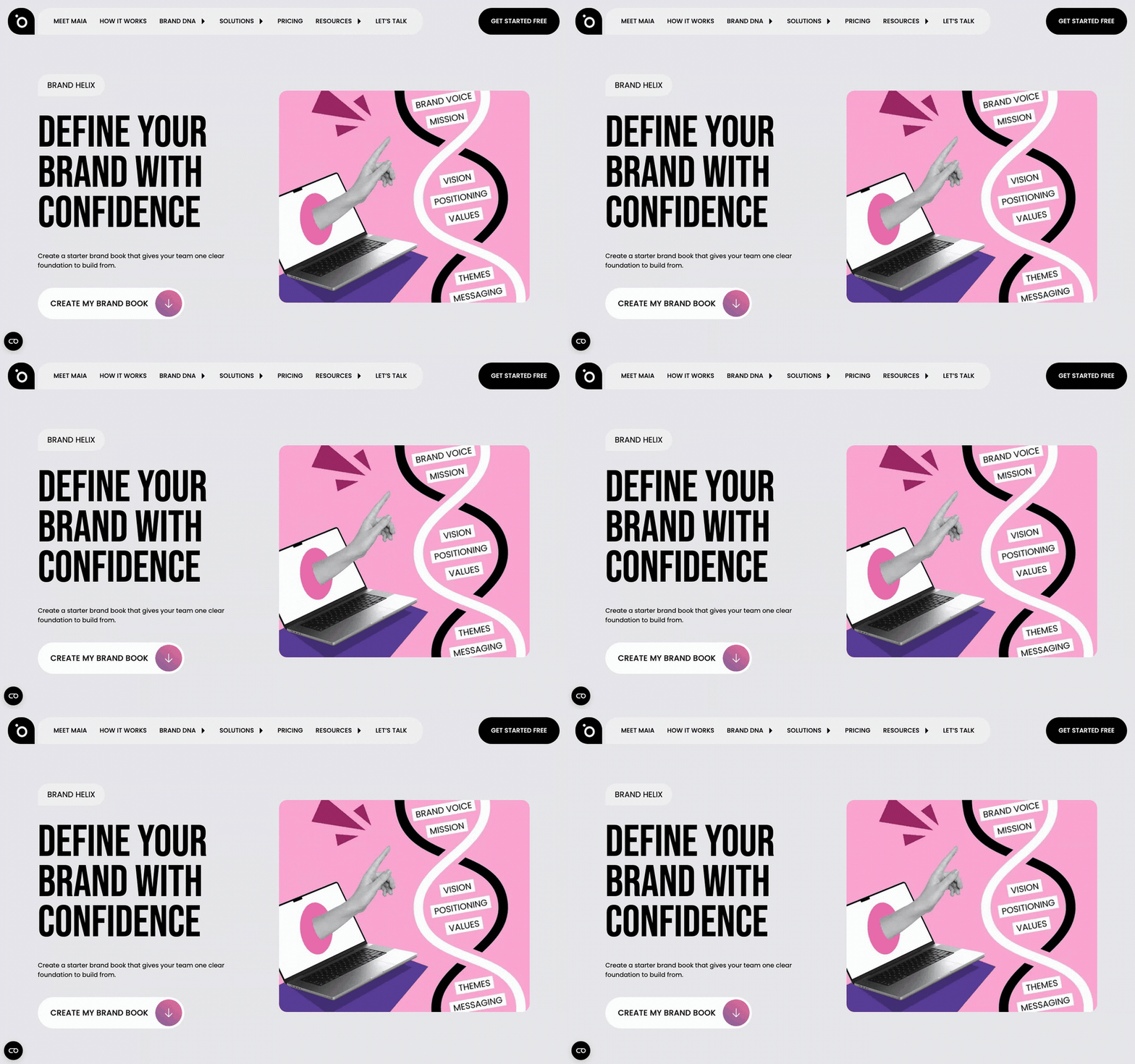
Press the link that says create a brand guide from your website. It opens Brand Helix on the Protaigé website. Brand Helix reads your site and writes a brand book you can download. Upload that PDF here in the same way.
Read your brand story carefully once, now. That is faster than correcting the same mistake in every campaign later.
Last updated 6 October 2026