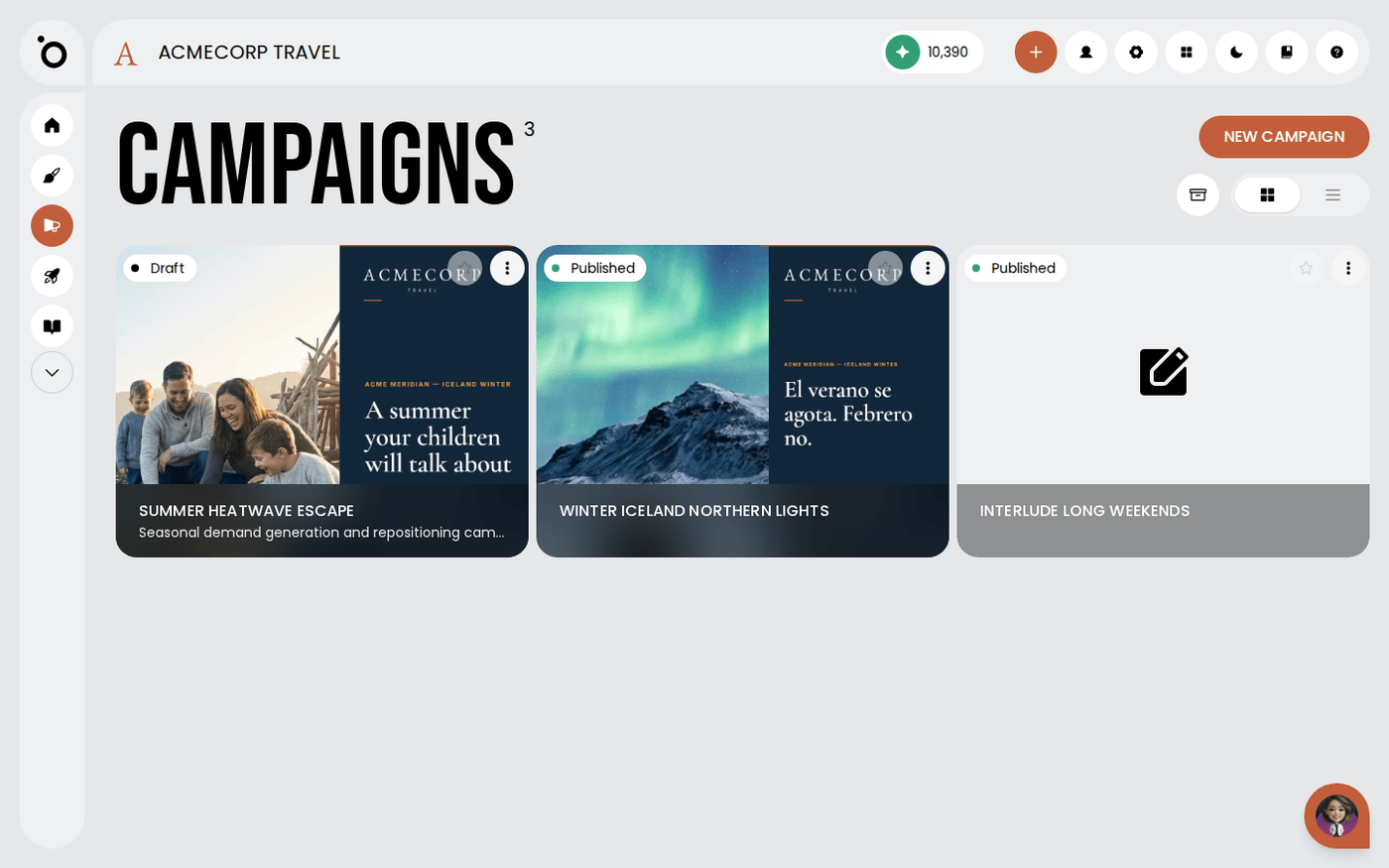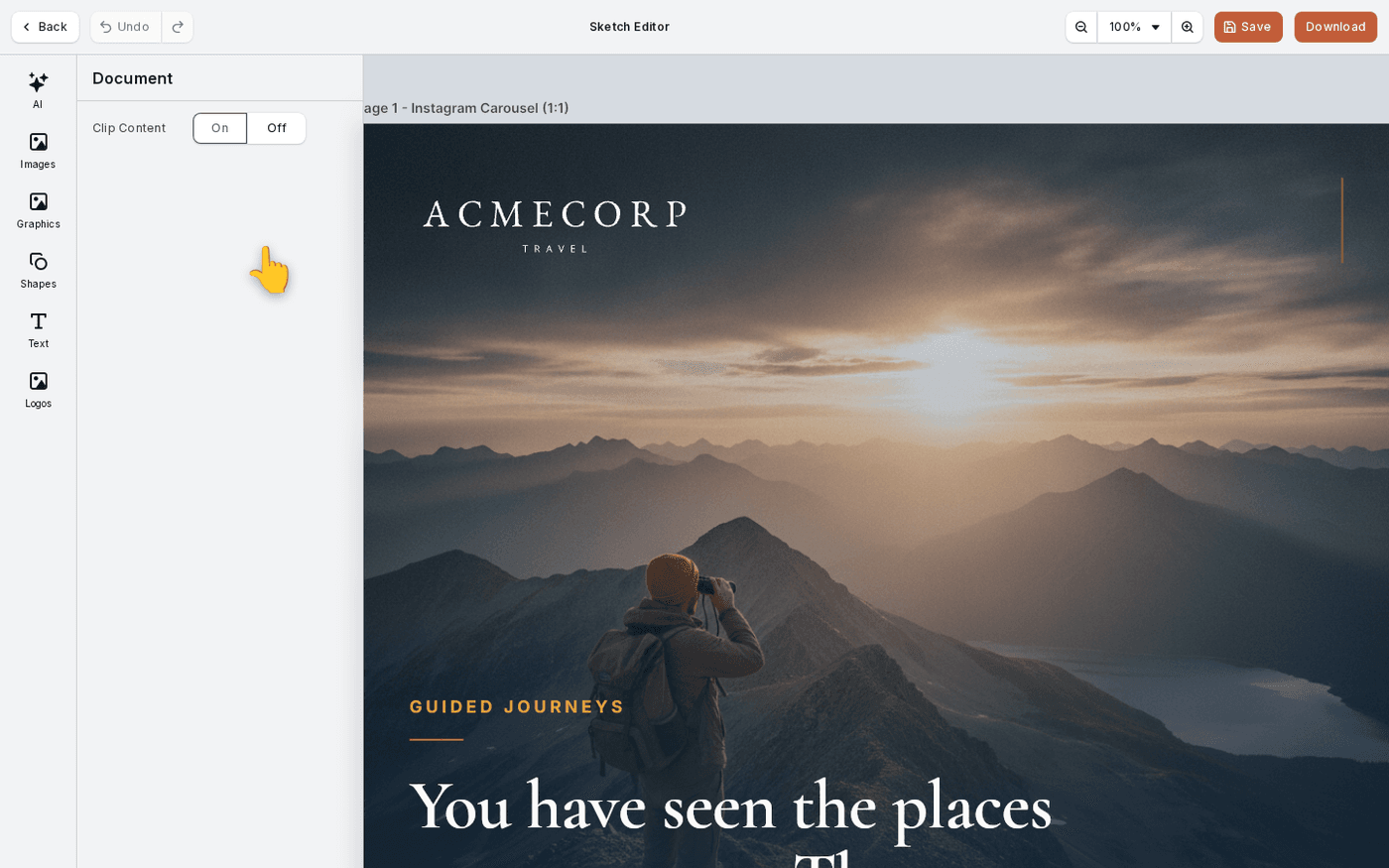
In short: Open the campaign → Assets → Drafts. Choose a draft and press Resume this Draft.
Leaving the editor before you finish is normal. Nothing is lost. Work you saved but did not approve waits as a draft. The editor also saves on its own while you work.
These are two different things. One is you choosing to keep a version. The other is Protaigé keeping it for you as a safety net. About four minutes.
Open Drafts on the Assets stage
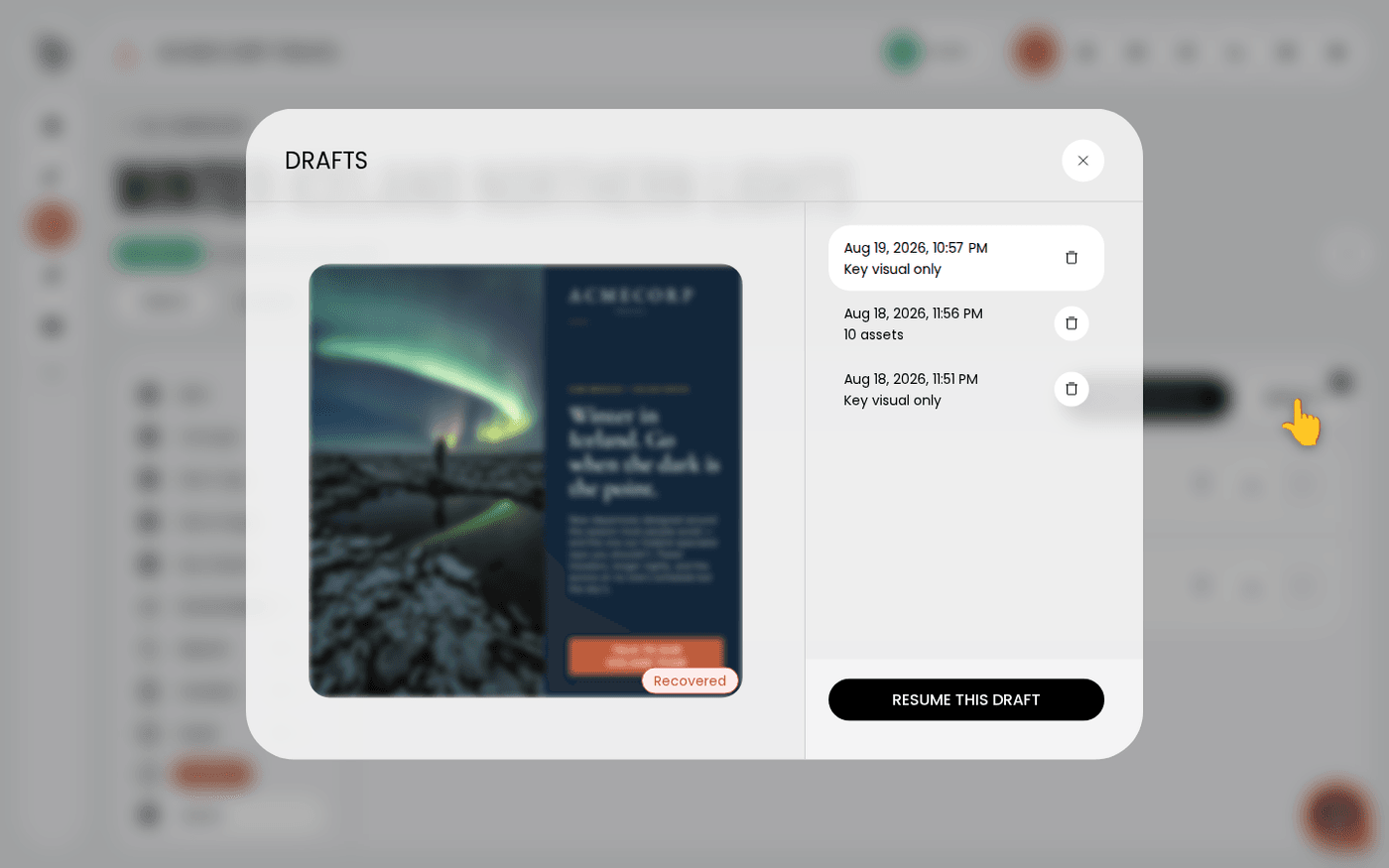
Open the campaign and go to the Assets stage. Drafts sits beside Download All. If it is greyed out, this campaign has no unapproved work.
Read the list before you open one
Each draft shows when it was saved and what it holds, either "Key visual only" or a number of assets. This is usually enough to tell which attempt you want.
Know what Recovered means
A draft marked Recovered came from auto-save, not from you pressing Save Draft. It is the state the editor was in when you left, which may be mid-change.
Resume it
Press Resume this Draft. The Key Visual Editor opens with the scene as it was. From here it works like any other key visual. Press Generate Banners and Approve to finish it. That takes it off the Drafts list.
Clear out what you do not want
Press the bin beside a draft to delete it. Protaigé asks you to confirm. A short list makes the one you want easier to find.
Auto-save is a safety net, not a promise. It runs a few seconds after your last change, and a save you press yourself always takes priority. If a version matters, press Save Draft.
Last updated 24 September 2026