In short: Open the campaign → Add New → Add New Tactic → choose a social tactic → Generate Content. Edit each field with the pencil.
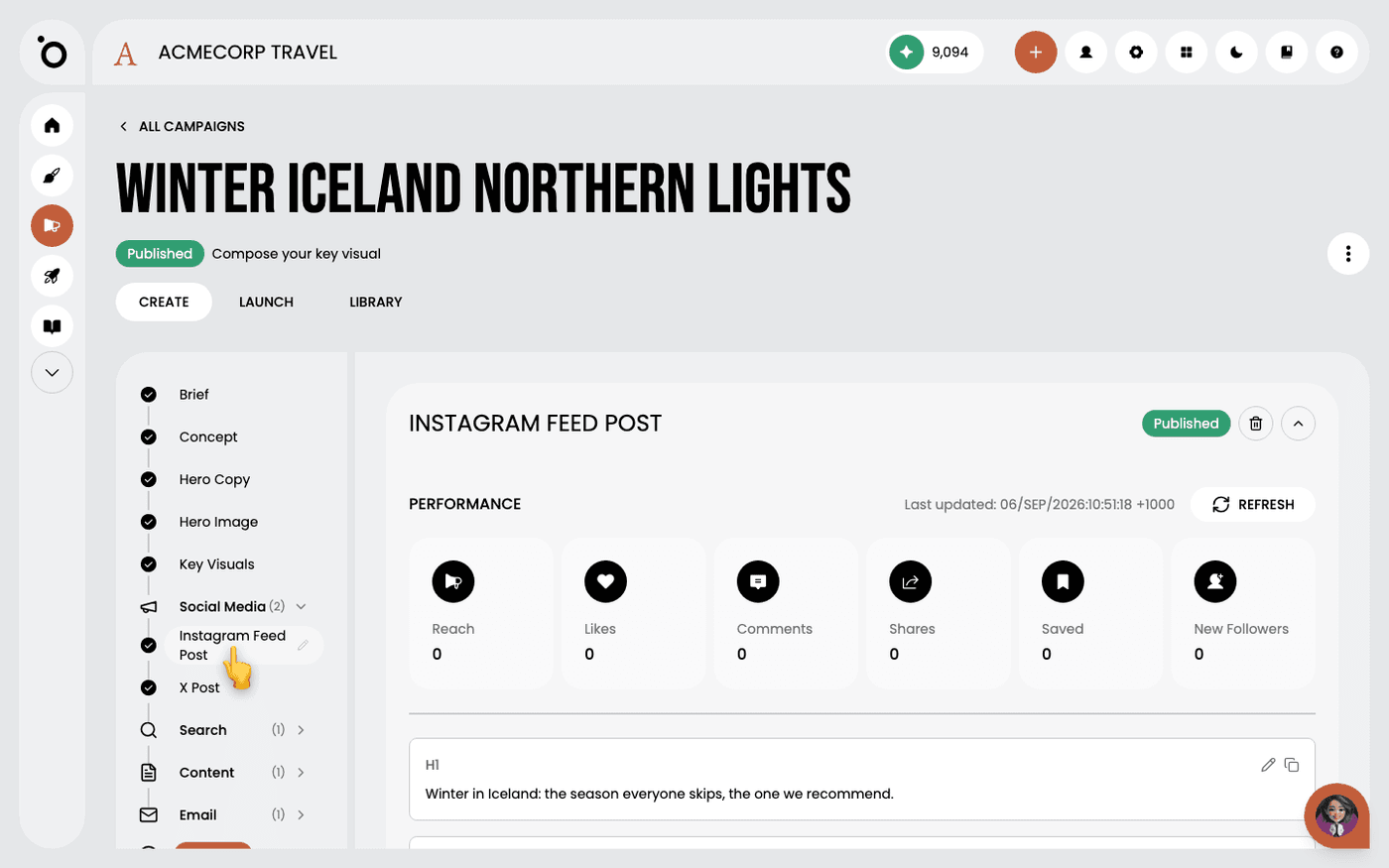
A tactic is copy written for one channel inside a campaign. A social tactic is a post for one platform, such as an Instagram feed post. Protaigé writes it from the campaign brief, so the product, the audience and the objective are already known.
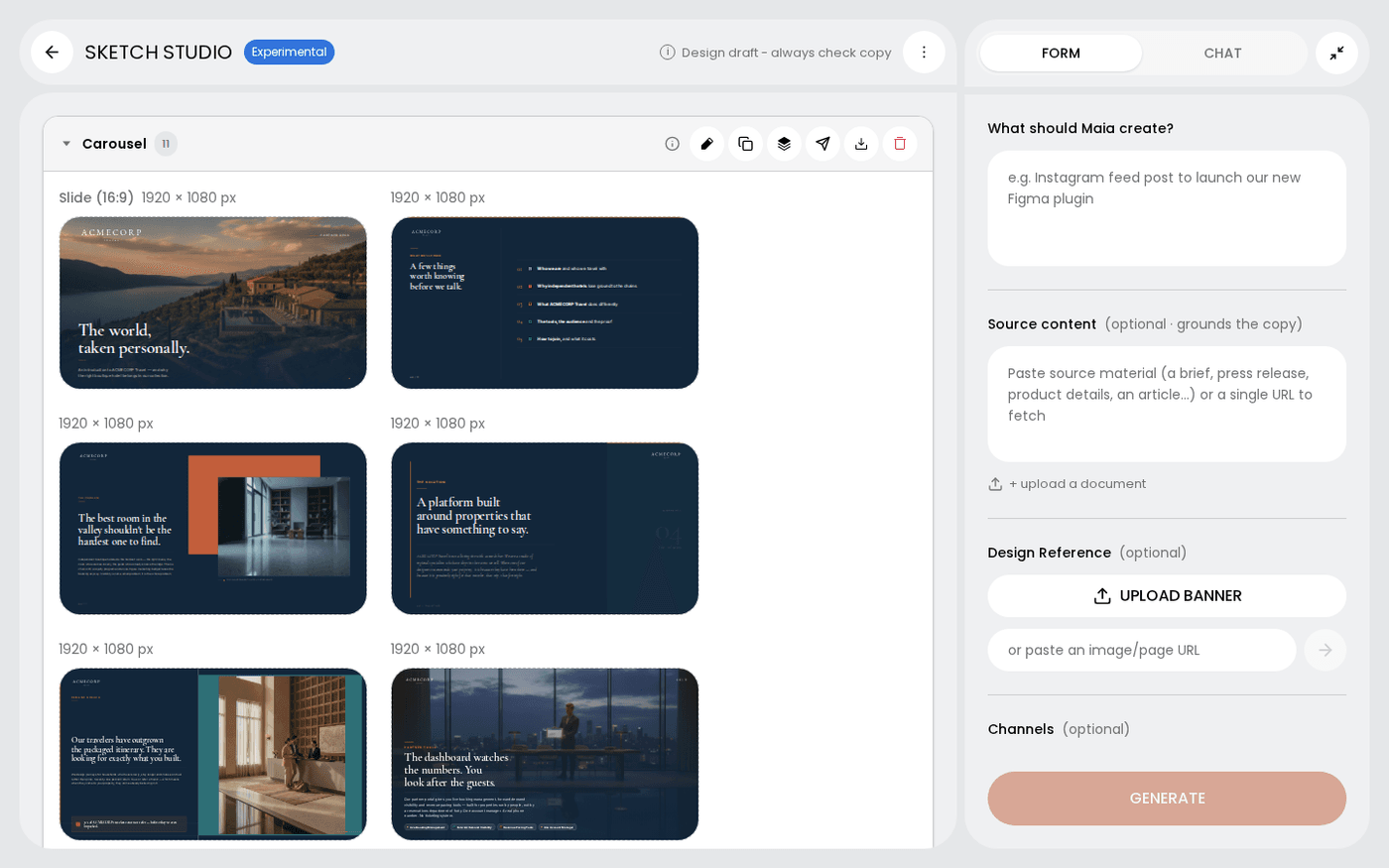
This is different from publishing a Sketch. A Sketch is a design you make and send. A tactic is copy the campaign writes for a named platform. About four minutes.
Add the tactic
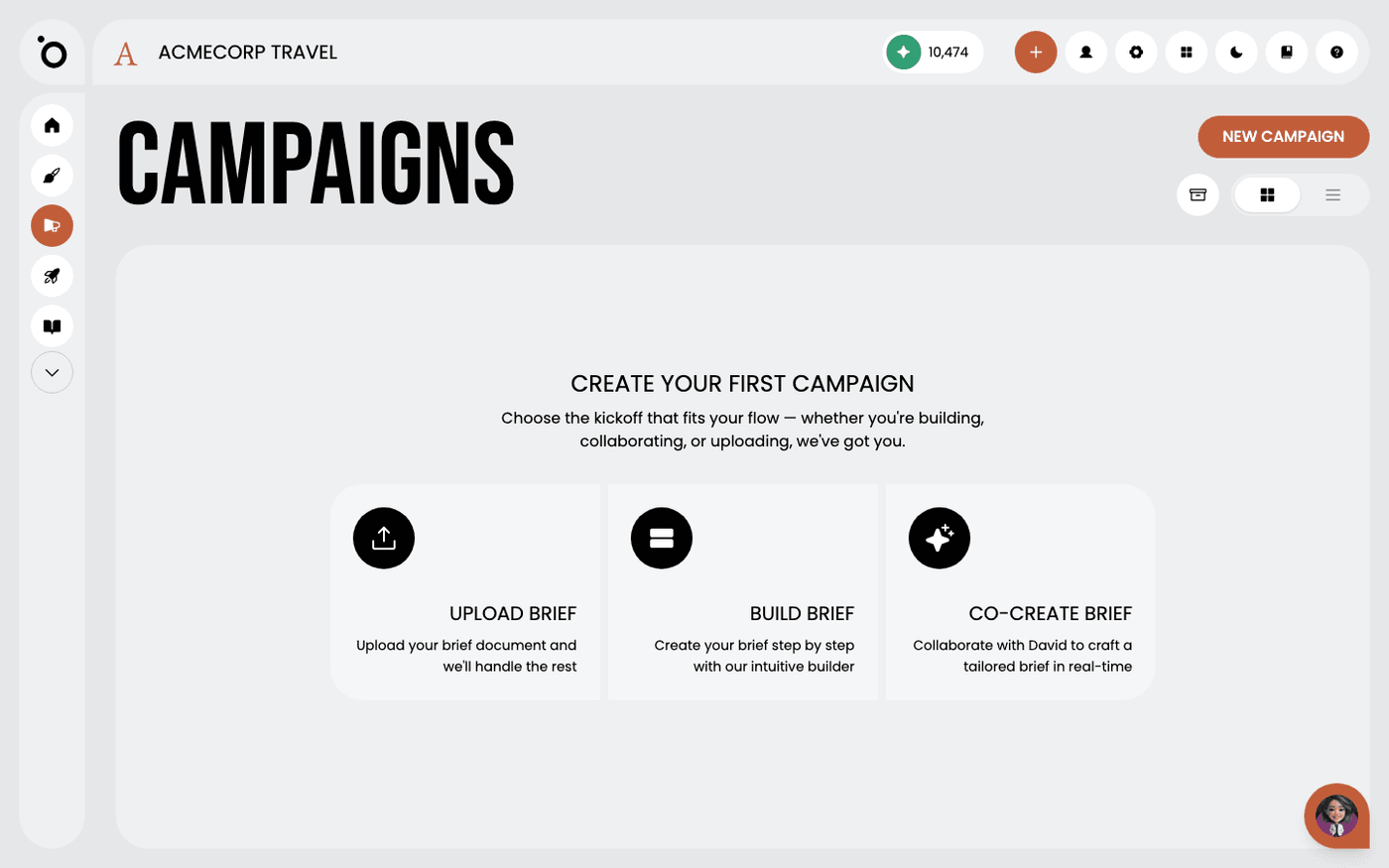
Open the campaign. The Add New tab appears once hero copy is approved. Press it, then press Add New Tactic. A dialogue called Create Content opens. Choose a tactic from the list. Only tactics switched on in the App Store appear. If none are, the dialogue says so and links you there.
Say what you want
The instructions box asks who you want to reach and what they should know. Add anything specific, such as a quote or a theme. Press Generate Content. The tactic appears as its own tab in the stage bar while it writes.
One tactic per platform
Each platform is its own tactic. A campaign can hold an Instagram post and a LinkedIn post at the same time. They read differently because the platforms do.
Read the result and the reasoning
The post arrives as fields, such as the caption and the hashtags. At the bottom, Strategic Rationale explains why the copy is the way it is and which persona it aims at. Read it first. It is the fastest way to tell whether Protaigé understood the brief.
Edit and check
Press the pencil beside any field to change it, then Save. Check the copy against your own rules. A claim you cannot make, a spelling you hold to, anything the brief ruled out. The rationale says what the copy tried to do, not what it did.
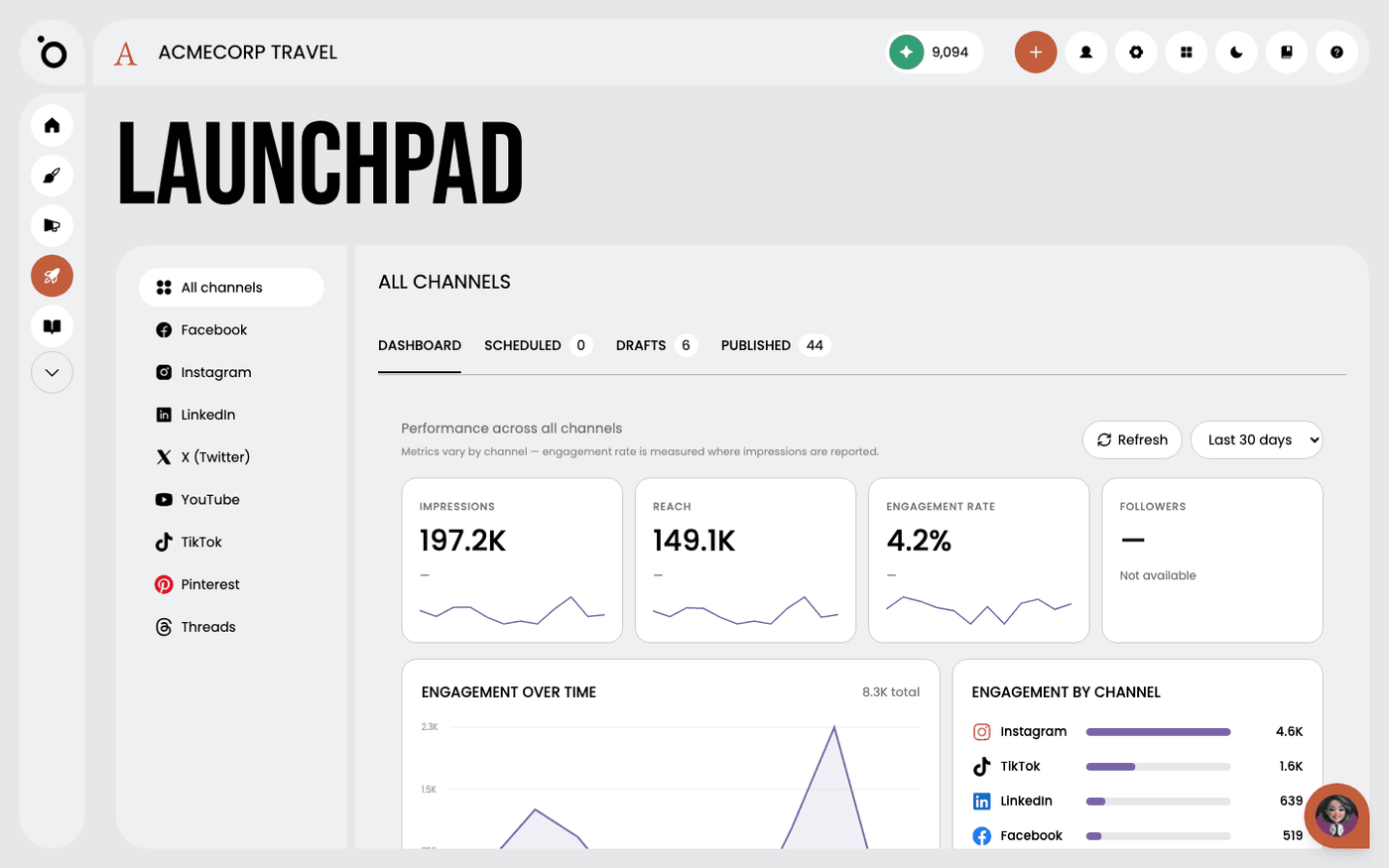
To post it, press Generate Visuals first, then Publish. You can post now or schedule it, to Facebook, Instagram, X or LinkedIn. The channel must be connected in the App Store first. After it is published, the tactic shows a Performance panel with the post's numbers, refreshed from the channel. Numbers can take up to a day to appear.
Last updated 6 September 2026