Invite Maia to your meetings

Invite Maia to your meetings

What you'll learn

How to pull Maia into a meeting like you would a colleague - just paste the link.

Series
6.5
Section
Settings
Last Updated
May 28, 2026 1:34 AM
Status
Live
Maia in meetings
Maia in meetings

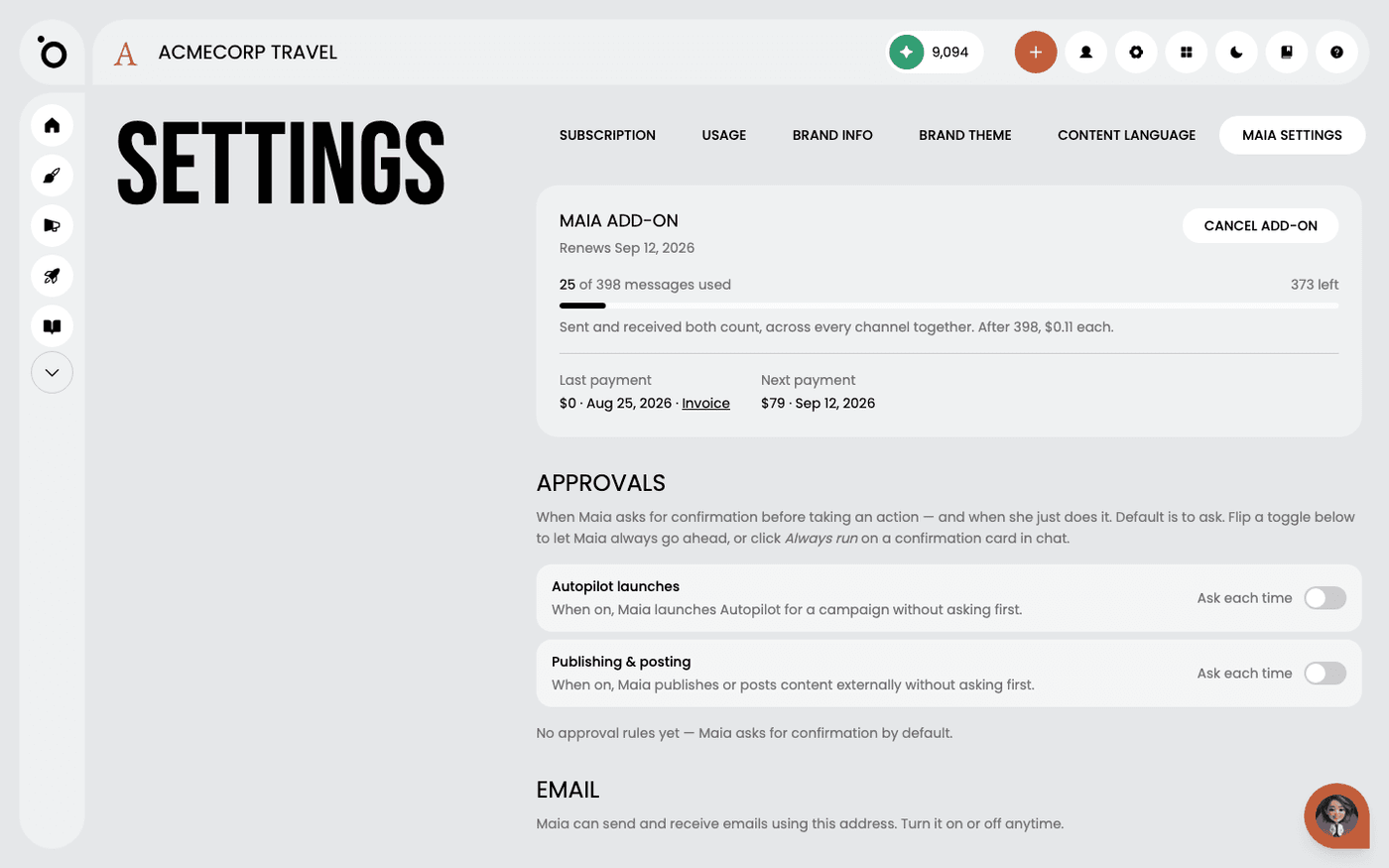
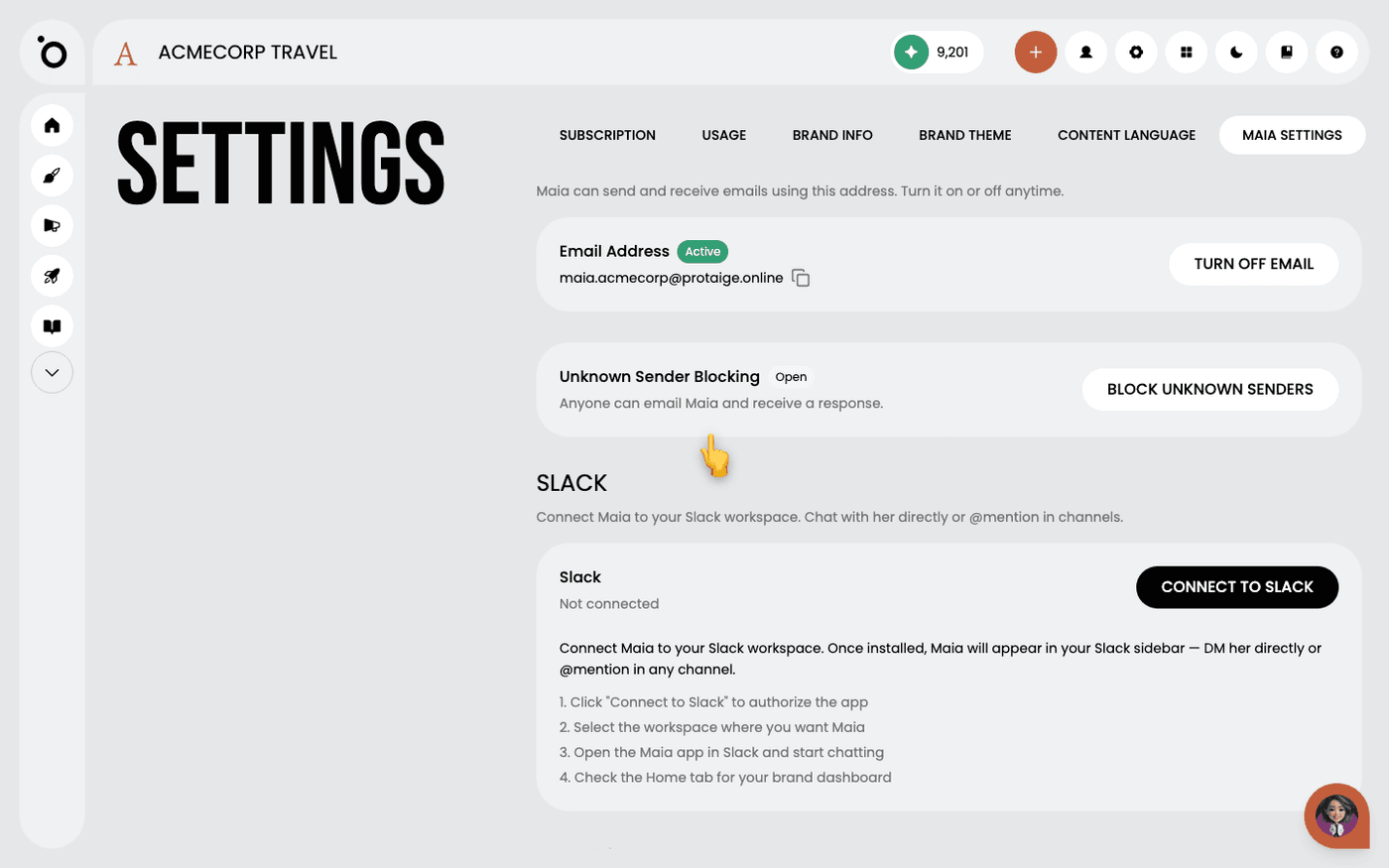
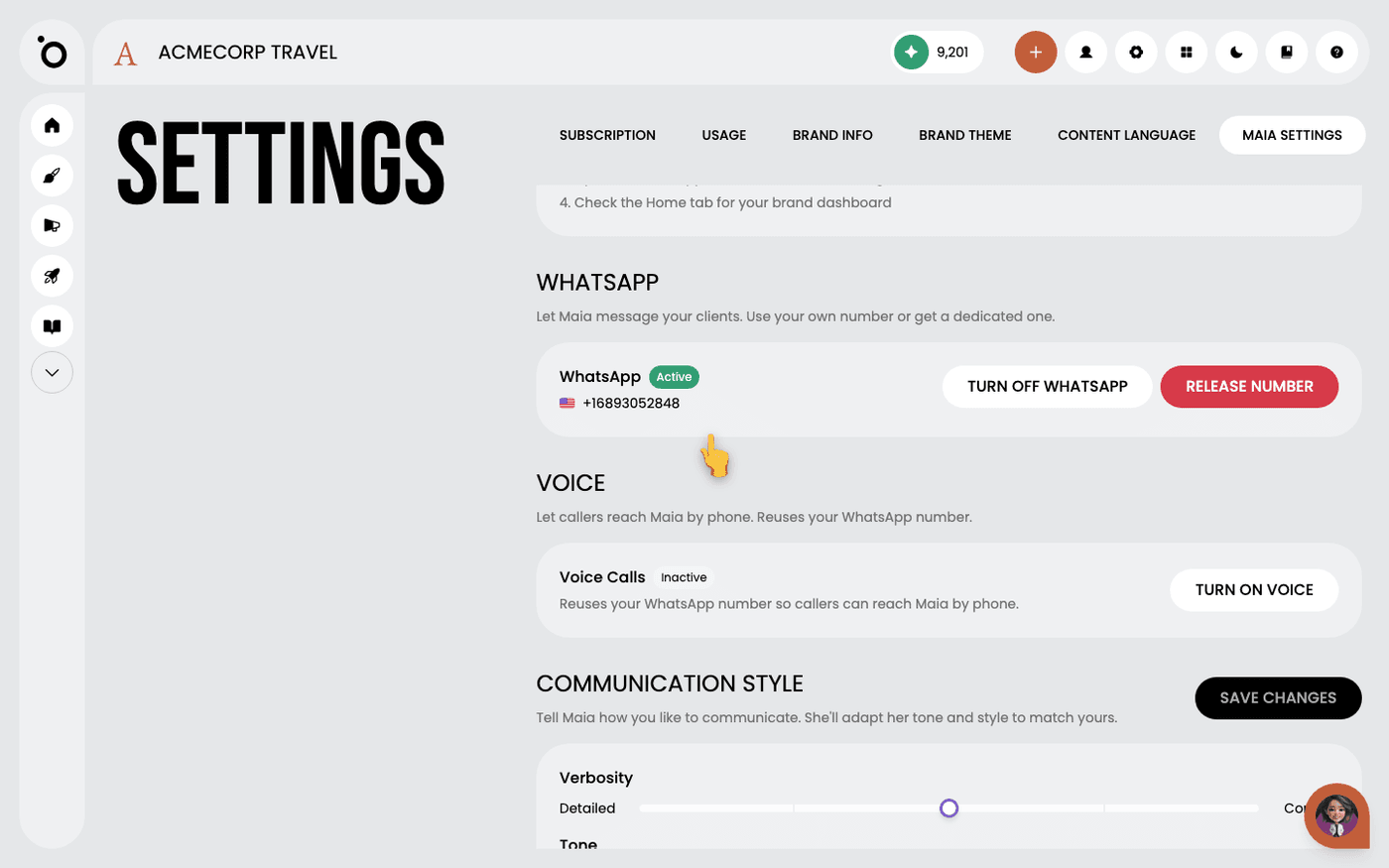
Maia can join your meetings the same way a colleague would: you ping her with the link, she shows up. No setup, no calendar invite dance, no plug-in to install. If you're already chatting with her on WhatsApp, Slack, email, or the in-app chat, she's a paste away.

Pulling Maia into a meeting

You're on a call. Maybe it's a Google Meet with your agency, a Zoom with your team, a Teams sync with a client, or one of the dozen other platforms people use. You realise halfway through that you'd love Maia in the room with you - to listen in, catch the context, and help you tidy up afterwards.

image

Here's the whole process:

  1. Grab the meeting link from inside the call. Most platforms have a share button or the URL sitting in your address bar, however your platform exposes it.
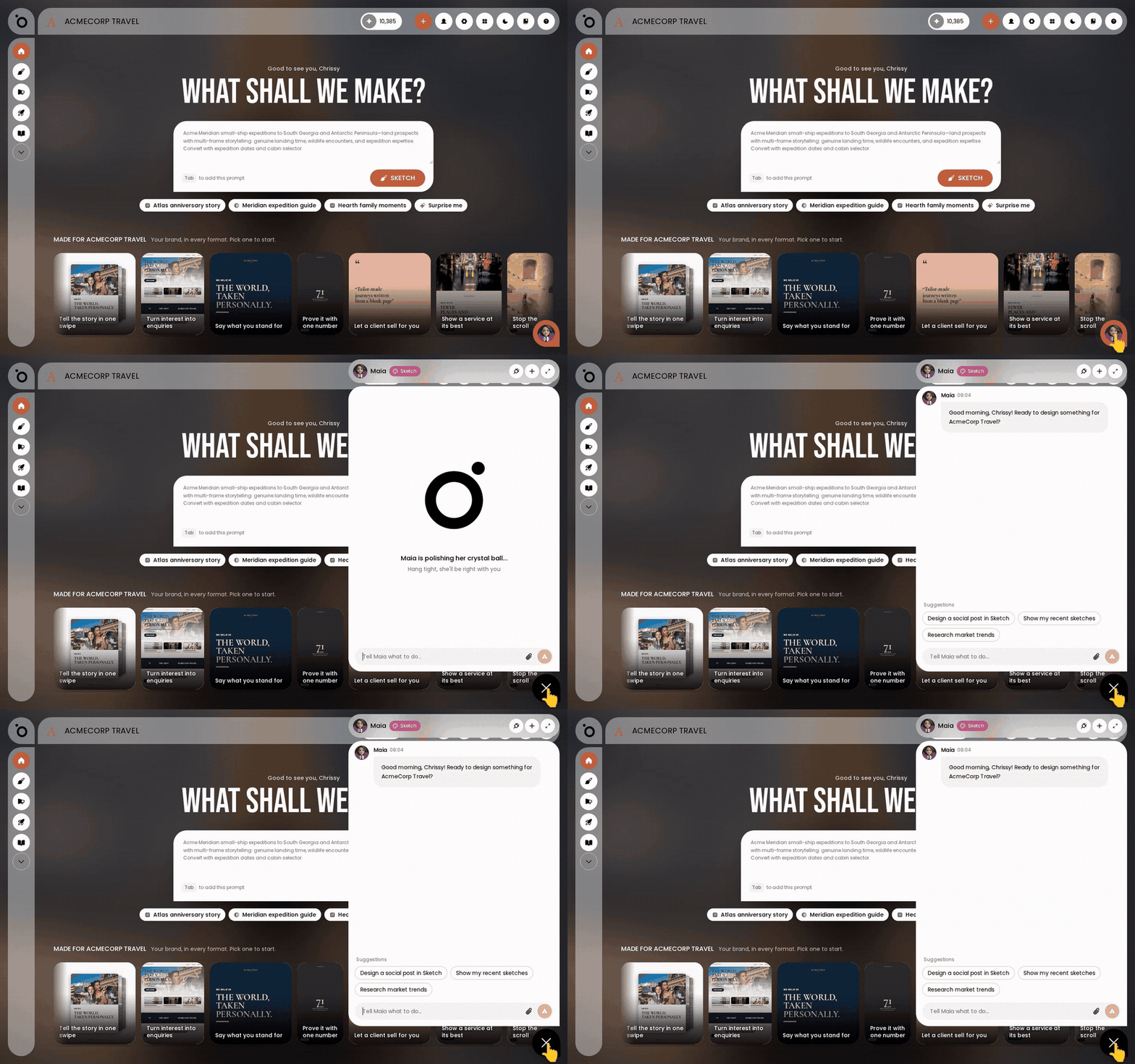
  2. Open whichever Maia channel is closest to hand, whether that's WhatsApp, Slack, her email, or her chat in the Protaigé app, and ask her to join the link.

Why it works this way

The whole reason there's no "Meetings" settings page is that meetings aren't a configuration, they're a moment. A teammate doesn't need you to fill out a form before they can join a call, and Maia shouldn't either. The paste is the invite. That's the design philosophy in one sentence: anything that feels like real collaboration should work the way real collaboration works.

It also means you're never locked into a single meeting platform. Switch from Meet to Zoom to Teams between calls and nothing changes on your end. You paste, she joins.

What Maia does in the meeting

Here's the part people underestimate. Maia doesn't just sit quietly and listen, she brings her whole toolkit into the room. She's the same Maia you work with everywhere else, so anything you'd normally ask her to do, you can ask while the call is still running.

While she's in the room

💬 Answers on the spot. Questions about your brand, your campaigns, your numbers, so nobody drops off the call to go digging.

🔍 Live research. A quick web search, a look at what your competitors are running, or a read on the social conversation.

🔗 Drops it into the chat. When she finds something useful, the link or the data lands in the meeting chat while someone else is still talking.

Turning talk into work

📣 Campaigns. Agree on one in the call and she can orchestrate it from there.

✍️ Content. A piece of copy, a set of social posts, or a first cut of strategy while the idea is still fresh.

Plans and tasks. She picks them up off the back of the conversation.

📧 Follow-ups. Once you're done, she carries them into email or WhatsApp.

The call actually moves things forward, instead of generating another list to action later.

Further Reading

Meet Maia, your AI account directorMeet Maia, your AI account director

Bring Maia into SlackBring Maia into Slack

Get Maia a WhatsApp + voice numberGet Maia a WhatsApp + voice number