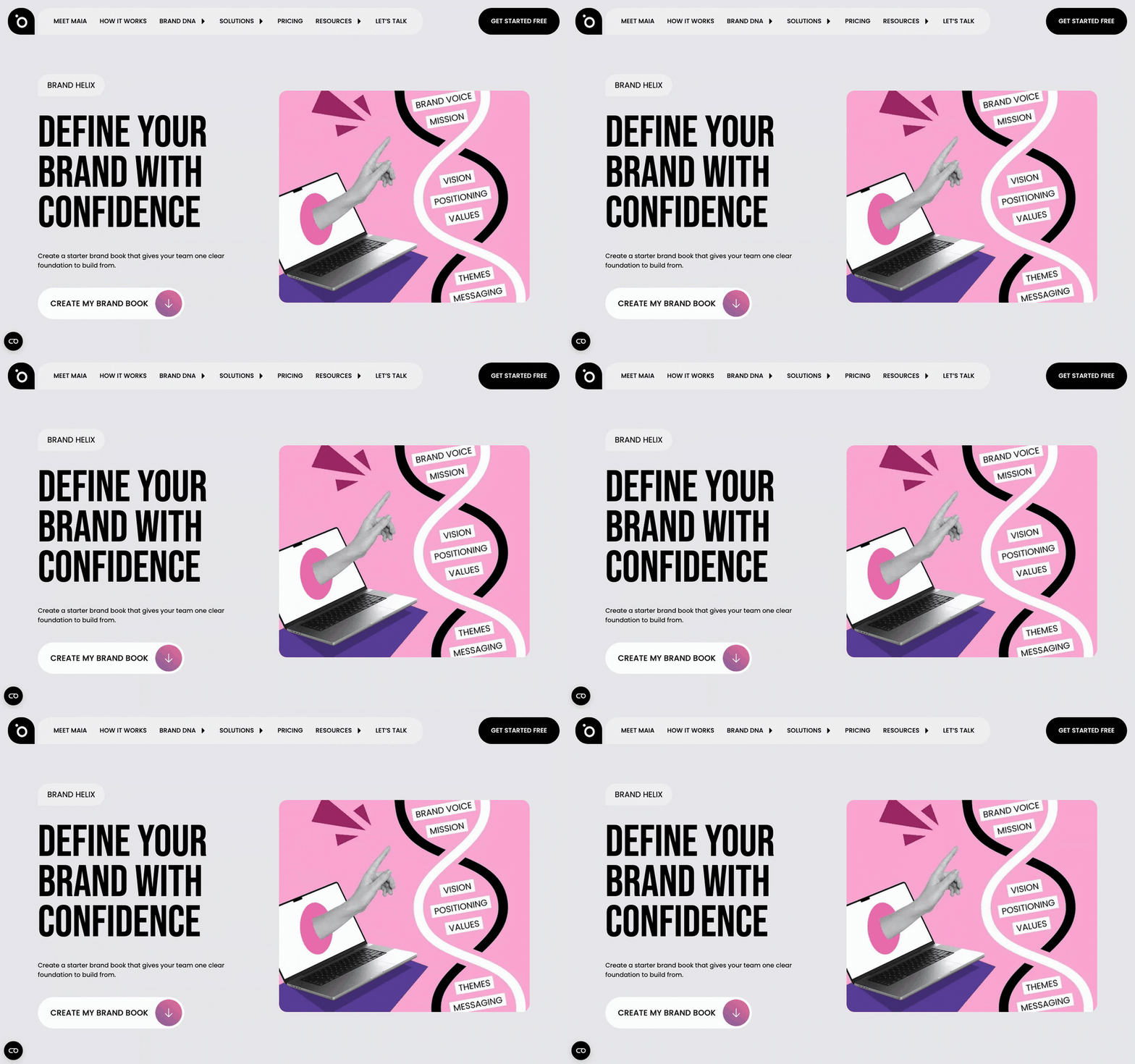
In short: Go to protaige.com/brand-helix, drop in your website and company name, and it builds your brand book.
Helix is the research engine behind Brand DNA. It reads a website and turns what it finds into structured, usable brand information.
It runs in two places. Anyone can use it free on the Protaigé website, no account needed, which is where most people meet it. And when a new account is created, it runs automatically against your website to populate Brand DNA before you have typed anything.
Brand Helix is the brand half of that. It works out what a business does, who it is for and how it talks, then writes it up as a brand book you can download, edit and use.
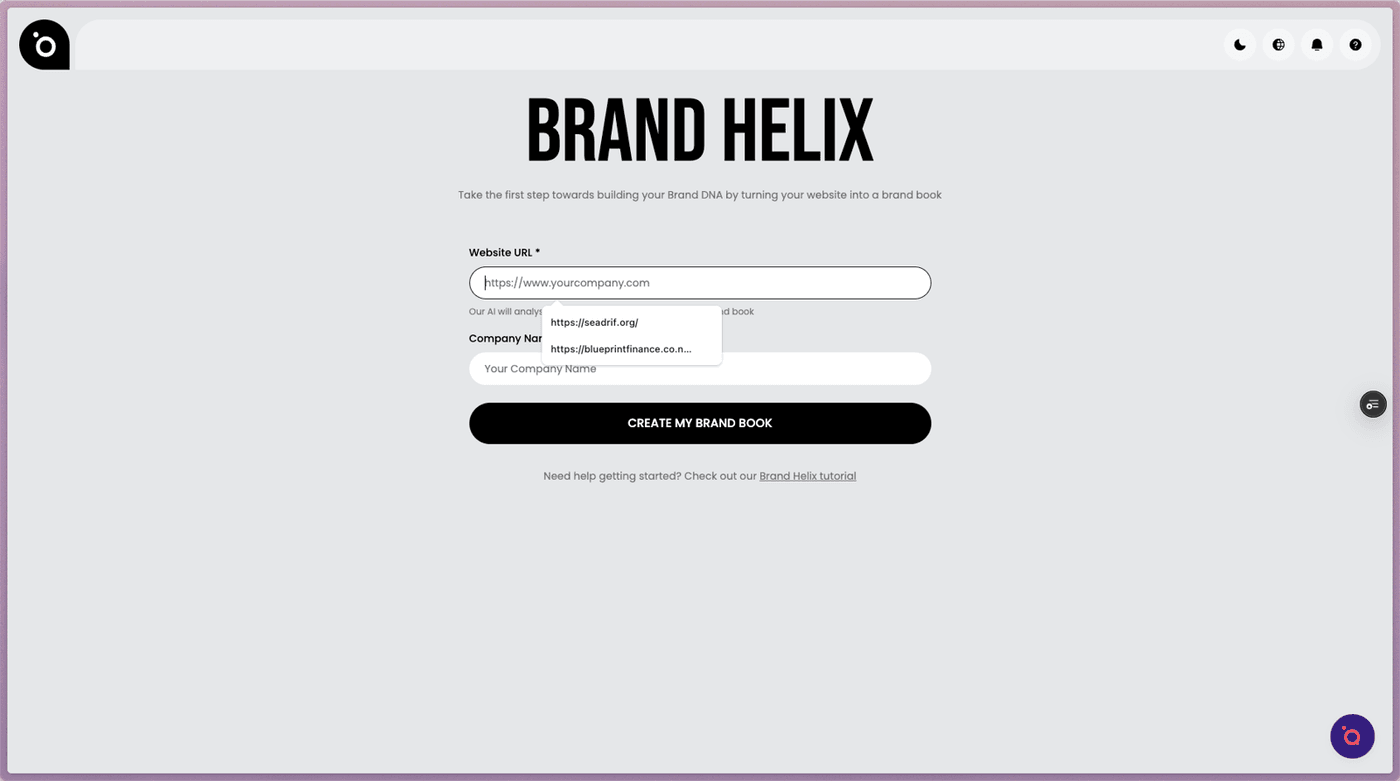
Add your website
Go to protaige.com/brand-helix and paste in your website address. That is the whole input, and everything else is generated from what is already public about your brand.
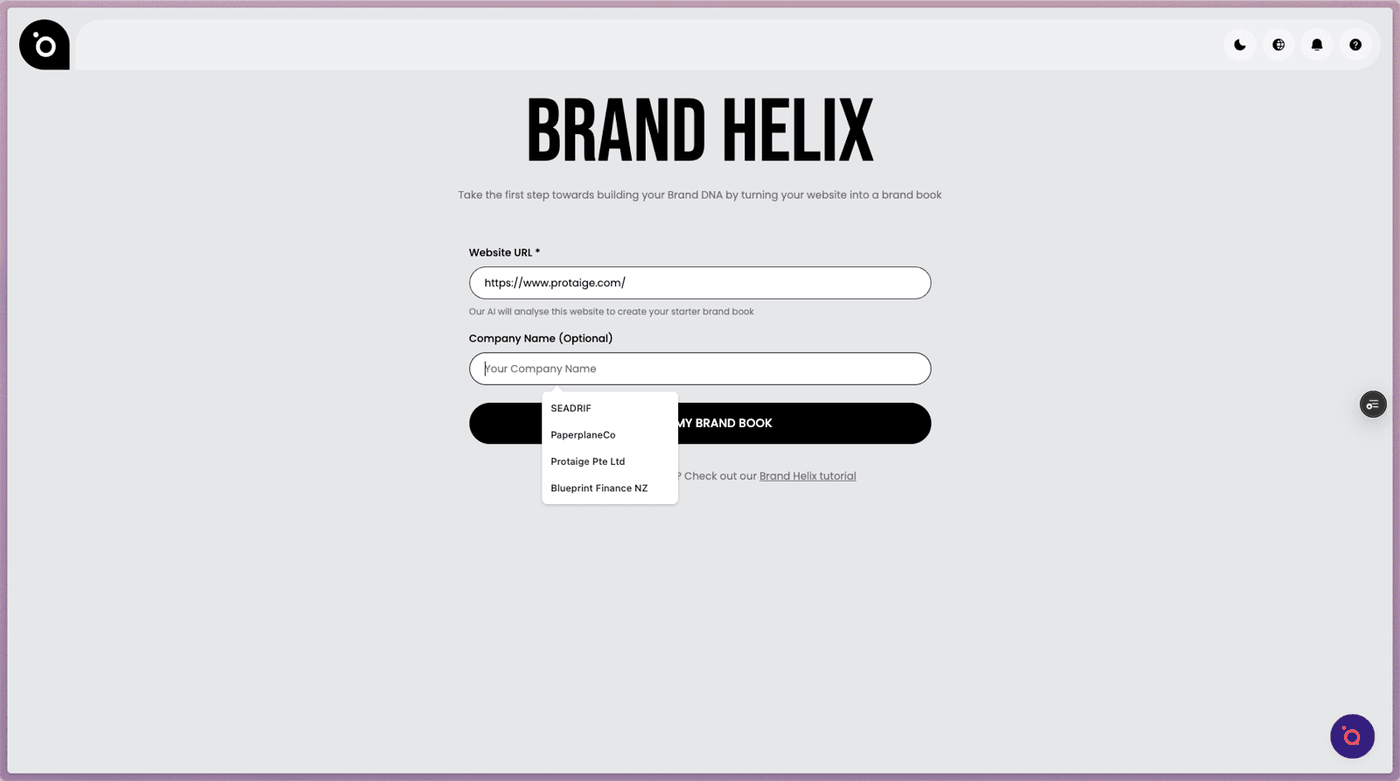
Add your company name
Give it the name you actually trade under, since that is what appears throughout the finished brand book.
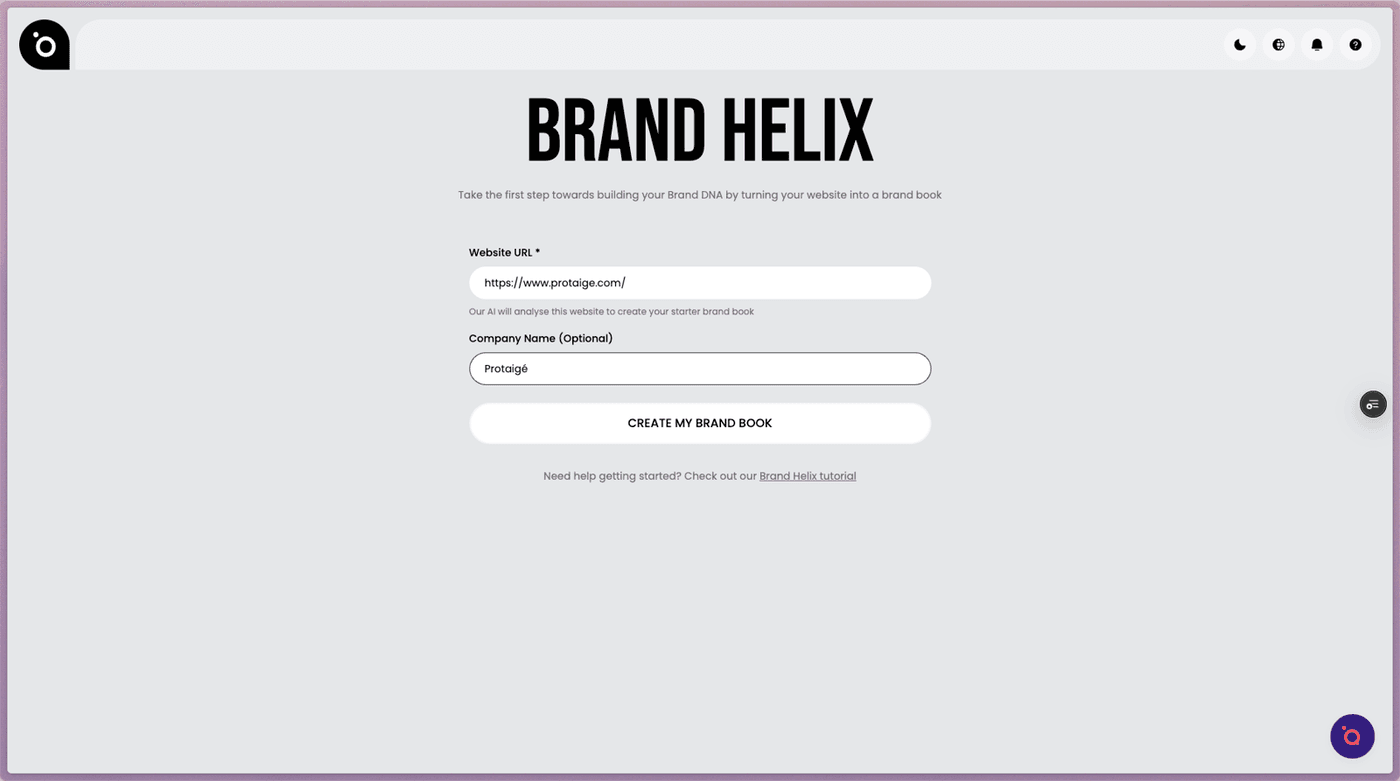
Create your brand book
Hit Create My Brand Book. It reads your site, works out how you position yourself, and writes the guidelines from there.
Read what it found
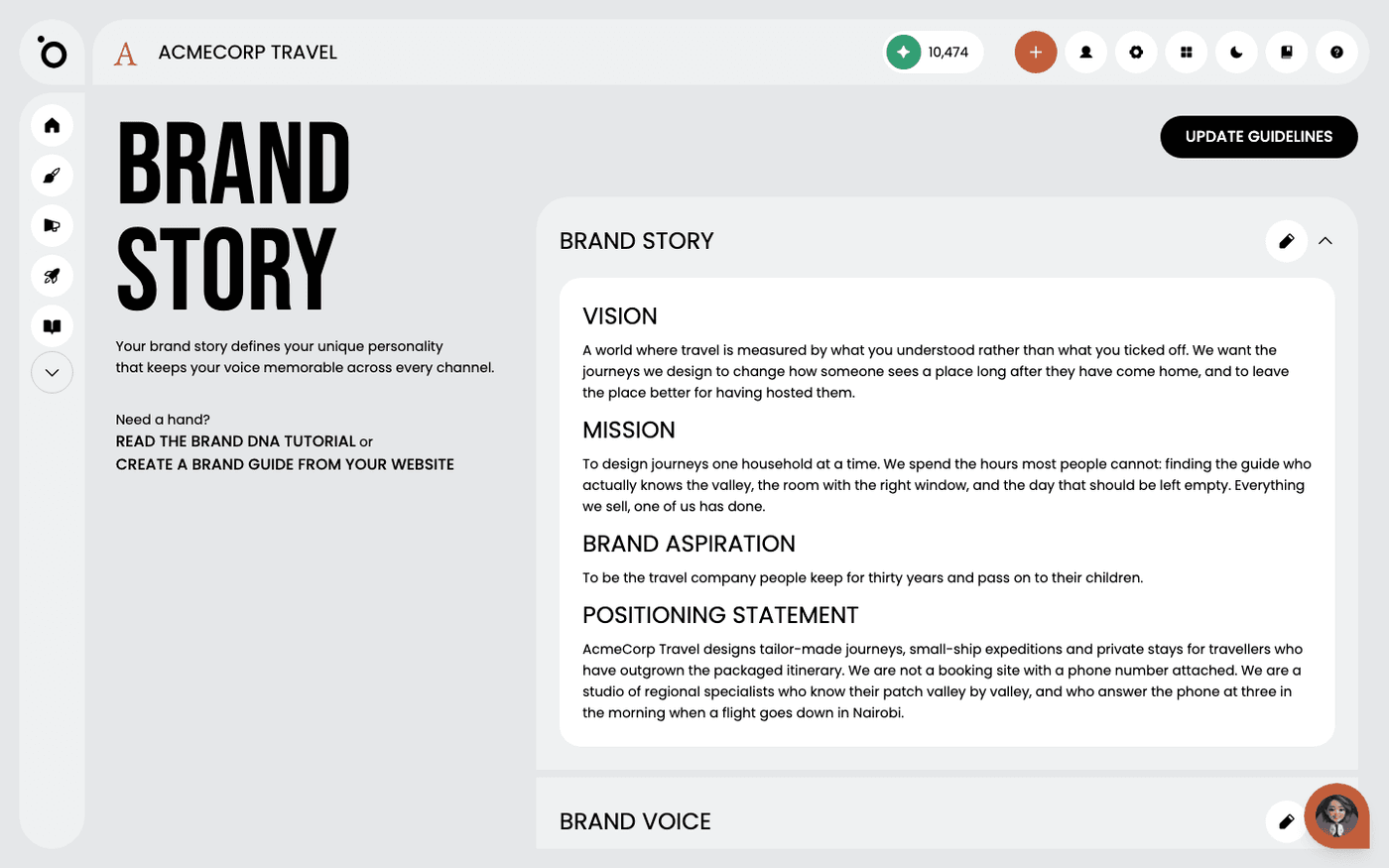
Scroll through the result. You will get your brand story, values and positioning written out properly, which is often the first time a smaller team sees it all in one place.
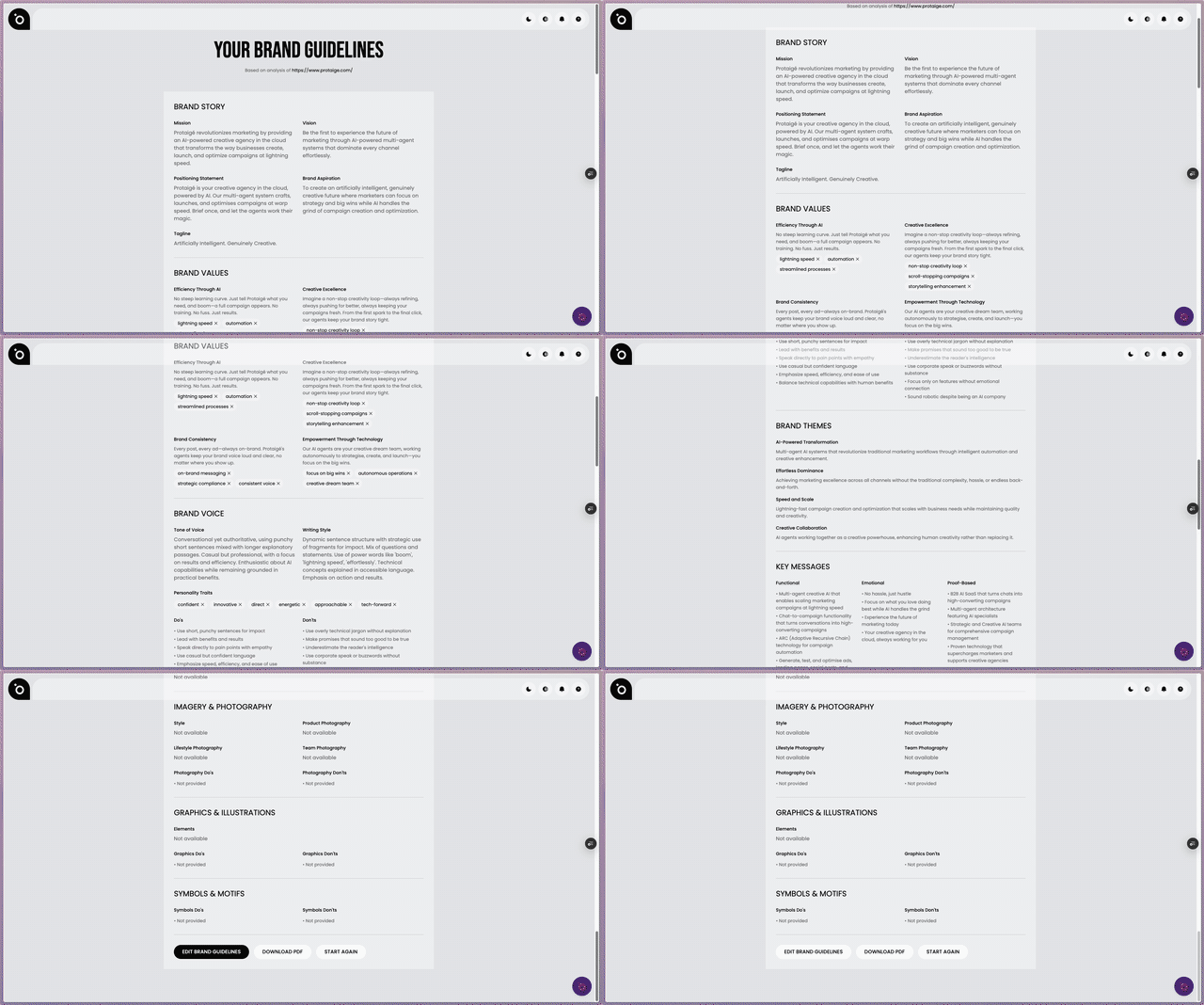
Edit anything that is not right
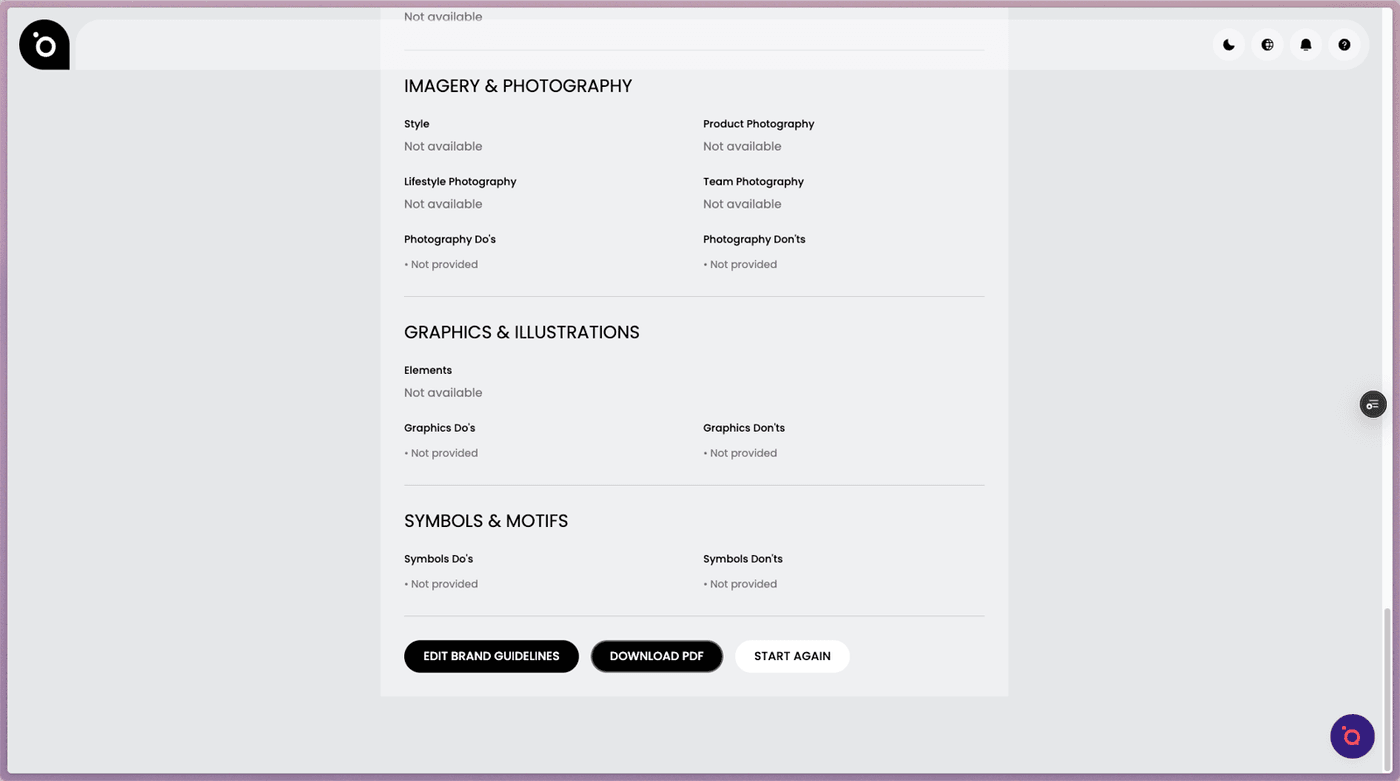
Click Edit on any section to correct it. Nothing here is fixed, and you can also change it later once it is in Brand DNA.
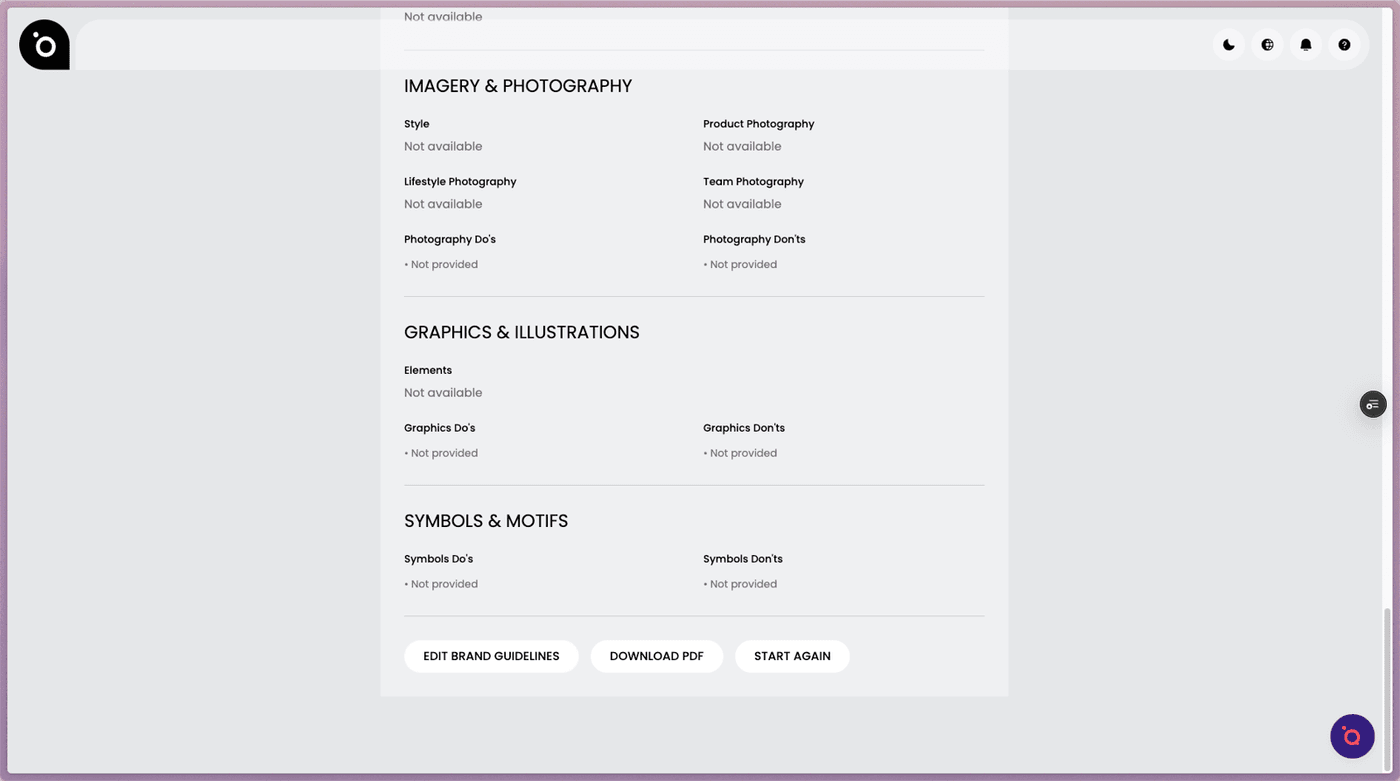
Download and bring it into Protaigé
Download the PDF to share with your team, then upload it in Brand DNA. That gives Protaigé the story, tone and positioning it uses in every campaign it writes for you.
If you already have an account, this same analysis has already run against your website, and what it found is sitting in Brand DNA under Brand Story. Reading it and correcting anything wrong is the single highest-value hour you can spend in Protaigé.
Last updated 12 August 2026