
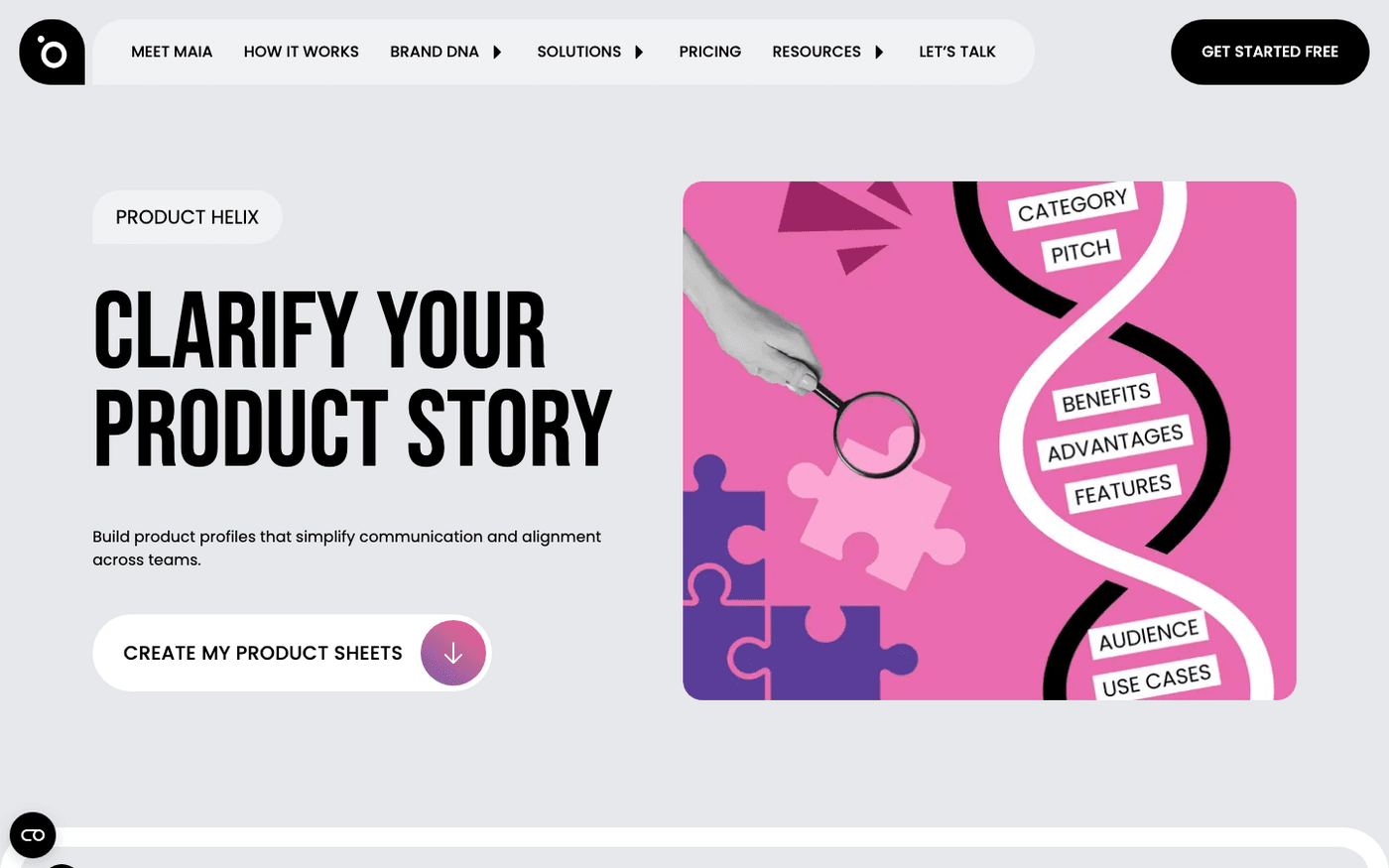
In short: protaige.com/product-helix → Website URL → Create my product sheets. Download each sheet as a PDF, then upload it in Brand DNA under Products.
A product sheet describes one thing you sell. It covers what it is, who it is for, its benefits and its use cases. Campaign copy draws on this. Product Helix writes the first draft for you from your website. It is free, and you do not need an account.
Give it your website
Go to protaige.com/product-helix. Type your website address in the Website URL box. Company Name is optional. Press Create my product sheets. Protaigé reads your site and writes a sheet for each product it finds.
Check the sheets
Each product shows a pitch, a type and its top use cases. Open a sheet to see features, benefits, differentiators and pricing. Open the three-dots menu on a card and choose Edit to correct anything. Press START AGAIN to try a different website.
Bring them into Brand DNA
Open a sheet's three-dots menu and choose PDF to download it. Then in Protaigé, open Brand DNA, then Products. Press Upload and add the PDFs. Each one becomes a product your campaigns can use.
Your product information shapes every brief and concept. Get the sheets into Brand DNA before your first campaign, and correct them there when a product changes.
Last updated 12 August 2026