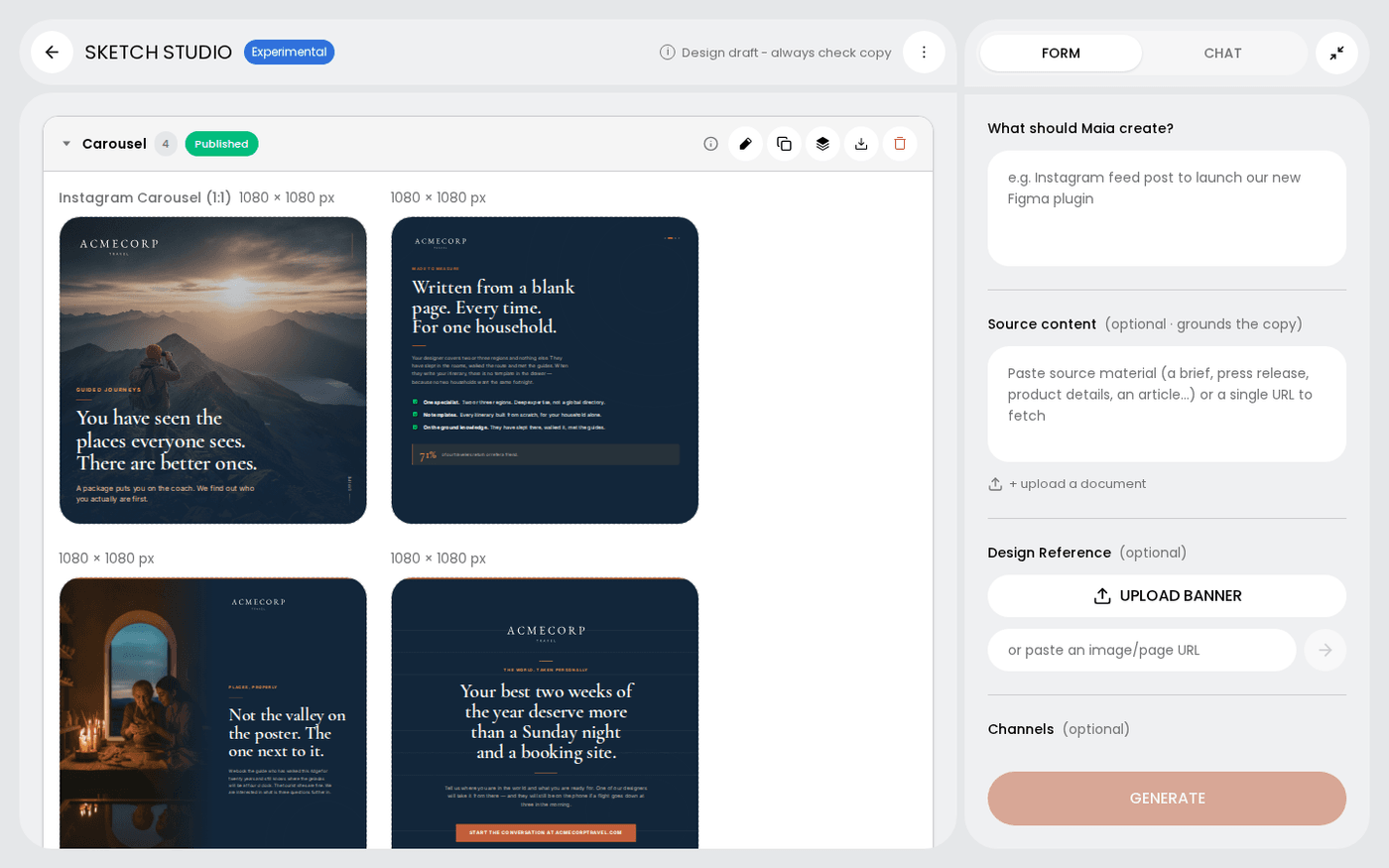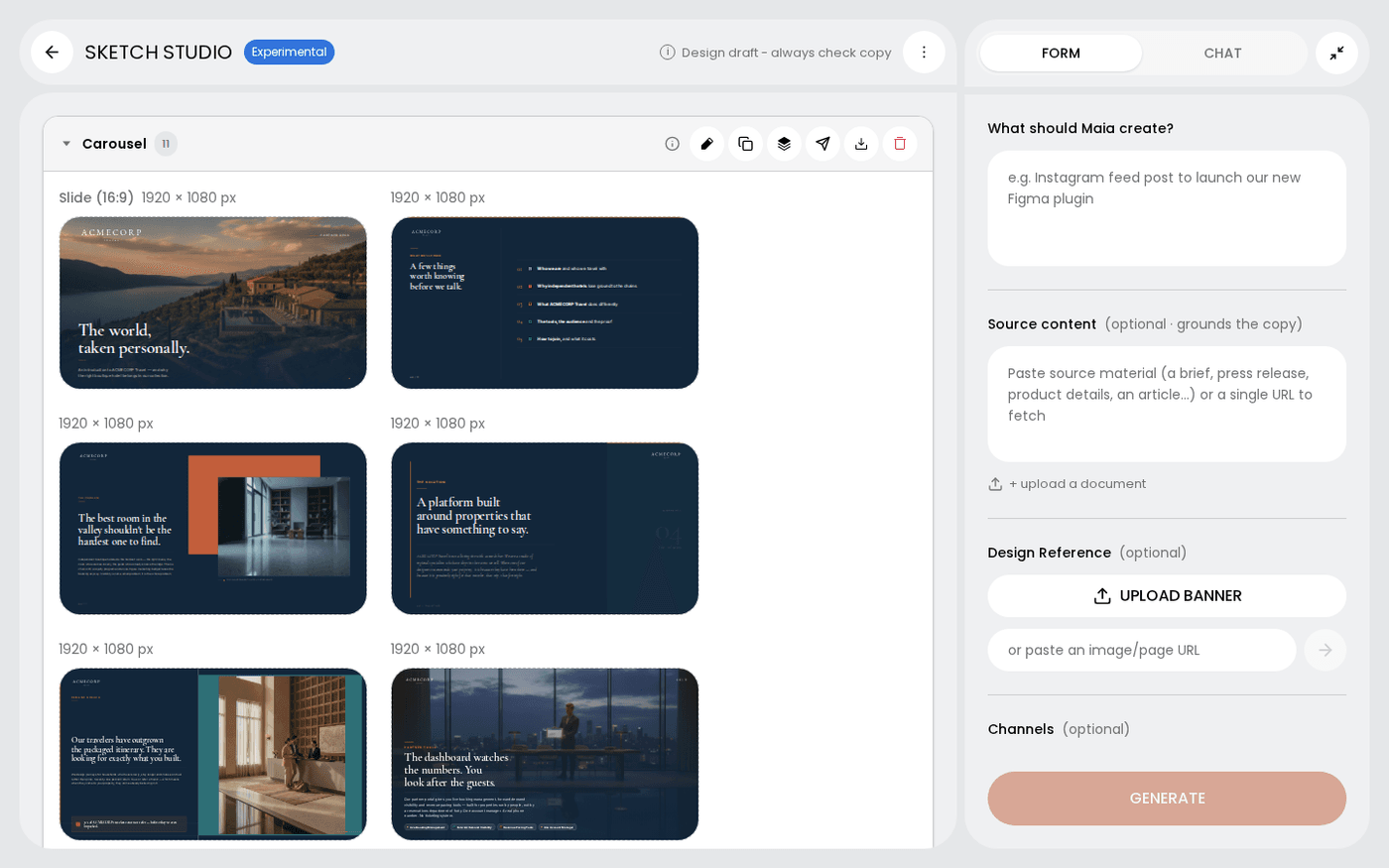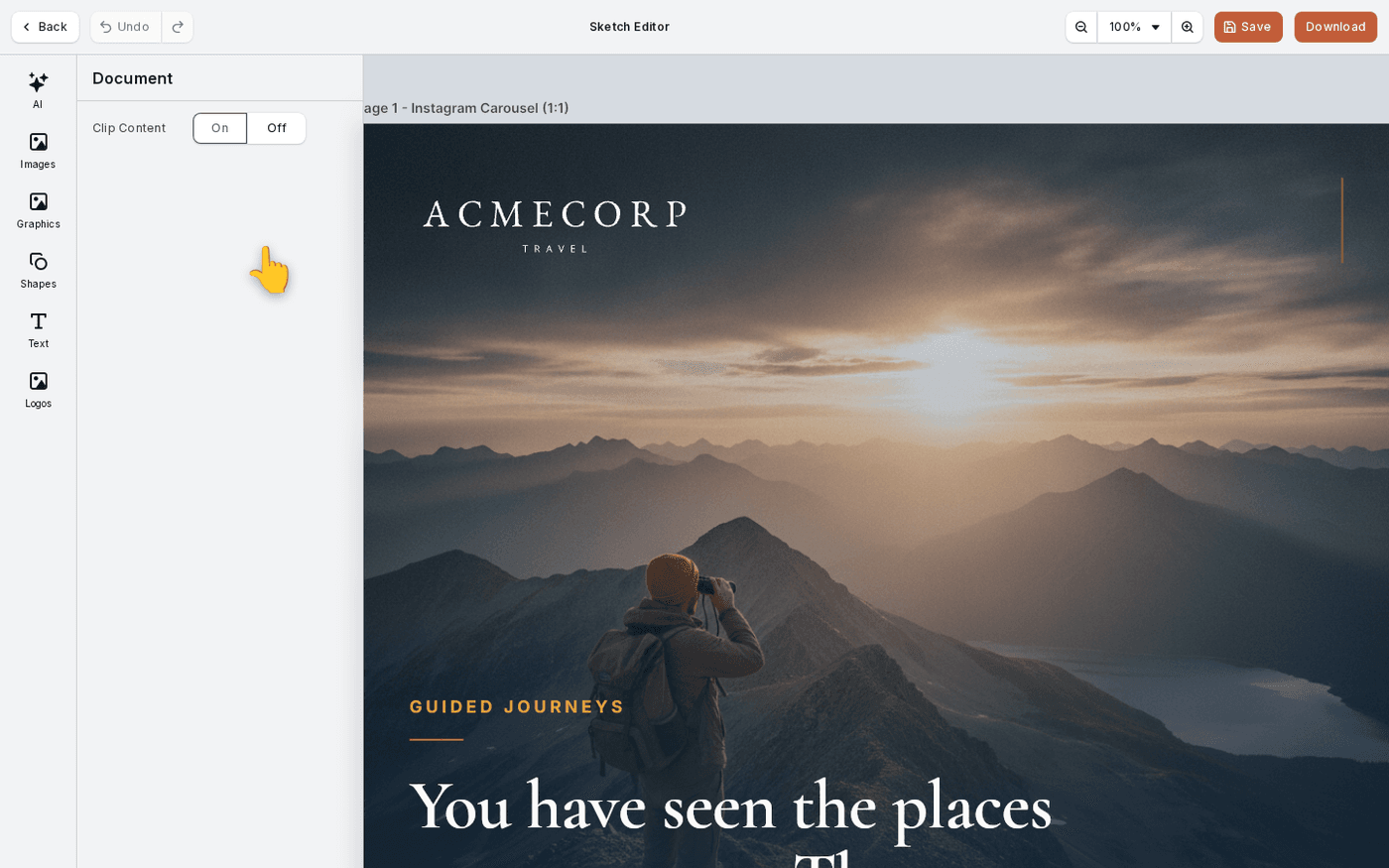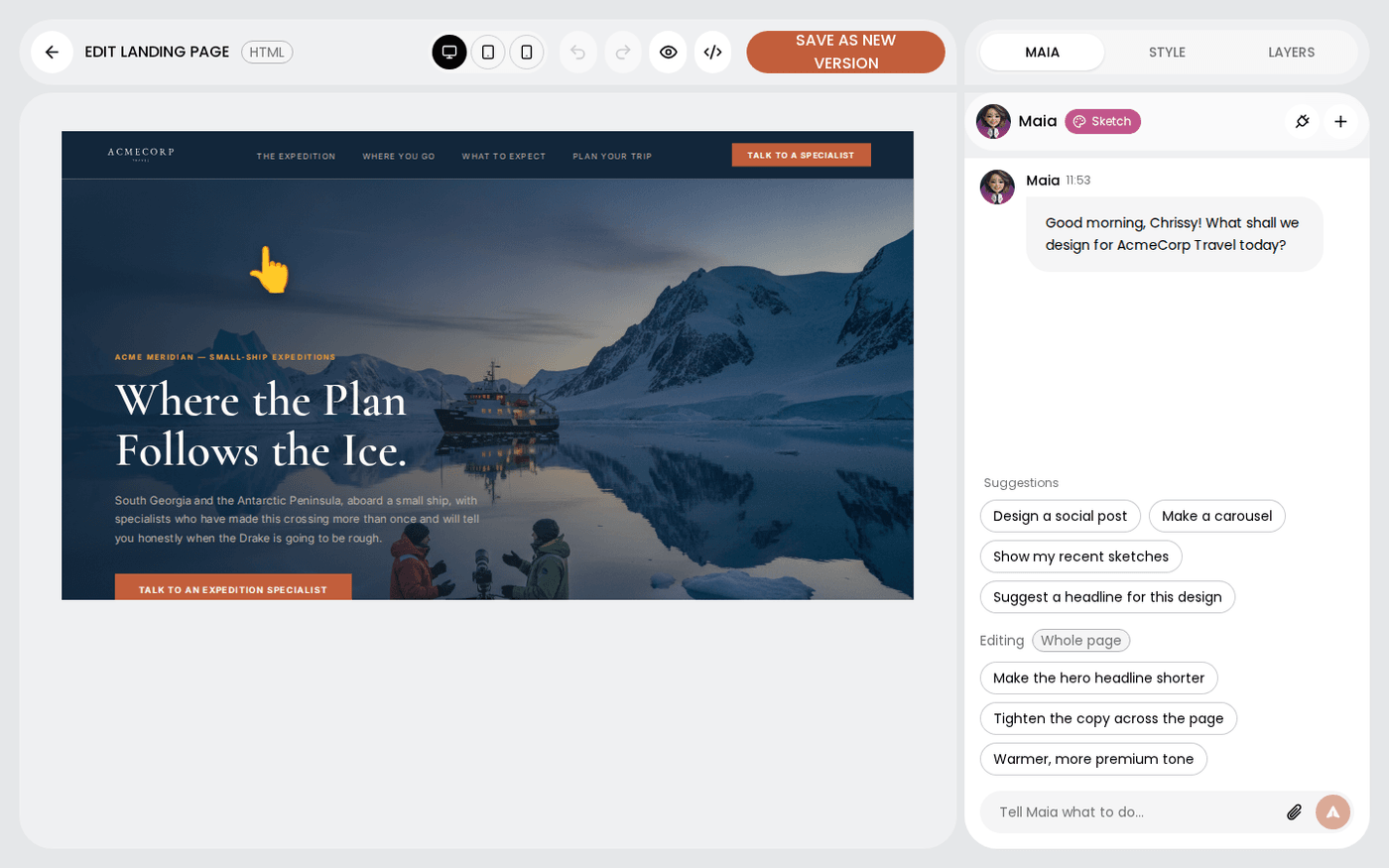
In short: Sketch Studio → hover the frame → pencil → HTML editor. Press Save as new version when you are done.
Sketch makes landing pages and emails as real web pages, not as pictures. That is what lets a landing page scroll and an email open in a mail client. It also means they have their own editor, called the HTML editor.
This page shows you how to open it, change a page by hand or with Maia, and save your work. It takes about four minutes.
Open the frame with the pencil
In Sketch Studio, hover the landing page or email frame and press the pencil. The HTML editor opens. The header reads Edit landing page or Edit email, with an HTML tag beside it.
Check the page on each device
The centre of the header has Desktop, Tablet and Mobile. Press each one to see how the page reflows. An email shows at the same width on all three, because that is how mail clients show it.
Select an element and use Style
Click anything on the page to select it. Open the Style tab on the right. It shows the settings for that element, such as text, colour, spacing and background. Colours come from your brand palette first.
Use Layers to find things
Open the Layers tab. It lists every part of the page from top to bottom with plain names. Click a name to select that part, even if it is buried under a hero image.
Ask Maia to make the change
Open the Maia tab. Above the chat box, an Editing tag shows what you have selected. Say what you want in plain words, or press one of the suggestion chips. The change lands on the page, and you can undo it.
Change an image
Select an image and press the sparkle in its toolbar. Choose Swap from brand photos to pick one of your own. Choose Regenerate to make a new image. Choose Edit with a prompt to describe a change.
Save as new version
Press Save as new version. Earlier versions stay, so an edit that went wrong is never the only copy. If you press Back with unsaved changes, Protaigé asks before it discards them.
To send the email, hover the frame in Sketch Studio, open the three-dots menu and choose Download HTML. Upload the file to your email platform.
Last updated 29 September 2026