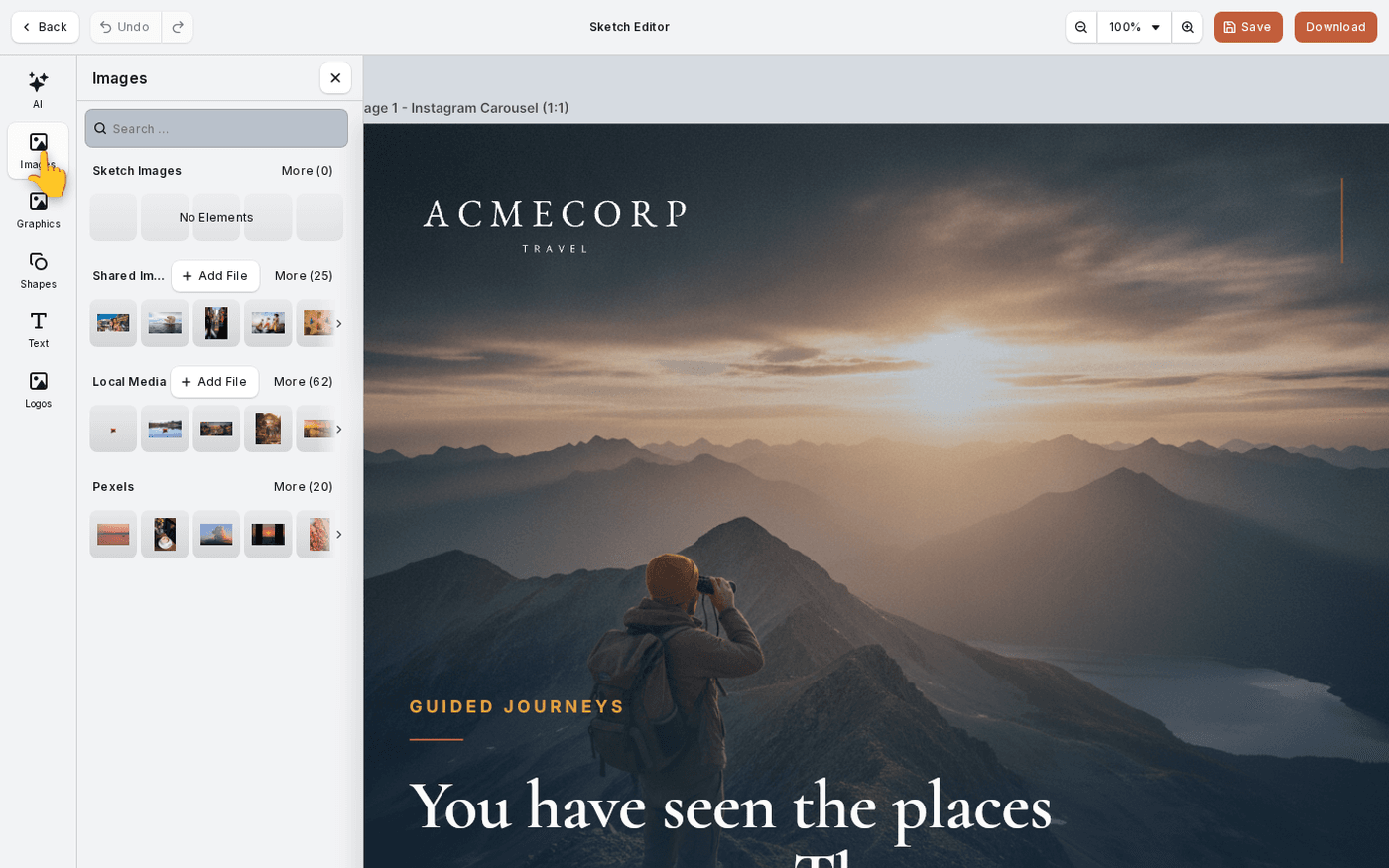
In short: Images in the dock → start at the top panel and work down. Shared Images and Local Media have their own Add File button.
Every editor puts its pictures under one Images tab. The panels are ordered by how close they are to the work you are in. The top panel holds what this sketch or campaign already made. The bottom holds stock.
No image appears twice. Each panel shows only what the panels above it do not.
The top panel is the work you are in
In the Sketch Editor it is Sketch Images: everything generated or added in this sketch. In a campaign editor it is Campaign Images. Look here first when you want to reuse something across the set.
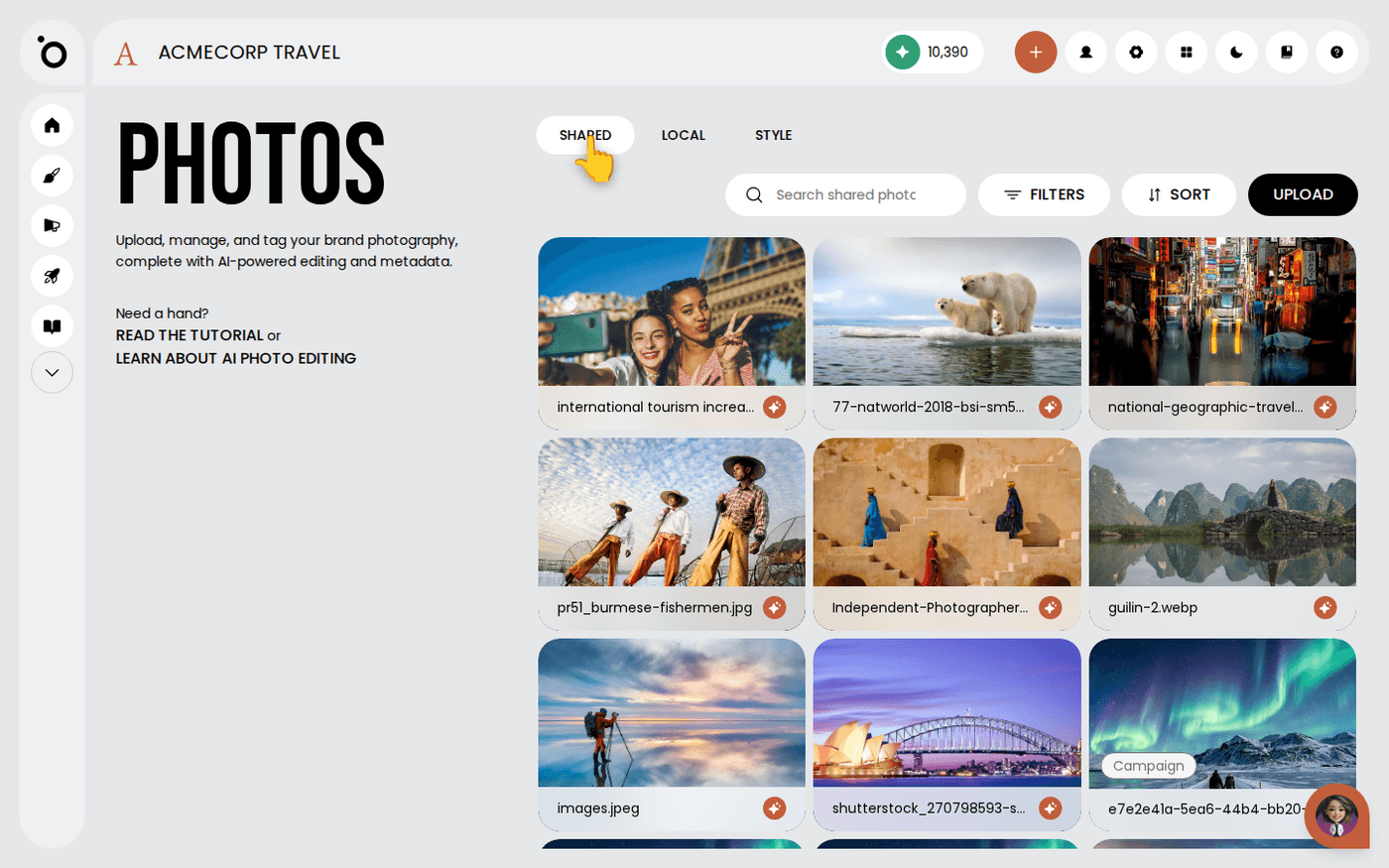
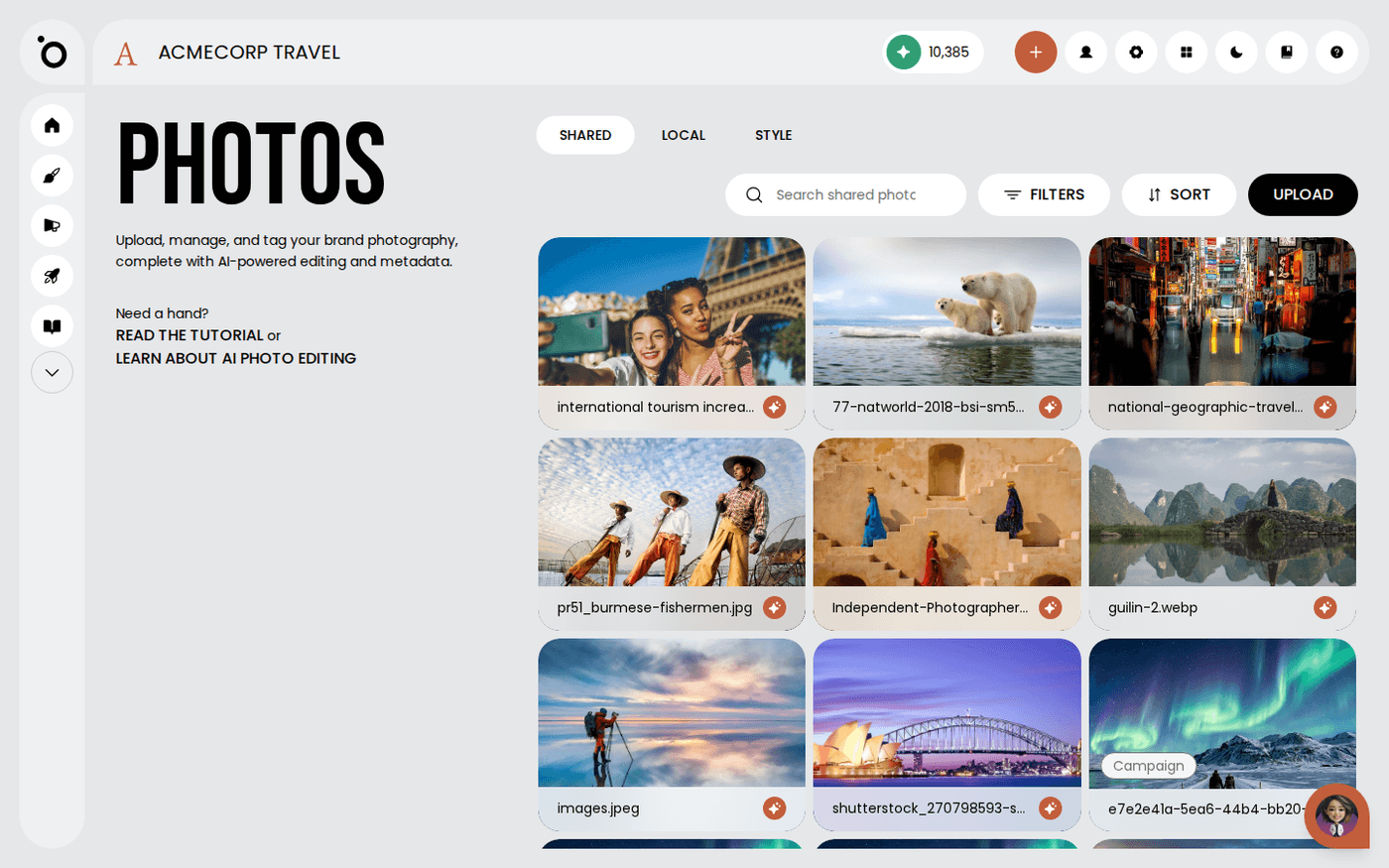
Shared Images
The brand's shared library from Brand DNA. Everything in it is already yours and already cleared. This is the panel to reach for by default.
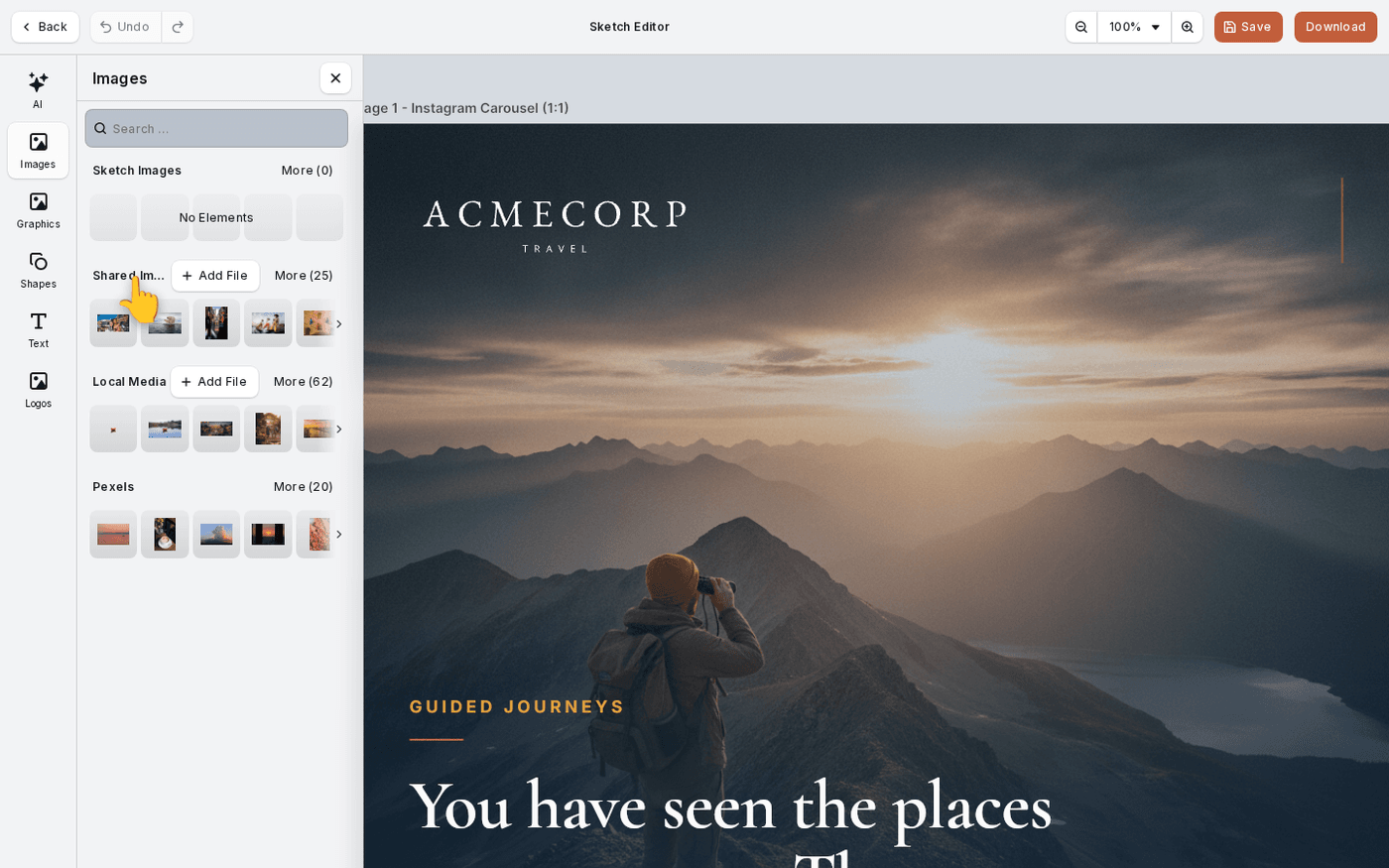
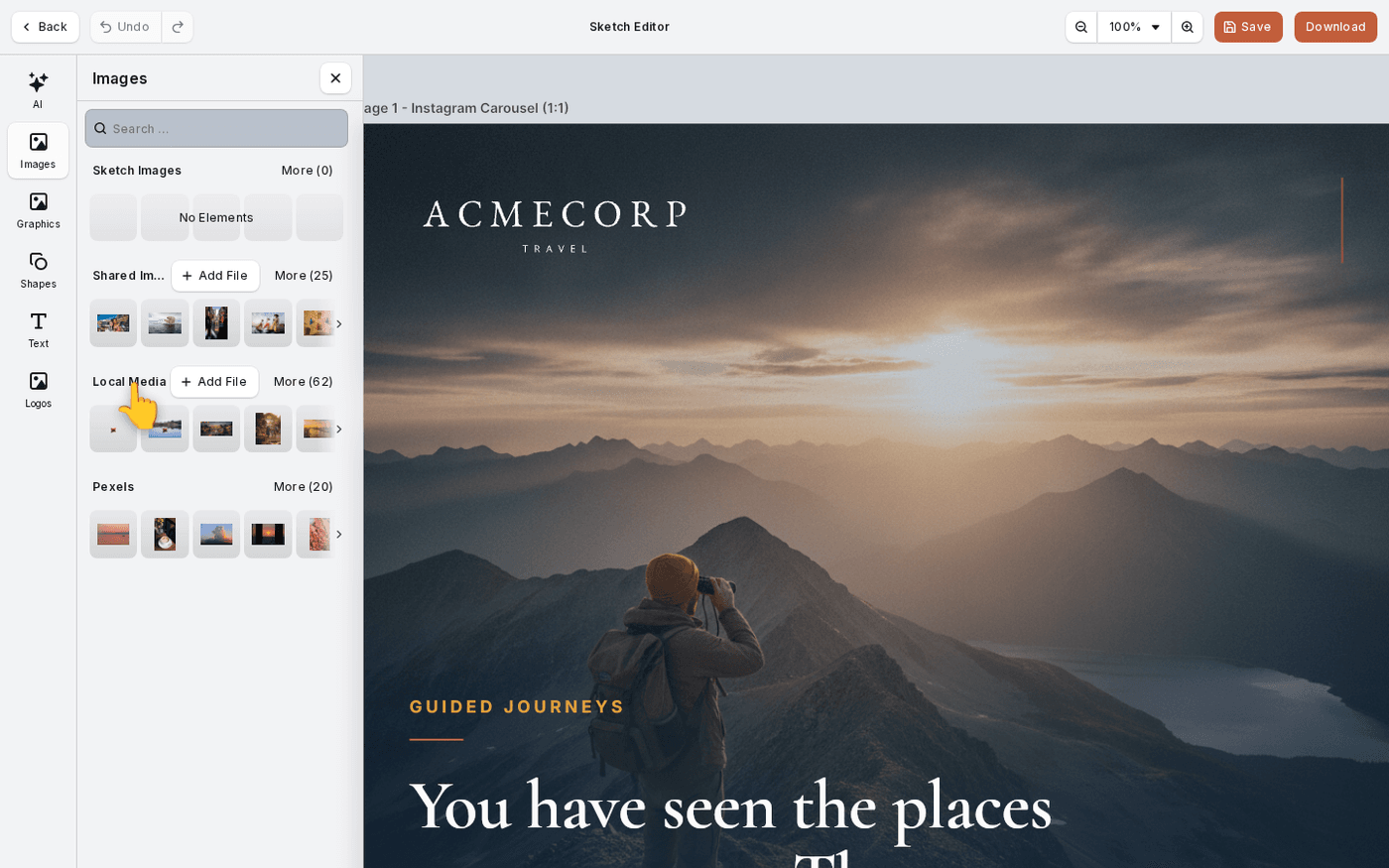
Local Media
Your own working library for this brand. One-off uploads and work in progress live here. Only you see them.
Lightbox, in campaign editors only
The picks made for this campaign. It does not appear in the Sketch Editor, so do not look for it there.
Stock
Any stock libraries your workspace has, such as Pexels, sit at the bottom. Search them by keyword.
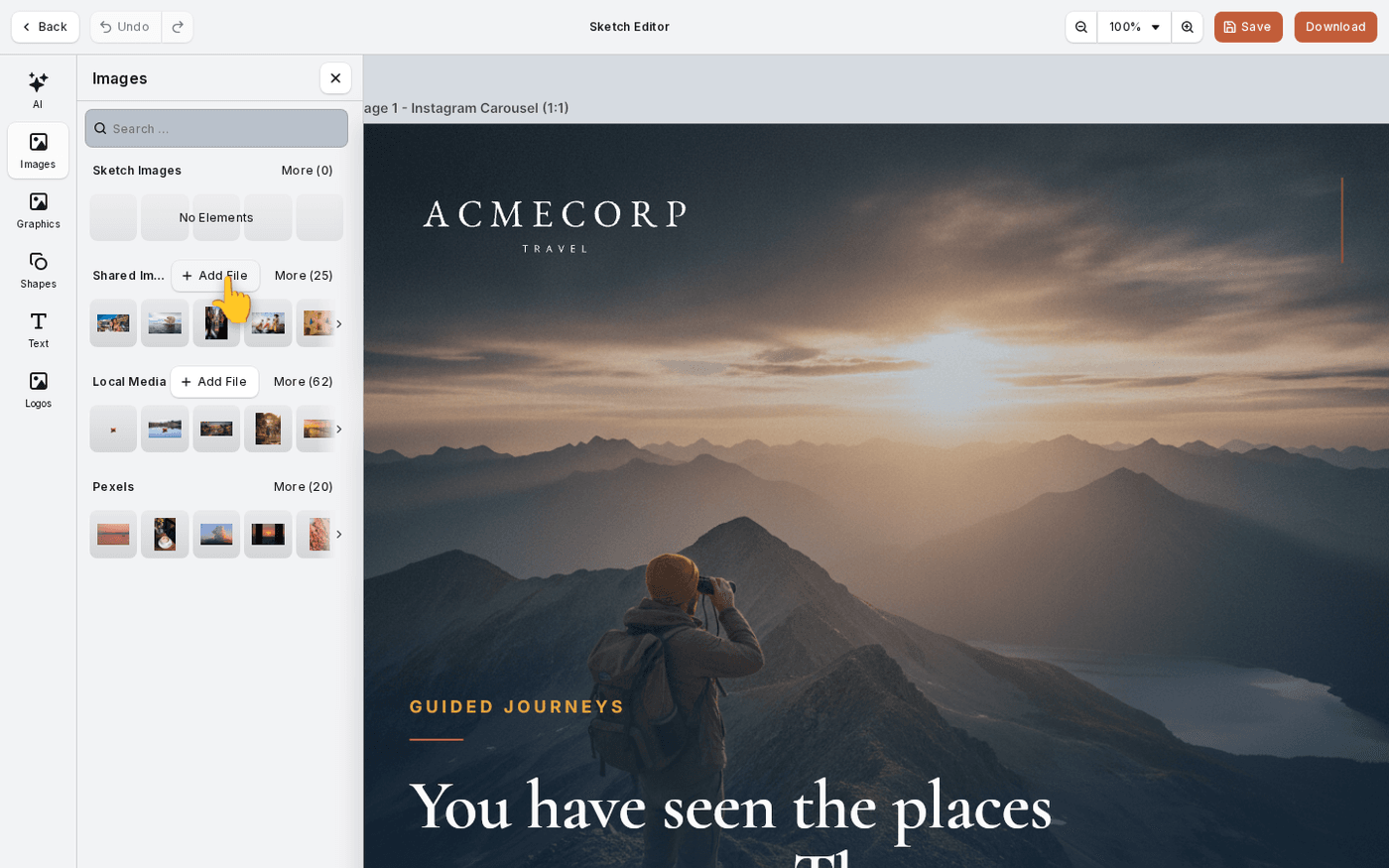
Upload into the panel you are looking at
Some panels have their own Add File button. The panel you are looking at is the one you upload into. Shared Images and Local Media take uploads, and so does Campaign Images in a campaign editor. Sketch Images, Stock and Lightbox do not. Sketch Images only lists what this sketch made or added. JPEG, PNG and WebP work everywhere. SVG is not accepted here, so upload logos, graphics and icons to their own libraries in Brand DNA.
Replace an image with the right kind
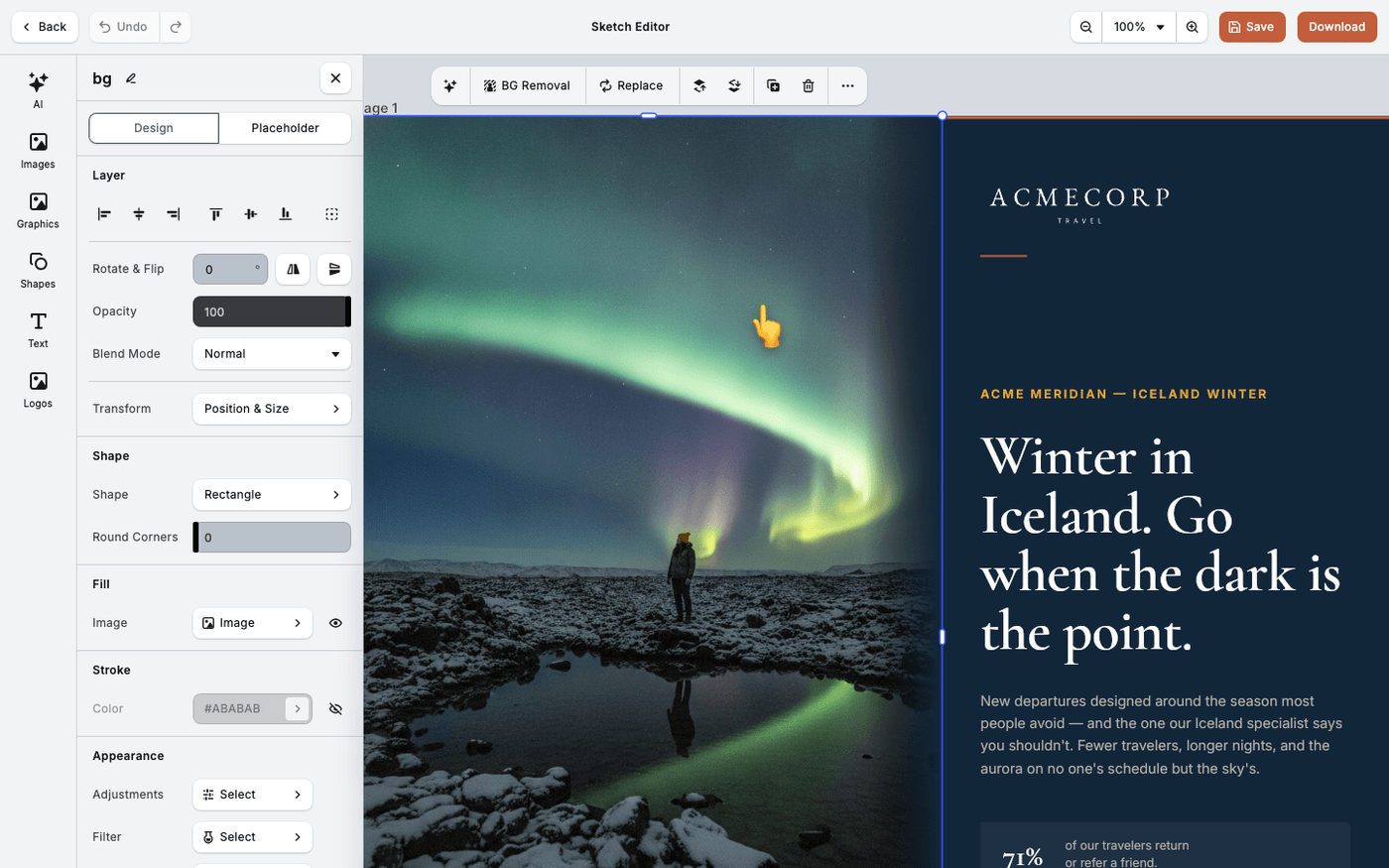
Select an element and press Replace on the toolbar above it. The libraries offered match the element. A logo block offers Logos, and an icon offers Icons. That comes from how the design kit named the block.
If Replace offers the wrong library, the block naming in the design kit is usually why.
Last updated 29 September 2026