
Create a campaign from a brief
The main road. Start from a brief, land on a full set of assets sized for every channel you publish to.
9 walkthroughsabout 35 min end to endEnds with: A campaign kit ready to export or publish
- 1
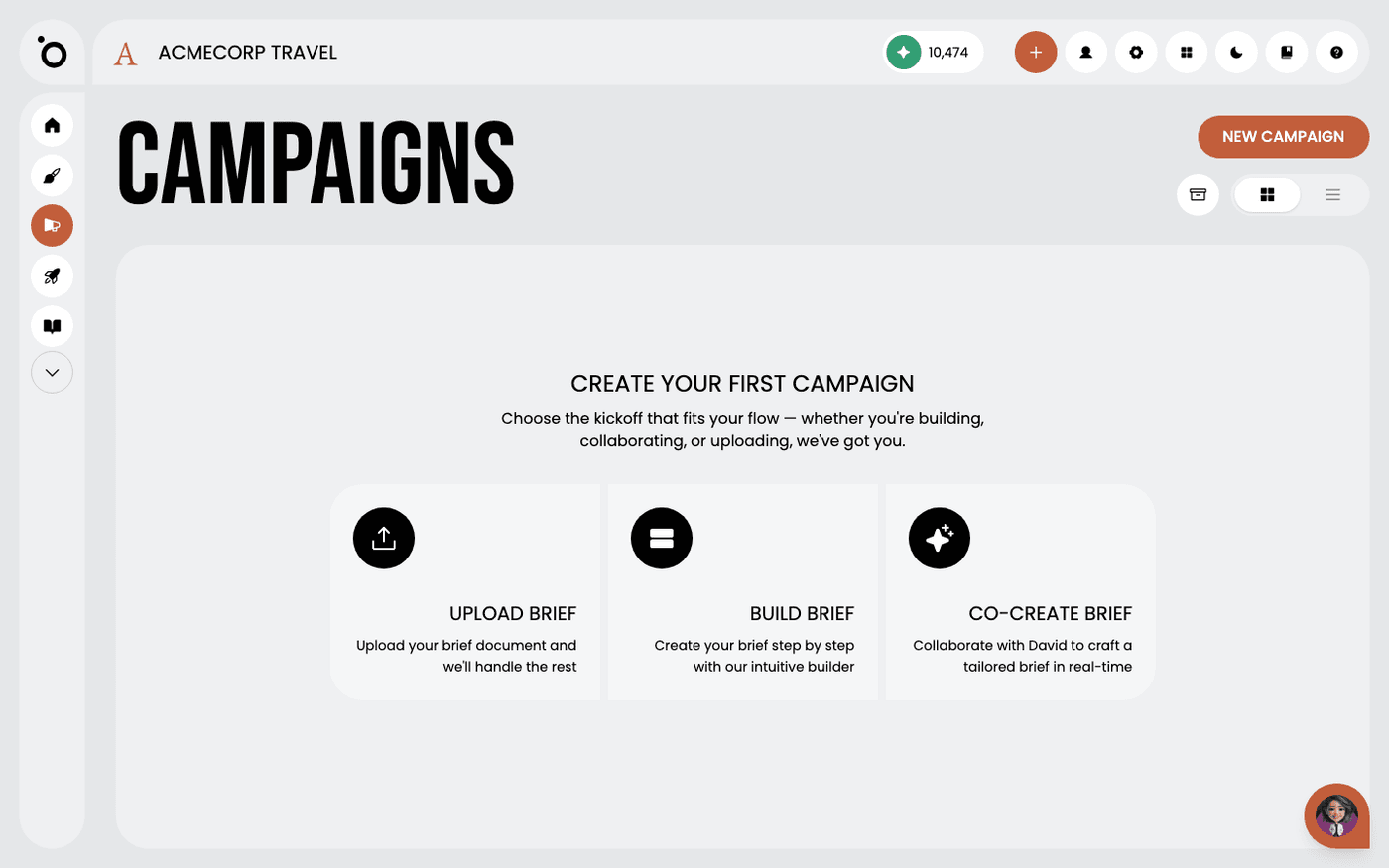 Write a campaign briefGive Protaigé a clear brief, and every concept, headline and image in the campaign follows it.
 - 2
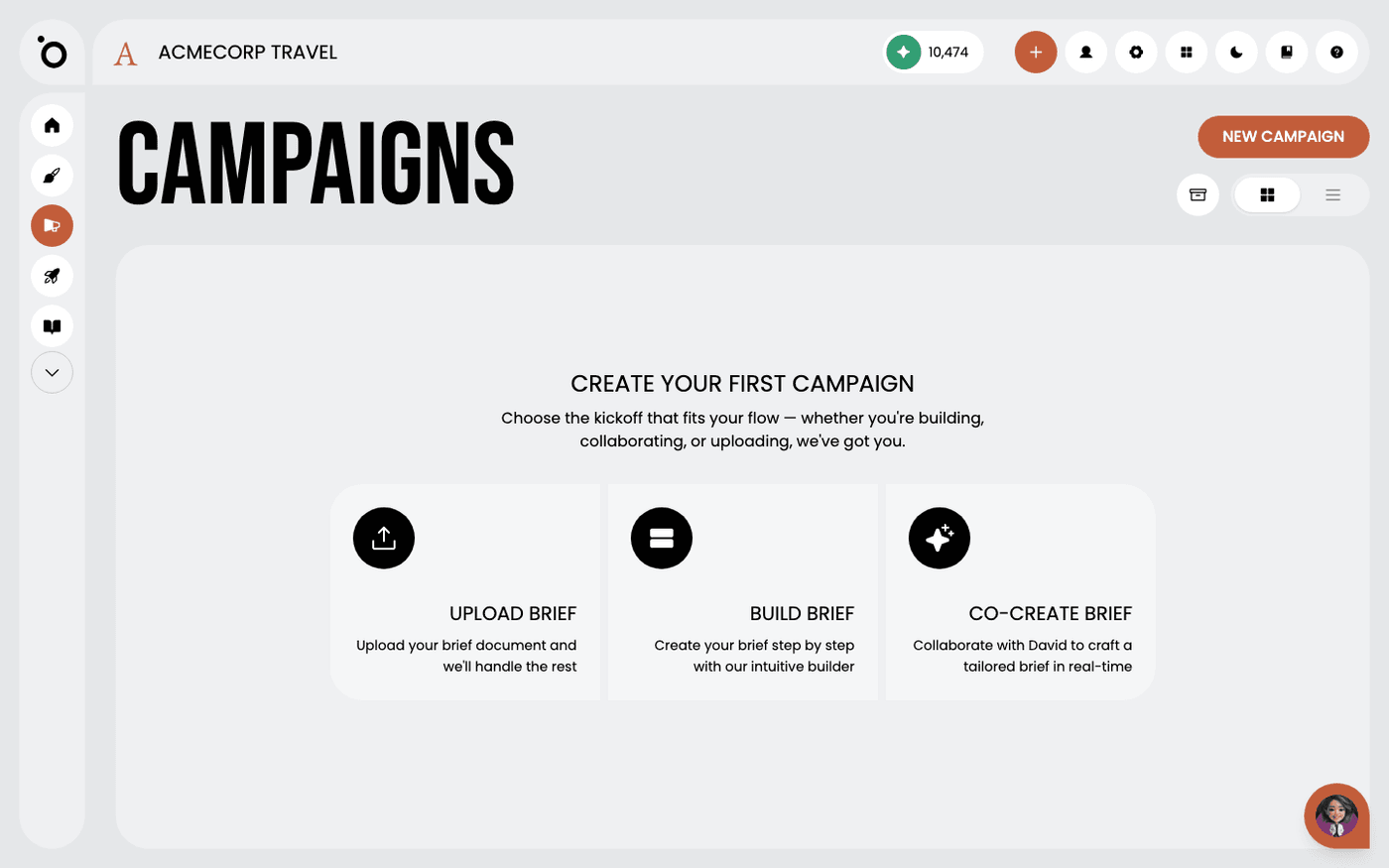 Build a brief with the Brief BuilderAnswer a short form, one question at a time, and Protaigé builds the campaign brief from your Brand DNA.
 - 3
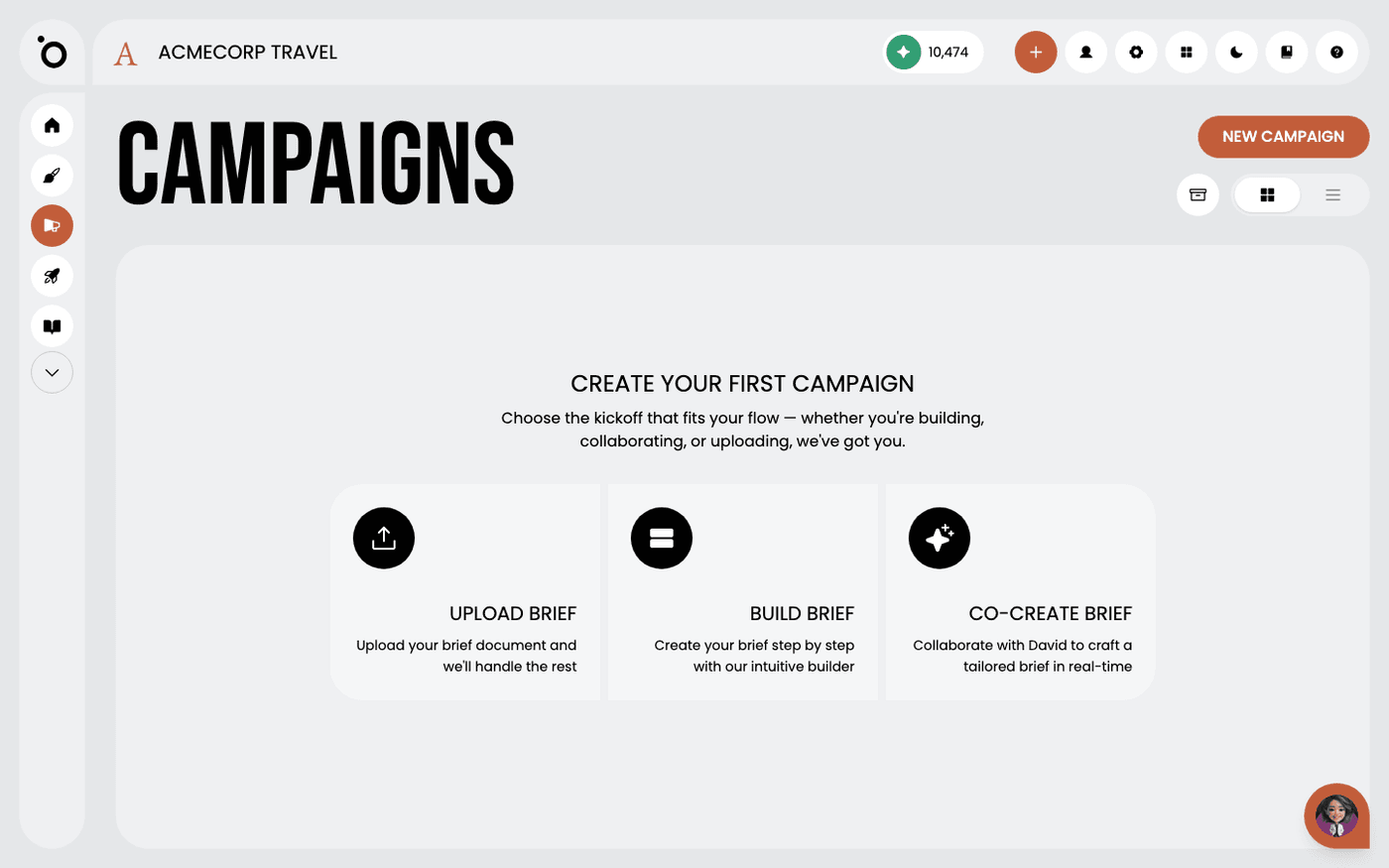 Choose your campaign conceptPick the big idea that every headline, image and layout in your campaign will follow.
 - 4
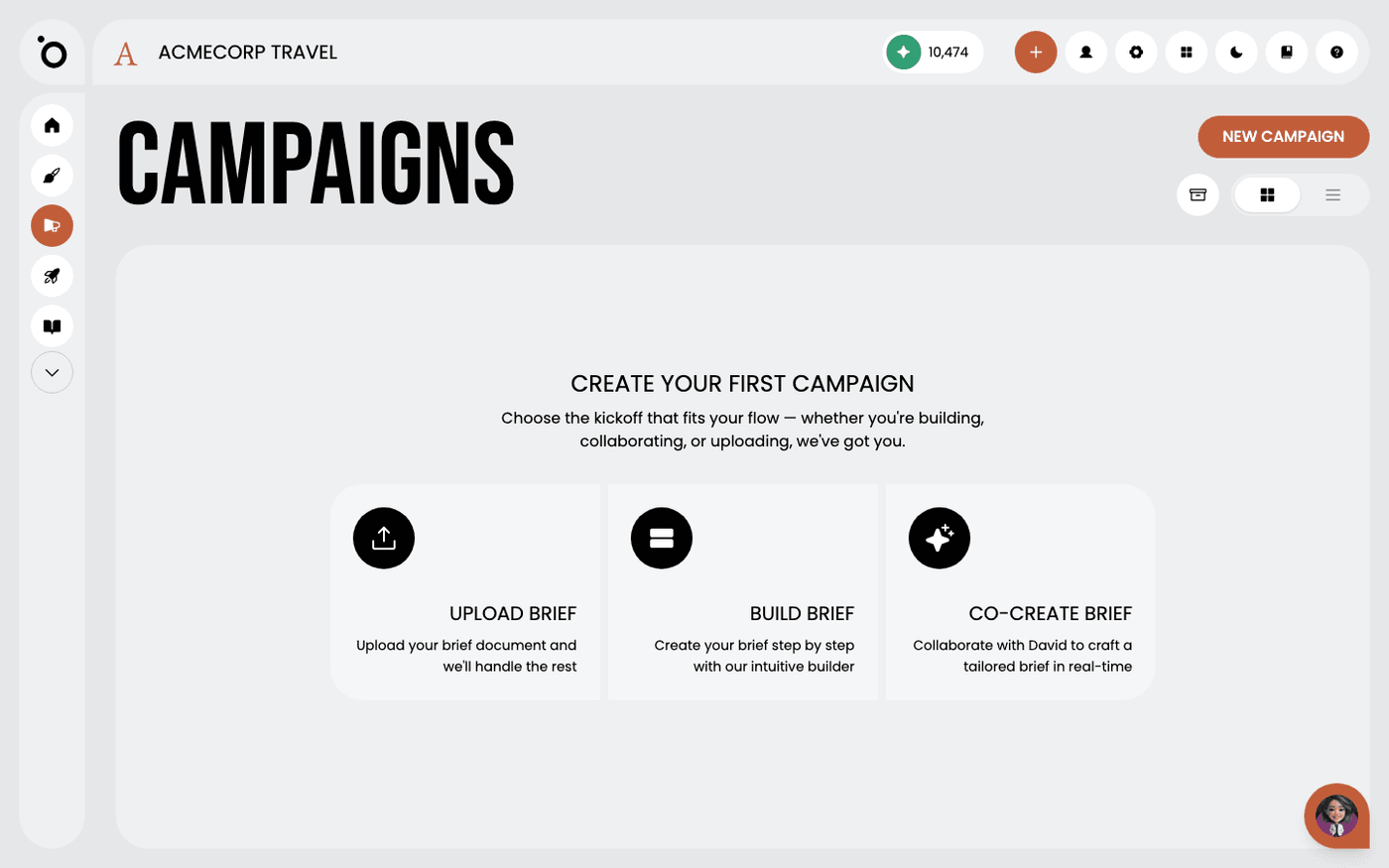 Build a campaign step by stepSee the six stages a campaign moves through, and what you decide at each one.
 - 5
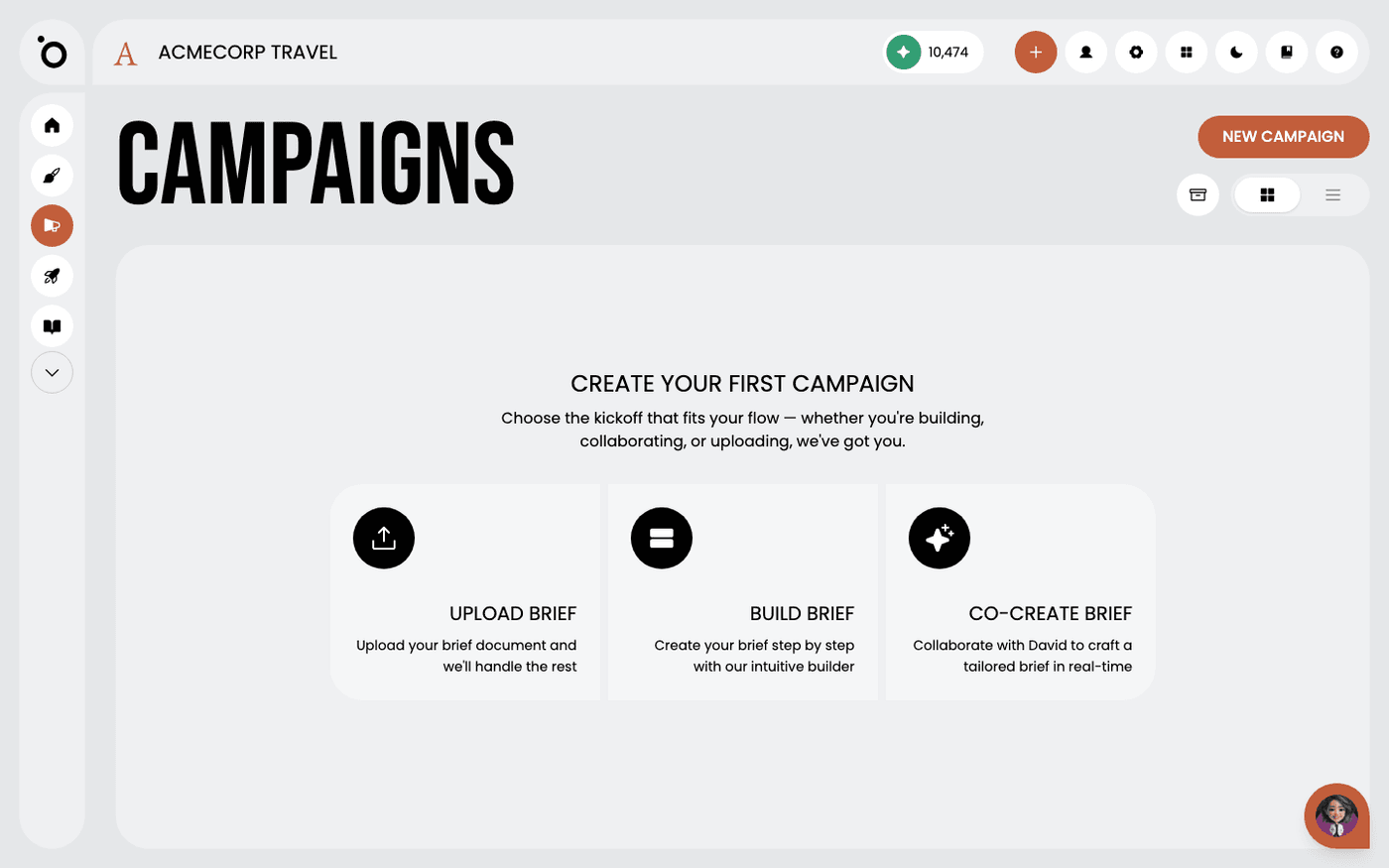 Write your campaign hero copyGet the headline and message that every asset in your campaign will use, written in your brand voice.
 - 6
 Choose your hero imagePick the one picture that carries your campaign, from your own photos, a generated image or a stock library.
 - 7
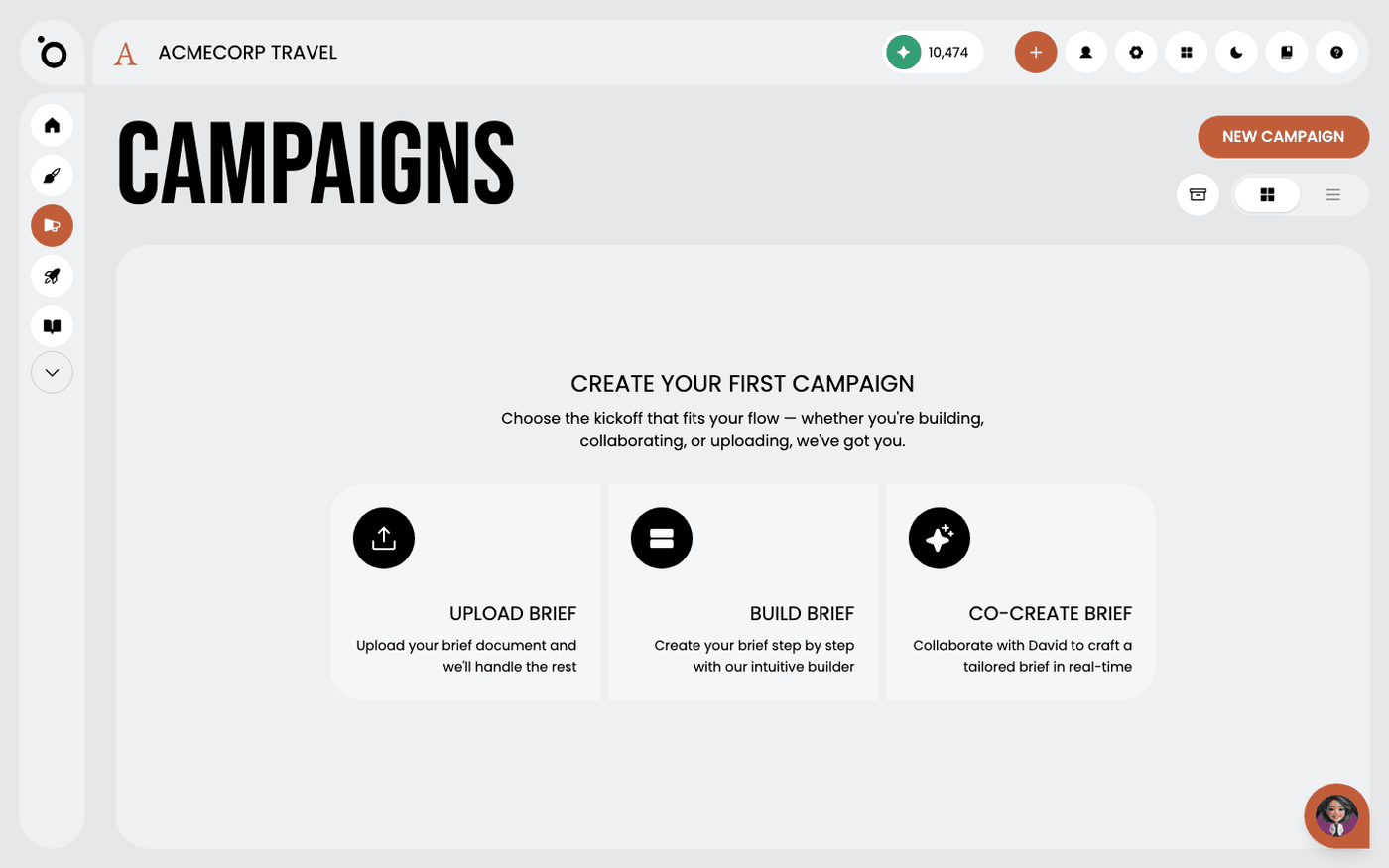 Create your key visualTurn your copy and image into the one layout that every format in your campaign is built from.
 - 8
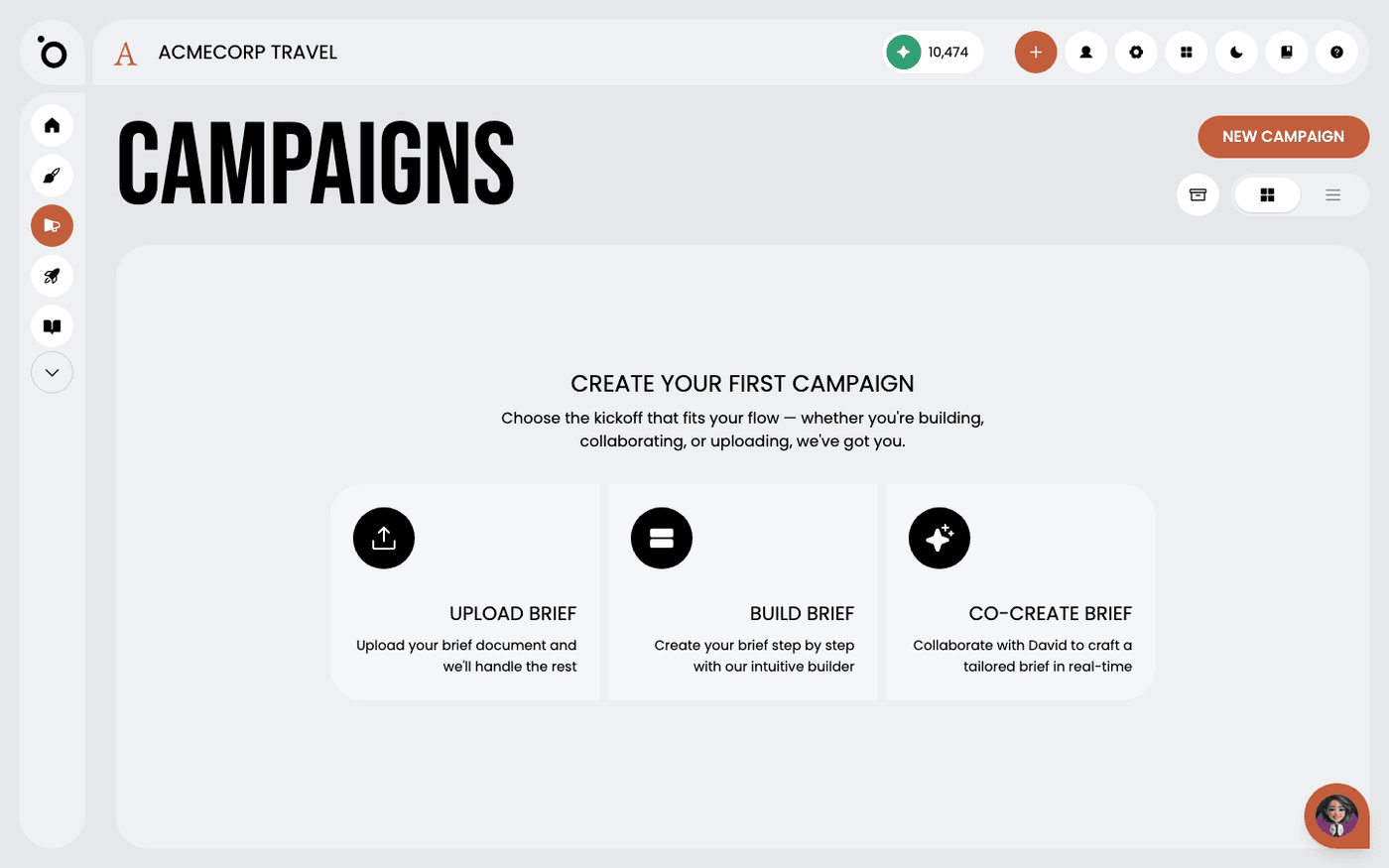 Scale a key visual into campaign assetsTurn one approved layout into every format in your design kit, without laying any of them out yourself.
 - 9
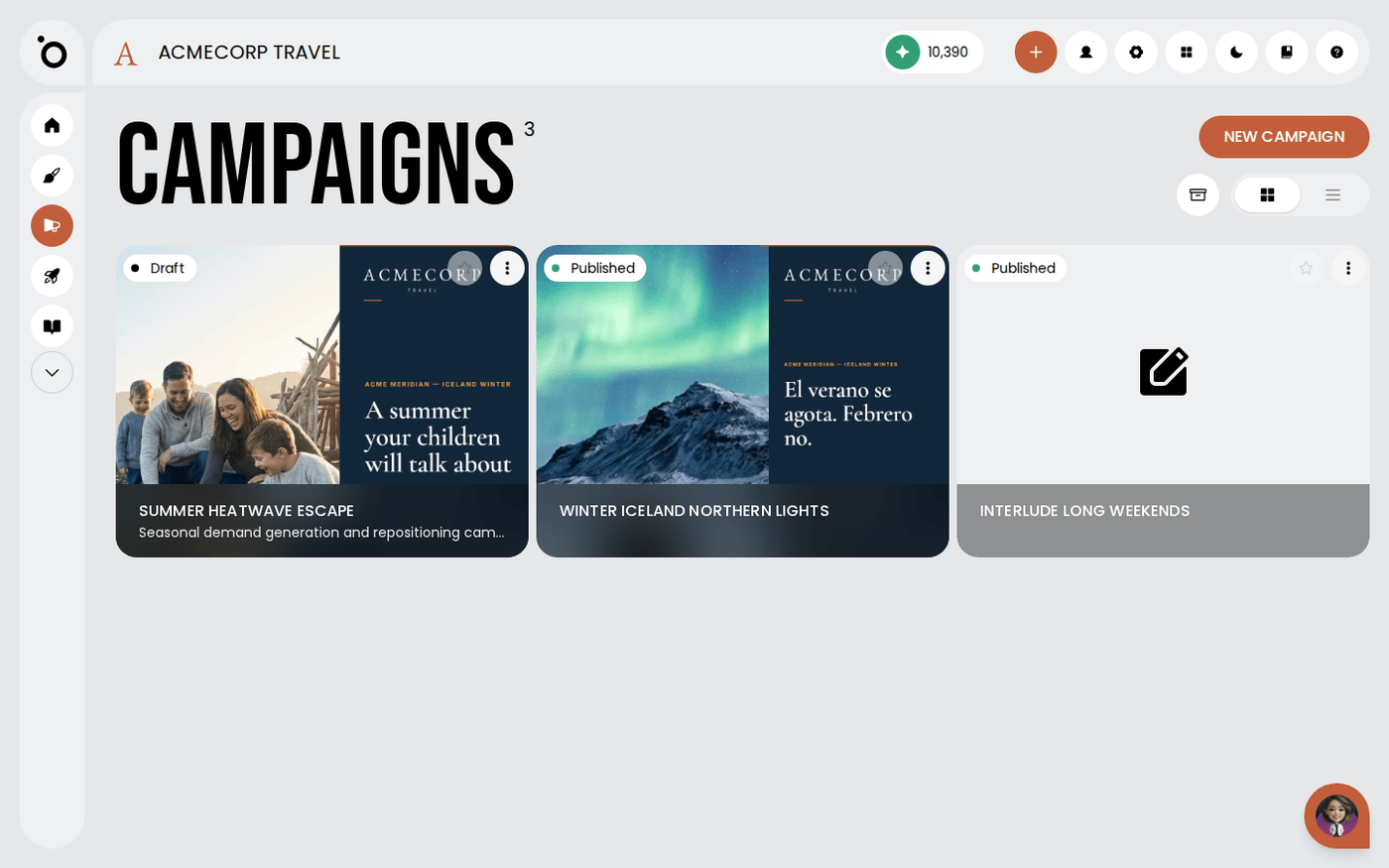 Export your campaign assetsGet your finished banners and copy out of Protaigé, ready to publish or hand to someone else.
Other flows
Different destination, same idea.
Set up Brand DNA10 steps · ends with a Brand DNA complete enough to generate fromTake a campaign to channel5 steps · ends with Copy written per channel, published, and measuredCreate multiple formats with Sketch7 steps · ends with One idea, published in several placesTurn a design into video11 steps · ends with An MP4 built from a design you already signed offCreate branded design kits7 steps · ends with Your own templates driving the outputSet up Maia across your channels7 steps · ends with Maia reachable from email, Slack, WhatsApp and your calendar