
Set up Maia across your channels
Maia is an account director, not a chat box. Give her the channels your team already lives in and she works where you do.
7 walkthroughsabout 30 min end to endEnds with: Maia reachable from email, Slack, WhatsApp and your calendar
- 1
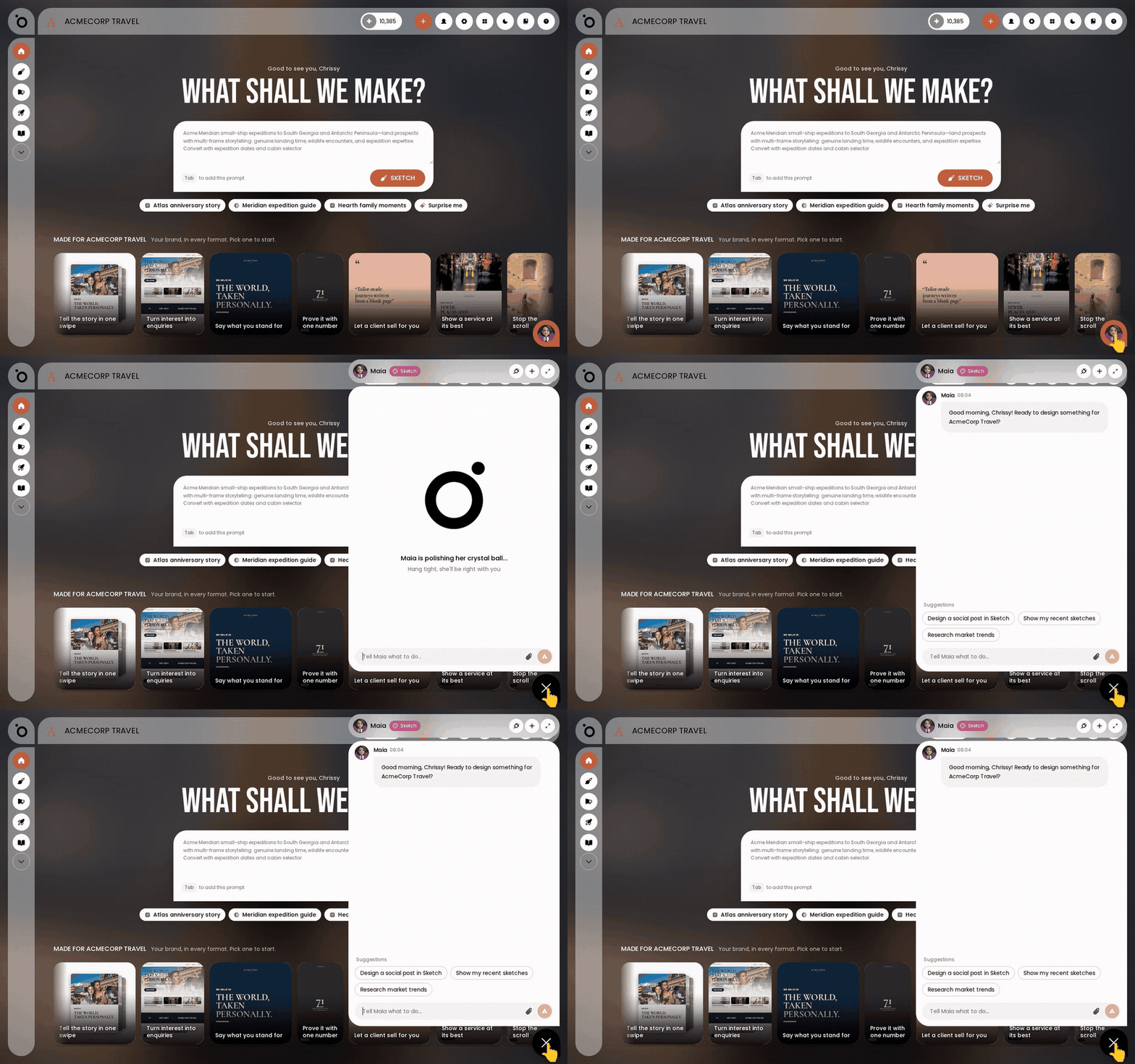 Meet Maia, your AI account directorHand your marketing work to Maia like you would to an account director, and find her wherever you work.
 - 2
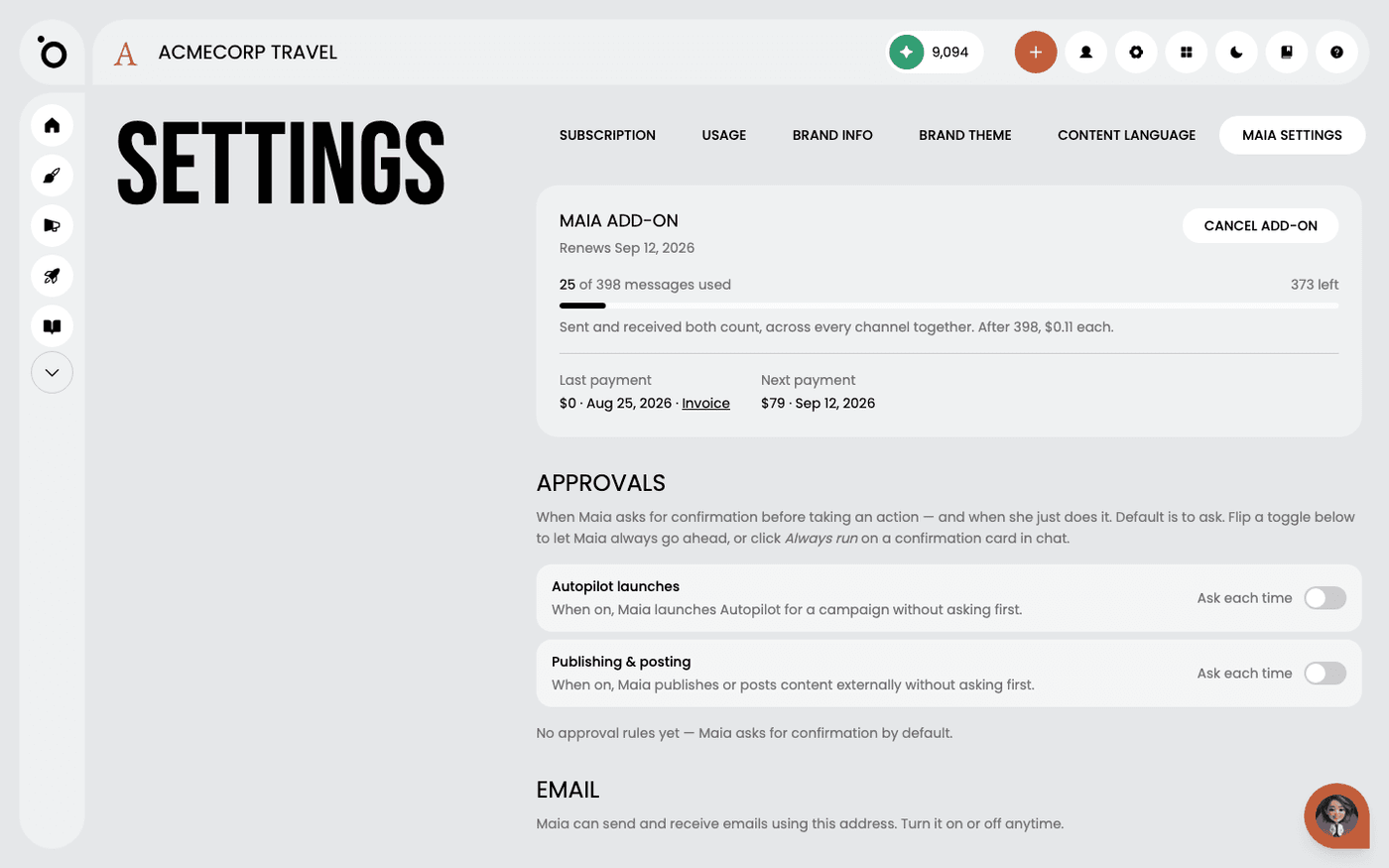 Get Maia on email, Slack and WhatsAppOne add-on takes Maia out of the app and onto the channels your team and clients already use.
 - 3
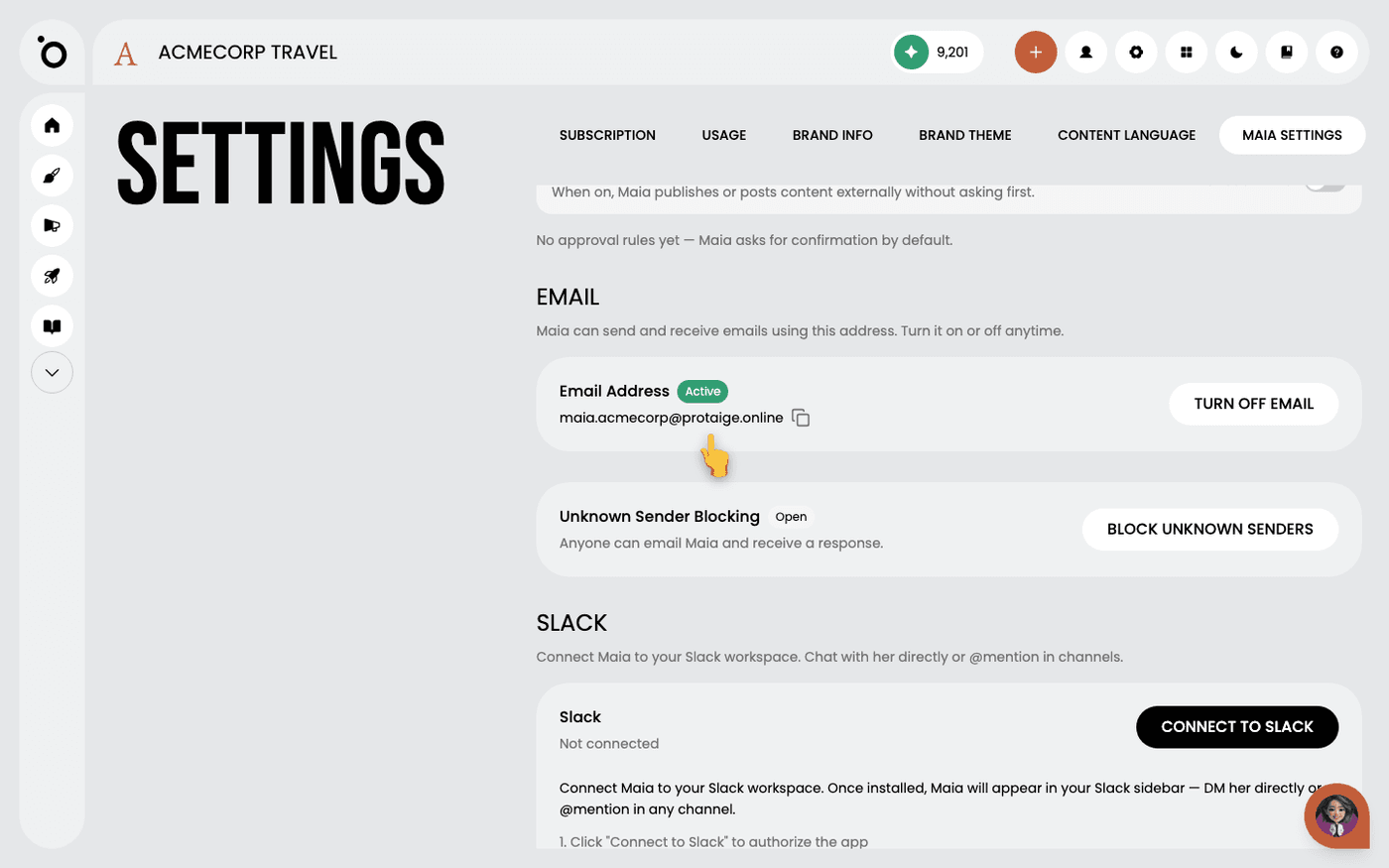 Give Maia her own email addressLet clients and suppliers email Maia directly, and decide who is allowed to reach her.
 - 4
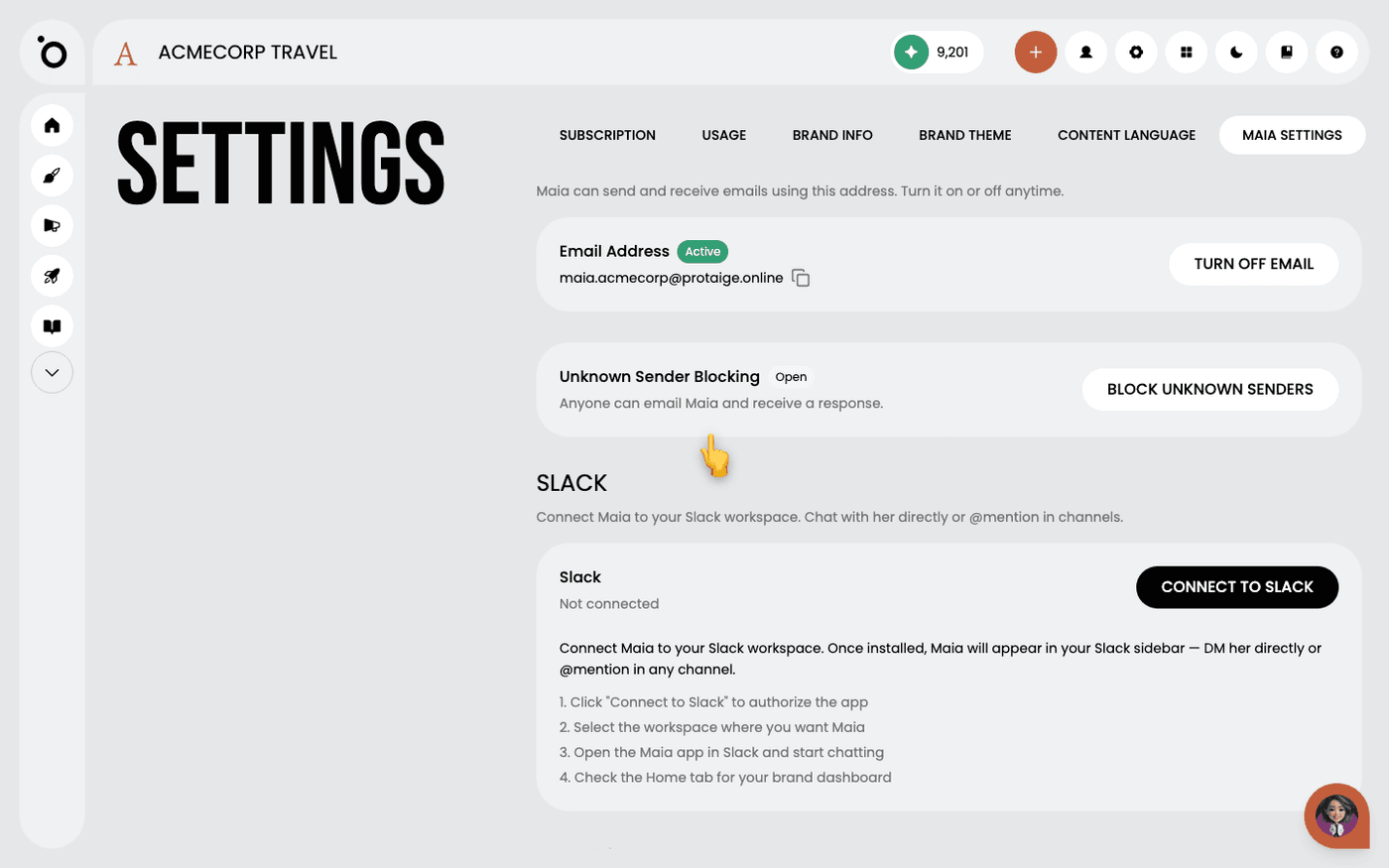 Bring Maia into SlackMessage Maia in Slack, where your team already talks, and start work without opening Protaigé.
 - 5
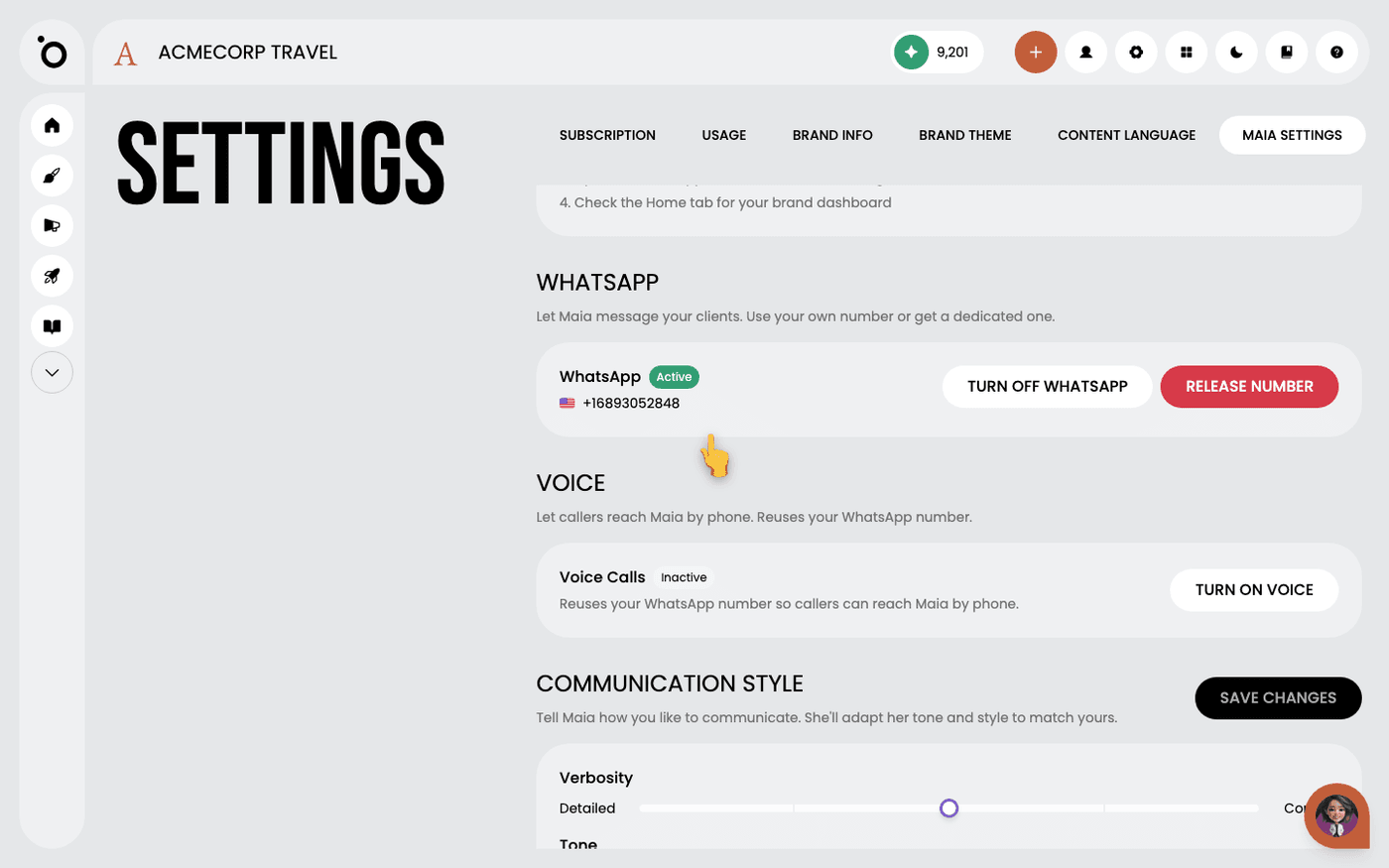 Give Maia a WhatsApp number and let her answer callsLet clients message Maia on WhatsApp, and let callers reach her by phone on the same number.
 - 6Invite Maia to your meetingsSend Maia a meeting link and she joins the call like a colleague. No setup, no plug-in.
- 7
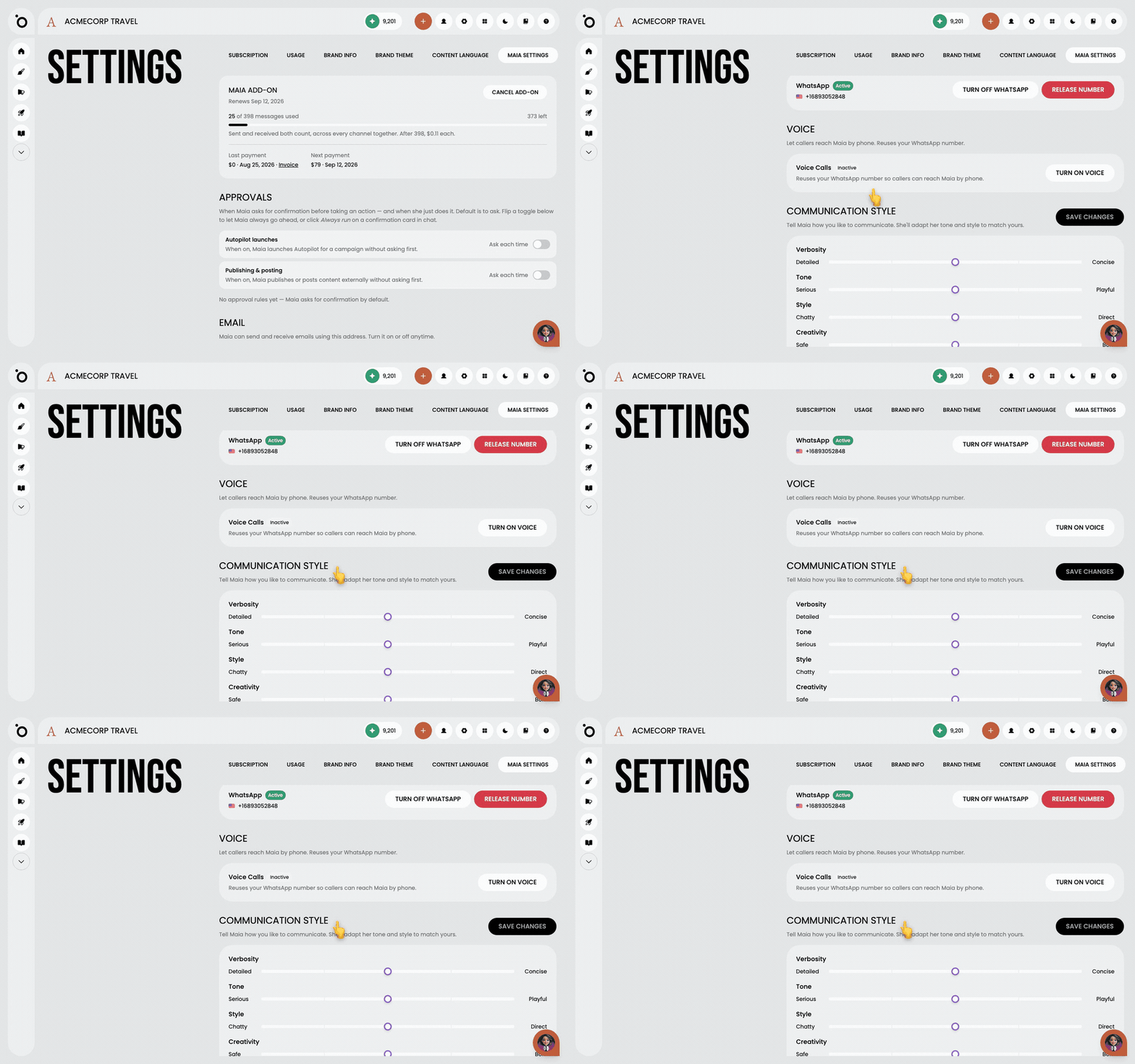 Set how Maia soundsMake Maia write and talk the way your brand should, everywhere she appears, with five sliders.
Other flows
Different destination, same idea.
Set up Brand DNA10 steps · ends with a Brand DNA complete enough to generate fromCreate a campaign from a brief9 steps · ends with a campaign kit ready to export or publishTake a campaign to channel5 steps · ends with Copy written per channel, published, and measuredCreate multiple formats with Sketch7 steps · ends with One idea, published in several placesTurn a design into video11 steps · ends with An MP4 built from a design you already signed offCreate branded design kits7 steps · ends with Your own templates driving the output