In short: Brand DNA → Products → Upload. Choose a PDF for one product or service. Protaigé turns it into a product card.
Every campaign brief asks which product it is for. Protaigé then writes about that product, with its benefits and uses. Without product detail, the copy stays at the level of what your company does in general. Nobody buys at that level.
You add products by uploading a PDF product sheet. It takes about three minutes.
Write one PDF for each product or service
There is no form to type a product into. You upload a document instead. Put one product or service in each PDF. Features say what it is. Benefits and use cases say why anyone should care, and that is what ends up in the copy. Lead with benefits.
Upload it
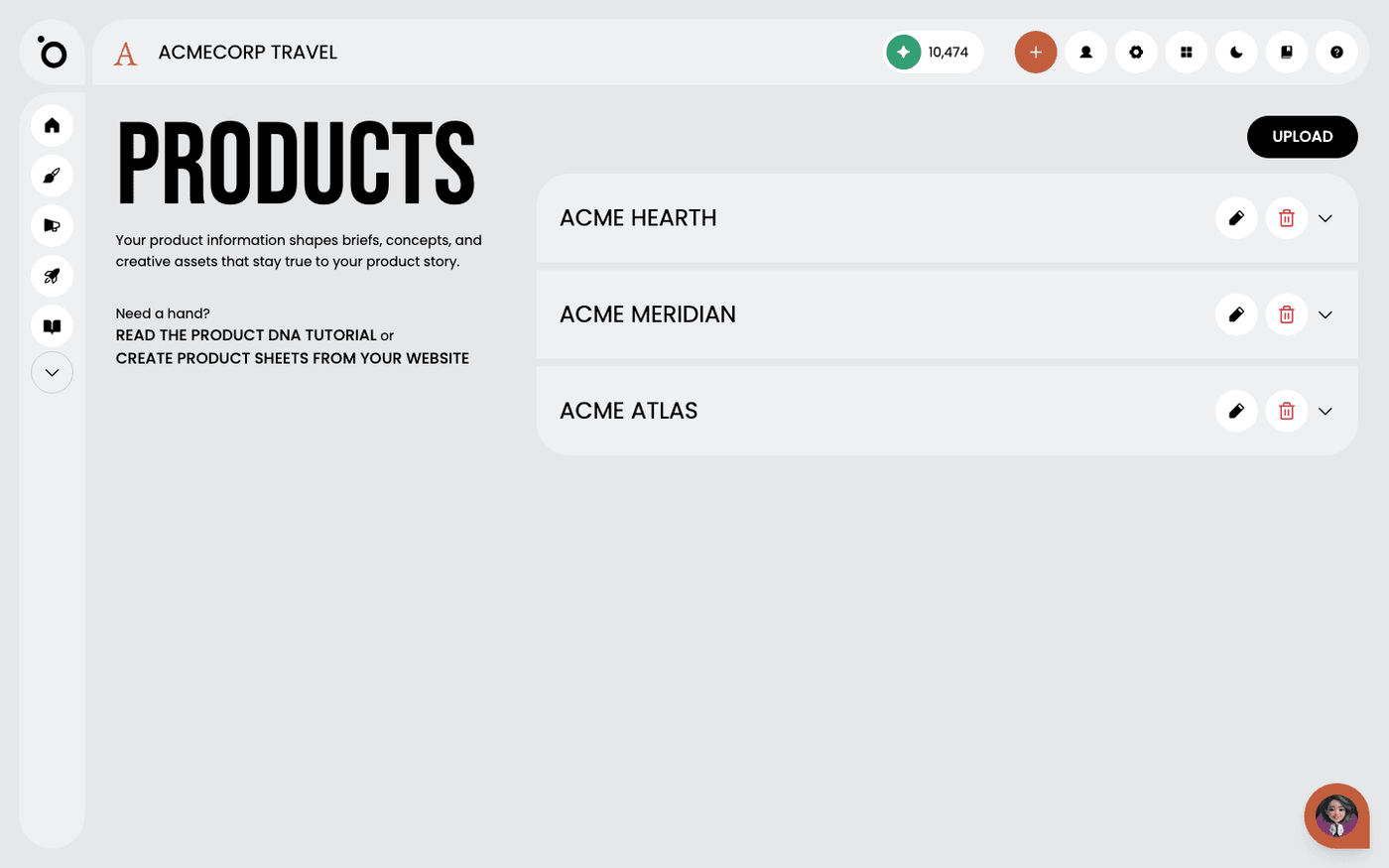
Open Brand DNA, then Products. Press Upload and choose your PDF. Protaigé reads the document and shows the product as a card under Product Sheets.
Check the card and correct it
Read the card once. Press the edit button on the card to change anything Protaigé got wrong. Press the delete button to remove a product you no longer sell.
No product sheets yet?
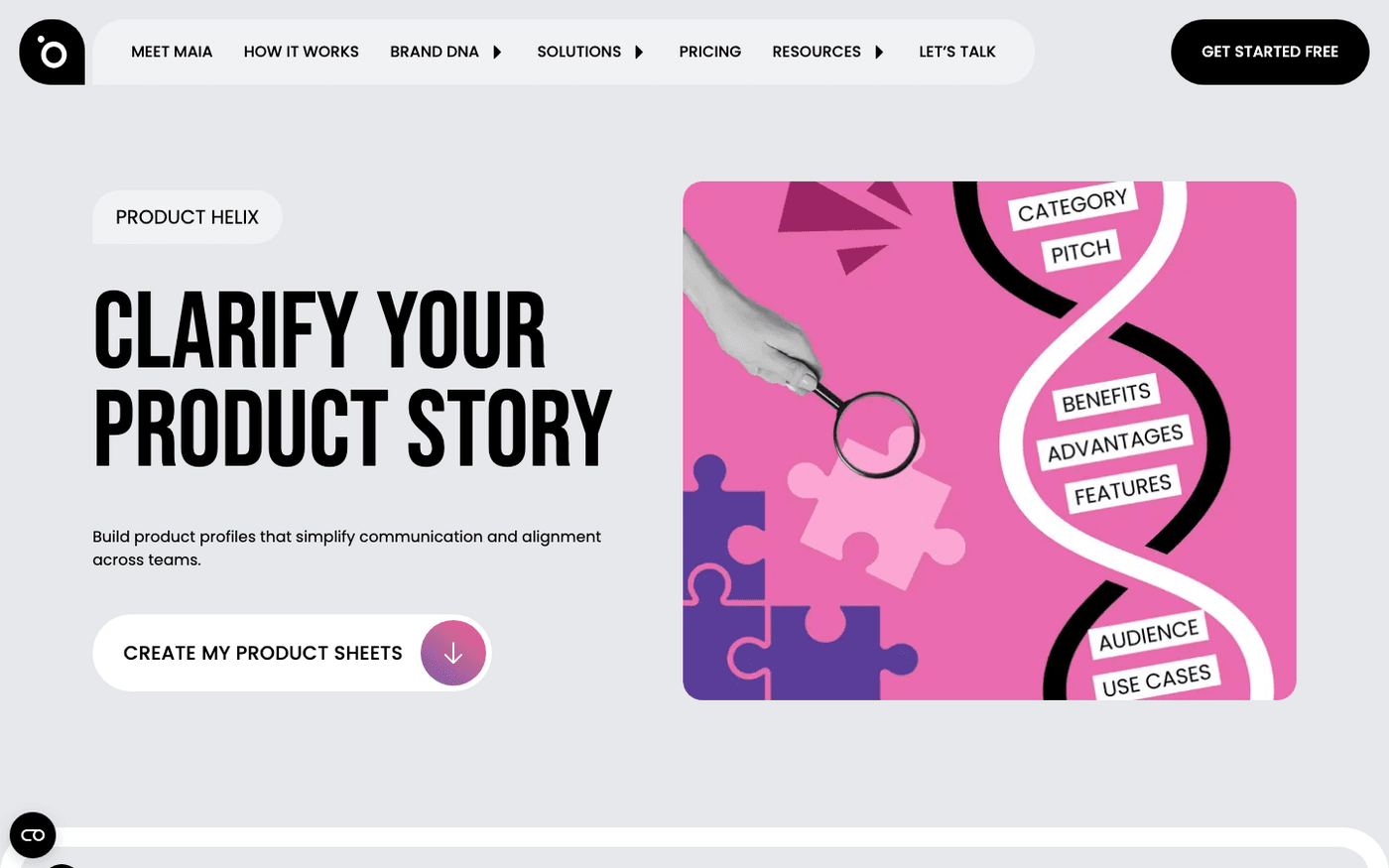
Press the link that says create product sheets from your website. It opens Product Helix on the Protaigé website, which reads your site and drafts the sheets for you. Upload the result here in the same way.
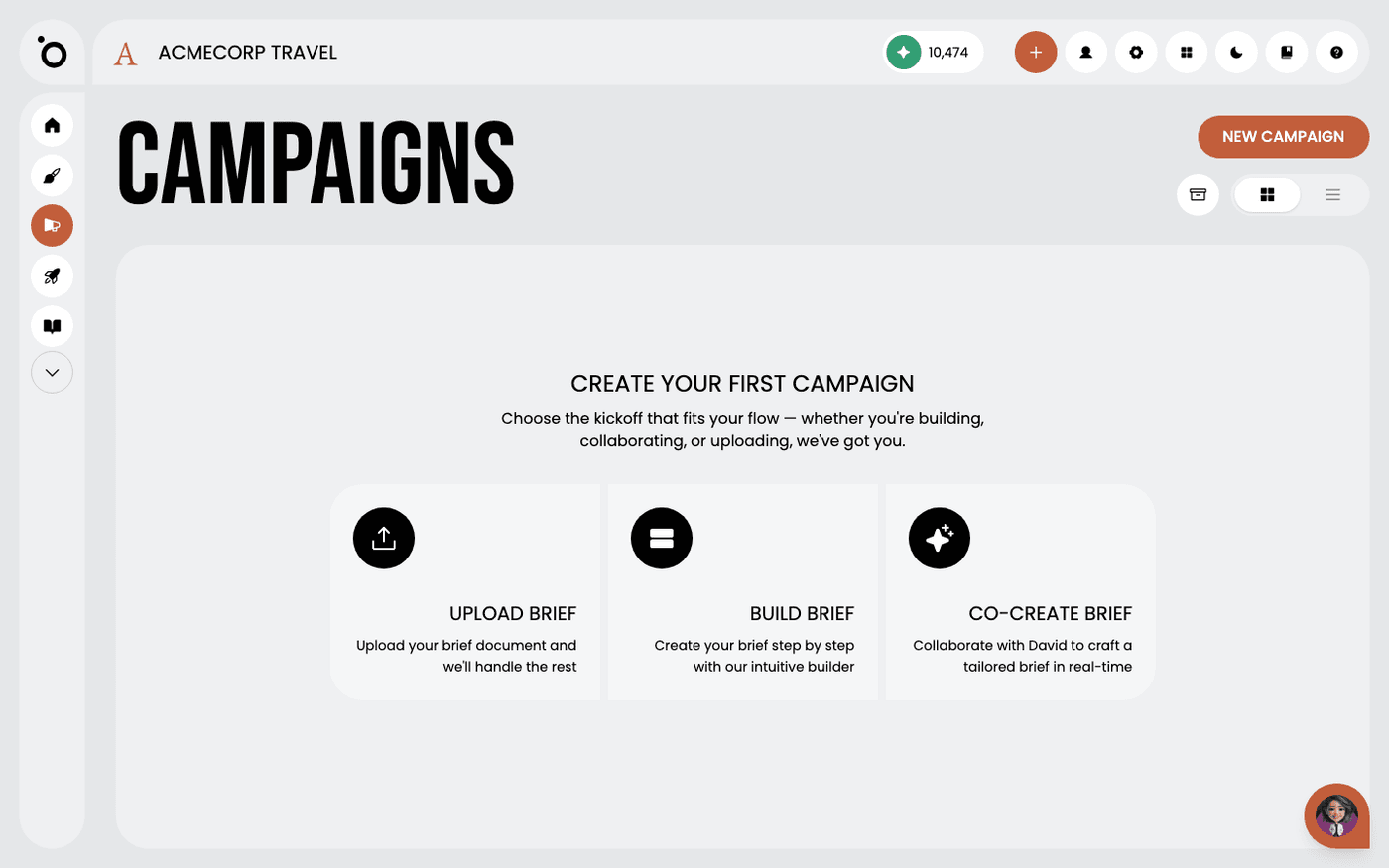
Products appear as choices when you brief a campaign. For something you are not ready to add to Brand DNA, the brief builder has a Custom Description tab: describe the product in the brief itself. That description stays with the campaign.
Last updated 12 August 2026