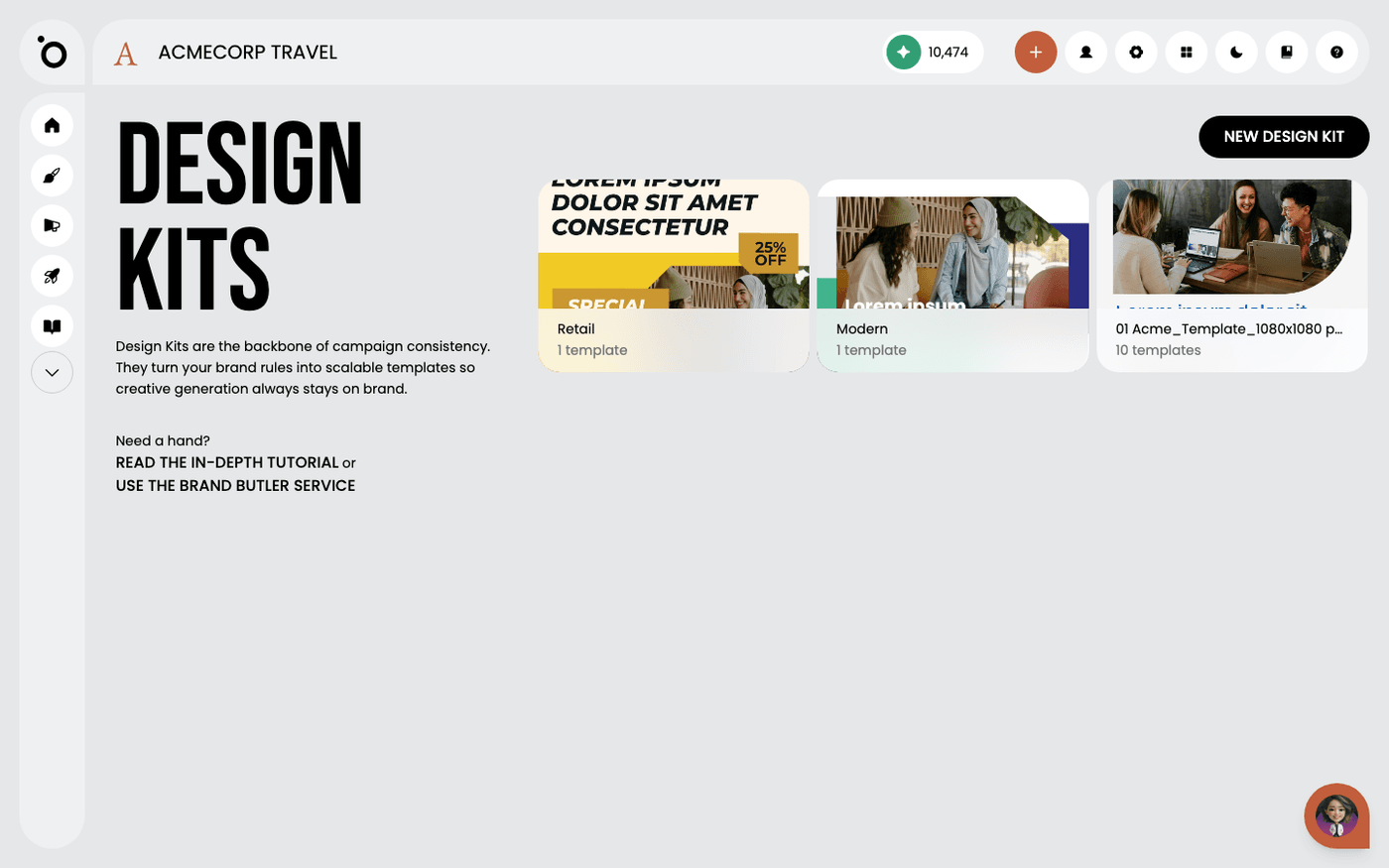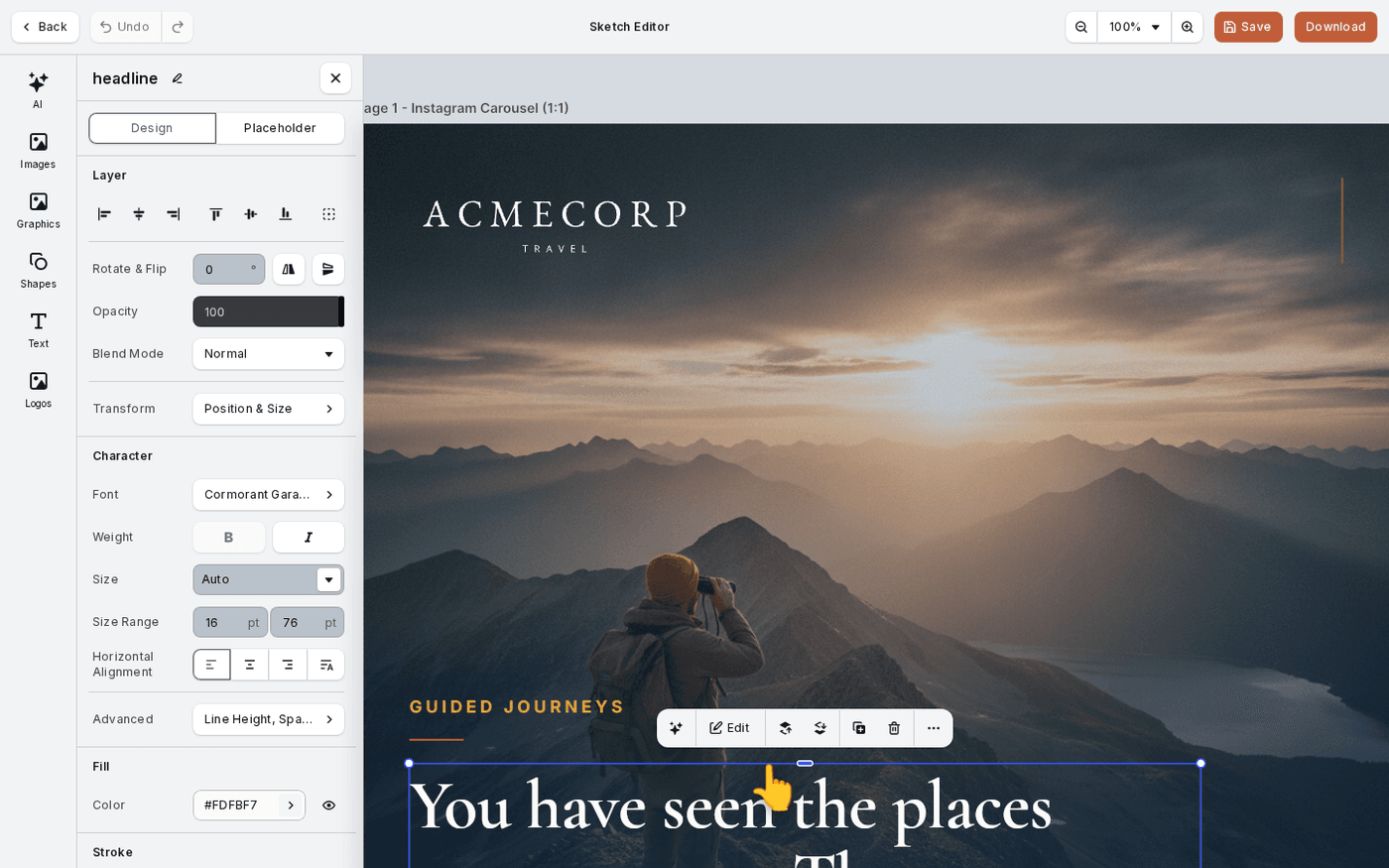
In short: Select an element → Forward or Backward on the toolbar above it. Move & Align holds align and distribute.
When elements overlap, you decide which one is in front. When several sit in a row, you can line them up in one click. A few of these controls are not where other design apps put them, so this page shows you where.
Bring an element forward or send it back
Select the element. A small toolbar appears above it with Forward and Backward buttons. Each press moves the element one layer. There is no layers panel, so you order elements on the canvas.
Line elements up
Select two or more elements and open Move & Align in the panel. Align lines them up on their left, centre, right, top, middle or bottom edges. Distribute spaces them evenly. With one element selected, Align to Page lines it up with the page instead.
Group elements that belong together
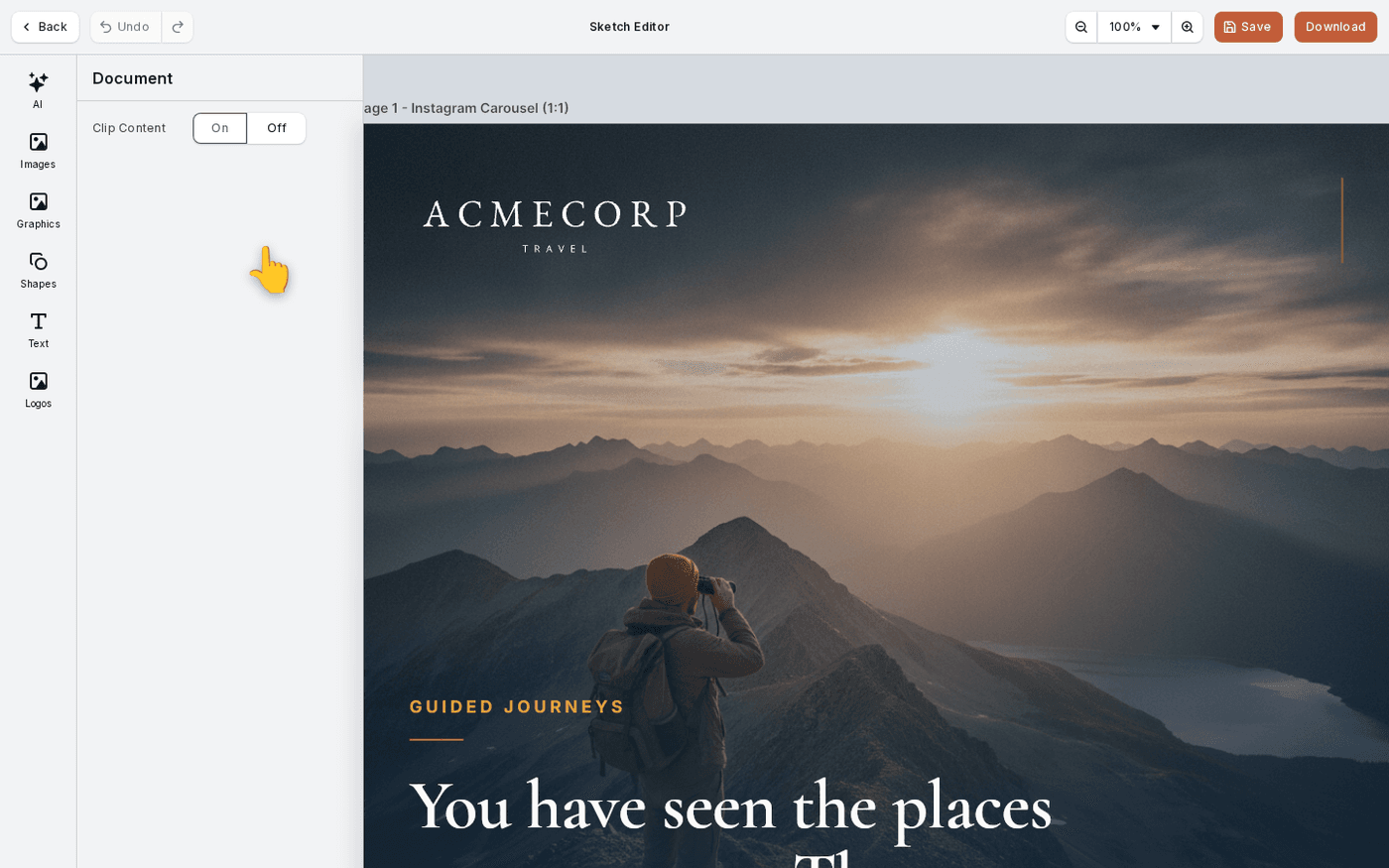
Select the elements and press Group. They now move and resize as one. The toolbar above a group has a button to enter it, so you can edit one element inside.
Combine shapes
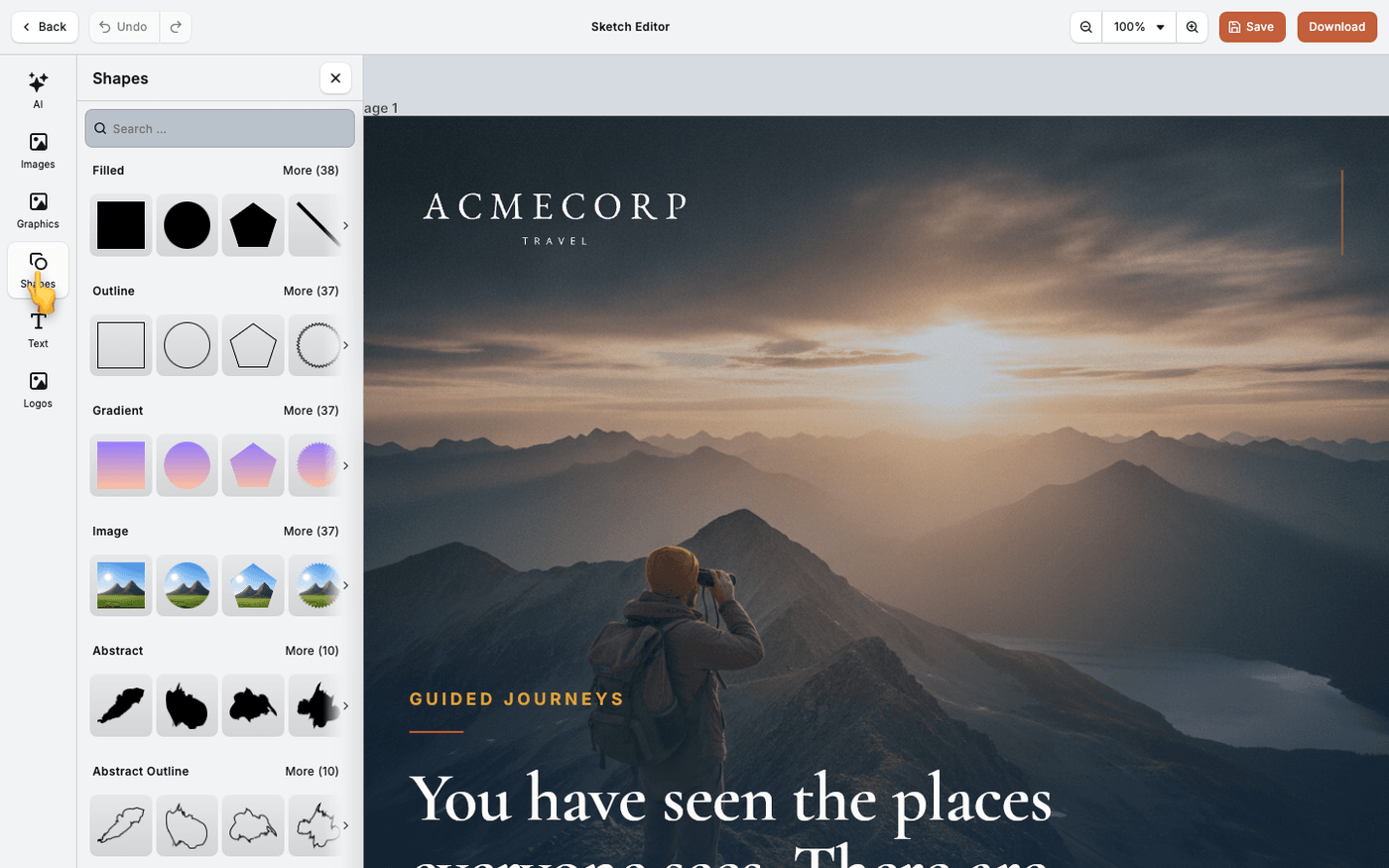
Select two shapes and open Combine. Union joins them. Subtract cuts the top shape out of the bottom one. Intersect keeps only the overlap. Exclude keeps everything except the overlap. This works on shapes and text.
Know why some elements will not move
There is no lock button. What you can move, resize or edit is set by the design kit the template came from. If an element will not budge, that is why.
Guides appear as you drag, so elements snap into line on their own most of the time.
Last updated 14 August 2026