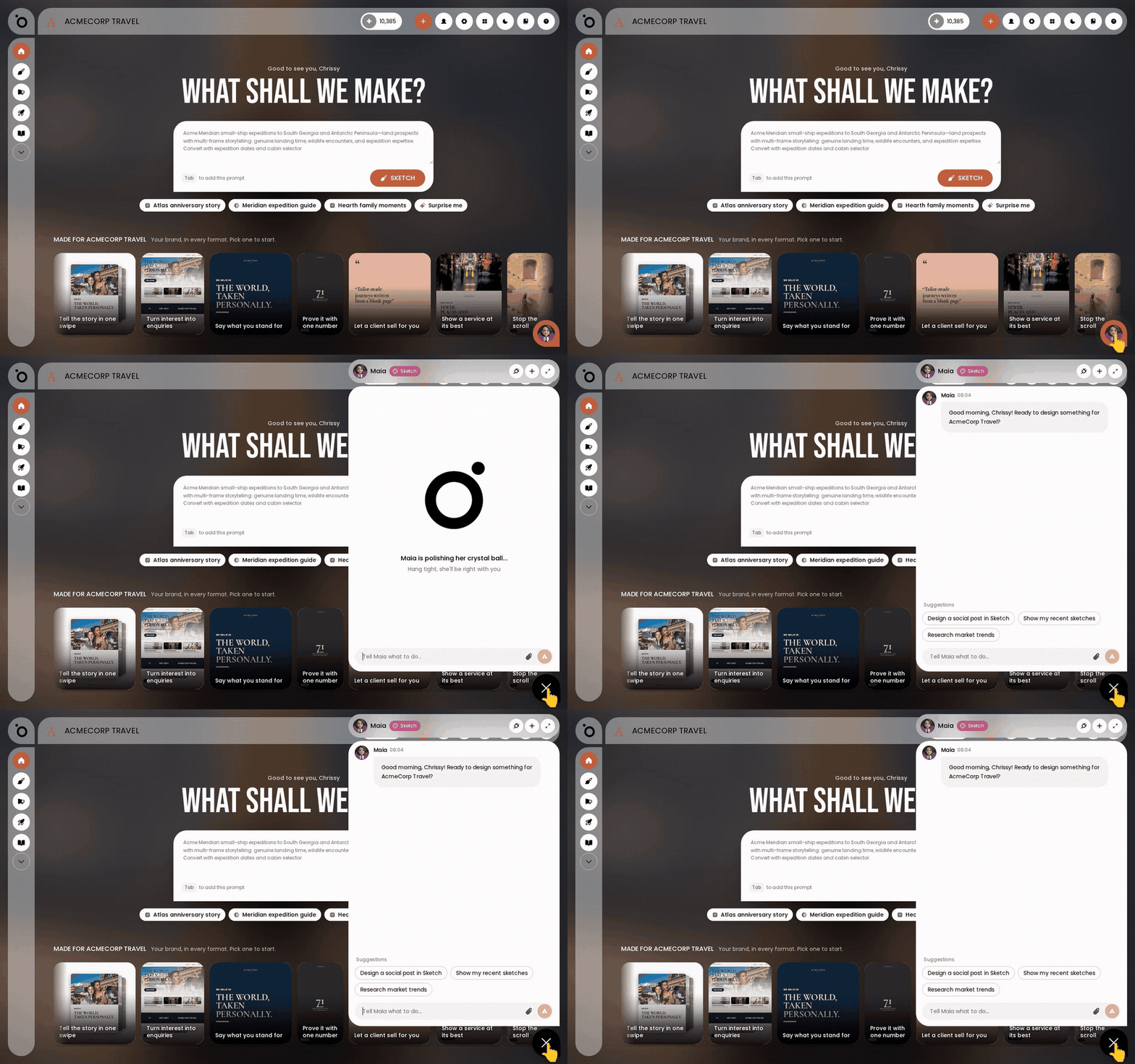
In short: Maia chat → ask your question → ask for a human → confirm. She passes you to live chat with the support team.
Maia is your AI account director, and she is the only assistant in Protaigé. Ask her how something works, or tell her something is not working, and she answers you herself.
When you would rather talk to a person, say so. She hands you to live chat with the support team, with a summary of what you were asking about.
Ask how something works
Open the chat with Maia and type your question in plain words. Try "how do I add a logo?" or "what is Brand DNA?". She answers from the platform's own help for that page or feature.
Say when something is not working
Tell her what you are seeing, for example "my campaign is stuck" or "my generation failed". She checks the list of known problems and walks you through the fix for the one that matches.
Ask for a person
If her answer did not help, say so, or just ask for a human. She offers to send you to someone on the support team and waits for your answer. She never transfers you without your confirmation.
Confirm, and you are passed to live chat
Say yes and she connects you to live chat with the support team. She sends a short summary of the conversation, plus your name and email, so you do not have to start again. She then tells you when you are connected.
Answer her check-back
If you go quiet after a support question, she asks "Have I answered your question? If not, I can connect you with our support team!". Reply yes to carry on, or ask for a human there and then.
Ask her on your other channels too
Maia answers the same questions wherever you reach her, including Slack, WhatsApp and email. On a phone call she can talk you through a page, but she cannot move your browser to it.
Maia only hands you to a person once you have agreed to it, so ask for a human whenever you want one. Nothing else in Protaigé routes you to support.