In short: Brand DNA → Brand Story, Personas, Products first, then Logos, Colours, Fonts, then Photos, then Design Kits. Fill each one in once.
Brand DNA is where Protaigé learns your brand. Every campaign, sketch and image it makes reads from it. Time you spend here is time you do not spend correcting work later.
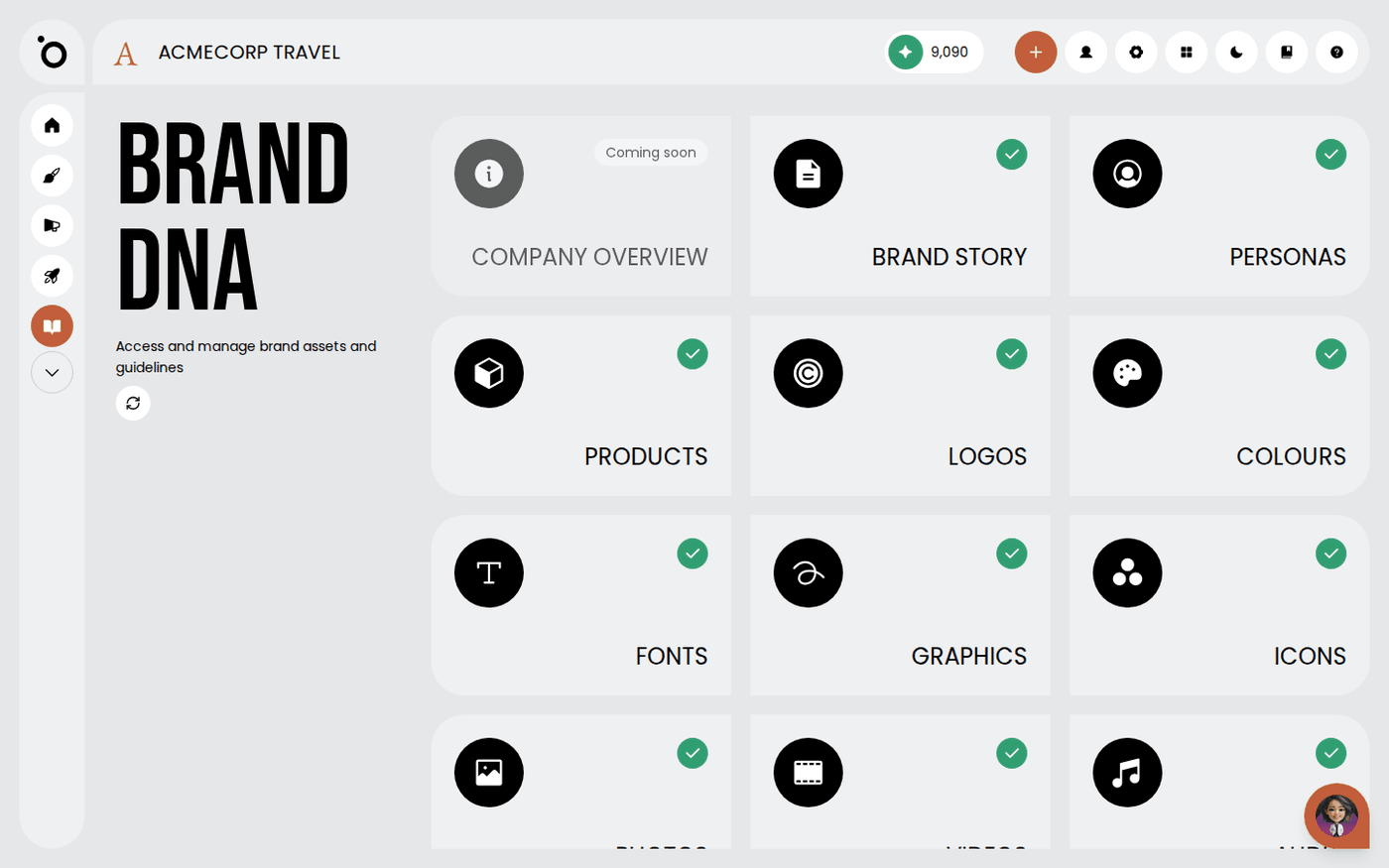
Brand DNA is a set of cards. Each card opens a page for one part of your brand. You can fill them in any order, but this page shows the order that helps most. It takes about four minutes to read, and a few sessions to fill in.
Start with what changes the words
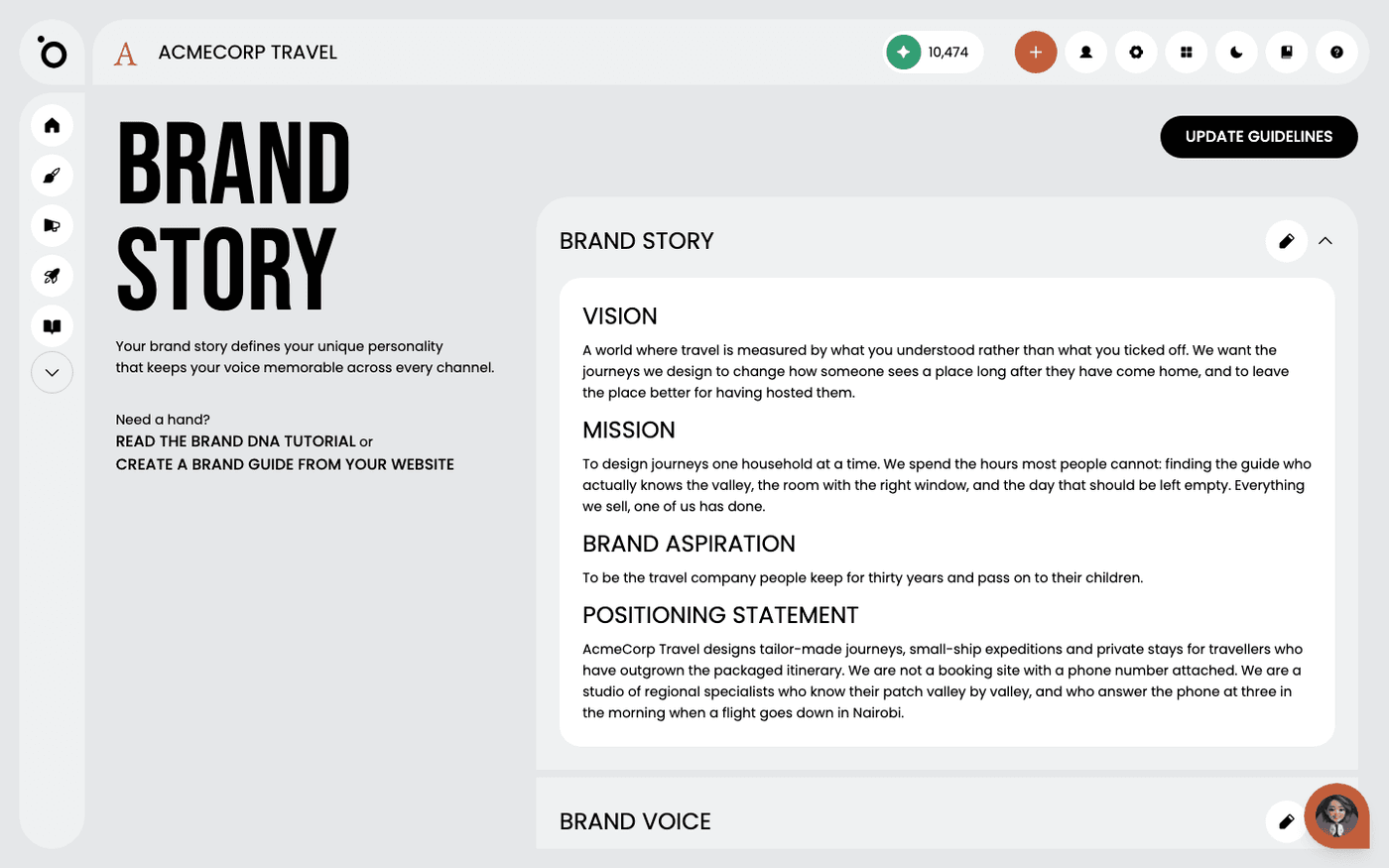
Open Brand Story, Personas and Products first. Brand Story says who you are and how you talk. Personas say who you are talking to. Products say what you sell. These three decide what Protaigé writes. A Company Overview card sits beside them, but it is switched off for now, so there is nothing to fill in there.
Then add your visual identity
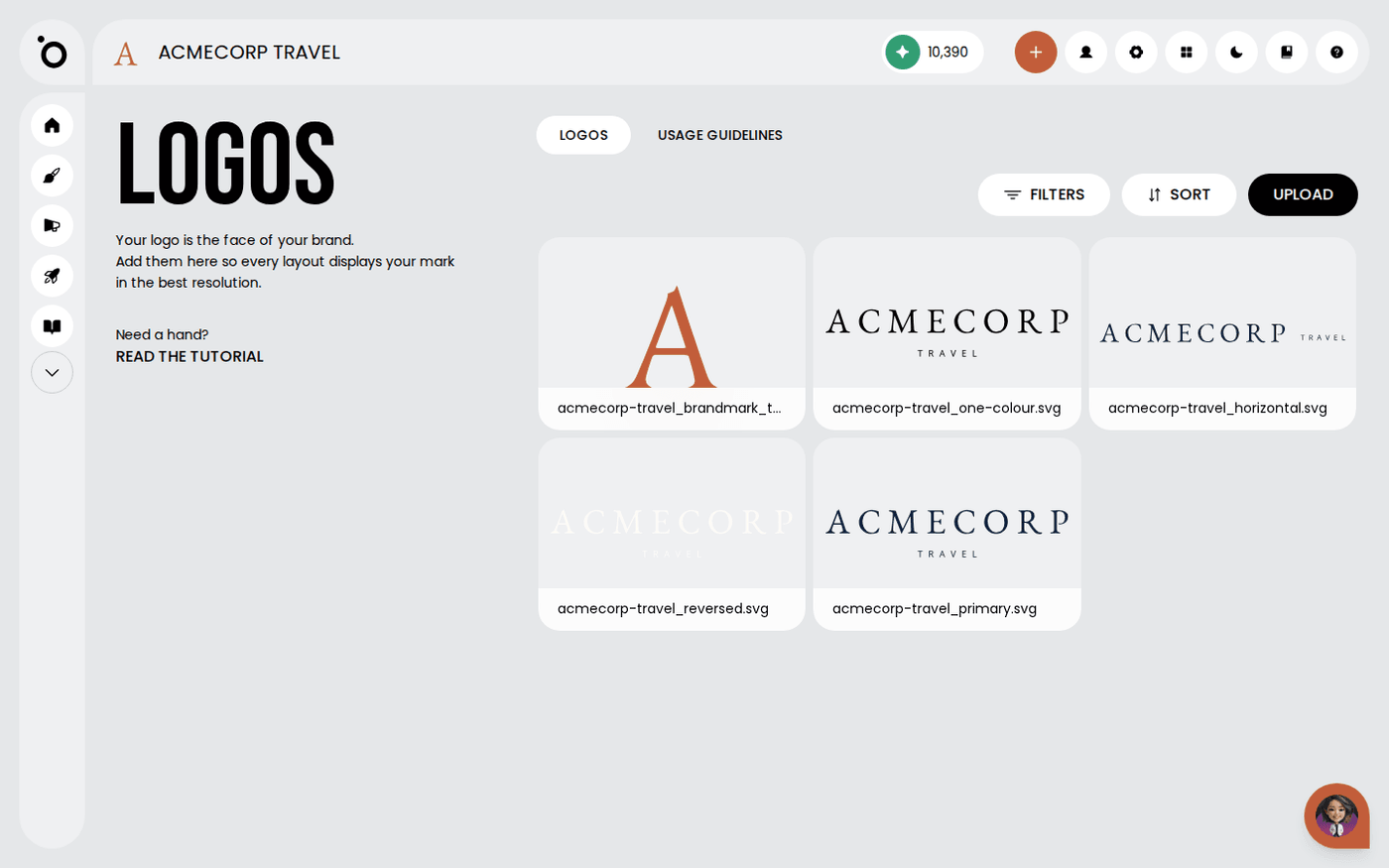
Open Logos, Colours, Fonts, Graphics and Icons. Every layout Protaigé makes draws on these. The more complete they are, the less you correct later.
Then add your own media
Open Photos and upload your own pictures. Protaigé prefers your photos over stock images whenever it needs one. Videos and Audio work the same way for clips and sound, where they are switched on for your account.
Finish with Design Kits
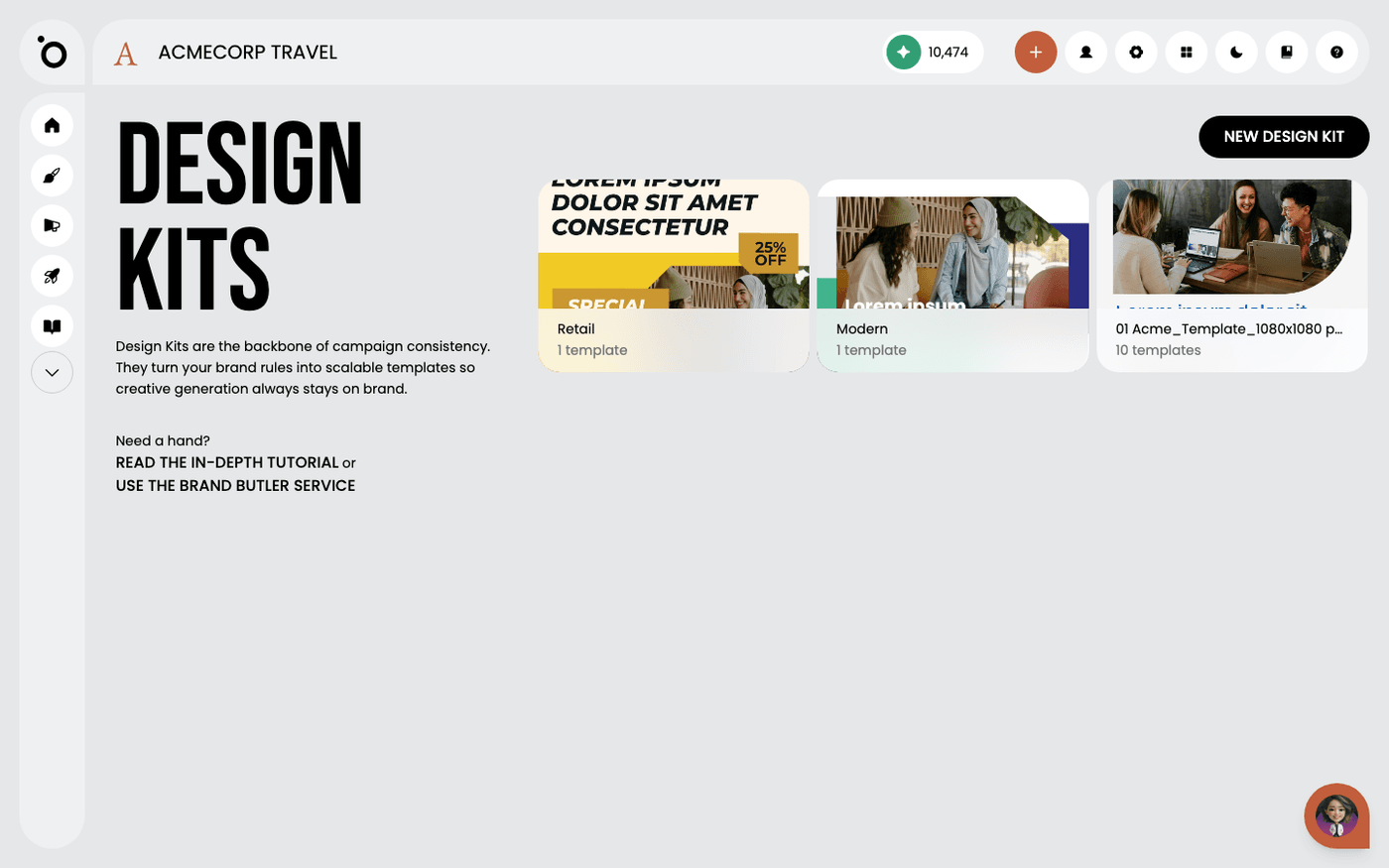
A design kit is a set of your layouts that Protaigé can fill with new copy and images. Open Design Kits to upload one or start from the Template Store. Campaign creative is built from your kits.
You do not have to finish Brand DNA in one sitting. A campaign brief needs at least one persona and one product, so add those first. Then come back for the rest.