In short: Sketch Studio → group header above the frames → Edit group, Publish group, Download group or Delete group. Press the header to collapse it.
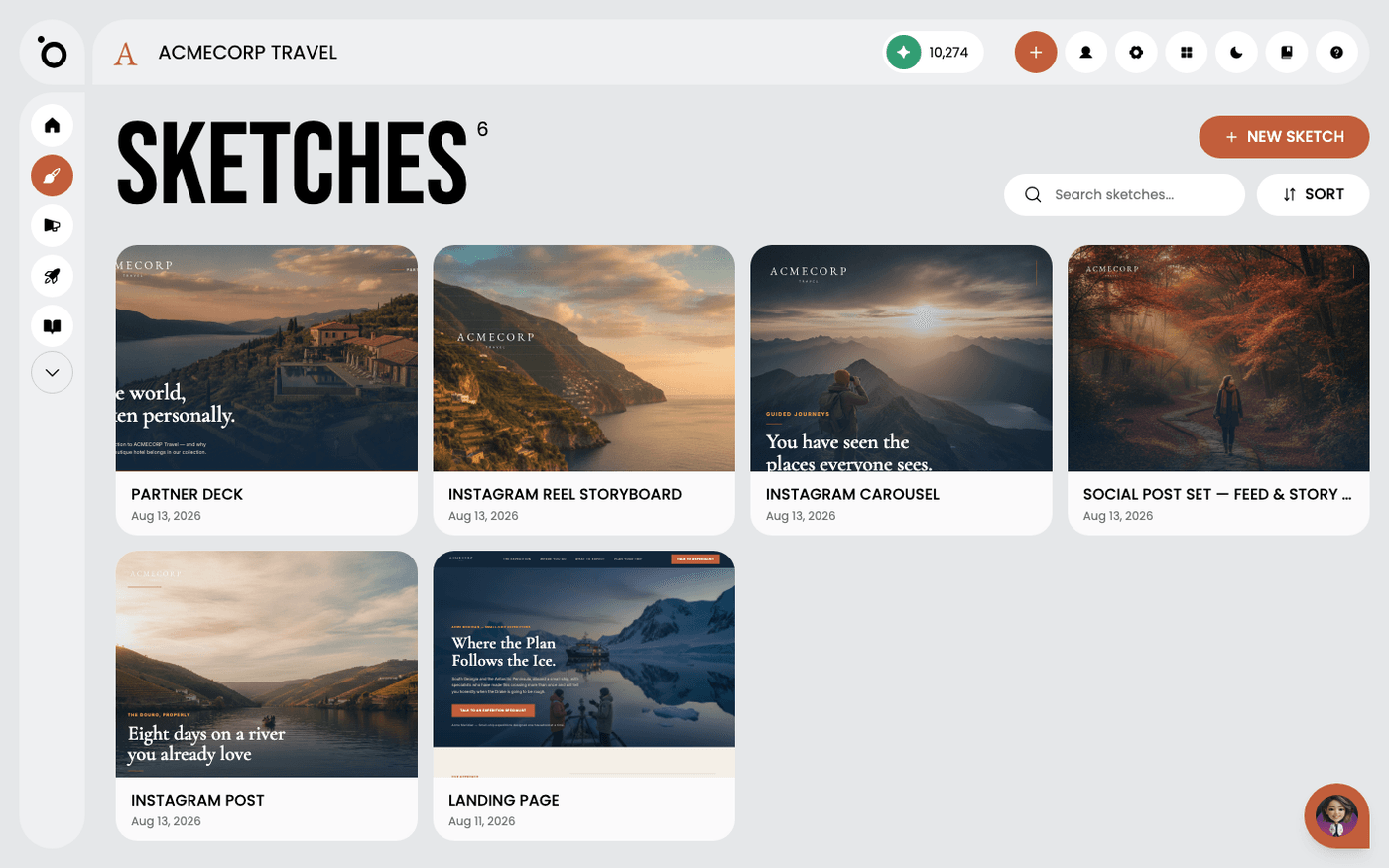
Ask for a carousel across three channels and you get a lot of frames. Sketch keeps them in order by grouping them for you. A group is one finished thing, such as a carousel or a banner set.
You do not group anything by hand. This page shows you what the groups are and what the header above each one does.
Read the group label
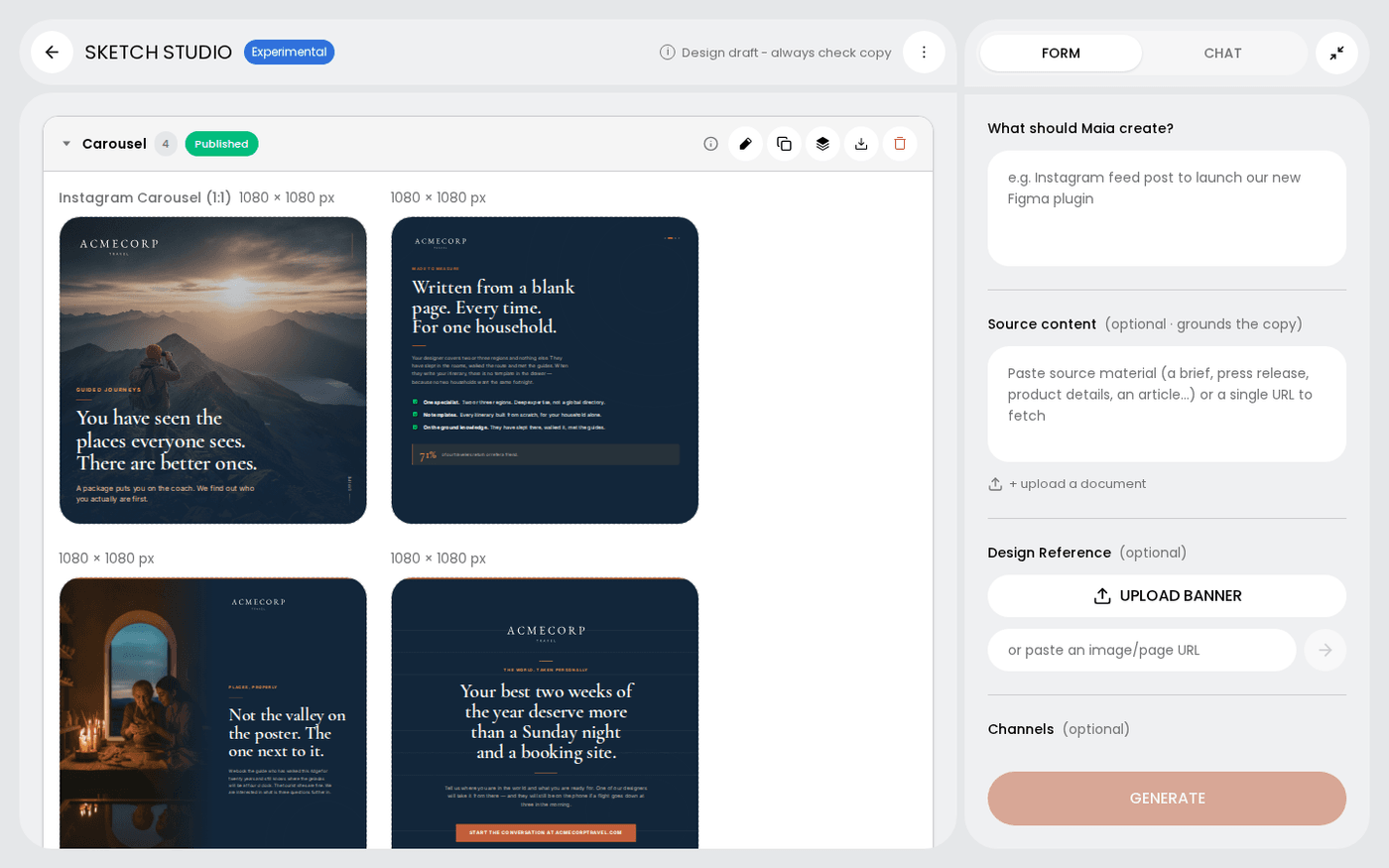
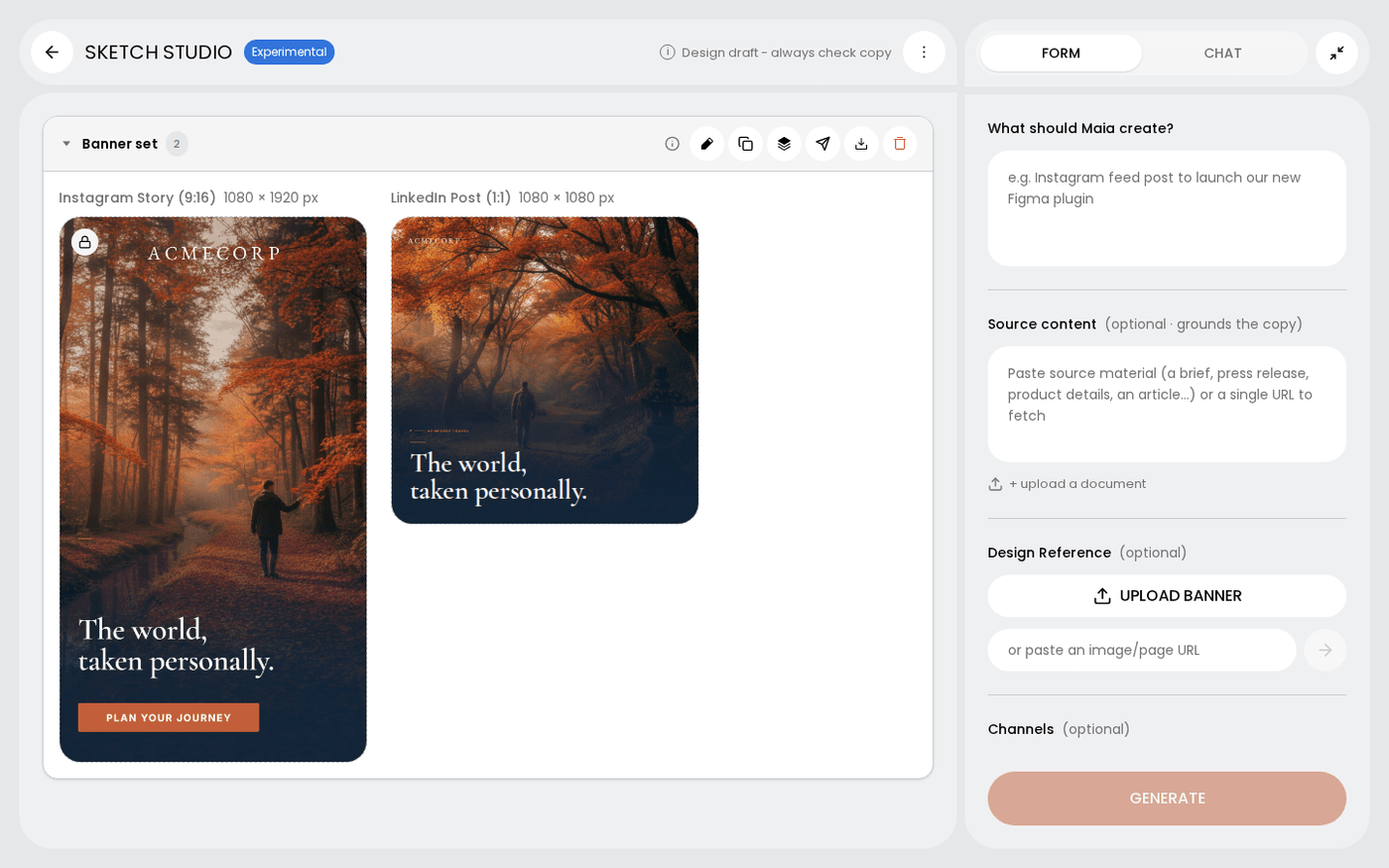
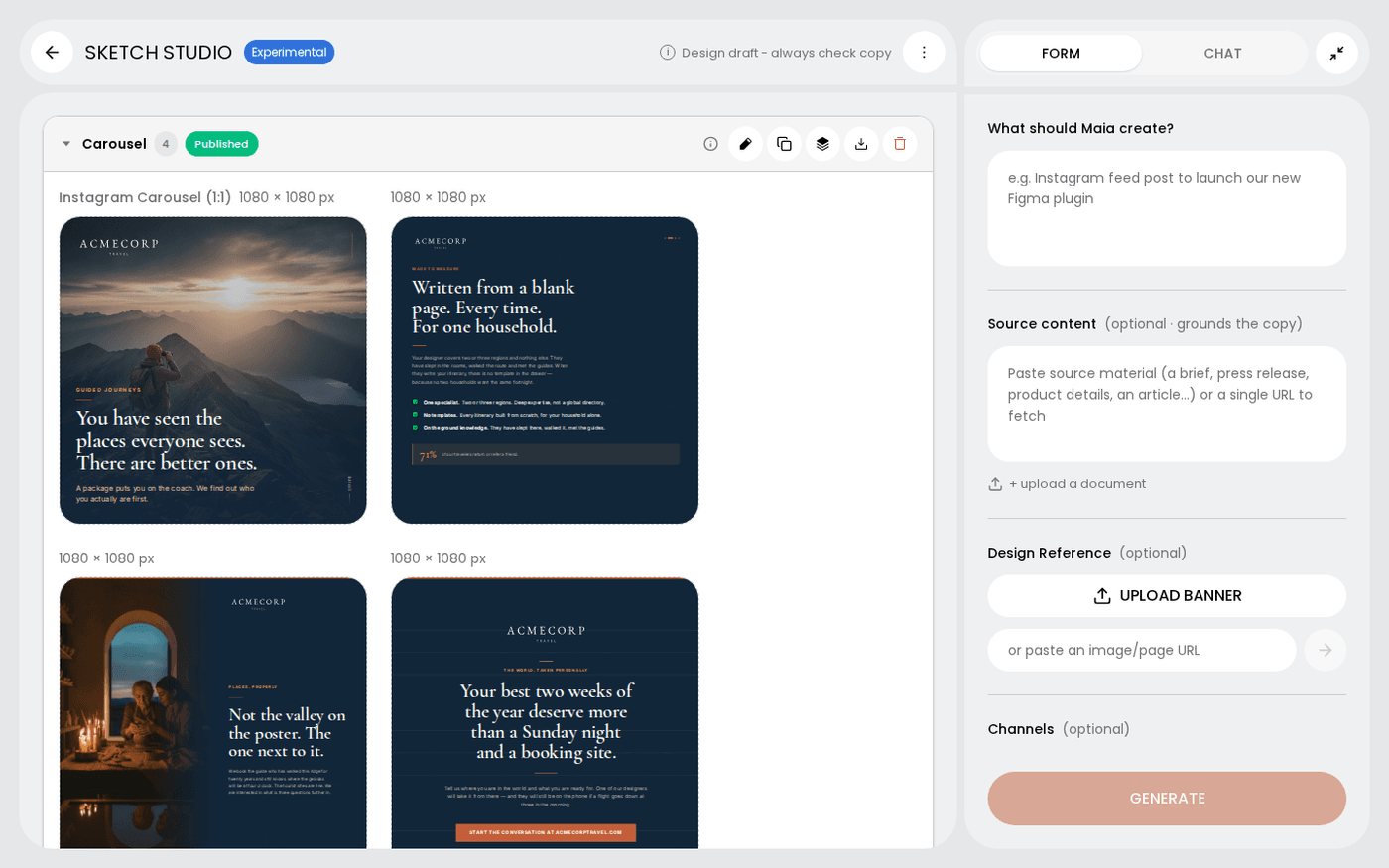
Each group has a header on the canvas. It reads Carousel, Banner set, Banner, Landing page, Email or Video. Each group is one deliverable, not a pile of images.
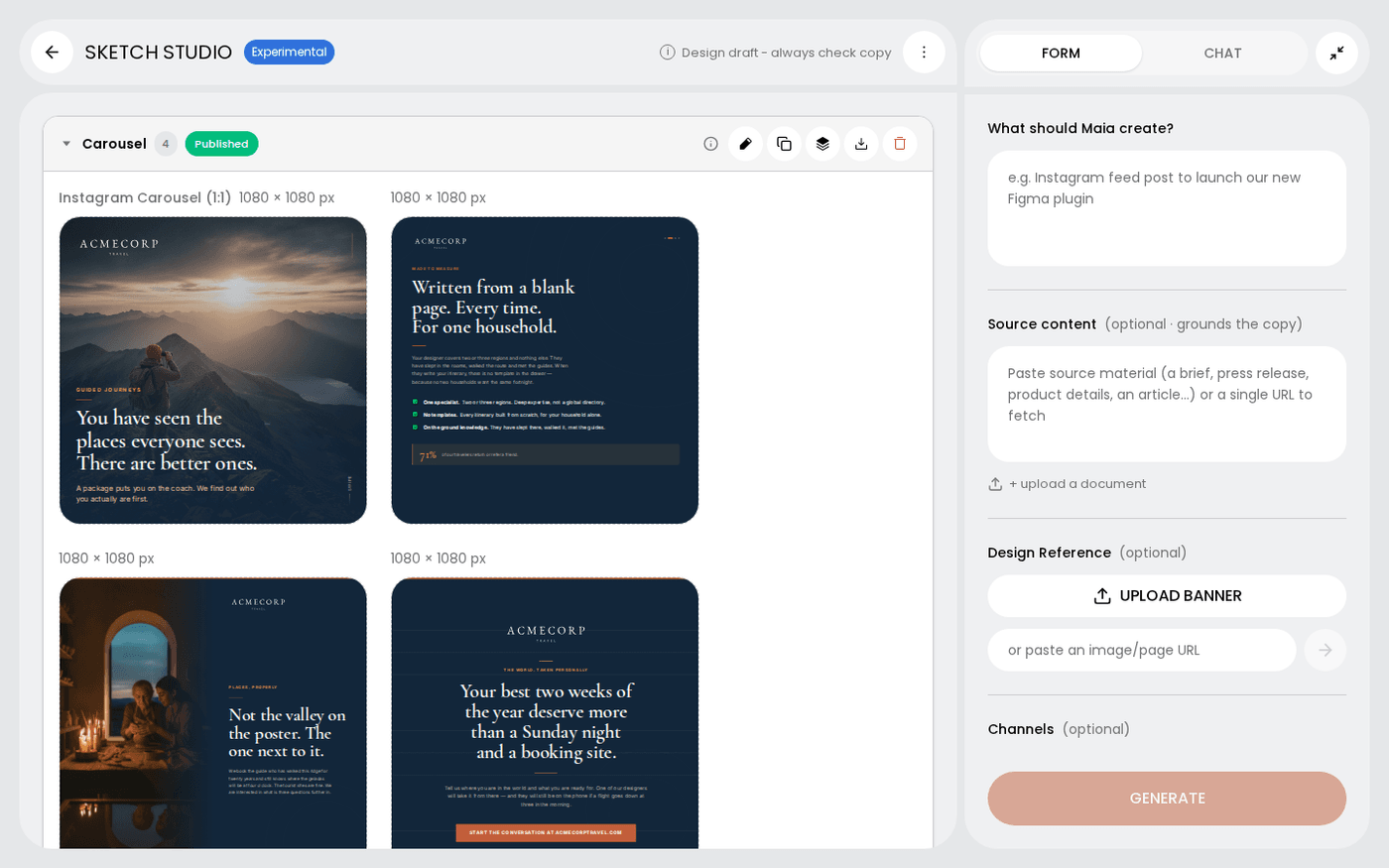
Collapse what you are not working on
Groups open expanded. Press the arrow on a group header to collapse it. The canvas stays readable while you work on the rest. Press it again to expand.
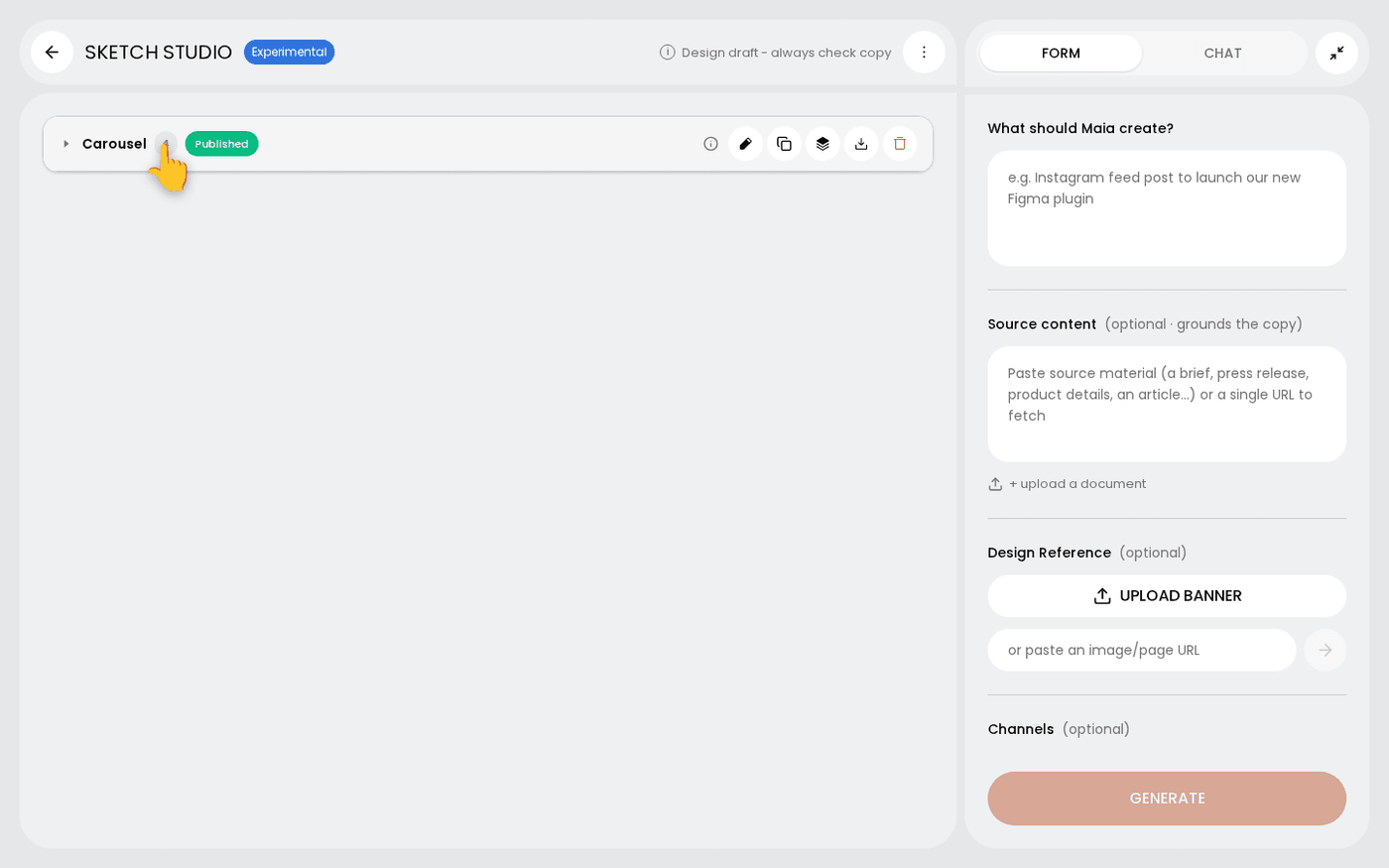
Work on the whole group at once
The header has its own controls. Edit group opens every frame in the editor together. Publish group posts the set as one post. Duplicate group makes a copy to work on.
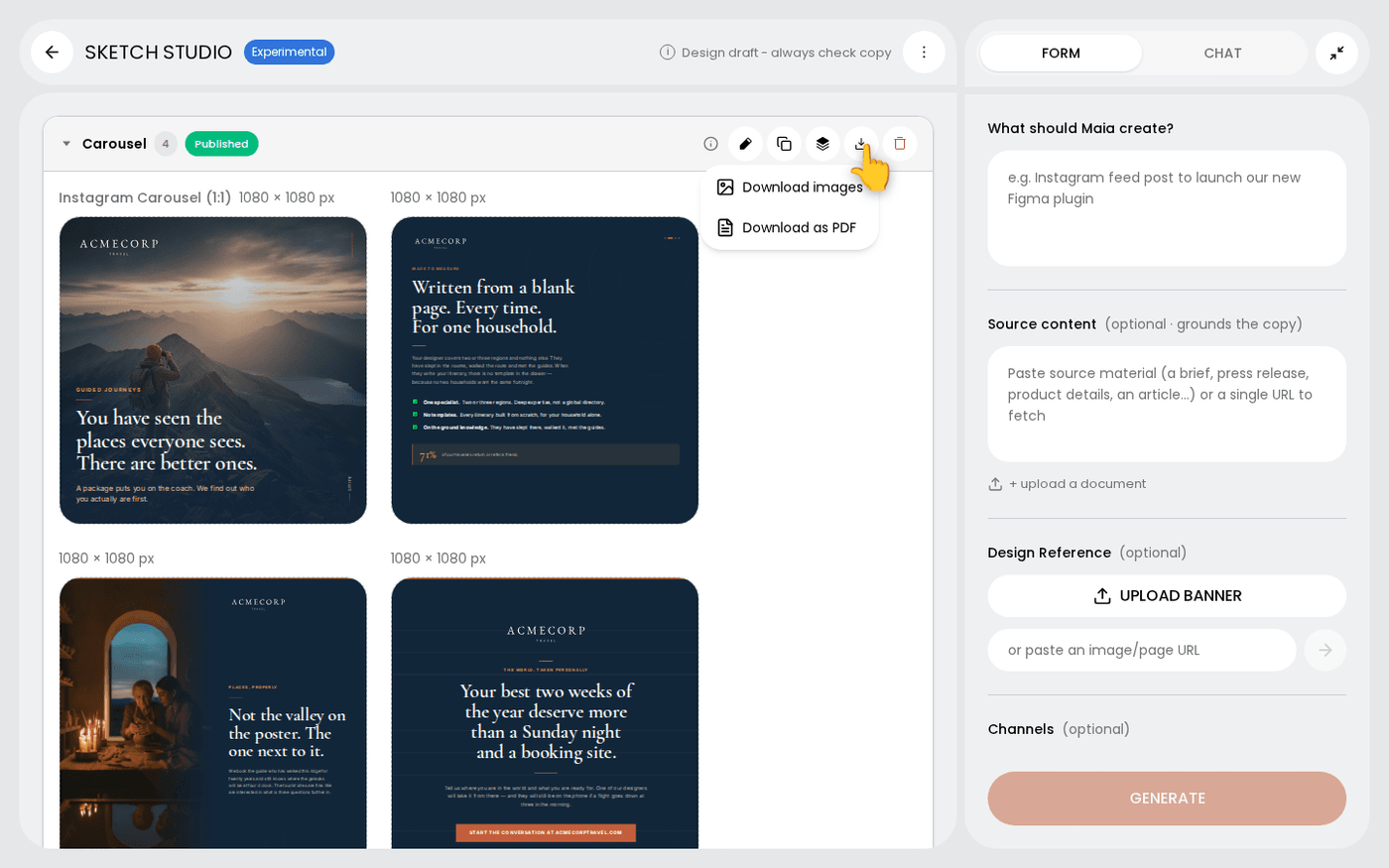
Download a group or the whole sketch
Press Download group on the header and choose Download images or Download as PDF. To take everything, open Sketch actions in the top bar and choose Download. You get one zip with a folder per group.
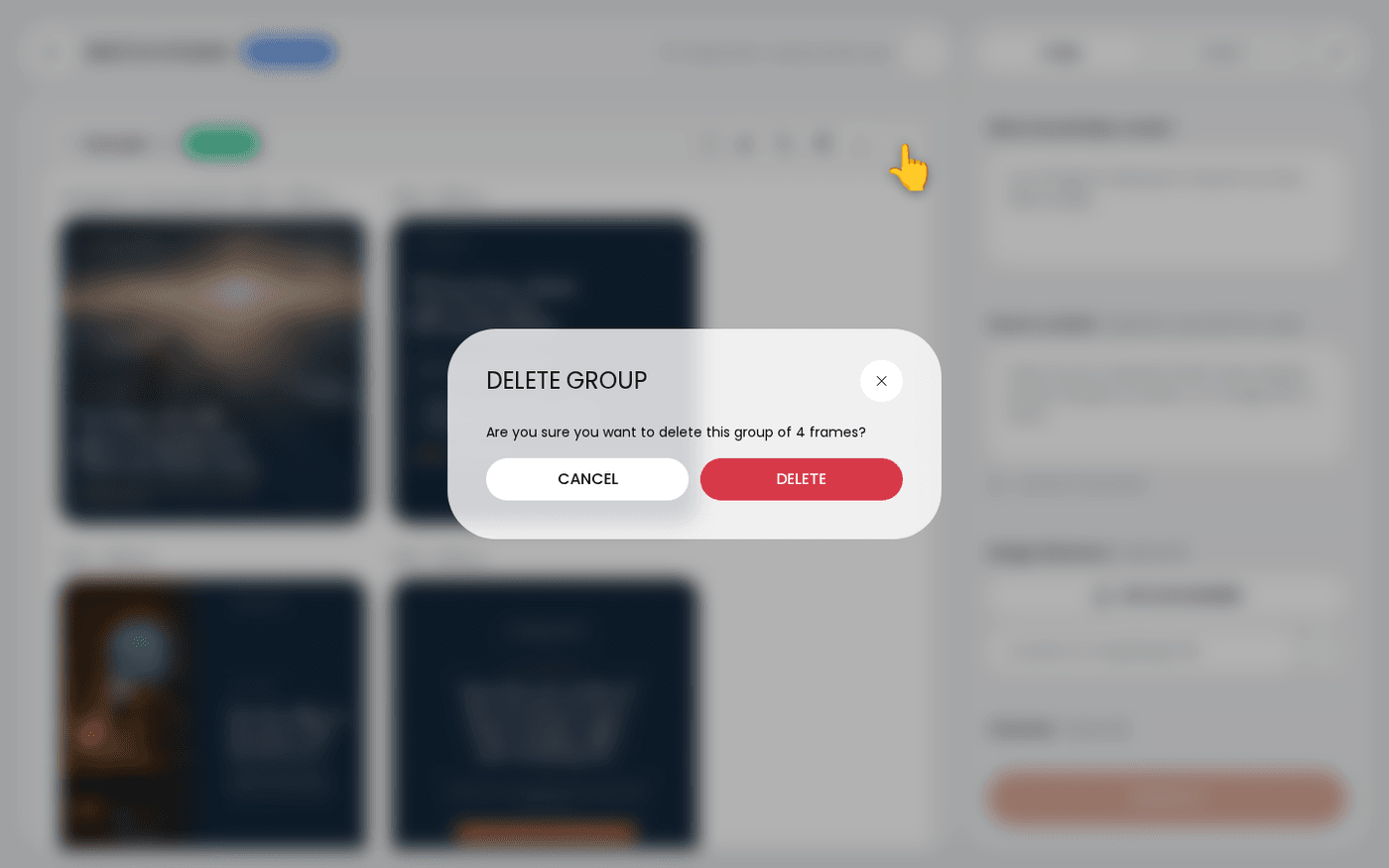
Delete a whole group
If a direction is wrong, press Delete group on the header. The rest of the sketch stays as it is.
When Maia edits a frame, the earlier version is kept. Open the frame's three-dots menu and choose Version history to put an earlier version back on the canvas.
Last updated 6 October 2026