In short: Protaigé logo (top left) → brand switcher → New Brand. Enter the brand name and website, then press Create Brand.
Each brand in Protaigé has its own Brand DNA, its own campaigns and its own sketches. An agency runs many. Agency accounts can add brands themselves, as often as they like.
Accounts that are not agencies have one brand. If you need more, ask us to set your account up as an agency.
Open the brand switcher
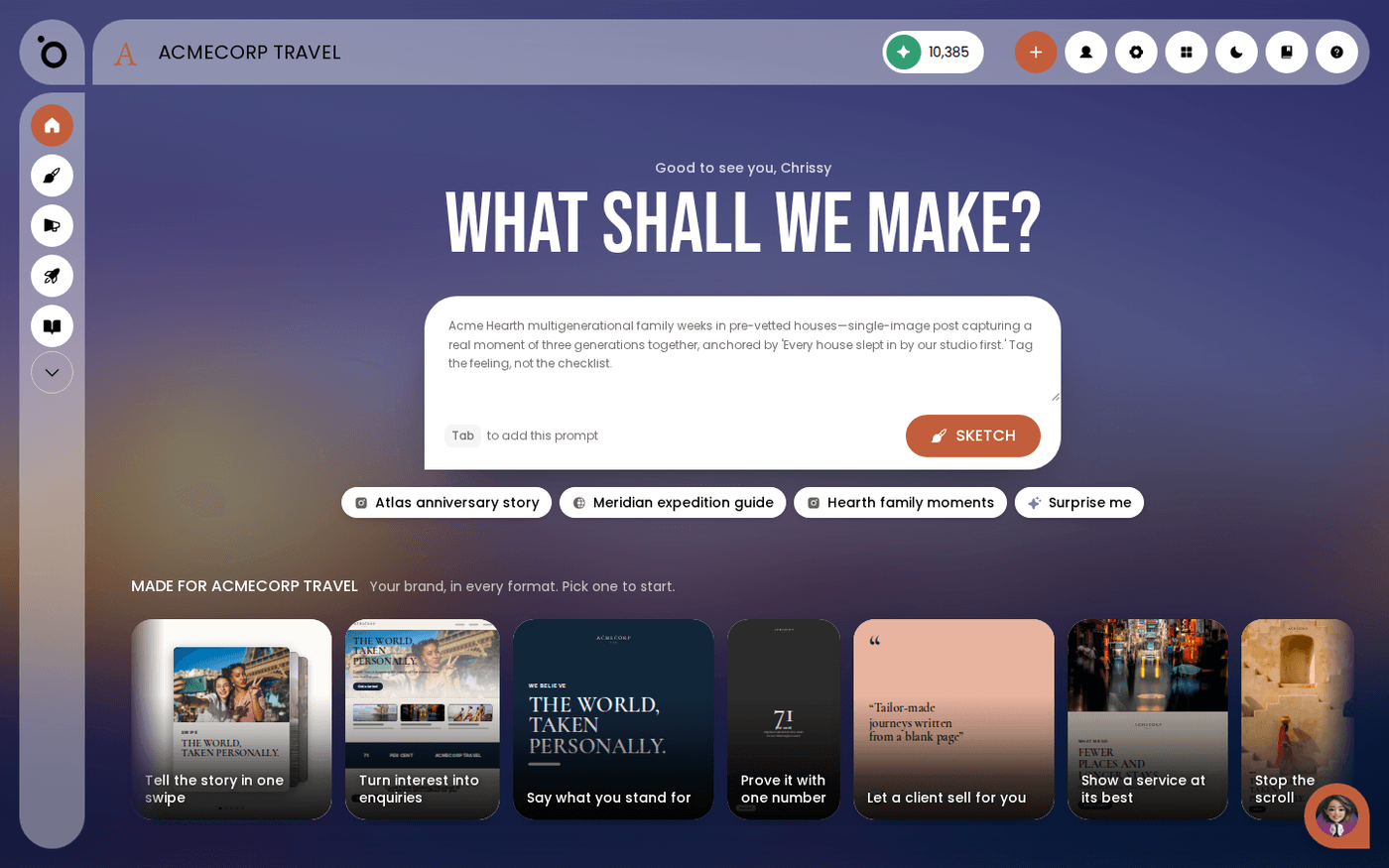
Click the Protaigé logo at the top left of the header. The brand switcher lists every brand in your account. On an agency account this page opens even when you have only one brand. That way you always have a place to add the next one.
Press New Brand
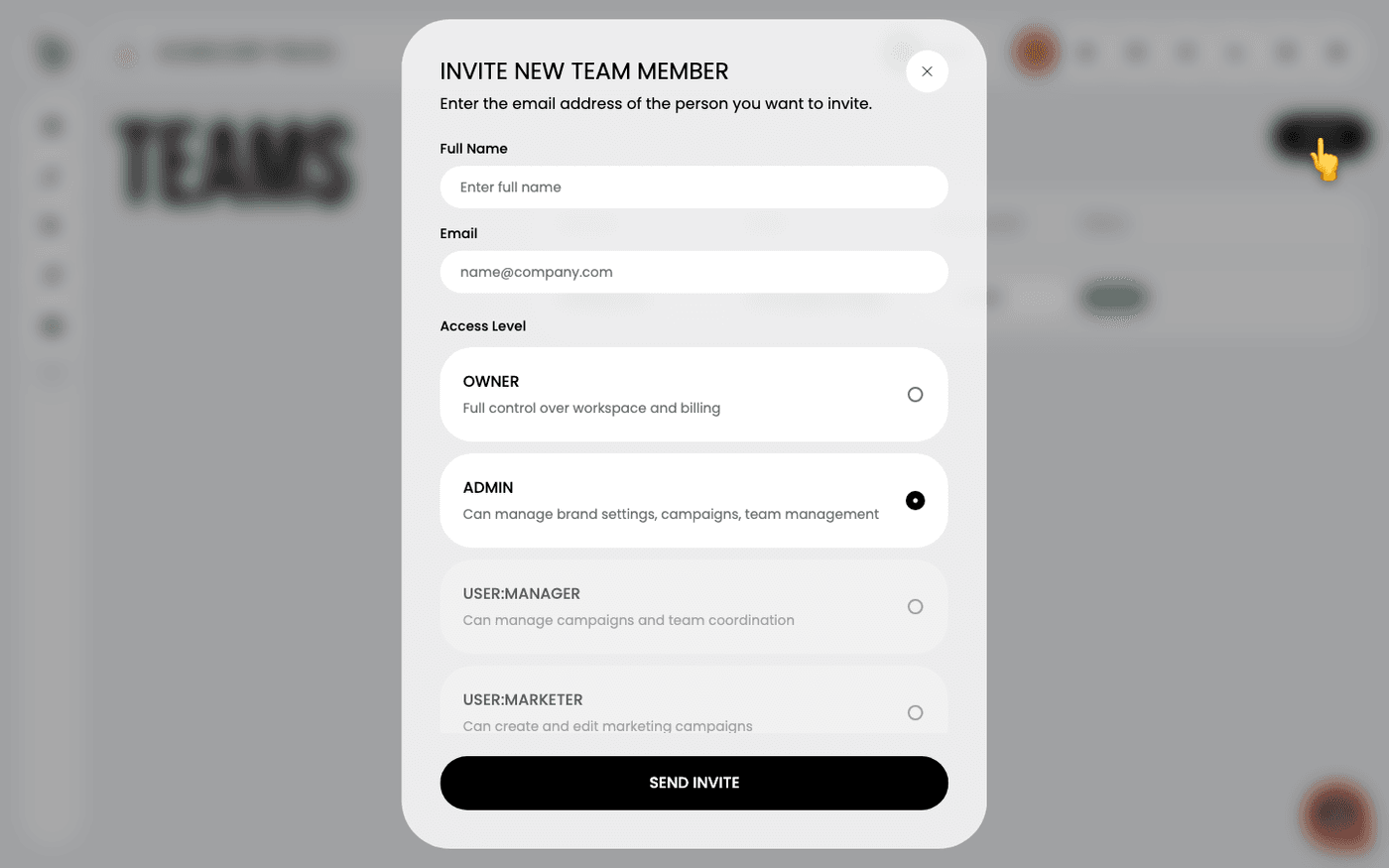
Press New Brand at the top right of the list. A dialog asks for the brand name and the website URL.
Name it and add the website
Enter the brand name and the website. Press Create Brand. Protaigé reads the website and builds the Brand DNA from it. This takes a few minutes. Brand names do not have to be unique, so a name another brand uses is fine.
Rename a brand later
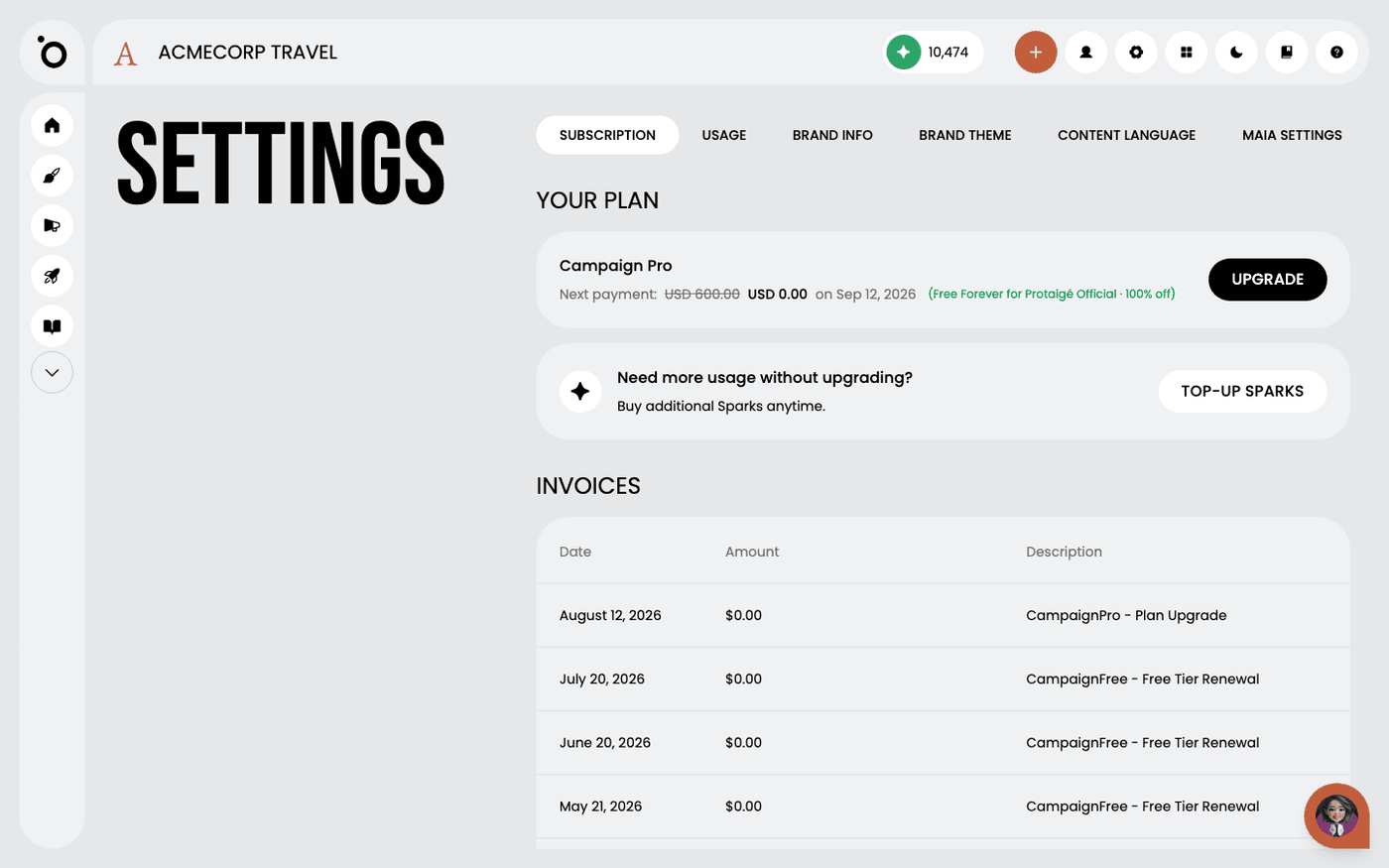
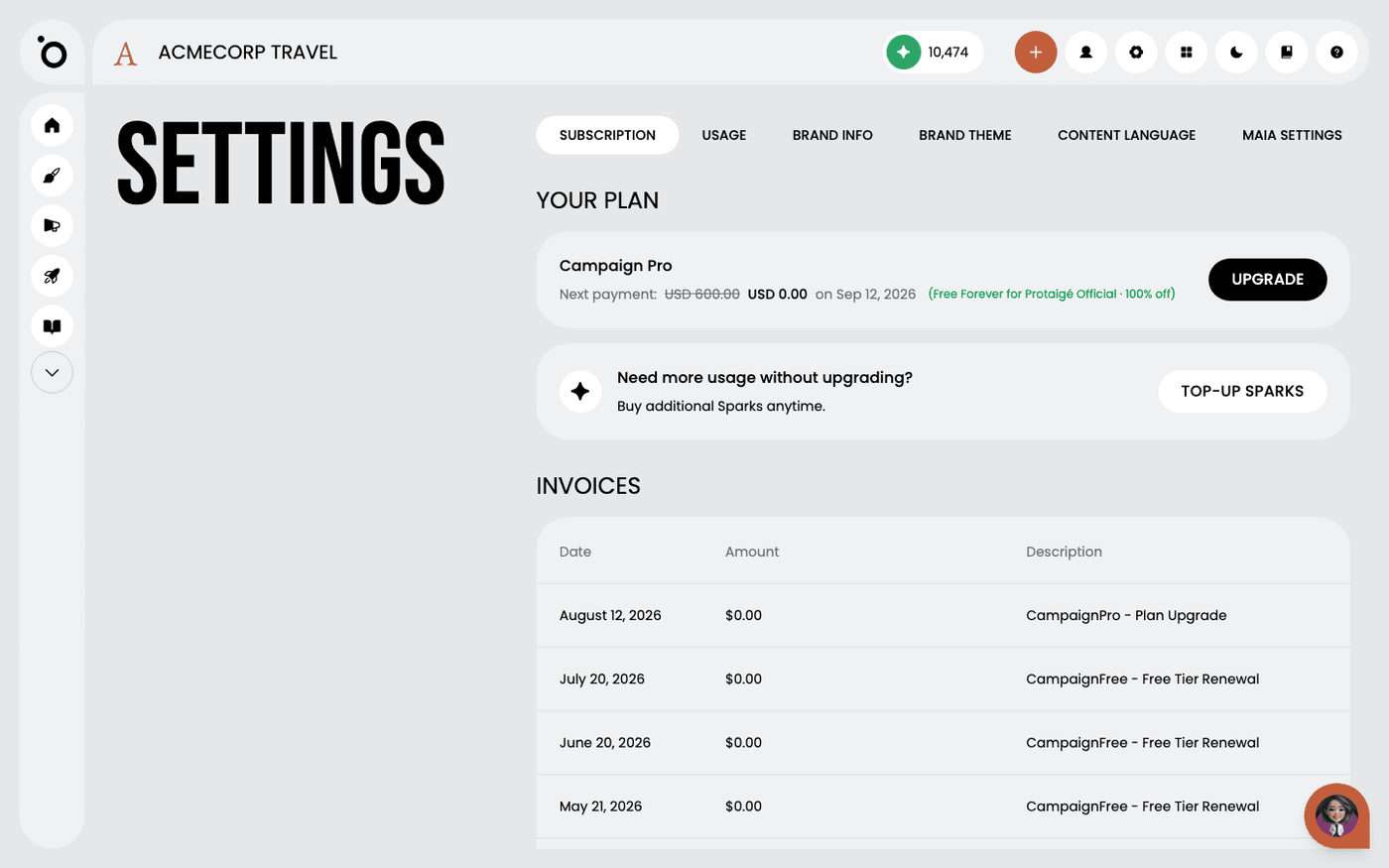
Open the brand, then Settings, then the Brand Info tab. Press Change brand name. Enter the new name and save.
If your account is not an agency, a second brand is refused. You see "The process of creating a brand is already in progress". That is the one-brand limit, not a stuck job. Contact us about an agency account.