In short: Video editor → Captions in the dock → Create Manually or Import File.
Most videos in a social feed play with the sound off. Captions let those viewers follow your message. They also help anyone who cannot hear the voiceover.
Open Captions
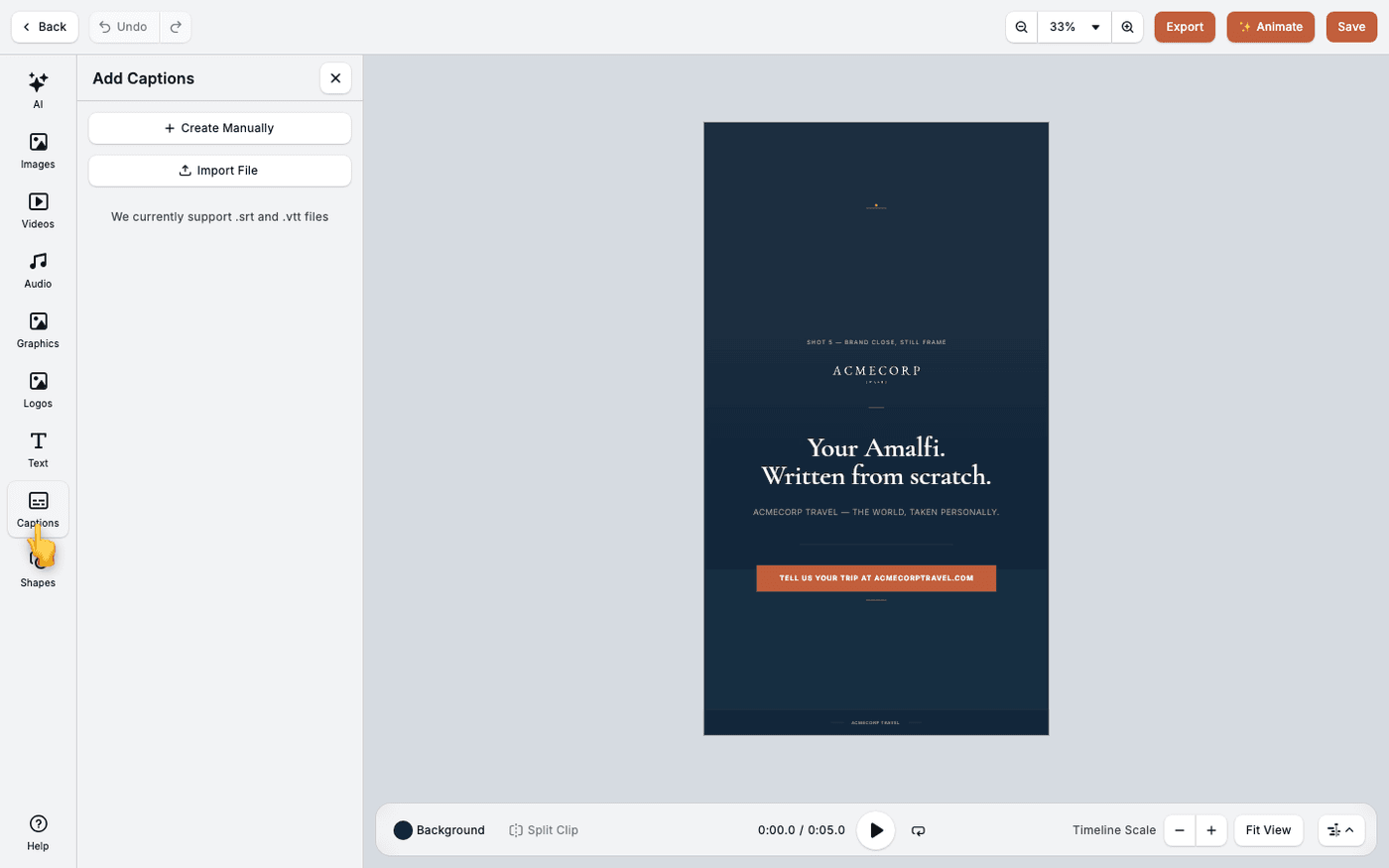
In the video editor, press Captions in the dock. The dock is the column of tools down the left edge, and Captions sits between Text and Shapes. A panel headed Add Captions opens.
Type them, or import a file
Press Create Manually to type each caption and set its start and end time yourself. Press Import File if you already have a .srt or .vtt file, for example from a transcription service. Those are the two formats the editor accepts.
Check the timing
Play the video with the sound off. Each caption should appear as the words are spoken and leave when they end. Select a caption to change its Start time and End time.
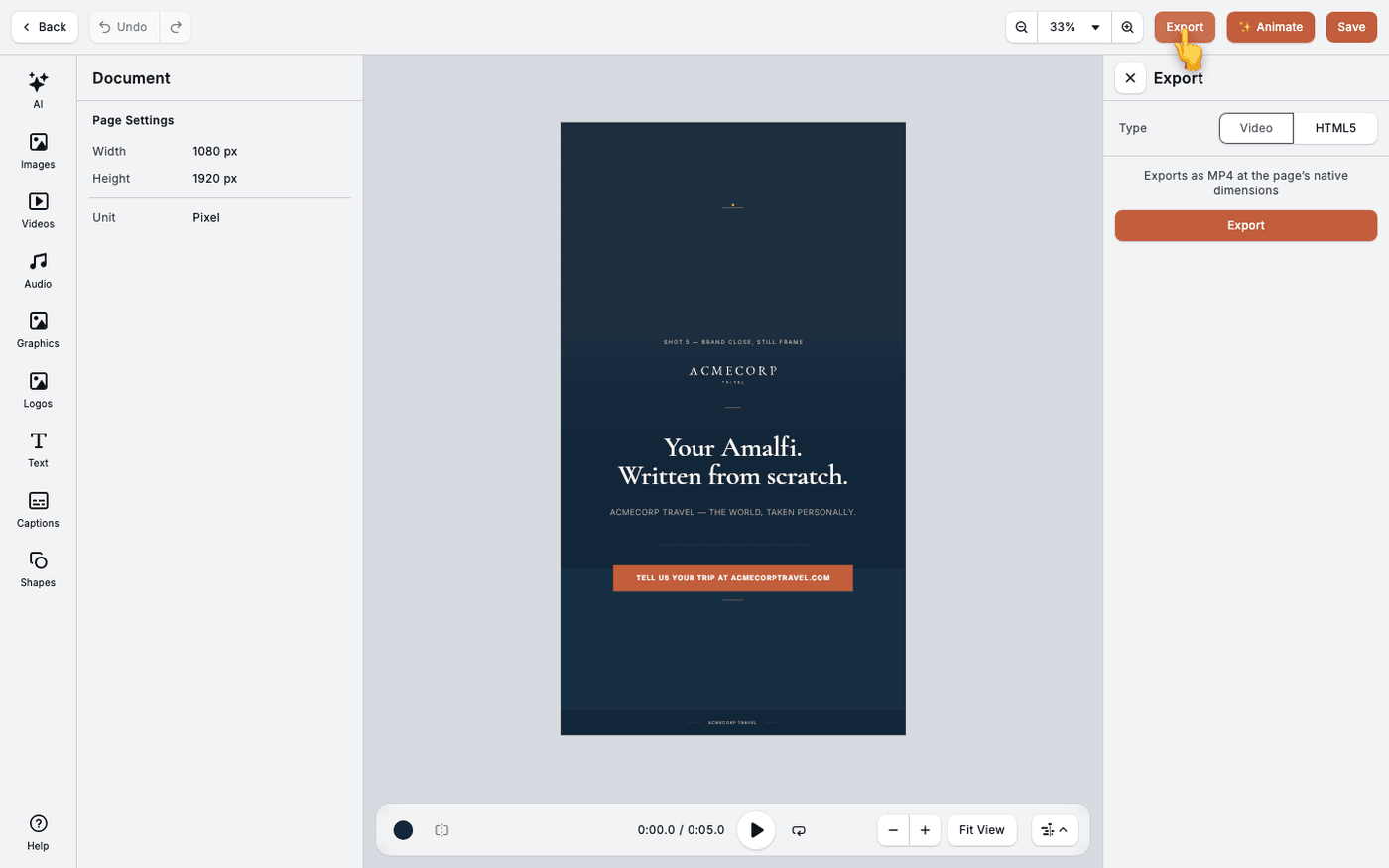
Captions are part of the video itself, so they show wherever the exported file plays.
Last updated 1 September 2026