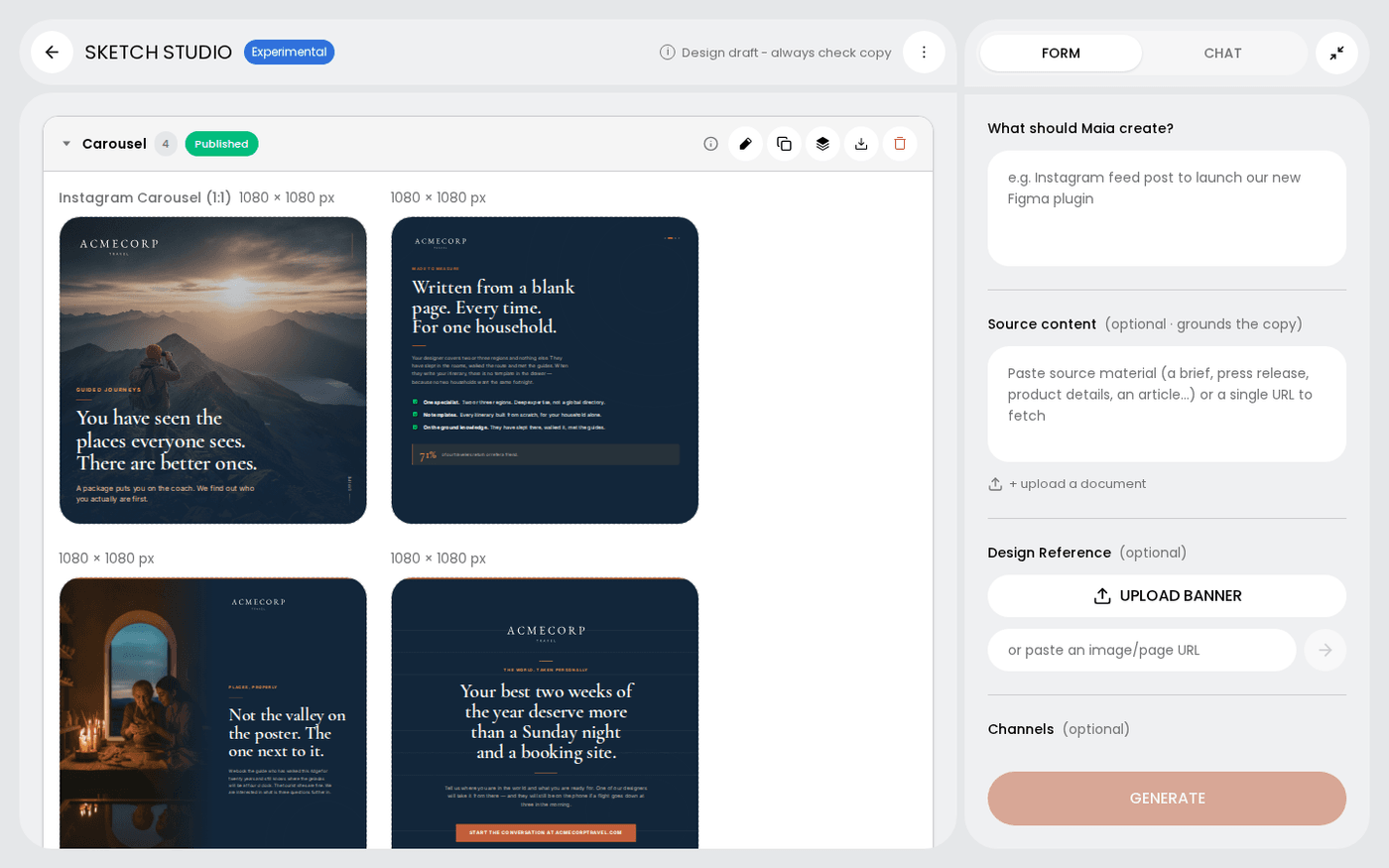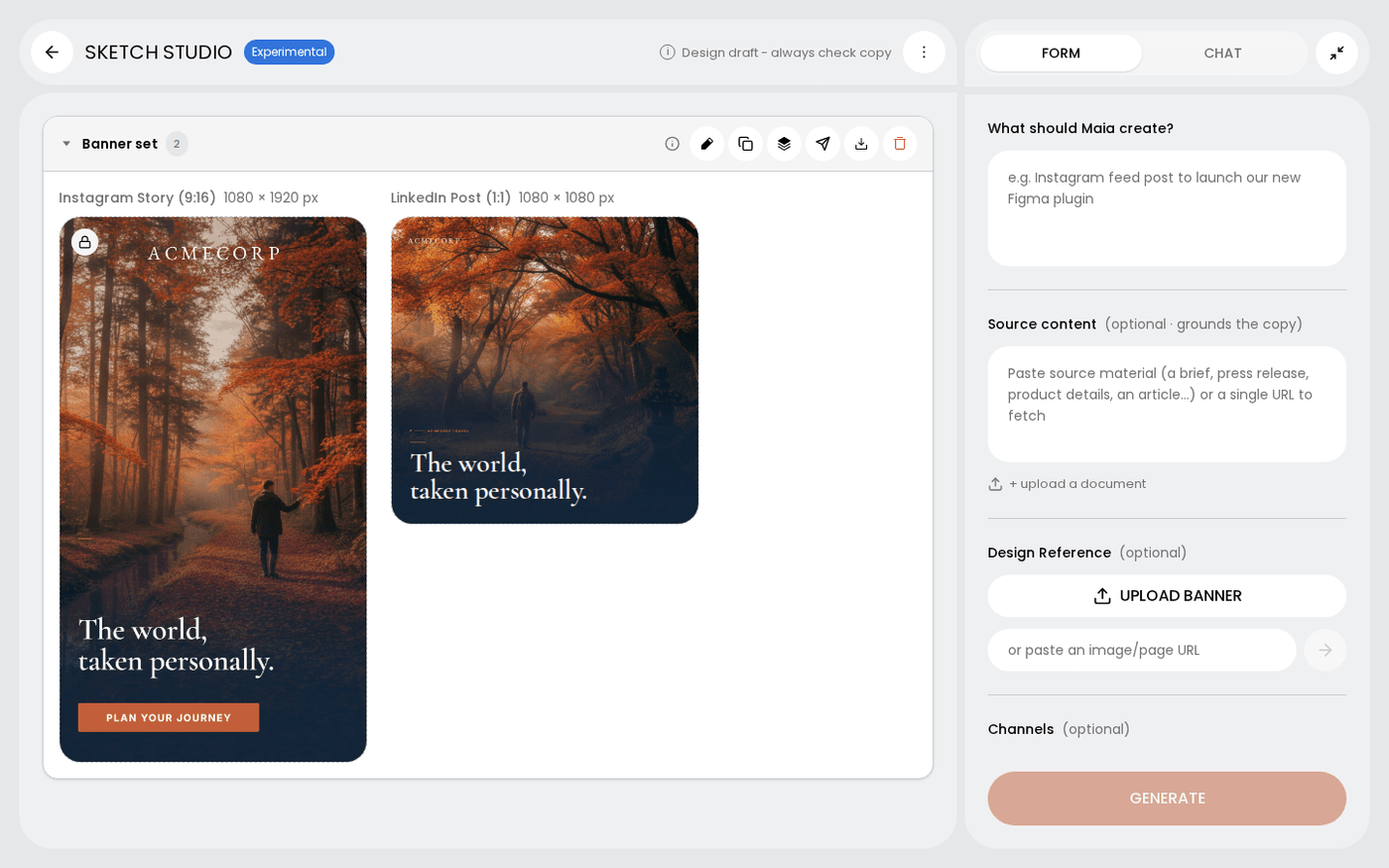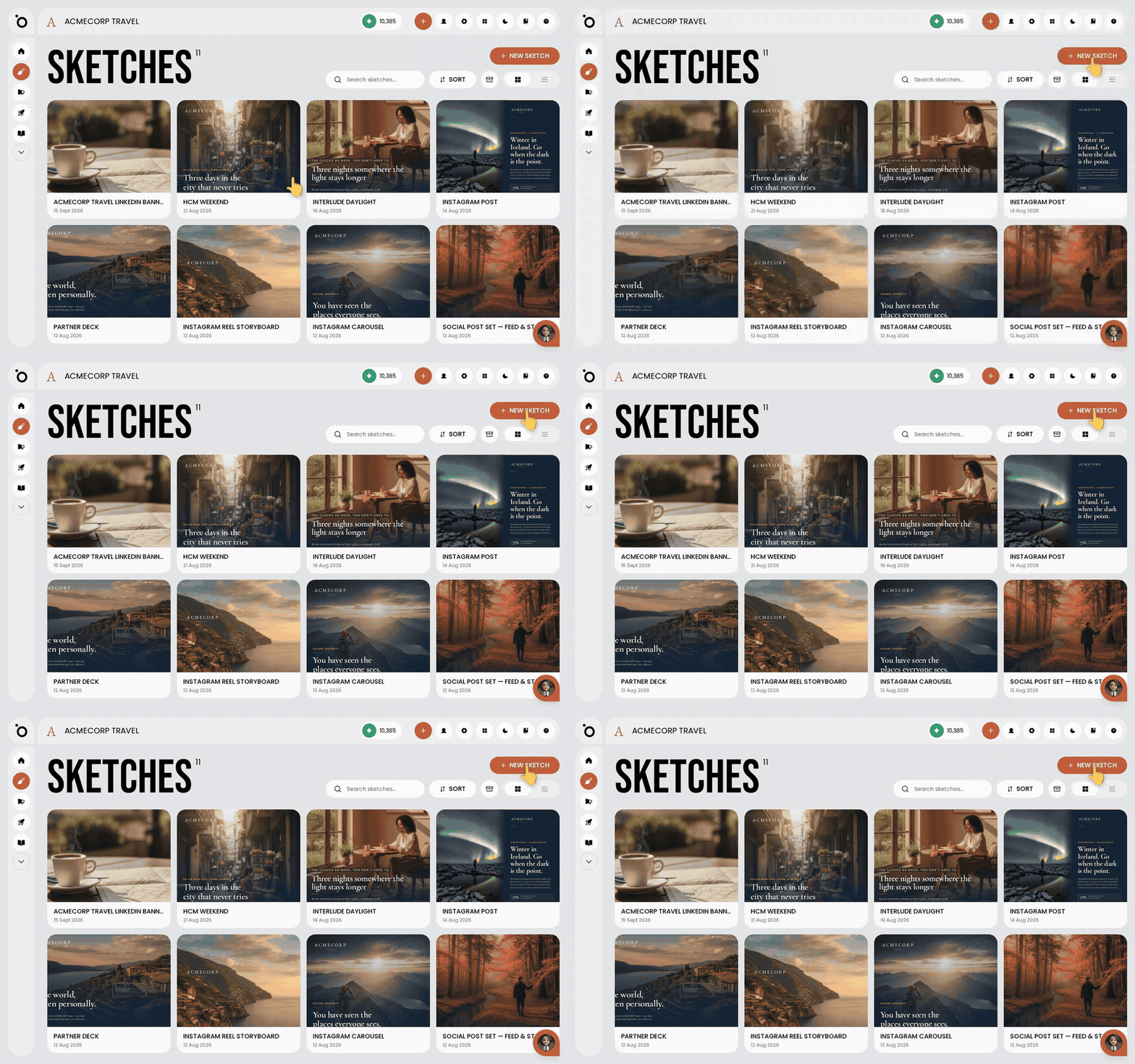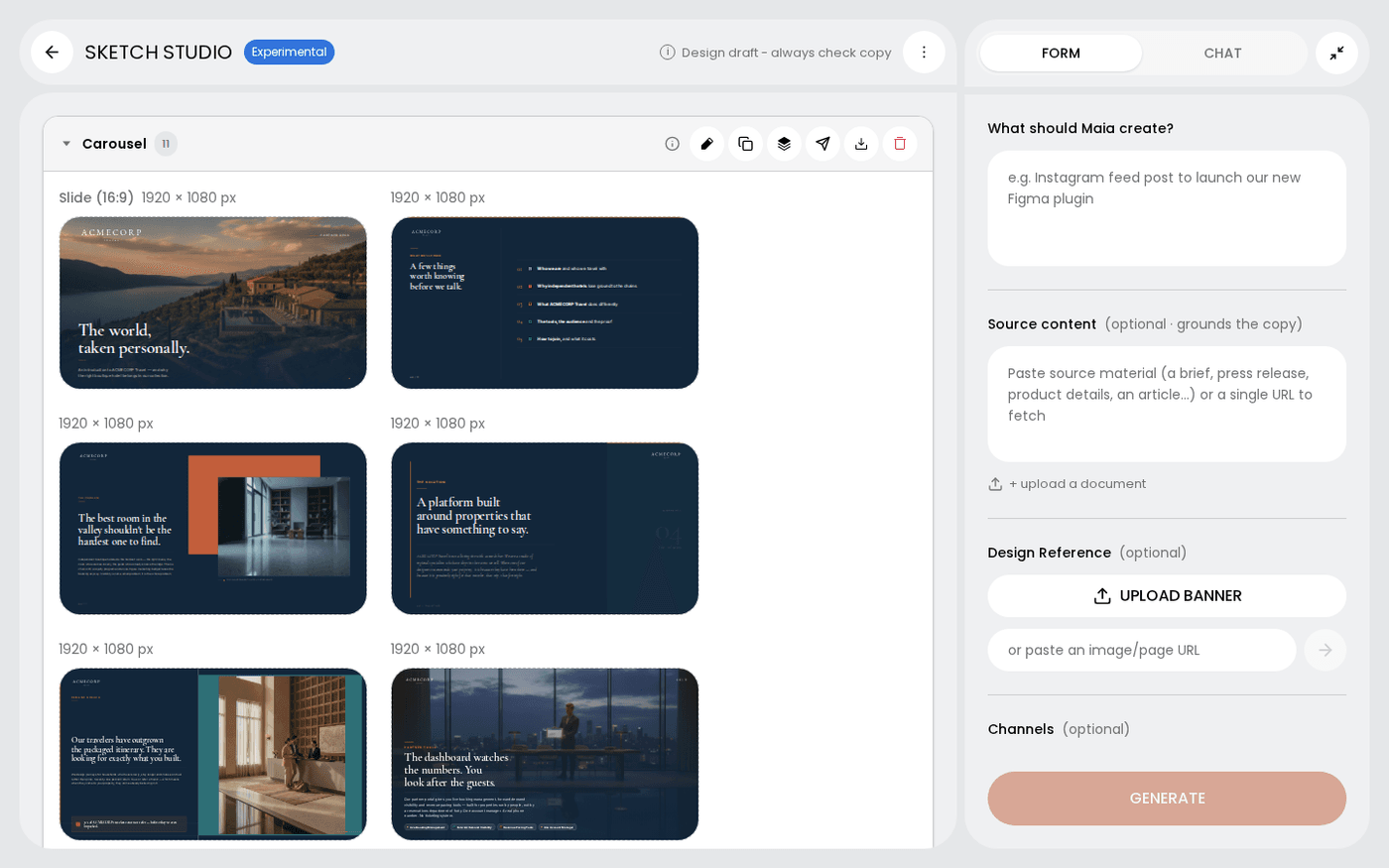
In short: Sketch Studio → hover a frame → Publish. For a carousel, use Publish group on the group header.
Once a frame is right, you can post it without leaving Sketch Studio. Publish sends it to the social accounts your brand has connected. Download gives you the file for print, ads or anywhere else.
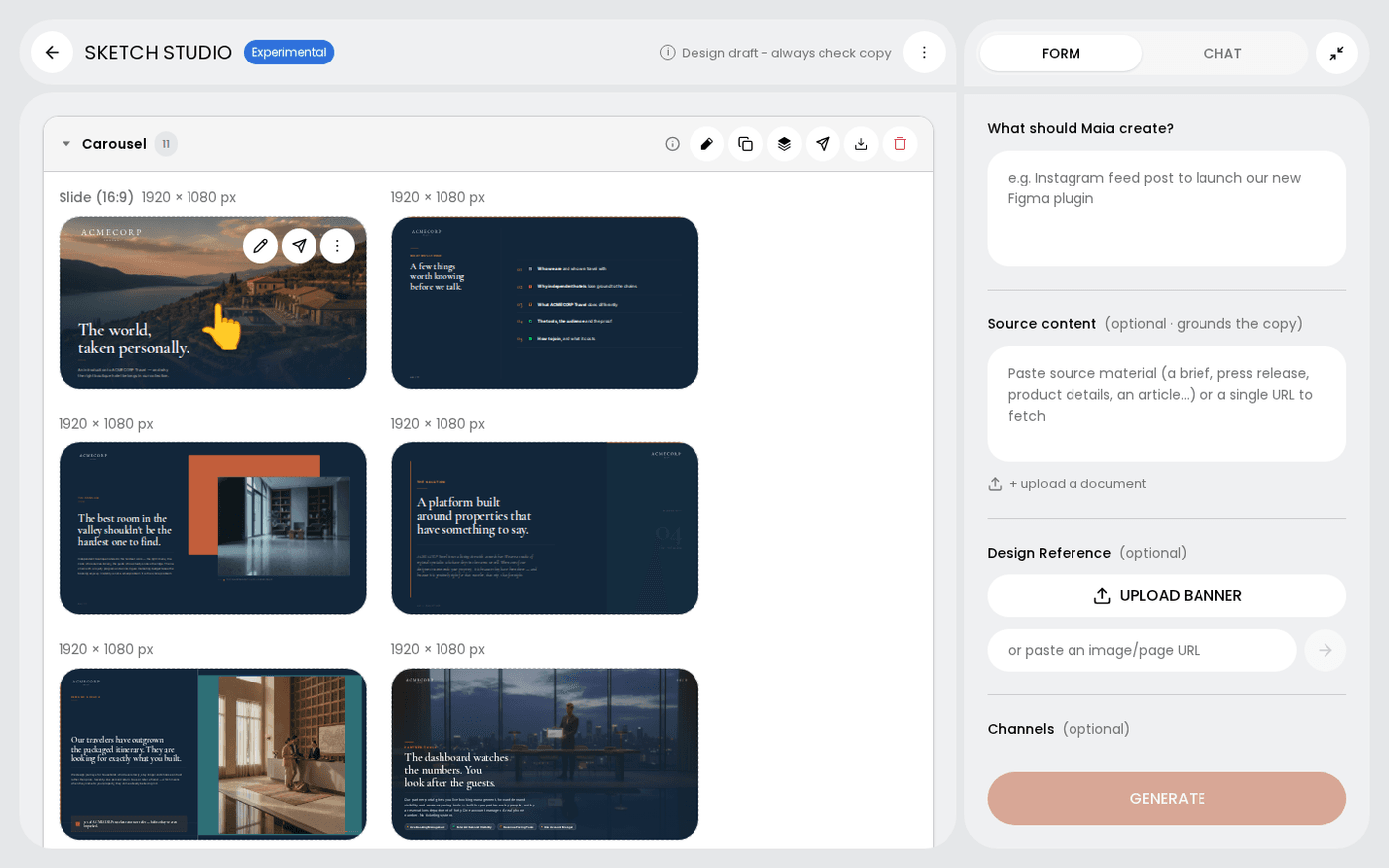
Hover the frame and press Publish
Publish sits with the other frame actions that appear when you hover a frame. It opens the same publishing panel that campaigns use.
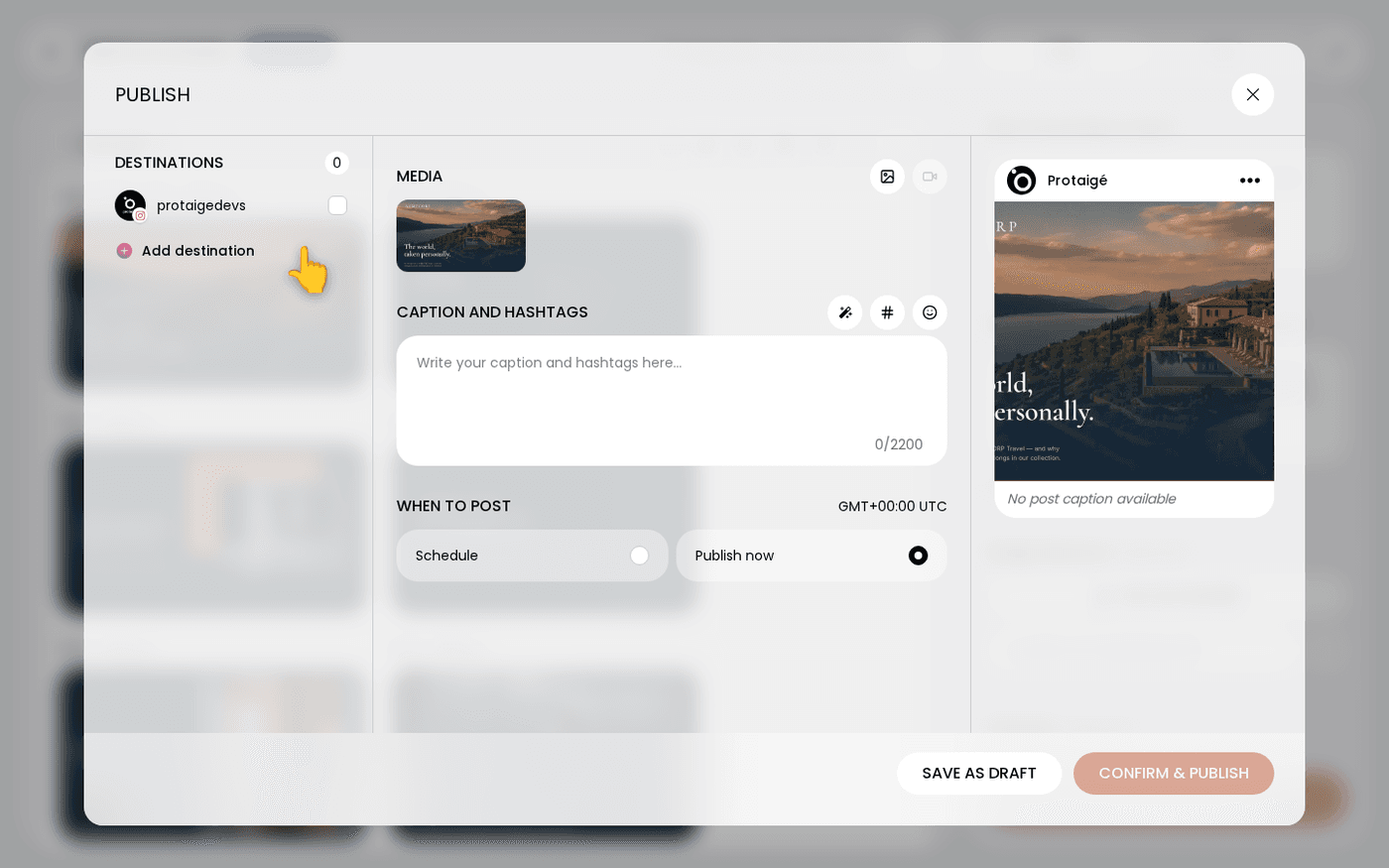
Pick the account
Choose the social accounts to post to. You see the accounts your brand has connected. If the one you want is missing, connect it from the panel.
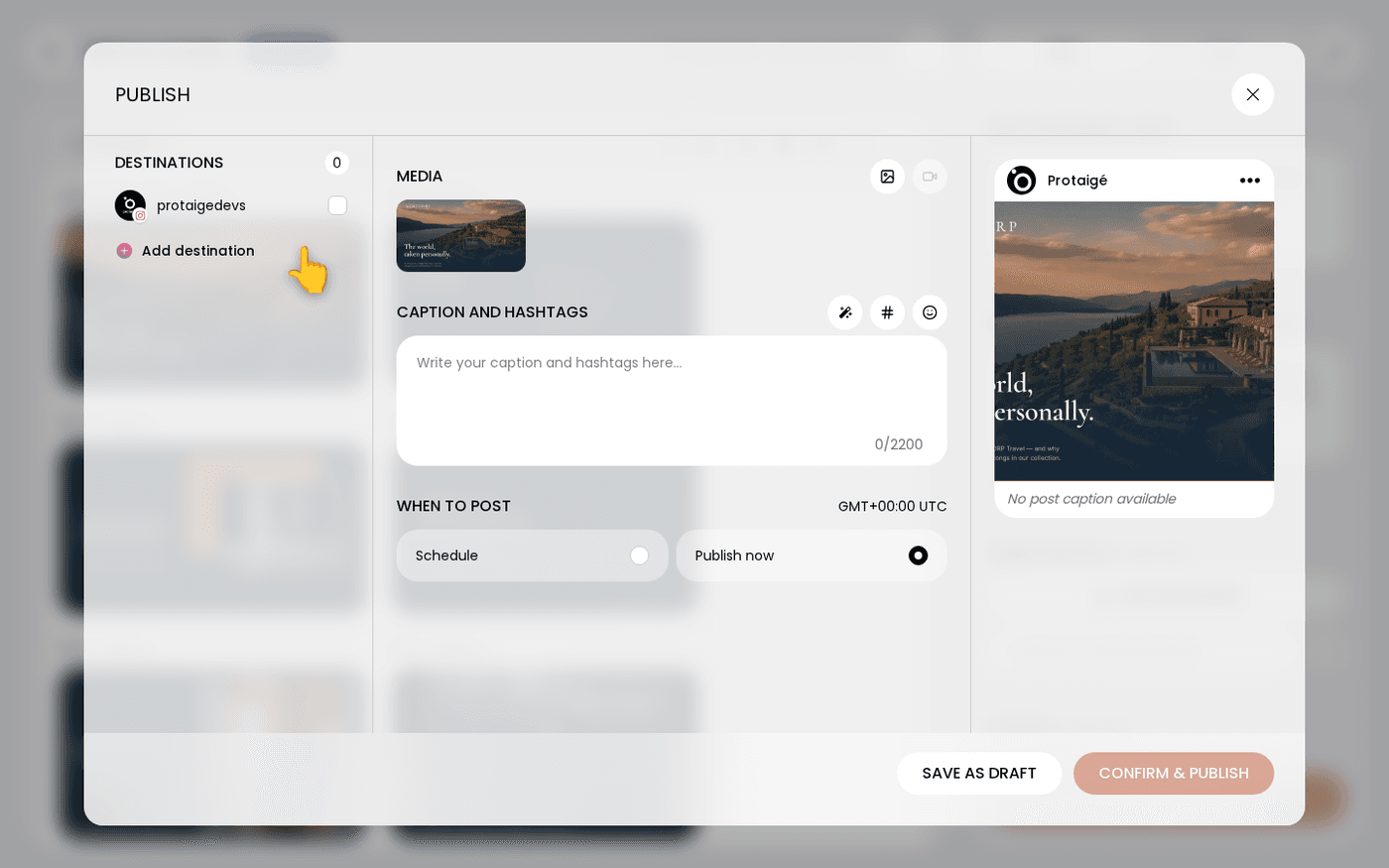
Check the caption
Read the caption and change it if you need to. Then choose Publish now, or choose Schedule and pick a date and time.
Publish a whole carousel
Publish on a frame sends that frame alone. To post a carousel as one post, use Publish group on the group header above the frames.
Or download instead
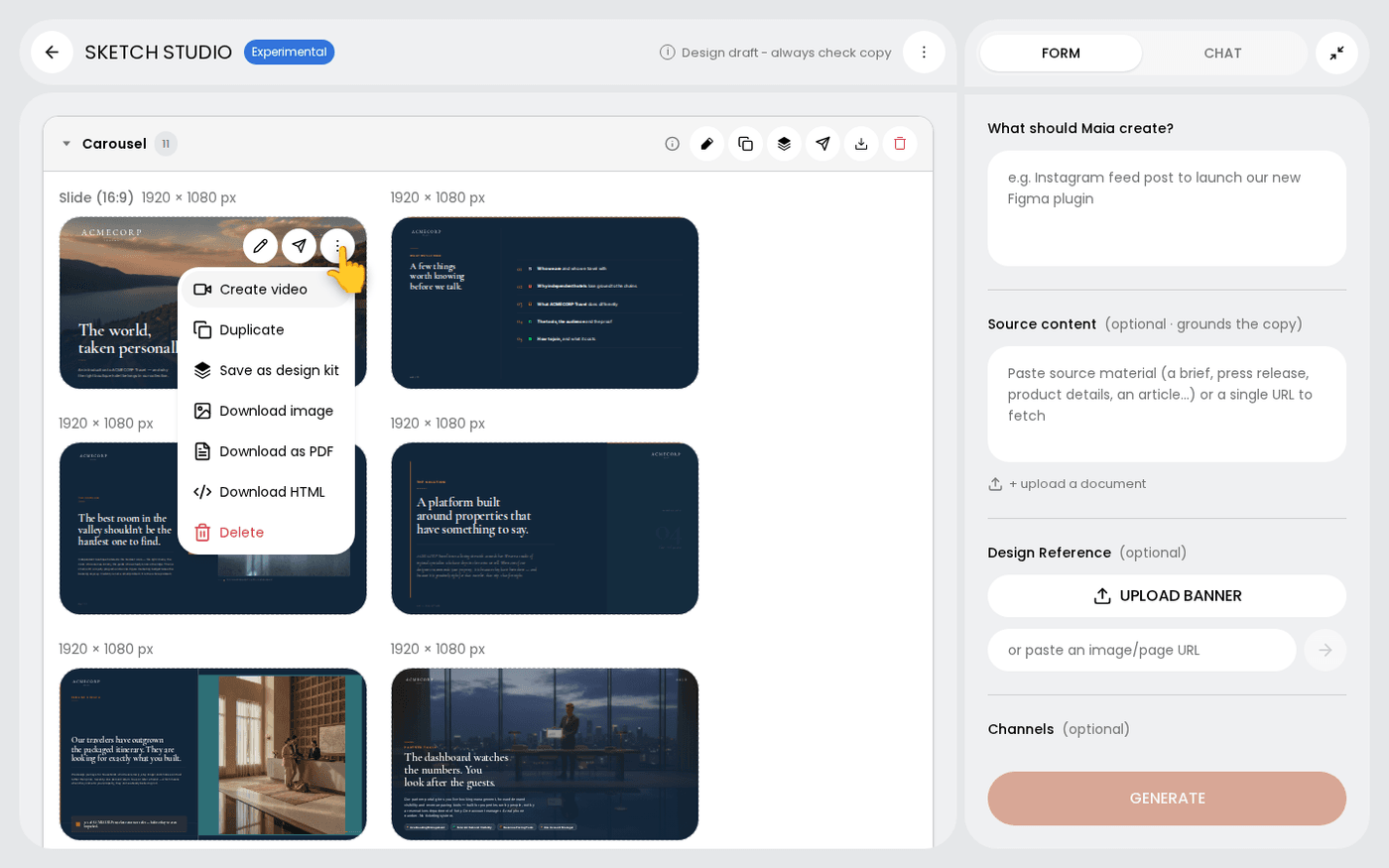
For print, out of home, ads or anywhere without a connected account, open the frame's three-dots menu. Choose Download image, Download as PDF or Download HTML.
Use Publish group when a carousel should go out together. Use Publish on each frame when the set is scheduled across a week.
Last updated 29 September 2026