In short: Brand DNA → Design Kits → New design kit → Upload, Clone or Template Store. Name your layers h1, h2, cta, logo before you upload.
A Design Kit is a set of your own layouts that Protaigé can fill with new content. Each layout has named layers. Protaigé puts the headline in the h1 layer, the call to action in the cta layer, your logo in the logo layer, and so on. The design stays yours. Only the content changes.
Without a kit, every piece of creative starts from nothing. With one, every campaign comes out in your layouts, in every size you need. Building a kit is a design job, not just an upload. It helps to have someone who understands layers. If you do not, the Brand Butler service builds it for you. This page takes about six minutes.
Know the three ways to create a kit
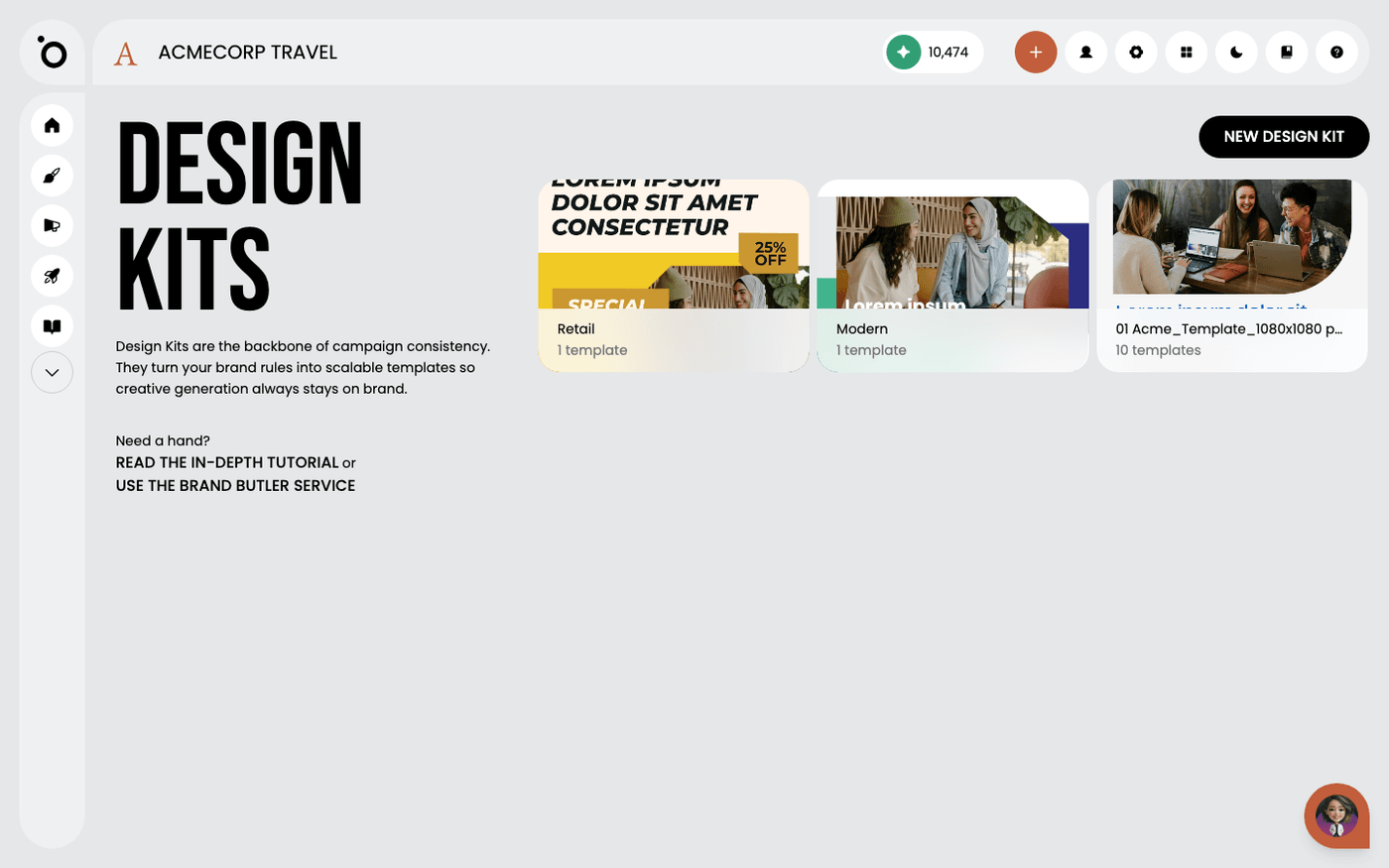
Open Brand DNA, then Design Kits. Press New design kit. The dialog offers Upload, Clone and Template Store. Upload takes a file you already have. Clone copies a kit you already have, so you can adapt it. Template Store gives you a ready-made kit to start from. A fourth option, Blank Canvas, is marked Coming soon.
Know which files you can upload
Upload accepts three kinds of file: a layered Photoshop file (PSD), an InDesign file (IDML), or a PowerPoint file (PPTX), which is how a Canva design comes across. You can also upload a ZIP that holds several of these. Each file must hold one page only. A file with several pages is refused.
Name your layers first
Protaigé reads the name of every layer in the file. Names it recognises include h1, h2, short copy, medium copy, long copy, offer, cta and logo. Text layers stay editable. A layer named logo keeps its shape when the layout is resized. Name your layers before you upload, and use the same names in every layout in the kit.
One layout is the parent
When you upload several files at once, one of them is the parent. The parent is the main layout, usually your key visual. The others are the variations. In the upload area, choose Set as parent on the file that should lead.
Give each layout a format
Each layout in the kit has one or more Design Types. These are the formats it is used for, such as a social post or a story. Open a kit, then a layout, and choose Edit design settings to set them. Protaigé picks the layout that matches the format a campaign asks for.
Finish it in the visual editor
Open a kit and choose Edit design in visual editor on any layout. Here you check the layer names, move things, and fix anything the import did not get right.
Involve a designer for the layer naming and the layout decisions. It is tedious, and it is what decides whether everything Protaigé makes afterwards looks designed. Or hand your files to the Brand Butler service and let them do it.
Last updated 12 August 2026