
Create multiple formats with Sketch
Sketch takes a single thought and gives you the carousel, the banner set, the storyboard and the deck, each composed for where it is going.
7 walkthroughsabout 18 min end to endEnds with: One idea, published in several places
- 1
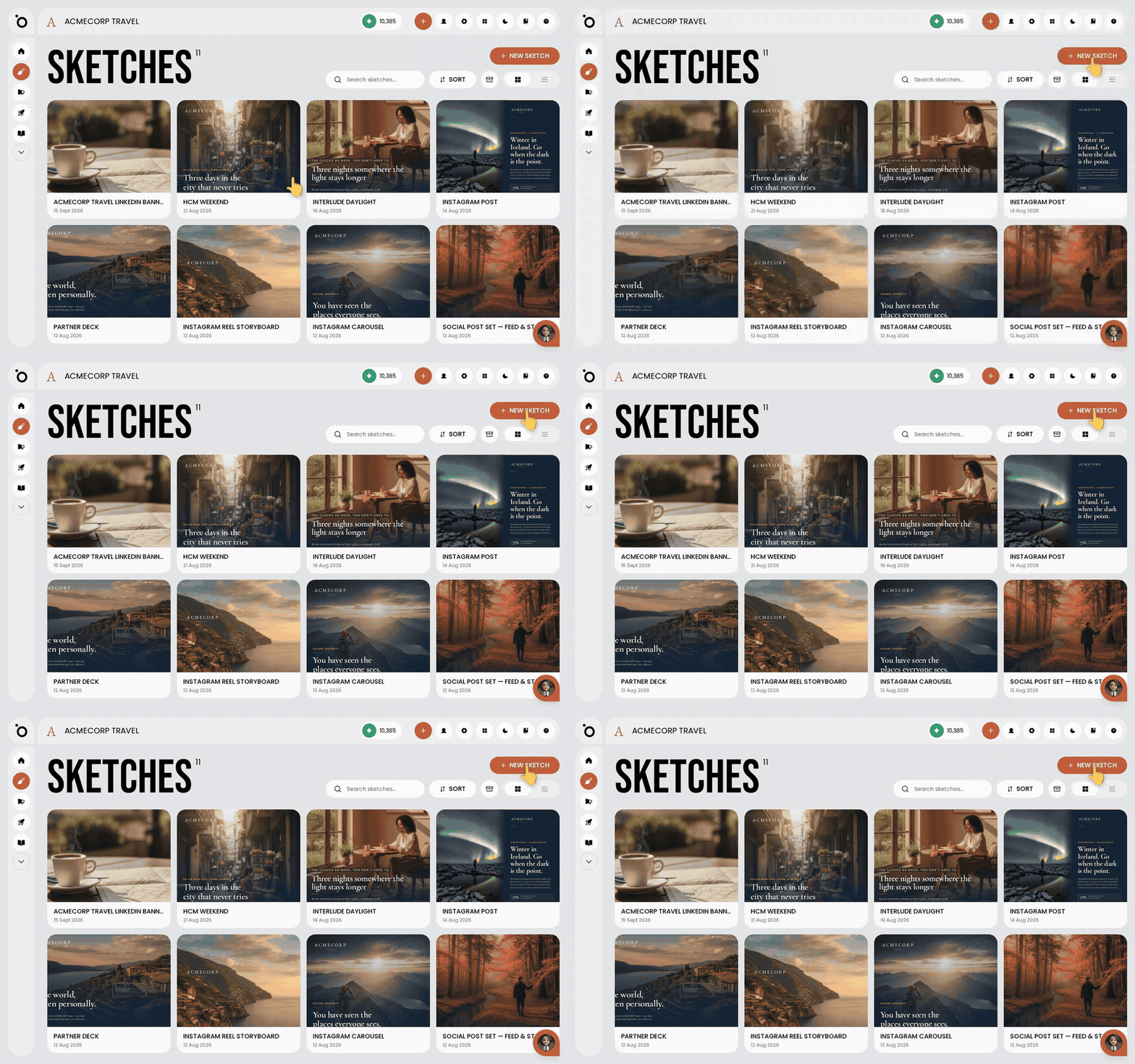 Create branded content with SketchDescribe what you want in plain words, and Protaigé makes it in your brand, in the sizes you need.
 - 2
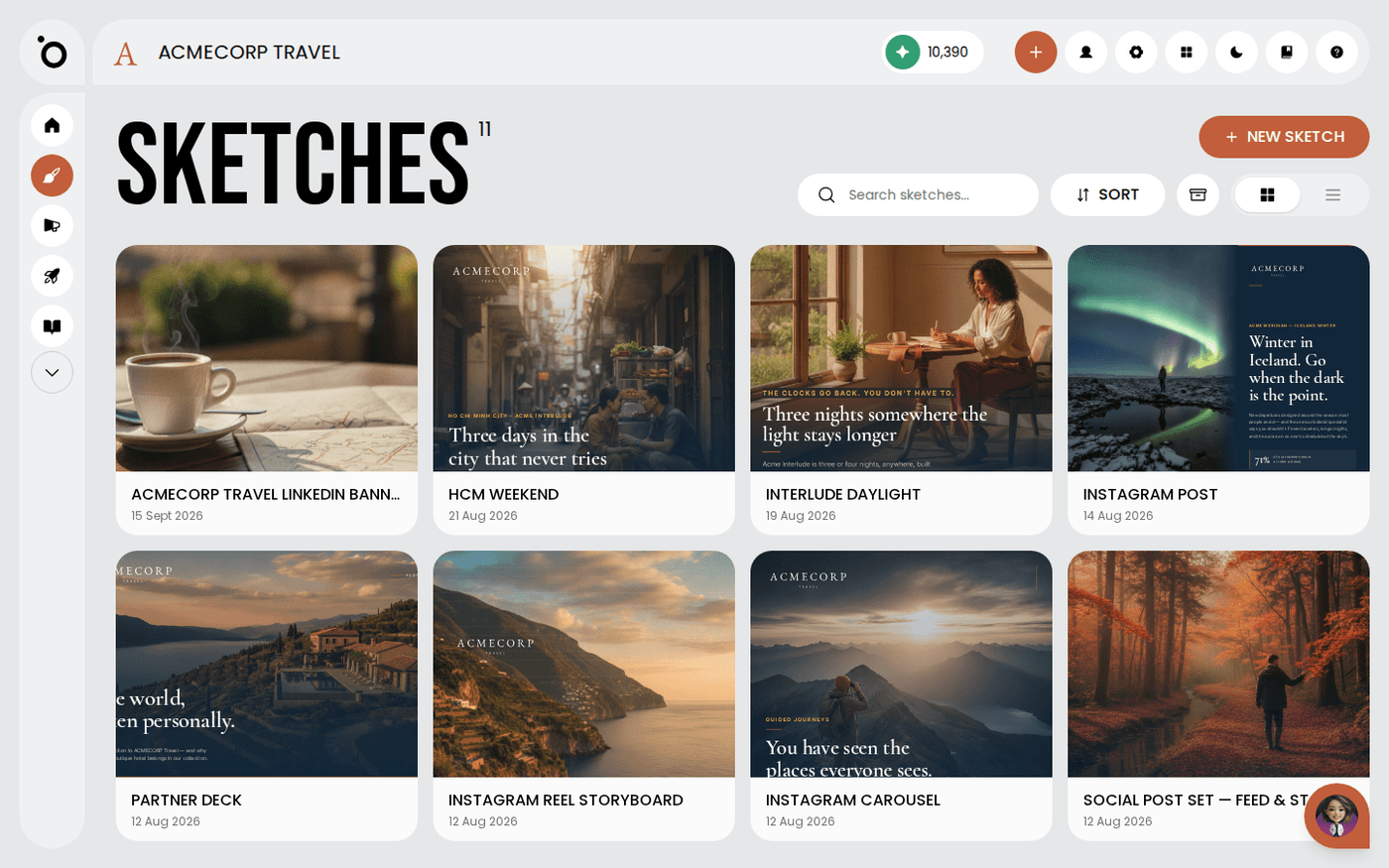 What Sketch can make for youOne brief can become a post, a carousel, a storyboard, a deck, a poster, a landing page or an email, in your brand.
 - 3
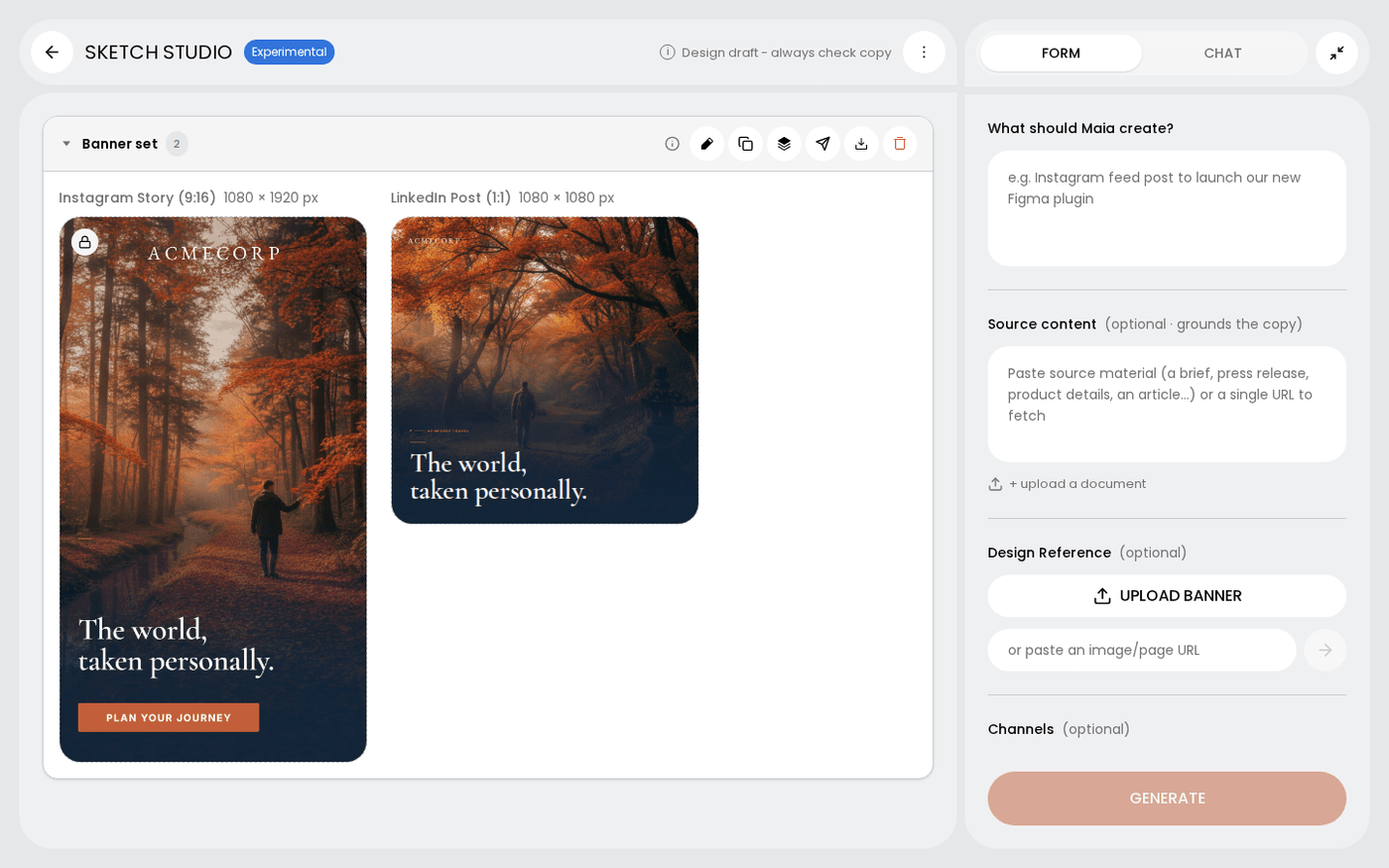 Choose the channels and sizes for a sketchPick every size you need, from an Instagram Story to an A4 poster, and get one design for each.
 - 4
 Edit a sketchAsk Maia for changes in chat, or open any frame and change it yourself.
 - 5
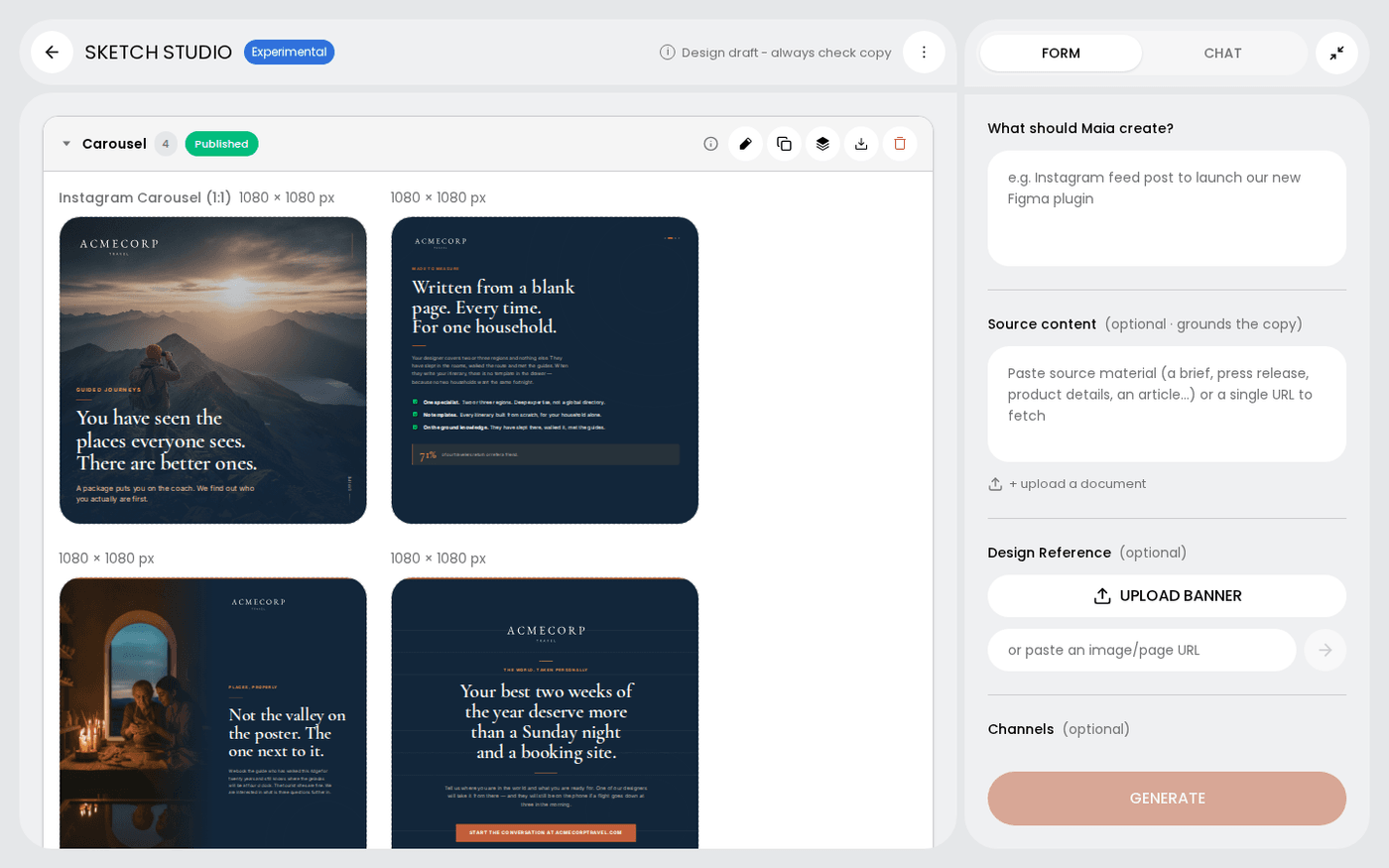
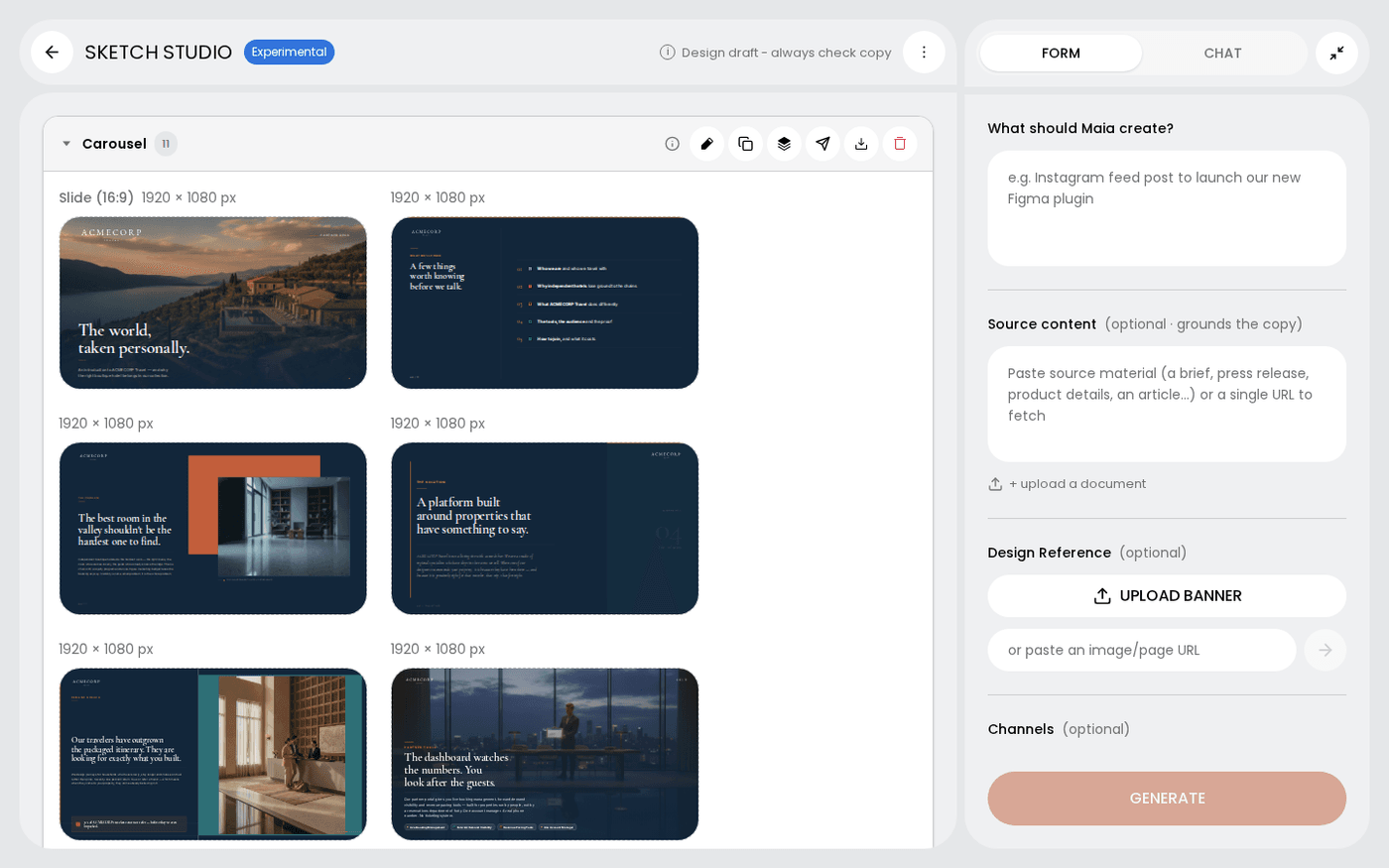
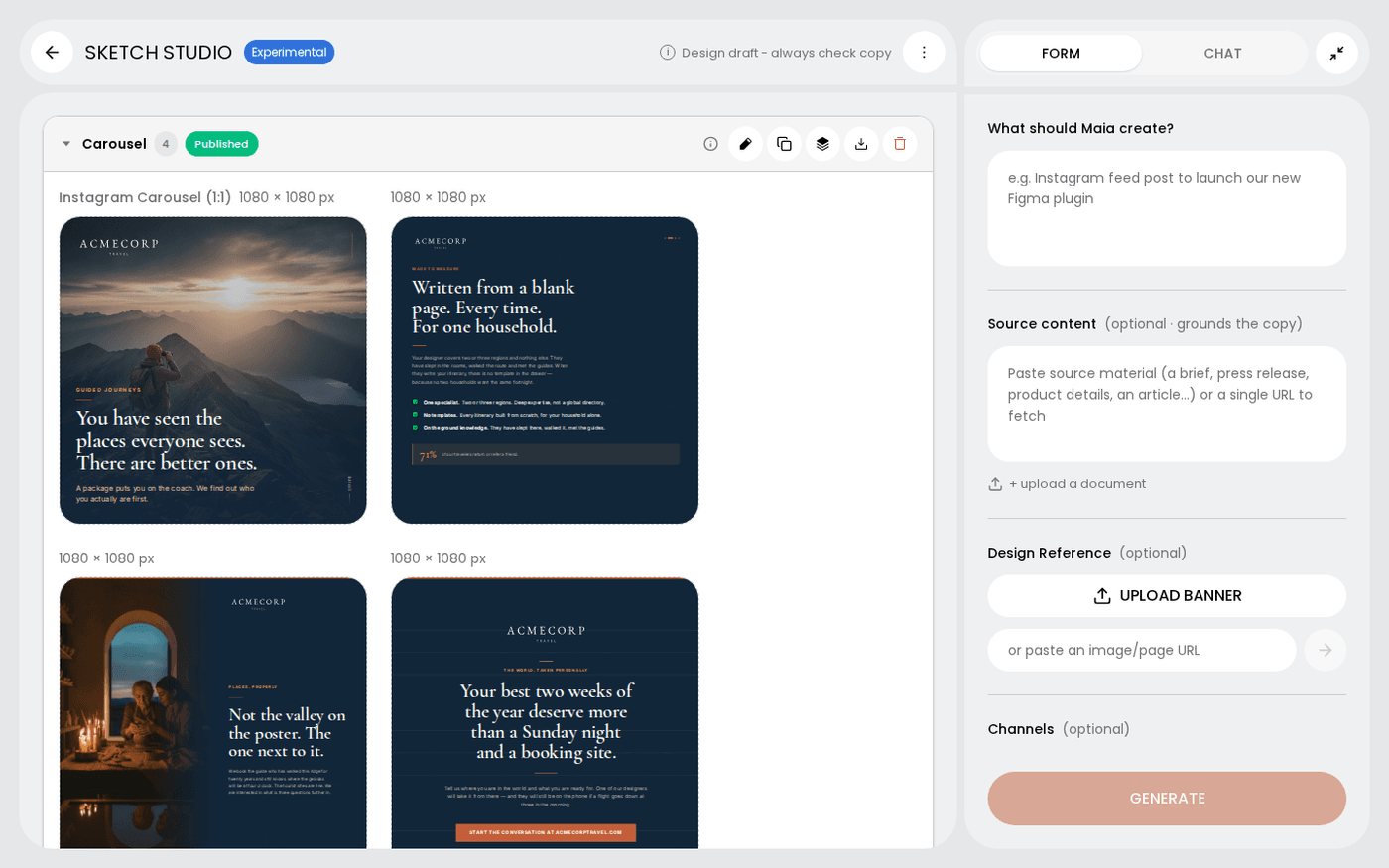 Work with groups of frames in a sketchSketch groups your frames into carousels, banner sets and pages, and each group has its own controls.
 - 6
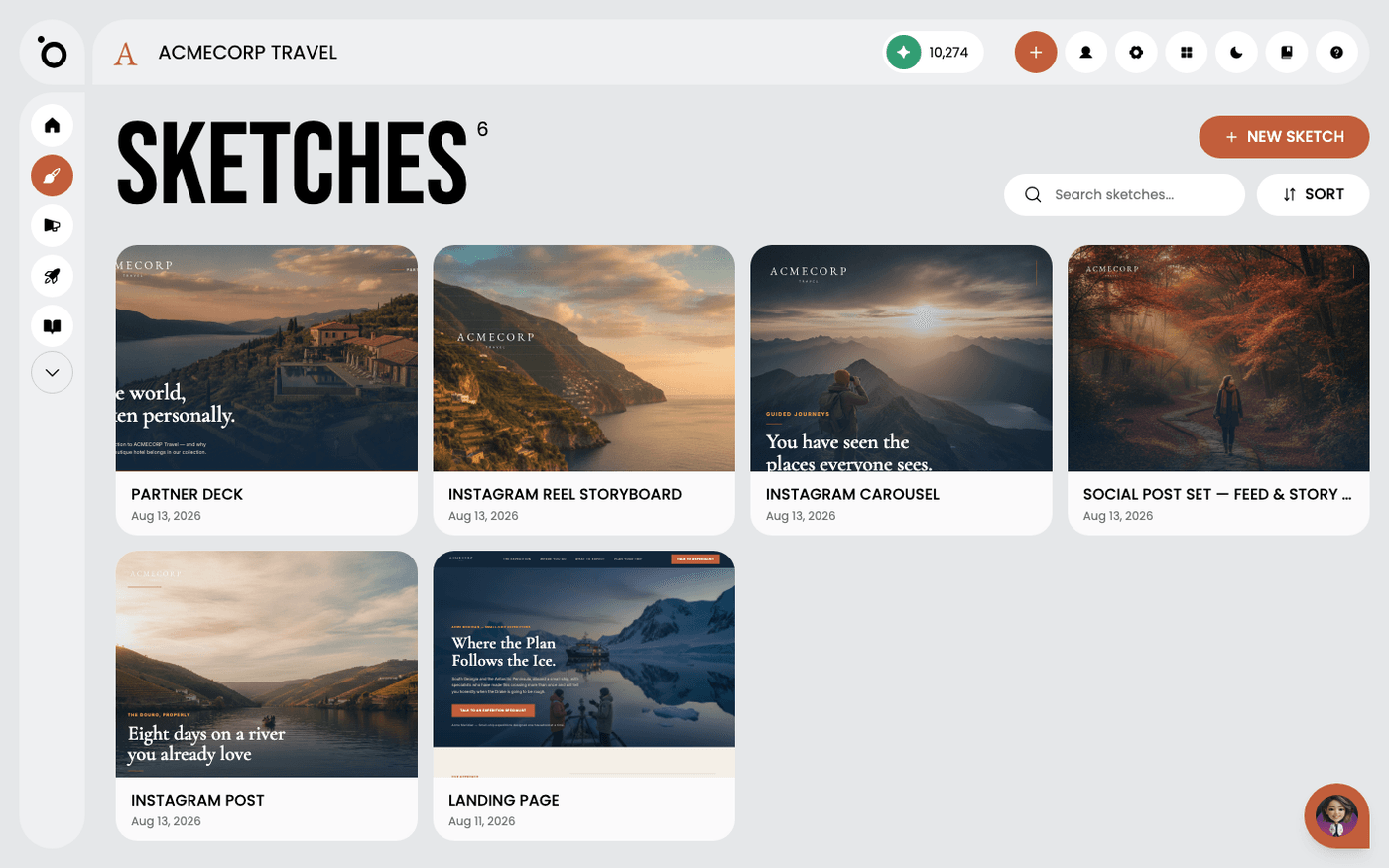 Rename a sketchGive a sketch a name you will recognise in a fortnight, so you can find it again.
 - 7
 Publish a sketchPost a finished frame straight to your social accounts, or download it for anywhere else.
Other flows
Different destination, same idea.
Set up Brand DNA10 steps · ends with a Brand DNA complete enough to generate fromCreate a campaign from a brief9 steps · ends with a campaign kit ready to export or publishTake a campaign to channel5 steps · ends with Copy written per channel, published, and measuredTurn a design into video11 steps · ends with An MP4 built from a design you already signed offCreate branded design kits7 steps · ends with Your own templates driving the outputSet up Maia across your channels7 steps · ends with Maia reachable from email, Slack, WhatsApp and your calendar