In short: Video editor → AI → Generate Music. Describe the track, or choose Video and let Protaigé score it.
Music sets the mood for a whole video. You can now make it inside the editor. Describe the sound you want, or hand Protaigé the video and let it score what is on screen.
Generate Music is only in the video editor, because music belongs on a timeline.
Open Generate Music
In the video editor, press AI at the top of the dock, the column of tools down the left edge. Choose Generate Music.
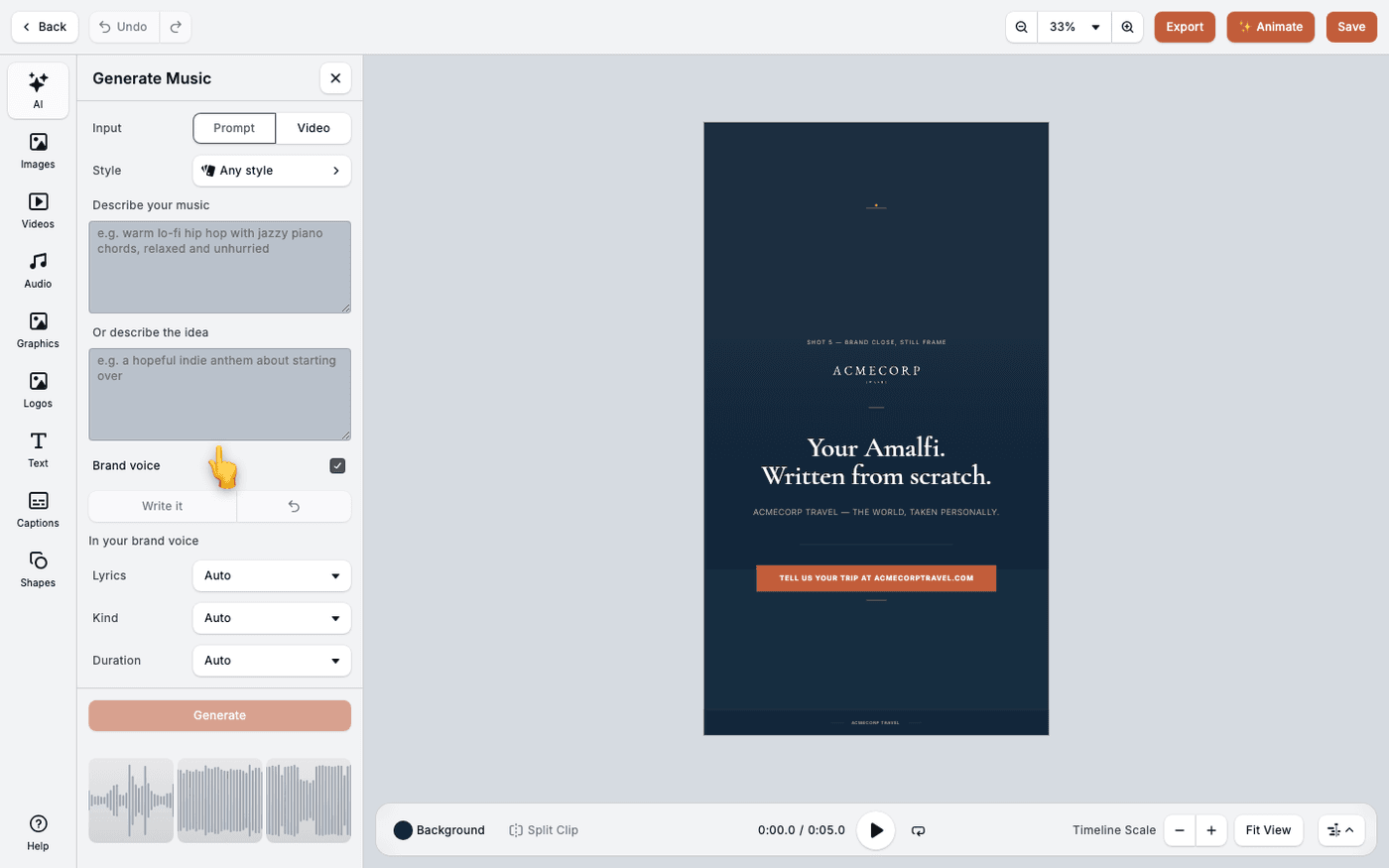
Choose Prompt or Video
Input has two options. Prompt writes a track from your description. Video scores a clip. With Video, the Score field lets you choose Whole timeline or A single video.
Describe the sound, or the idea
Describe your music is about the sound: the instruments, the pace, the feel. Or describe the idea is about what the song is about, and it is what any lyrics come from. Fill in one or both.
Pick a style, or leave it open
Style starts at Any style. Choose one to steer the track towards a particular sound. Leave it open while you are still exploring.
Decide about lyrics
Brand voice is on by default, so any lyrics sound like your brand. Press Write it to draft the lyrics, then edit them. Set Lyrics to Instrumental for no singing, which is usually right under a voiceover.
Set the kind and the length
Kind offers Track, Loop and Ambience. Loop makes a short piece that repeats cleanly under a timeline of any length. Duration runs from 30 seconds to 6 minutes. Choose Custom for an exact length, or Auto to let the prompt decide.
Generate
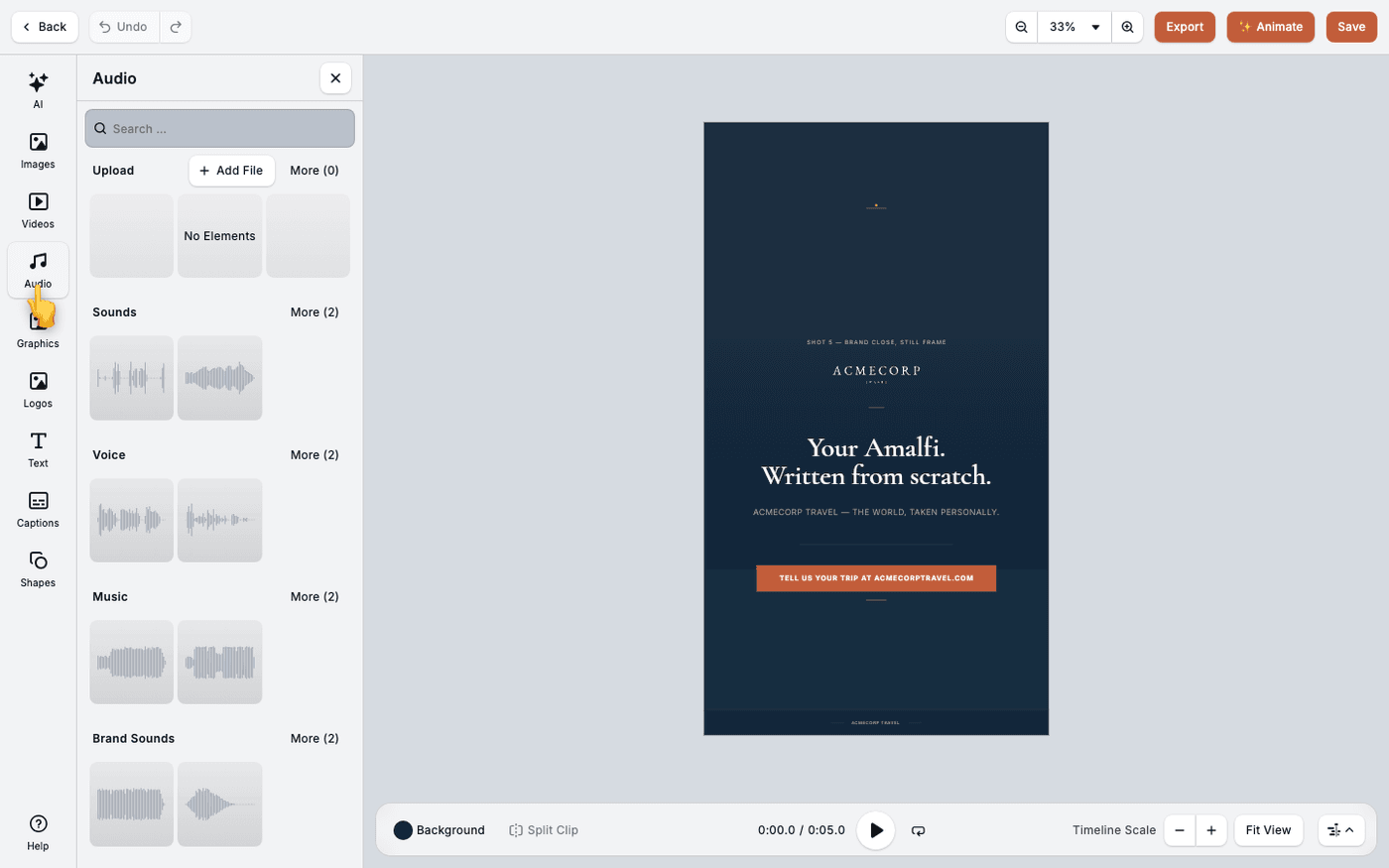
Press Generate. The track appears in your audio library. Drag it onto the timeline. Set its volume on the track itself to balance it against a voiceover.
For a longer, structured piece, set Lyrics to Custom. It opens a Lyrics panel where you add sections, each with a name, a length and its own words.