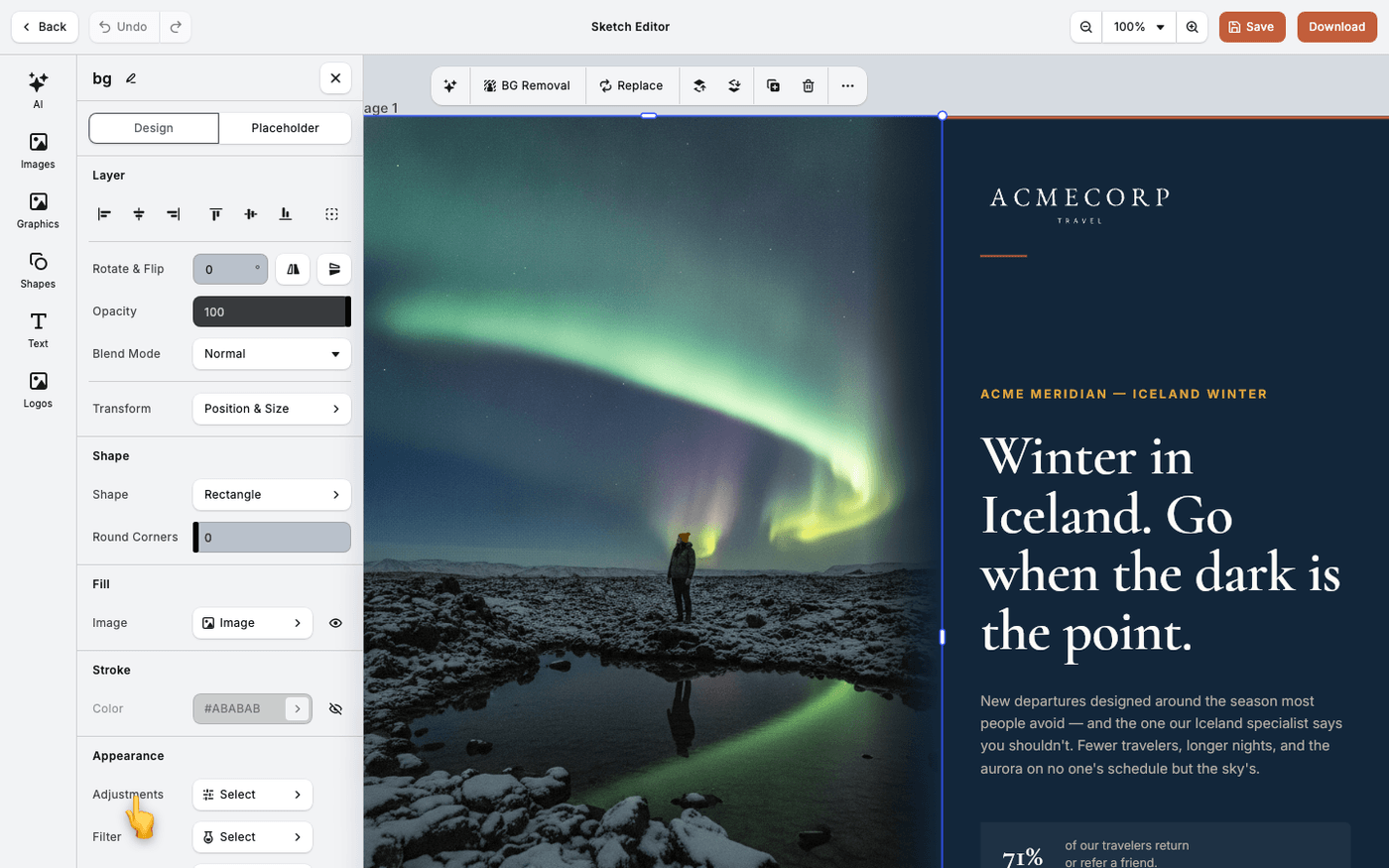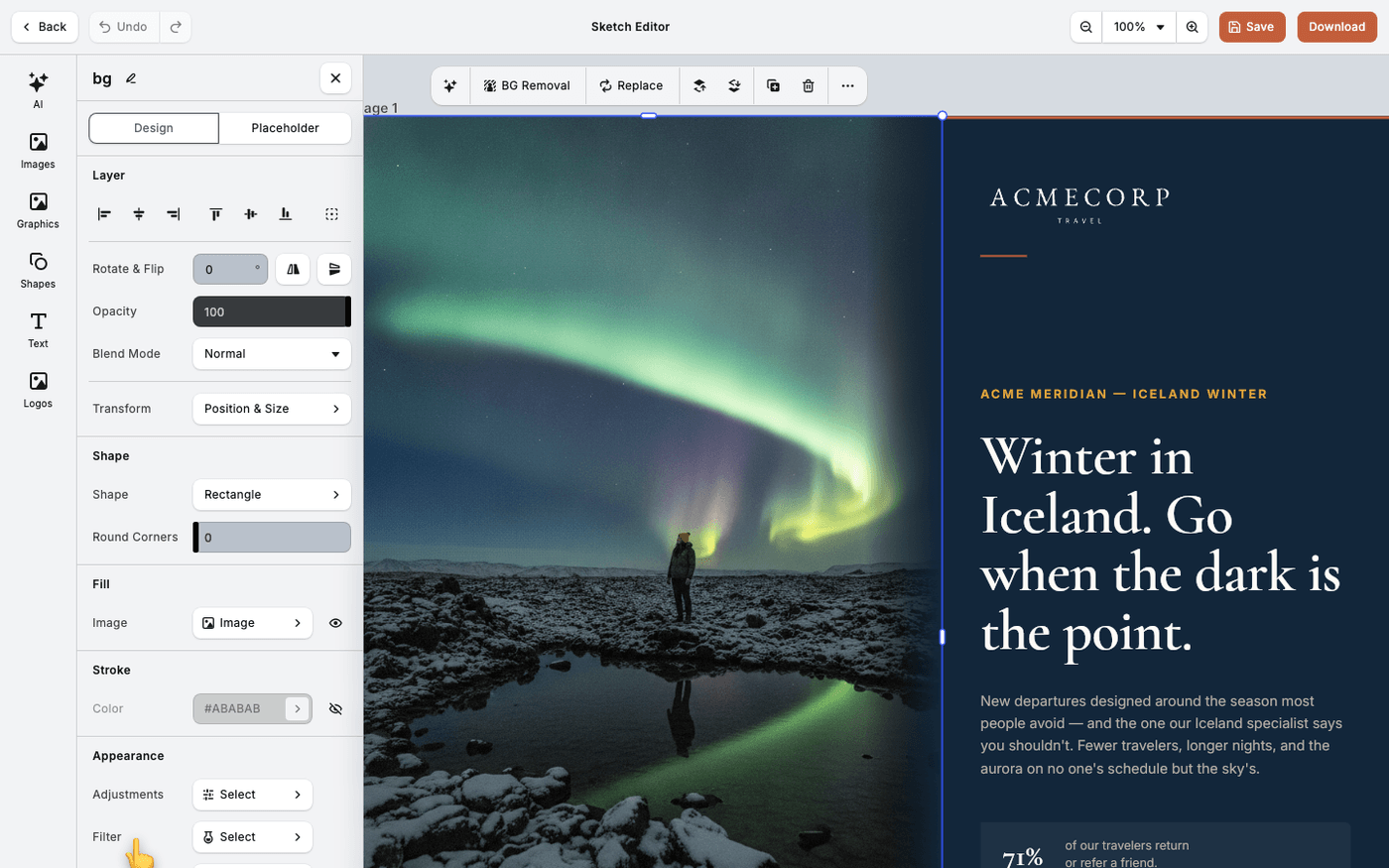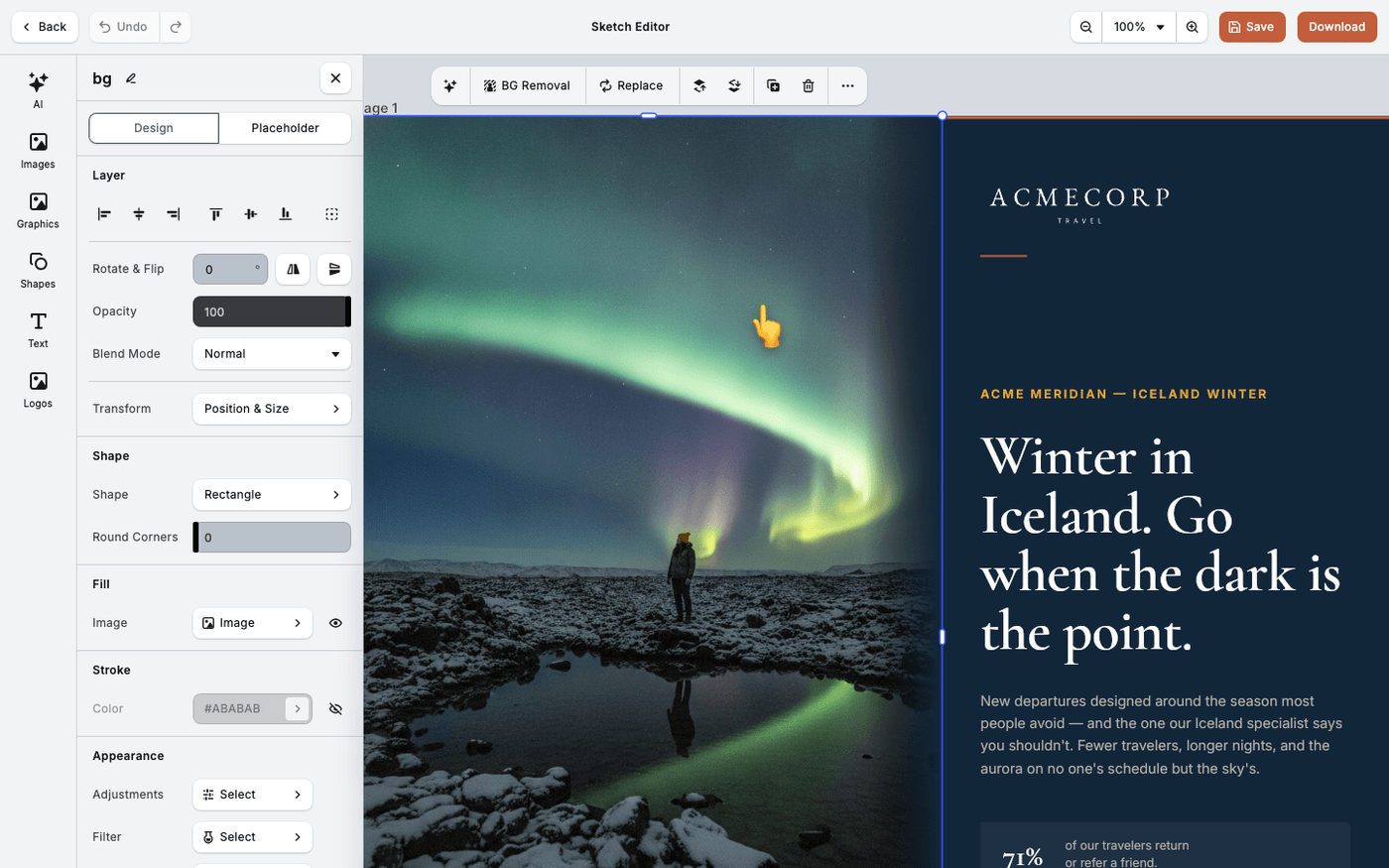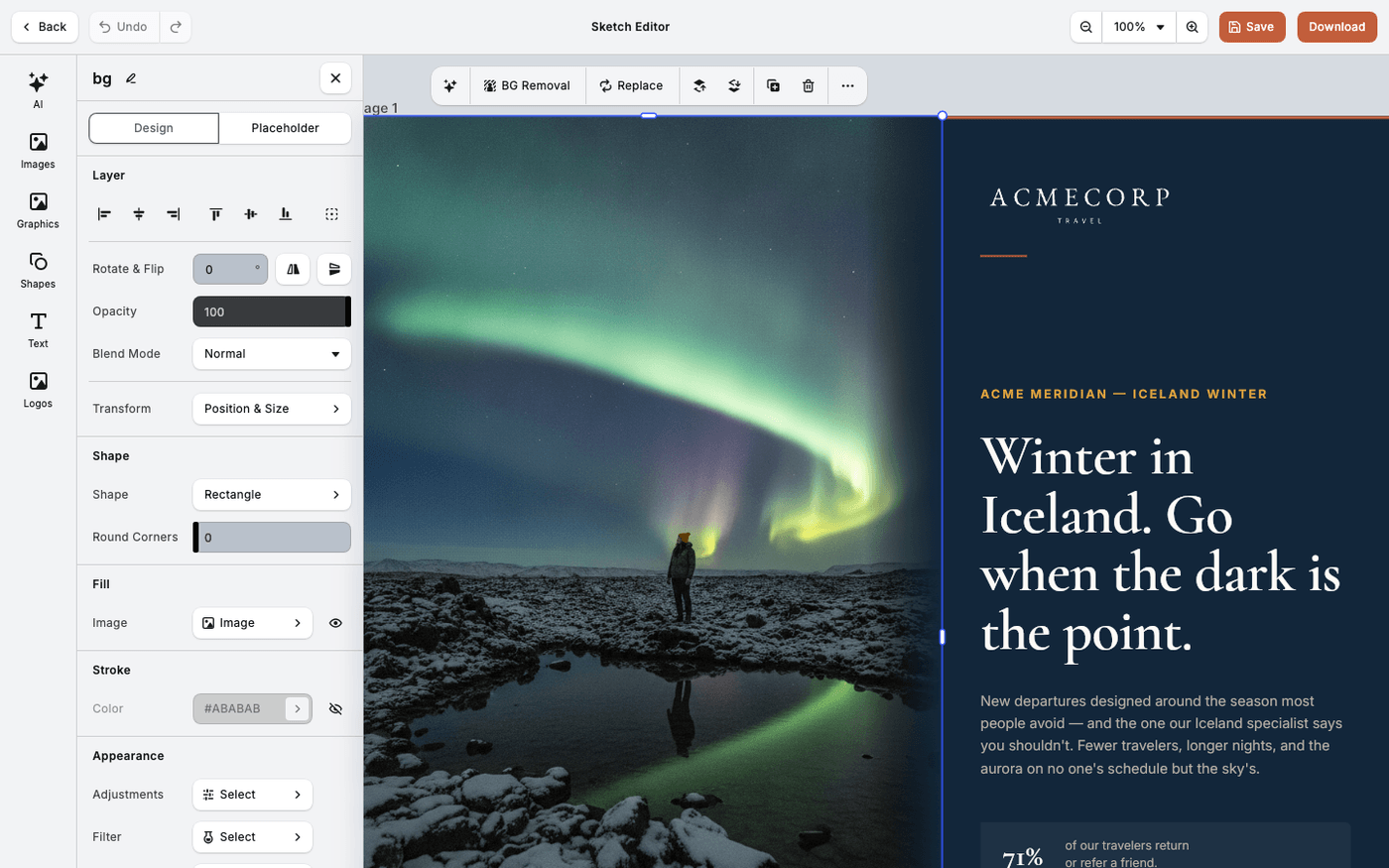
In short: Select an image → Effect for one effect, Blur for one blur. Each holds one choice at a time.
Effects change how an image is drawn: darker edges, a glow, a print texture. Most are strong. One is usually enough, and the quiet ones are the most useful.
Select an image. Effect and Blur are two separate entries in the panel. Each holds one choice at a time.
Start with the quiet ones
Vignette darkens the edges to pull the eye to the middle. Glow lifts a subject. Recolor swaps one colour for another, which is how you pull an image into your palette.
Use the graphic ones for a poster look
Half Tone, Linocut, Dot Pattern, Posterize and Pixelize turn a photo into something print-like or deliberately coarse. There are nineteen effects in all.
Key out a flat background
Green Screen removes one colour from footage shot against a plain backdrop. Pick the colour to remove.
Choose the right blur
Gaussian Blur softens the whole image. Linear Blur fades along a line. Mirrored Blur keeps a sharp band with blur either side, like a tilt-shift photo. Radial Blur blurs outward from a point, so a face stays sharp and the rest softens. Extrude Blur is the fifth, and the one you will use least.
Effects sit alongside shadows and strokes, not instead of them. A glow and a drop shadow can be on the same element.
Last updated 14 August 2026