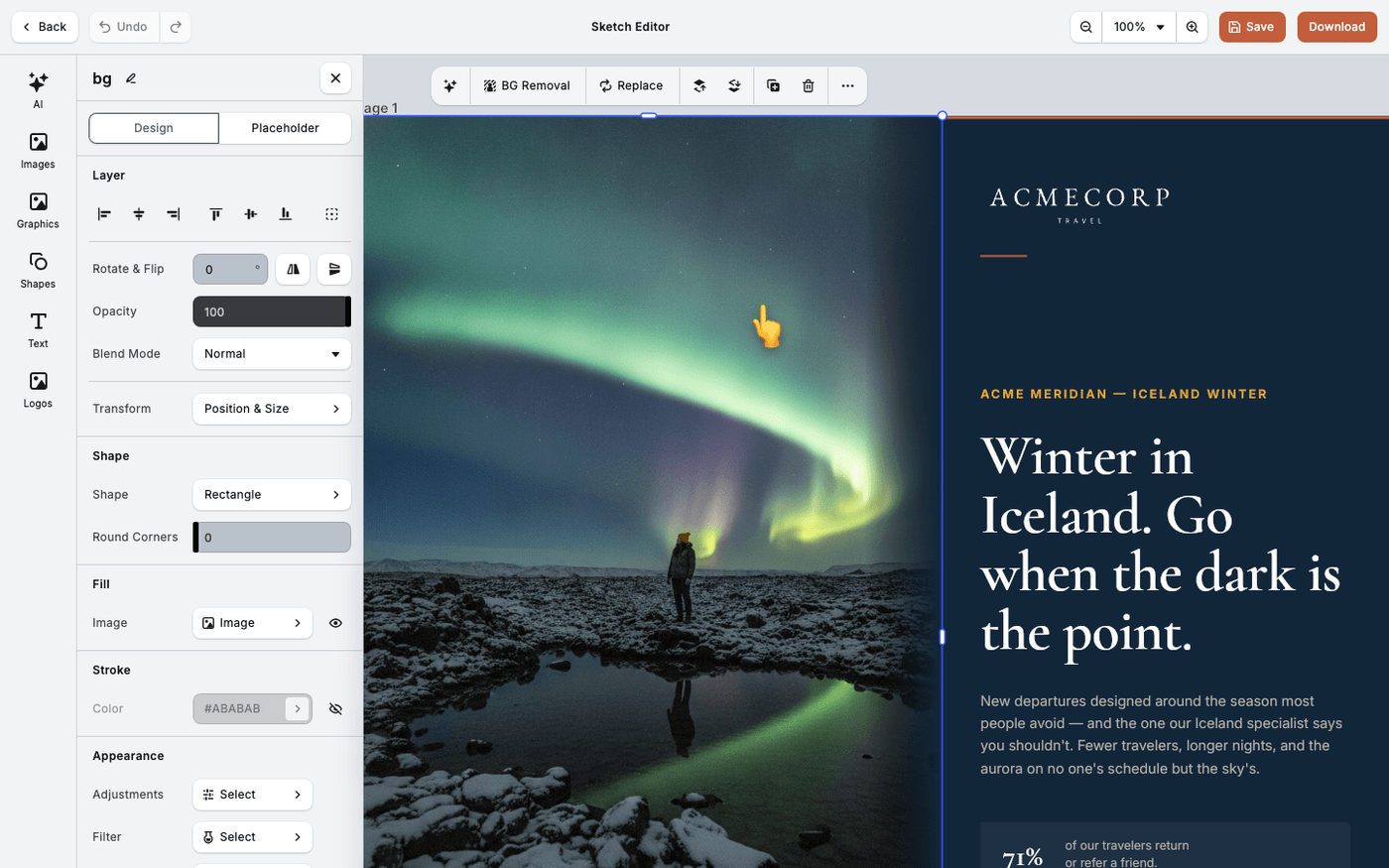
In short: Select the image → BG Removal on the toolbar above it.
A subject without its background sits on any colour, any photo or any layout. Protaigé removes the background in the editor, so you do not need another program. It takes a moment.
Select the image
Click the image on the canvas. A small toolbar appears above it.
Press BG Removal
Press BG Removal, the first button on the toolbar. The image is processed in place. Its size, position and crop stay as they were.
Check the edges
Zoom in and look at hair and fine detail. That is where a cutout shows its work. If it is not clean, try a photo with a plainer background.
BG Removal is in every editor, including the Sketch Editor and the video editor. The cut-out image is saved to your library, so you can use it again.
Last updated 14 August 2026