In short: Brand DNA → any library → Upload. Read the limit under the drop zone, and keep each file under it.
Each library in Protaigé has a size limit per file. The upload area shows the limit before you choose files. If a file is too big, Protaigé stops it at once and names it. You do not wait for a long upload that fails at the end.
The limits differ by library. A 400MB video is normal. A 400MB logo is not.
Read the limit before you upload
Look at the hint line under the drop zone. It shows the file types and the limit, for example 'Up to 8 files (.jpg, .jpeg, .png, .webp, .gif), up to 25MB each'. Where a library has a different limit per file type, each type is named with its own limit.
Know the limit for the library you are in
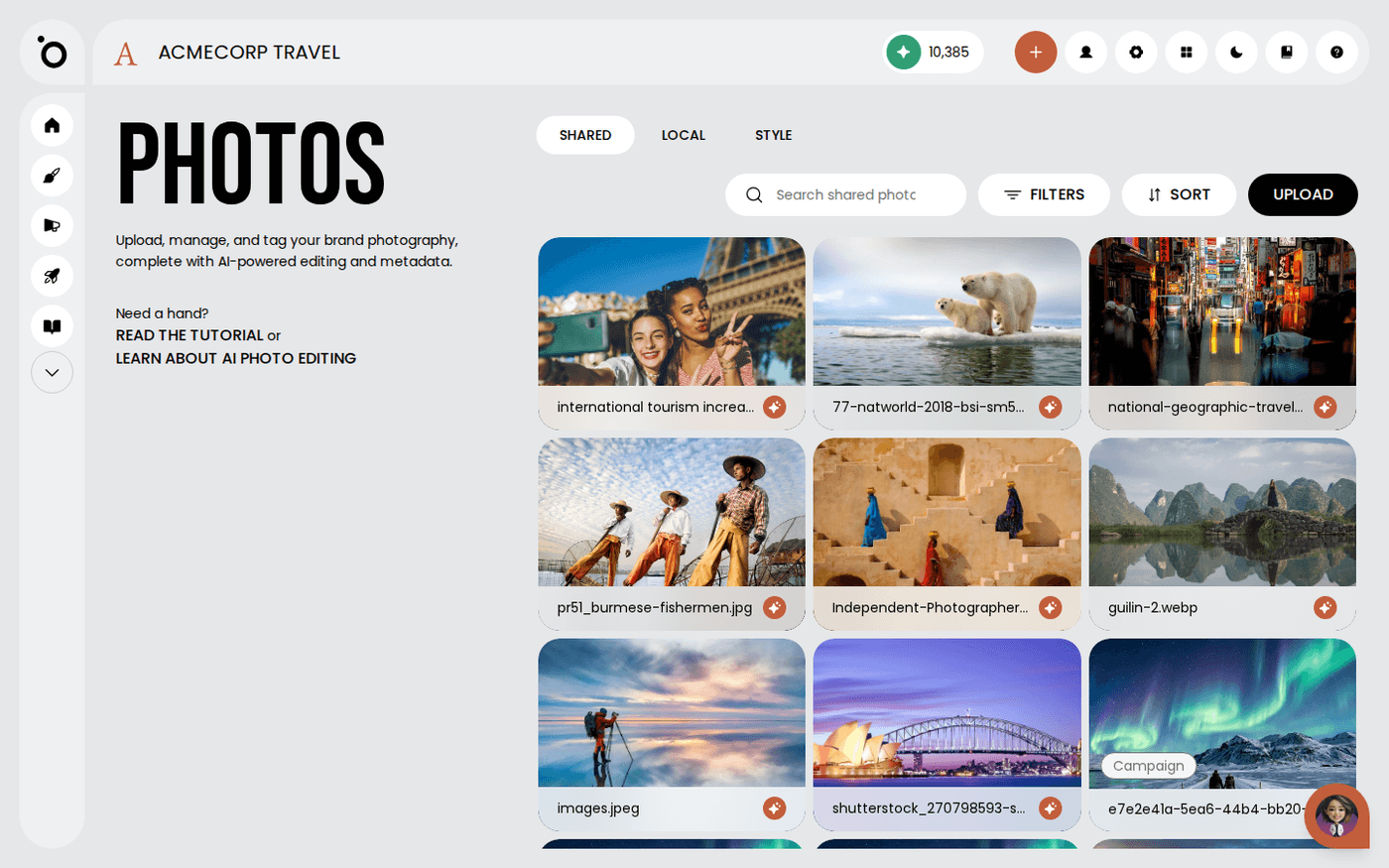
Photos, local media and campaign images take up to 25MB per file. Logos, graphics and icons take up to 10MB. Persona and product PDFs take up to 50MB. Design kit PDFs take up to 50MB. Audio takes up to 25MB. Video takes up to 500MB.
Read the message, which names the file
A file that is too big is named, for example 'holiday.png is 12.3 MB, over the 10MB limit.' You get one line per file. You know which files to resize.
The rest of your selection still goes through
If only some files are too big, the others are accepted. The message stays so you can see why some are missing. It clears when you make a selection with nothing refused.
Watch the file count too
Photo uploads take eight files at a time. Video and audio take ten. If you choose more, Protaigé tells you how many more you can add, and keeps only that many.
The same check runs in the editor
When you drop a file straight onto a canvas, Protaigé checks it against the same limit before it uploads. A file that is too big is stopped with the same message.
When the message comes from the platform
Some files are refused after upload, for example an empty file or an image with too many pixels. The message then gives the reason and the fix, for example 'Resize or compress the image, then upload it again'. Icons upload one at a time, so if several are refused you see every reason.
If a small file is refused, check its format. Photos do not accept SVG. Local media takes JPG, PNG and WebP only. Vector files belong in Logos, Graphics or Icons.