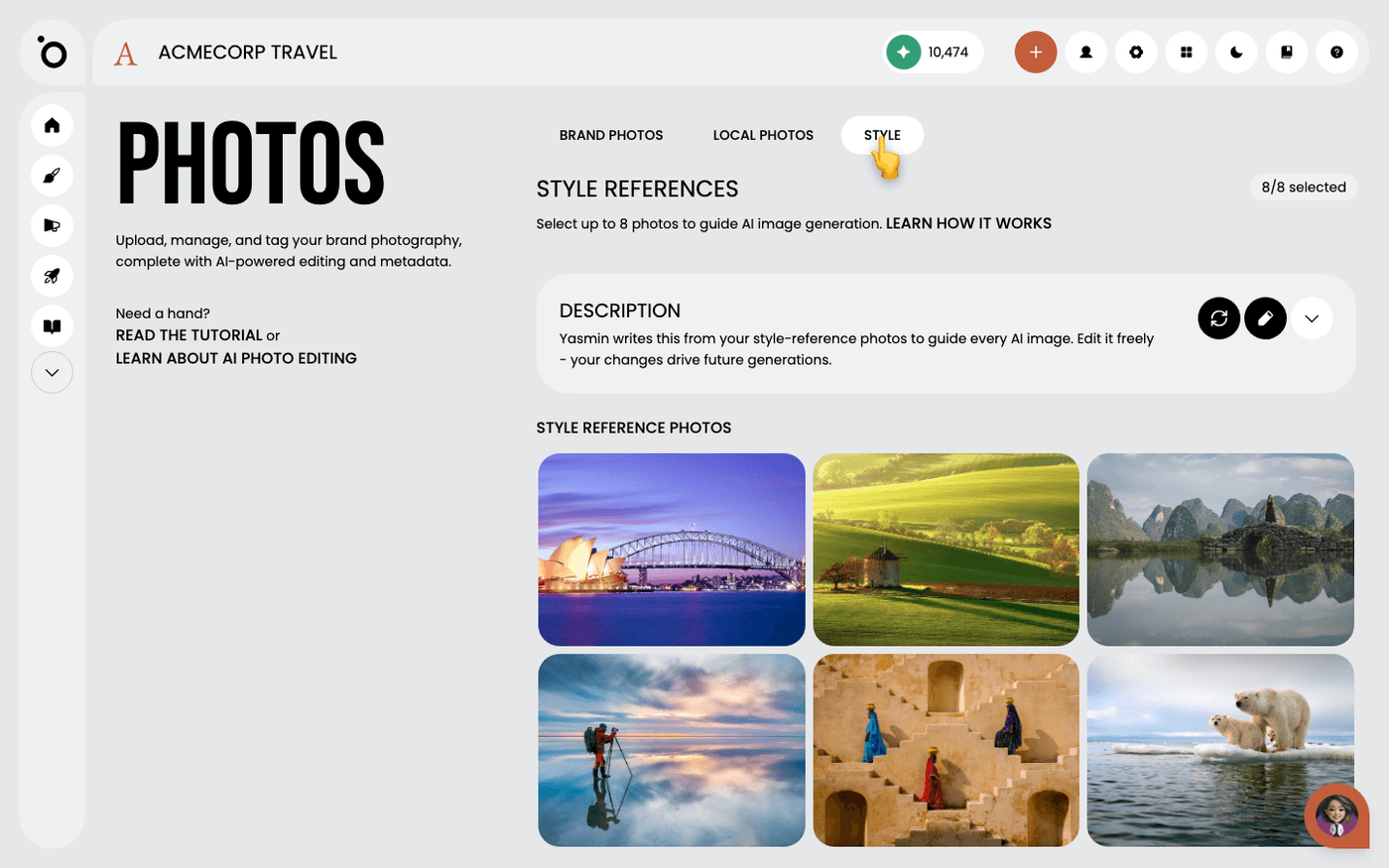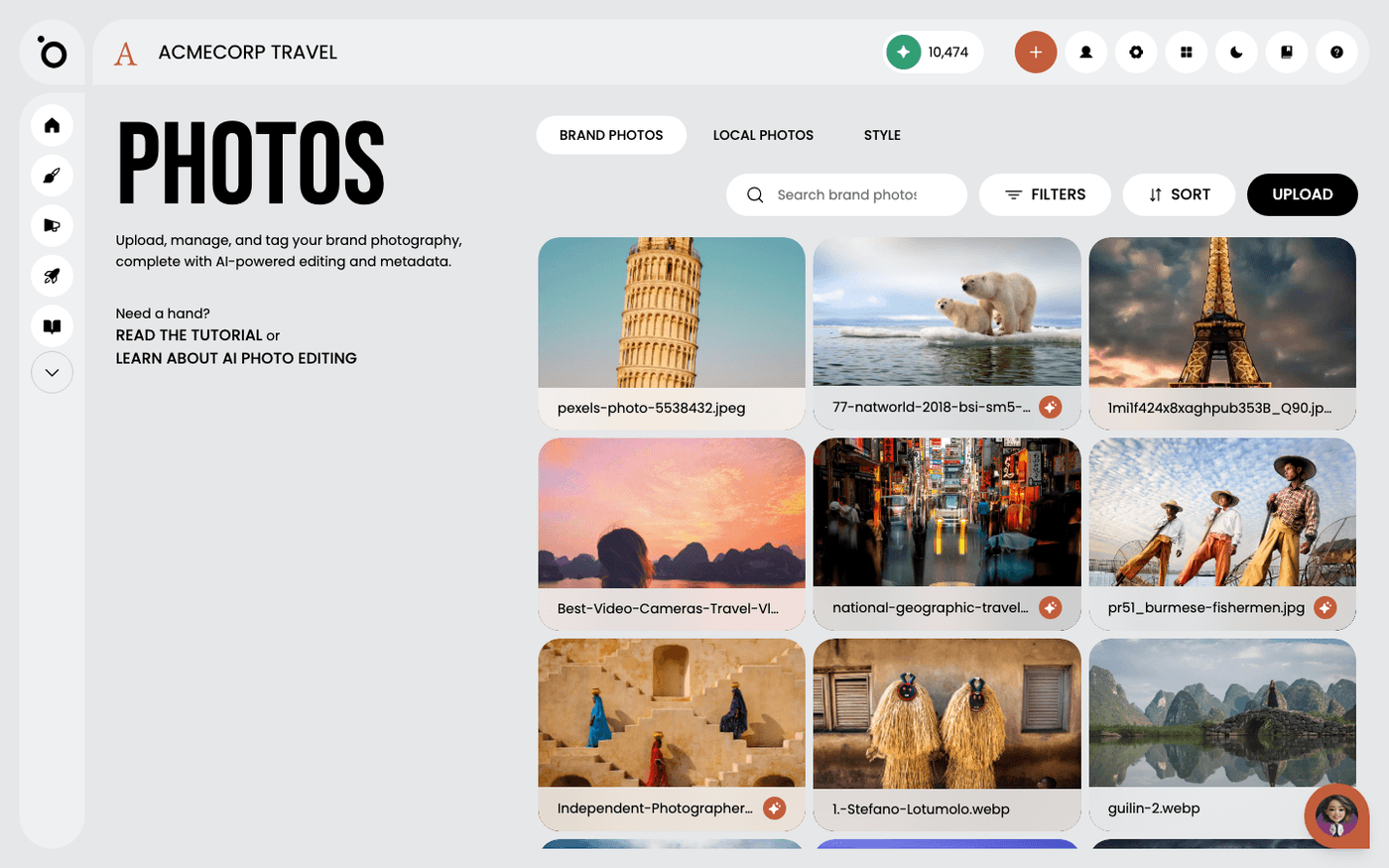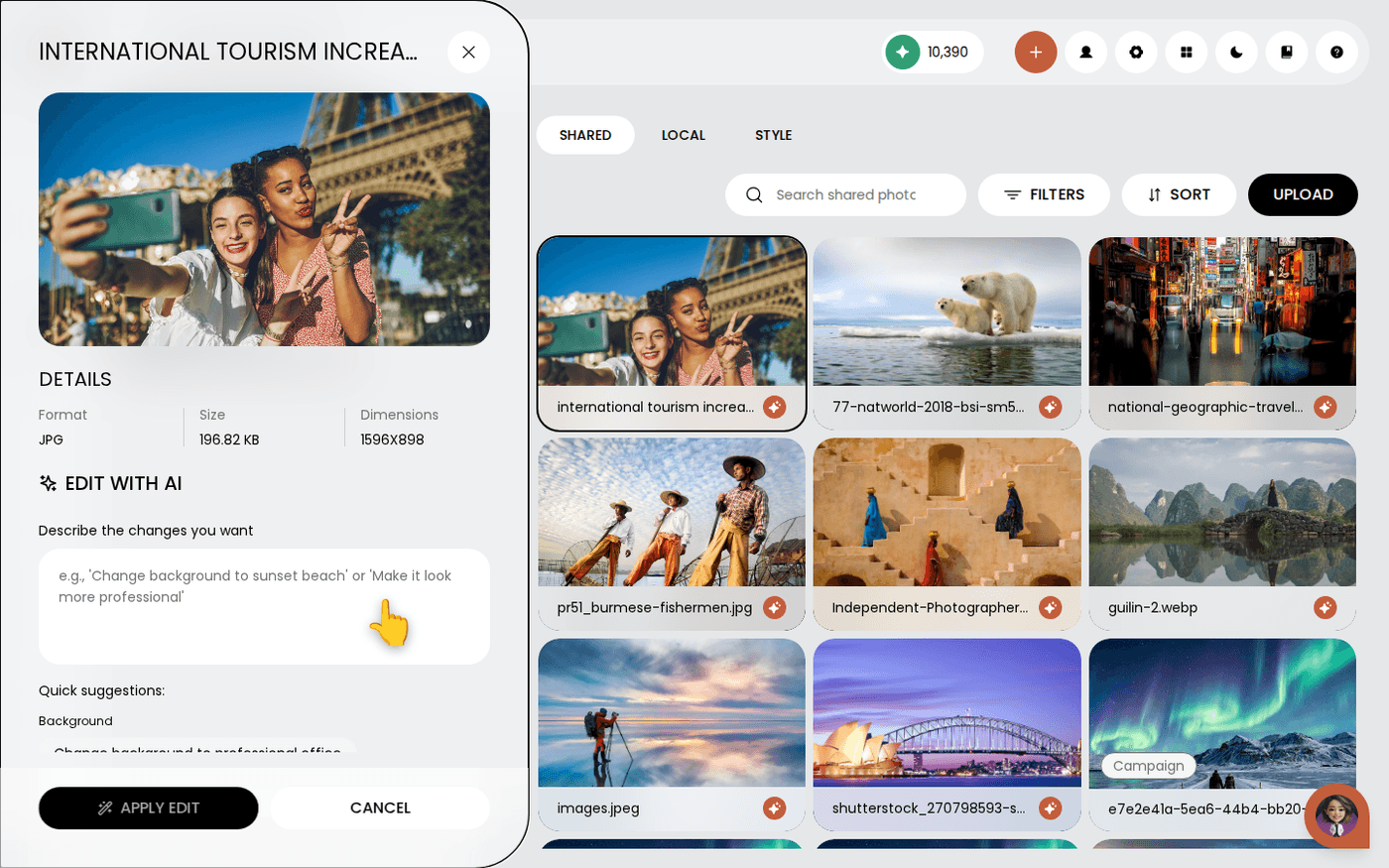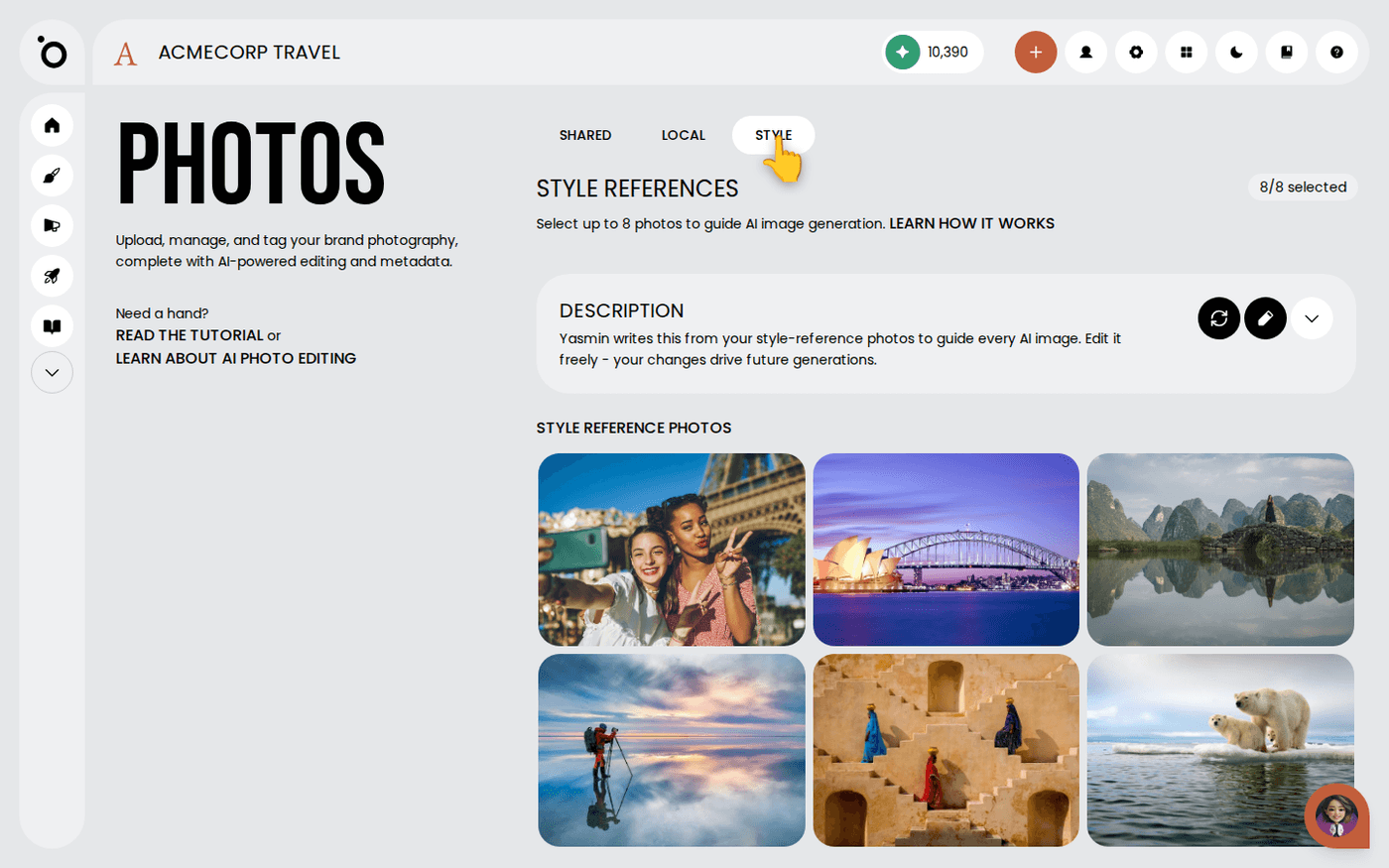
In short: Brand DNA → Photos → Style tab. Press the pencil on the Description and say what you want. If that is not enough, change the reference photos and press Refresh.
Protaigé creates images from two things: your style reference photos, and a short written style description it makes from them. When images keep coming back wrong, regenerating rarely helps. Change what Protaigé is being asked for instead.
There are three fixes. Try them in this order. It takes about four minutes.
Edit the style description first
Open Brand DNA, then Photos, then the Style tab. The Description panel sits above your reference photos. Press the pencil and write in plain words what you want, for example "shot on film, muted, natural light, no studio backdrops". Save. The next image follows your words. This is the quickest fix, so start here.
Say what you do not want
A photo can only show what your brand does. The description can also say what your brand avoids. Add a line such as "never use dark backgrounds". That is often the fastest correction of all.
Change your reference photos
If the description keeps drifting back to a look you do not want, the reference photos are the cause. In the Style tab, remove the ones pulling that way. Then mark photos that show what you mean. Open a photo in the Shared tab, open the three-dots menu next to Download, and choose Set as style reference.
Check the set agrees with itself
Eight references with eight different looks average out into something bland. Four photos that agree beat eight that argue.
Refresh, then regenerate
After you change the references, press Refresh above the Description so it describes the new set. If you edited the description yourself, Refresh replaces your edits and asks you to confirm first. Then create your image again. Changes apply to new images only. Anything already made stays as it is.
If images are still wrong after all three fixes, the problem is usually the brief, not the style. A request for something your references never show will fight your style instead of following it.
Last updated 24 September 2026