The Protaigé Academy
/
Protaigé Academy
/Adding persona profiles
Adding persona profiles

Adding persona profiles

What you'll learn

Build personas with demographics, goals and challenges

Series
2.12
Section
Brand DNA
Last Updated
Feb 4, 2026 8:54 PM
Status
Live
icon
Previous Tutorial
icon
Next Tutorial

TL;DR: Upload persona files to power targeting in every campaign.

Meet your audience before you speak to them

A persona is a detailed snapshot of your ideal customer — their goals, frustrations, needs, and behaviour patterns. It helps you move beyond vague assumptions and start speaking your audience’s language.

In Protaigé, personas are essential. They inform every campaign you generate, ensuring your messaging lands with the right people, in the right way. From headline tone to visual choice, your persona gives our platform the context it needs to create campaigns that feel personalised, relevant, and strategically on-point. The more specific your personas, the more targeted the creative output.

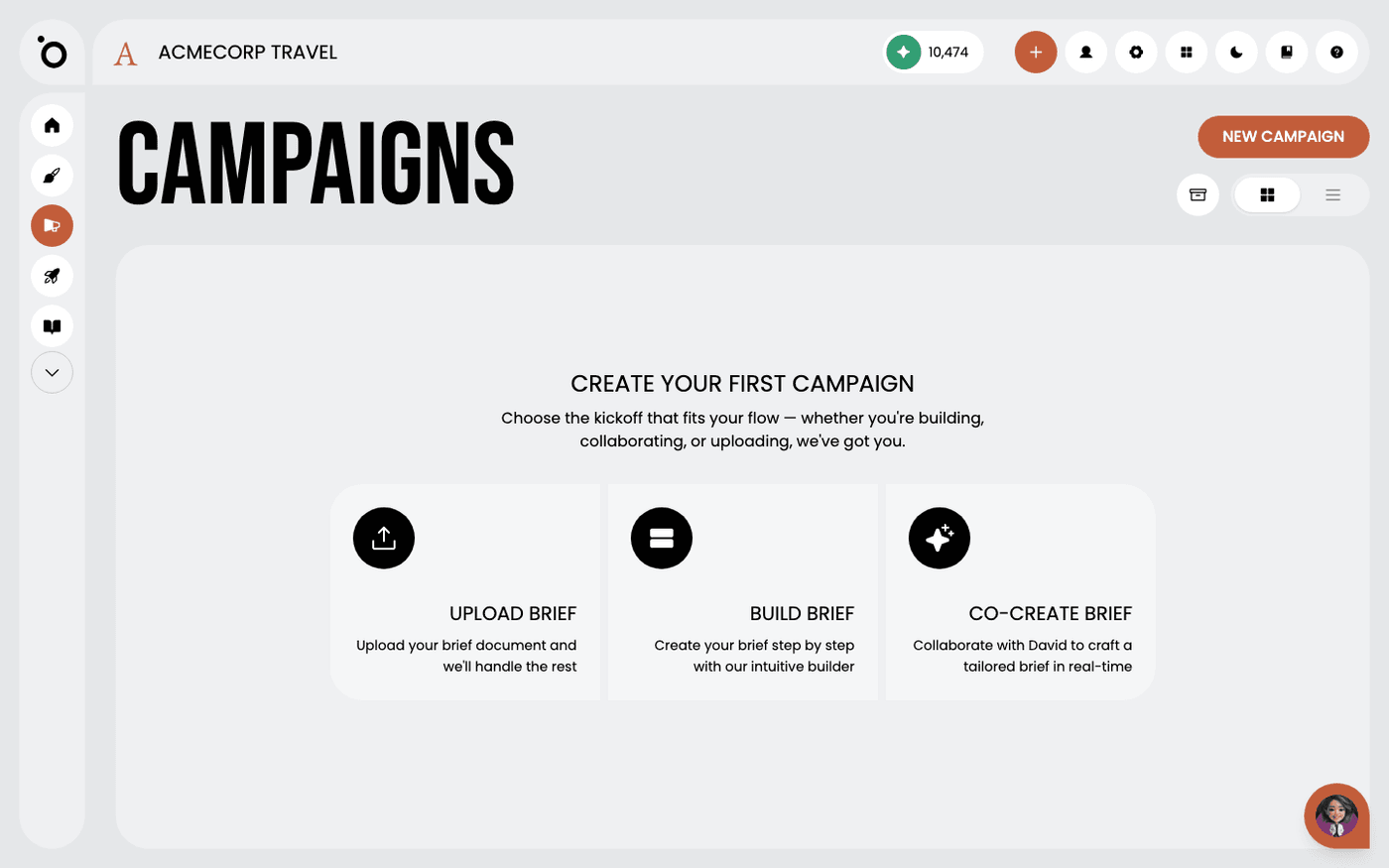
🚨 You need at least one persona to generate a campaign.

⚠️

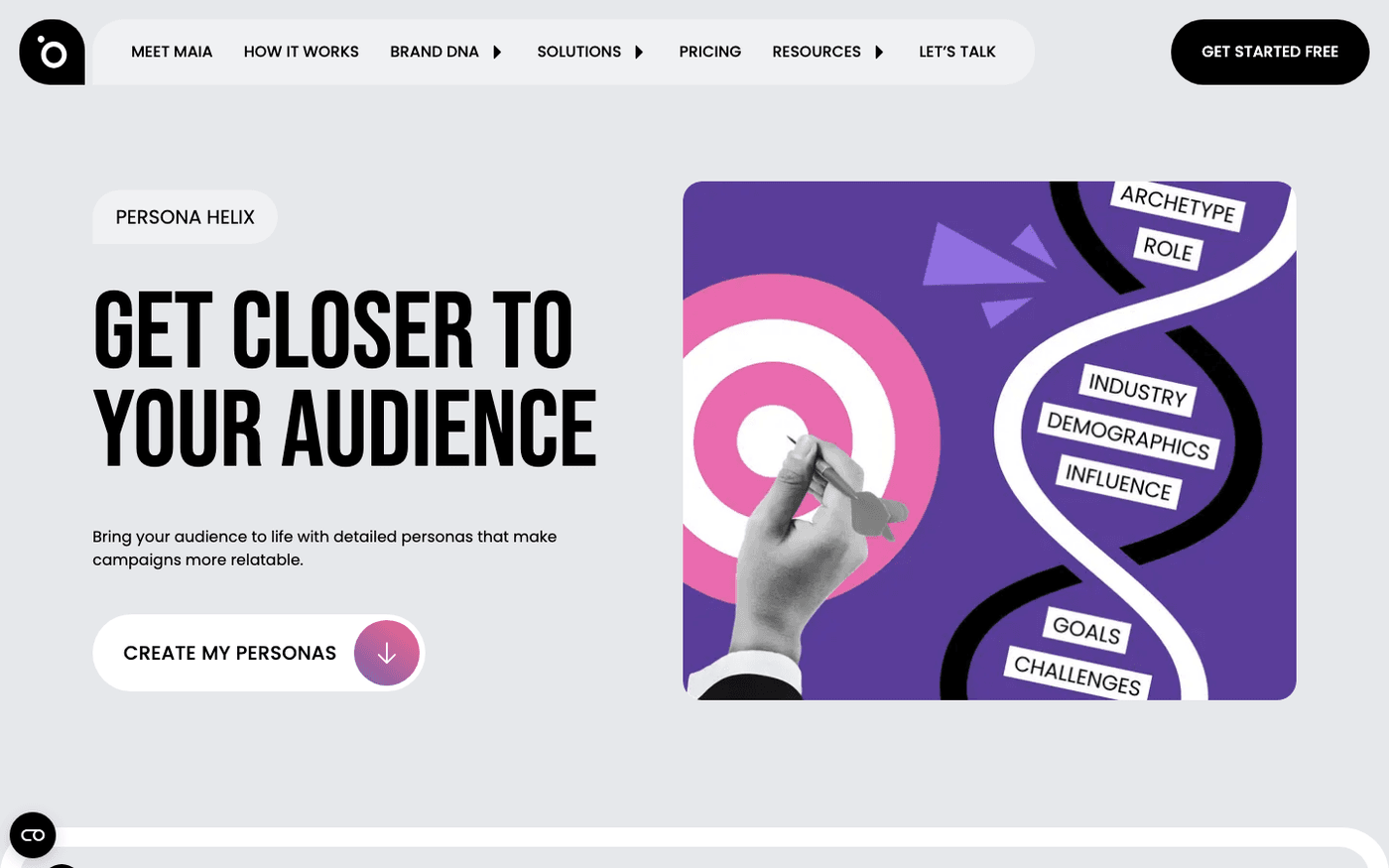
Don’t have your personas defined? Use our Persona Helix AI to generate some from your website.

A step-by-step guide

image

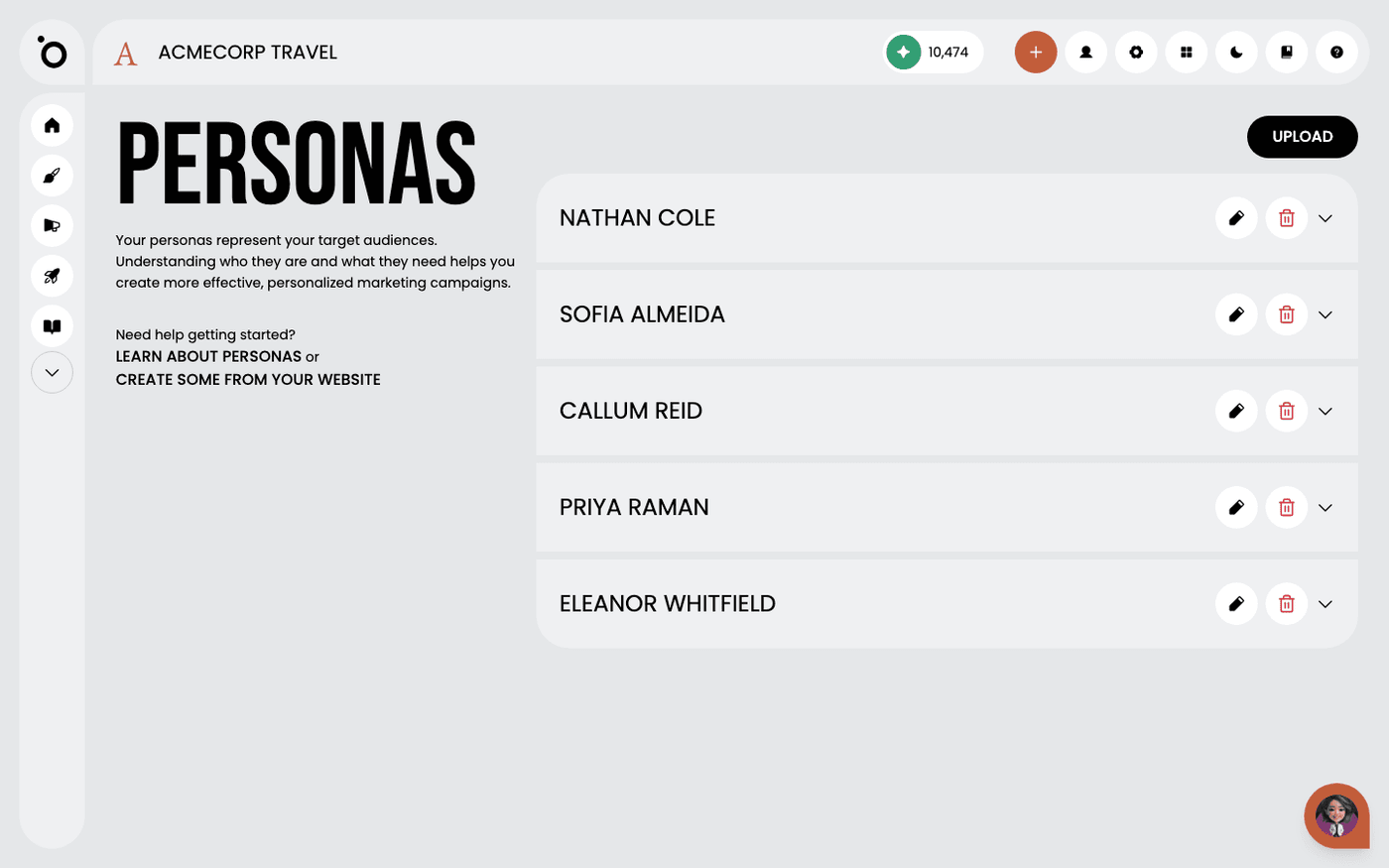
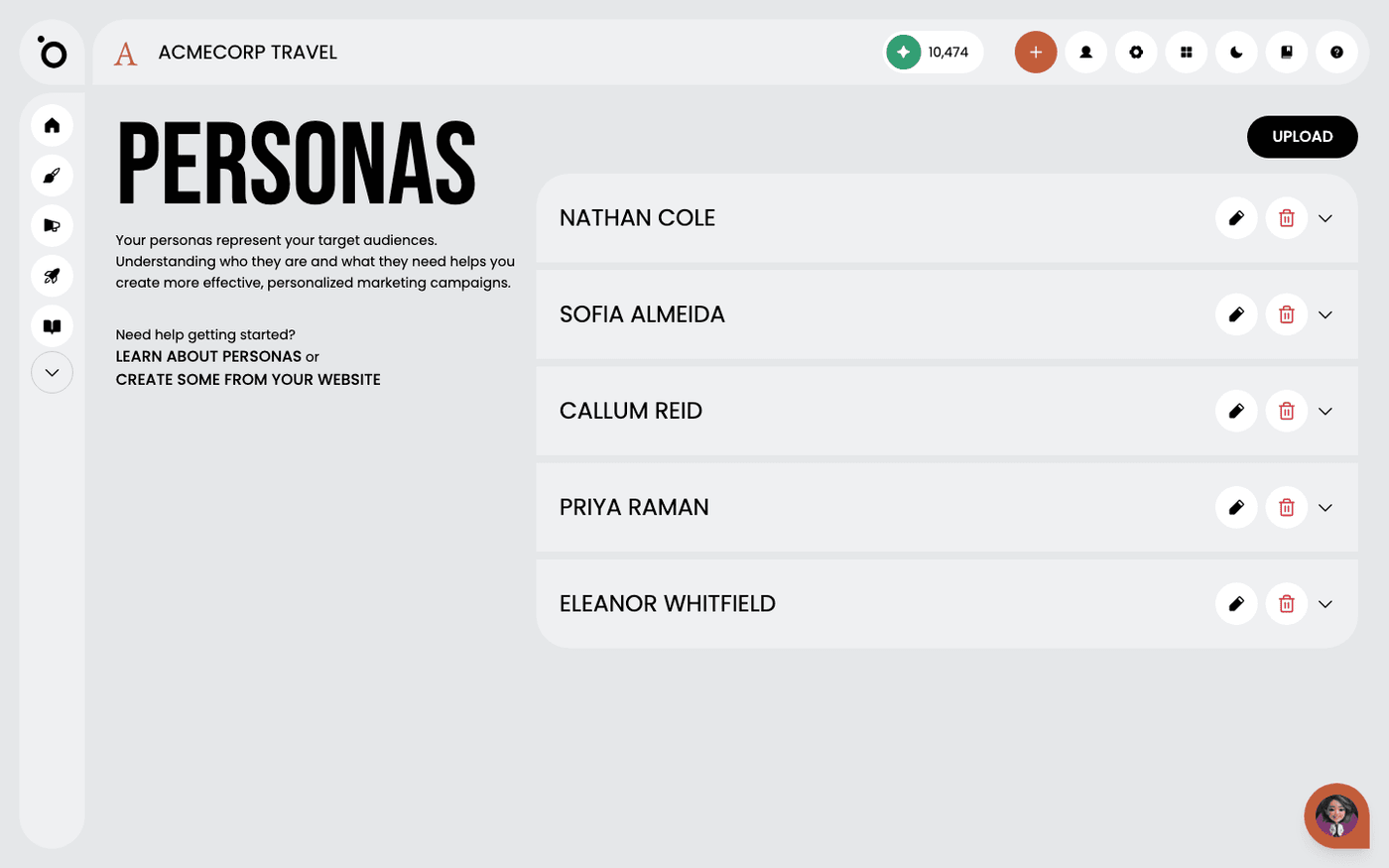
1. Navigate to the PERSONAS section to manage or review customer persona profiles.

image

2. Begin by selecting Upload or simply drag and drop your target audience documentation into the designated area.

image

3. Browse through folders to locate the files you want to upload, select them and click Open.

image

4. Review your chosen files, then proceed to initiate AI ingestion.

image

5. Click UPLOAD FILES.

image

6. After your personas are ingested, expand each profile to explore their detailed insights.

image

7. Use the Delete icon to remove a persona profile from the system.

image

8. Click the UPLOAD button to add more persona profiles to your audience segments.

icon
Previous Tutorial
icon
Next Tutorial