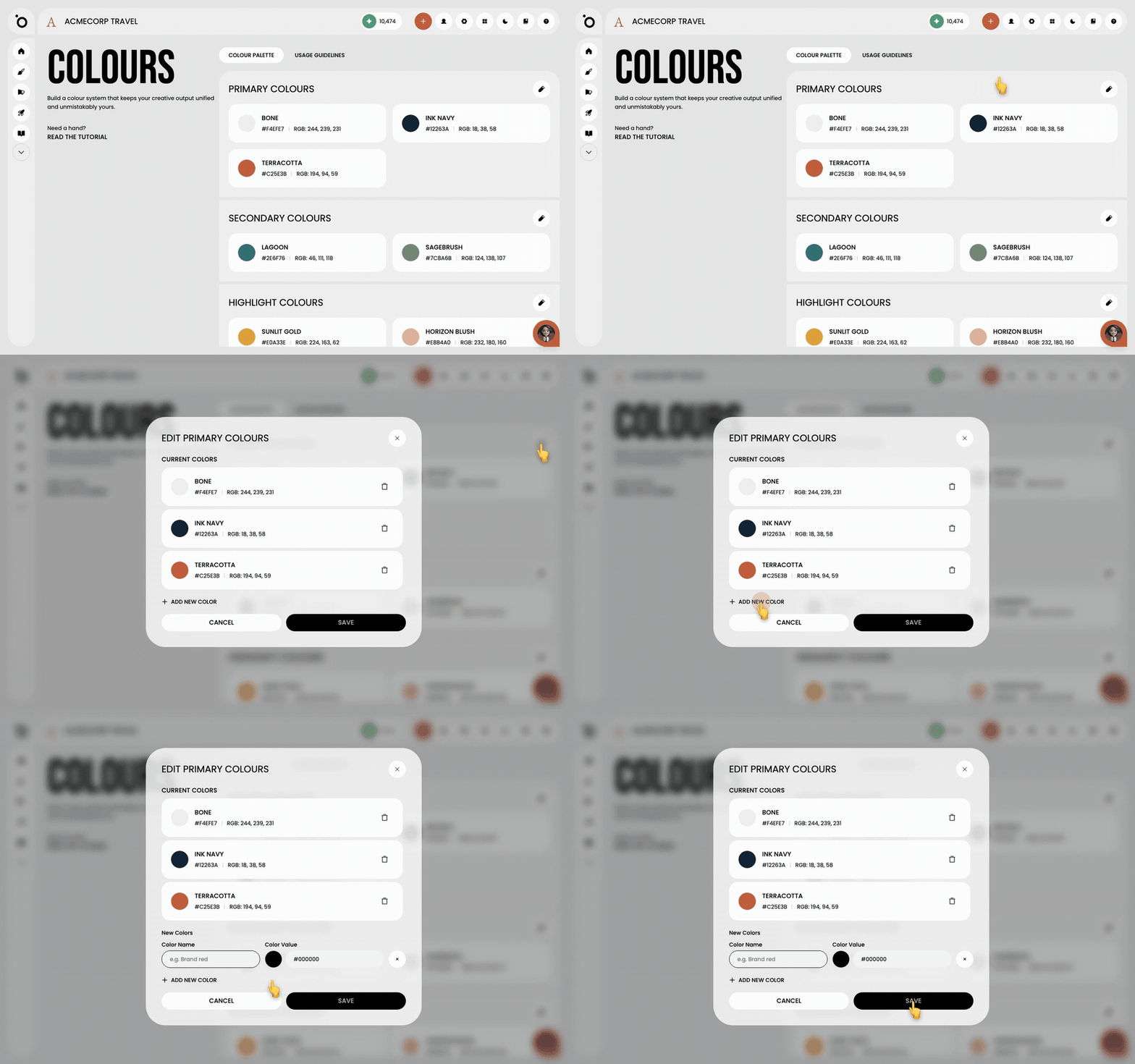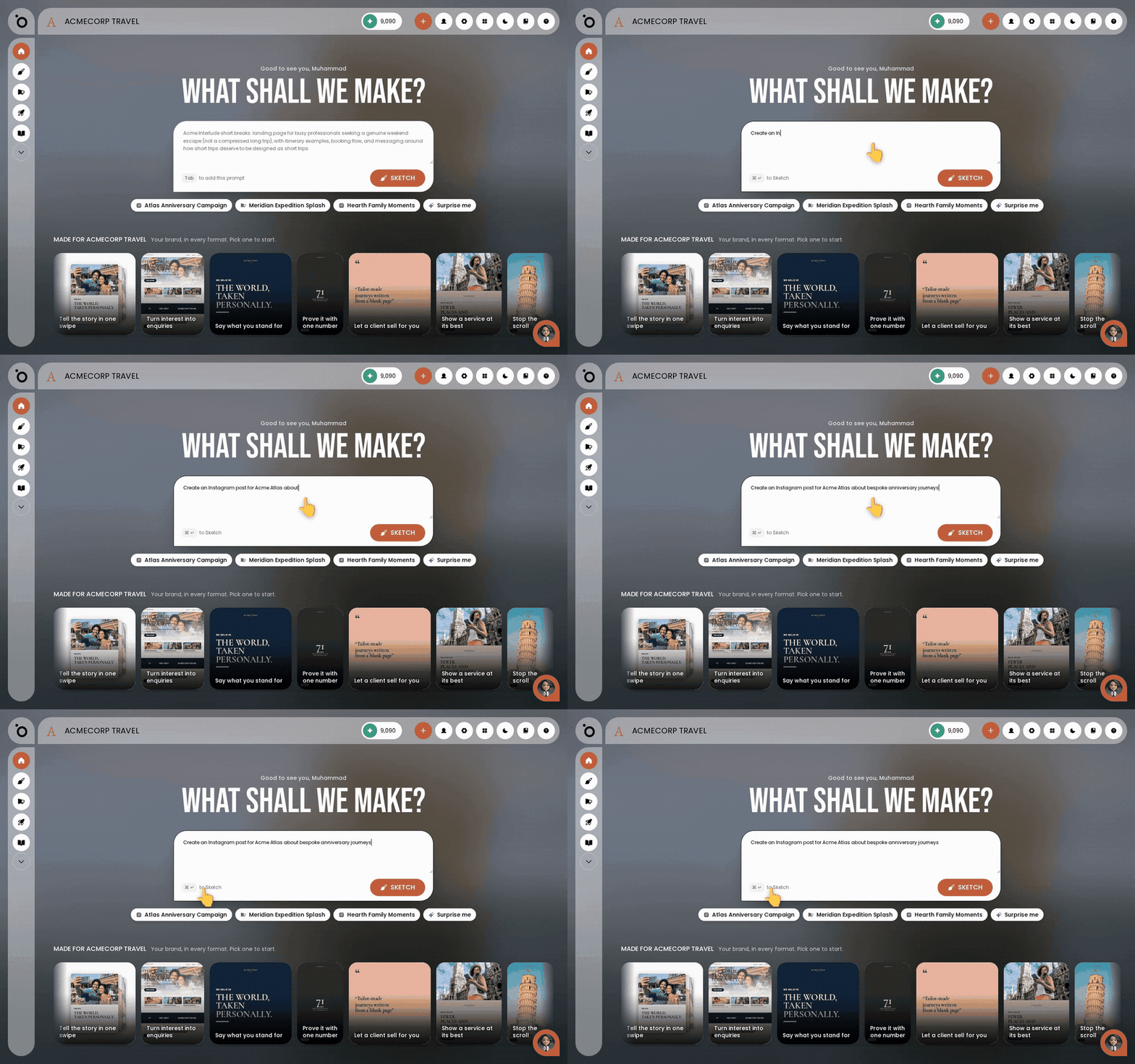
In short: Lobby → type what you want in the prompt box, or pick a suggestion → press Sketch.
The Lobby is the first screen you see in Protaigé. It is the fastest way to start anything. You do not search through menus. You describe what you want, and the work starts from there.
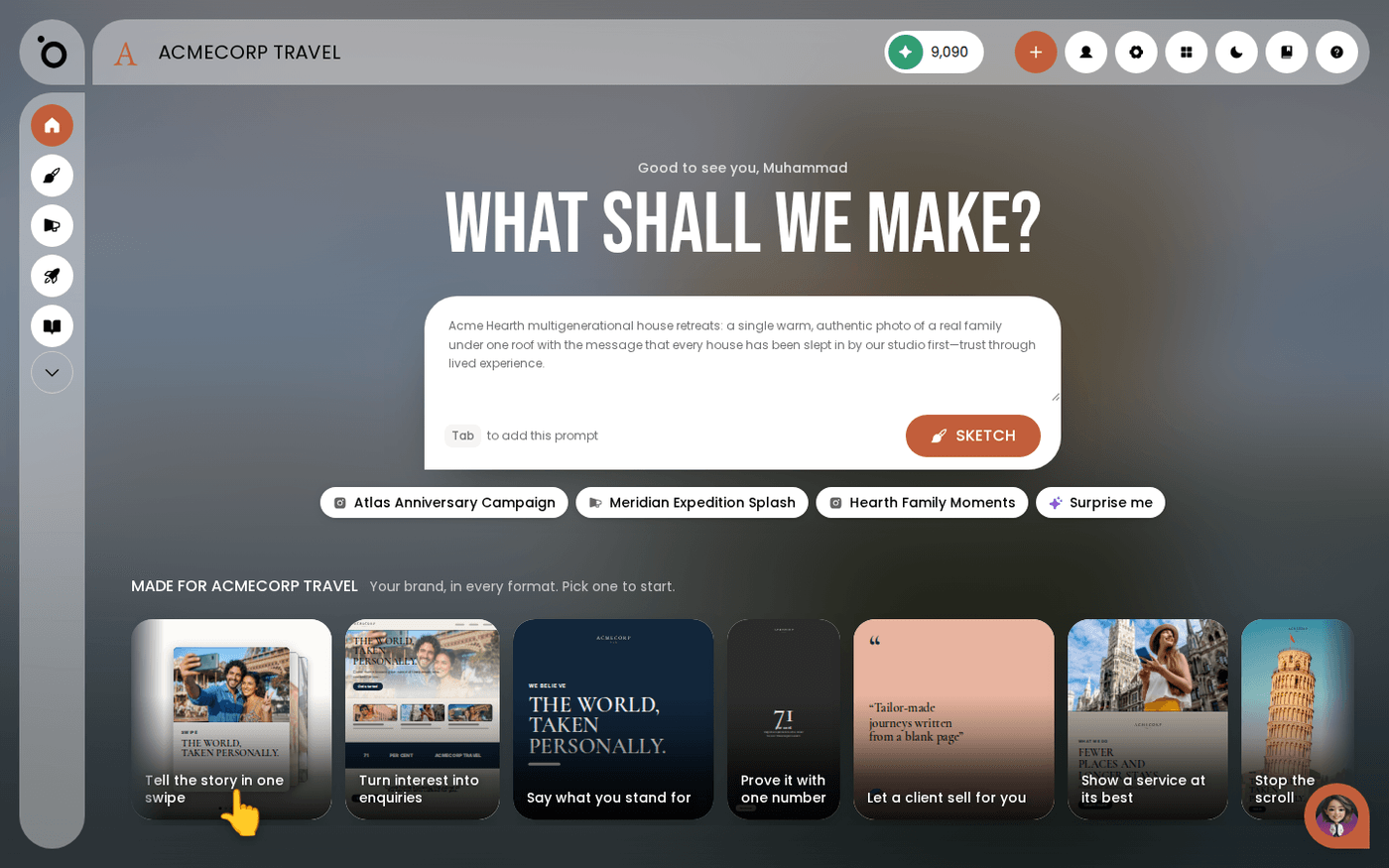
Everything on this screen already knows your brand. The suggested brief, the idea chips and the format gallery are all built from your Brand DNA. This page takes five minutes.
Say what you want
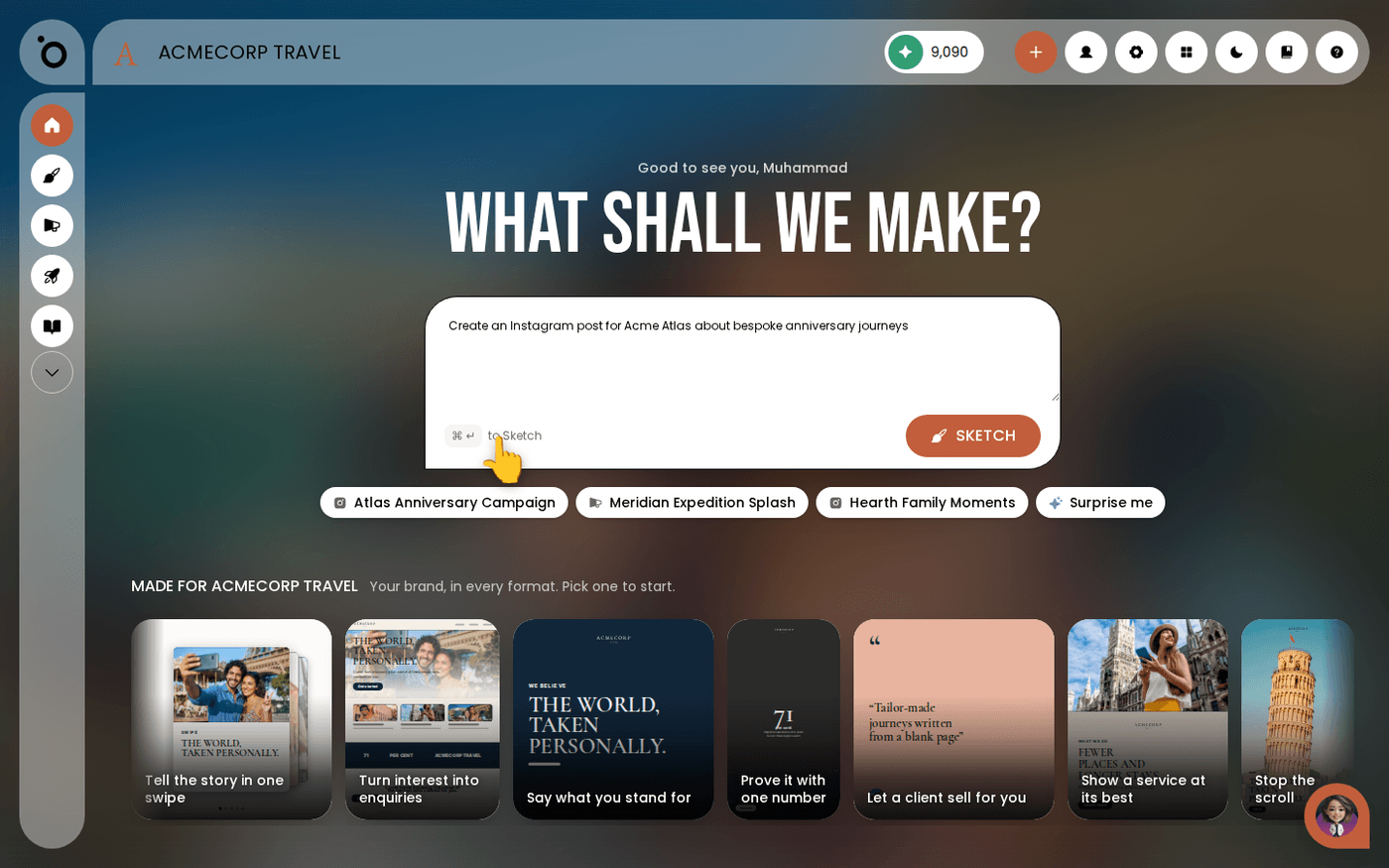
Type it into the prompt box the way you would say it to a colleague. "Create an Instagram post for Acme Atlas about bespoke anniversary journeys" is enough. There is no formula to learn. If the box already shows a suggested brief you like, press Tab to use it.
Or pick a suggestion
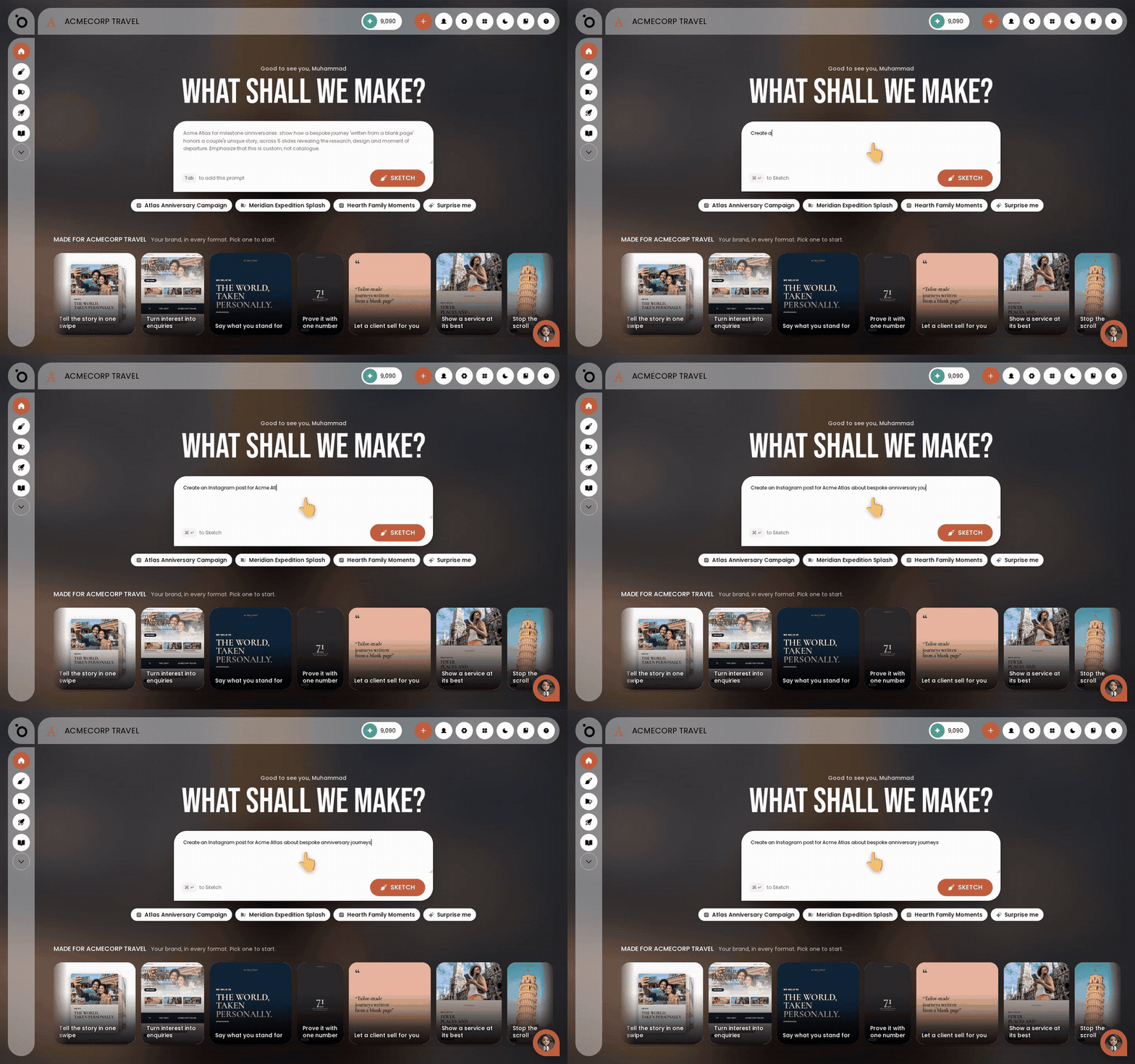
The chips under the prompt box are ideas based on your brand and your products. They change as your Brand DNA changes. Click one to use it. Press Surprise me for a random on-brand idea.
Or choose a format
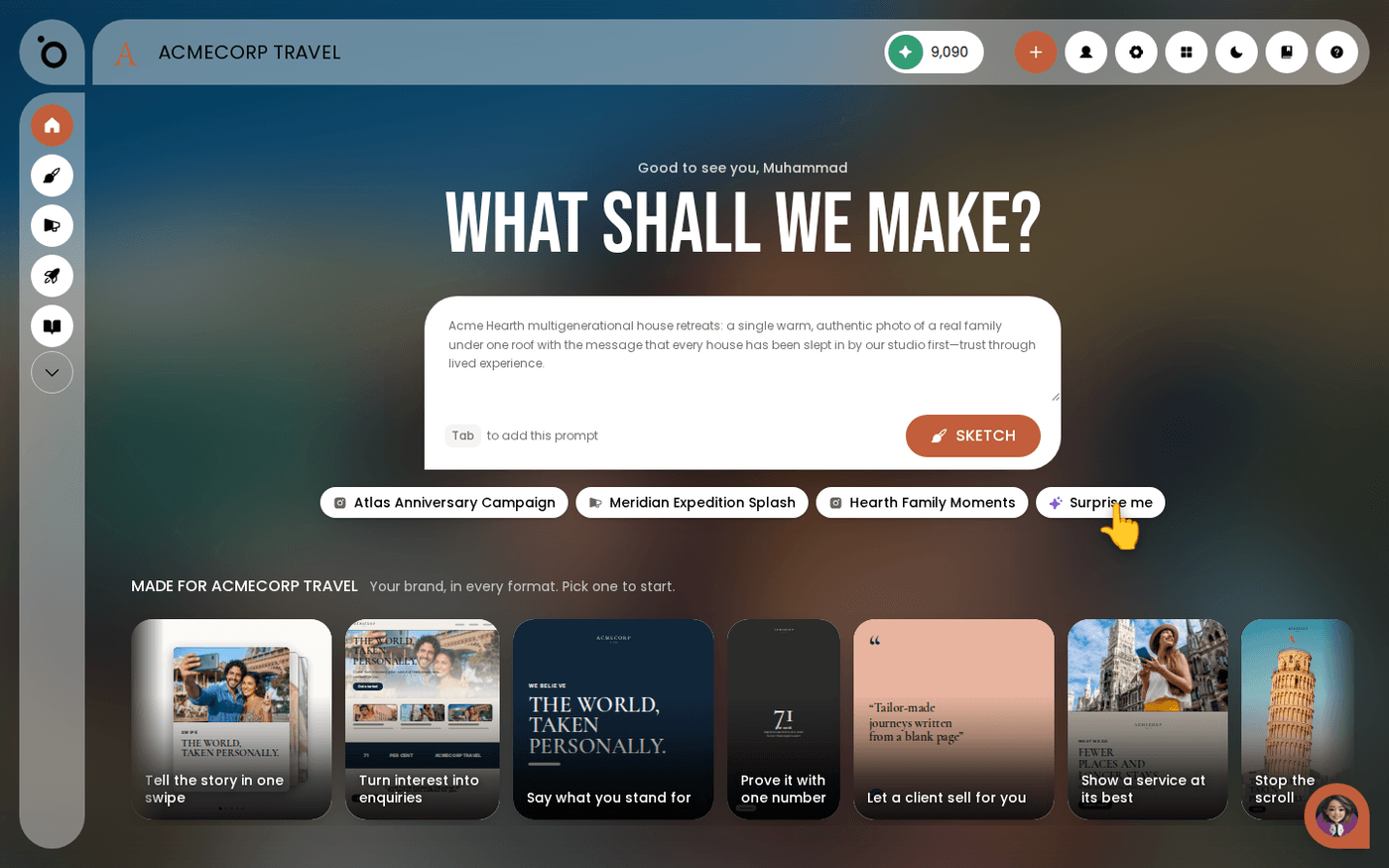
Below the prompt box is a gallery called Made for your brand. Each card is a format, such as a post, a story, a carousel, a poster or a landing page. It is already in your colours and fonts. Click one to start from it.
Press Sketch
Press Sketch. Maia takes your brief and starts building the work in Sketch Studio, the canvas where Maia composes your design. Your colours, fonts and tone carry across. You do not set anything up.
The Lobby is always one click away. Press the house icon in the left rail to come back. Your recent work is listed under Continue where you left off.
Last updated 10 September 2026