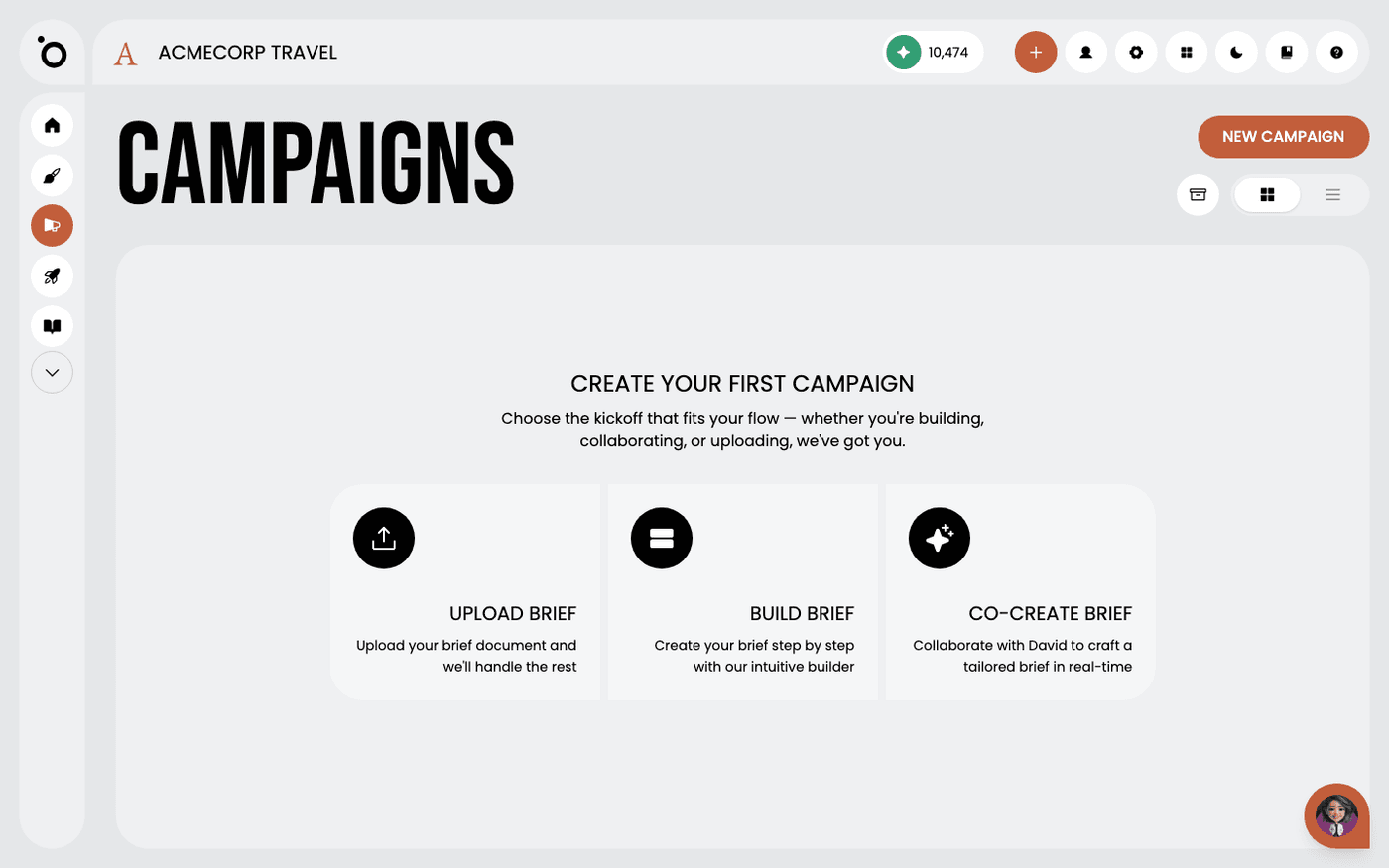
In short: Campaigns → New Campaign → Build Brief. The Brief Builder opens. Fill in the fields marked with a star, then press Create Campaign.
The Brief Builder is the hands-on way to start a campaign. You open it with Build Brief on the New Campaign screen. It asks for one thing at a time. Products and personas come from your Brand DNA, so most answers are a choice, not a paragraph.
Fields marked with a star are required. The rest are optional, but they make the campaign sharper. The form takes about four minutes.
Name the campaign and set the goal
Give the campaign a short name. Pick one or more objectives from Awareness, Discovery, Consideration and Conversion. Then write the goal in one line, for example "Drive demo bookings for Product X".
Pick the product
Choose a product from the Product Library tab. It comes straight from your Brand DNA. If the product is not there yet, open the Custom Description tab and describe it. A custom description belongs to this campaign only. Then list the key messages or benefits for this campaign.
Pick the persona
Choose one or more personas from the Persona Library tab. This choice changes the tone of everything Protaigé writes. If the audience is new, open the Custom Persona tab. Fill in a name, an occupation, the pain points and how the product solves them, then press Add Persona.
Say what the audience should do
The call to action is required. Answer "What action should your audience take?" in a few words, for example "Book a free demo". Create Campaign stays greyed out until this is filled in.
Add what only you know
The optional fields hold the context Protaigé cannot guess. Add audience research, a link or a file, the countries you target, and any special deal. List anything that must be included or avoided. The content formats picker at the bottom is marked coming soon, so leave it.
Create the campaign
Press Create Campaign. If the button is greyed out, a required field is still empty. The campaign opens on its Brief stage, where Maia structures your answers into a campaign brief.
If the Product Library or Persona Library is empty, the form offers Create Product or Create Persona. Fill in Brand DNA first. A richer Brand DNA improves every campaign you build after this one.