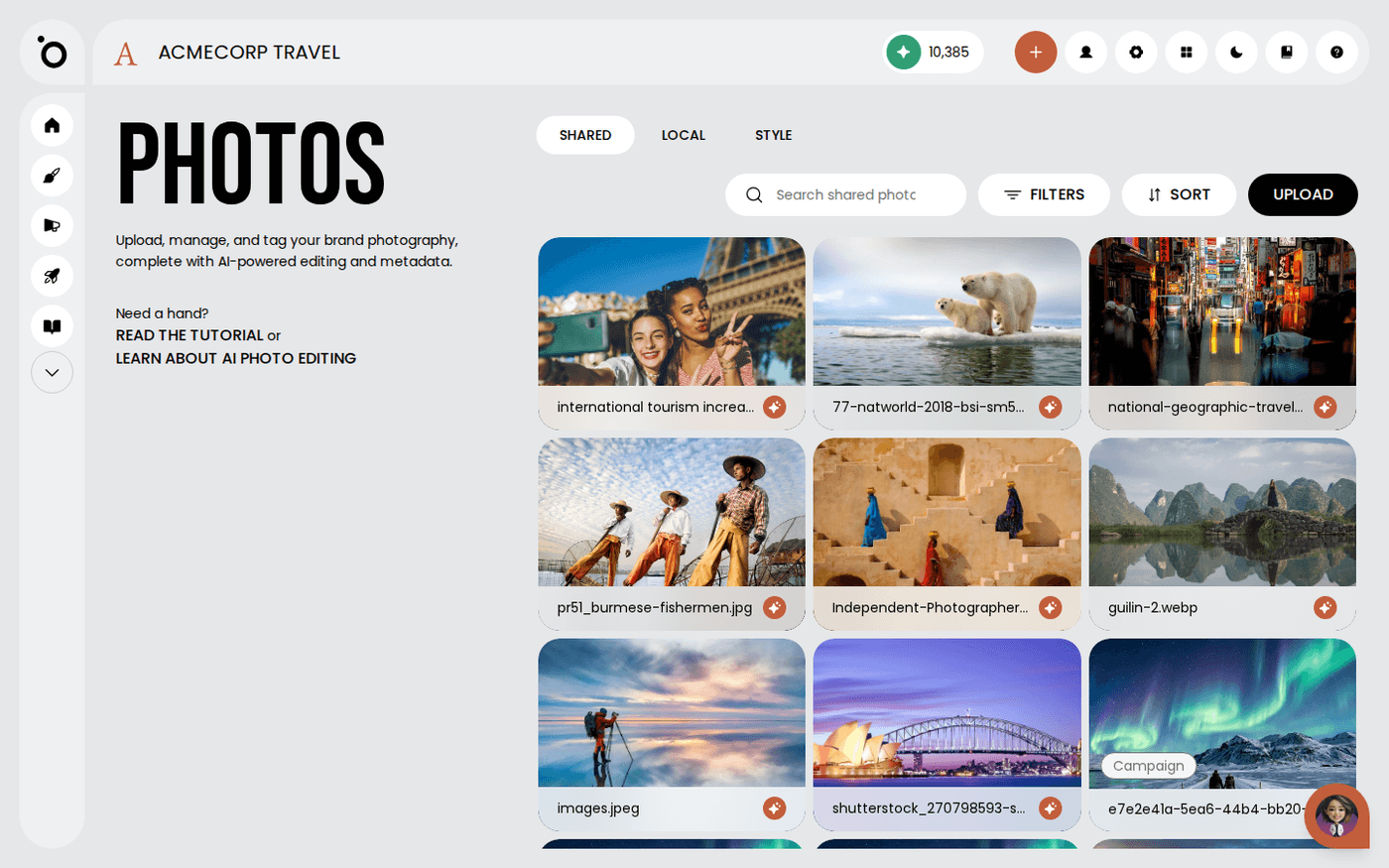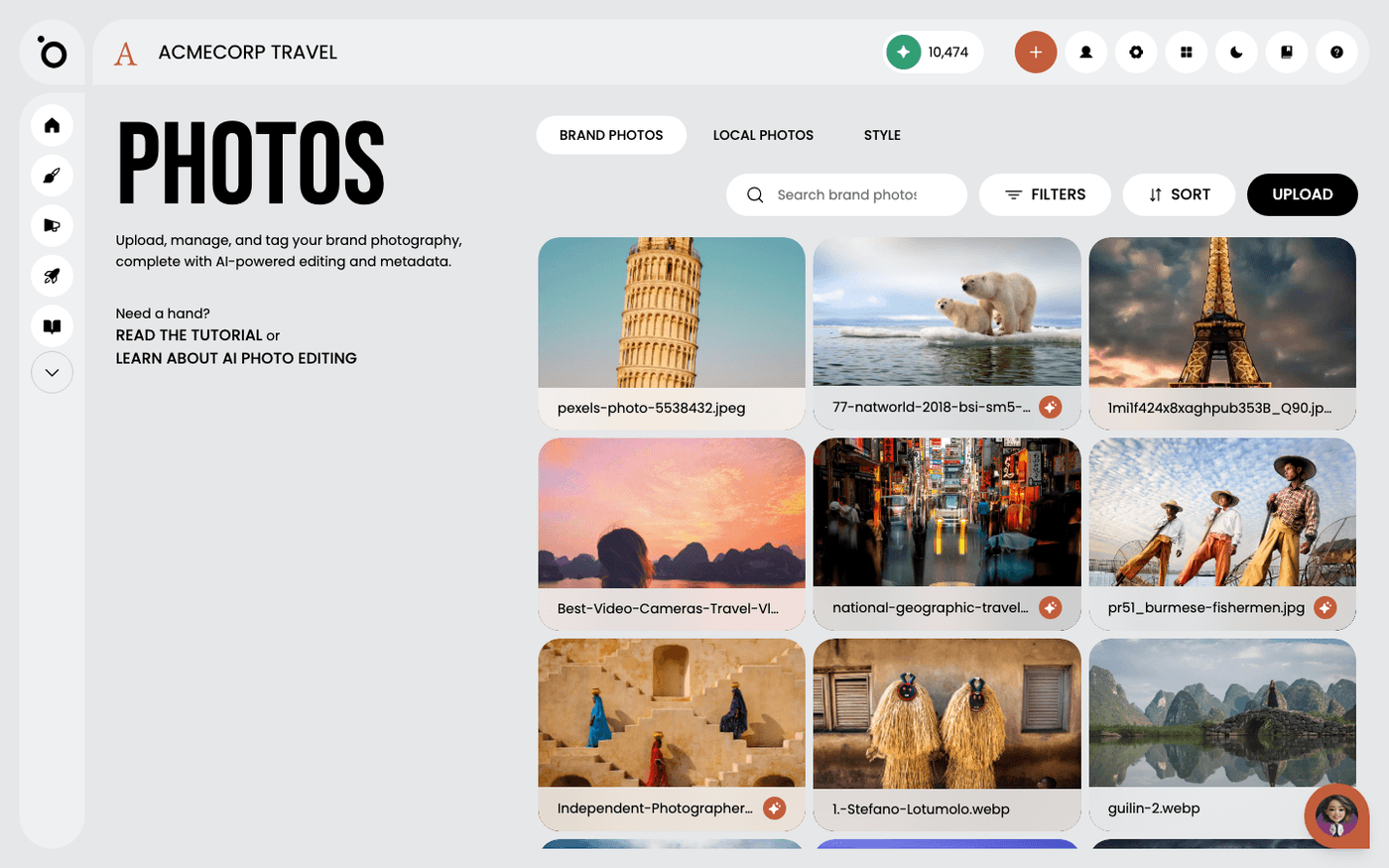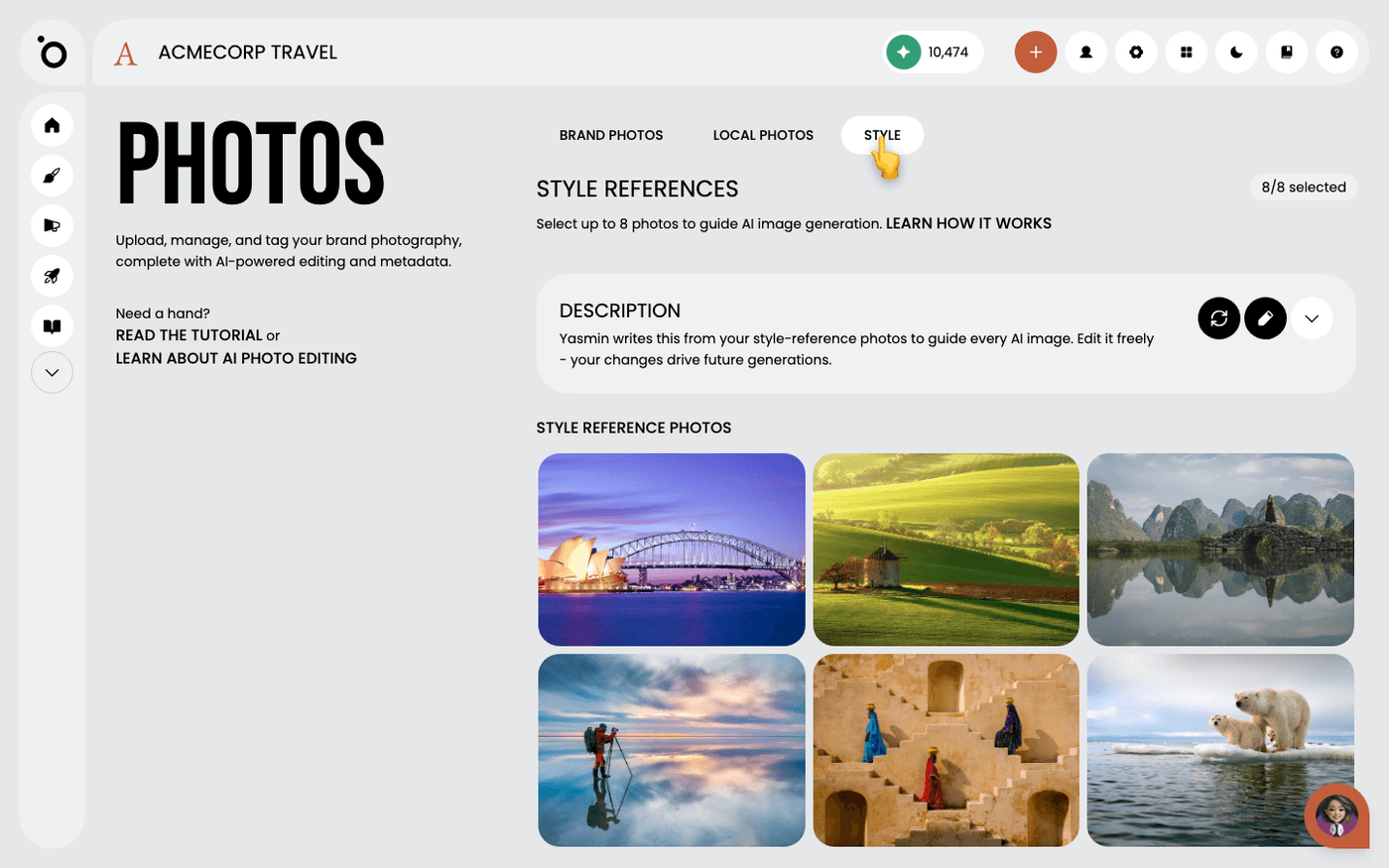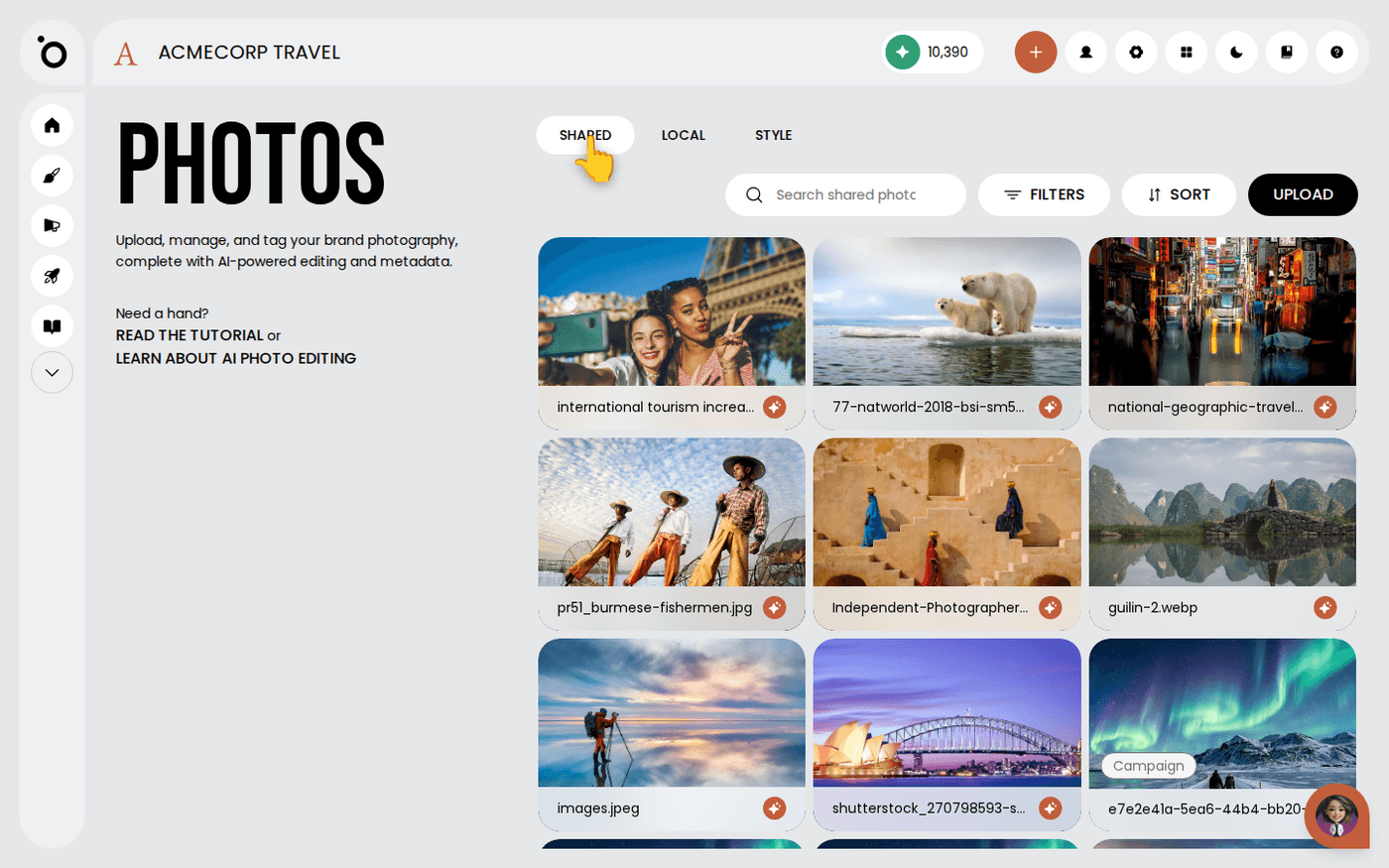
In short: Brand DNA → Photos → Shared or Local tab. Open a file, then its three-dots menu, then choose Move to Shared or Move to Local.
Every photo, video clip and audio file you upload sits in one of two tabs: Shared or Local. The tab decides who else can see the file, and whether Protaigé uses it when it creates work for your brand.
It is worth knowing this early. Upload to the right tab and your colleague finds the file. Upload to the wrong one and they ask you to send it over.
Shared is for the whole brand
Open Brand DNA, then Photos. The Shared tab holds the files everyone on the brand can see. Protaigé draws on these when it creates campaigns and images. Keep this tab for files that describe your brand. Videos and Audio use the same two tabs.
Local is yours
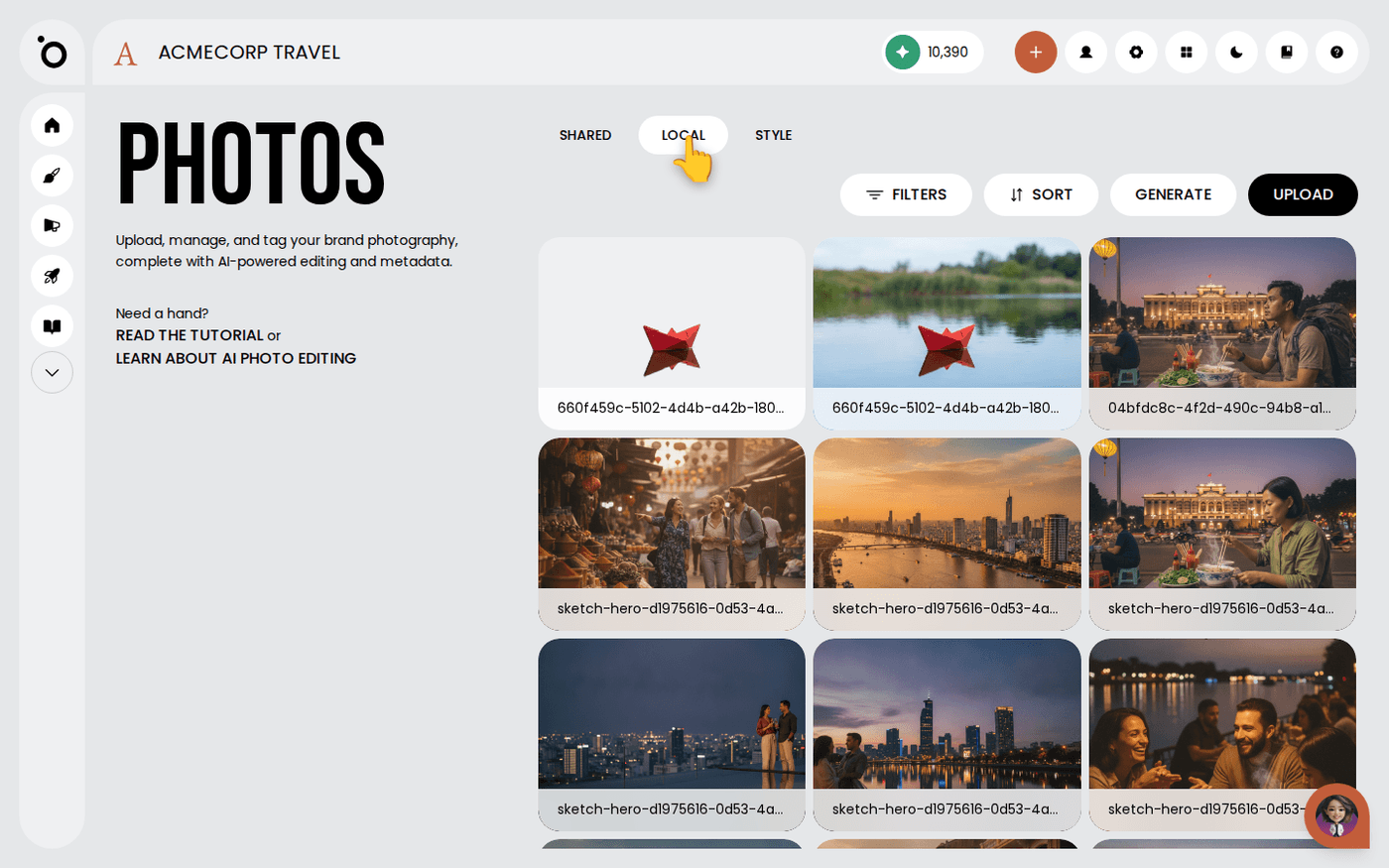
The Local tab holds your own working files: the screenshot you needed for one post, the clip you are still deciding about. Only you see them, and they do not shape your brand's look.
Share a file when it earns its place
In the Local tab, click a photo to open it. Open the three-dots menu next to Download. Choose Move to Shared. The photo leaves Local and everyone on the brand can now use it. In Videos and Audio, the same choice is called Move to shared.
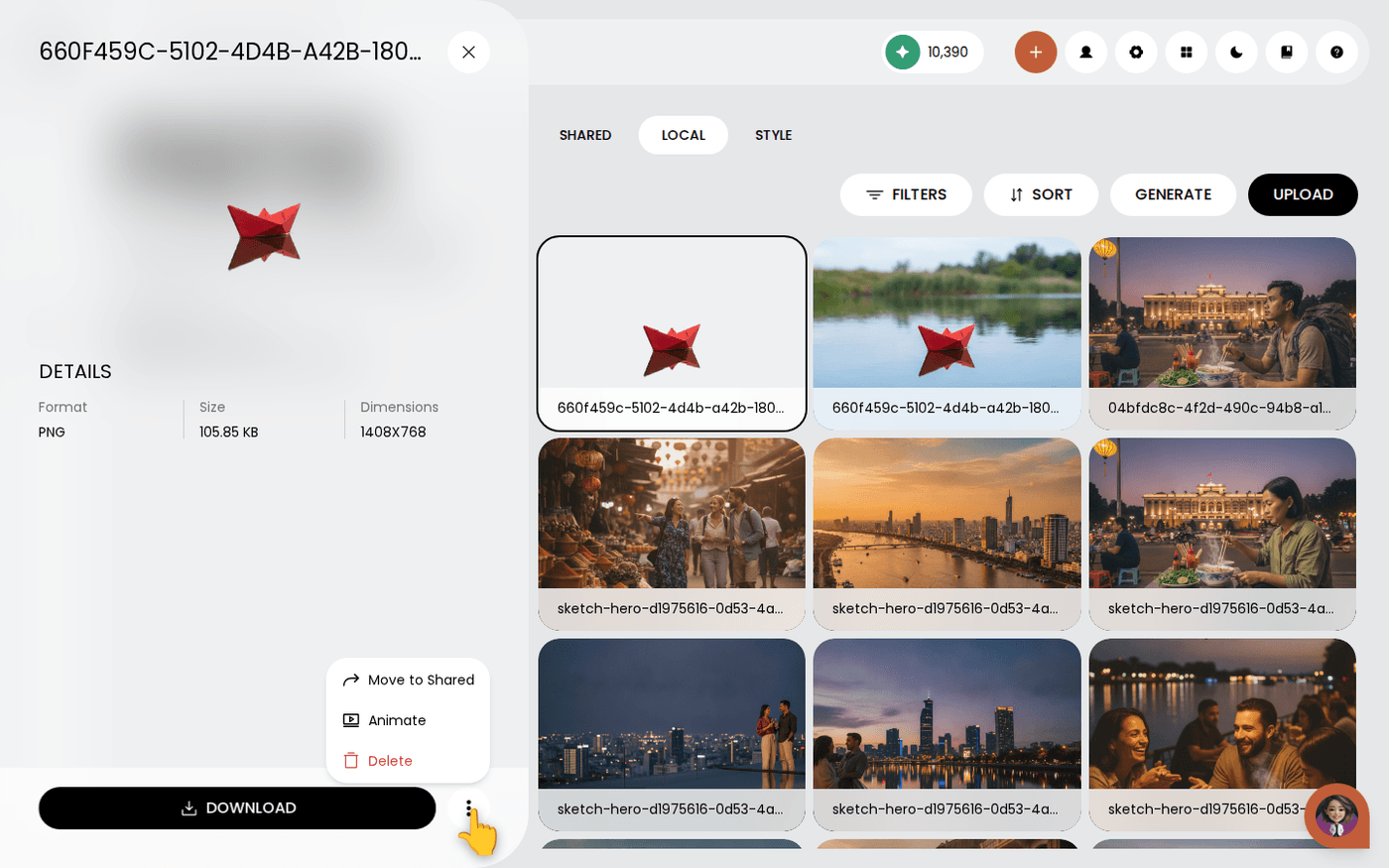
Move a file back to Local
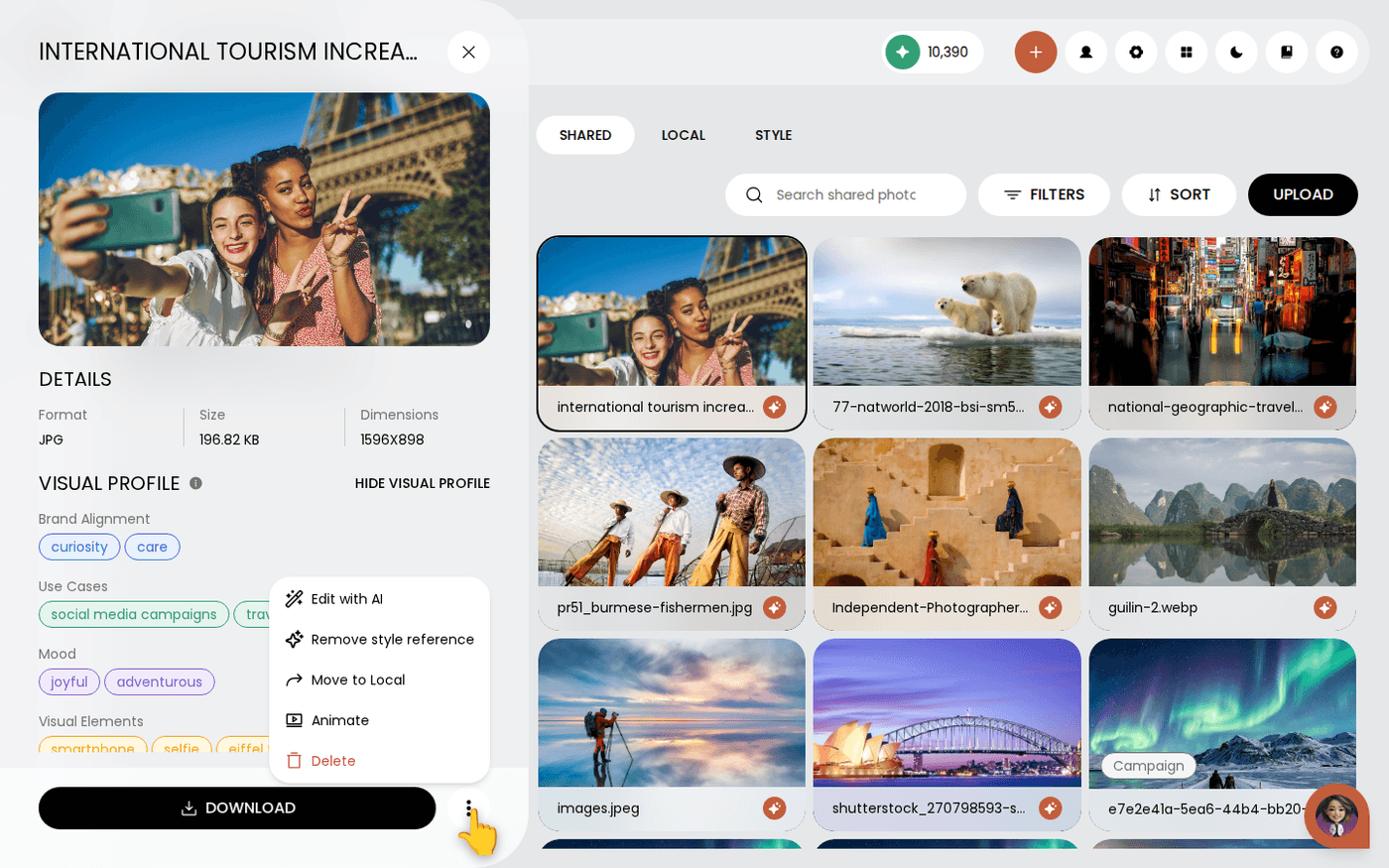
The same menu on a Shared photo offers Move to Local. Use it for a file that does not belong in the brand set but should not be deleted.
A simple rule: if the file describes your brand, put it in Shared. If it is scaffolding for one piece of work, keep it in Local. A Shared tab full of one-off uploads makes everything Protaigé creates less like your brand.
Last updated 29 September 2026