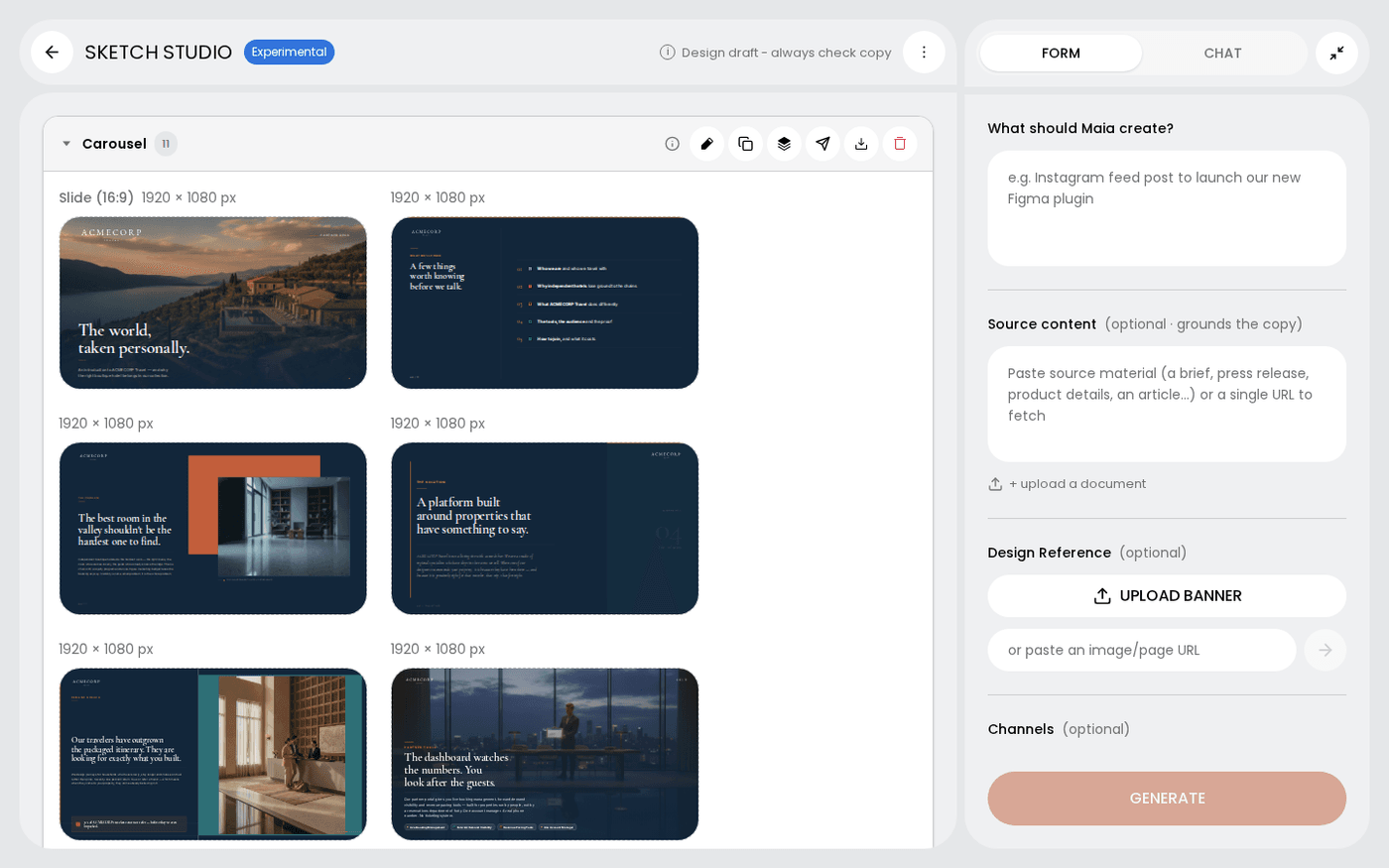
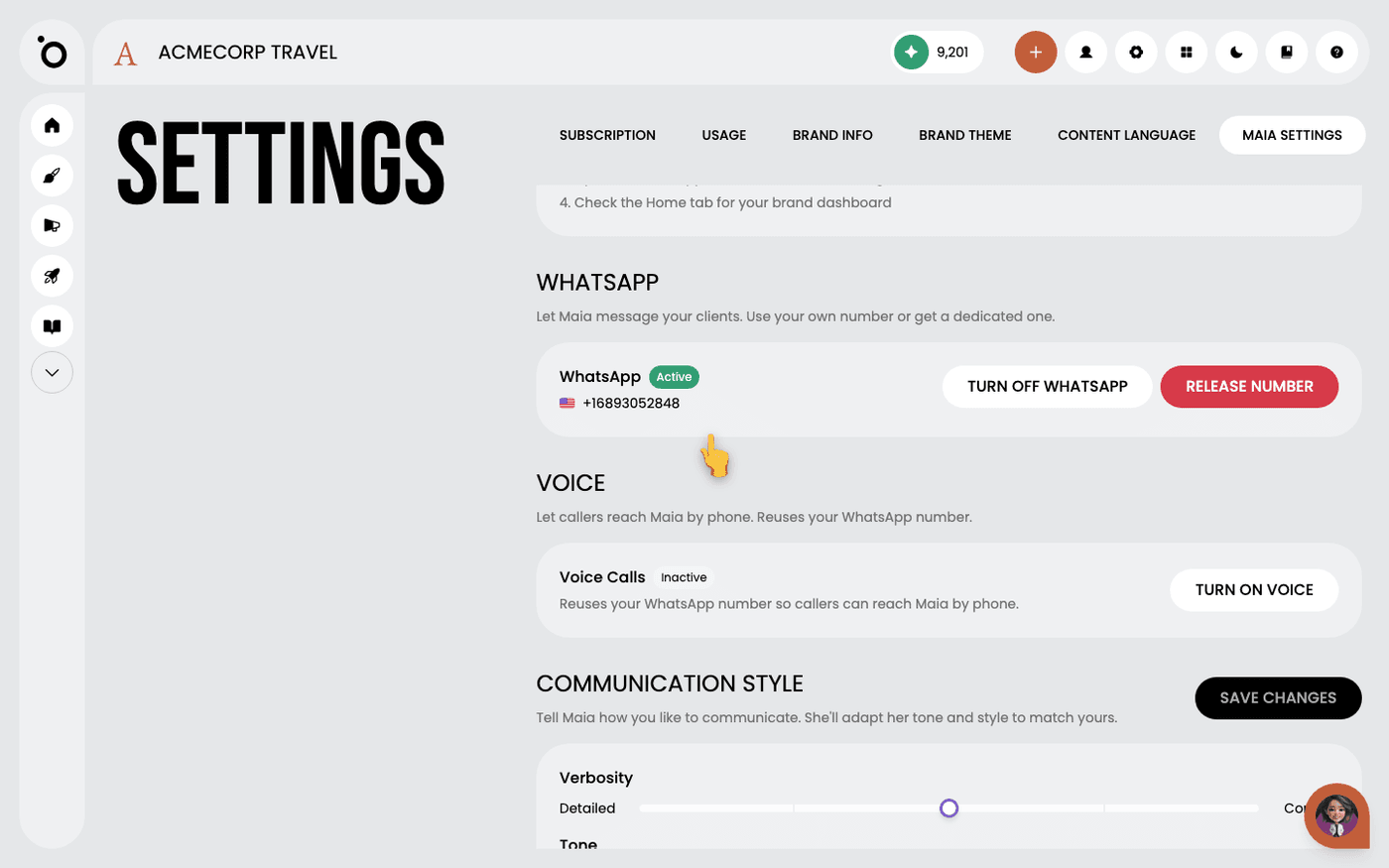
In short: WhatsApp, Slack or email → ask Maia for a sketch. The finished sketch comes back in that conversation as a PDF. Or say "email me this sketch" for one you made earlier.
When you ask Maia for a sketch on WhatsApp, Slack or email, the finished file comes back to the same conversation. You do not have to open the app to find it.
You can also ask for any sketch to be sent to you, at any time, from any of these channels.
Ask where you already are
Start a sketch on WhatsApp, Slack or by email. When it is finished, Maia sends it back to that conversation as a PDF. You do not need to ask twice. Sketches you start in the app stay in the app, because Sketch Studio already shows you the result.
Ask for a sketch you made earlier
Say "email me this sketch", "send it to my WhatsApp" or "post it to me on Slack". This works for the sketch you are looking at and for older ones.
It goes to you unless you say otherwise
Maia sends the file to your own account email, your connected WhatsApp number or your own Slack direct messages. It goes to someone else only if you give their address in the conversation. This stops client work going to the wrong person.
Ask for the whole sketch, one frame or one group
Ask for the lot, for one frame ("send me slide 2"), or for one group out of a set. A PDF arrives as one document. A PNG is one frame, and several PNG frames come back as a zip.
Know what arrives
PDF is the default. It is the safer choice for anything with several frames. On WhatsApp a PDF arrives as a document and a PNG as an image. Maia cannot send the HTML of a landing page or email this way. For that, open the sketch and choose Download HTML.
Delivery works for PDF and PNG only. For a landing page or email, download the HTML from Sketch Studio.