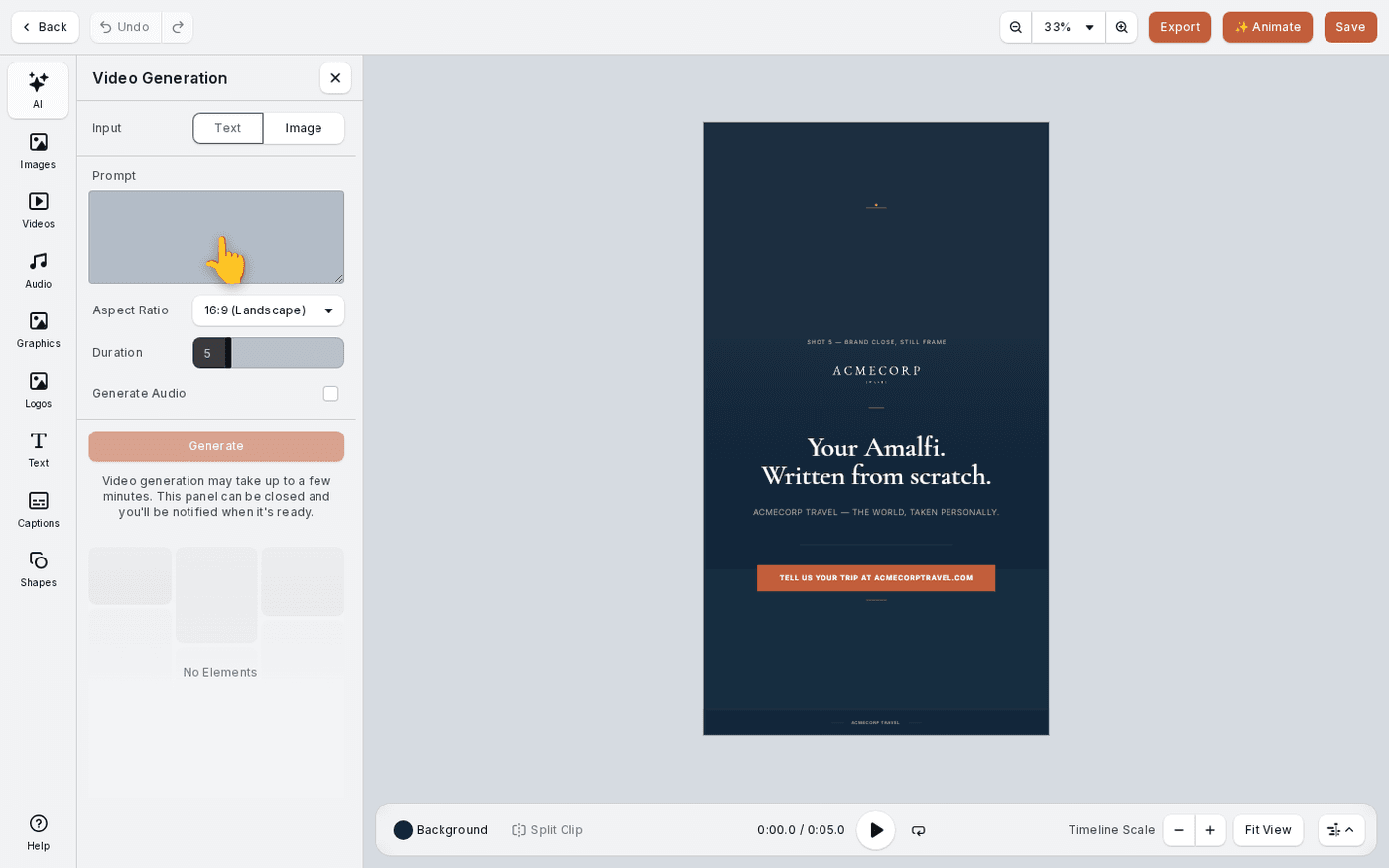
In short: Video editor → AI → Generate Video. Choose Text or Image, describe the shot, then press Generate.
Sometimes you need footage you do not have. Generate Video makes a short clip from a description, or brings one of your own images to life.
Starting from an image is usually better. It is already on brand, so the clip will be too.
Open Generate Video
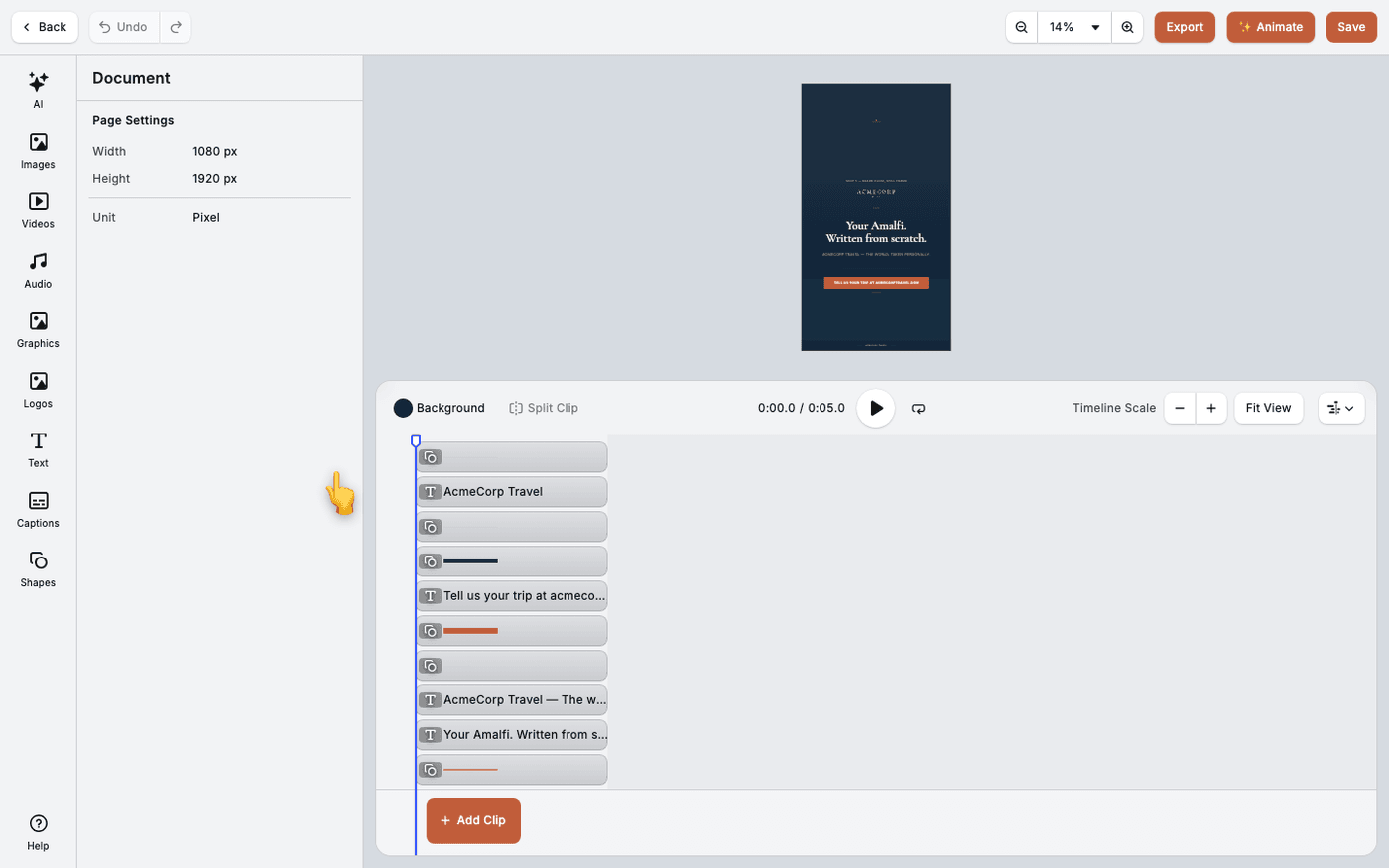
In the video editor, press AI at the top of the dock, the column of tools down the left edge. Choose Generate Video.
Start from text or from an image
Choose Text to describe a shot from nothing. Choose Image to bring an image you already have to life.
Describe the shot
Type what you want to see. Say what is in the frame, how it moves, and the mood.
Set the shape and length
Aspect Ratio and Duration are set before you generate. Pick the ratio of the place the video is going, for example 9:16 for a story.
Decide about sound
Generate Audio is off by default. Leave it off unless you want generated sound with the clip.
Generate and place it
Press Generate. It takes a few minutes. The finished clip appears under the panel. Click it to put it on the timeline.
Find it again
Every clip you generate is kept in AI Video, so you can reuse it later without spending more Sparks.
Generating video costs Sparks. If you do not have enough, Protaigé tells you and nothing is spent.
Last updated 29 September 2026