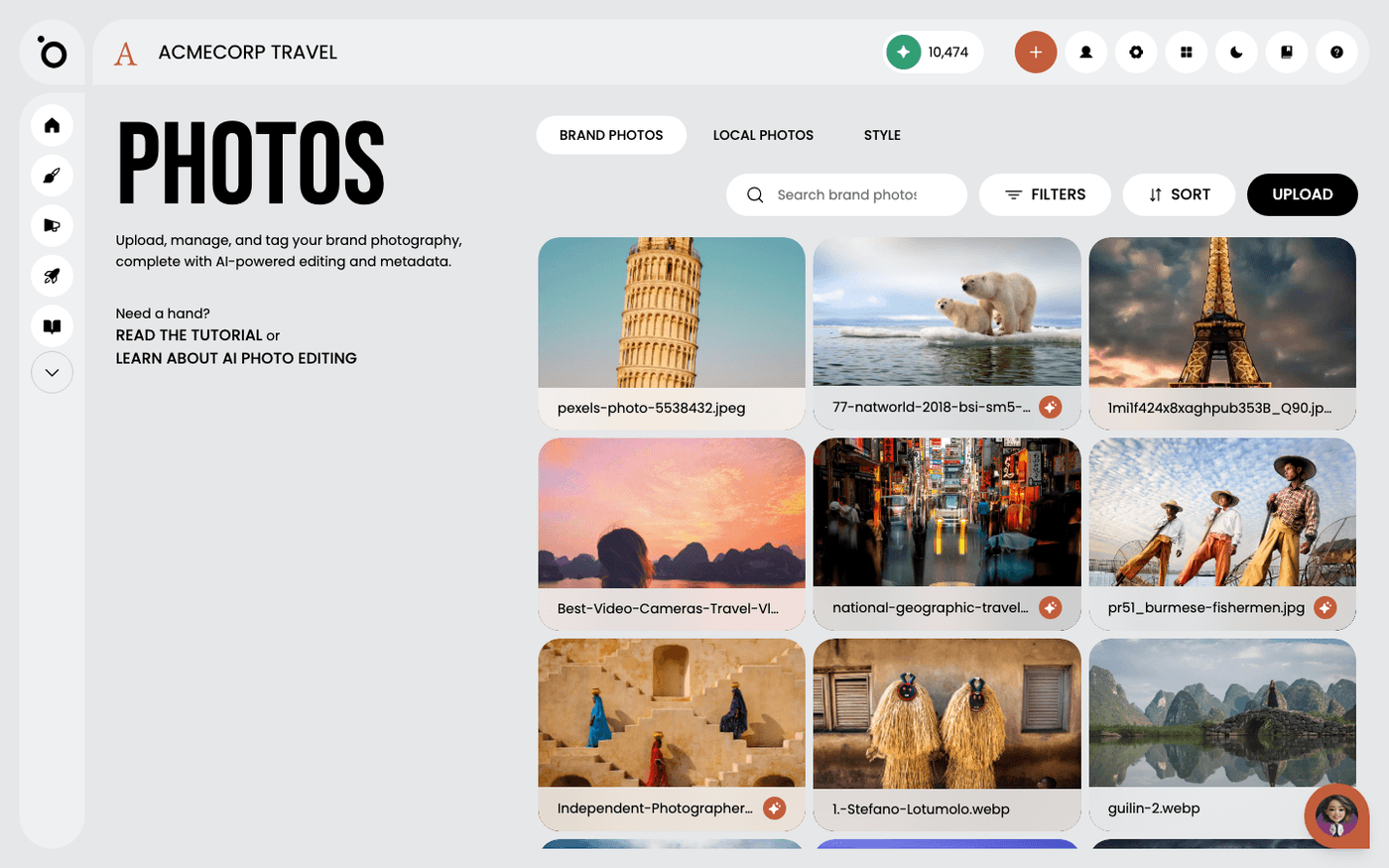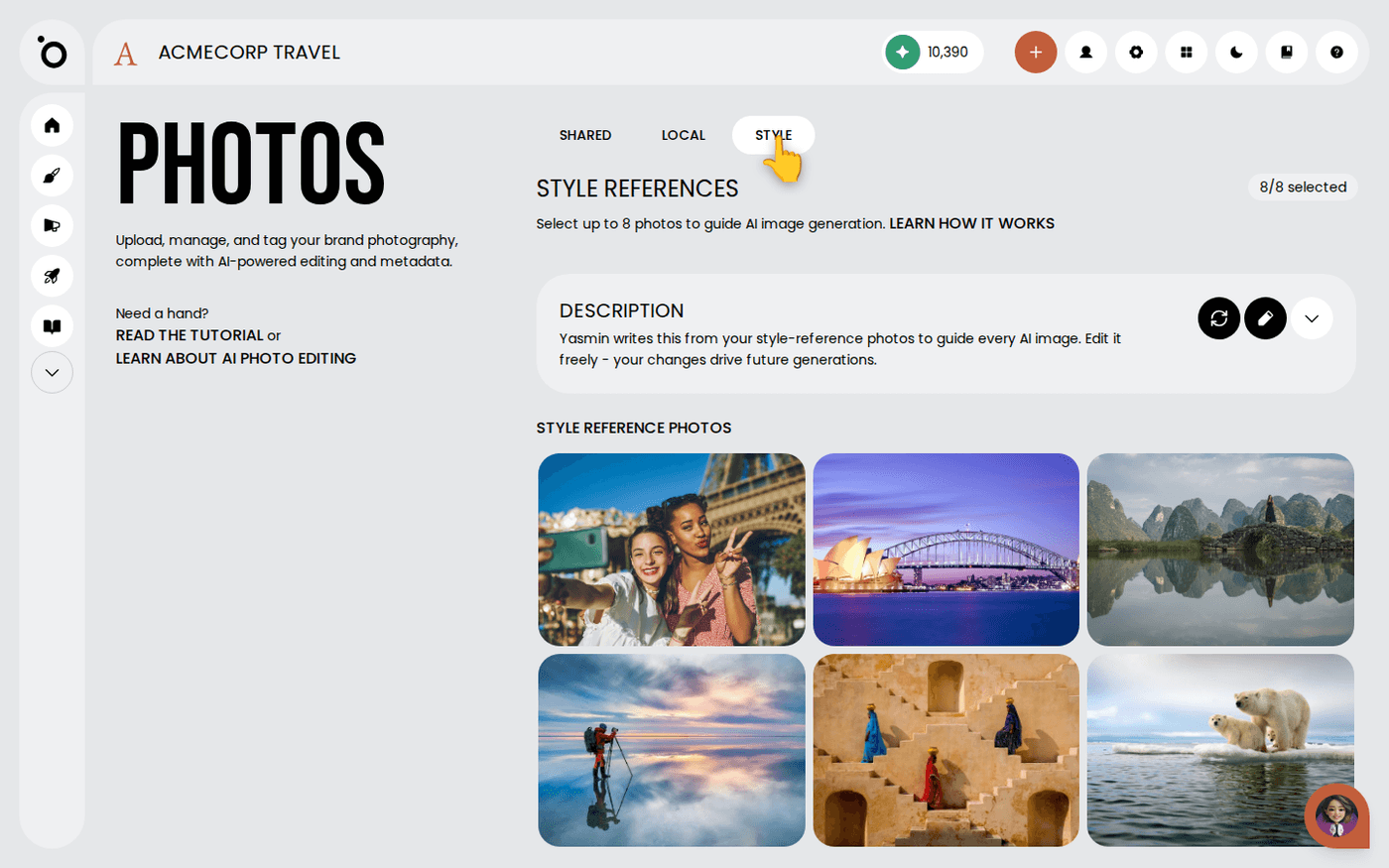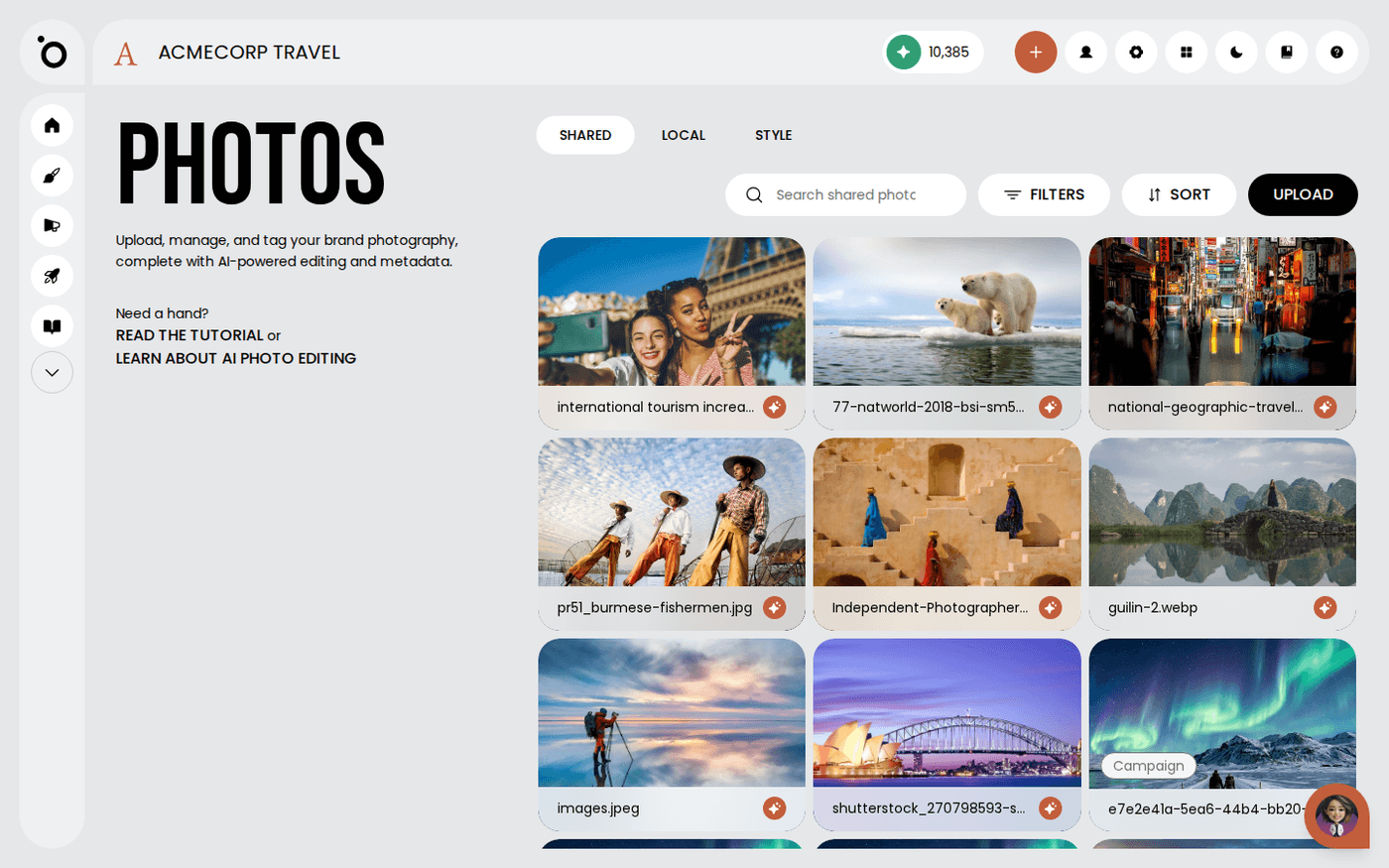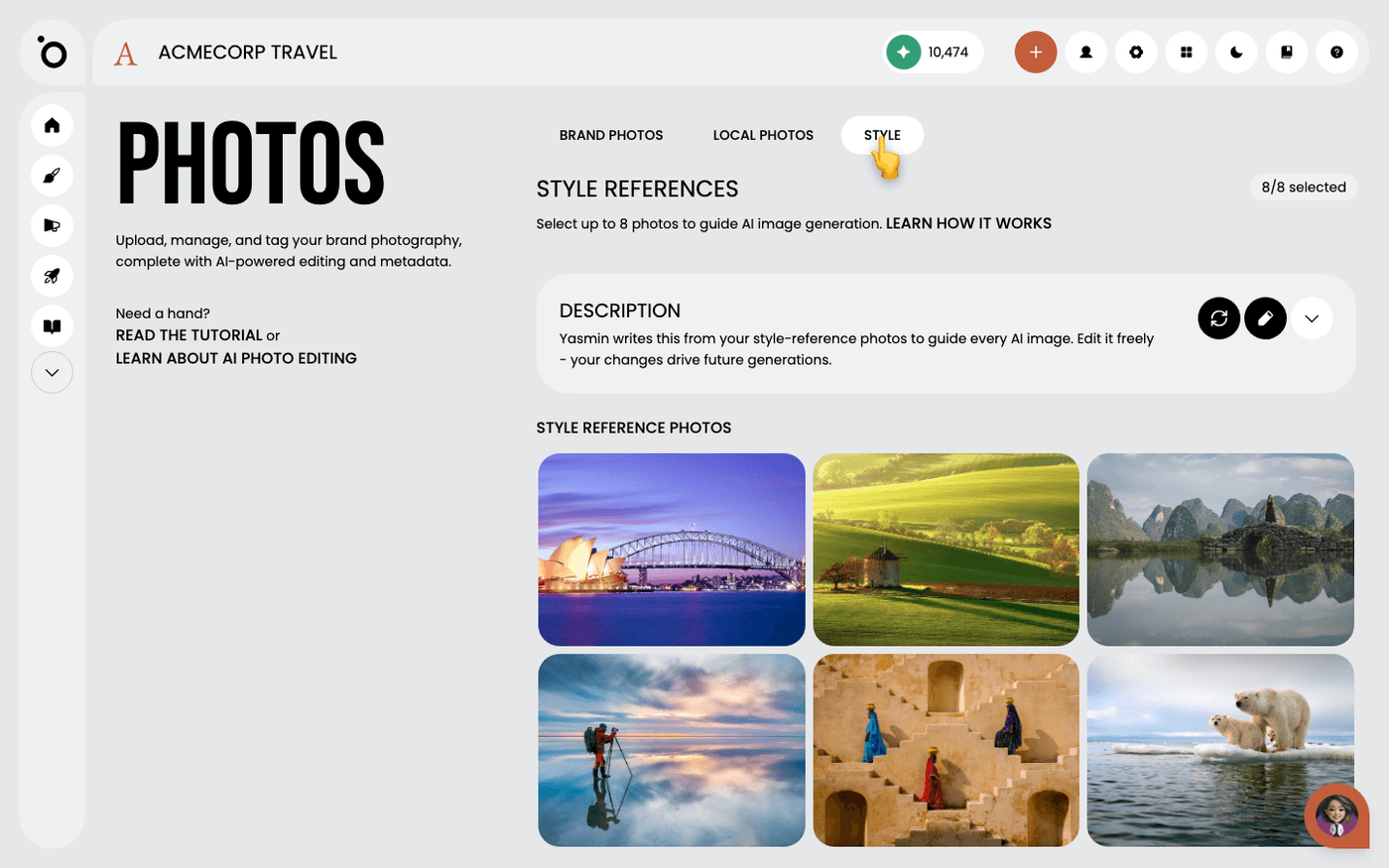
In short: Brand DNA → Photos → Style tab → Description. Press the pencil to edit it, or Refresh to rewrite it from your photos.
Every image Protaigé creates for you follows two things: your style reference photos, and a short written description of your visual style. Protaigé writes that description by looking at your photos. You can change it.
This matters when an image comes out almost right. A photo cannot say "never use dark backgrounds". The description can. Edit it, and every image from then on follows your words.
Find the description
Open Brand DNA, then Photos, then the Style tab. The Description panel sits above your reference photos. Open it to read what Protaigé wrote about your light, colours, framing and mood.
Check it sounds like your brand
If it does not, your reference photos may not agree with each other. Change the photos first, then press Refresh to rewrite the description. Only edit the words when the photos are right.
Edit it to fix what a photo cannot show
Press the pencil. Correct anything wrong. Add rules, for example "always natural light" or "never use dark backgrounds". Save. Every image from now on follows your words.
Know that your edits stay
After you edit the description, it stops rewriting itself when you change your reference photos. It shows an (edited) tag so you know. Your words stay until you press Refresh.
Start again with Refresh
Press Refresh to rewrite the description from your current reference photos. If you have edited it, Protaigé asks you to confirm, because Refresh replaces your edits.
To change how your images look, you have two controls. Change the reference photos and press Refresh, or edit the description directly. Use the photos for the overall look and the words for the rules.