In short: Open the campaign → Add New → Add New Tactic → choose an email tactic → Generate Content. Press Copy All Content to take it.
An email tactic is an email your campaign sends, written from the brief. It is not Maia's mailbox. That is an address people write to, and Maia answers. This is a broadcast you send to your audience.
The email arrives in parts, each in its own field. You can rewrite the subject line without touching the body. About four minutes.
Add the email tactic
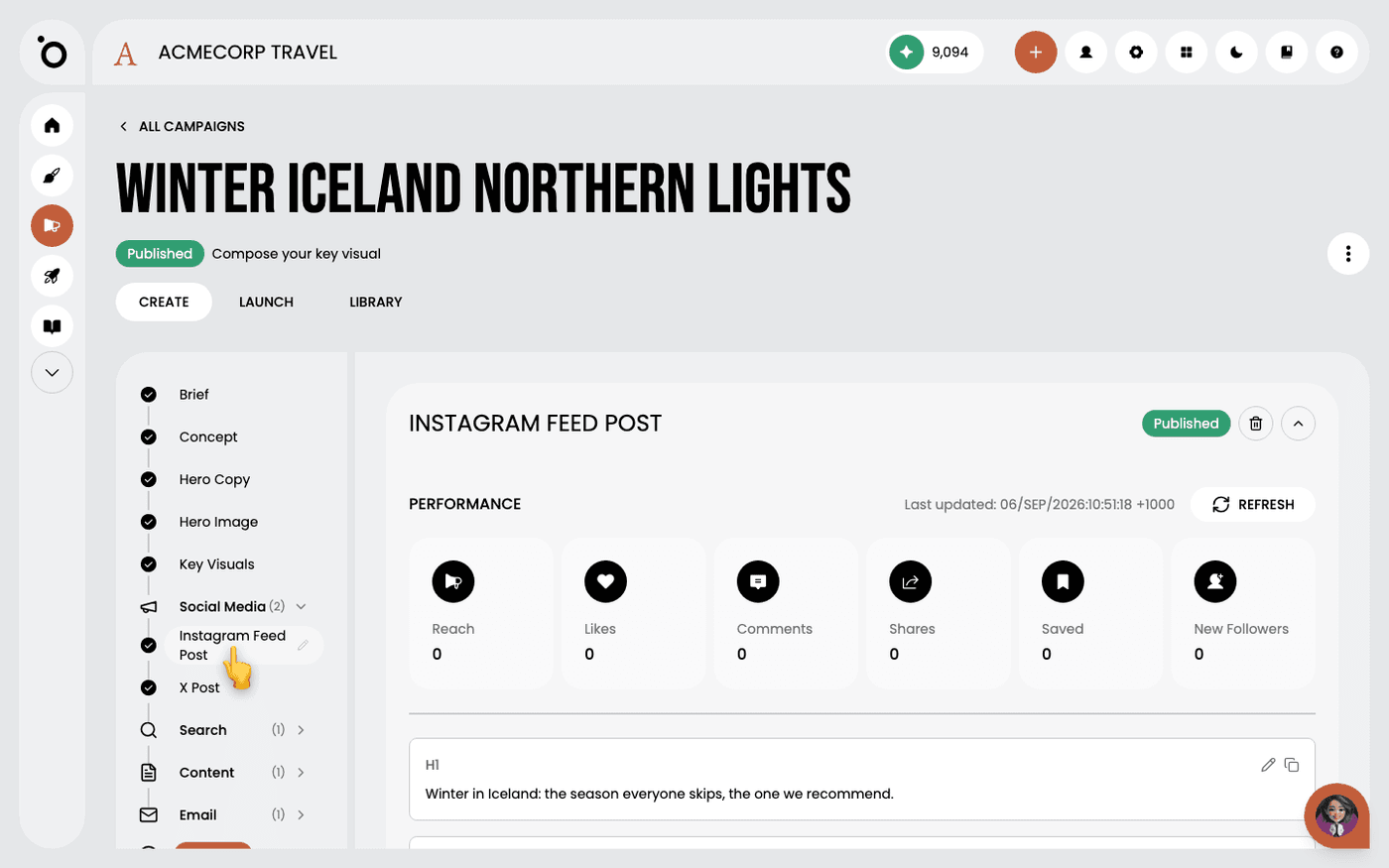
Open the campaign and press Add New, then Add New Tactic. In the Create Content dialogue, choose an email tactic from the list. Email tactics must be switched on in the App Store first. Add instructions if you want a particular angle, then press Generate Content.
Read it in parts
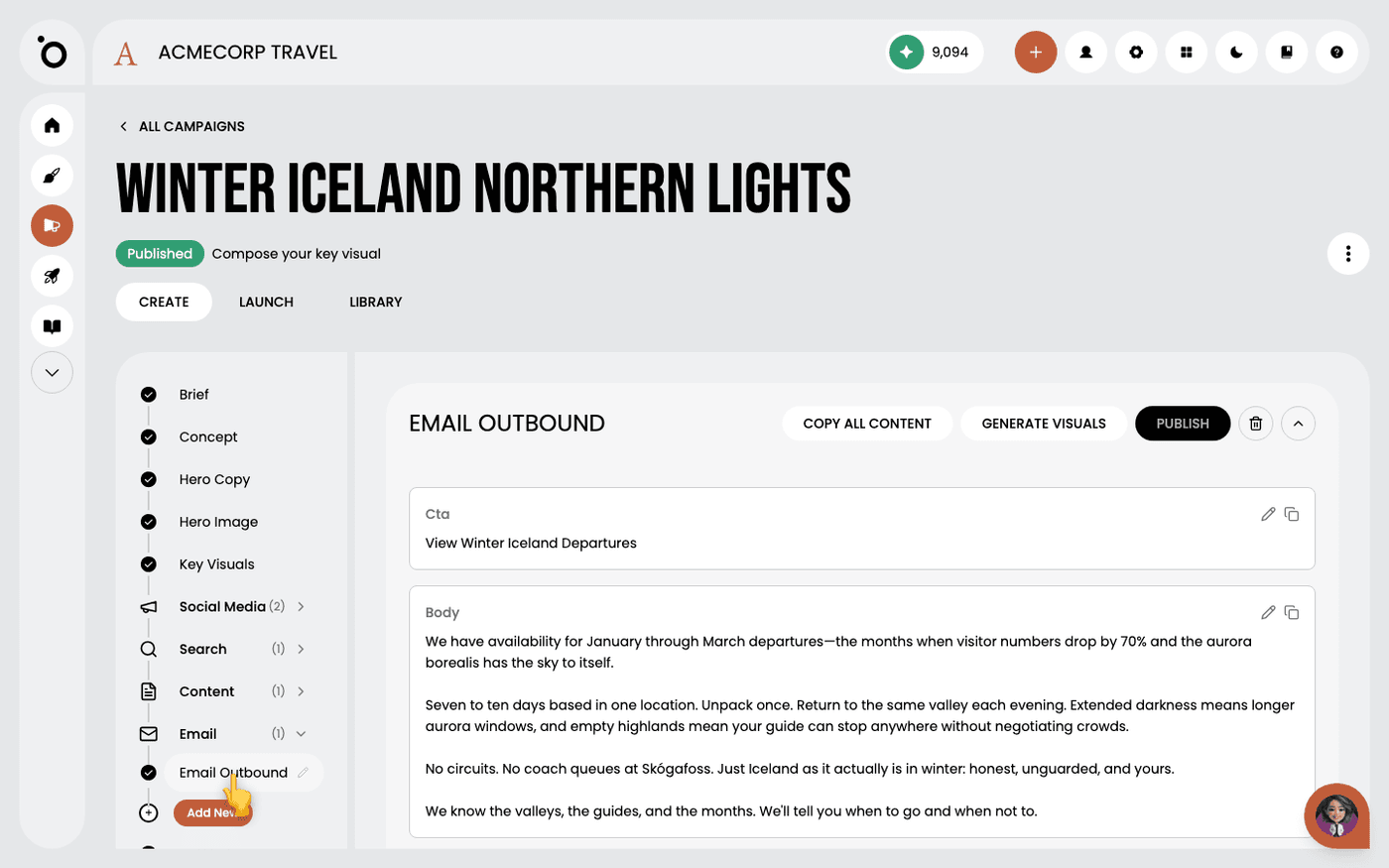
The email arrives as separate fields, starting with the Subject Line. Each field has its own pencil to edit it and its own copy button.
Argue with the subject line first
It is the only part most people read. If your audience expects something warmer or shorter, change it here first. Press the pencil, edit, then Save.
Read the Strategic Rationale
At the bottom of the tactic, Strategic Rationale names the persona the email was written for and explains the choices. Read it before you edit. Then check the copy against anything your brief ruled out.
Take the email out
Press Copy All Content to copy the whole email for your sending tool. Email tactics are copy only. They do not publish from Protaigé, and they do not generate visuals.
Check the spelling conventions before it goes anywhere. The copy is generated, not written to your house style, so a stray American spelling is easy to miss.
Last updated 6 September 2026