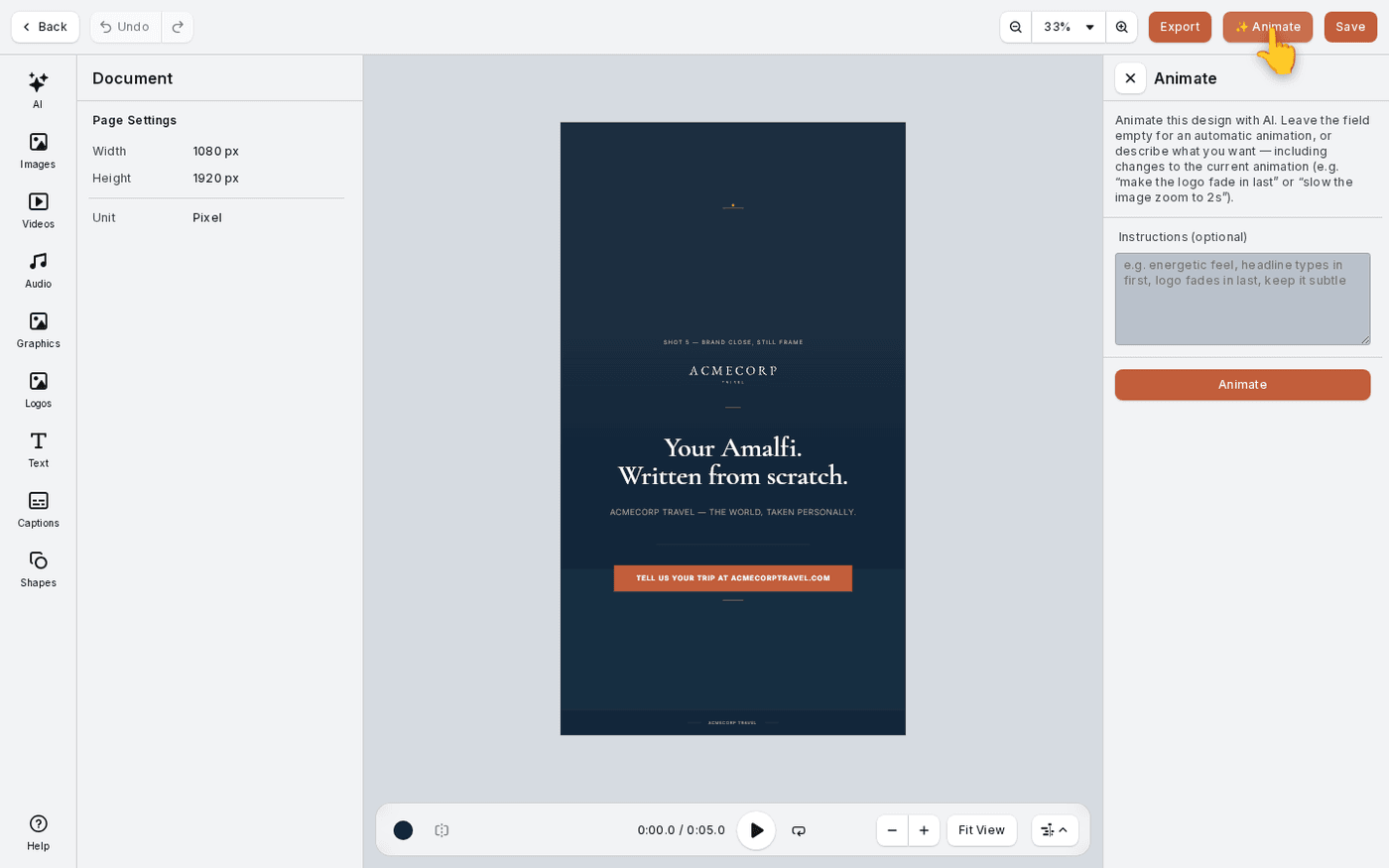
In short: Video editor → Export → Video for feeds and social, or HTML5 for ad servers.
The video editor exports two different things. A video is for social feeds and anywhere a file plays. An HTML5 banner is for ad servers, which need a web page that animates rather than a video file.
Open Export
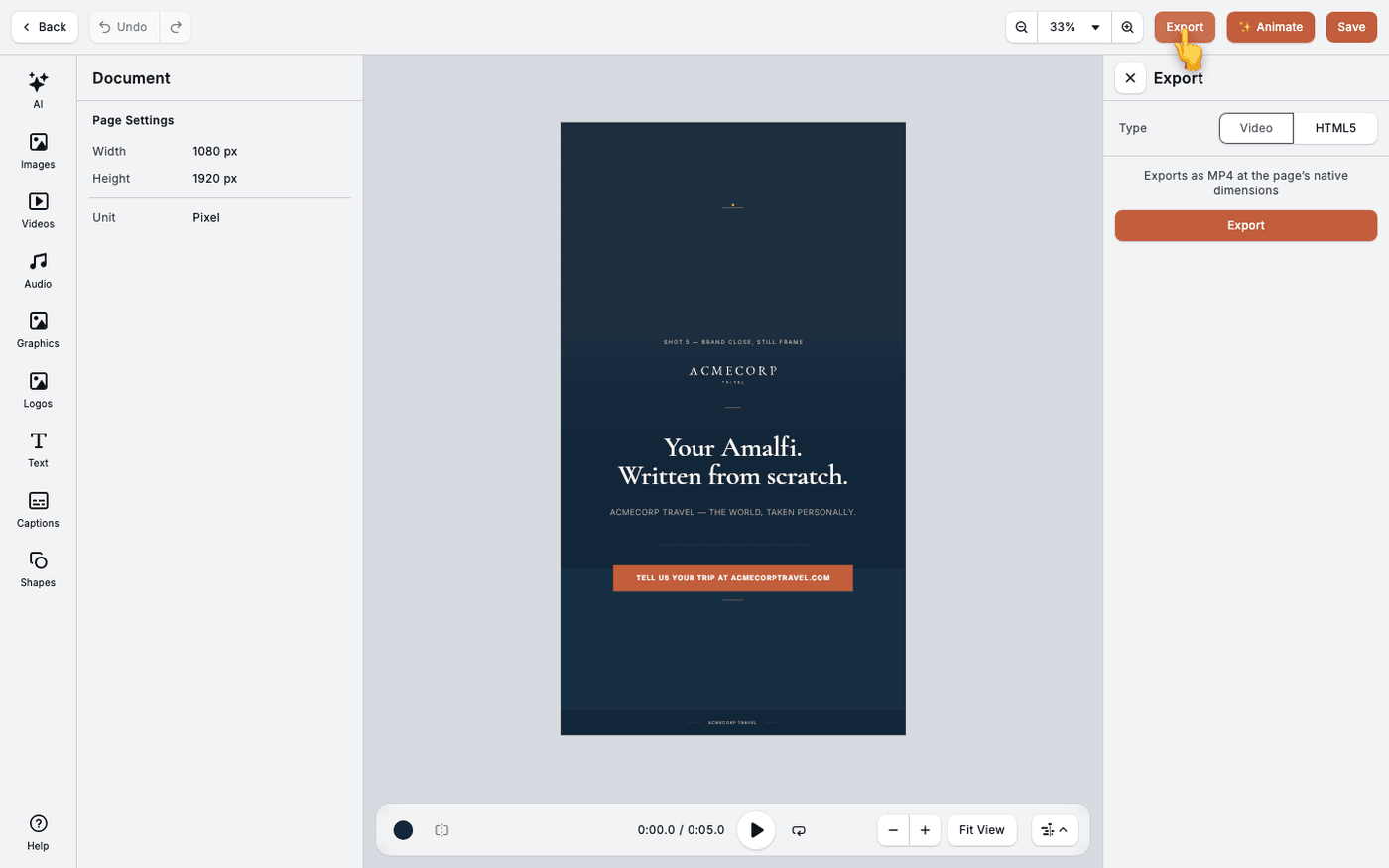
Press Export in the top bar. Choose Video or HTML5 at the top of the panel.
Export a video
Choose Video and press Export. You get an MP4 at the same size as your design. There is no resolution or quality picker, because the size comes from the design.
Choose how an HTML5 banner packs its files
Choose HTML5. Embedded makes one self-contained HTML file with the images inside it, which is simpler to hand over. External keeps the images and fonts as separate files, which some ad servers require. Check the spec you are delivering to.
Choose how text is exported
HTML Text keeps the text selectable and searchable. Vector draws the text exactly as you see it, but it cannot be selected. Choose Vector when the typography must not shift.
Preview, then download
Press Export & Preview to open the banner in a new tab and check it. Press Download ZIP to get the package to hand over.
Video clips in an HTML5 banner are exported as still frames. If motion in a clip matters, export a video instead.