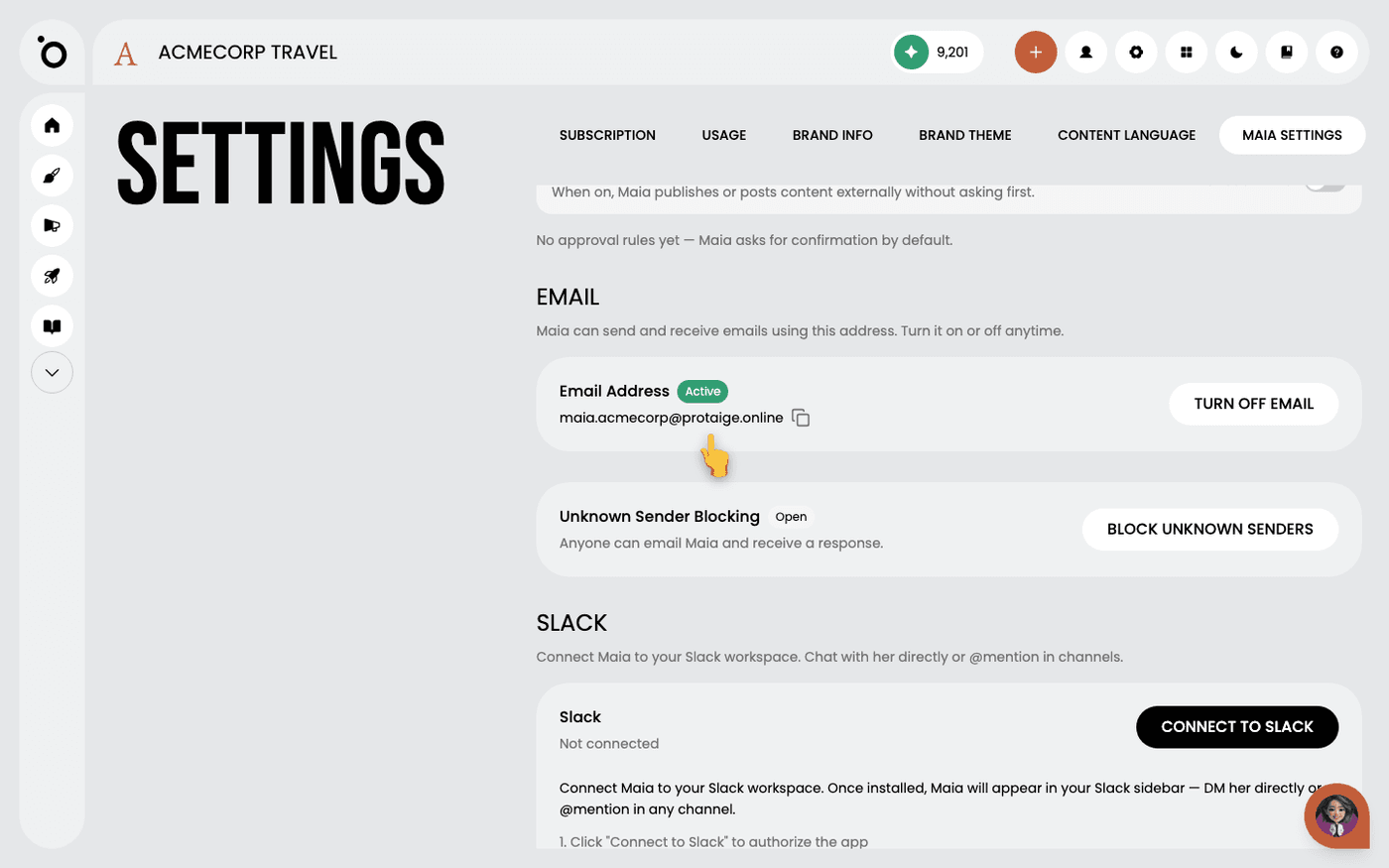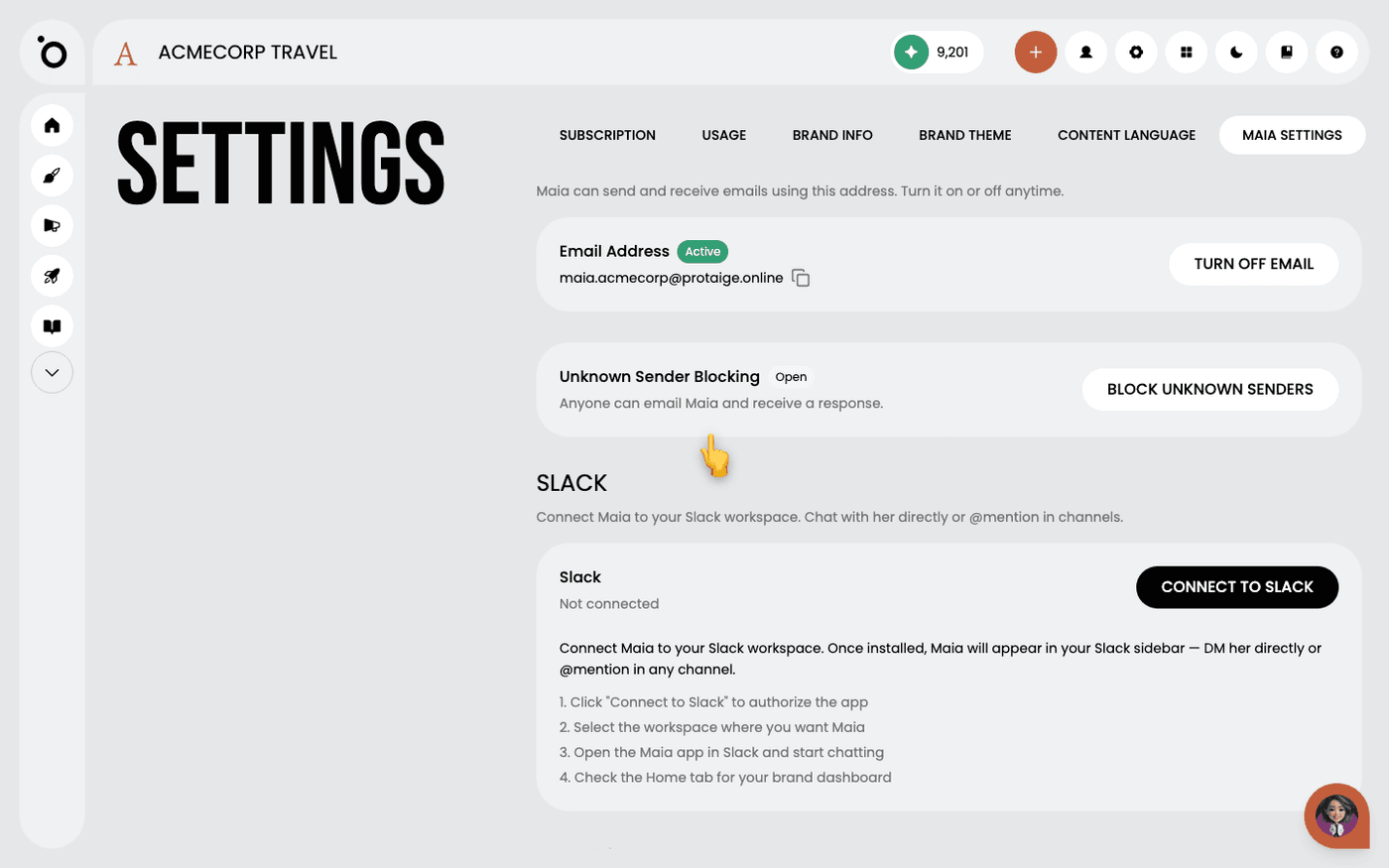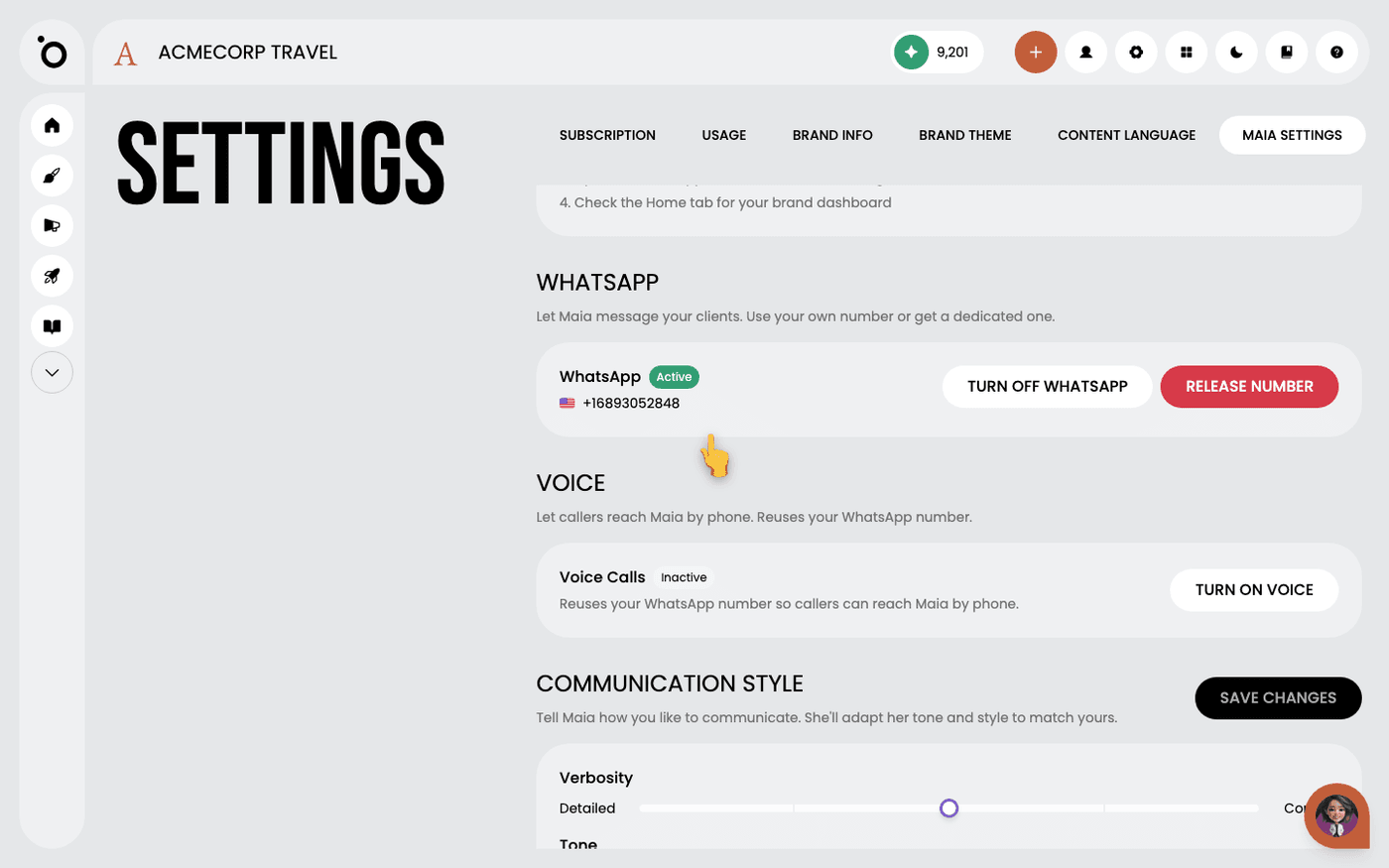
In short: Settings → Maia Settings → Buy add-on. One purchase per brand turns on email, Slack and WhatsApp, with one shared message bundle.
Maia is your AI account director. Chatting with her inside Protaigé is free on every plan. The Maia add-on lets her work outside the app, where your team and clients already are.
It is one purchase per brand. It turns on email, Slack and WhatsApp together. You cannot buy just one of them.
Find it
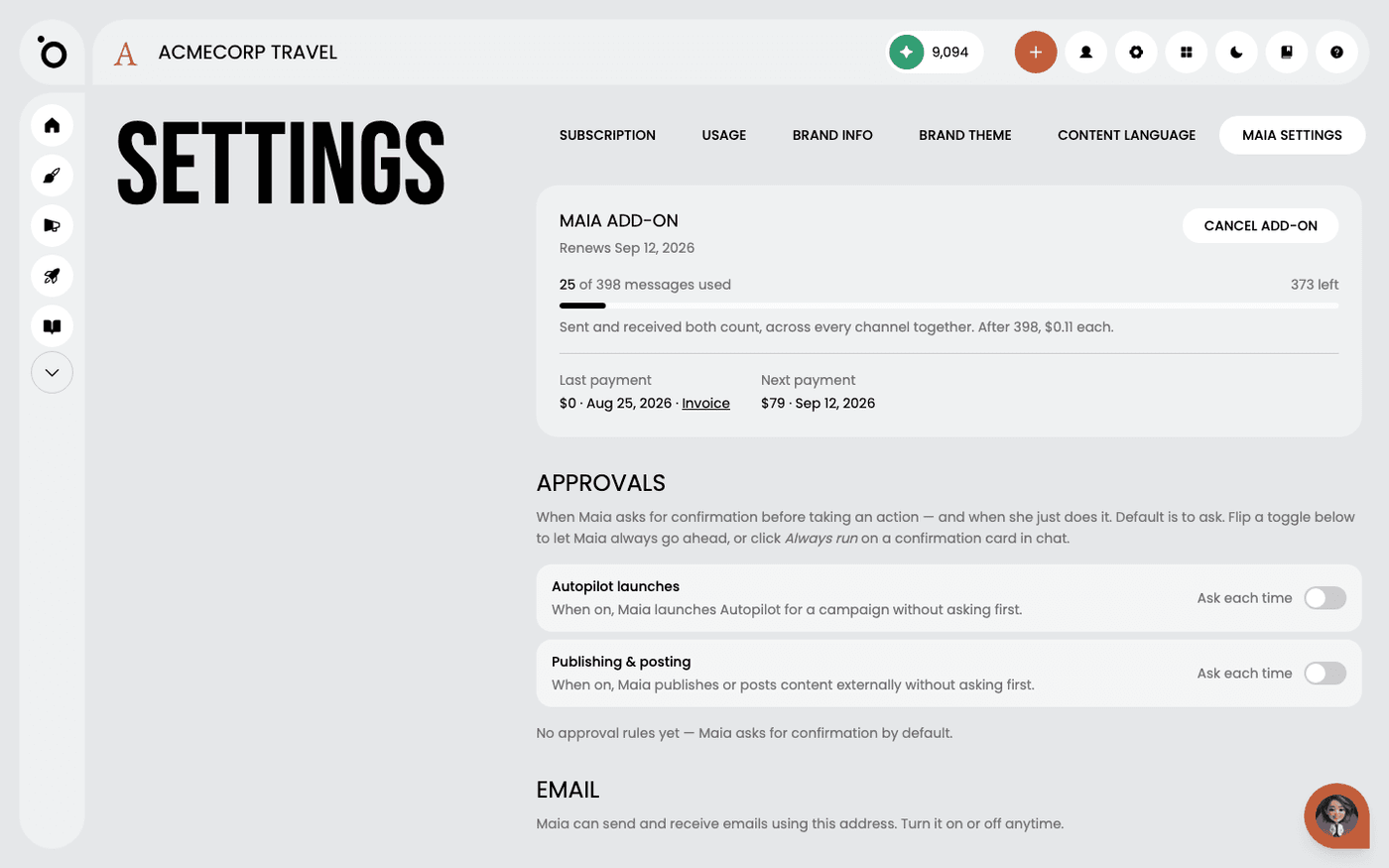
Open Settings, then the Maia Settings tab. If you do not have the add-on yet, a card called Maia's channels shows the price and the messages included. If you have it, a card at the top shows your renewal date and how many messages you have used.
Buy it
Press Buy add-on. The dialog shows the price for your plan and the channels it includes. Press Buy. The channel sections appear below straight away.
Understand the message bundle
Every plan gets a number of messages a month. Sent and received both count, across every channel together. A five-message email thread is five messages. If you go past the bundle, messages keep working. The card shows the extra cost per message.
Know what the price depends on
The price depends on your plan, not on how many channels you connect. A bigger plan pays more for the add-on and gets a bigger bundle. The dialog always shows the figure for your plan before you confirm.
Know which plans include Voice
Voice lets callers reach Maia by phone on her WhatsApp number. It is not in the add-on on every plan. The purchase dialog lists the channels your plan includes. If Voice is not there, you need a higher plan.
Cancel if you need to
Press Cancel add-on on the card at the top. The channels keep working until the end of the period you have paid for, then switch off. Chatting with Maia in the app stays. Press Keep add-on before that date to undo it.
You do not need a bigger plan to buy this. Free and Campaign Lite can buy it too.
Last updated 2 September 2026