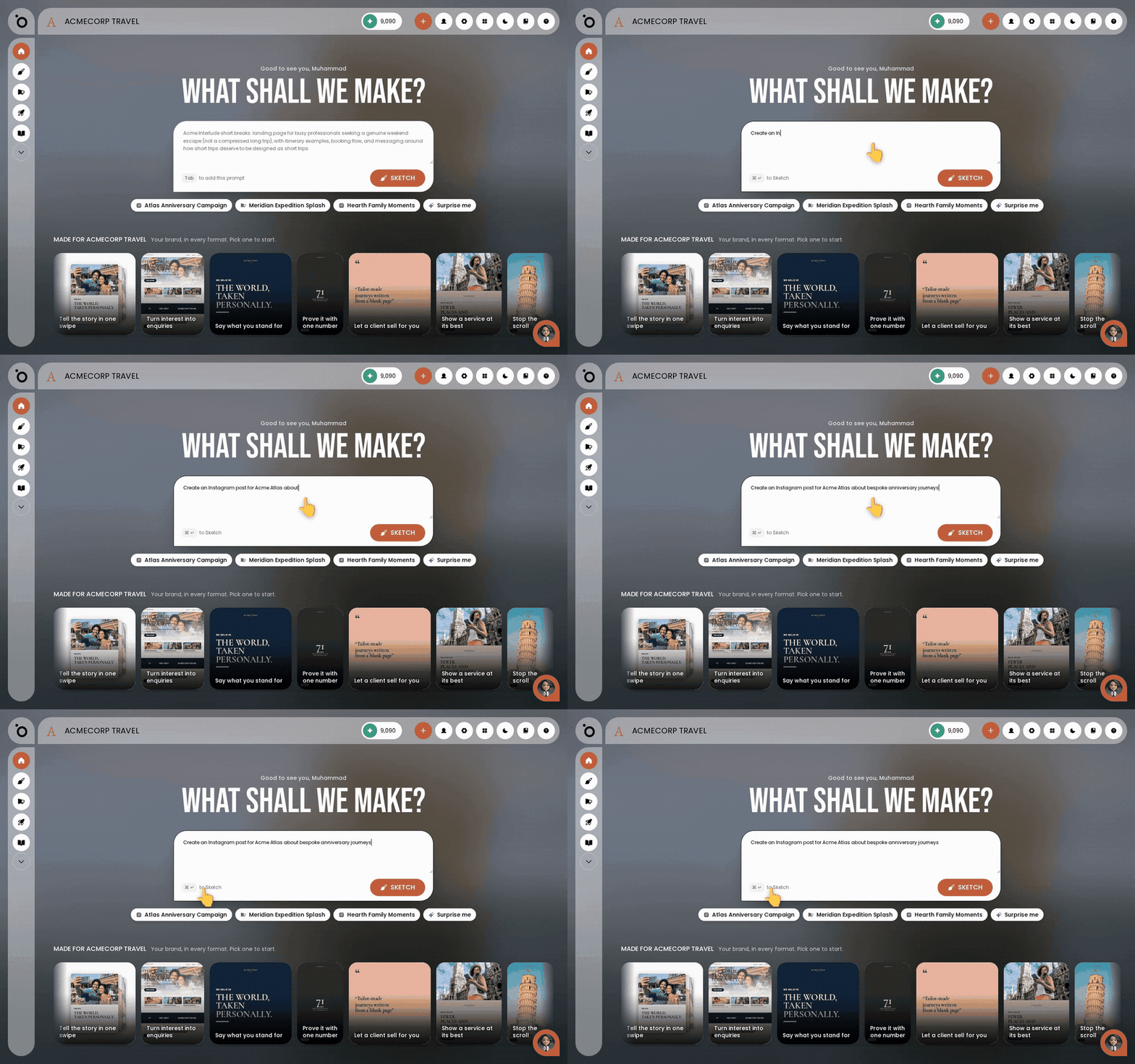
In short: The Lobby → type your brief in What shall we make? Or Sketches → New Sketch. Say what you want in plain words and send it.
A sketch starts with a sentence. You describe what you want the way you would ask a colleague. What comes back is finished work, not a starting point you have to rescue.
Everything Sketch makes is already in your brand. It reads your Brand DNA, so you never style anything yourself.
A sketch is not only for social. It can be a single post, a carousel, a storyboard, a story or a deck. It works for print and point of sale as well as for a feed.
Start from The Lobby, or from Sketches
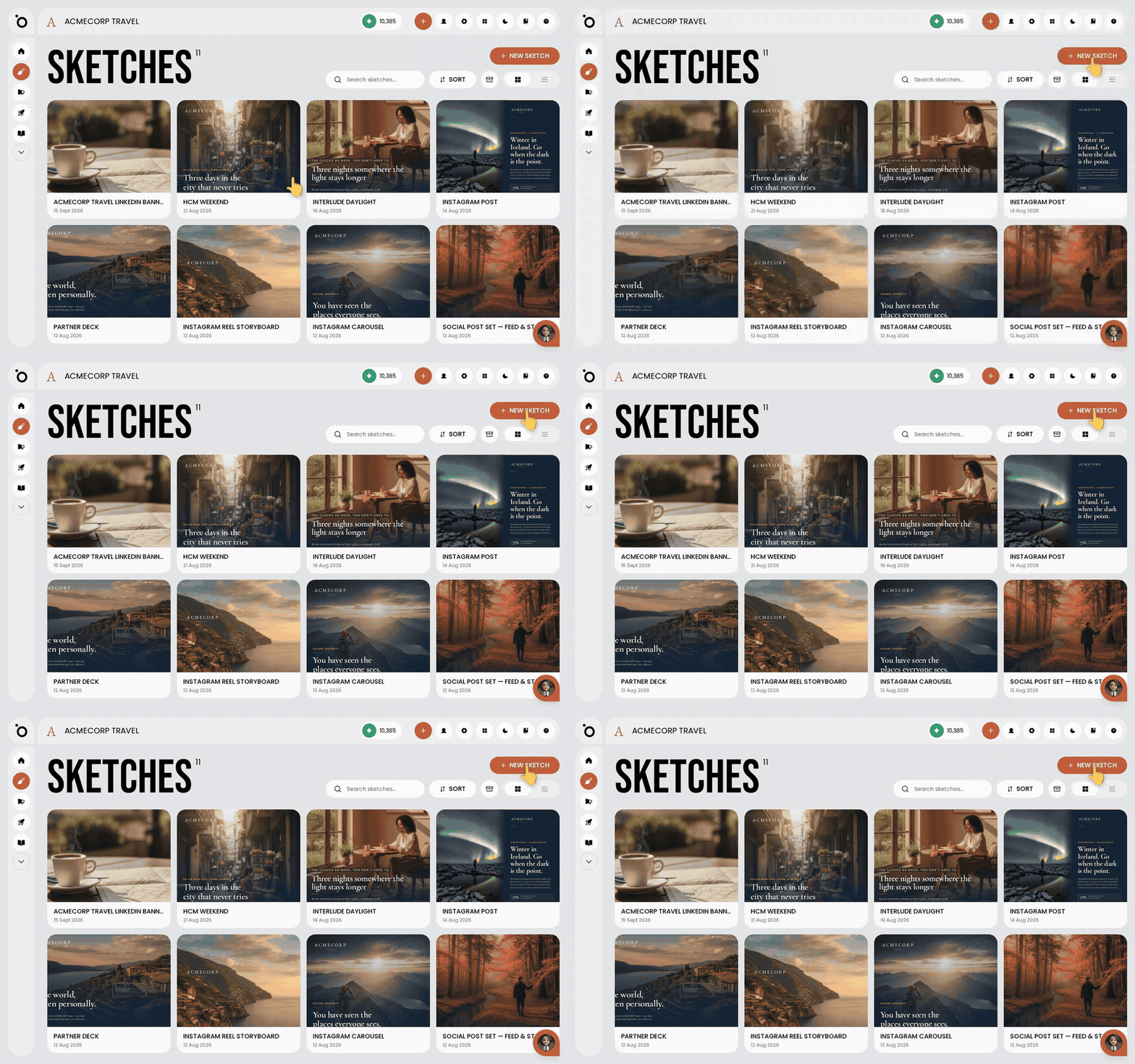
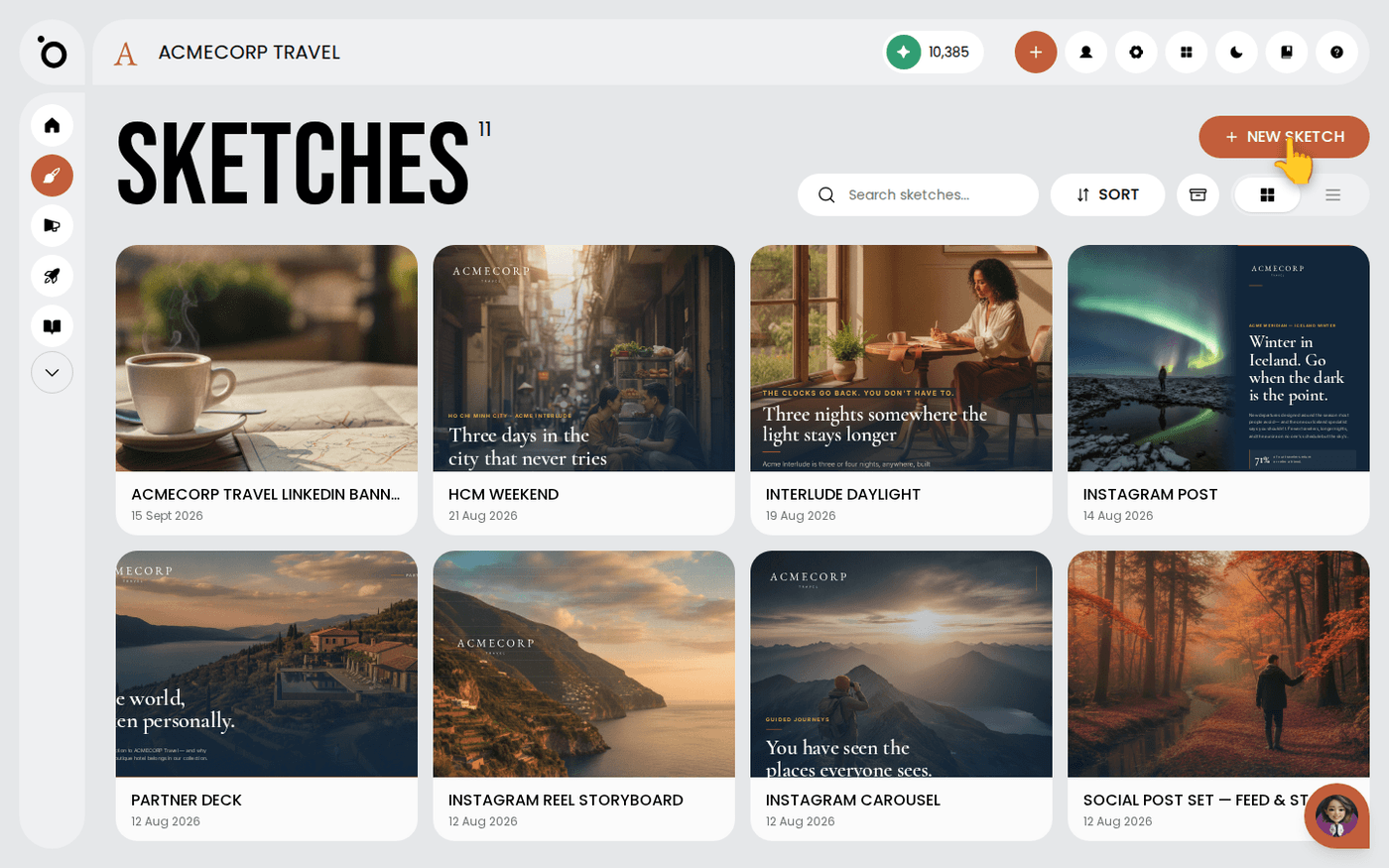
The quickest way in is The Lobby. It is the first page you see, and it asks What shall we make? Type your brief there. If you are already working, choose Sketches in the left menu and press New Sketch. Both open Sketch Studio.
Say what you want in plain words
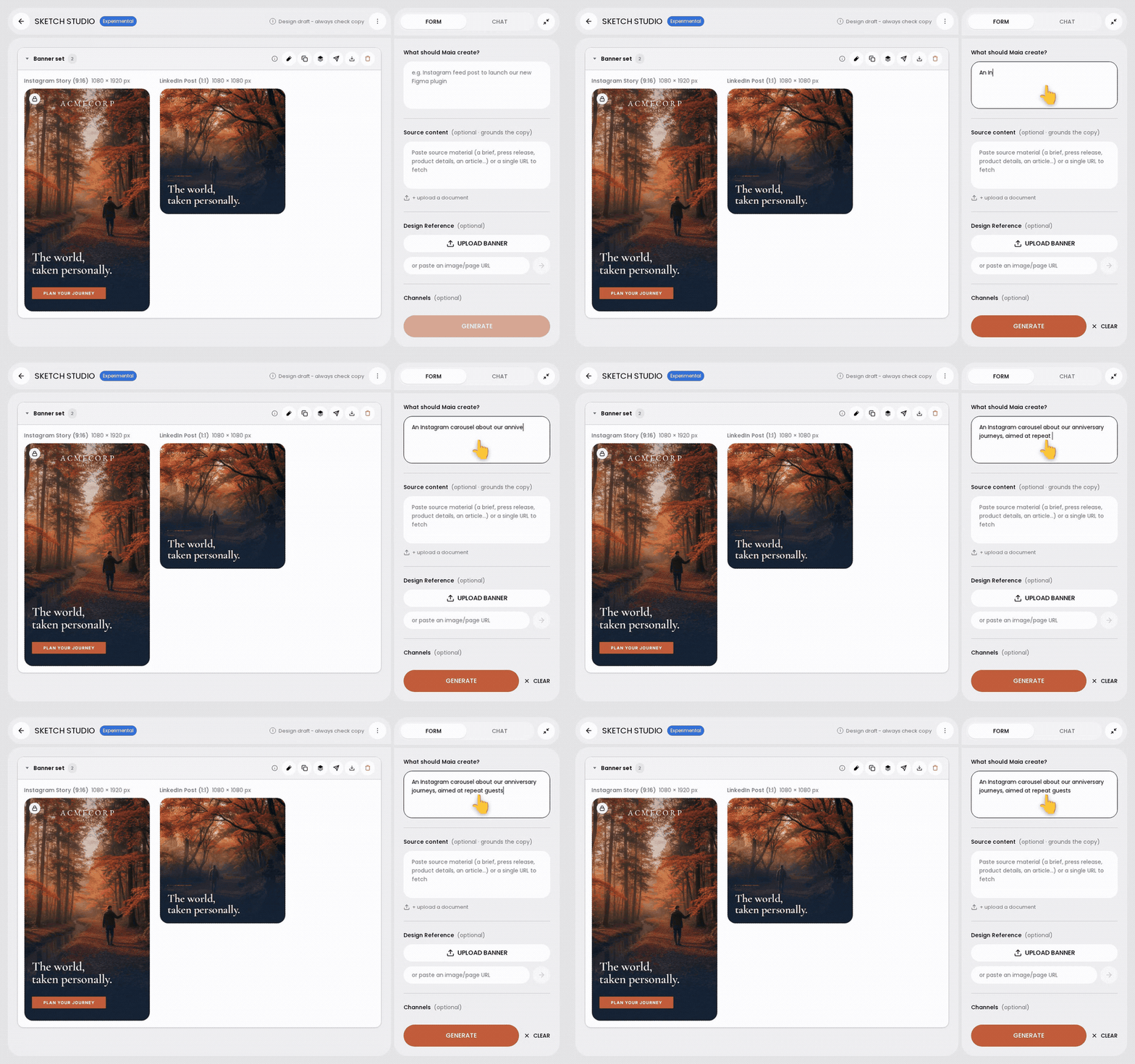
Write it the way you would say it: "an Instagram carousel about our anniversary journeys, aimed at repeat guests". There is no prompt formula. Say who it is for and what the point is. That does more for the result than any clever phrasing.
Name the format and pick the sizes
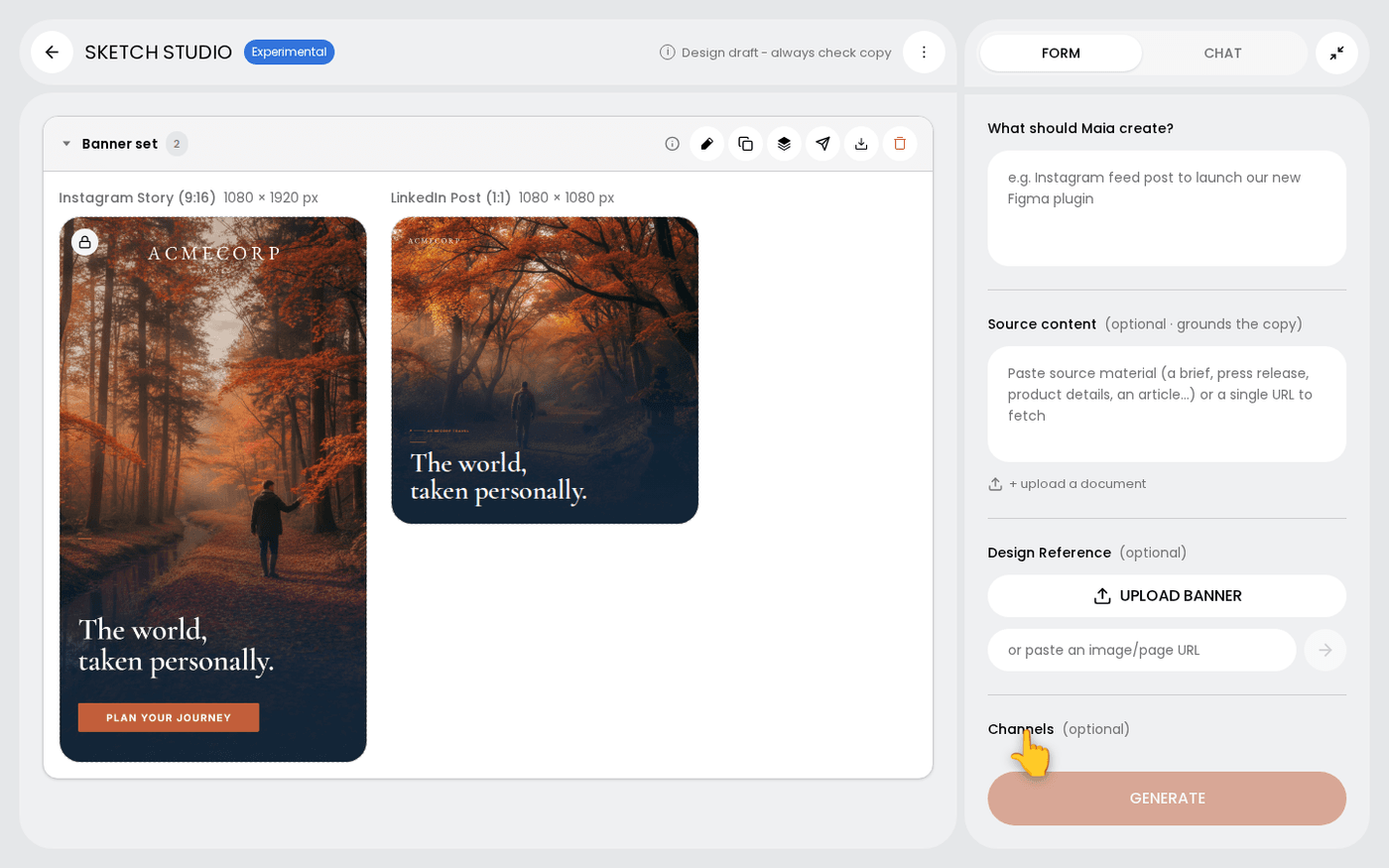
Say the format in your brief. A single post is for one message. A carousel tells a story across frames. A storyboard plans a video. A story is for vertical, and a deck is for presenting. Then pick the sizes you need in the Channels field. Each channel gets its own design.
Find it again in Sketches
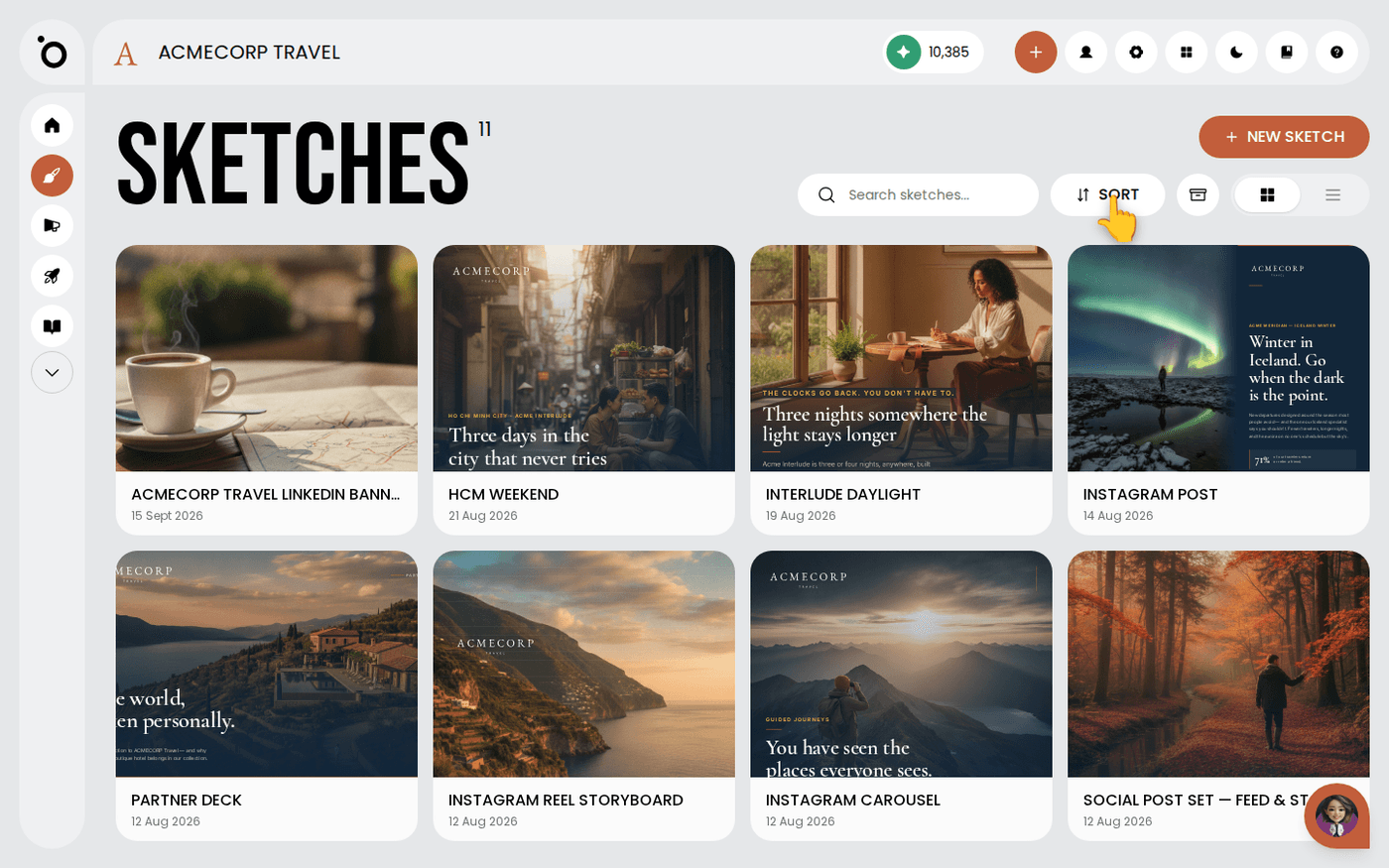
Every sketch you make lands on the Sketches page with the date you made it. Search for it, or press Sort to change the order. Come back to reuse it or build the next one from it.
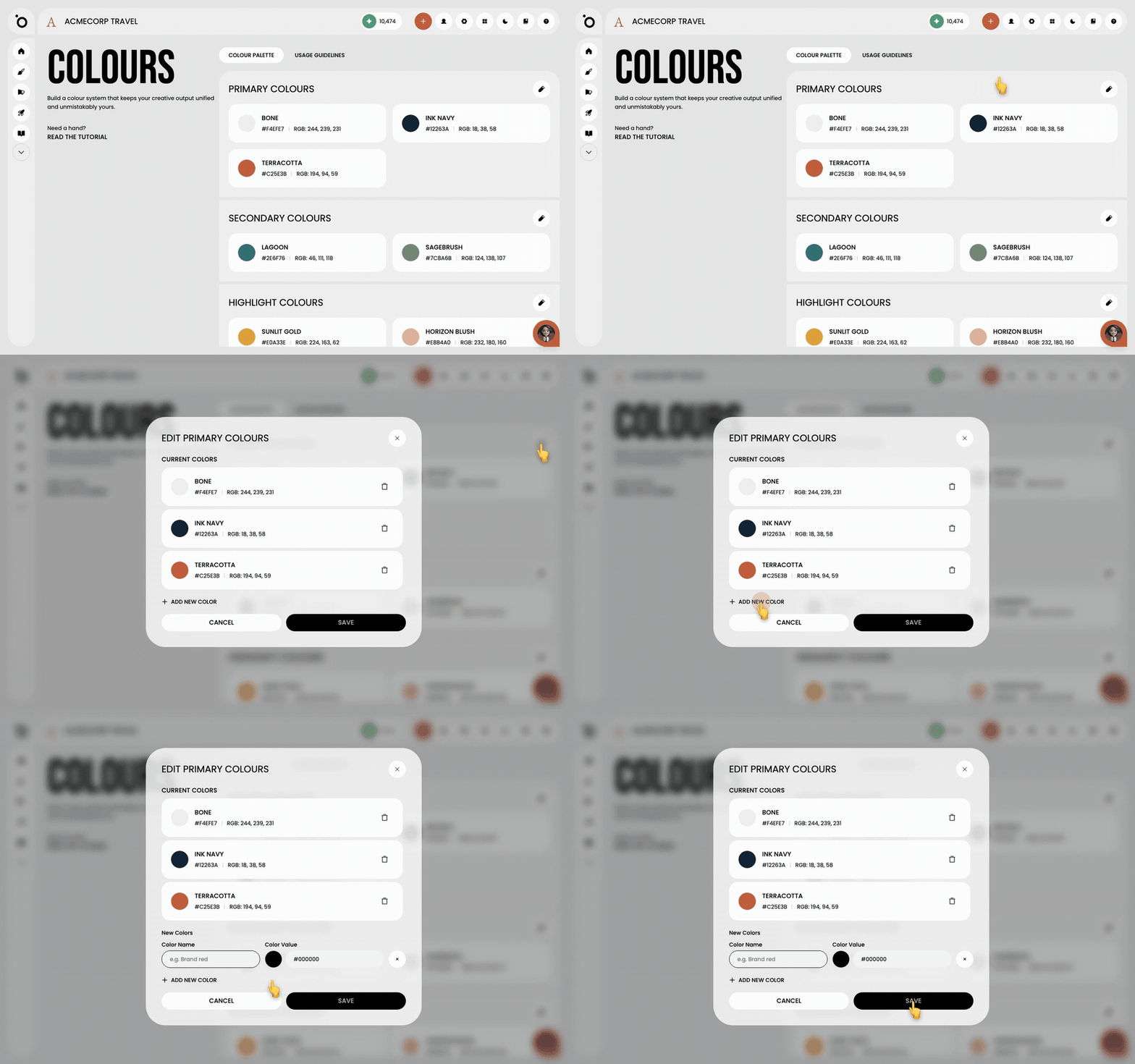
A sketch reads your Brand DNA, not a template. Your colours, fonts and tone come along on their own. The better your Brand DNA, the less you will correct.
Last updated 6 October 2026