In short: Key Visuals → Clone this set for each audience. Then Add New → Add New Tactic, with instructions that name the audience.
A campaign that speaks to everyone lands with no one. Adapting it for each audience keeps the idea and changes the aim.
You do not rebuild anything. You copy what works and change the part that faces the audience. About four minutes.
Clone the key visual for each audience
Open the Key Visuals stage. Hover over the key visual and press Clone this set. Change the headline or the image for the second audience, then press Generate Banners and Approve. Repeat for each audience.
Write the channel copy for each audience
Press Add New in the stage bar, then Add New Tactic. Choose a tactic, such as a social post or an email. In the instructions box, say who this version is for. Press Generate Content. Add one tactic per audience.
Change the imagery to match
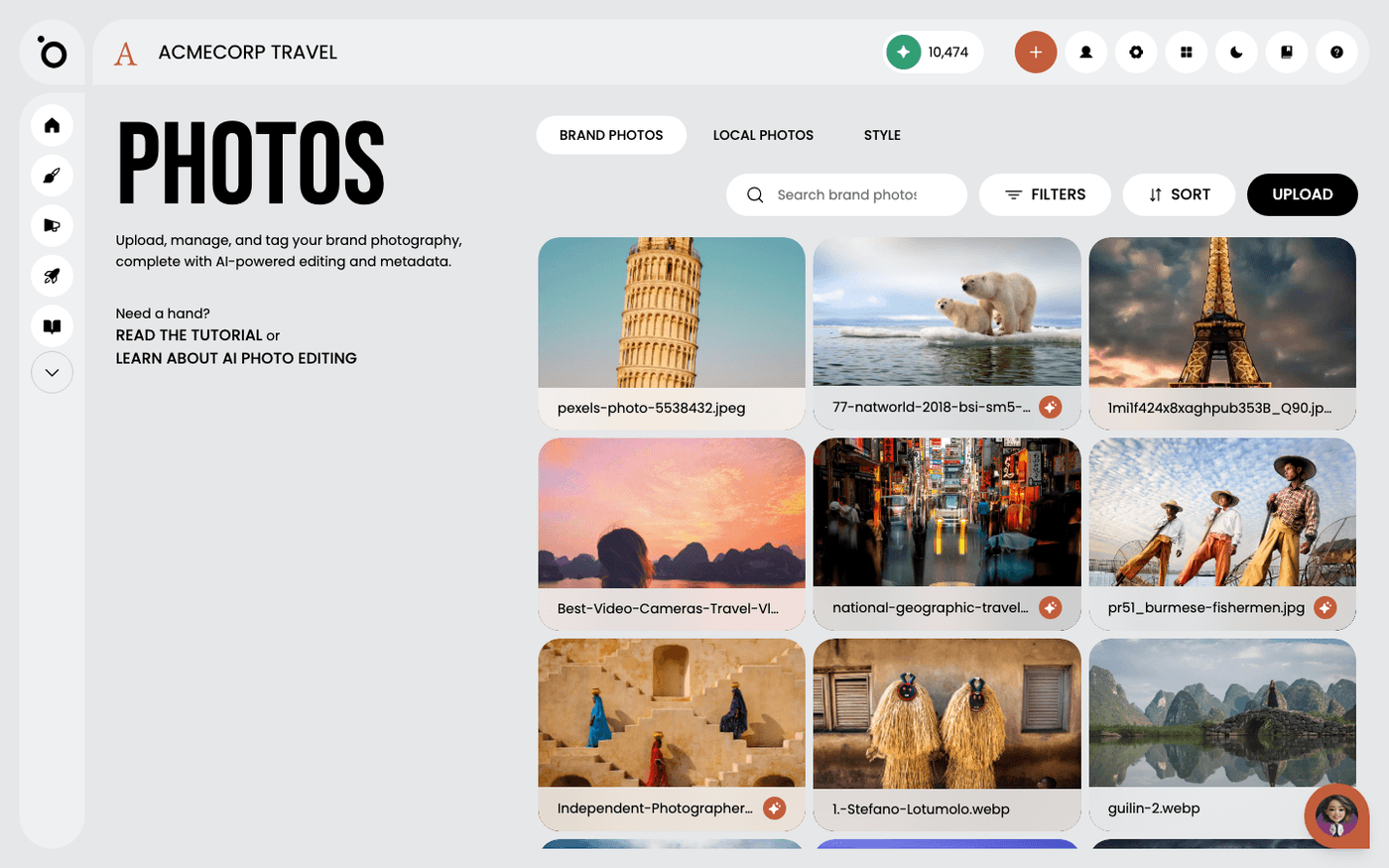
For a picture that suits a different audience, open the Hero Image stage, then AutoPic, and press Generate. Generated images follow your style reference photos, so every version still looks like your brand. Press Build Key Visual to make a second key visual from it.
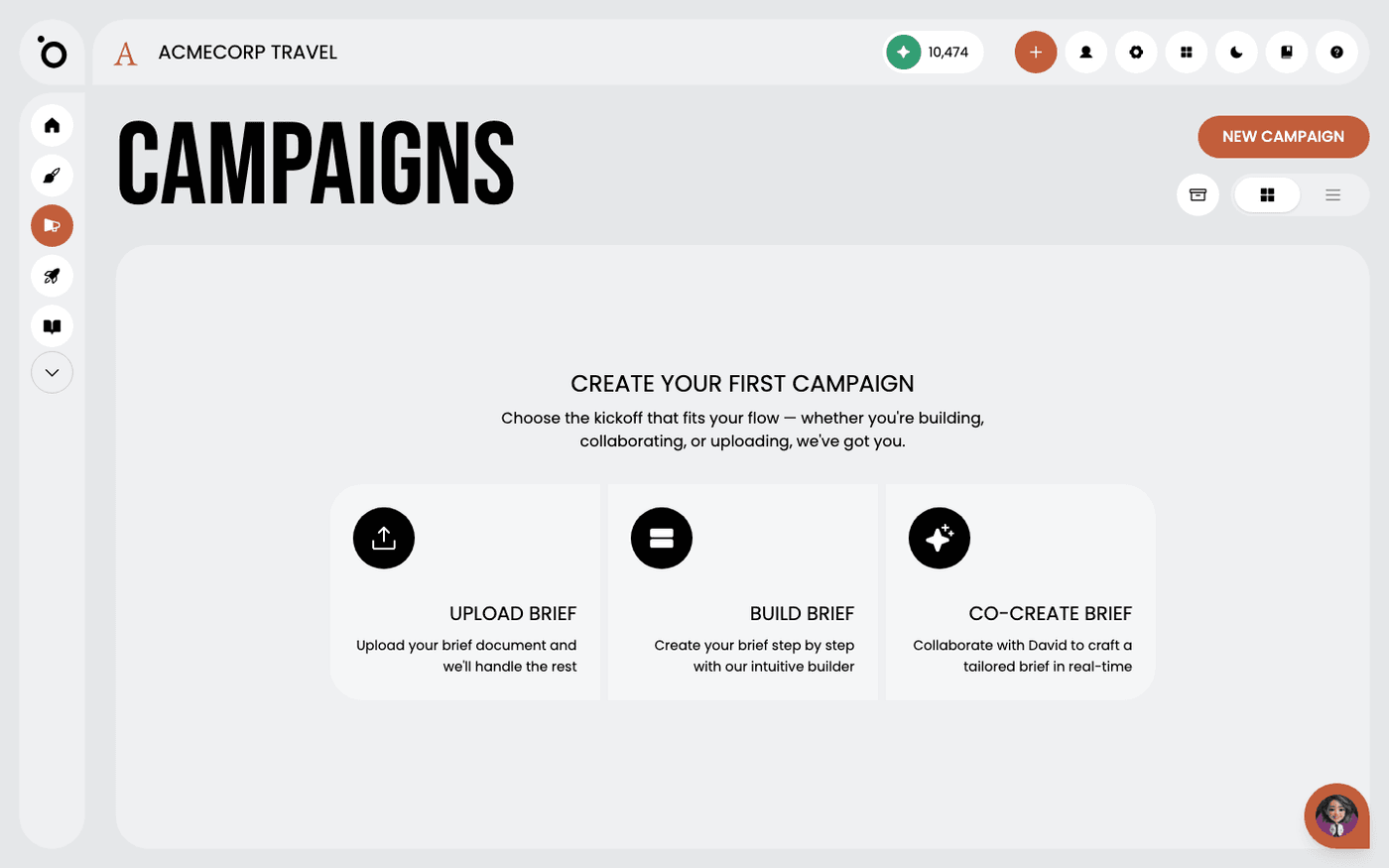
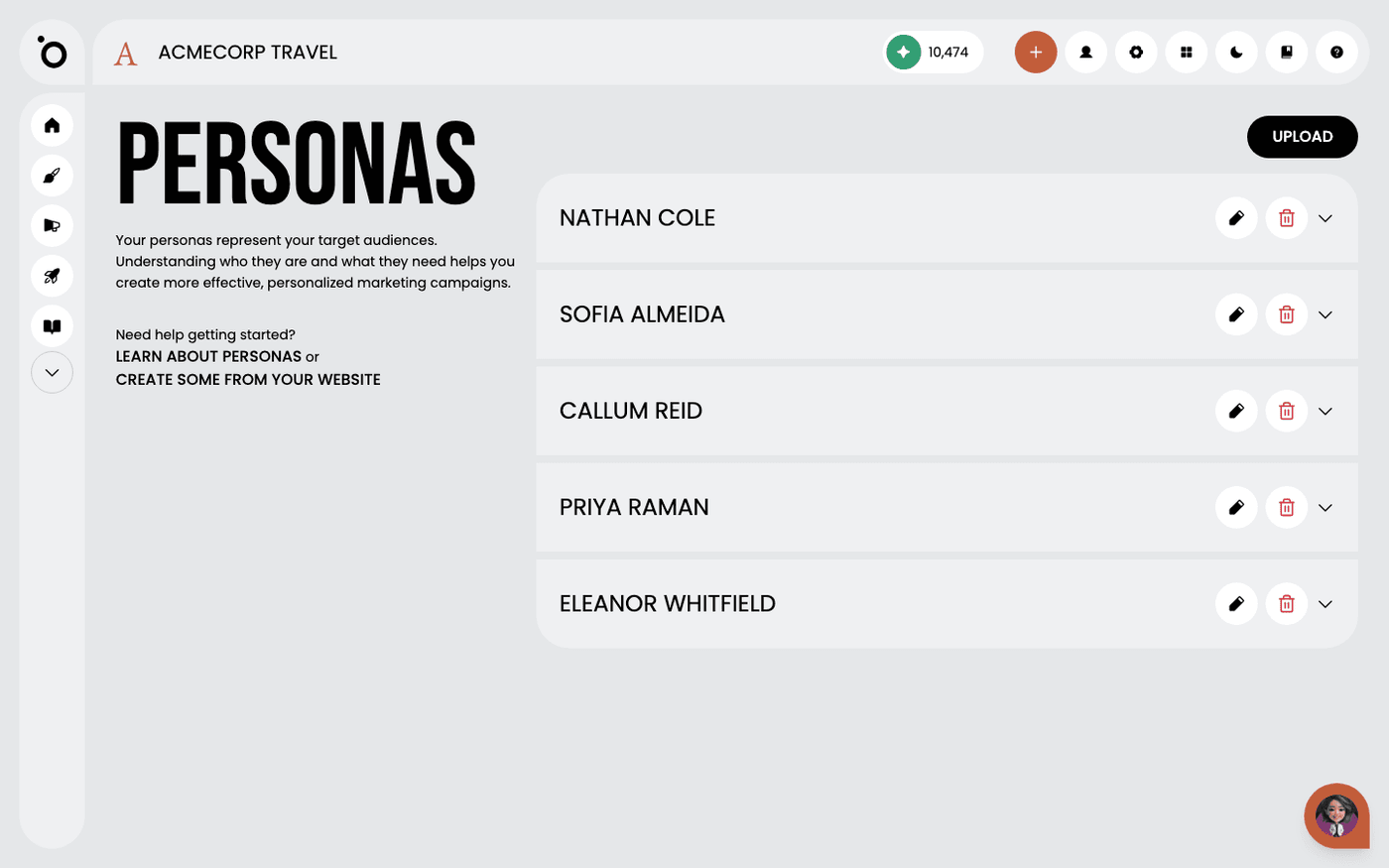
If two audiences need different messages, not just different words, start a second campaign instead. Press New Campaign, choose Build Brief and pick the other persona. The concept and the copy are then written for that audience from the start.
Last updated 12 August 2026