In short: Lobby → tell Maia what you want to make. Or press the chat button, bottom right, on any screen. You decide, she does.
Maia is your AI account director. In an agency, the account director owns your account. You say what you want to achieve. They organise the strategy, the creative and the follow-up. Maia does that job inside Protaigé.
You can hand her anything you would hand an account director. Answers about your brand and your numbers. Research on competitors. Whole campaigns. Copy, images, video and voiceovers. Social posts, drafted and scheduled. First drafts of strategy. You make the decisions. She does the work.
Find her where you already work
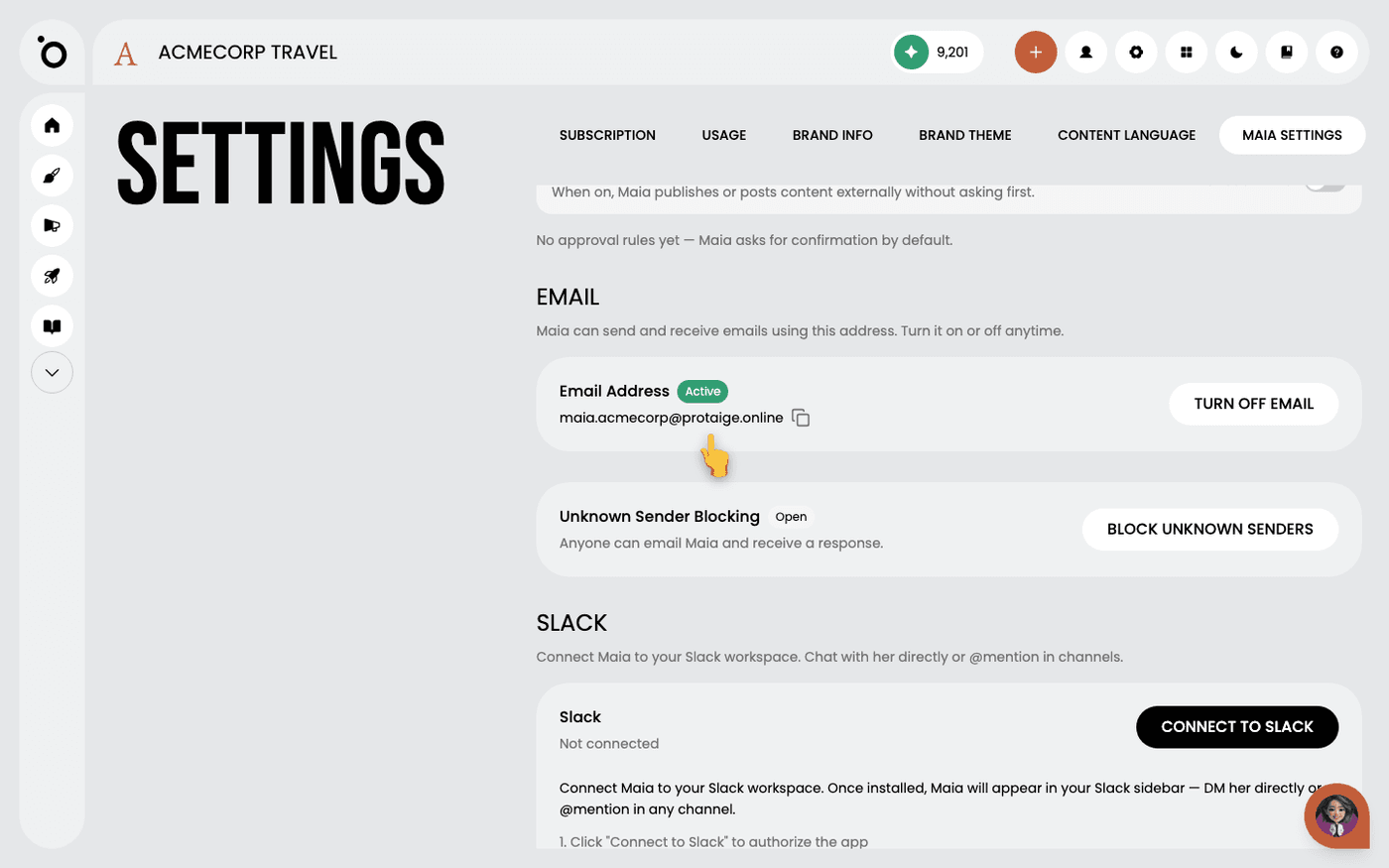
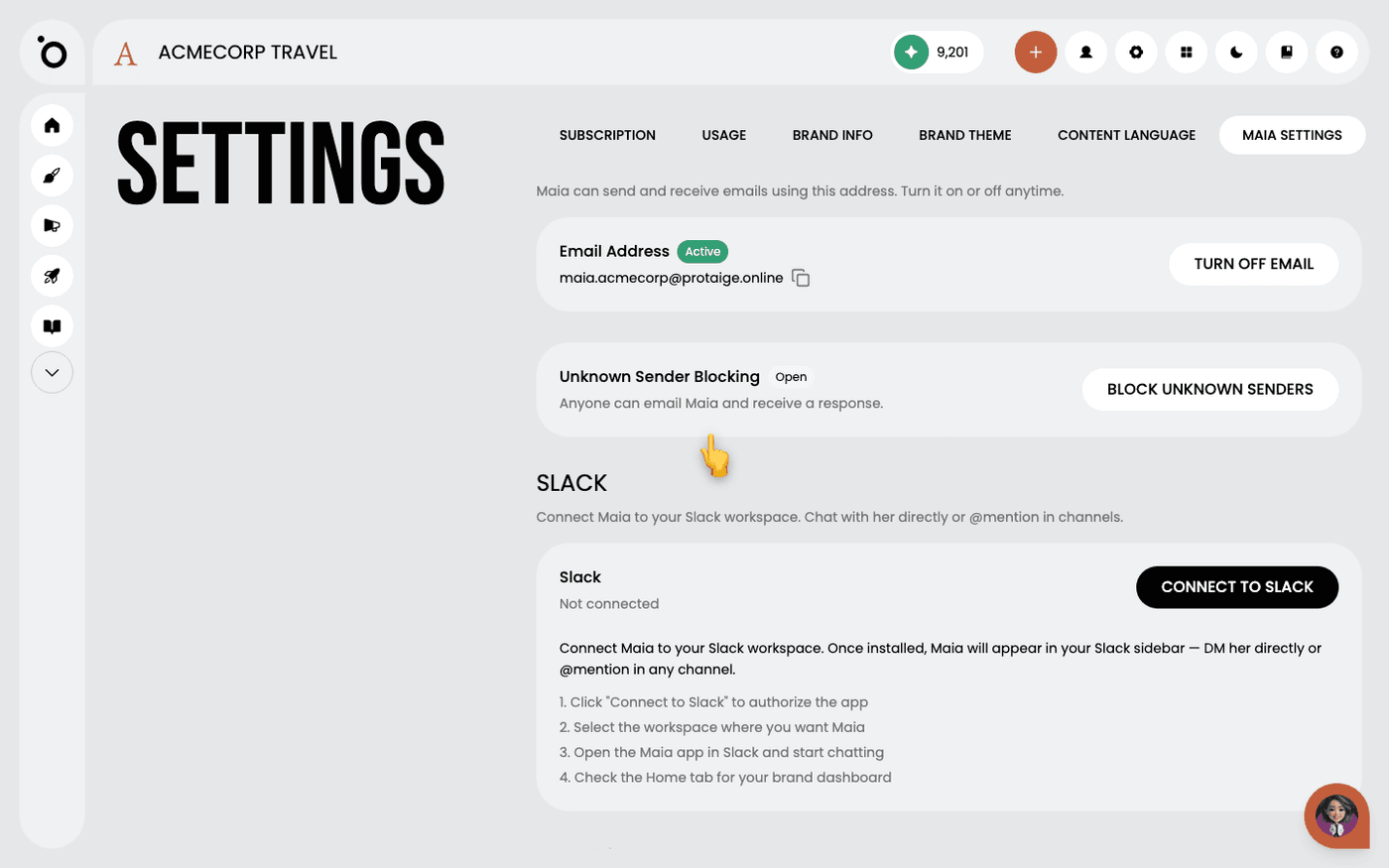
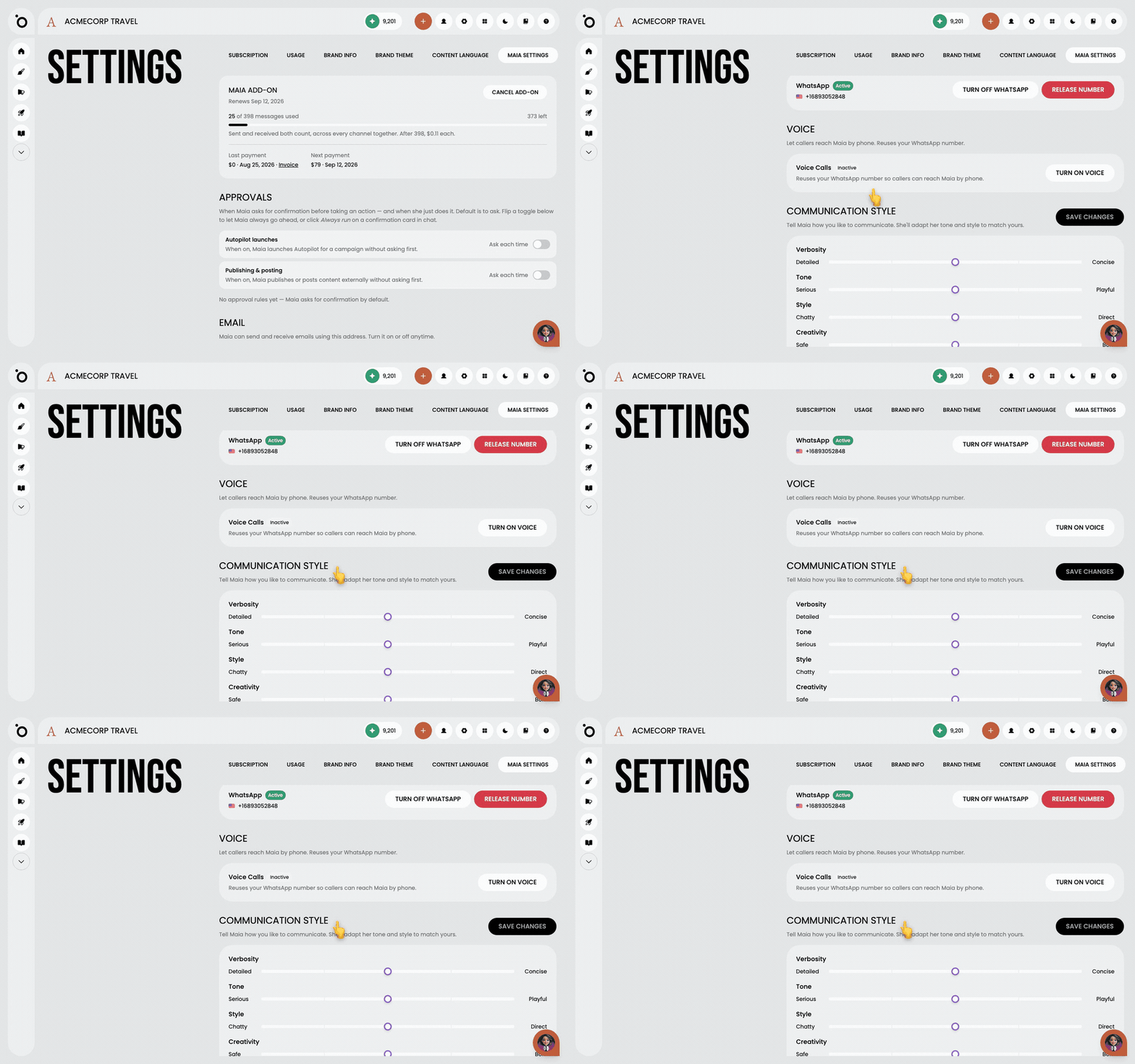
Maia is in the app on every plan. With the Maia add-on she also works outside it. She gets her own email address. In Slack you message her or mention her in a channel. On WhatsApp you message her, or she messages your clients. She answers the phone. Send her a meeting link and she joins the call. It is the same Maia everywhere, with the same memory of your brand and your work. You set all of this up in Settings, under Maia Settings.
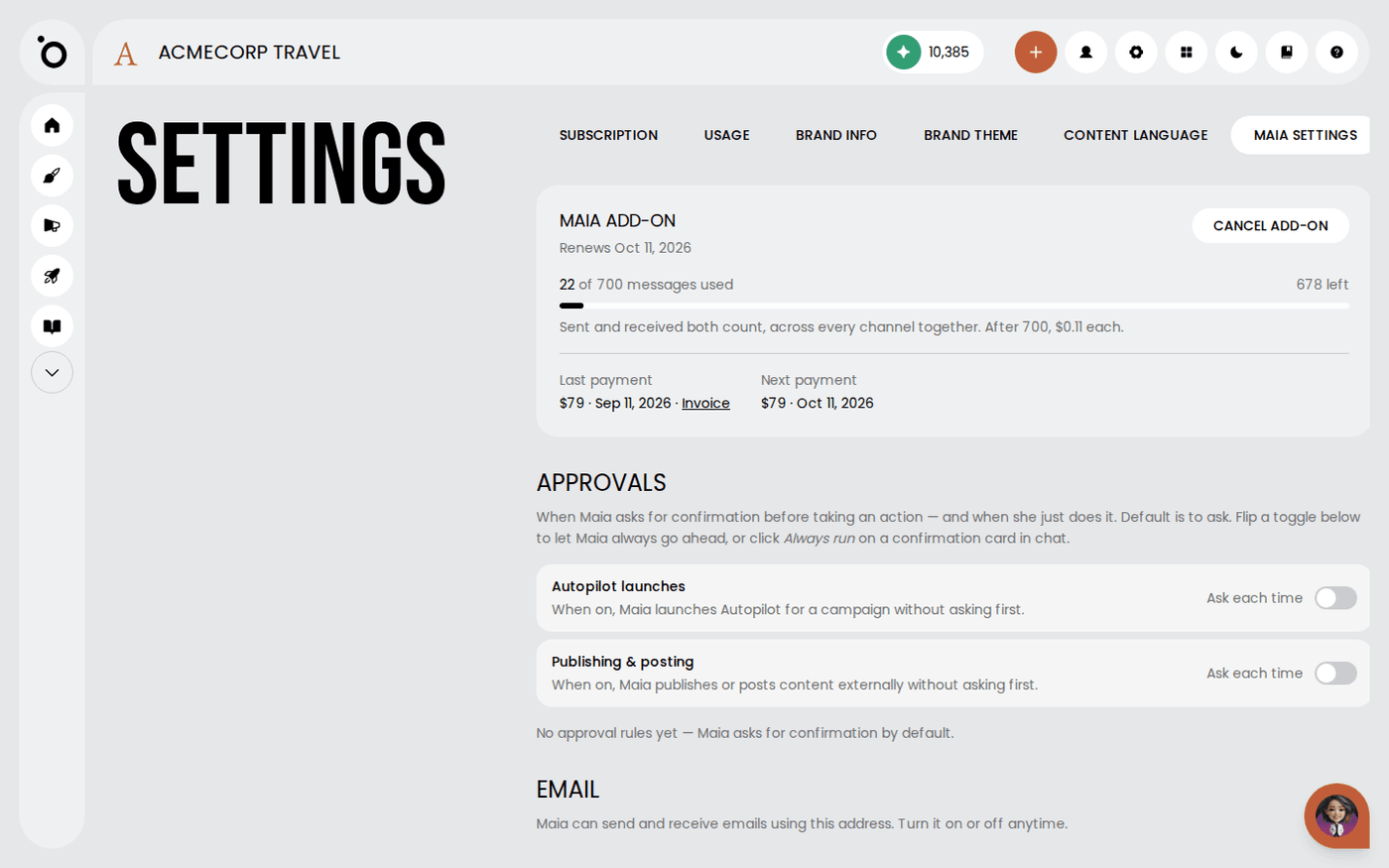
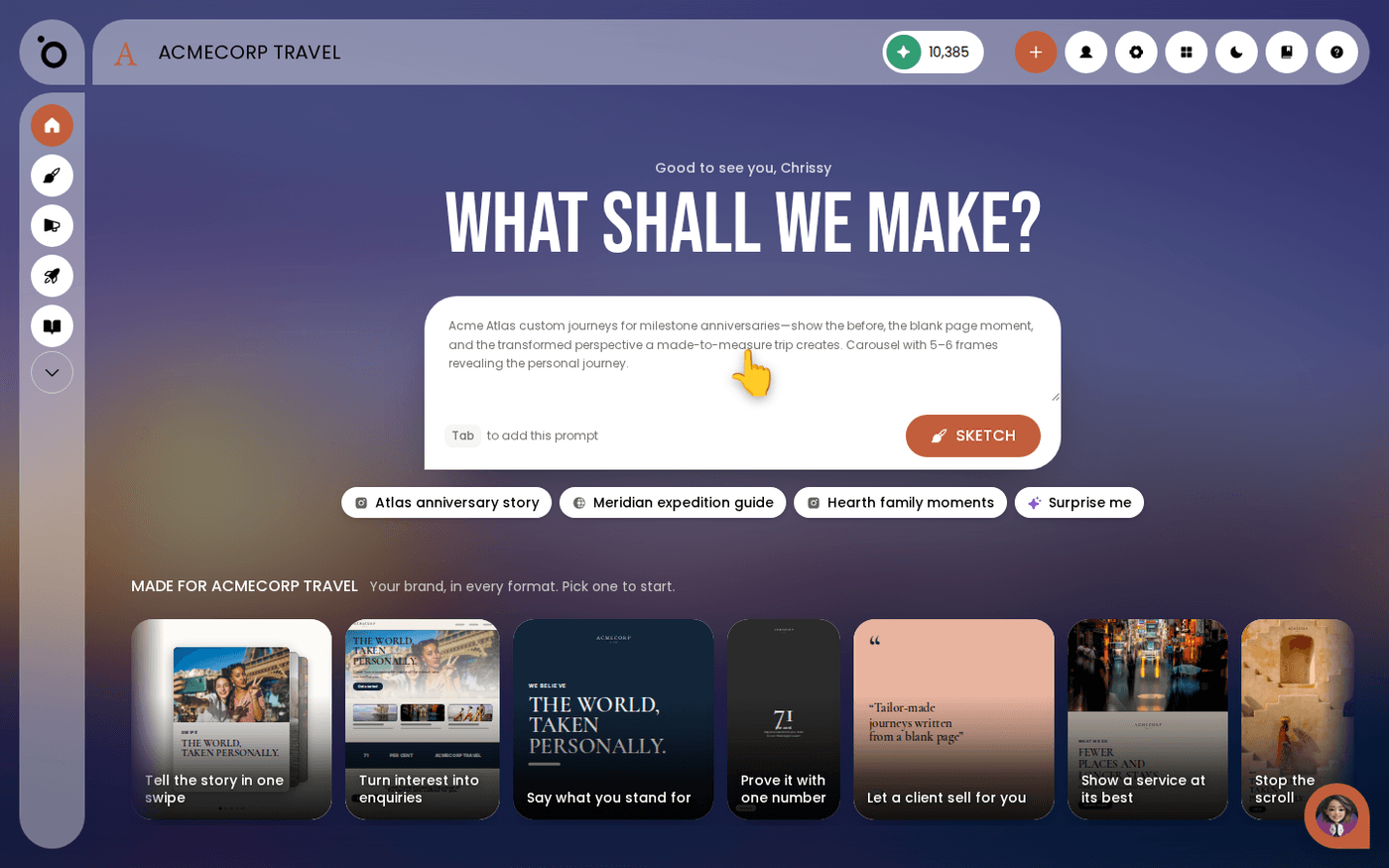
Start work in the Lobby
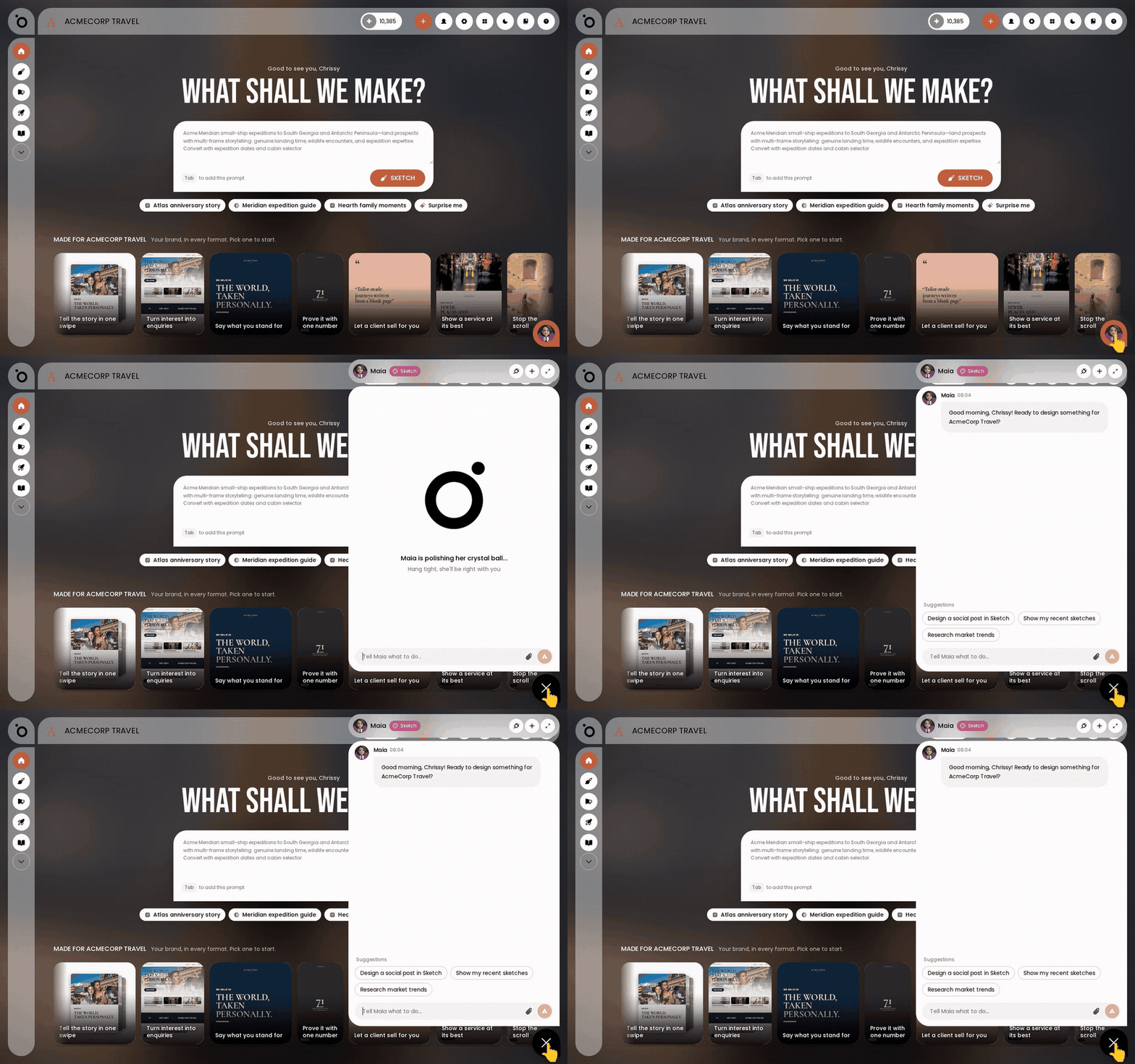
The Lobby is the first screen you see. It greets you by name and asks one question: What shall we make? Under it is a prompt box. It already holds a suggested brief written for your brand. Beside it are a few chips with ideas based on your products. Below is a gallery of formats made for your brand. Type what you want, or pick a suggestion, and press Sketch.
Open her chat from any screen
The chat button sits at the bottom right of every screen. Press it to talk to Maia without leaving the page you are on. It is the same conversation wherever you open it. Use the Lobby to start something new. Use the chat to ask her anything else.
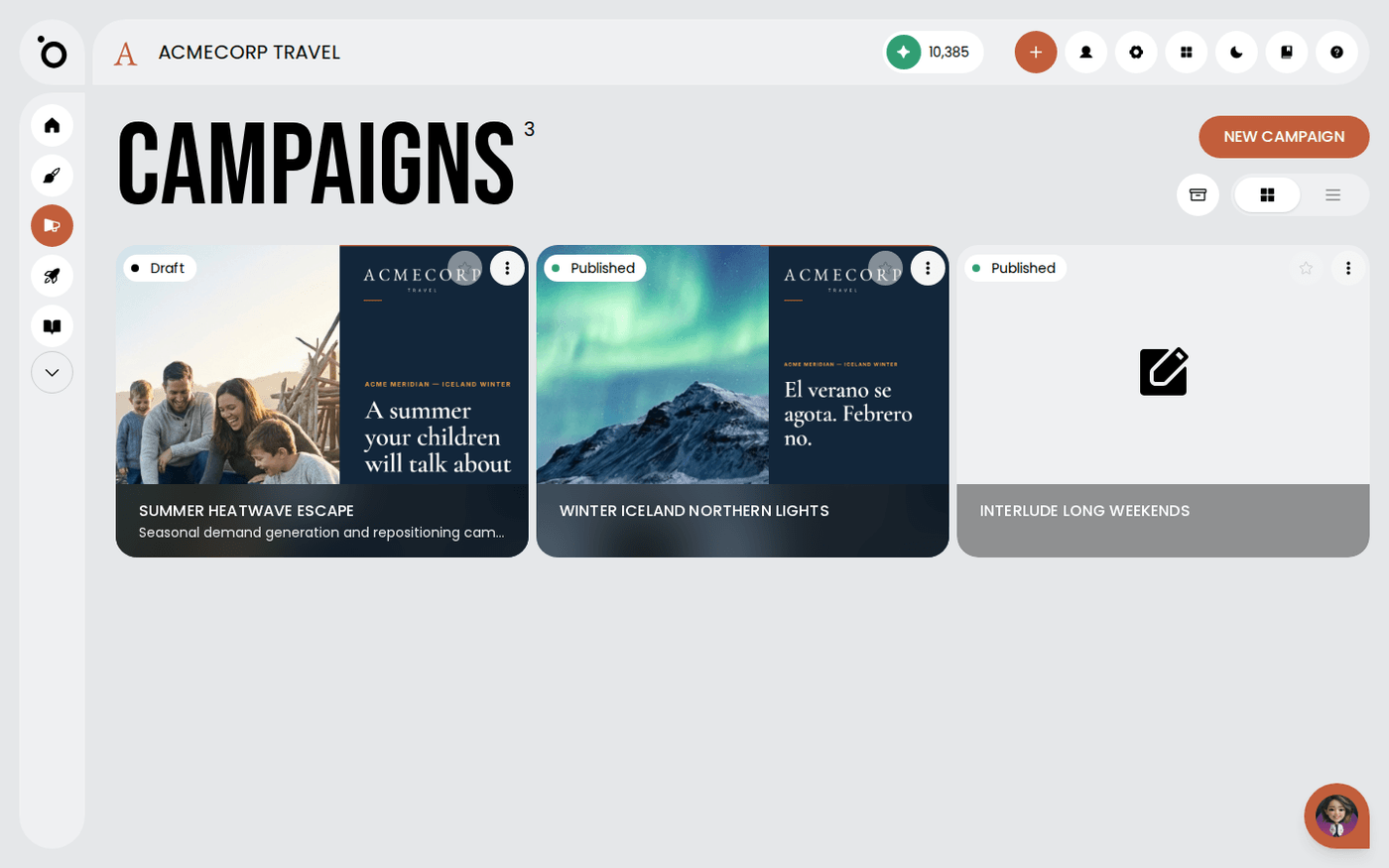
Every other page in this Academy is one of two things. Something you can ask Maia to do, or something you can teach her so she does it better. Next, set her up on the channel you use most.
Last updated 6 October 2026