In short: Header → plus button → Build Brief. Then approve each stage: Concept, Hero Copy, Hero Image, Key Visuals.
A campaign is one brief turned into a full set of assets for every channel you use. Your first one is the fastest way to understand Protaigé, because every stage draws on your Brand DNA.
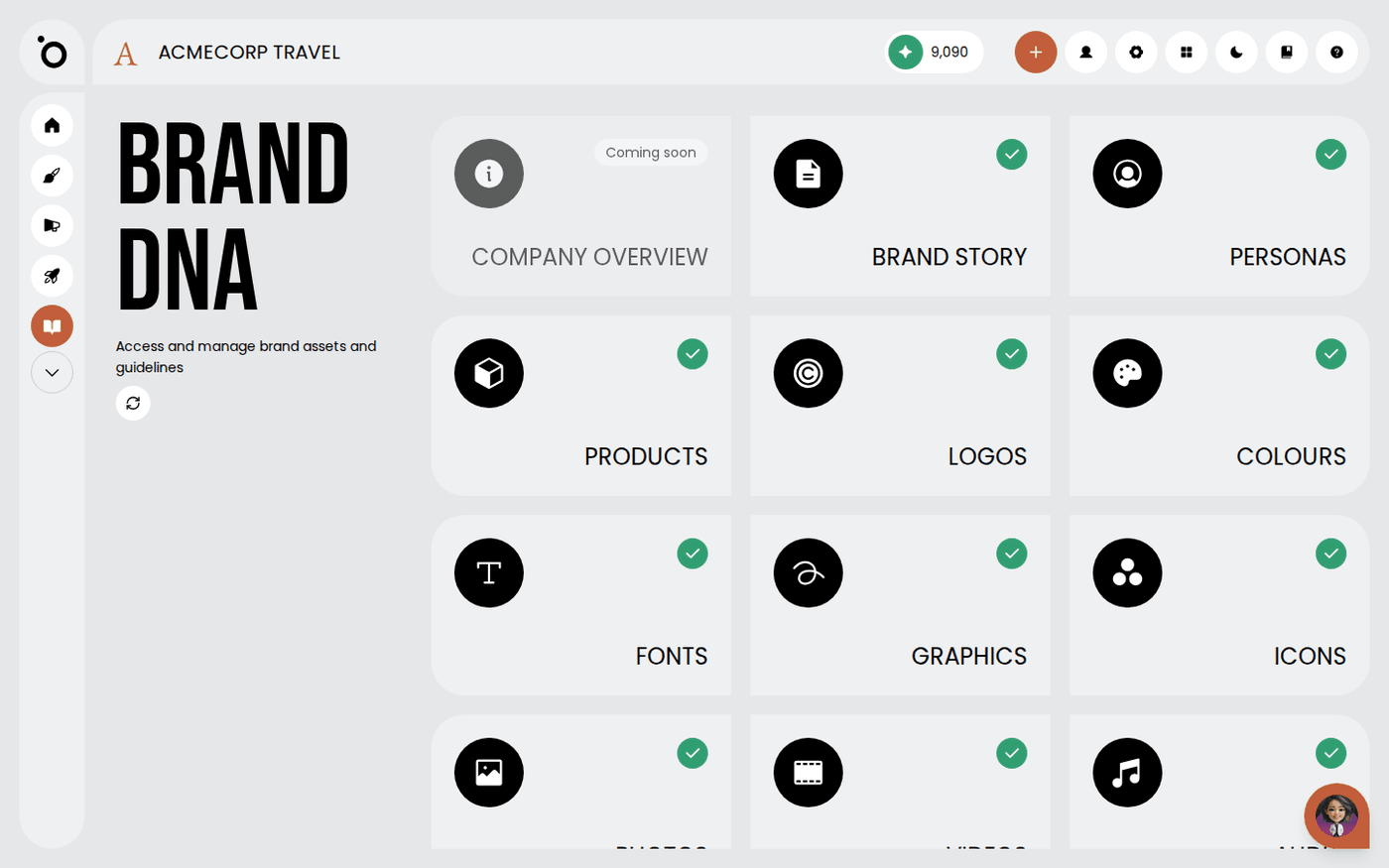
Before you start, your Brand DNA needs four things: a brand story, one product, one persona and one design kit. If any is missing, Protaigé tells you and sends you to Brand DNA to fill it in.
Start a campaign
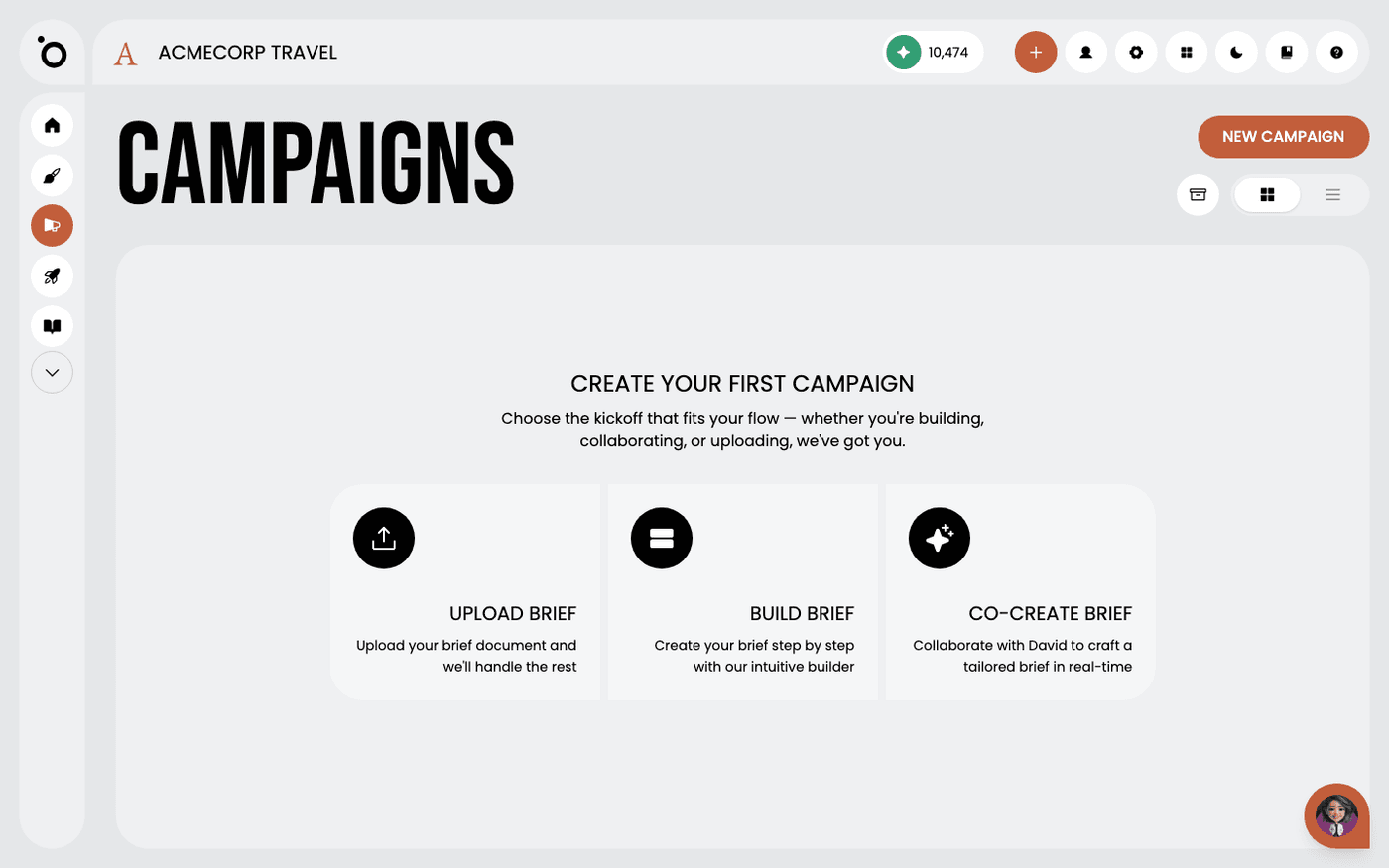
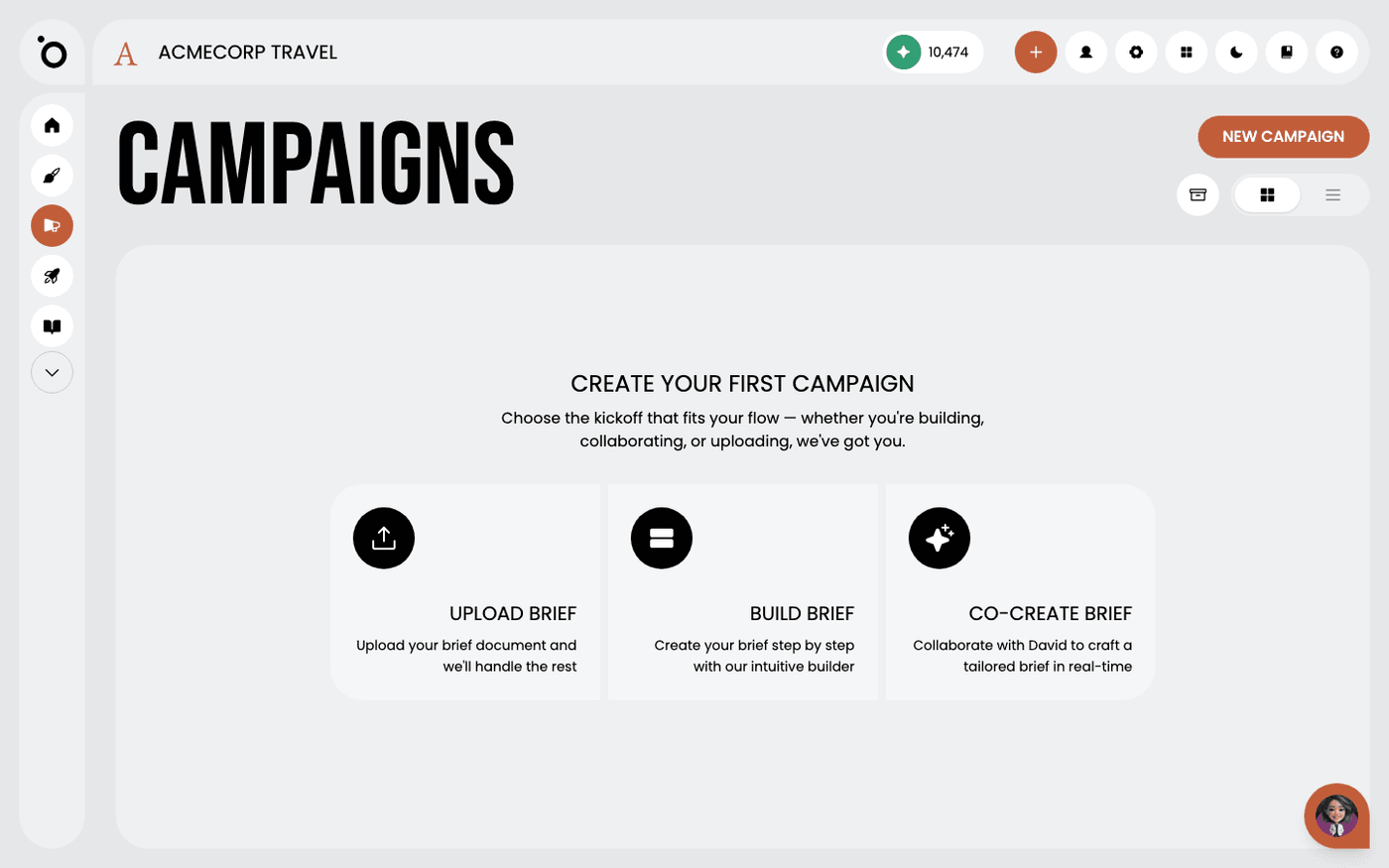
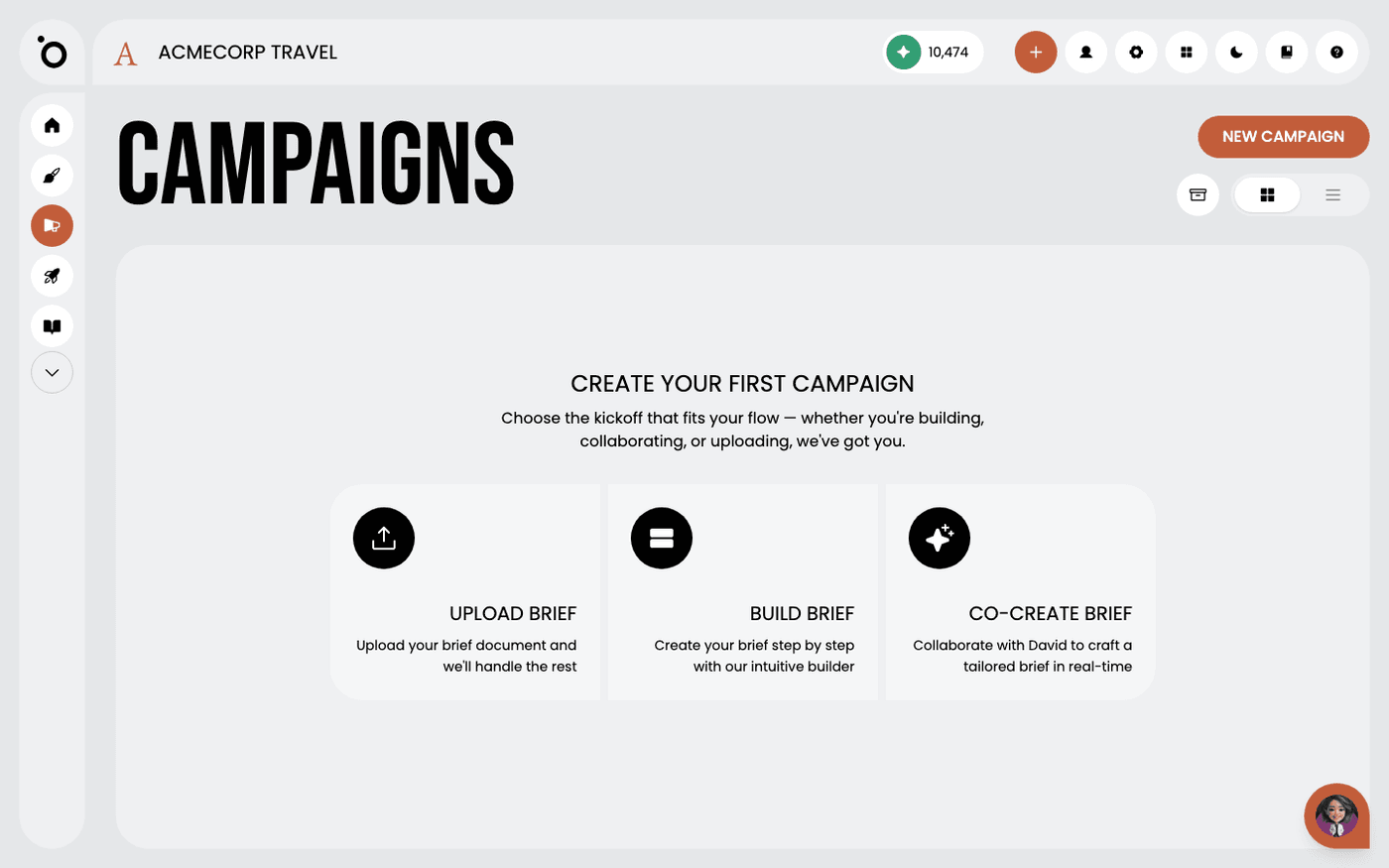
Press the plus button in the header. The Create New Campaign dialog offers three ways in: Build Brief, Co-create Brief and Upload Brief. Choose Build Brief for your first campaign. It walks you through the brief step by step.
Write the brief
Fill in what the campaign is for, who it is for and what you want people to do. Keep it short and clear. A good brief is most of a good campaign.
Approve one stage at a time
The campaign moves through stages: Brief, Concept, Hero Copy, Hero Image, then Key Visuals. At each stage Protaigé shows you options. Pick one and approve it. Each stage builds on the one before, so you never start over.
Let it make the full set
Approve the key visual. Protaigé then makes the assets for every tactic you have switched on. This is the moment the value shows.
Fix problems at the source
If something looks or sounds wrong, the cause is usually in Brand DNA, not in the campaign. Fix it there. Every campaign after that gets better too.
A good first campaign needs two things. A clear brief, and a Brand DNA you have filled in.
Last updated 12 August 2026