In short: Deleted assets are kept for 30 days. Auto-saves, temporary uploads and failed generations are cleared after 7 days. Nothing you saved yourself is touched.
Everything you make in Protaigé leaves some scratch work behind. The photo you deleted. The auto-save from a session you closed. The image you dropped in to make a video. The generation that failed. Protaigé clears this out on a schedule.
Two windows matter: 30 days for anything you deleted, and 7 days for scratch work. Nothing you saved yourself, and nothing you did not delete, is removed.
Deleting starts a 30-day clock
When you delete an asset, it leaves your library at once. The file stays in storage for 30 days. After that it is removed for good. There is nothing left to recover.
The clean-up runs twice a month
The clean-up runs on the 1st and the 15th of each month. So every window is a minimum, not an exact date. A 7-day item can stay up to 22 days. A deleted asset stays at least 30 days.
Auto-saves are cleared after 7 days
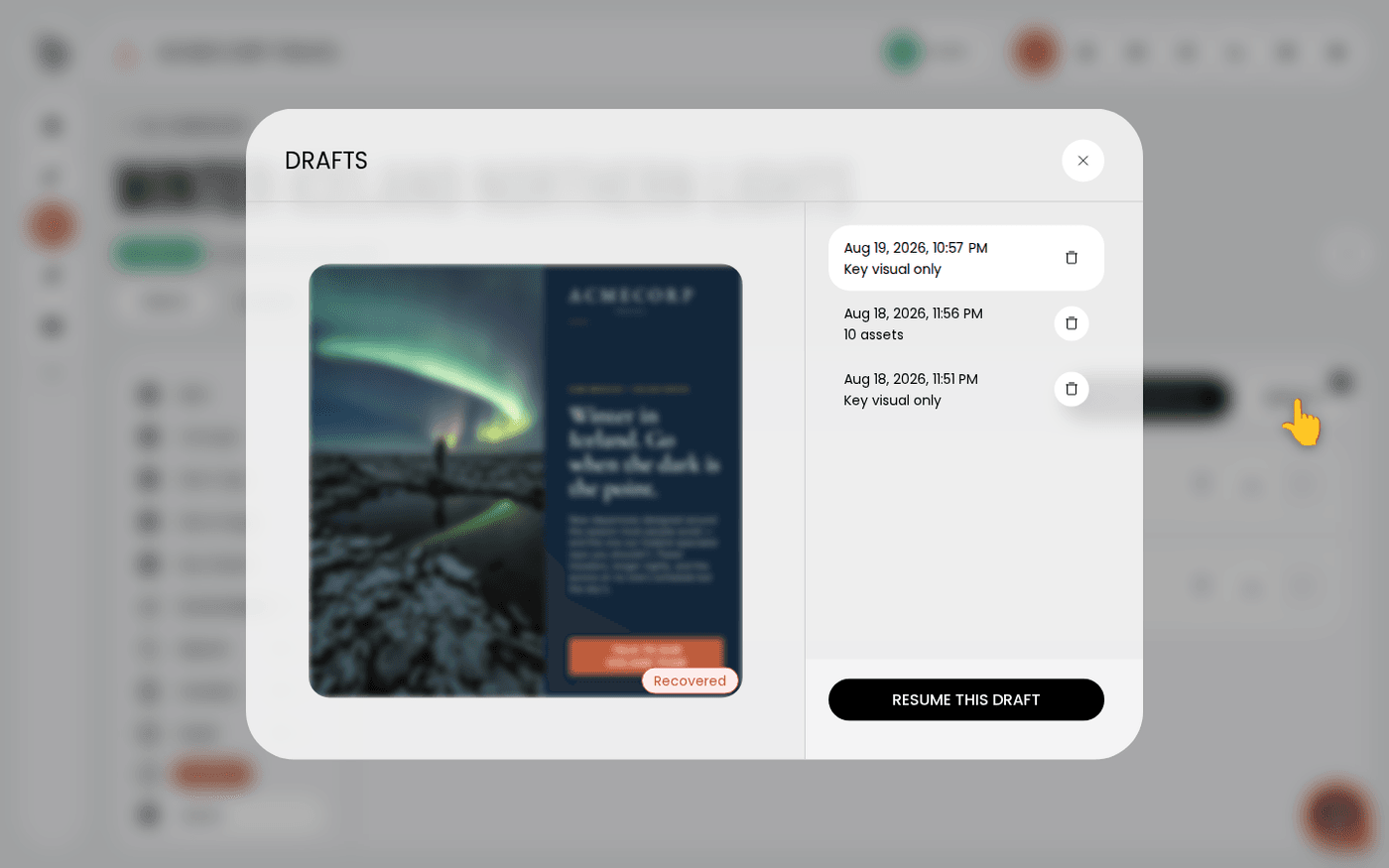
Auto-saves are the snapshots Protaigé writes while you work. They are cleared 7 days after they were made. Anything you saved as a normal asset is not an auto-save. It follows the 30-day rule only if you delete it.
Temporary uploads and failed generations are cleared after 7 days
When you make a video from a still image, Protaigé keeps a temporary copy of that image. It is removed after 7 days. Video and footage generations that failed are removed on the same window, because they have no output.
Earlier versions are left alone
If you re-generated something and an earlier version is still in your library, the clean-up does not touch it. Deleting one version does not delete the others.
If something matters, do not leave it as an auto-save. Save it to a library and it stops being scratch work.