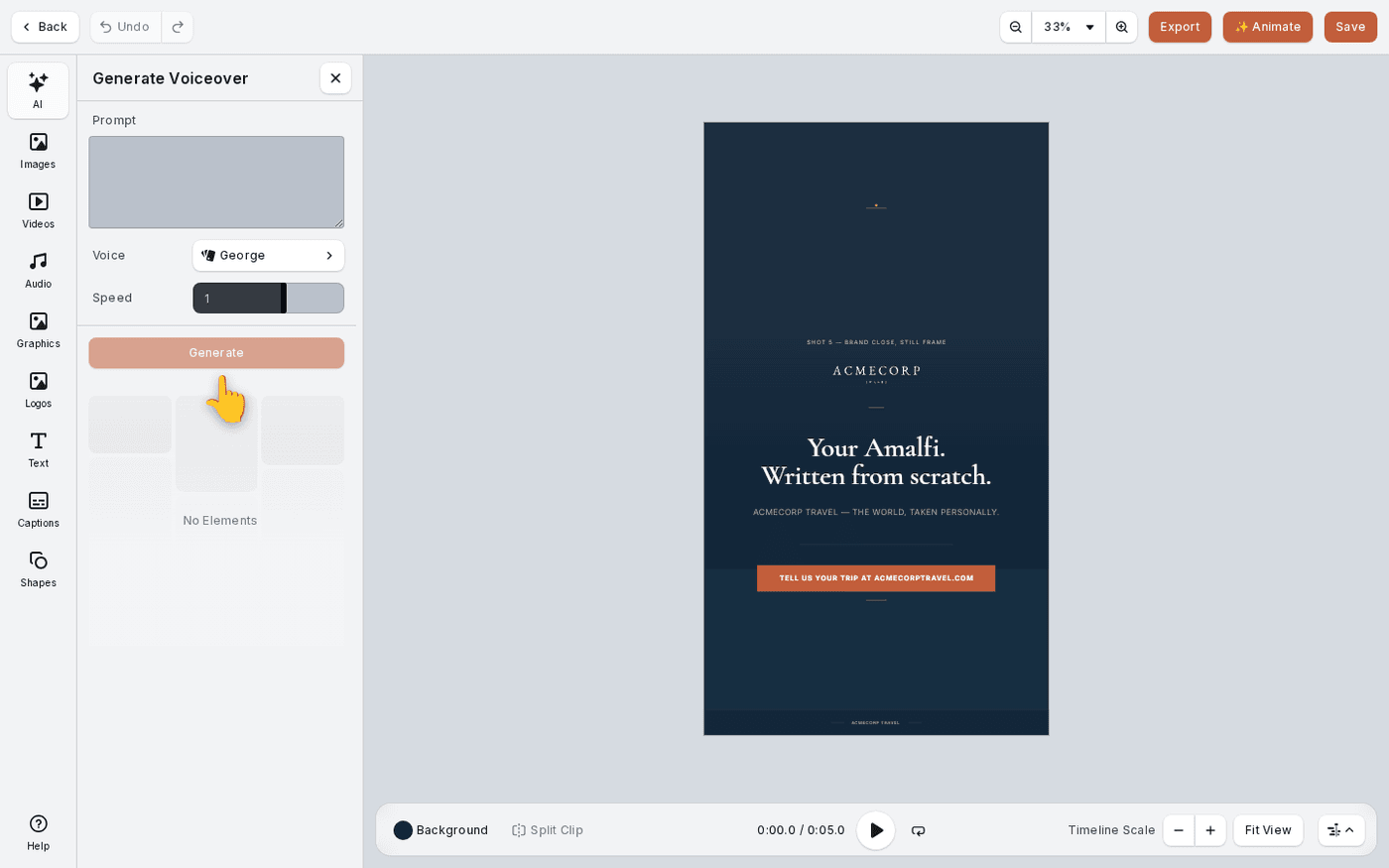
In short: Video editor → Audio in the dock. Upload a file, or press AI → Generate Sound Effect or Generate Music.
Sound is the half of a video people forget. Audio in the dock holds every track you can use. That means your own uploads, shared brand audio, and anything Protaigé has generated. This page shows what each panel holds and how to make a new sound.
Open Audio
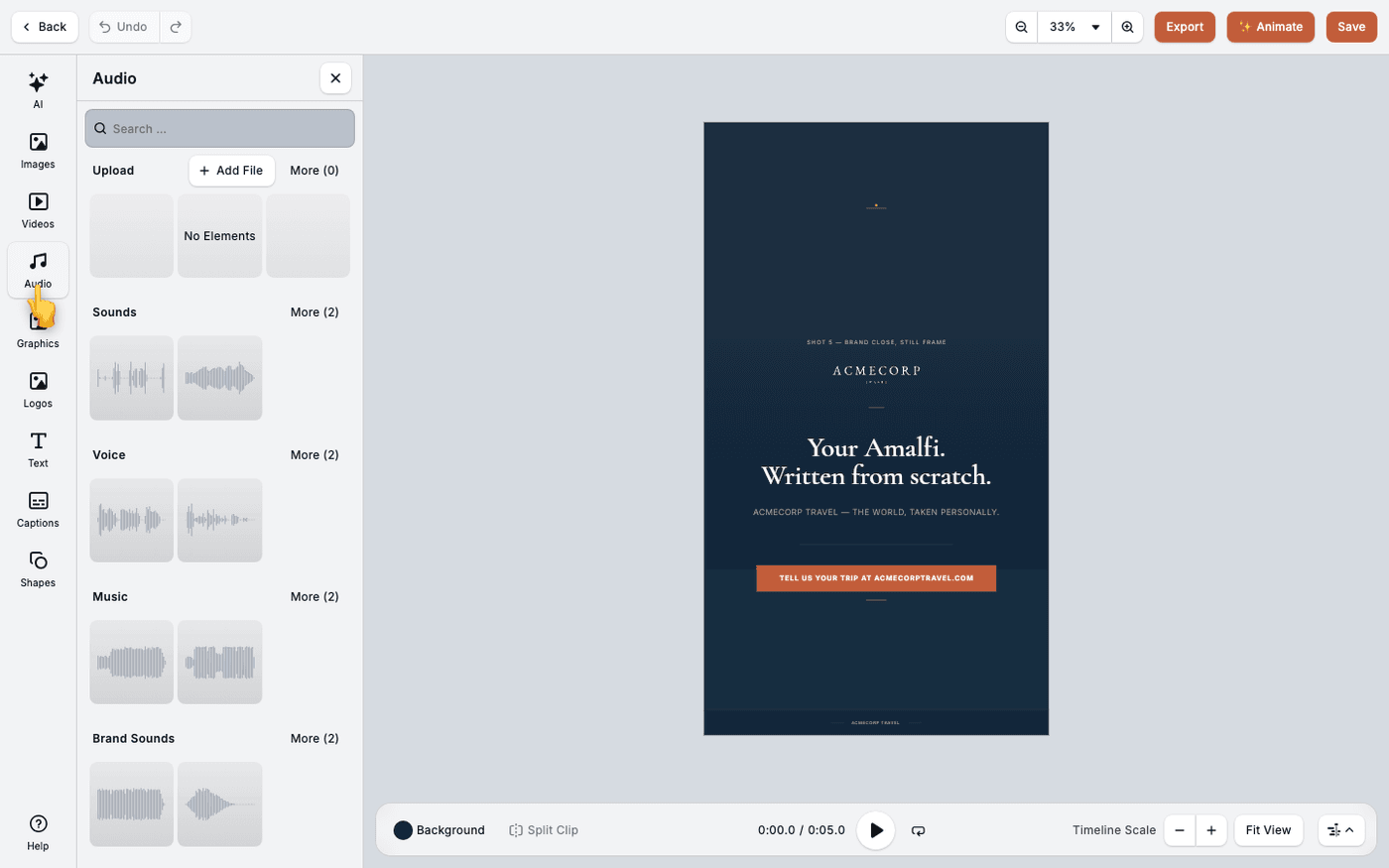
In the video editor, press Audio in the dock, the column of tools down the left edge. The panel lists your audio in groups. It draws a waveform for each track, so it can take a moment to fill.
Know the groups
Sounds are short effects. Voice is spoken audio. Music is music. Each has a Shared panel for the whole brand and a Local panel for your own working files. In a campaign there are Campaign panels too, for tracks made in that campaign.
Upload your own
Each panel you can add to has its own Add file area. The panel you are looking at is the one you upload into. MP3, WAV, AAC and M4A files are accepted.
Generate a sound effect
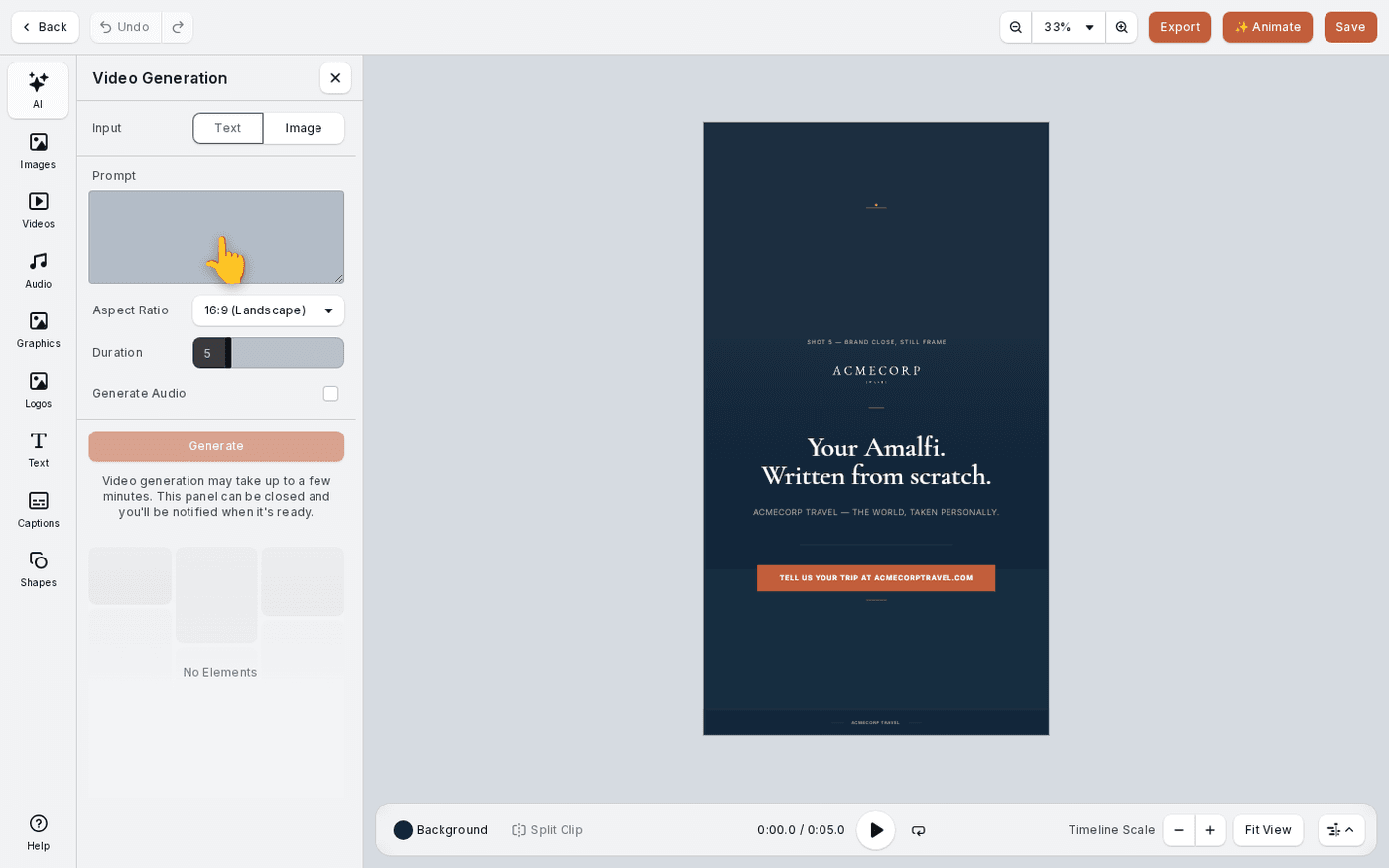
Press AI at the top of the dock and choose Generate Sound Effect. Describe the sound in words. Set Duration between 0.6 and 22 seconds. It starts at 2 seconds. Press Generate, then click the result to put it on the timeline.
Generate music
Choose Generate Music from the same AI menu. It has its own tutorial, linked below.
Make sounds outside the editor
Open Brand DNA, then Audio, then the Local tab. Press Generate. This makes the same sounds for your library, and starts at 8 seconds instead of 2.
Share a sound with the brand
In Brand DNA, open the sound's menu and choose Move to shared. This moves the file. It leaves your Local library, and everyone on the brand can use it.
Volume is set on each track, so balance a music bed against a voiceover on the timeline.