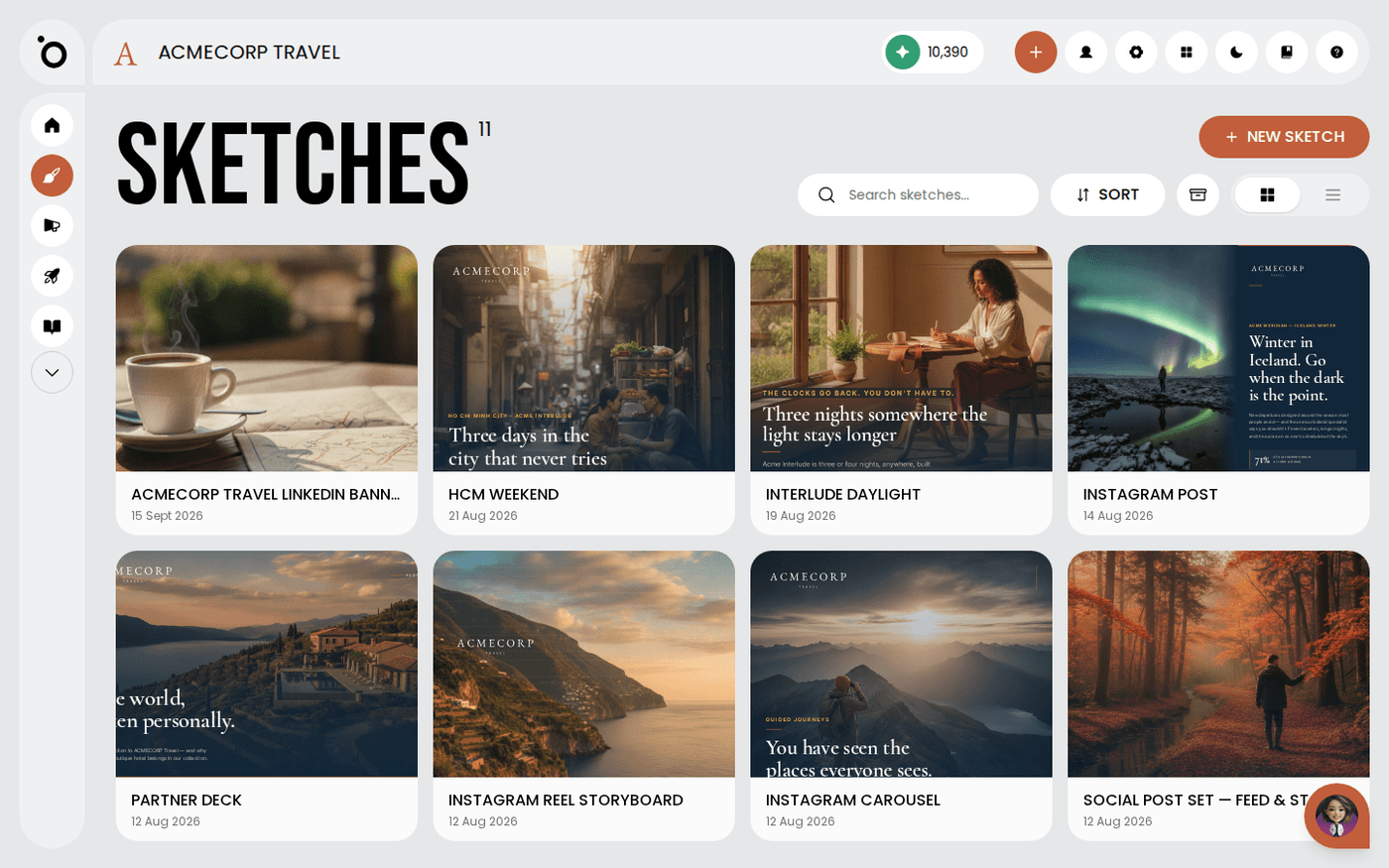
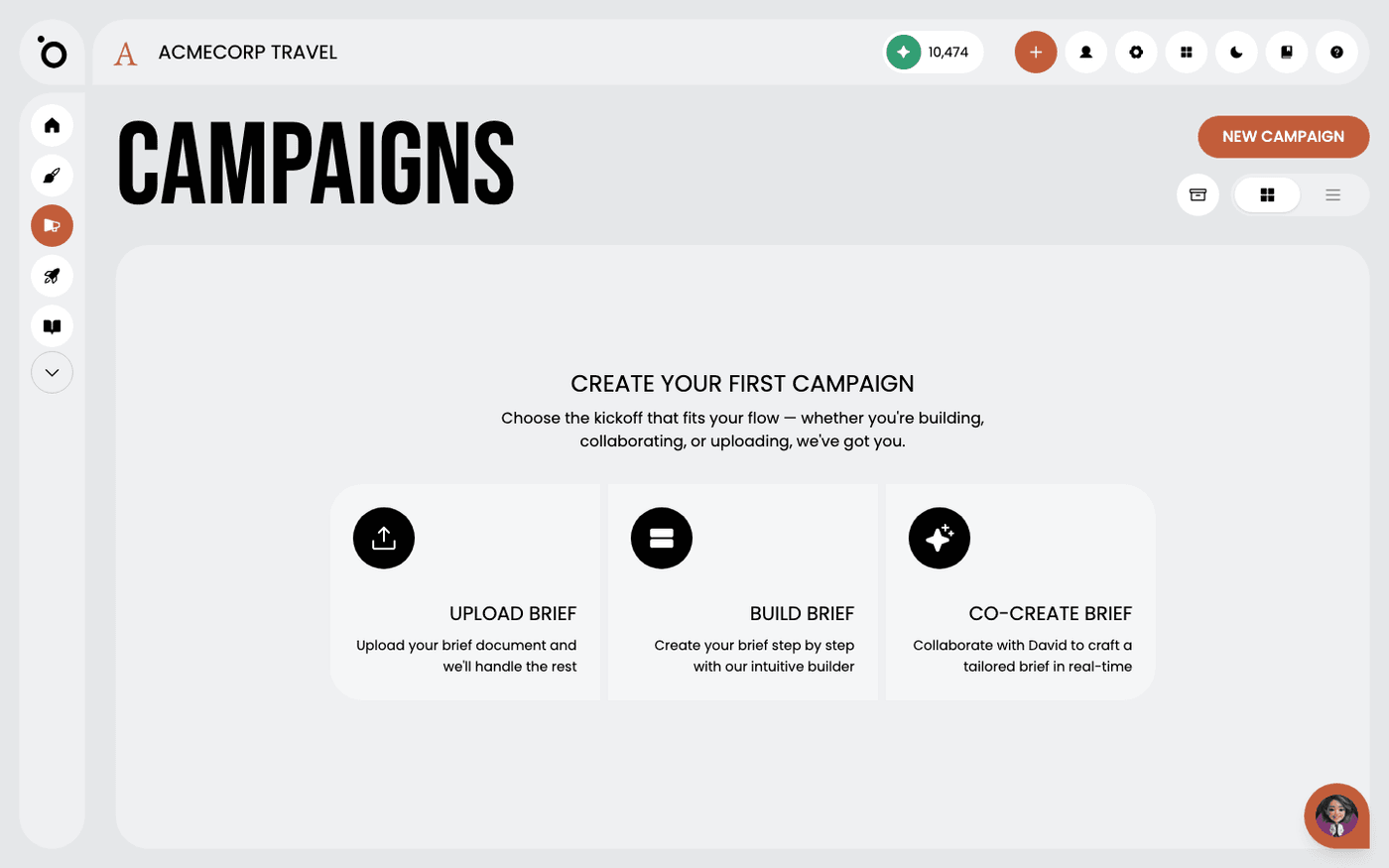
In short: Sketch → your brief → attach the document. PDF, Word, .txt, .md, .html or .htm in, plain text out, shown to you before anything is made.
Most briefs start with something you have already written. A launch draft, a one-pager, a page exported from another app. Attach that file to your sketch and Protaigé builds the work from it, using your real names, numbers and claims.
Protaigé pulls the text out with a library, never with a model. Nothing is rewritten on the way in, and nothing inside the file is fetched or run.
Attach the file to your brief
Attach your document when you brief the sketch. Protaigé accepts a PDF, a Word document, a .txt or .md file, and now an .html or .htm page. A slide deck is refused, with a message naming the types that do work.
Read the text that comes back
Protaigé shows you the extracted text before it makes anything. Read it, because that exact text is what the sketch is written from. Only the first 12,000 characters are used, and a longer file is marked as shortened.
Know what survives from an HTML page
Headings, paragraphs, lists and line breaks come through as breaks. Table rows stay on one line, separated by pipes. Scripts, styles and comments are dropped, and entities become normal characters.
Tidy an HTML export before you upload it
Menu, header and footer text is kept on purpose, because in an exported document the whole page is your writing. Delete any navigation or small print you do not want in your copy first. A page with no readable text is refused rather than used empty.
Get copy blocks written from your source
A copy block is long-form text written beside your design, such as speaker notes or an email body. Blocks are now written from the attached document, so they carry its facts, names and numbers. If you marked the source to be used word for word, the block keeps your wording and only selects and orders it.
Expect copy, never a reply
Text that reads as a reply asking you for the draft is never saved to your sketch. Protaigé tries that block once more, then skips it. Every other block keeps its place.
Check the extracted text before you generate. It is exactly what Protaigé writes from, so a stray menu or a cut-off ending will show up in the copy.