
Create branded design kits
Bring your own artwork in so generated work comes out on your grid rather than a generic one. This is the difference between on brand and nearly.
7 walkthroughsabout 32 min end to endEnds with: Your own templates driving the output
- 1
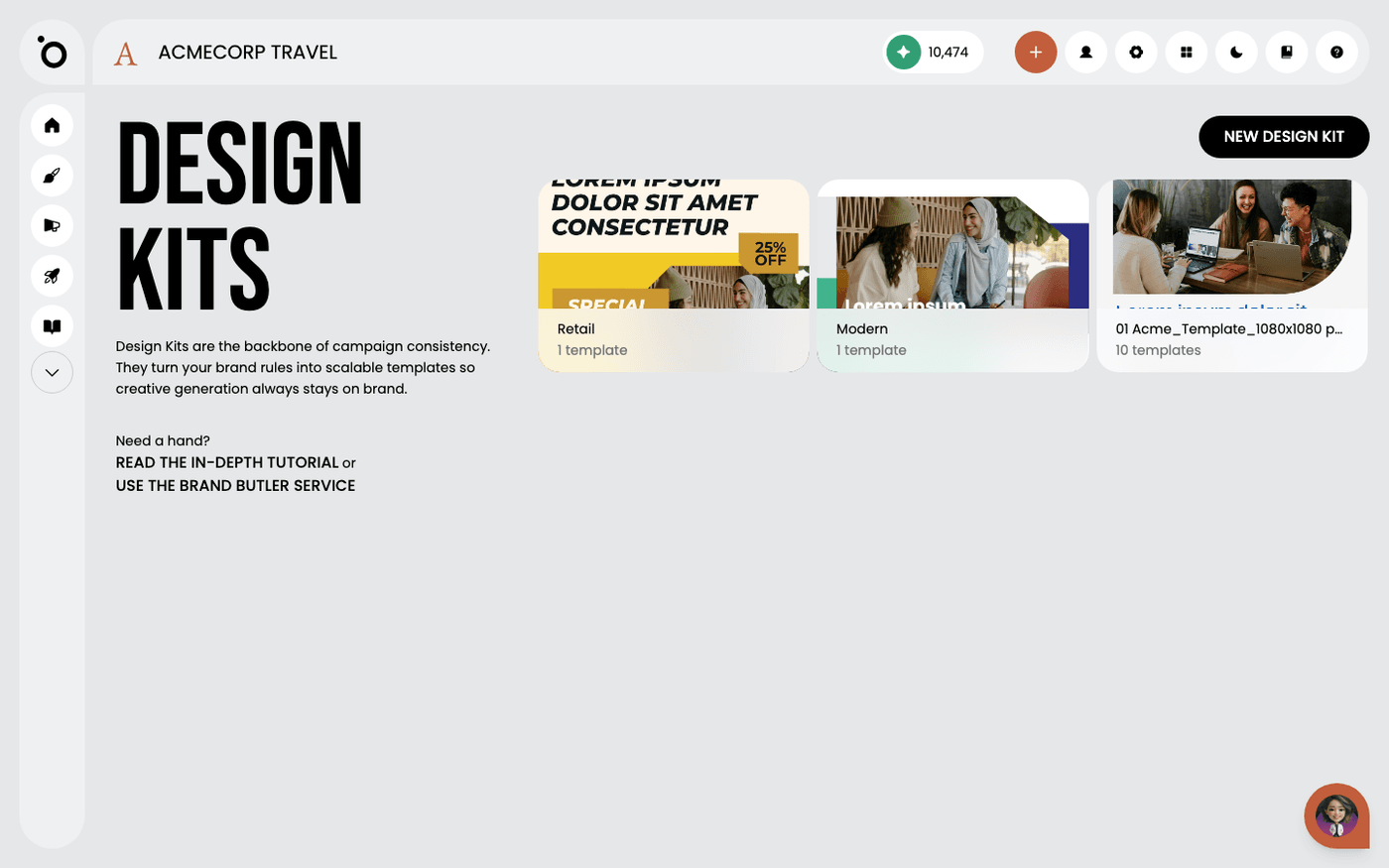 What is a Design Kit?Give Protaigé your layouts once, and it fills them with new copy and images for every campaign, in every size, on brand.
 - 2
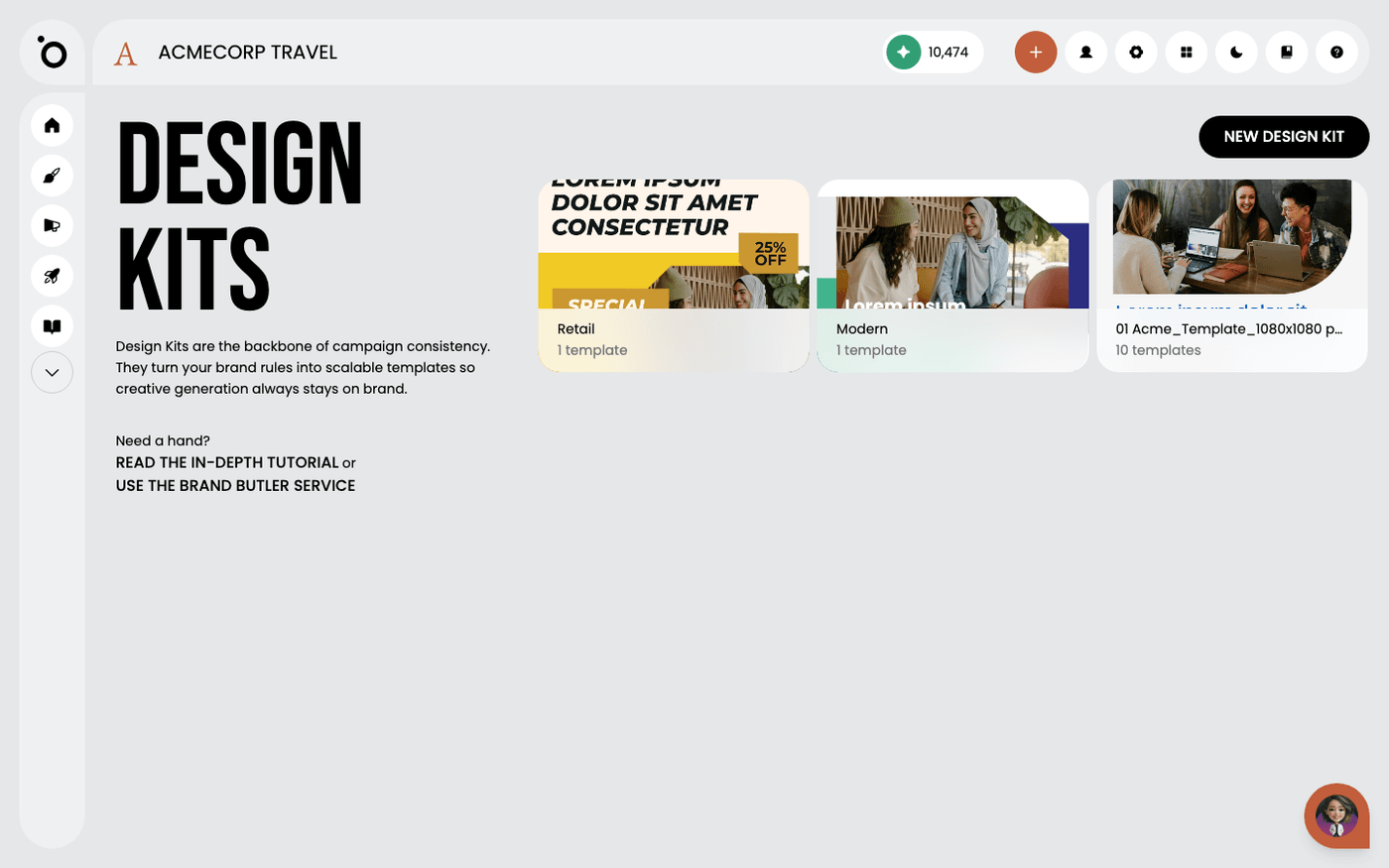 Prepare a Photoshop file for importName and structure your Photoshop layers before you upload, so the file arrives as a kit Protaigé can fill, not a flat picture.
 - 3
 Import PSD and IDML design kitsBring a Photoshop or InDesign file into Protaigé as a kit it can fill for every campaign.
 - 4
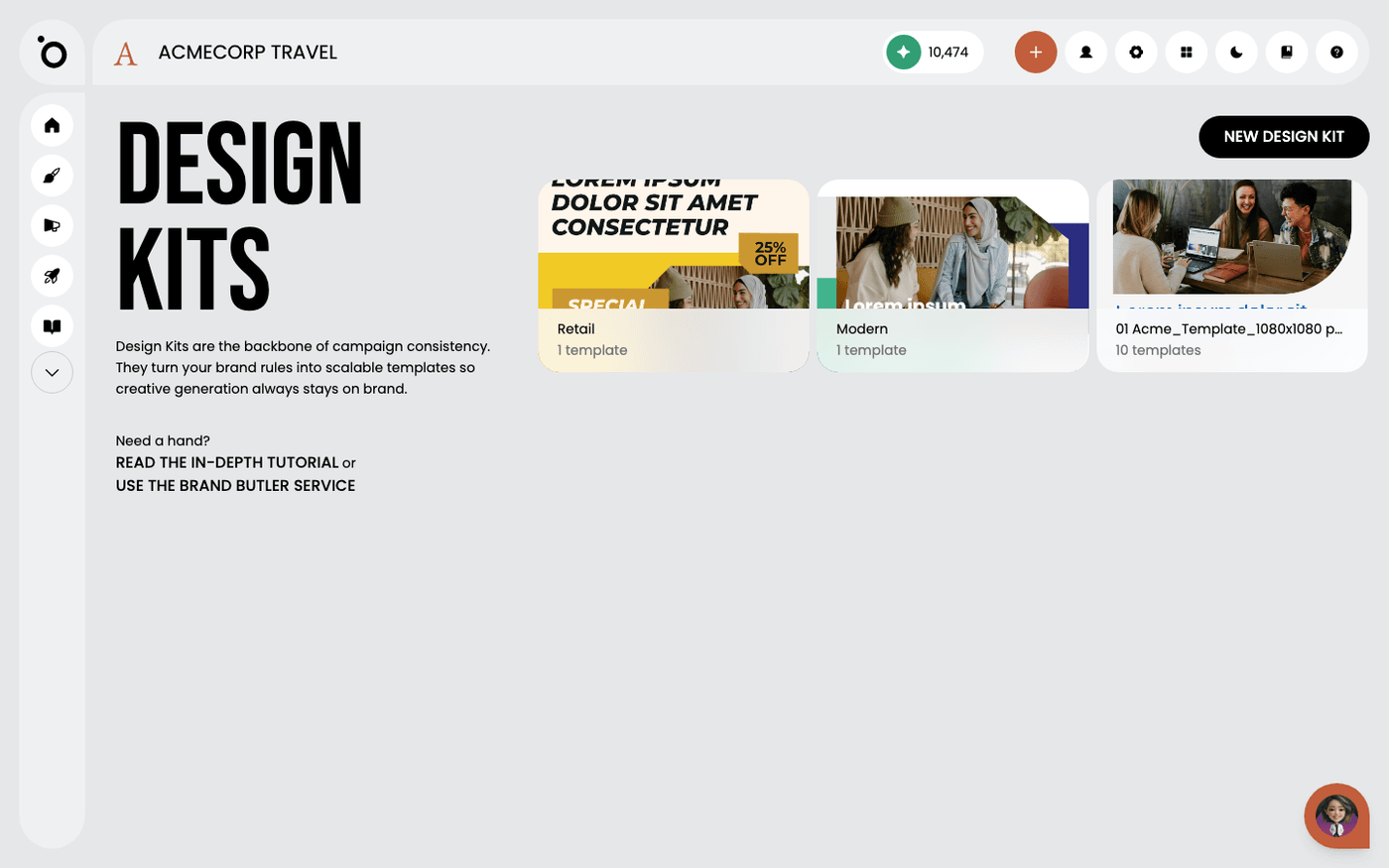 Finish an imported design kit in the visual editorAn import gets your kit most of the way. A few minutes in the visual editor gets it filling in correctly every time.
 - 5
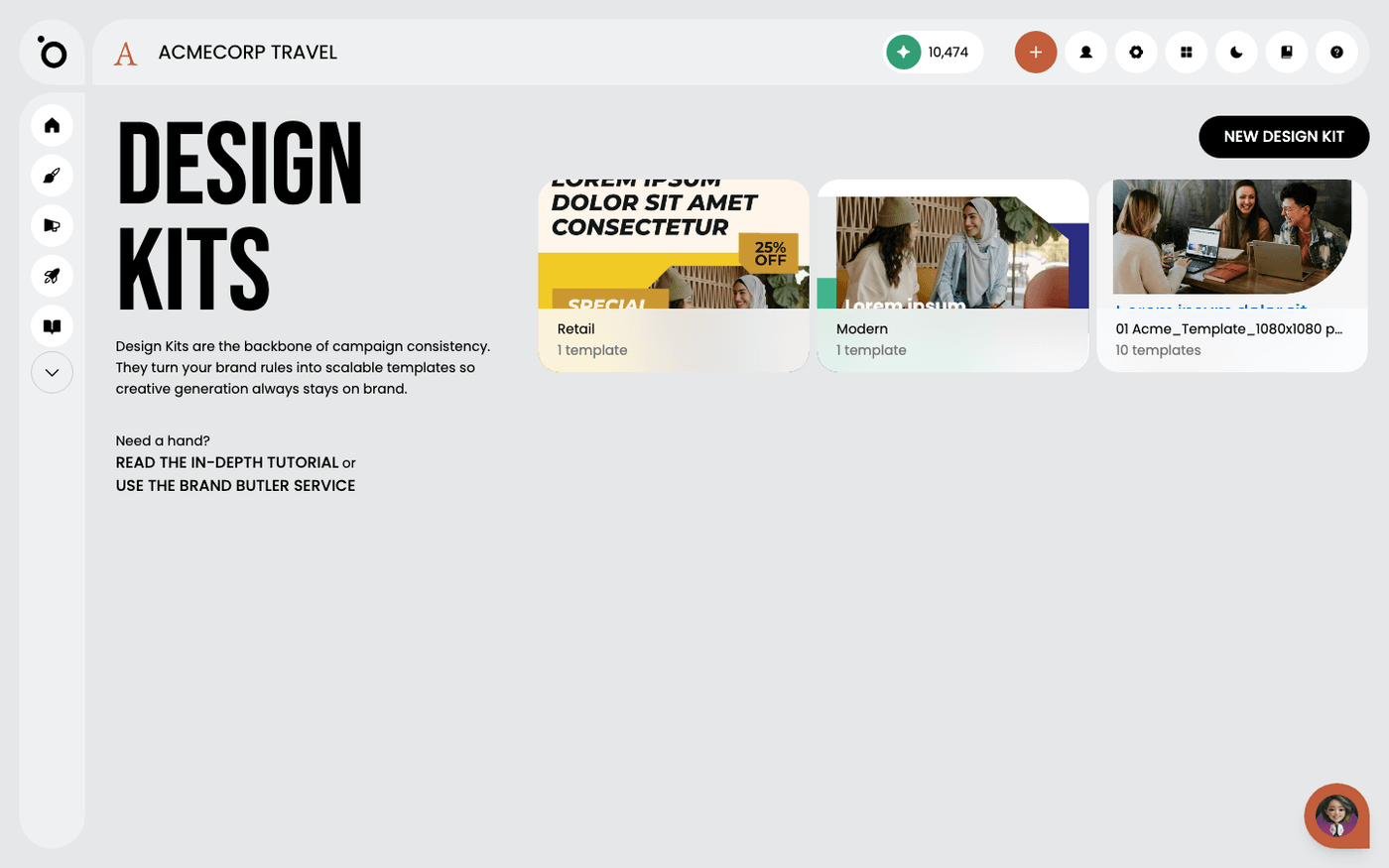 Design kit layer namesName your layers with the words Protaigé recognises, and it knows which text is a headline, which is body copy and which is your logo.
 - 6
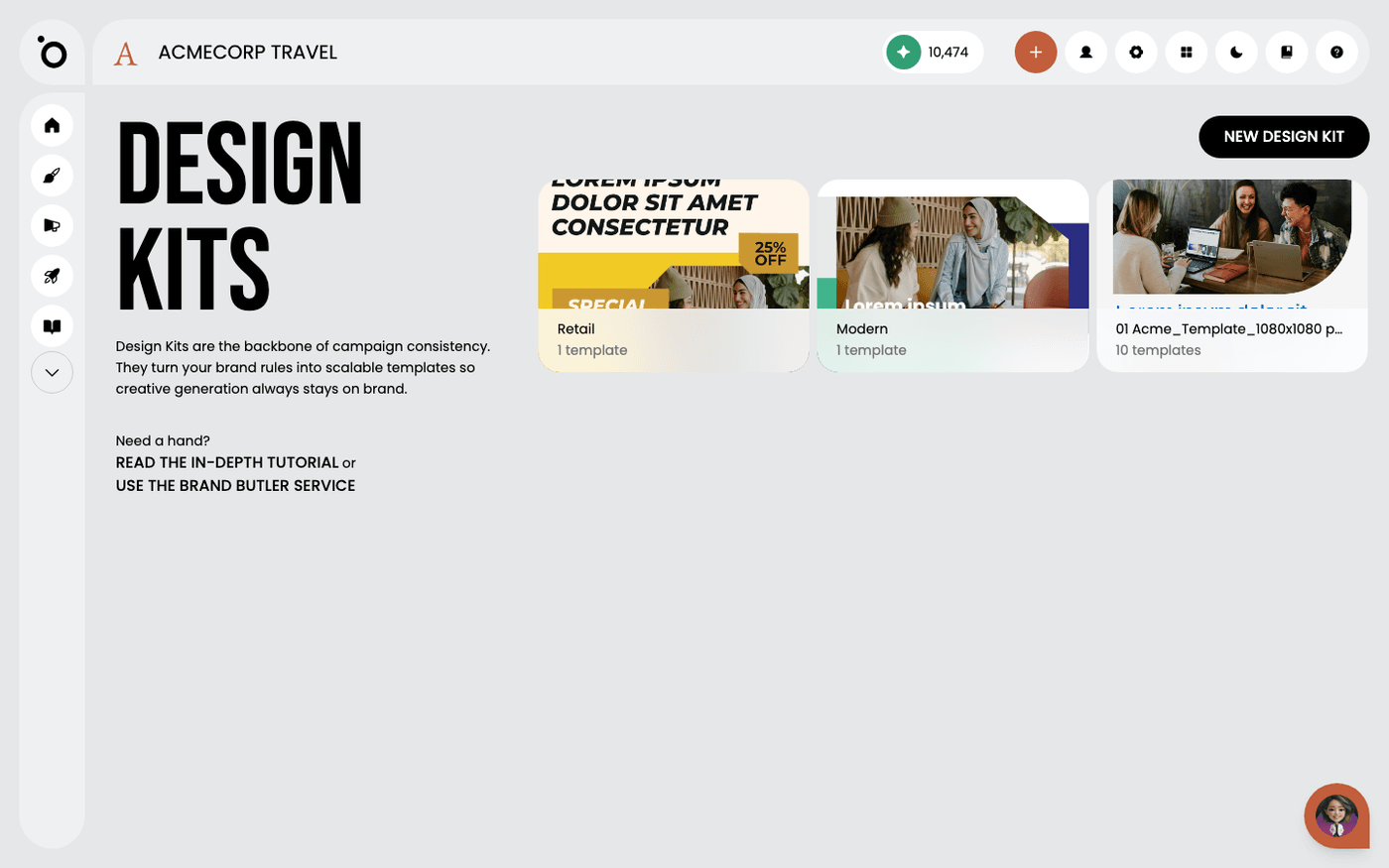 Get your design kit built for youSend us your design files and Protaigé builds your design kit for you, ready to use.
 - 7
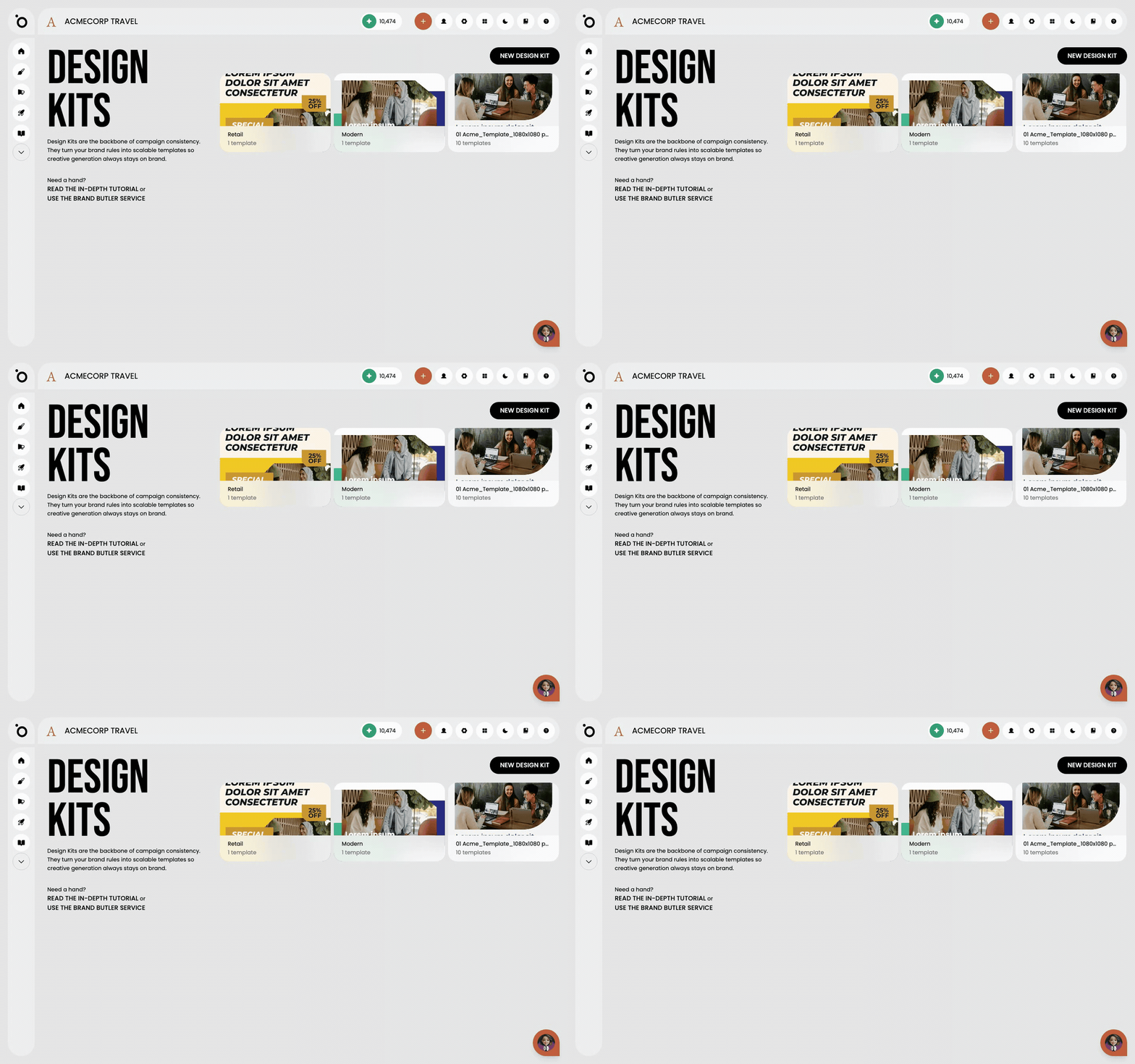 Build a complete design kit from the Template StoreStart from a ready-made kit, make it yours, then copy it into every format your campaigns need.
Other flows
Different destination, same idea.
Set up Brand DNA10 steps · ends with a Brand DNA complete enough to generate fromCreate a campaign from a brief9 steps · ends with a campaign kit ready to export or publishTake a campaign to channel5 steps · ends with Copy written per channel, published, and measuredCreate multiple formats with Sketch7 steps · ends with One idea, published in several placesTurn a design into video11 steps · ends with An MP4 built from a design you already signed offSet up Maia across your channels7 steps · ends with Maia reachable from email, Slack, WhatsApp and your calendar