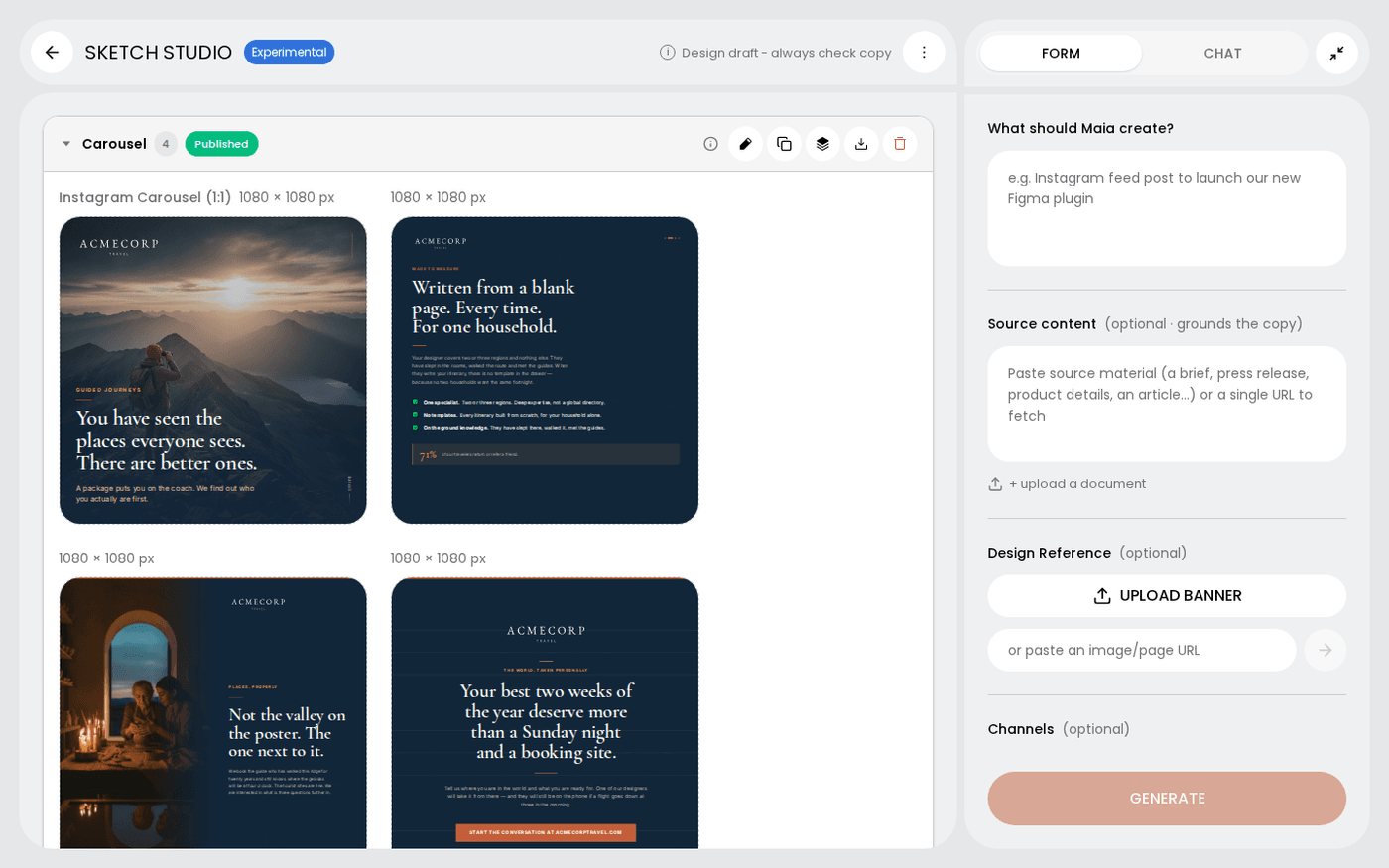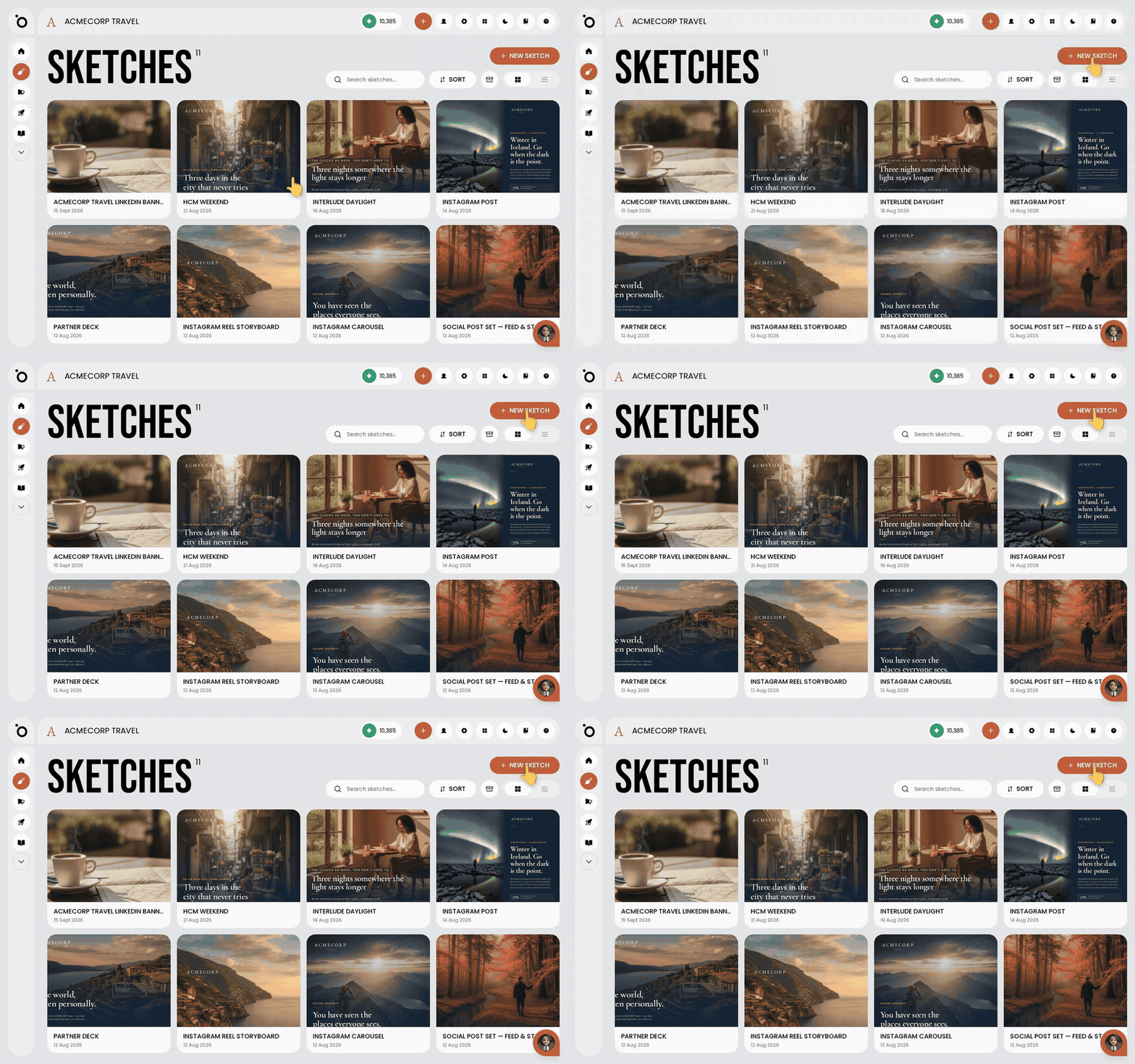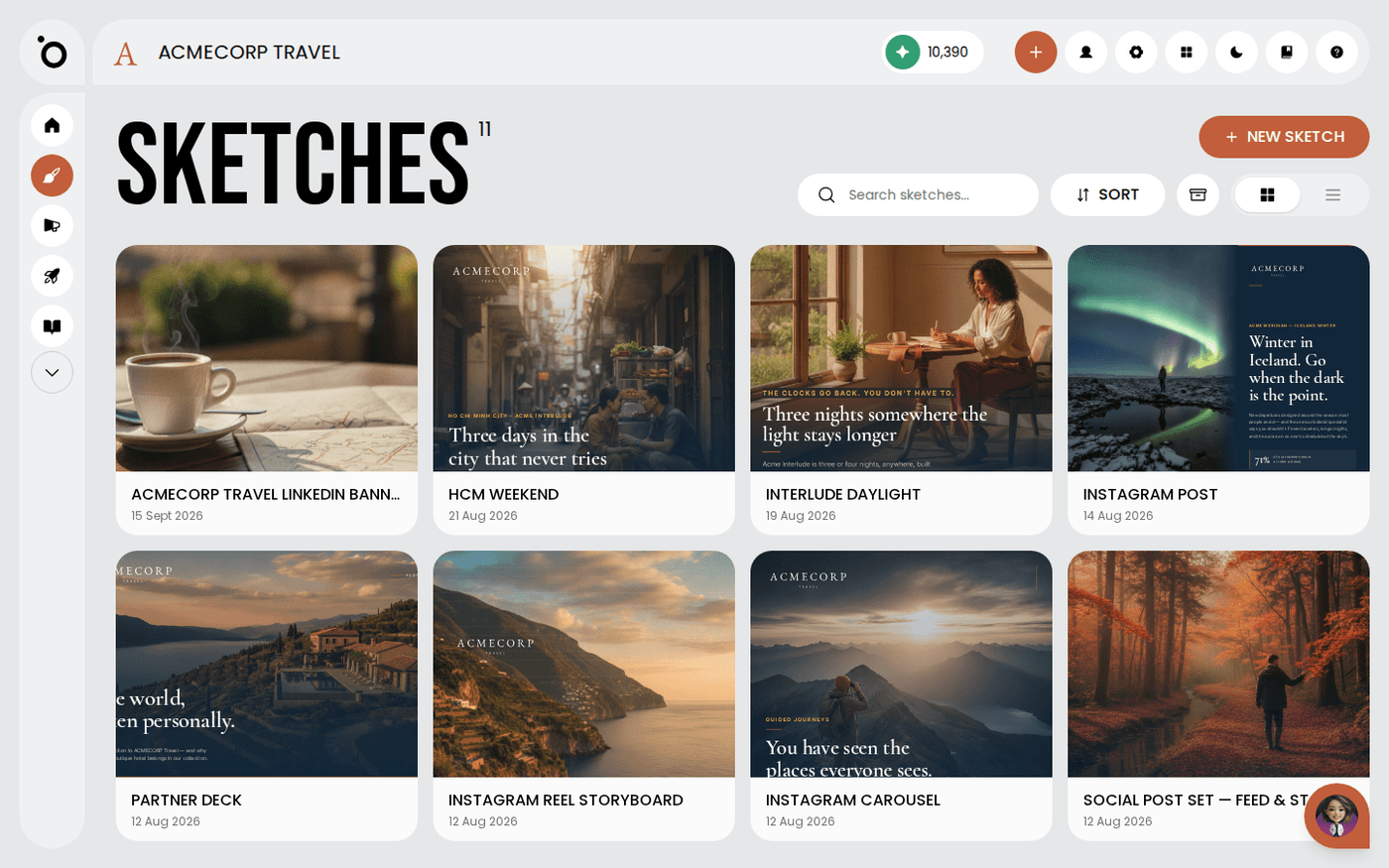
In short: Sketches → three-dots menu on the card → Rename. Type the new name and press Save name.
A new sketch is named after the brief you typed. That is fine on the day. It is hard to find a fortnight later. Rename it after the job.
Open Sketches
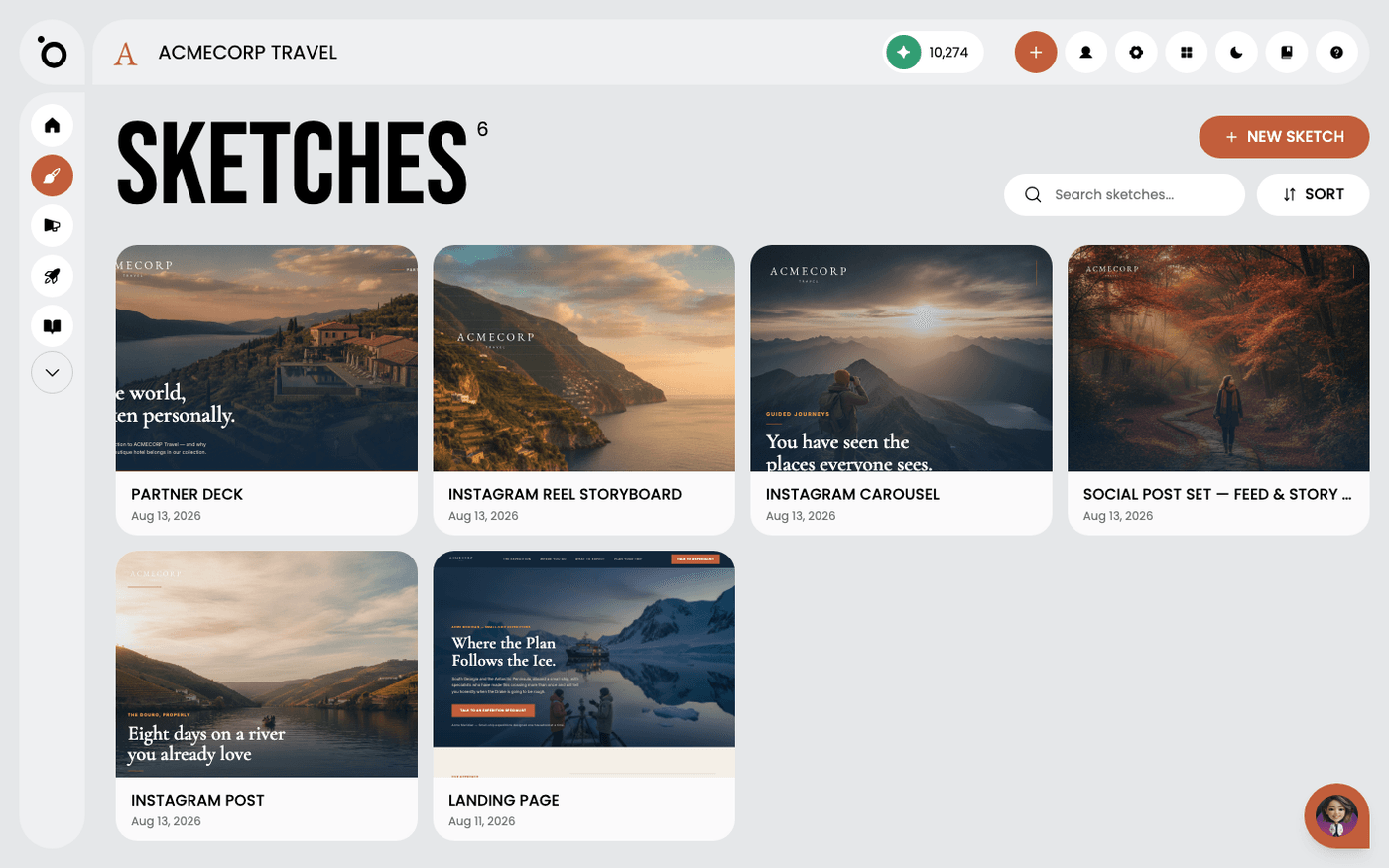
Choose Sketches in the left menu. Every sketch you have made is here as a card, with the date you made it.
Open the three-dots menu and choose Rename
Open the three-dots menu on the card and choose Rename. Type the new name and press Save name. Press Cancel rename to keep the old one.
Name it after the job
Use a name like Spring campaign hero, not Instagram post 3. Later, you will search for the work, not the format.
The same menu holds Duplicate, Archive and Delete. Archive hides a sketch without deleting it. Delete is for experiments that went nowhere.
Last updated 13 August 2026