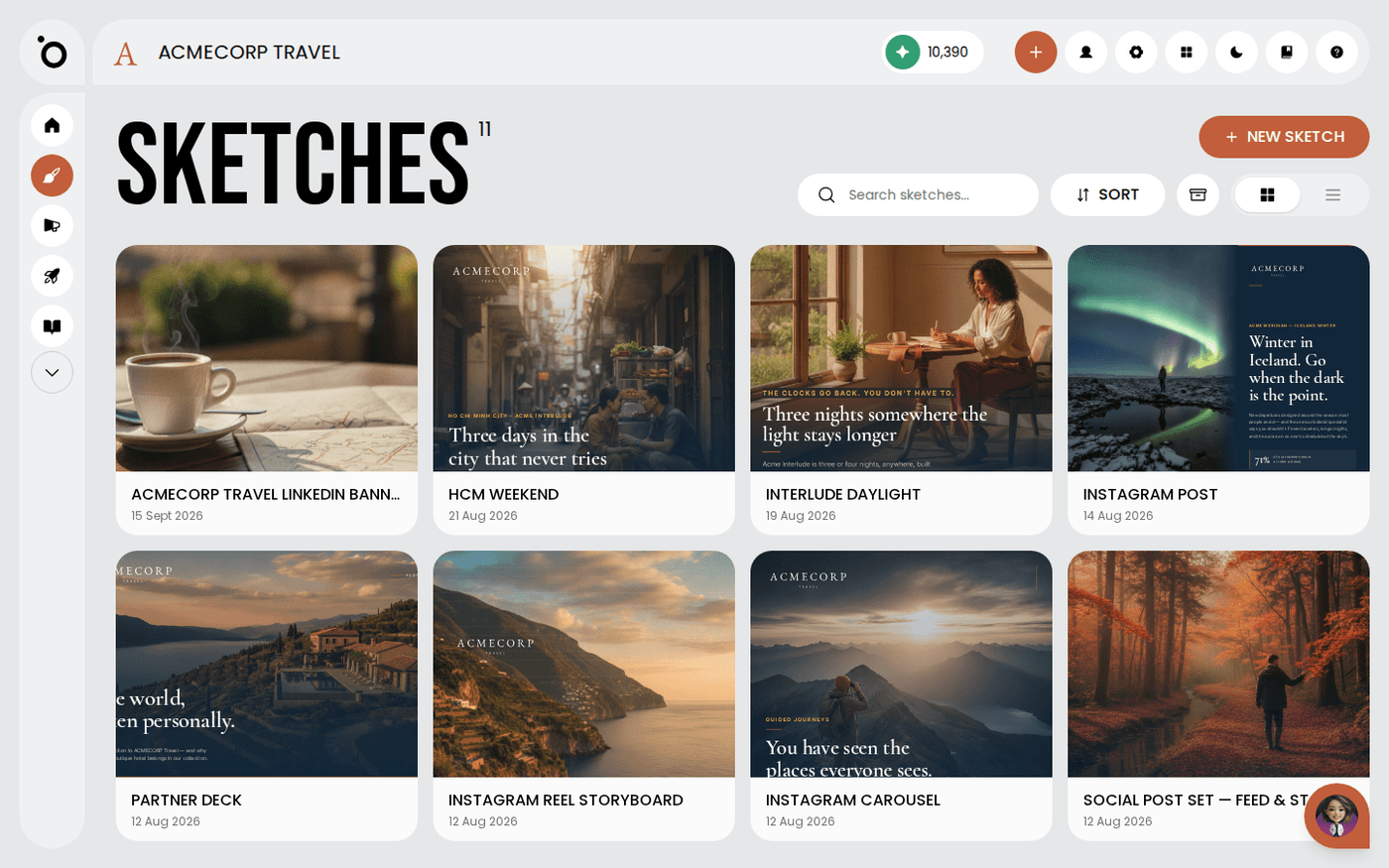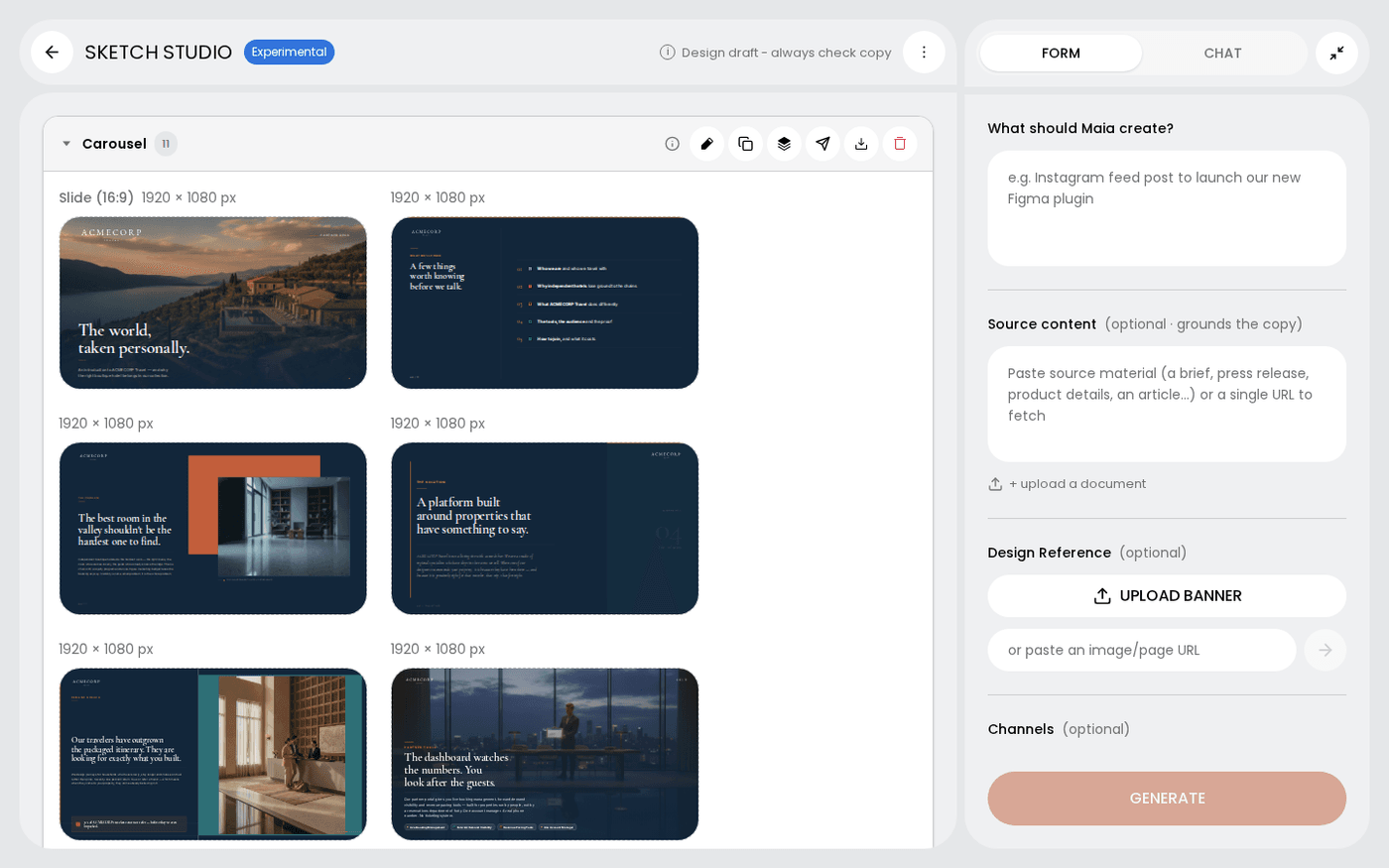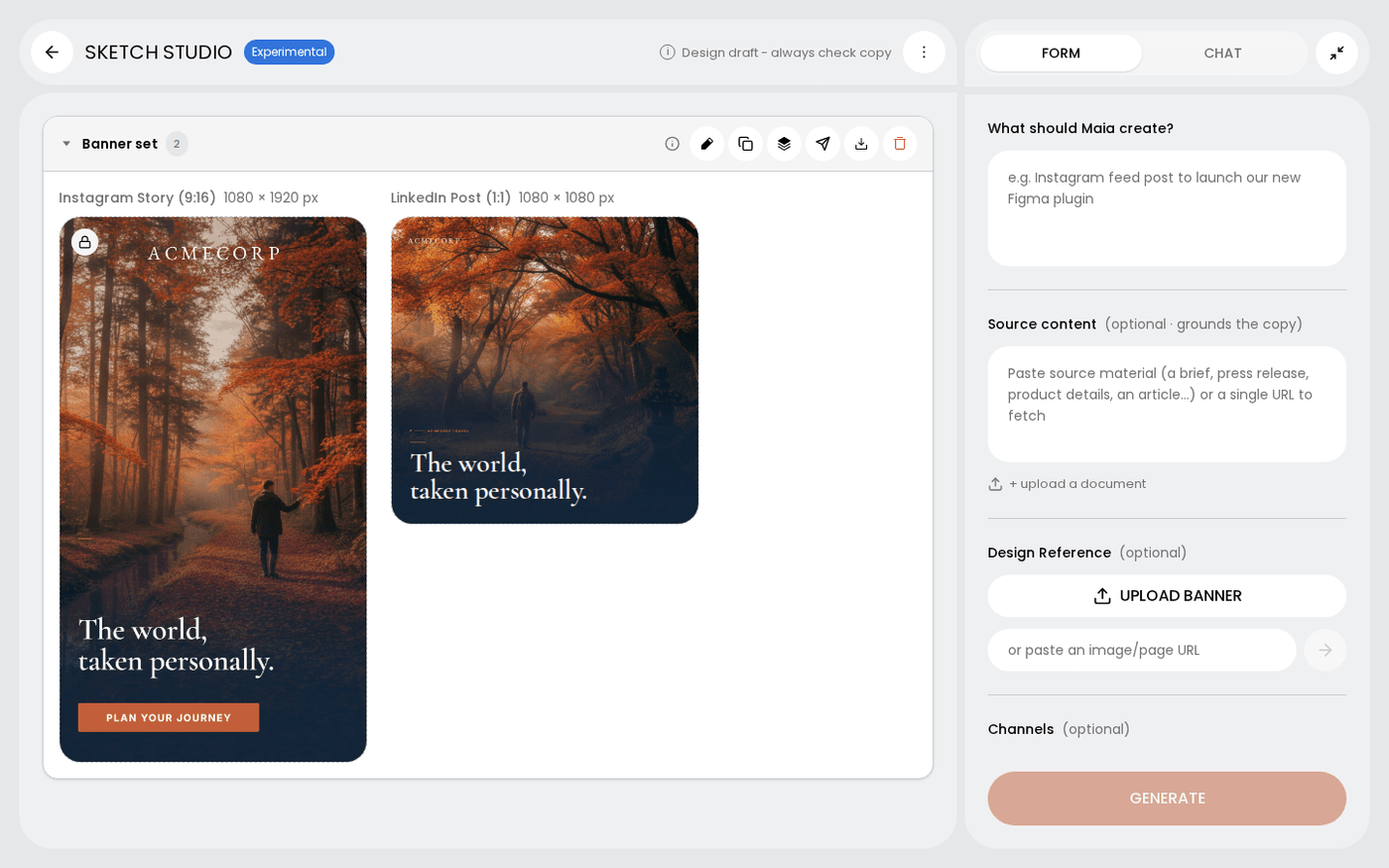
In short: Sketch Studio → Channels field → type a name and pick from the list. Add as many as you need. Each one gets its own design.
A channel is an output size with a name. Instagram Story (9:16) is one. A4 Portrait is another. So is the 300×250 banner your media agency keeps asking for.
Pick the channels you need before you send your brief. Sketch makes one design for each, at its exact size.
Find the Channels field
Open a sketch in Sketch Studio. The Channels field sits in the form panel with your brief.
Type a name and pick from the list
Start typing, for example Instagram, LinkedIn, newsletter or DOOH. Matching channels appear under the field. Pick one. Repeat for every size you need.
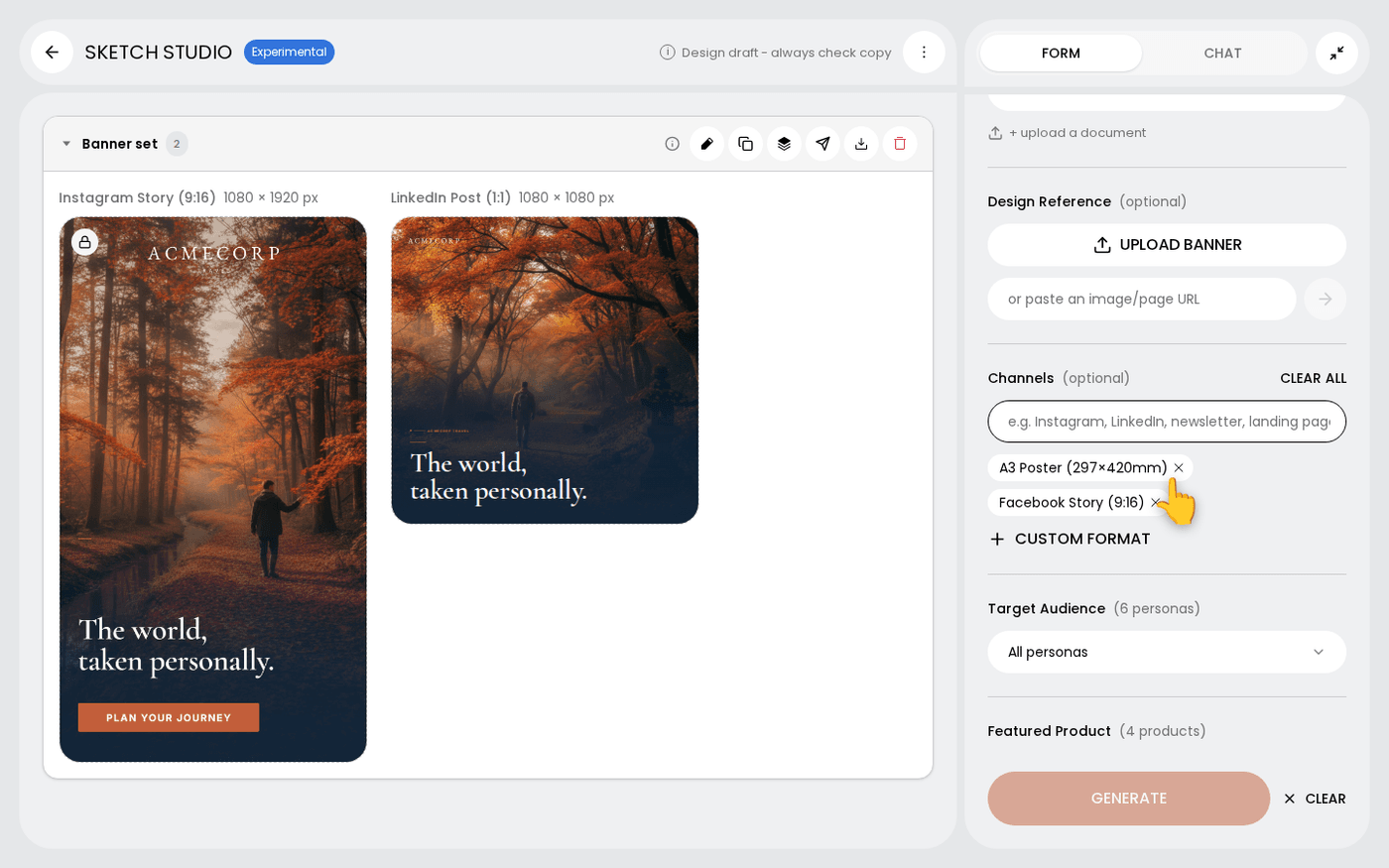
Add your own size
If the size you need is not in the list, press Custom format. Give it a name, a width and a height. Protaigé saves it for your brand, so it is in the list next time.
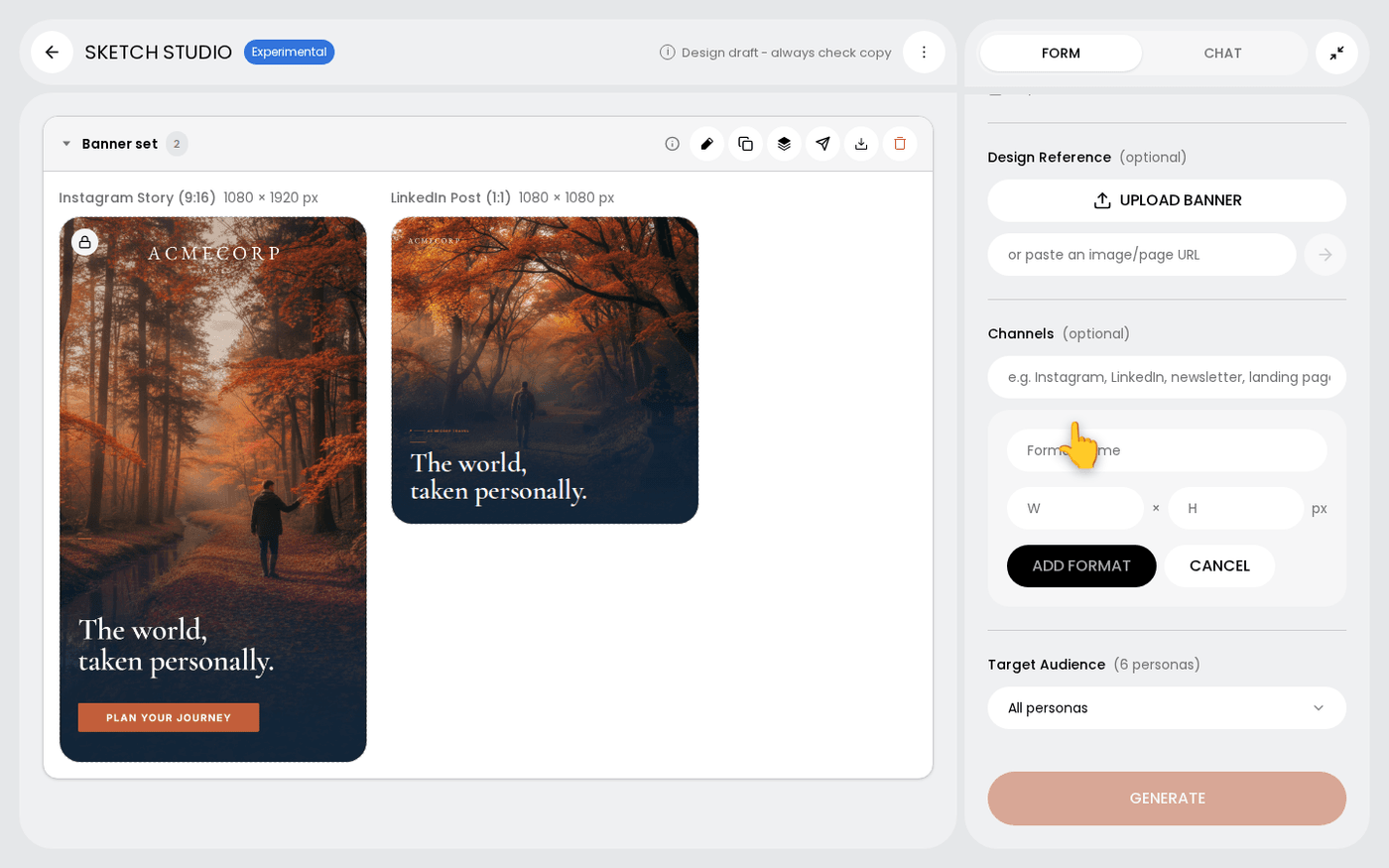
Get one design per channel
Every channel you add gets its own design at its exact size. A story and a leaderboard are different shapes, so Sketch composes each one on its own.
More channels means more designs to generate. Pick the ones you will use. You can add another channel later and ask Maia for it.
Last updated 29 September 2026