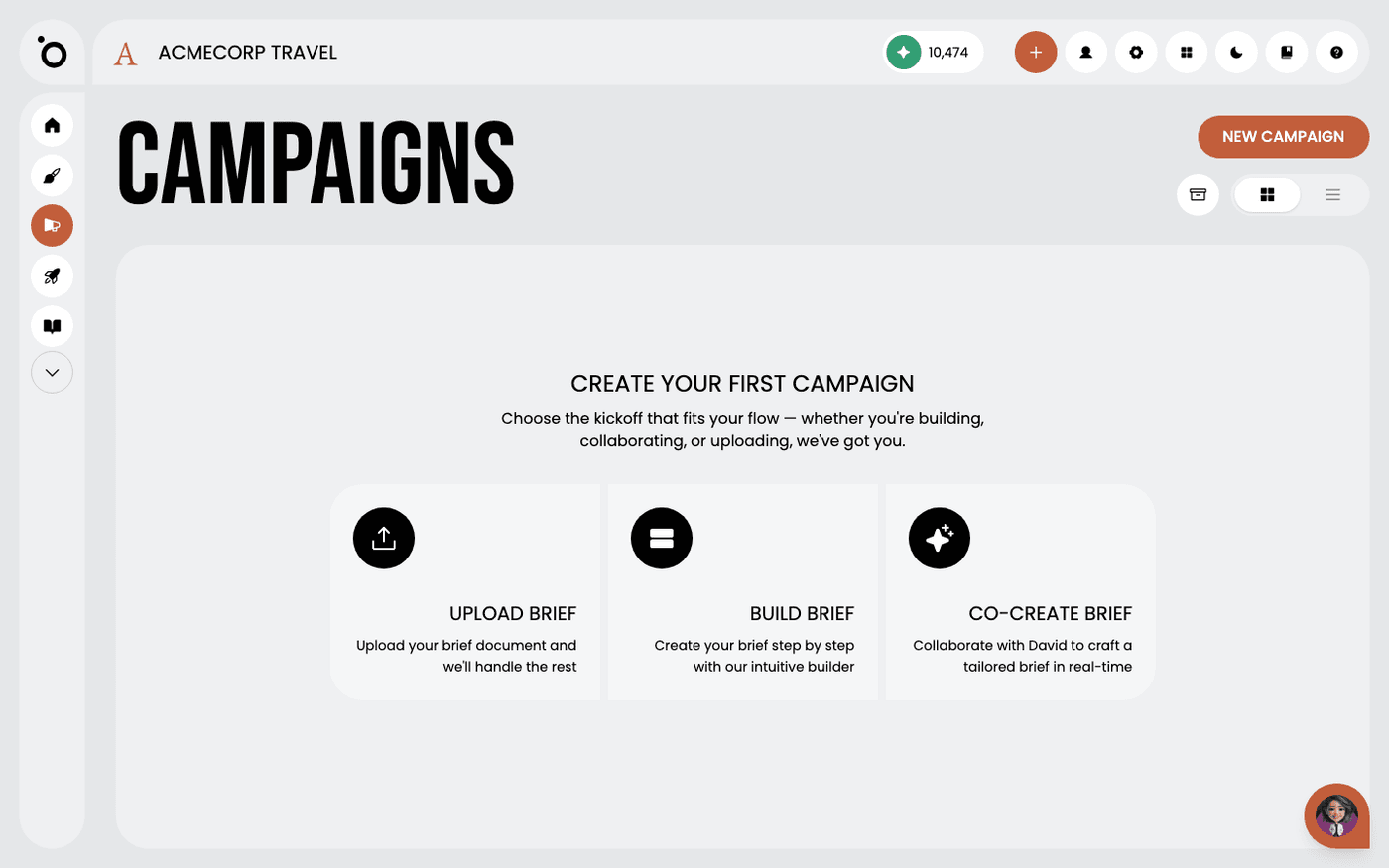
In short: Campaigns → New Campaign. Choose Upload Brief, Build Brief or Co-Create Brief.
A campaign is a set of marketing work built around one brief. It holds a concept, a message, a hero image and every format in your design kit. The Campaigns page is where every campaign lives. From here you open, start, archive and delete them.
Before your first campaign, your Brand DNA needs a brand story, one product, one persona and one design kit. If any of these is missing, the page tells you and sends you to Brand DNA.
Find a campaign
Open Campaigns in the left menu. Each campaign is a card with its name, status and a preview. Use the switch in the top right to change between the gallery and a list. More campaigns load as you scroll.
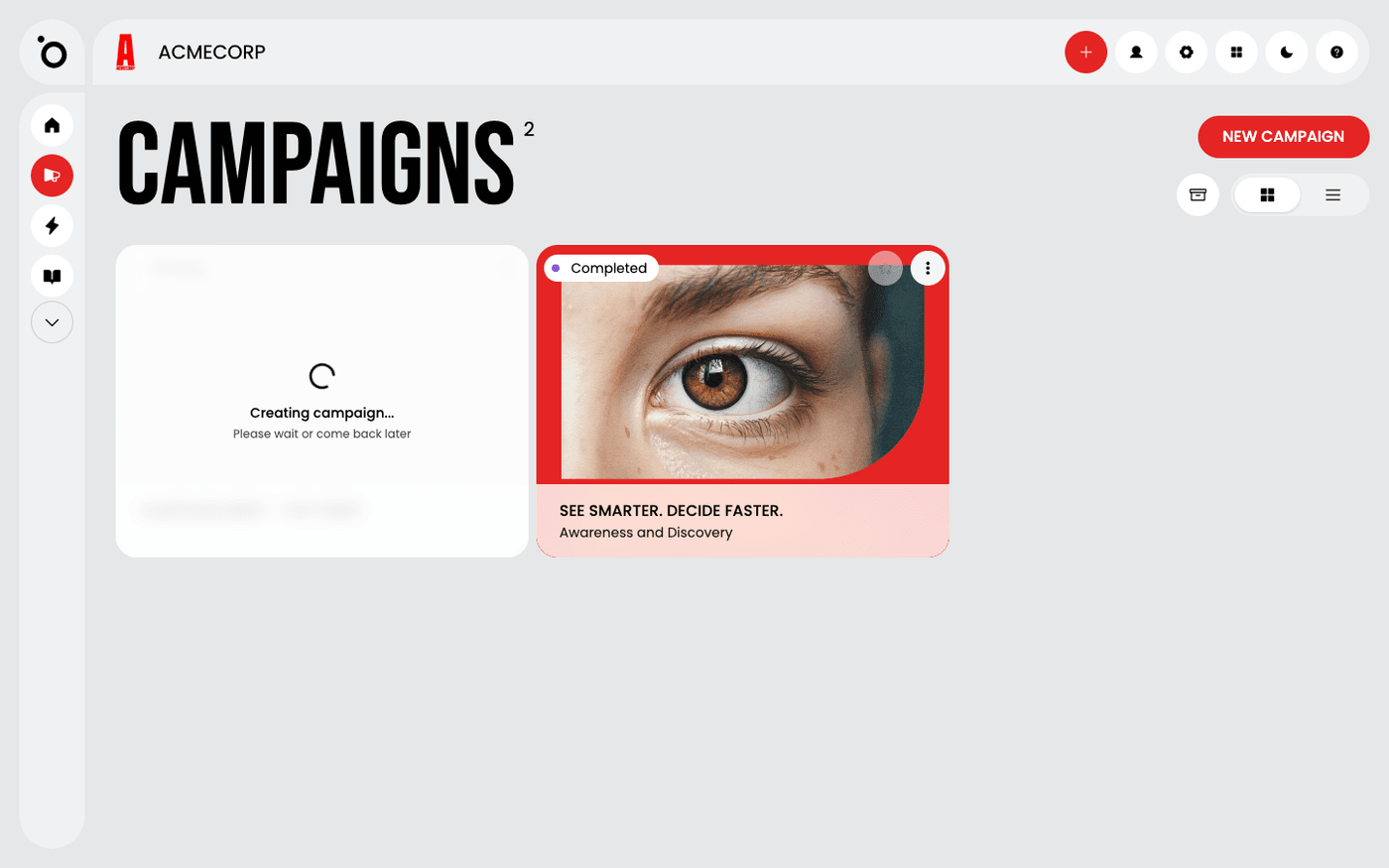
Start a new campaign
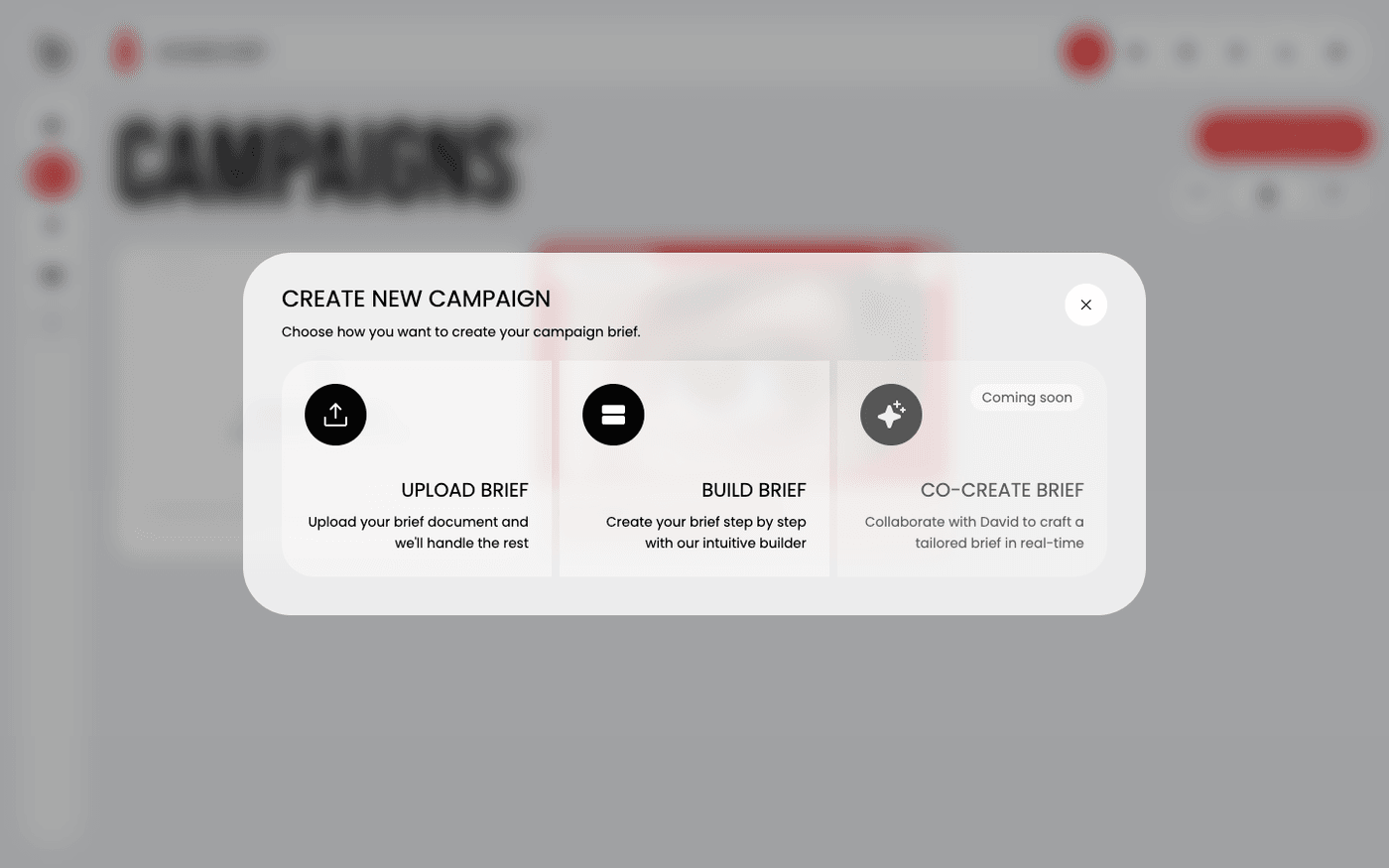
Press New Campaign. A dialogue offers three ways to write the brief. Upload Brief takes a document you have already written. Build Brief is a form that asks one question at a time. Co-Create Brief opens a chat with Maia, who shapes a rough idea into a brief with you. All three lead to the same campaign.
To put a finished campaign away, open the three-dots menu on its card and choose Archive. Press the archive button in the toolbar to see archived campaigns, where Restore brings one back. Delete removes a campaign for good, so Protaigé asks you to confirm first.
Last updated 12 August 2026