In short: Header → App Store → Tactics. Switch on the channels you use.
A tactic is one kind of output for one channel. An Instagram carousel, a Google Display ad and an email header are each a tactic. There are dozens. The App Store is where you choose the ones you use. Then you are not scrolling past the rest every time.
It is also where you connect stock libraries and outside platforms. Press the App Store button in the header to open it.
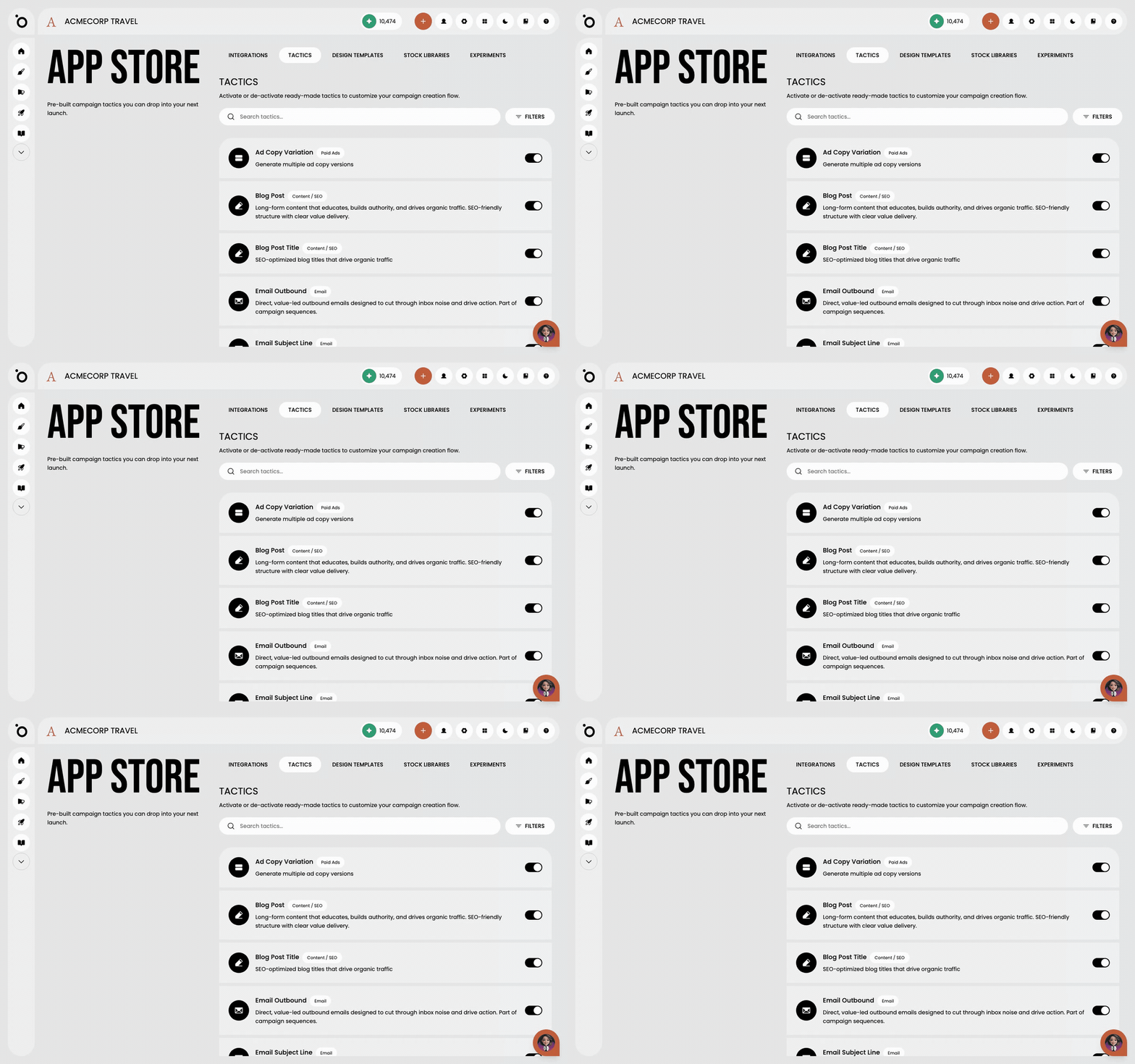
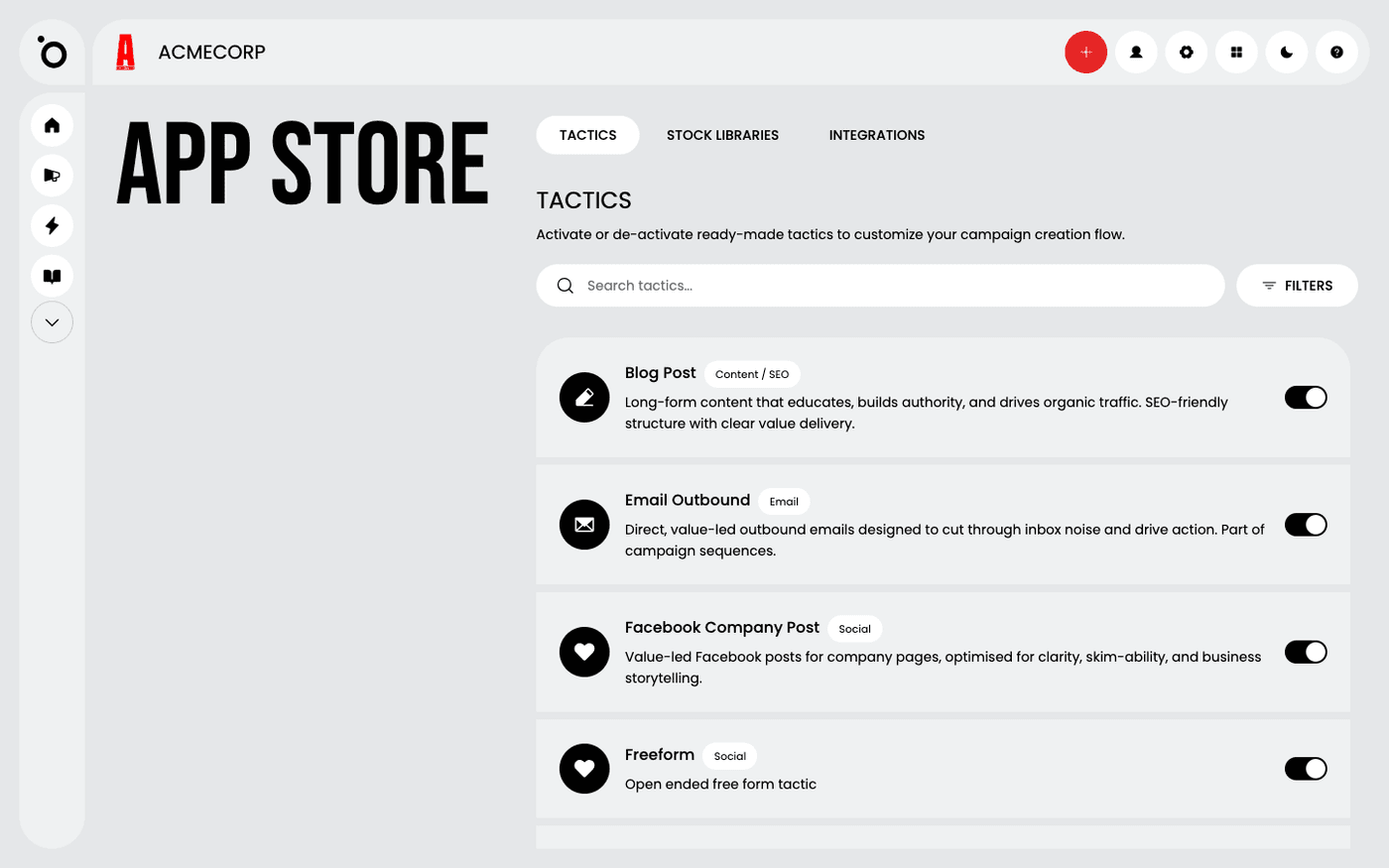
Switch on the tactics you use
Open the Tactics tab. Use the search box or Filters to find a channel. Turn on the switch on each tactic you want to use in your campaigns. Each tactic has the platform's sizes and rules built in. A greyed-out tactic needs a bigger plan.
Connect a stock library
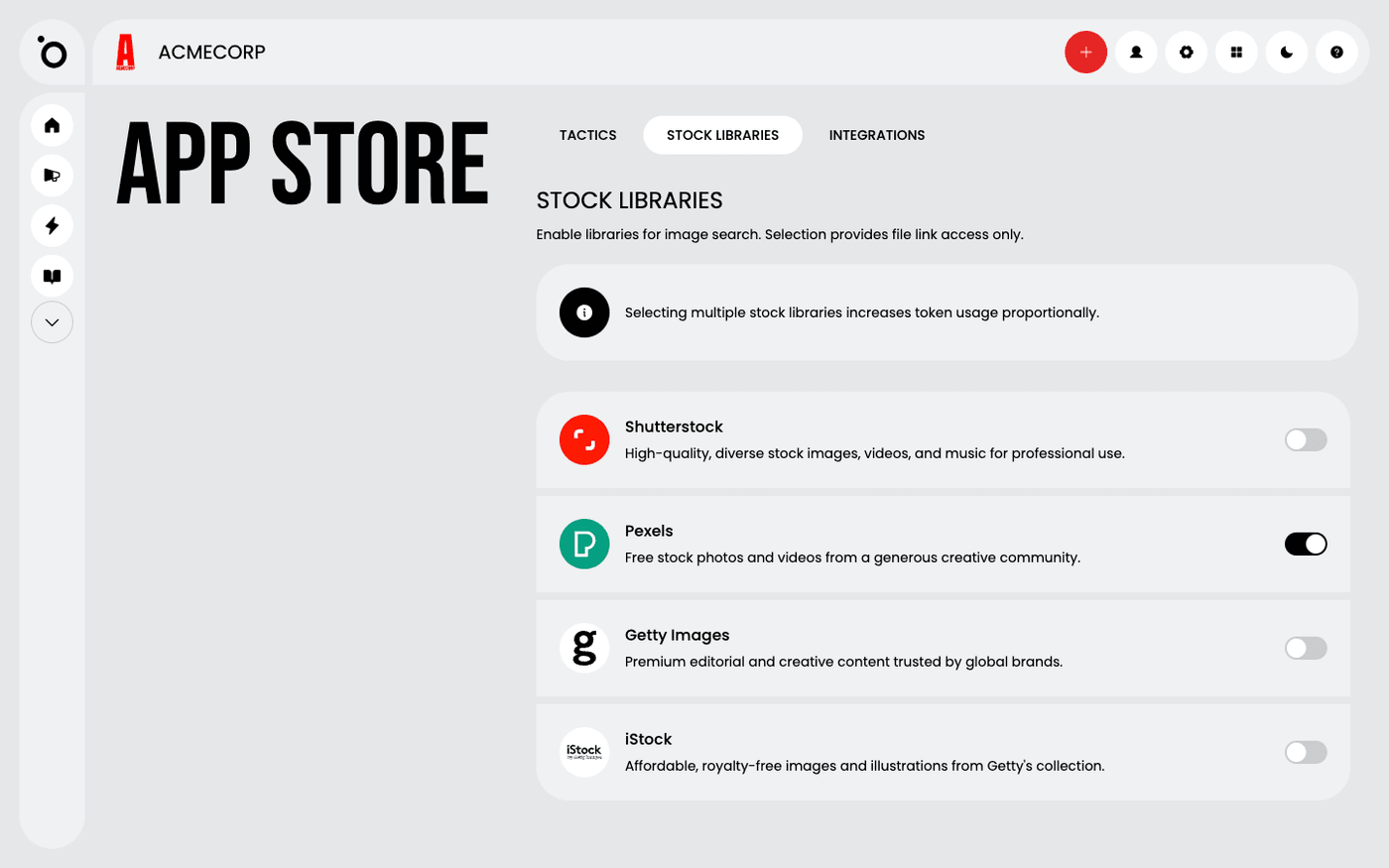
Open the Stock Libraries tab. Connect Shutterstock, Pexels or Getty Images. You can then search their photos and videos inside Protaigé instead of leaving to find them.
Connect the platforms you publish on
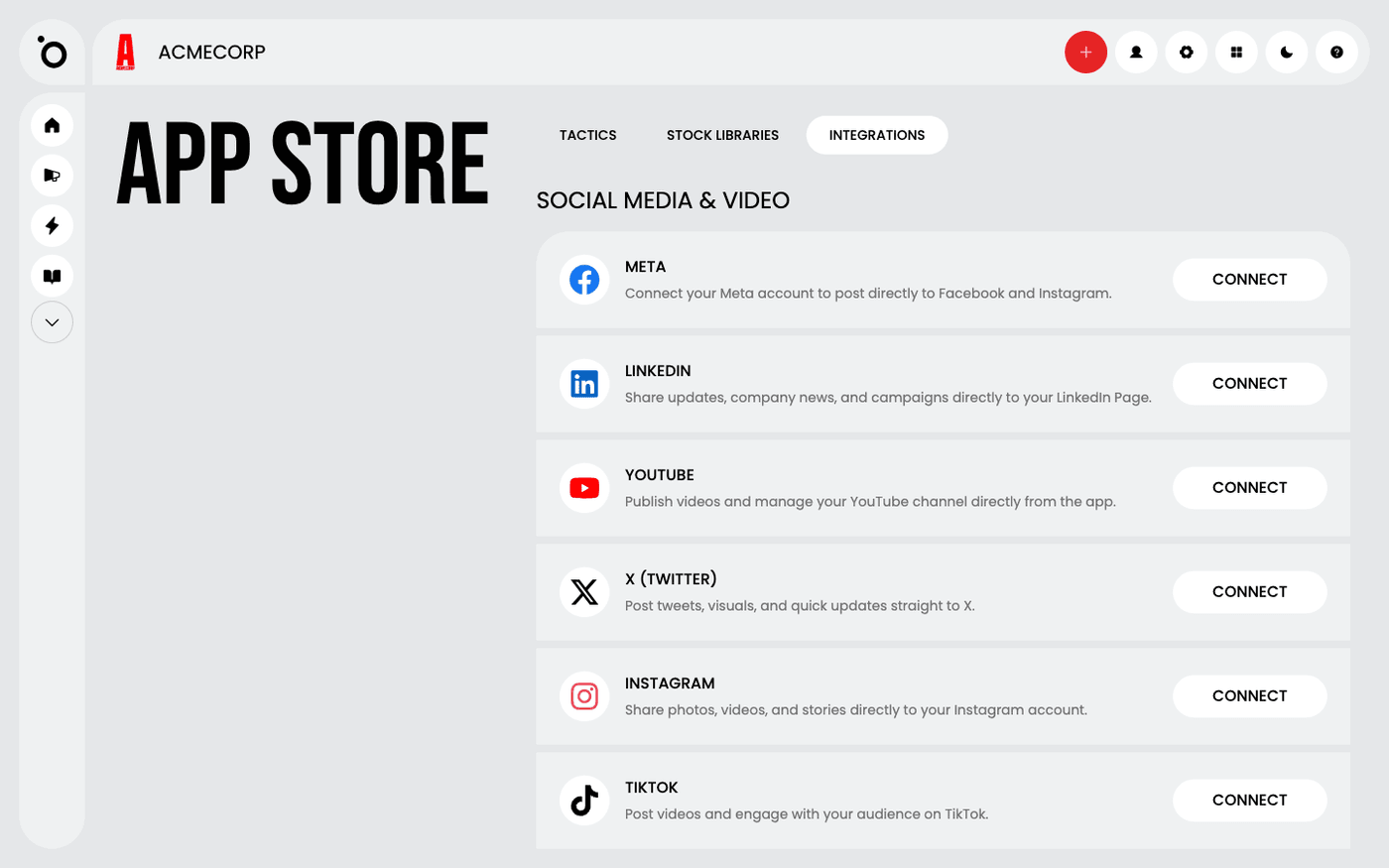
Open the Integrations tab. It lists social, messaging, advertising and design platforms. Connect the ones you use, so Protaigé can publish to them directly instead of you exporting and uploading. Press Disconnect on a tile to remove one.
Try experiments early
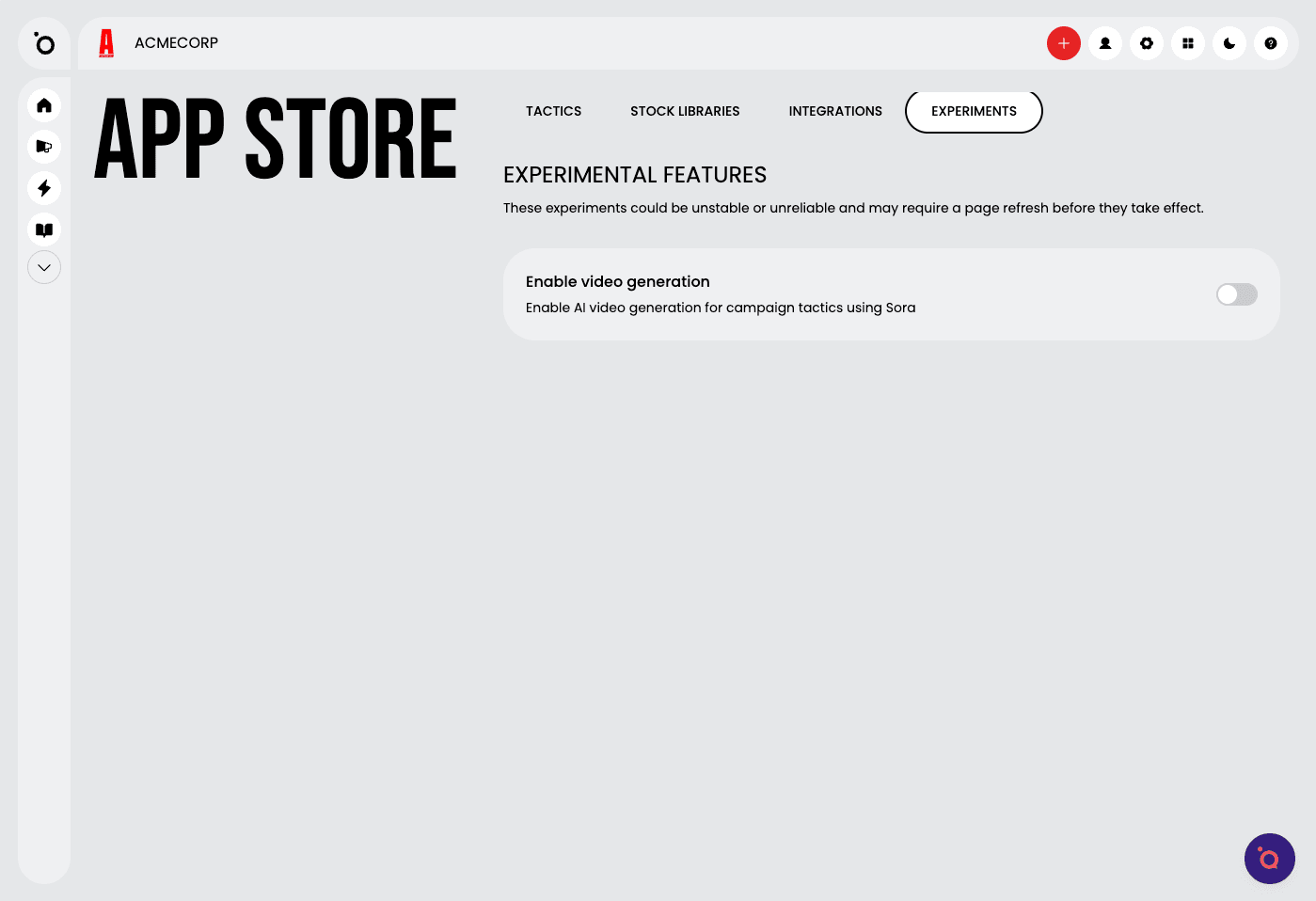
The Experiments tab appears when your account has early features to try. Turn one on to use it. These features can change or disappear.
Come back now and then. New tactics and integrations are added often.
Last updated 12 August 2026