In short: Sketch Studio → brief: ask for an email → frame labelled Email → three-dots menu → Download HTML.
Sketch can make an email the same way it makes a post or a deck. Ask for one in your brief. You get an email frame in Sketch Studio, next to everything else you made.
An email is a web document, not a picture. So the file you download is HTML. You upload it to your email platform and send it.
Ask for an email in your brief
Describe the email in plain words, the same as any other sketch. Maia designs it in your brand as an email frame.
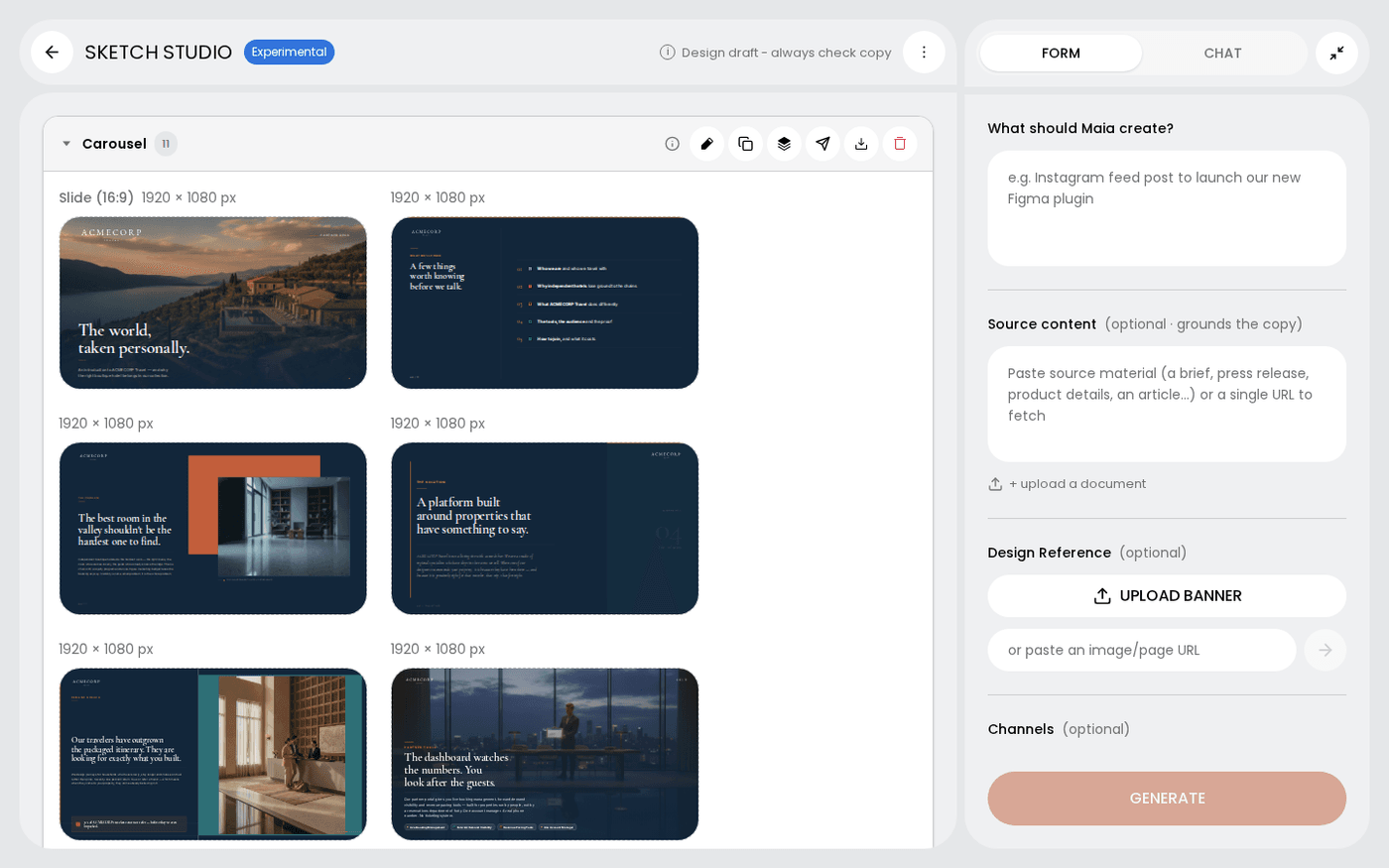
Find it by its label
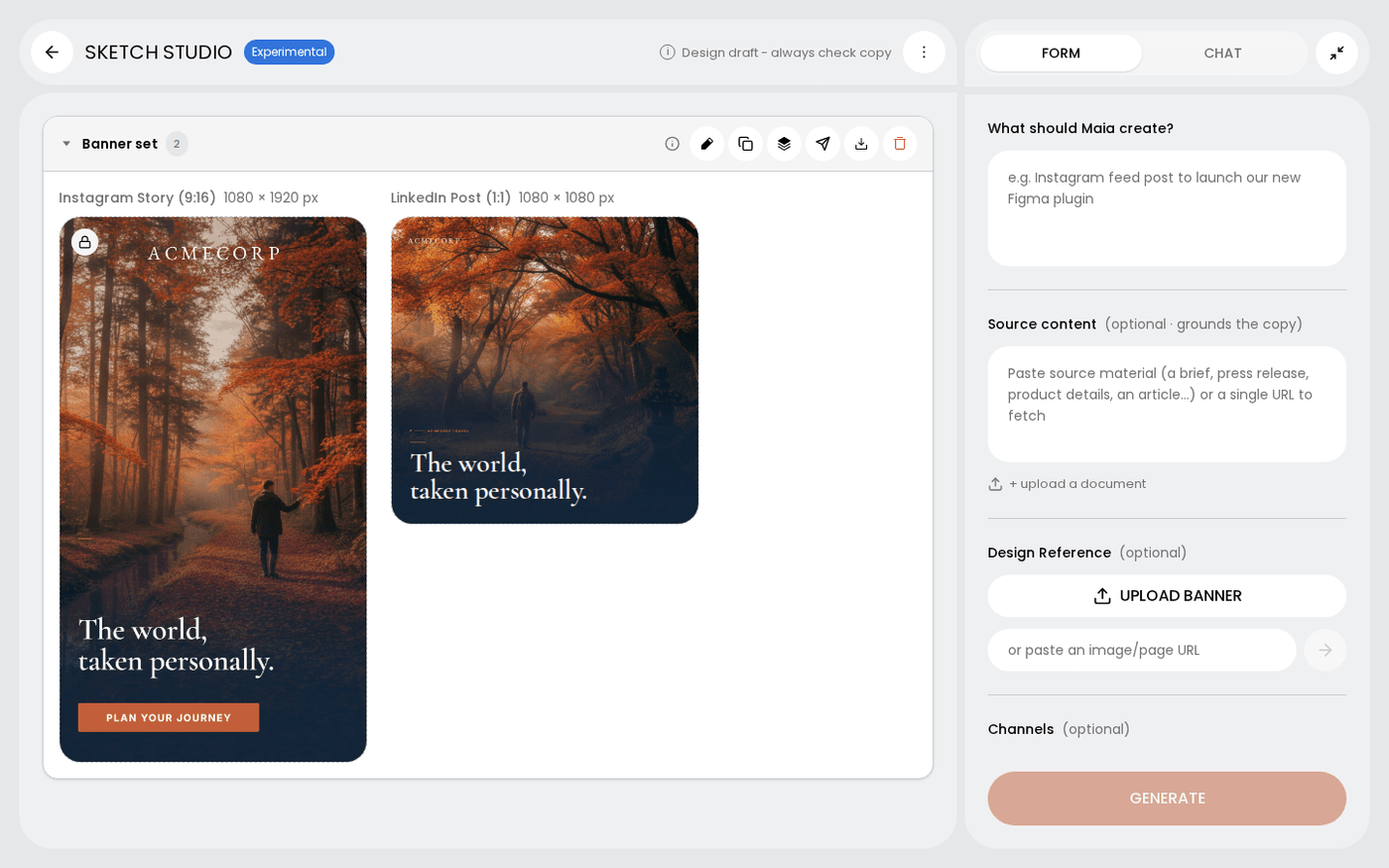
The frame's header reads Email. This tells it apart from a Banner, a Landing page or a Carousel in the same sketch.
Download the HTML
Hover the frame and open the three-dots menu. Choose Download HTML. You get an .html file, not a picture. Upload it to your email platform.
Change it by hand
Press the pencil on the frame. An email opens in the HTML editor, not the design canvas, because it is a web document. Email frames cannot become a design kit.
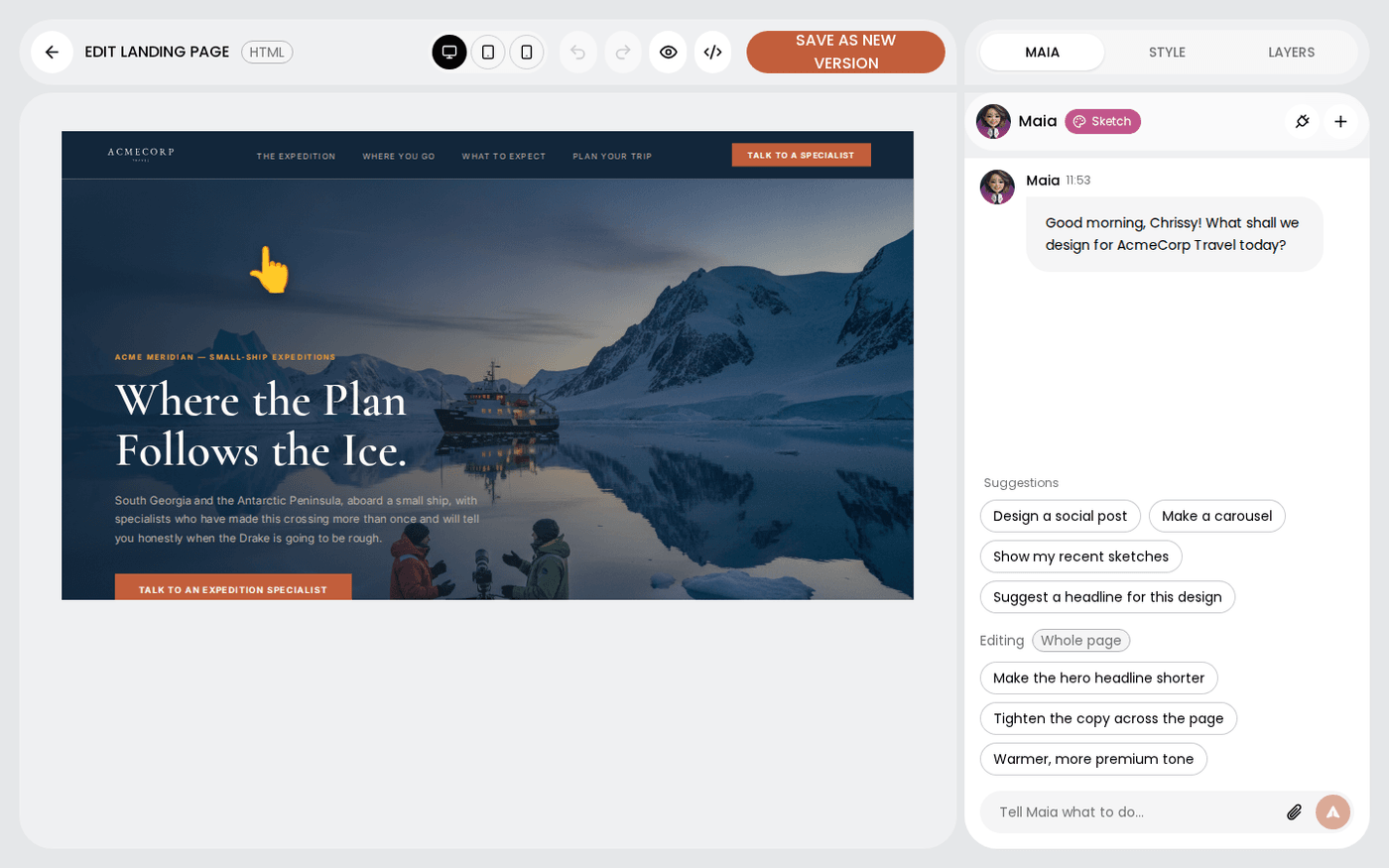
Landing pages work the same way. Both open in the HTML editor and download as HTML.